I have been having the same problem for the last two months. nothing seems to happen. the only way I can get round this is by uninstalling FS2020 and then reinstalling from scratch but this normally takes around twelve hours.
Ugh, sorry to hear that. It is incredibly frustrating. I’m still on windows 10, not sure if that might have anything to do with it. After all the MSFS bugs I don’t trust installing windows 11 yet, just in case it is as bad with bugs  Having a bit of a trust issue with anything microsoft related after all this hehe.
I just installed Windows 11 not only all my Icon’'s are there in the Desktop win11 recongnized all my controls Saitek Radio Panel, CH Pedals Pro, Honeycomb Alpha and Bravo, doing my first flight and so far its working great.
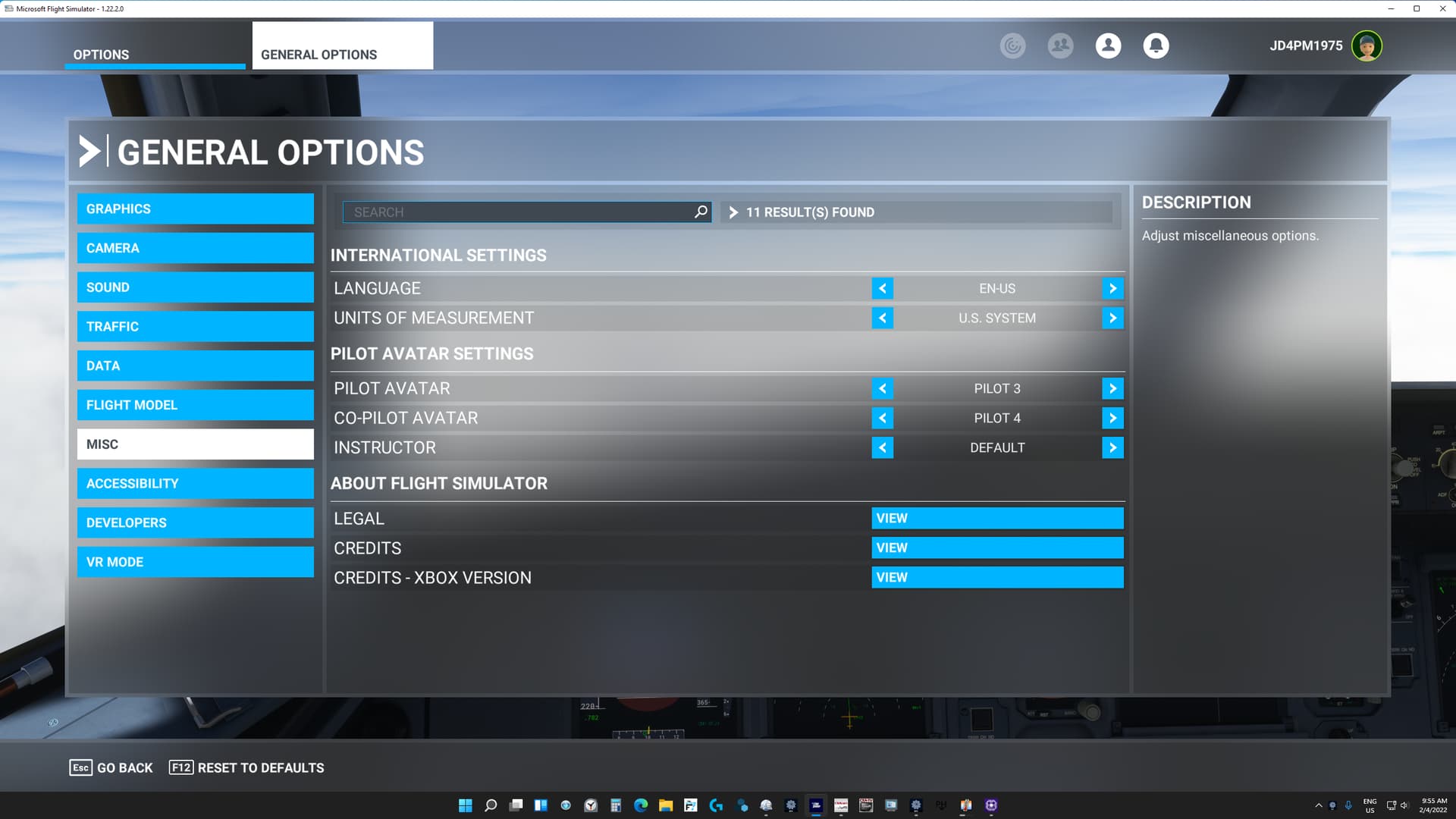
Since Microsoft changed my MSFS Menu last month from English to Spanish which I do not understand I have had no luck in trying to bring English back even though I twice uninstalled and reinstalled the Sim .
Is there any hope to get the problem solved?
I agree with you 100%. MS, MSFS, ASOB refuse to make their apps user-friendly. When working MSFS 2020 is amazing. They definitly can learn from XPlane.
2 Likes
No more language problem. It was in my MSFS setting in Data where Spanish had been selected instead of English!!!
is the server down as i cant start game says an update is needed but then goes to error
I just spent over $120 with tax on the premium edition for my brand-new X Box series X. When the game launches, it gets stuck at the mandatory update screen. The mandatory update window has a padlock icon. I can’t move past this screen. I’ve uninstalled twice and reinstalled. Nothing works. What am I doing wrong? I may want a refund.
Hello @Oldsparkyo,
I’m sorry to hear you’re having issues with the install. As a first step, have you tried doing a full restart (not just suspend/resume) of your Xbox console? This often fixes issues. Please see the instructions here:
If you have tried this and are still experiencing problems, please contact our Customer Support team at the link below:
https://flightsimulator.zendesk.com/hc/en-us
Thanks,
MSFS Team
Hmmm, not any kind of X-Box person but, does it need “gaming services”-X-Box whatever" for it to run correctly? Like suggested above give that link a try, let us know what happens.
This game can and does make me pull out my hair on regular basis for just simple things that just should work, and just stop working. Good Luck.