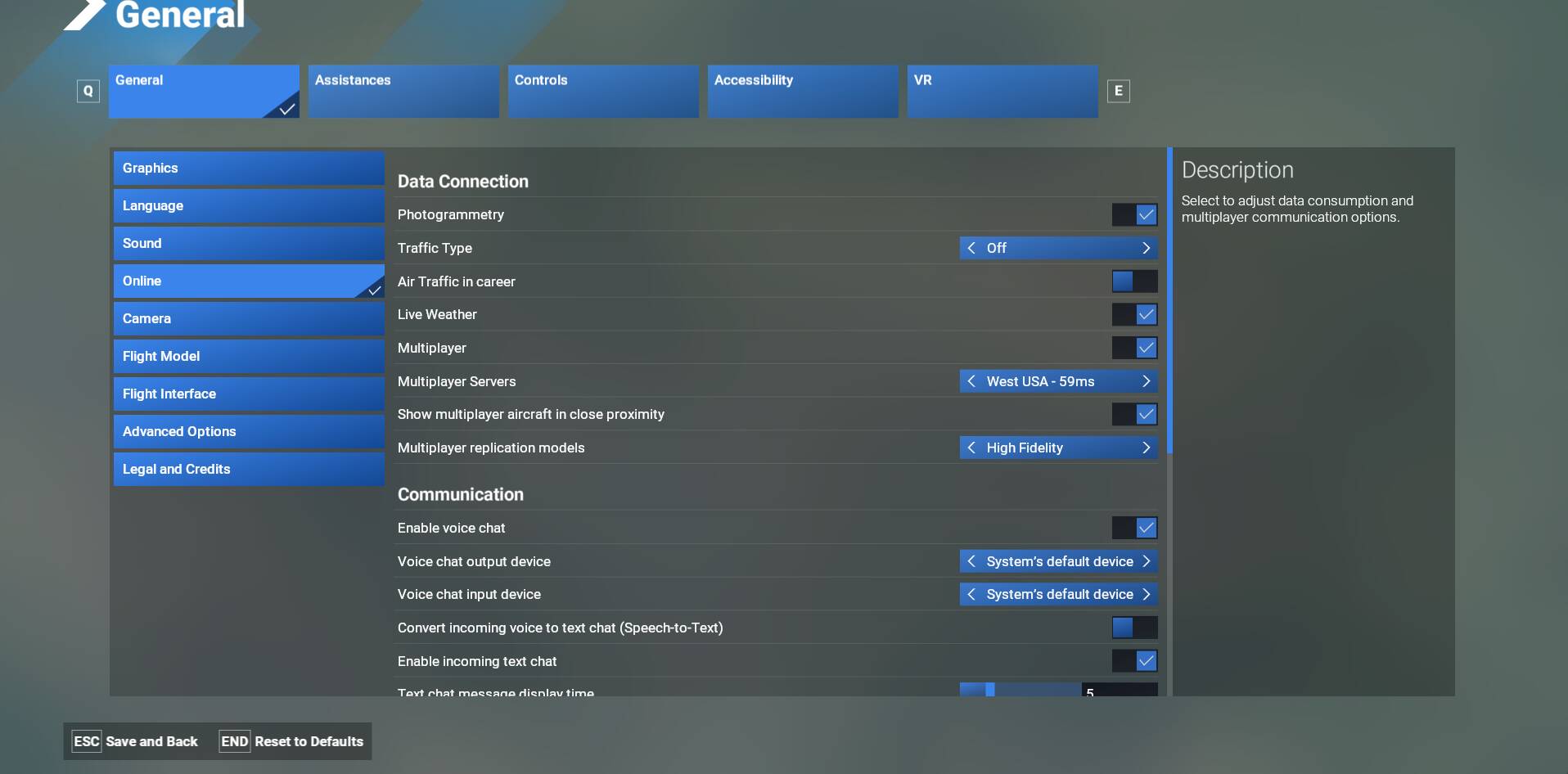
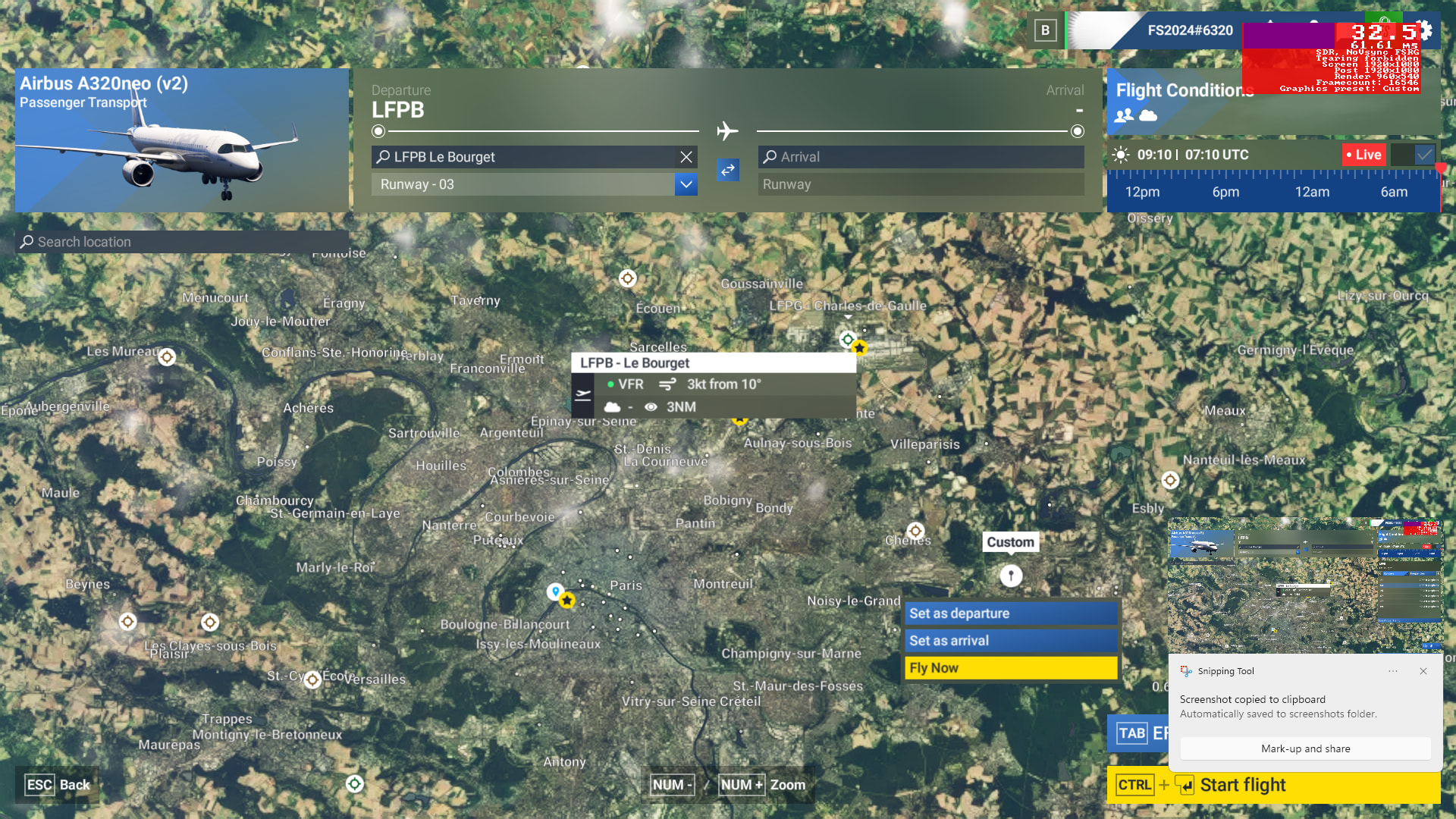
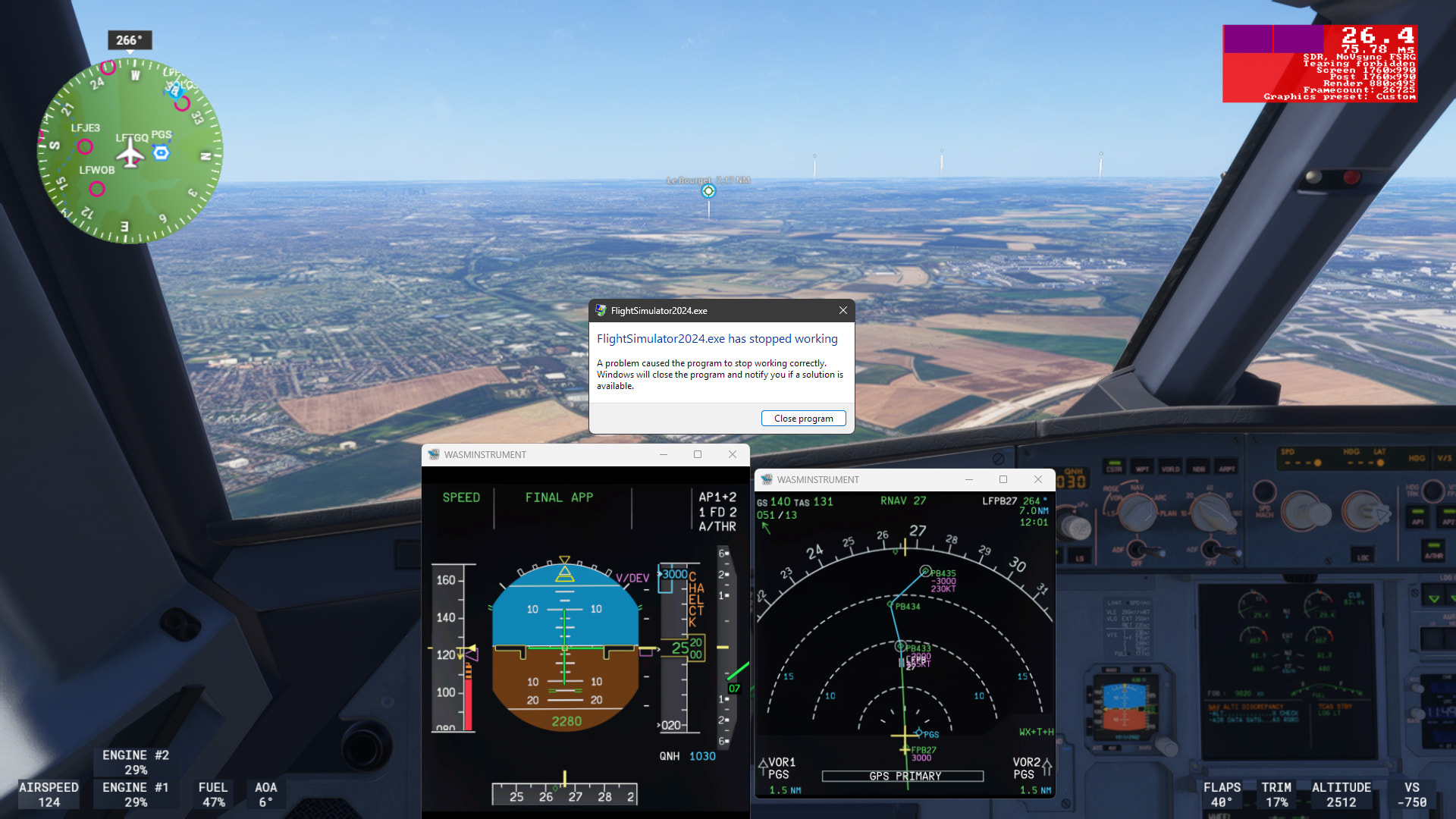
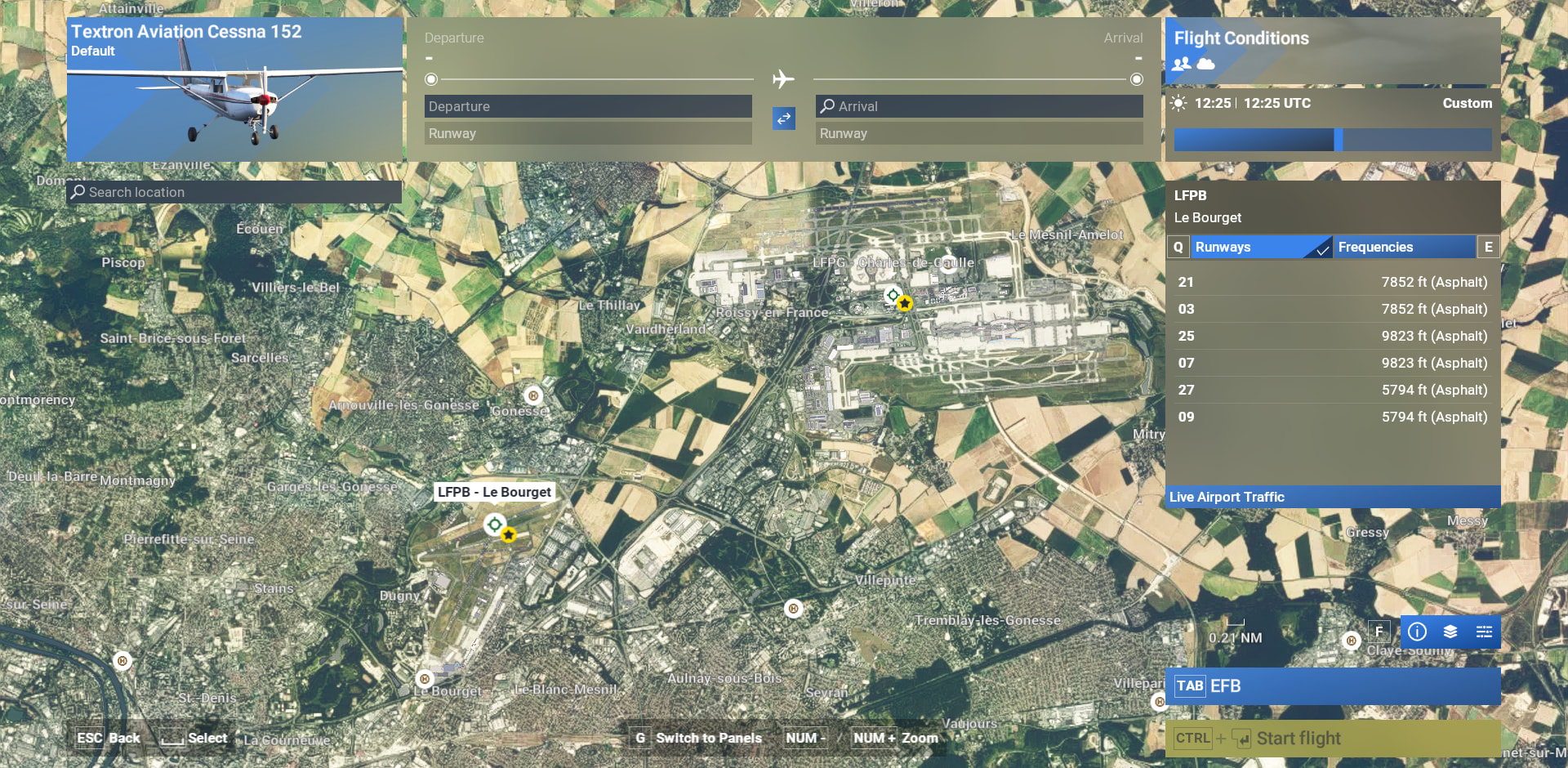
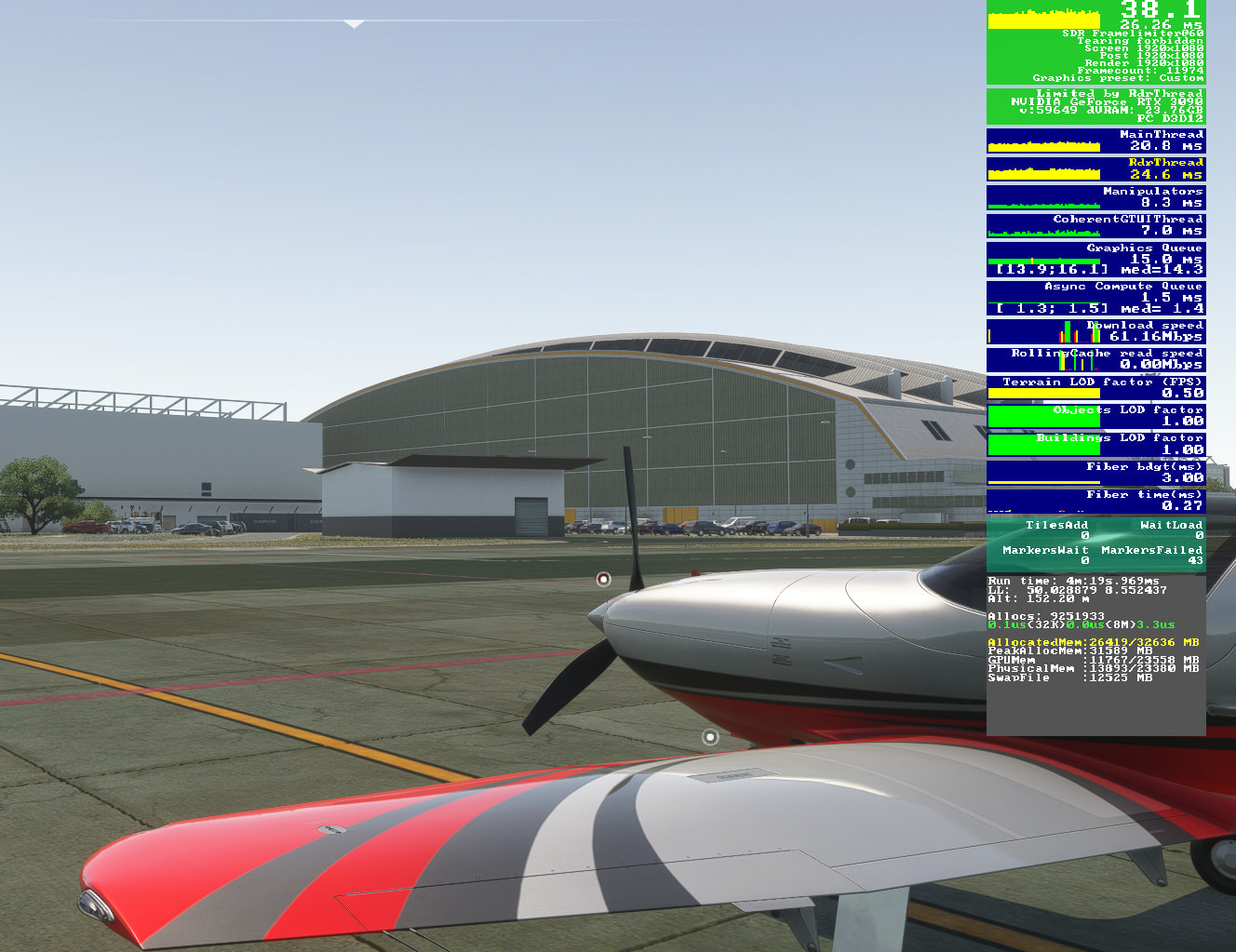
A330, starting at LFPG:
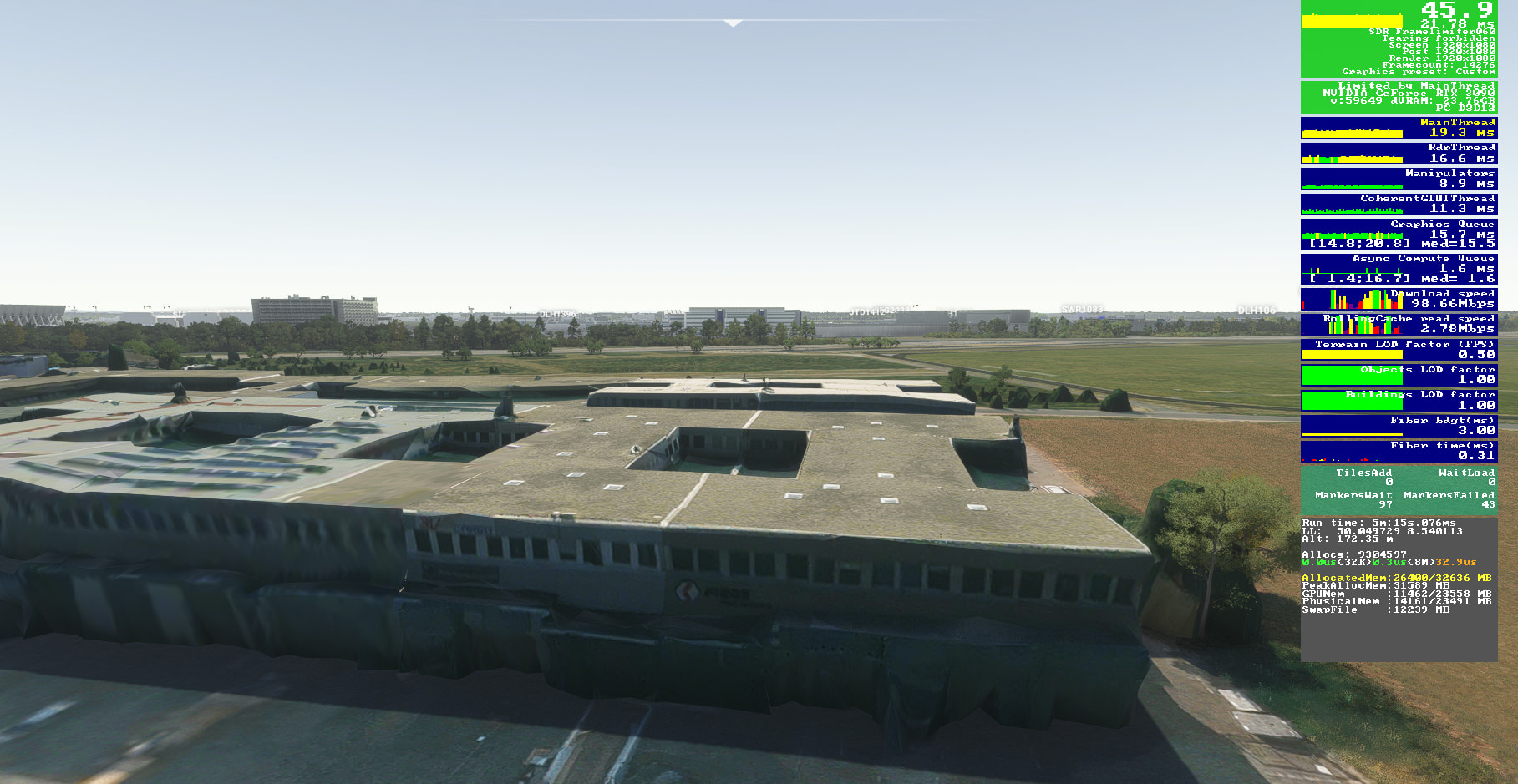
A330, starting at LFPB:
I am not denying you are experiencing CTDs but since it is not a global issue, the point is to be able to provide steps for the devs & users to reproduce in case issue is on the sim side and not something specific to your setup.
Asking again: do you have any addons (community/Marketplace) installed ?. If so disable them and test again.
As I have said, I have the issue since Beta SU4, middle October 2025.
Everything Vanila, no mods, no add-ons, no third-party stuff, anyway that is not the problem. It has only with Photogrammetry and Handcrafted Airports to do. The first time I had CTD was in SU4 where the Change Log said “Bespock Airports”.
Until SU4 I did not had a single CDT. So, more than 1 year playing without CDT, same machine, same settings.
With Photogrammetry disabled, everything is fine, no problems.
I have disabled for testing purposes all 3D Photometric Cities streamed Packages, and no more CDT.
So to reproduce CDT people have to have 3D Photometric Cities enabled, Phogrammetry enabled, and must start at an Handcrafted Airport.
The report from azlog above, is getting CDT flying over Handcrafted Airports.
I have been trying everything, even I did a new Windows Installation.
I have uninstalled FS 2024 an re-installed new. No change.
I have all Drivers and BIOS updated, run SFC and DISM /Checkhealth.
Yesterday I have disbled all non-MS services and that also did not help.
I have seen in several CDT Report, that disabling Photogrammetry solved the issue. So, there are more people that suffer from same problem.
It is very strange people can not reproduce CDT. It is unbelivel.
I have Premium Deluxe edition and all Streamed Packgaes enabled.
So, to reproduce CDT people must have the same conditions , with enabled things, otherwise there will be no CDT.
Please check if you have the streamed packages enabled, and 3D photometric Cities enabled and Photogrammetry Enabled.
Then start a free flight , departure LFPG. Once in cockpit open EFB fill in Departure LFPG and Arrival LFPB. Then press Send to Avionica and ATC. At this stage i have CDT.
Please post your findigs.
Are you running a special Developer Version or is a official version downloaded from MS-Store?
I have a AMD maschine. What is yours, AND or Intel based?
Thank you
There is no Handcrafted Airport in your Picture.
Is missing the yellow circle with a black star on the midle.
Do you have Handcrated Airports ? Or are they DIsbled?.
You must have Handcrafted Airposrt and have them Enabled, otherwise there is no CDT. you can not reproduce the CDT.
I did another Testing:
Startet a fly from LFPG, no destination . Phogrammetry enabled.
Fly to LFPB without opening EFB, entered LFPB in MCDU and Landing RWAY
On final App , CDT.
I repeted de above testing, and got CDT exctaly at the same Geo Location: 1,5 from PGS and 7 NM from LFPB27.
That can not be my System related.
I have started the video not right away that is why you don’t see the stars but I have the handcrafted airport:
I have all WUs, CUs enabled and streamed.
Are you having the issue with different aircraft than the A330 ?
Reset your Hosts file as explained here:
If still does not work, maybe try to uninstall/reinstall the sim.
Thank you for your efforts trying to help.
I did :
- uninstall/reinstall Sim several times
- reset / Repair App
- Deleted Rolling cache
Nothing has no effect at all.
- I have checked Host file, nothing to complain. Seems to be from an older Windows, today maybe is not beeing used.
- The guide to fix poor Photogrammetry is from FS 2020, does not aplie.
I will let things as they are, and wait until there is a fix for this.
I did what I can, interesting is the last 2 testing, crashing over exactly same point. I thing it is a good start point for Dev debug Sim and watch what is going on.
Last suggestion I am seeing: create a zendesk ticket https://flightsimulator.zendesk.com/hc/en-us/requests/new to get direct support from Miscrosoft team.
You were given a suggestion to reset the hosts file, not to question whether it is being used. The hosts file is still used by Windows systems today.
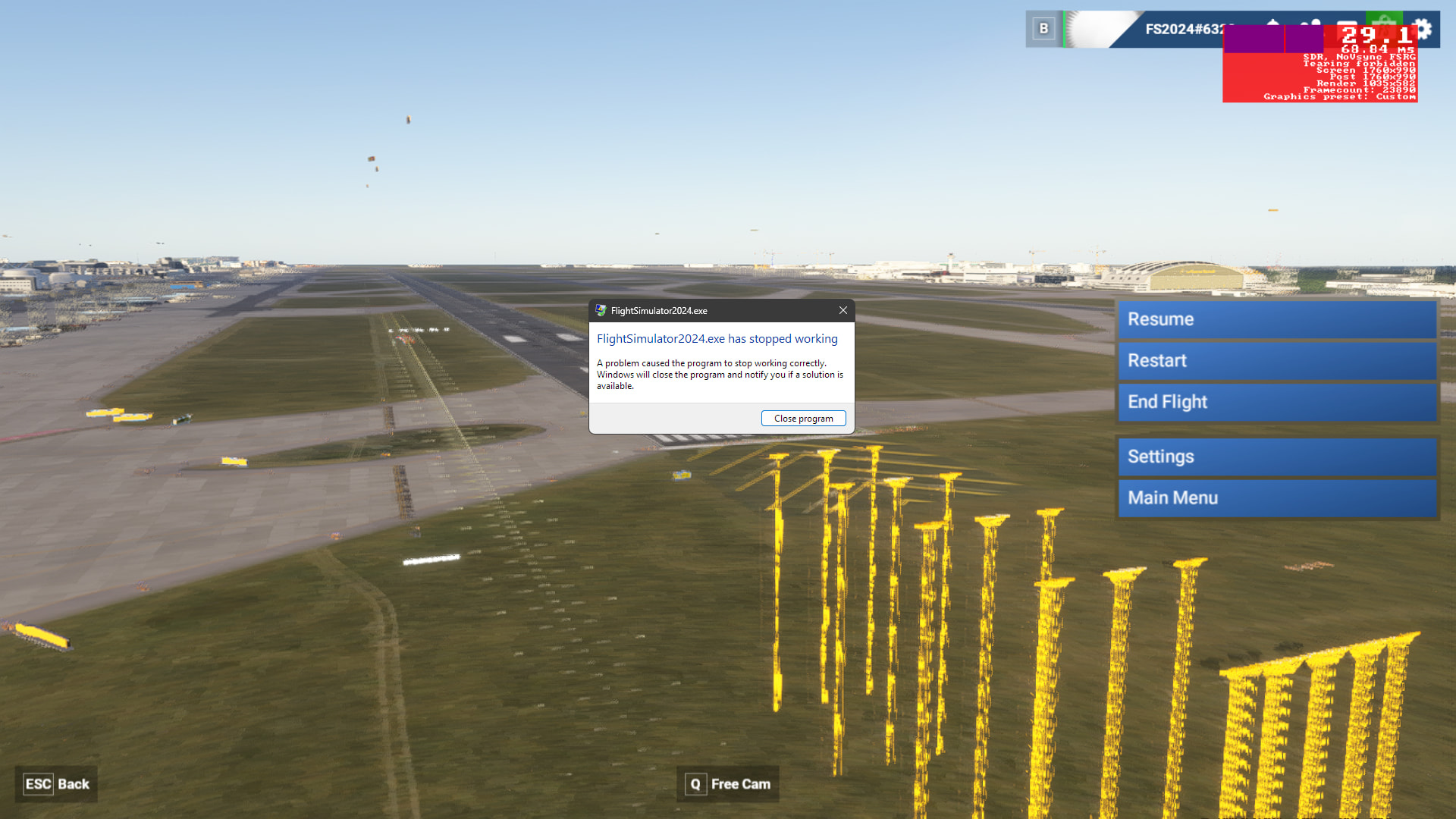
I am posting another CDT picture in the hope it helps to solve the issue.
I was at Rway 07C at EDDF, went to settings>online> enabled Photogrammetry, Resume Flight CDT wtih this picture.
Do you get the crash there with PG already turned on? Is it the turning on bit that breaks it, in other words?
Do you get the crash there with PG already turned on? Is it the turning on bit that breaks it, in other words?
If PG is enabled and I am on World Map, selected EDDF (for example) I get CDT when I press Fly now.
If PG is not enabled, doing the same in World Map, I get to Plane in RWAY and in Cockpit. From there, going to settings and enabling PG, I get CDT with above picture. This pictures are very seldom, normally I get error message on settings background and close Sim.
That sounds easy to test. I’ll get back to you.
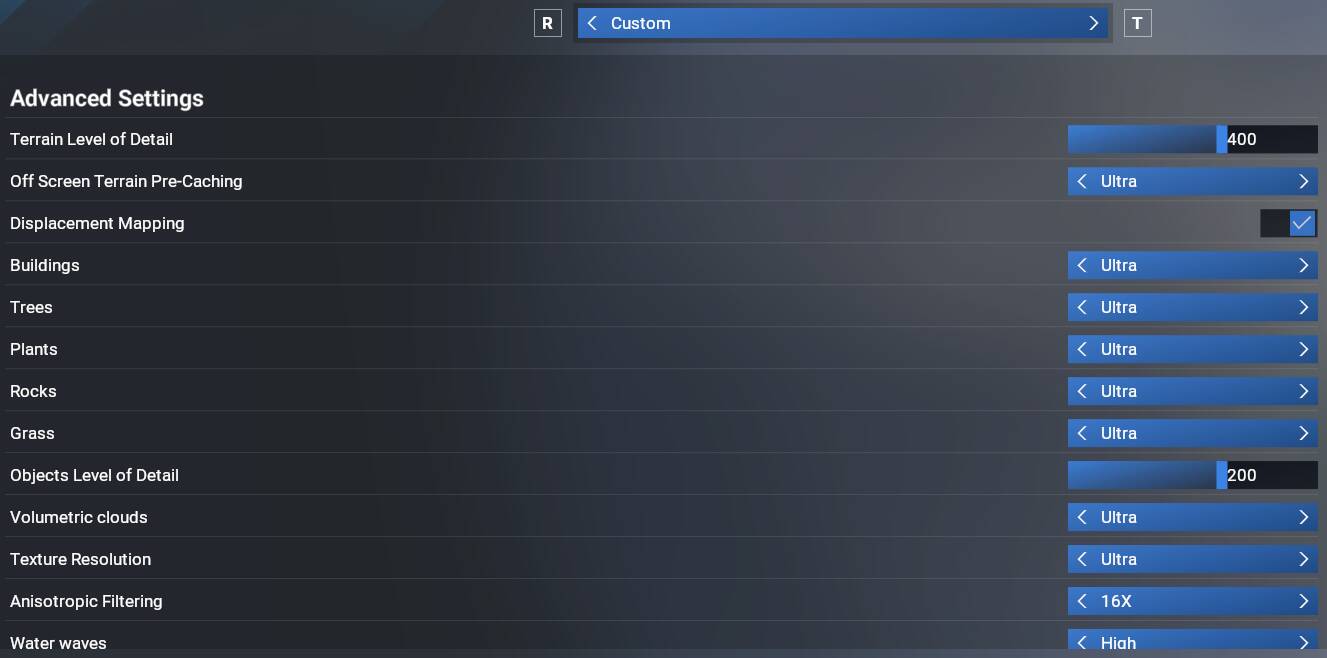
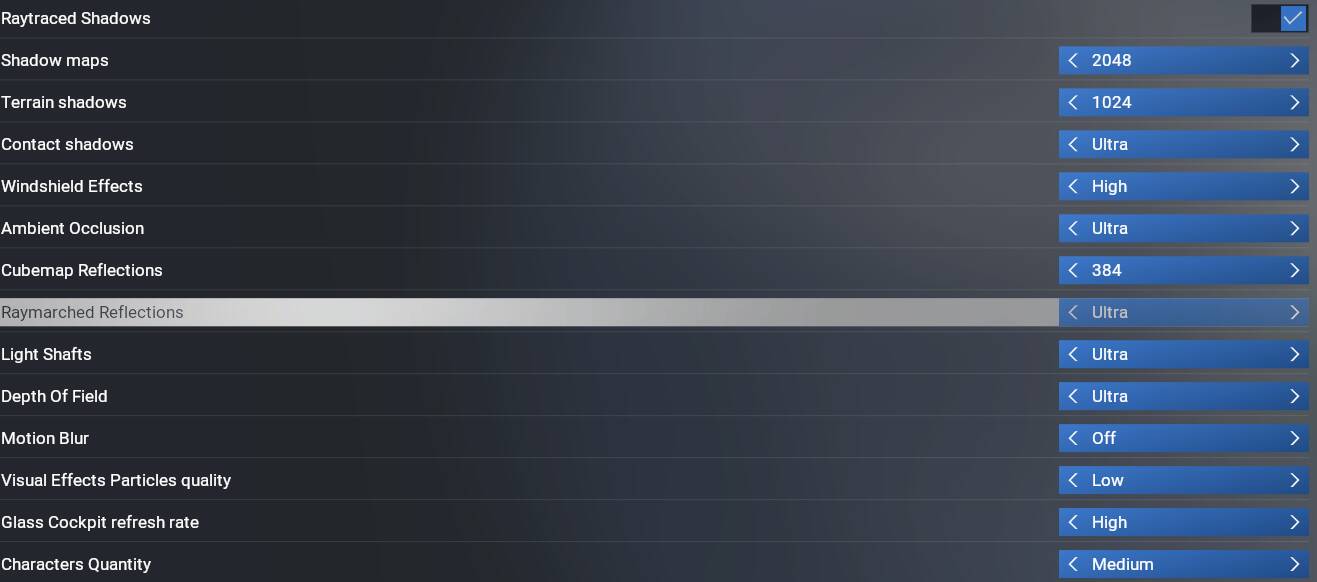
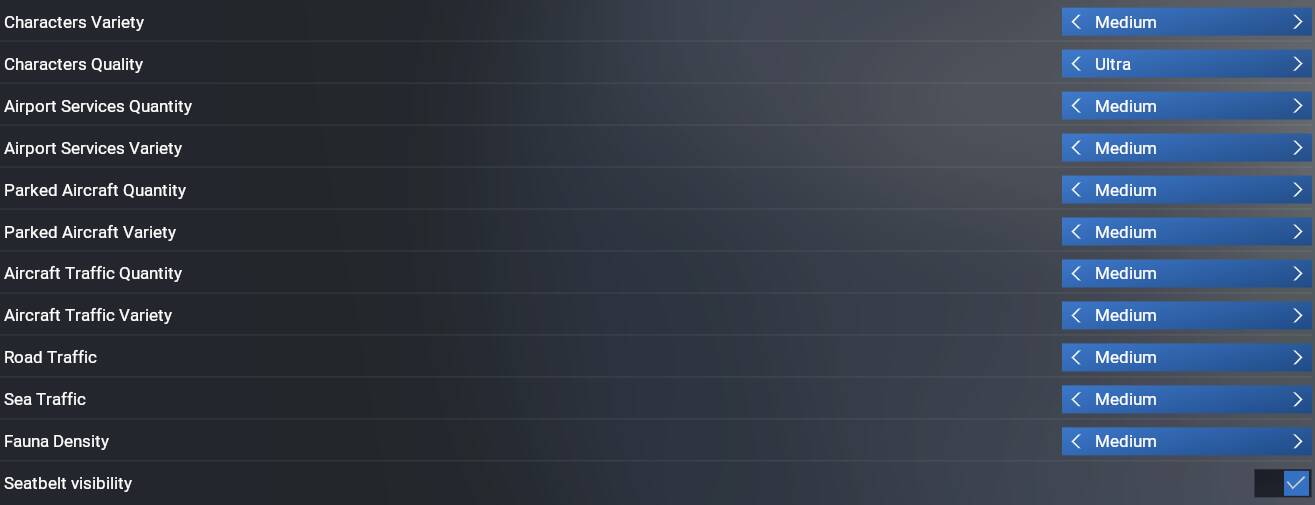
My settings, in order to reproduce CDT people must meet:
FS 2024 Ms-Store , Premium Deluxe Edition
Handcrafted AIrport, All Streamed Packages Enabled
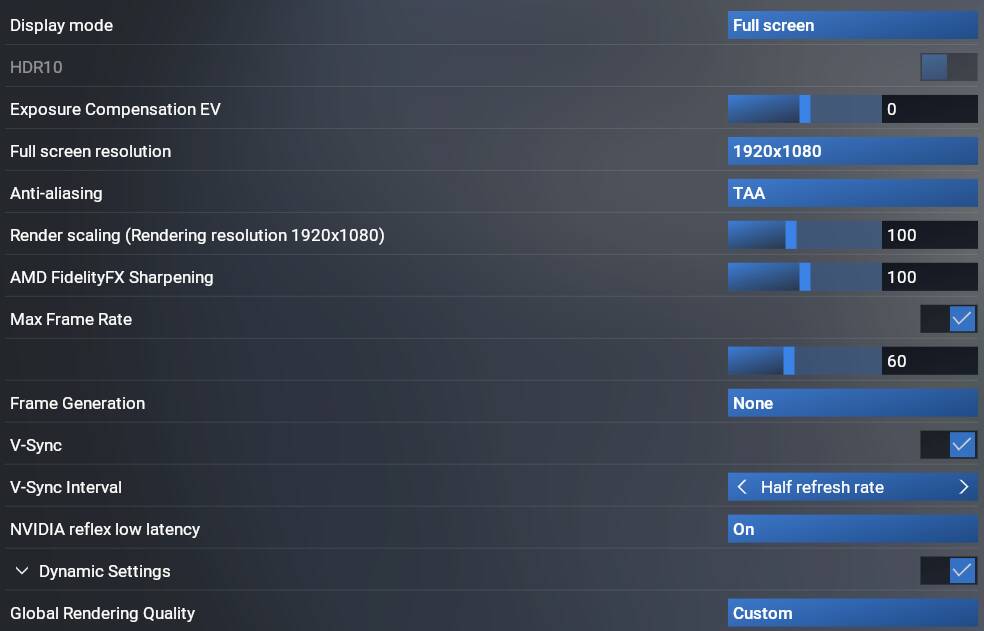
Anti-Alias FSR3
Frame Generation FSR3
I hvae no add-ons, no 3rd-party stuff, no Mods, Vanilla.
I have disabled some Graphic Setting, Fauna , Road Traffic, Plants, Grass, all Ground Services.
AMD CPU/GPU (if it is AMD related)
Well I don’t have some of that, but have you considered turning some of those options off to test if they are even relevant?
I don’t use FG or FSR3.
The Graphic Settings are not changing CDT issue . I even had re-installed all Sim and tried to reproduce CDT without any changes, just as it is.
If you have FG option avalible, try to enable it. In order to have FG option, you must use AA FSR3 instead of TAA.
But, I tried with TAA and no help.
Spawning in at EDDF now. I zoomed all the way in, and didn’t get a crash either. PG is enabled.
40FPS on the ramp. Now I remember why I don’t fly into big airports like this.
Some PG buildings looking back at the airport.
I suspect something on your system is causing these crashes, because it isn’t the PG scenery as far as I can see.
I did quickly try one other, LPTT. I can see no evidence of any PG in that vicinity. It was a helipad only, so I spawned my plane on the ground next to it instead. All I could see were autogen buildings nearby, no PG. No crashes either.
Would you please share with me which of your settings does not my ones?
That is a way to quick conclusion, I have no CDT so the problem is in your system.
One could say that, if we were comparing exactly same systems and settings.
I can’t think why a graphical setting would cause a CTD because PG was enabled, but its MSFS we are talking about so anything goes.
In 2020 I used to be able to run everthing in Ultra. <sigh>
Thank you for your info.
If I had access to the system Infos of the people that have CDT (7 at least) and the other that do not have, it would help me very much to narrow down the problem.
As I belive to see, the background of error folowing by Developer Team is baesd on Statistics, that means if a small amount of people have CDT, they will be discarded from system, just ignore them. That means, I and other are on their own to solve the problem if even they can not, because it is a FS problem, and nobody can solve it except Developers.
My point is that until SU3 PG was working, also in SU4 Beta, I can not exactly say which build, somewhere between 1.6.13 and 1.6.21 , because in the mean time MS Brut Forced the install of 25H2 , which was not working well for me and many other AMD users.
Anyway at that time I restored a 24H2 from a backup, with the actual SU4 Beta and there was also CDT with PG enabled, so that I went to 25H2. I regret that, because now I have no confirmation if is 252H2 related.
You have a Nvidia system, I belive many of people around have that and they have no CDT.
I have AMD CPU/GPU.