Are you sure that the 540k file is for the logbook?
Check all the subfolders in wgs.
For me, it had 6000 flights and the last one was on 4 April 2025. After I deleted my logbook file in wgs, a new one started, with no flight in FS2024 logbook.
For me I have 15 flights since clearing the file and it now stands at 13.5mbso the size of my file is mainly driven by my profile associations I believe (the more I add the bigger the file gets).
It has occurred to me that the file I think is “the logbook file” is actually not and is my “control profile” file. I have no other file that is anywhere even approaching 1mb. It may be that ANY file that exceeds 16mb throws a 2047.
Since switching to Spad, I can tell you the size/growth of the logbook/whatever file doesn’t have any connection to control profiles. It seems to grow at several mb per flight for me, and at maybe half that speed with dev mode on when it shouldn’t be logging at all
Same thing happening to me on Xbox X idk is there any way to fix this? Read posts saying even when you clear everything it comes back. And no word from devs….. everything else is great but with this error popping up can’t fly anymore…
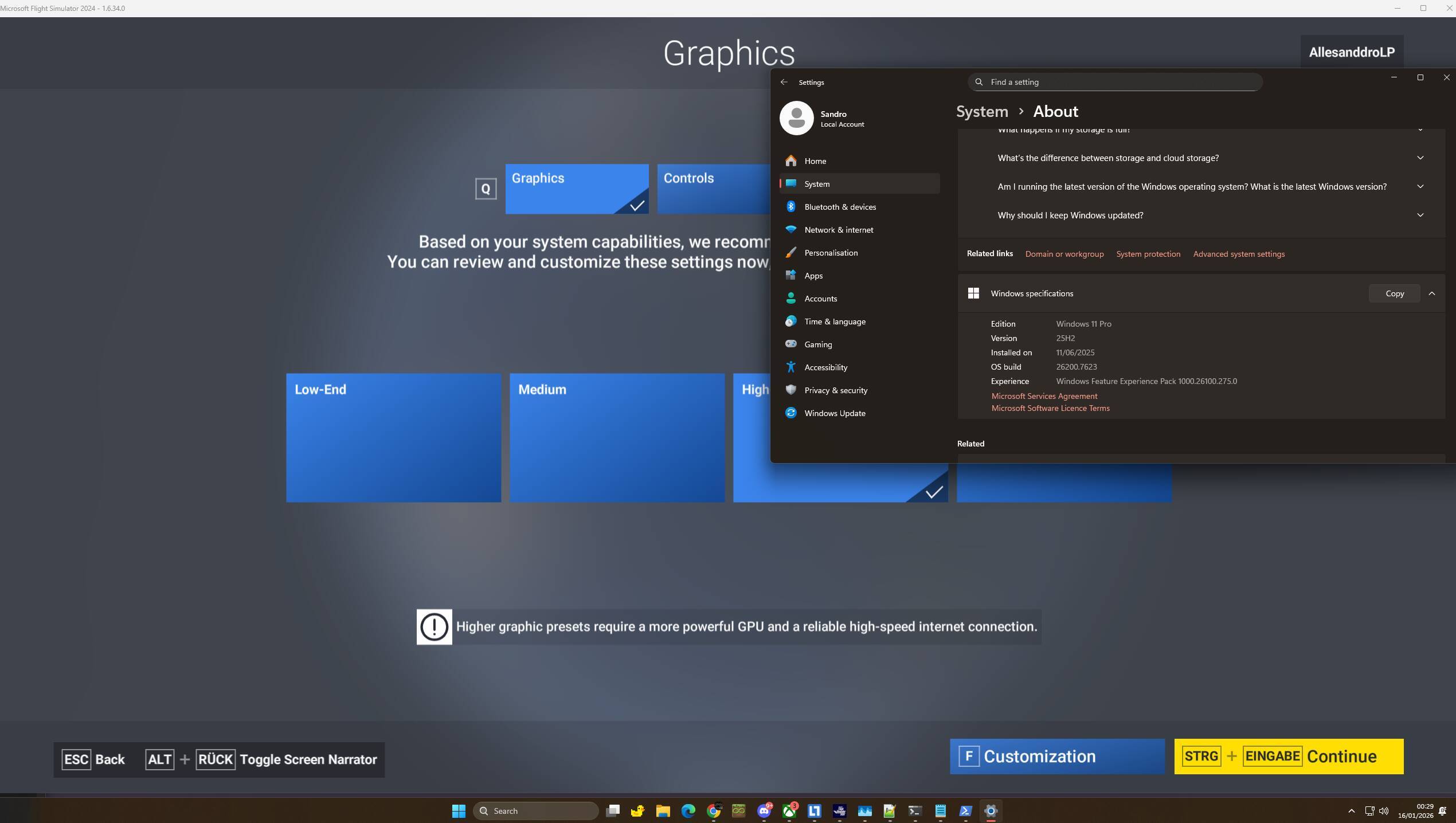
The fix that worked for me is creating another local user acc “start ms-cxh:localonly”;
assign the administrators group to your new user
then you can use this script (replace your username with your own)
to migrate all of your settings browser data etc everything to the new created account
login to your newly created account and run this powershell script (as admin)
install msfs 2024 again and it should work, once you verfied everything is working as intended and all data is there you can delete your old useraccount
 $srcUser = “Sandro”
 $tgtUser = $env:USERNAME
 $src = “C:\Users\$srcUser\”
 $dst = “C:\Users\$tgtUser\”

 if (!(Test-Path $src)) { Write-Error “Source not found”; exit }

$skip = @(
 “AppData\Local\Packages”
 )

 Write-Host “Cloning profile $src → $dst…”

 # /COPY:DAT strips old ownership so we don’t get ‘Access Denied’ on the new account

 robocopy $src $dst /E /ZB /XJ /COPY:DAT /MT:32 /R:0 /W:0 /XF $skip /XD “AppData\Local\Temp” $skip
 Write-Host “Applying permissions (Replacing SIDs)…”
# Force grant Full Control (F) to the new user recursively

icacls “$dst” /grant “$($tgtUser):(OI)(CI)F” /T /Q /C

Write-Host “Done. Restart required.”
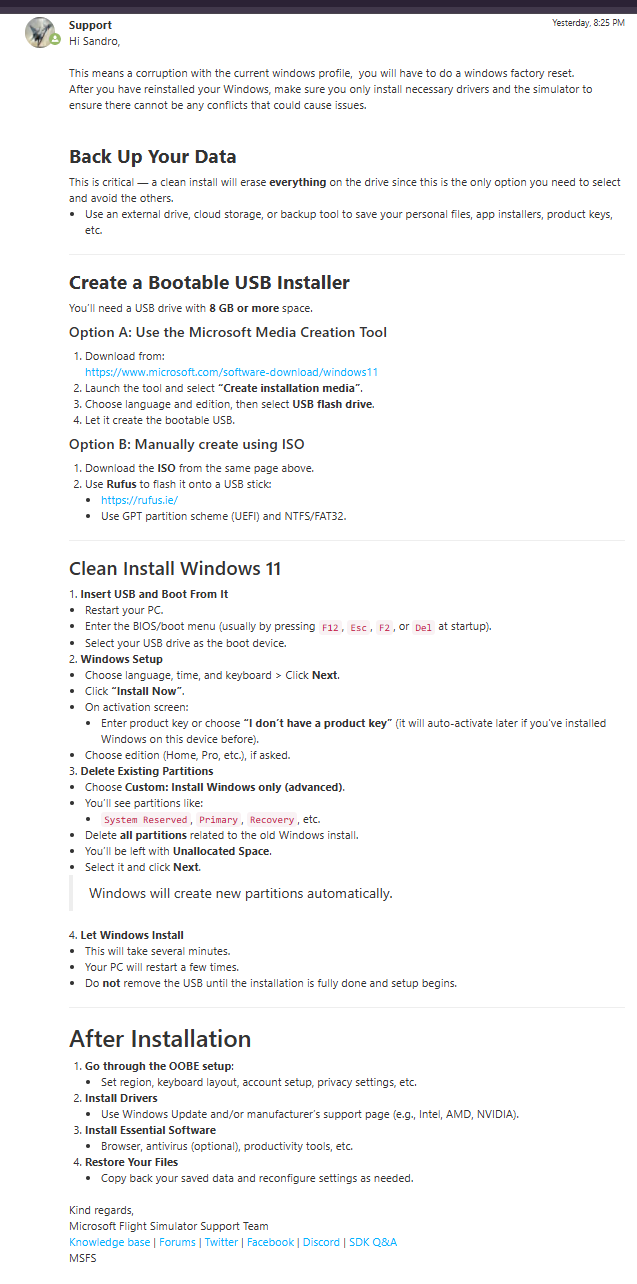
The support literally told me to reinstall windows to fix this lmao
First of all, if you post a screenshot that shows an answer, you should also include the original question. An answer without context makes no sense and does not help others understand the situation.
Second, the code that was posted contains errors. I do not recommend copying or using this script.
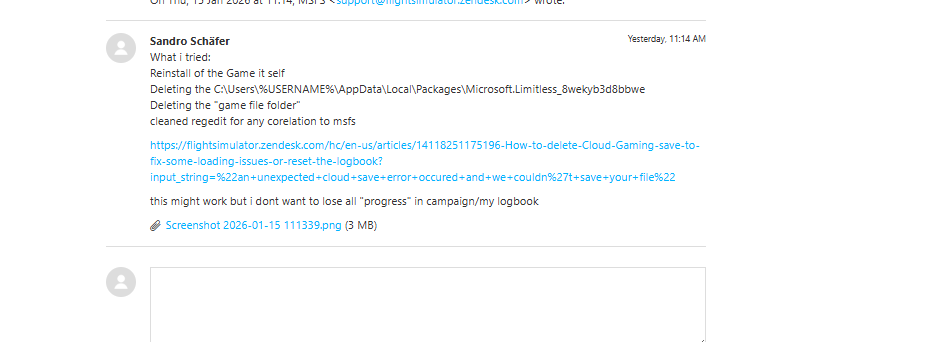
Third - and this is the key point - what actually worked was the fact that on the new user account the WGS folder did not exist. That folder could have contained corrupted files, or a file close to 16 MB in size that was causing the issue. In practice, this means that on the old user account it would have been enough to delete the WGS folder and the problem would not have occurred. This is exactly what I recommended earlier in this thread - here is the link to my post: https://forums.flightsimulator.com/t/logbook-no-longer-recording-since-su4/750954/2?u=tenpatrol
Fourth, the support recommendation was theoretically correct. If someone contacts support and states that they have tried absolutely everything and have no other ideas left, suggesting a last-resort solution such as reinstalling Windows is logically justified. Personally, I would recommend other steps first, but their approach, although quite drastic and admittedly a bit strange, can still be considered acceptable as a final option. It is worth noting, however, that support suggested a full system reinstall instead of recommending a new user account or simply deleting the WGS folder.
Finally, I want to emphasize that we only know part of the story, because posting a screenshot with an answer alone does not give us the full context or the complete conversation.
I’m on PC, Microsoft store version, I’ve twice had the 2047 Error crop up since SU4, and both times I fixed it by deleting whichever file inside the WGS folder is over 16MB. If anyone’s having trouble finding that folder, it’s located here:
Within that folder, you just have to find whatever’s over 16MB and delete it. The next time you load MSFS, you’ll have to reset graphics, assistances, etc, which is annoying, but there’s no way I’m messing around creating a new user account, let alone reinstalling Windows. This is Microsoft’s problem to fix, plain and simple, and they need to own up to it.
After two weeks trouble free flying, the dreaded Error 2047 returned today!
I’m on Xbox, so the solutions sent to me by Asobo are now basically a full re-install, as I’ve tried everything else they suggest.
As well as the log book not recording, the next flight goes back to the one where the error occurred, despite setting up a new aircraft and destination. Not surprising, but I’ve included it here, as it might help diognose the fault.
To be clear, none of those things you have suggested or have come up previously are to be considered a permanent solution. The only permanent solution will come when Asobo/MS figures out which 1 should be a 0 that got changed with SU4 and change it back. I certainly do not recommend major steps like a flightsim or particularly windows reinstall as that will be temporary as well.
To be clear, there is no permanent solution in this topic. This issue can only be properly fixed by Asobo and Microsoft. Anything suggested so far are workarounds, not permanent fixes.