I haven’t tried it yet but they’re not encrypted, you can open them in notepad++ and see it’s just XML. You can even see the names of the profiles you saved. Some of the files are jibberish though, not sure what’s saved in these.
I would love a workaround though so I can keep logbook and everything…
Then started the sim and got the same error, which was weird to me. So I though I’ll restart the PC as that might do something, but now literally everything is back like the error never existed. Even though I supposedly deleted the cloud save, it’s all there, settings, assistances, controls, logbook, my bald headed avatar…
This is beginning to become a persistent problem for me now. Usually on my 2nd or 3rd flight without rebooting my Xbox. And once it starts, it won’t stop. The pop-up happens every 60 seconds or so once it starts, and only way to resolve is to reboot the game and my Xbox.
Very deflating if it starts halfway through a flight. I don’t want to reboot, but I also don’t want to keep discussing the notification every minute. And I just know if I push on it’s going to pop-up right as I’m flaring for landing.
I’ll keep my fingers this gets resolved quickly. But at least make the notification a lot less intrusive and persistent in the meantime?
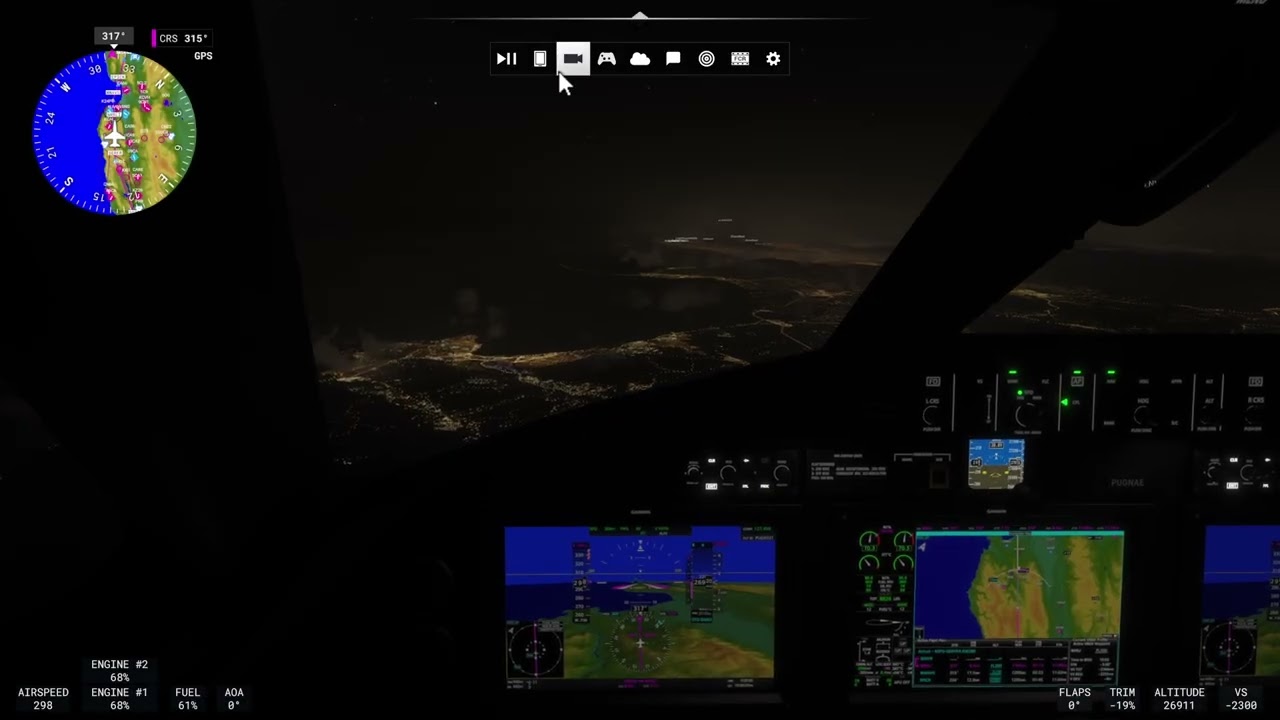
To add some more context and a new layer to this issue; I decided to try and push on with my flight despite the persistent pop-ups, but then I noticed my hotkey for opening the ATC menu didn’t work, no matter how many times I jammed the key. So I decided to manually open with my mouse using the top menu bar, and I noticed none of the pop-up windows worked anymore. The EFB still opens up, but as you can see from my video, none of the other pop-up windows work. Once you start getting the 2407 error, you’re boned.
Please could I ask for those of you still experiencing this issue to provide some basic data so that I can forward it to the Development Team? Information such as your country, platform (PC ms store/steam, Xbox etc.), whether you’re still enrolled in the SU4 Beta if you had been previously, and any information you may think is relevant, could be helpful to our team.
I have the same problem with error code 2047. It always occurs when I land and return to the main menu. The same problem occurs when I finish a challenge. I think the problem occurs every time the Sim tries to save to the cloud. I wasn’t in the beta, and the problem only started with Sim Update 4. (PC, MS Store, Germany)
Also getting this about 1 out of 4 flights randomly. Sometimes also when just switching into VR (and then you can’t click ok or anything and have to kill the sim). It is highly annoying.
Central Europe, PC store, was enrolled in SU4 beta, got it there too on occasion, but now too after final release.
Of course, because I’ve been affected by this since the beginning of SU4, and it’s now annoying me that a good 1600 flight hours and about 270,000 NM have been lost.
I fly on Windows 25H2 with the Beta DEV system. This system is based in Germany.
I have the Store version with the Premium Deluxe Edition as MSFS2024.
I haven’t left the beta yet, as I am a beta tester for some add-on developers.
My internet connection is via Google IP DNS (8.8.8.8 /8.8.4.4 or 2001:4860:4860::8888 and 2001:4860:4860::8844).
The entire system is protected with Kaspersky Internet Security, which is up to date.
I currently start the Xbox app before each initial launch of MSFS2024. There, I log out and log back in again.
Nevertheless, I keep getting the error.
(A new error, 5047, also a cloud save error, appeared yesterday evening. It should be something new every now and then )
If you need any further information, please let me know.
I did all the usual stuff (disable community folder and deleated Streamed package Folder) and the message “An unexpected cloud save error occured and we could’t save your file” Error code:2047
Your help to resolve will be appreciated. Thank you
I did all the usual stuff (disable community folder and deleated Streamed package Folder) and the message “An unexpected cloud save error occured and we could’t save your file” Error code:2047
Information such as your country, platform (PC ms store/steam, Xbox etc.), whether you’re still enrolled in the SU4 Beta if you had been previously
Country UK
MS Store
Wasn’t in beta
AMD Ryzen 7 9800X3D, RTX 3090, 64GB Ram
Saved wgs folder and deleted cloud settings as F14TM post above
Restarted, went through startup options, set graphics medium then reduced some graphics settings
Looks ok in 2D but all [controls] settings lost
Went into VR via menu - looks ok and flew T7 Red Hawk in my community folder ok (but controls settings lost, throttle ok)
Closed msfs2024 and copied wgs folder back
Restarted sim but it ignored (but left in wgs folder) the old folders and create two new ones. My settings were ignored. Flew ok in 2D and VR but largely uncontrolled due to lost settings.
Back to 2D and created new controls profiles. (PLEASE can we have the listings in alphabetical order!)
Good day
To everyone experiencing this cloud save error. BEFORE you reset the cloud save, restart your Sim, go to Settings → Controller and select ALL your settings. Then click on the gear icon and select Export.
(Unfortunately, you have to do this separately for each individual profile)
This will go through ALL your settings and save them for ALL your connected devices.
Now exit the sim, reset the cloud save, and restart the sim.
After making a few basic settings, go back to your controller settings.
From here, select your individual devices again, click on the gear icon again, and IMPORT the saved settings.
This will restore about 85% of all your configurations.
I know it’s a pain, but it works and is faster than setting everything up again from scratch.
Alternatively, there is a small add-on on Flightsim.to that does this work for you in just a few clicks.
To the moderators/administrators, if possible, please pin this info so that everyone can read and find it.
Same problem here: Error code 2047, first appearing when the start video begins, then whenever I open another window. Not on beta, everything worked fine until yesterday.
This first started a month or so back when I very briefly tried to join the SU4 beta. I had this error over and over on startup so backed out of the beta. It was fine once I was back in SU3
Then it started again yesterday with the forced SU4 update. The error pops up every one minute or so through the sim loading and the entire time the sim is loaded
At this point unless I take a shot with the entire sim backup/cloud wipe, the sim is unusable for me
 )
)