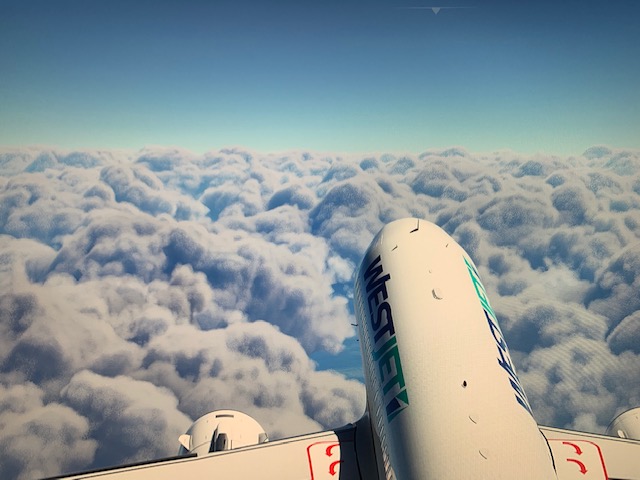
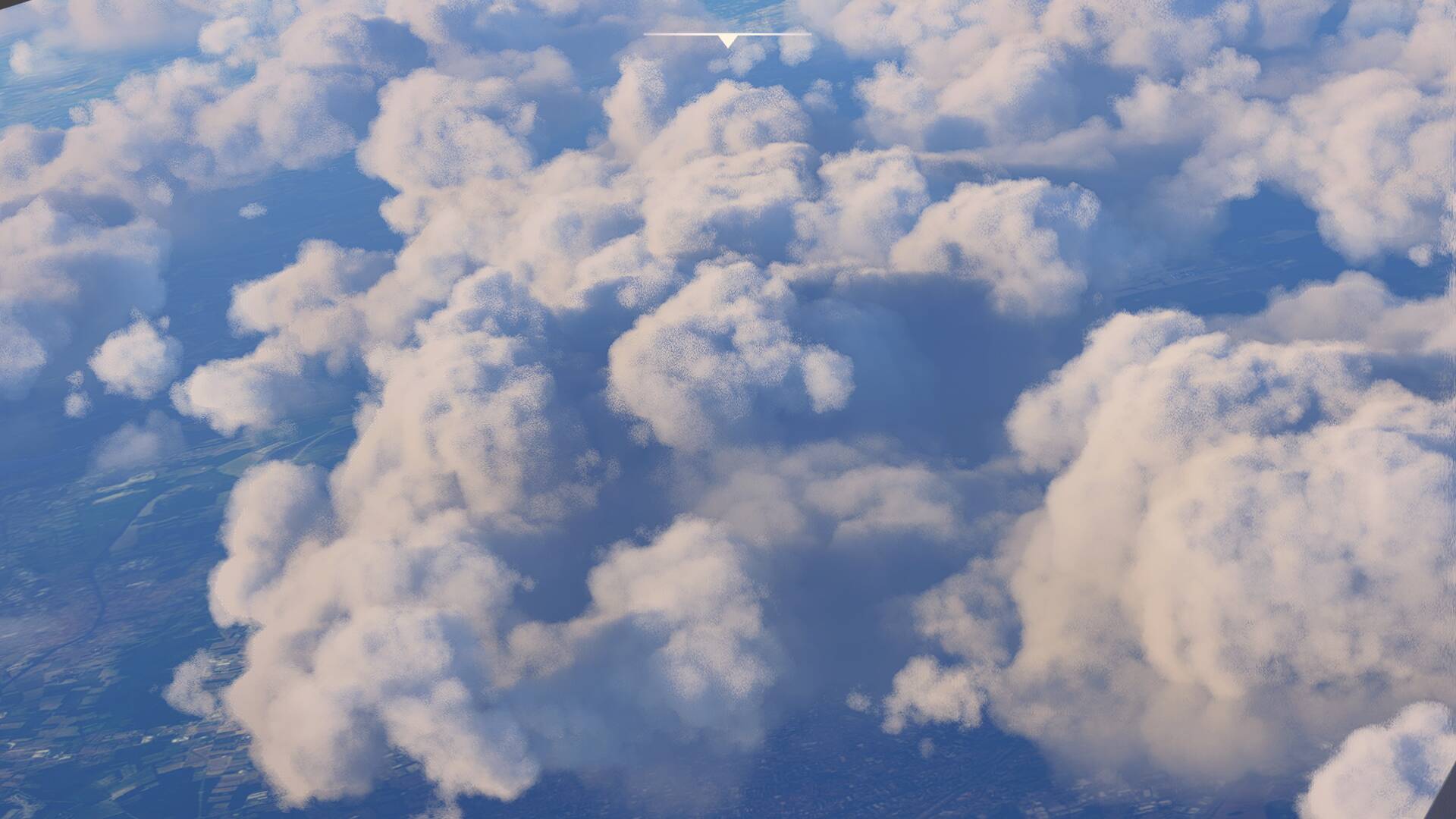
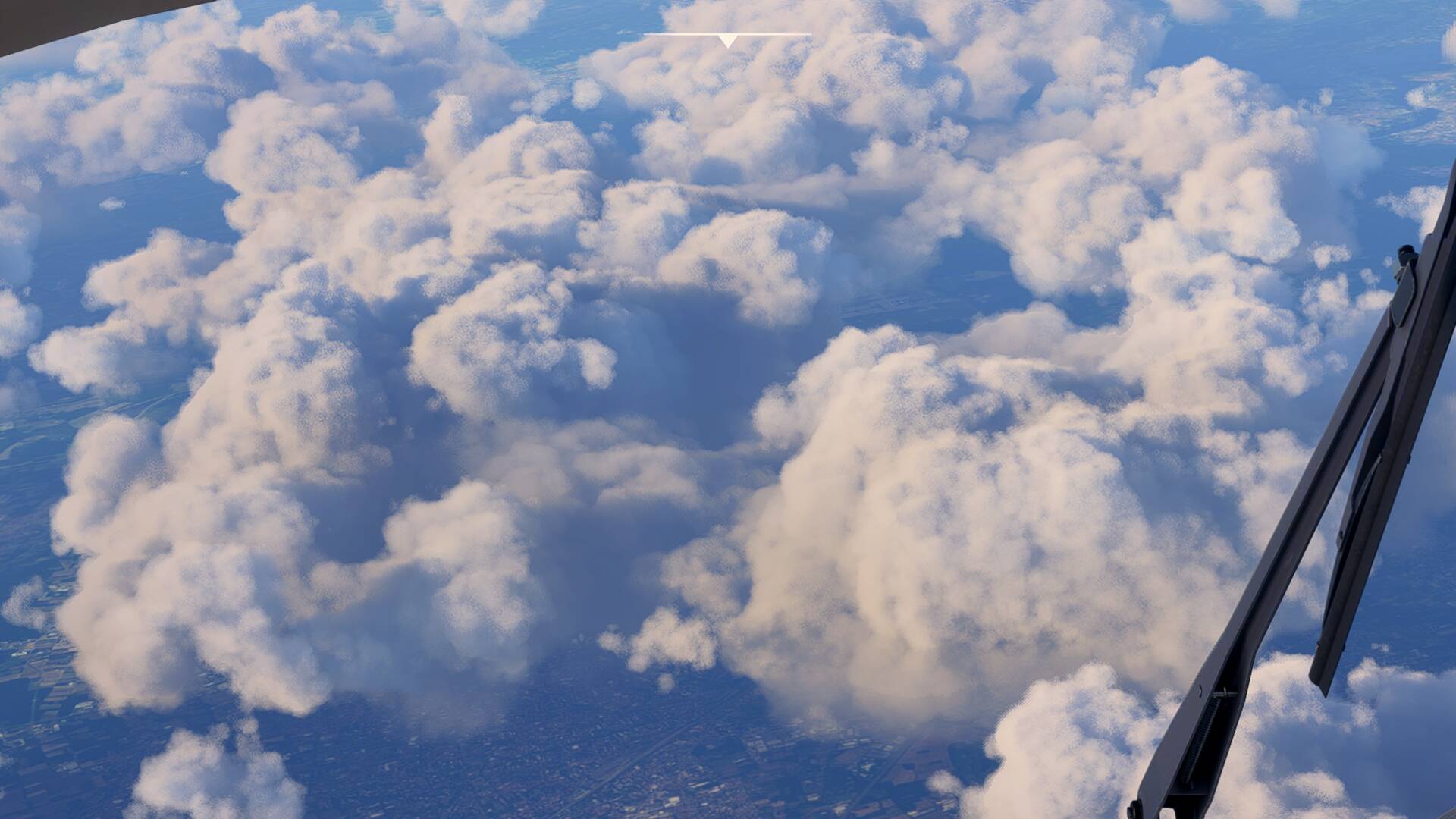
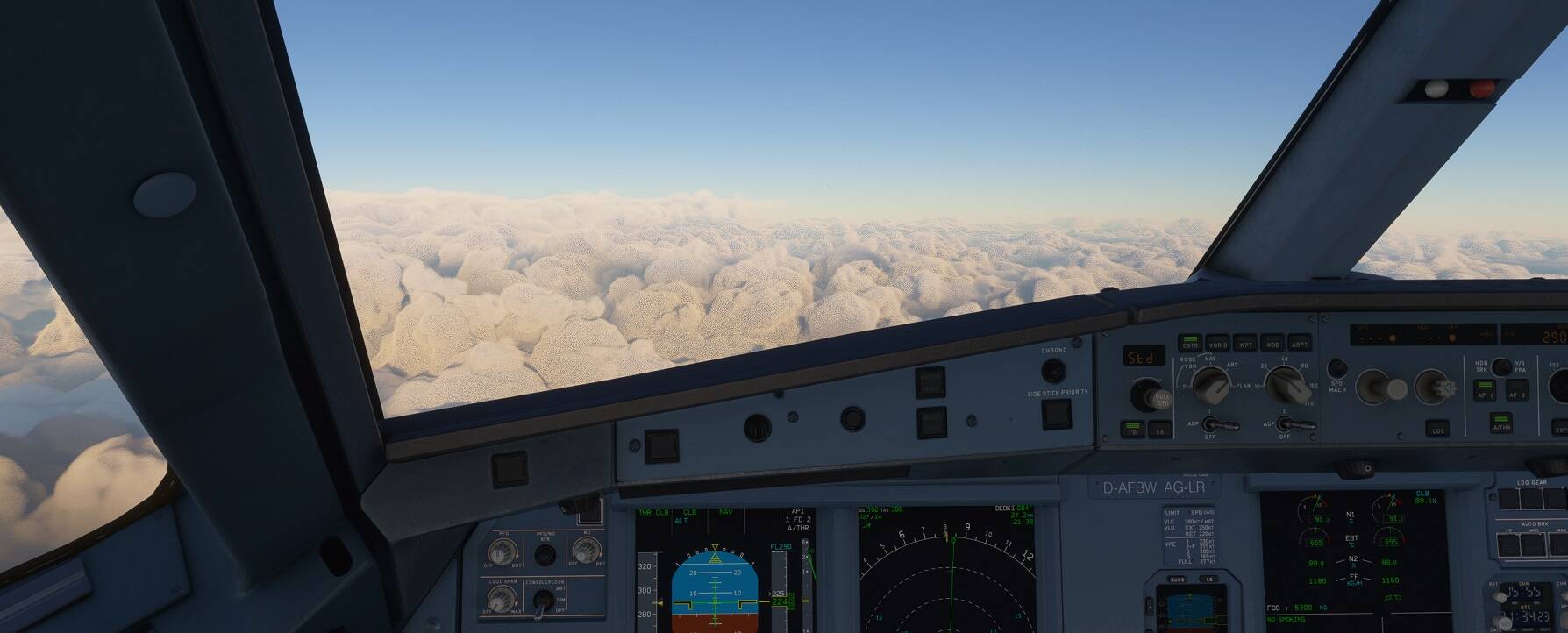
Oh god, this looks worse than mine - what’s going on here? It’s like psychological torture when you know that the sim was already able to do it better but is getting worse and worse because of the manufacturer. But why is that? What are the reasons for ?
Hardware:
Be quiet! Pure Base 500DX Noisreduction
Gigabyte Aorus Elite AC ATX
Intel Core i7 10700K
ARCTIC Liquid Freezer II 360
32 Gb G.Skill Trident Z NEO DDR4-3600 DIMM
8Gb Inno 3D GeForce RTX 2060 Super iChill X3 Ultra PCI-E HDMI
Thanks, I want to try that after work. That sounds plausible. Without outside help you would never find it. It is strange that MS doesn’t consider people like me/ us, the goal should be that people like me/ us enjoy spending money.
Issue is same on my RTX 3080. Reducing sharpness in monitor helped a bit. Hopefully it’ll get fixed sooner than later, but there’s a list a mile long for fixes, so don’t hold your breath.
Funny but I can’t think of any other product release that consumers would pay so much for, and then it doesn’t do what it was meant to do. It’s very broken, yet most of us accept, make excuses and even defend this type of consumerism? Wow!
Thanks @Stormraider1985 I did read that. I’m kinda hesitant as some said it can affect sharpness of some other scenery objects. And can’t some of these config alterations create problems with future updates and patches?
Before the next update, just change it back to default.
I found it today and made two test flights, can’t find any issues with sharpness if other „scenery“
For me it just makes the clouds look like real again. No grain, no pixels, just like they looked in the alpha.
Appreciate this video and I hope other simmers have luck with it but have tried this exact step several times before. It does not get rid of the pixelated edges and graininess of clouds for me, especially cumulous clouds. I unfortunately have given up on this frustrating issue until Asobo works out a solution (happy to see it is listed as “started” on the Dev update), now whenever I fly it is with mostly clear skies or at night.
Really is saddening to me since cloud quality brought me a lot of joy in the first couple months after release, but now there has been a clear downgrade, at least for myself.
Running a 2080 Super with clouds set to Ultra btw.
Confirmed that this is the only version of the file within my MSFS folder, definitely the correct one. Also it is a .OPT file. same as in the video. I’ve altered shadows within this file to improve flickering inside the cockpit which was a very successful solution. But when it comes to improving clouds I have had very minimal improvement, I also made sure to set file as read-only.