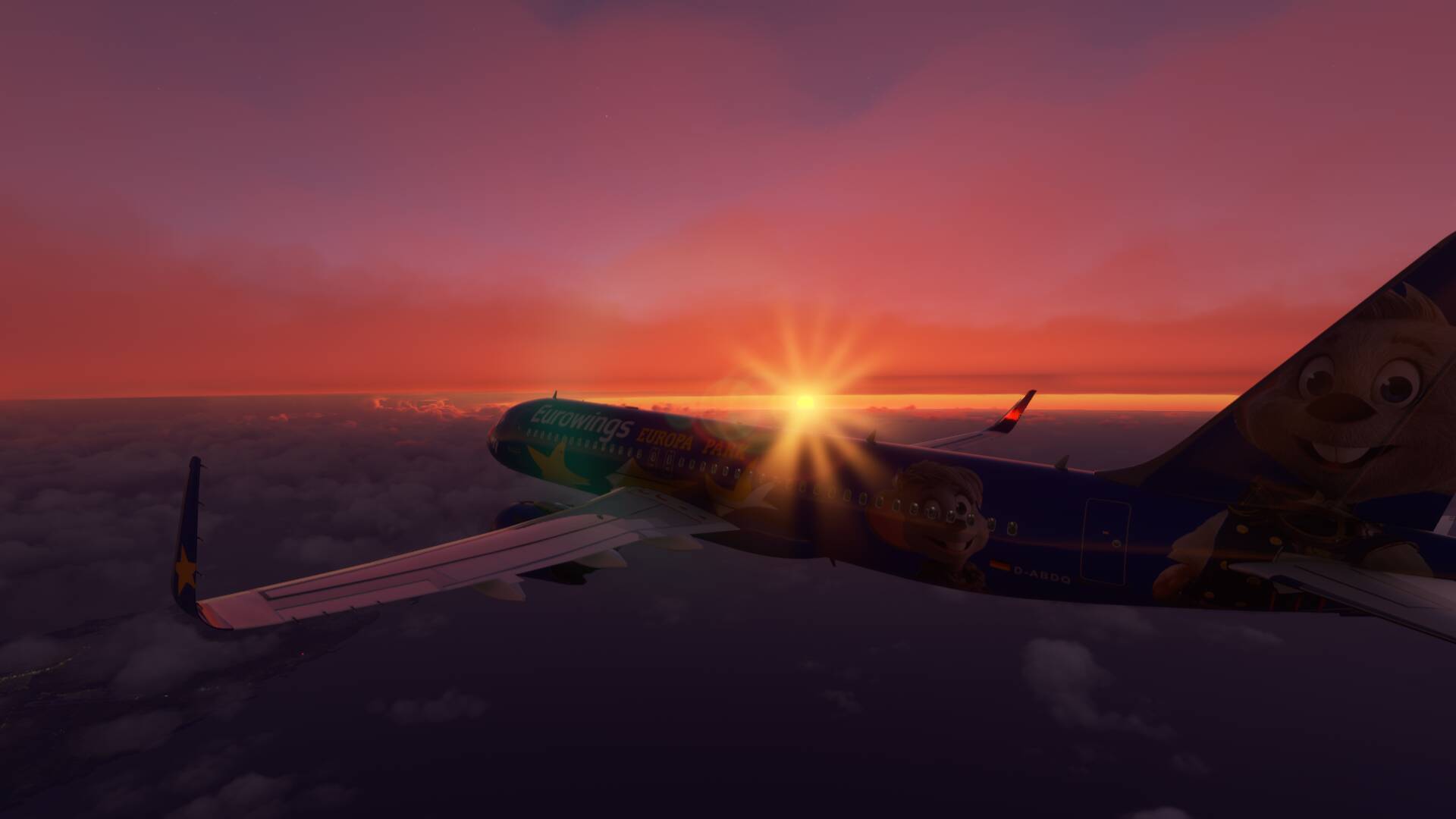
same today for me.
1 Like
saaaame 
1 Like
same here 
1 Like
Me too… 
You set the “dirt” & “sharpness” to 0 in the config file then save after setting it to read only
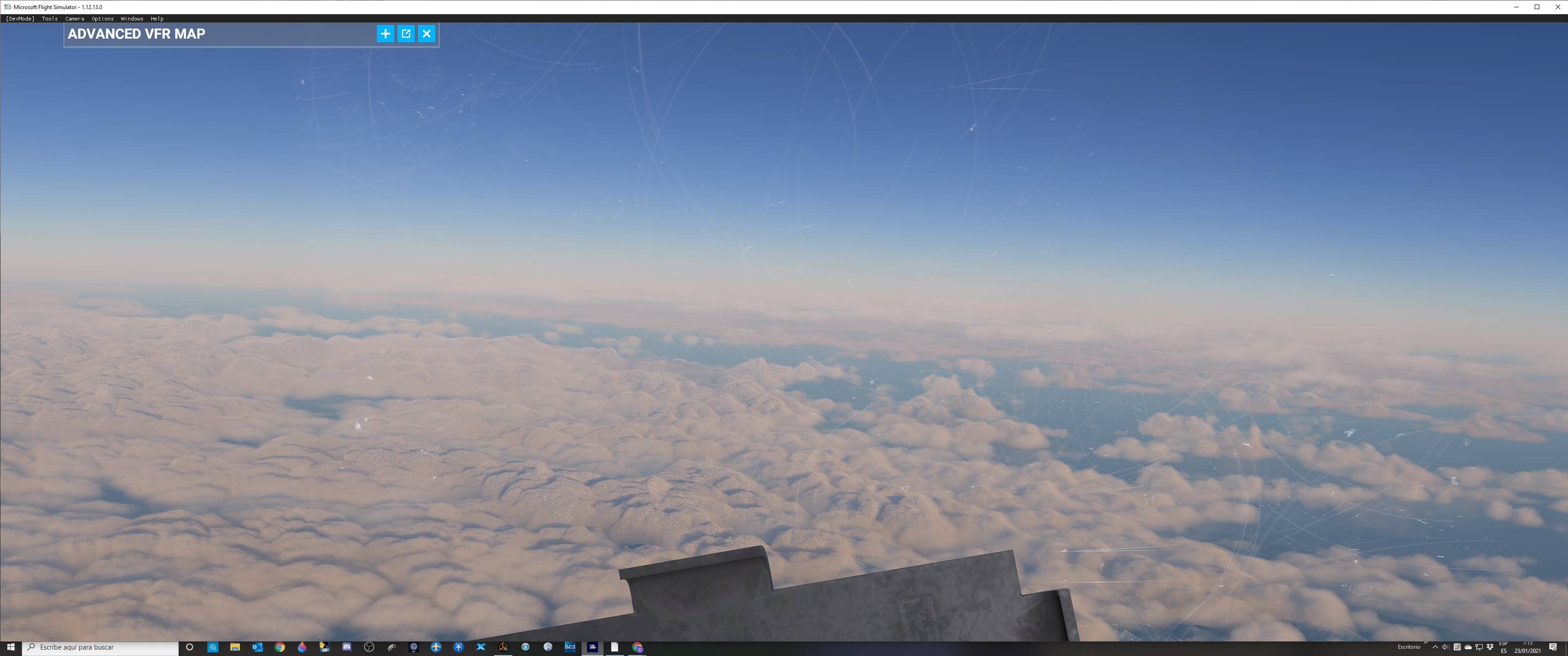
For what it’s worth, after having the grainy / comic book dithering clouds suddenly appear after the December 2020 update, I bit the bullet and deleted / reinstalled the whole thing. After doing an uninstall I tried to find any remnants left and surgically deleted those and rebooted. After the re-install, the grainy clouds are gone. No messing with any fragile settings deep in the bowels of the system that will surely break something else. No waving a dead chicken over the computer. Reinstalling was not without its downsides though. After the update ~20 planes and ~30 airports were missing and I had to go into content manager and reload those. And of course you will lose any custom settings you mapped.
As you can imagine the whole reinstall process takes an arduously long time and it may or may not work. I went into this not expecting it to work at all. The computer I’m using has an AMD Ryzen 7 3700X 3.6 GHz 8-Core Processor and NVIDIA GeForce RTX 2070 SUPER 8 GB Video Card with 2TB of SSD. The only software on this computer is Windows10, FS2020, Afterburner, Flight Events Flight Tracker connected to ForeFlight, and the beyond awesome GNS530 fix from ScorpionFilm422 which is in the community folder.
If you have the time and the patience give it a try. The outcome might just be worth it.
Until the next update smotes it down again.
Hello - stopping by to let you all know sent in a report directly to test. Any screenshots along with computer specs would greatly help!
Thanks!
I tried doing this prior to the December update and had no success, but you have inspired me to try it again and maybe something will change. I will let you know how it works for me.
Well @PapaKilo224, I gave it a shot, full reinstall and deleted every mfs folder in my computer before rebooting. Unfortunately I did not have your luck and honestly the intense grain and pixels seems even worse than before…
I am very glad you had success with it though, hopefully there is a fix for the rest of us soon.
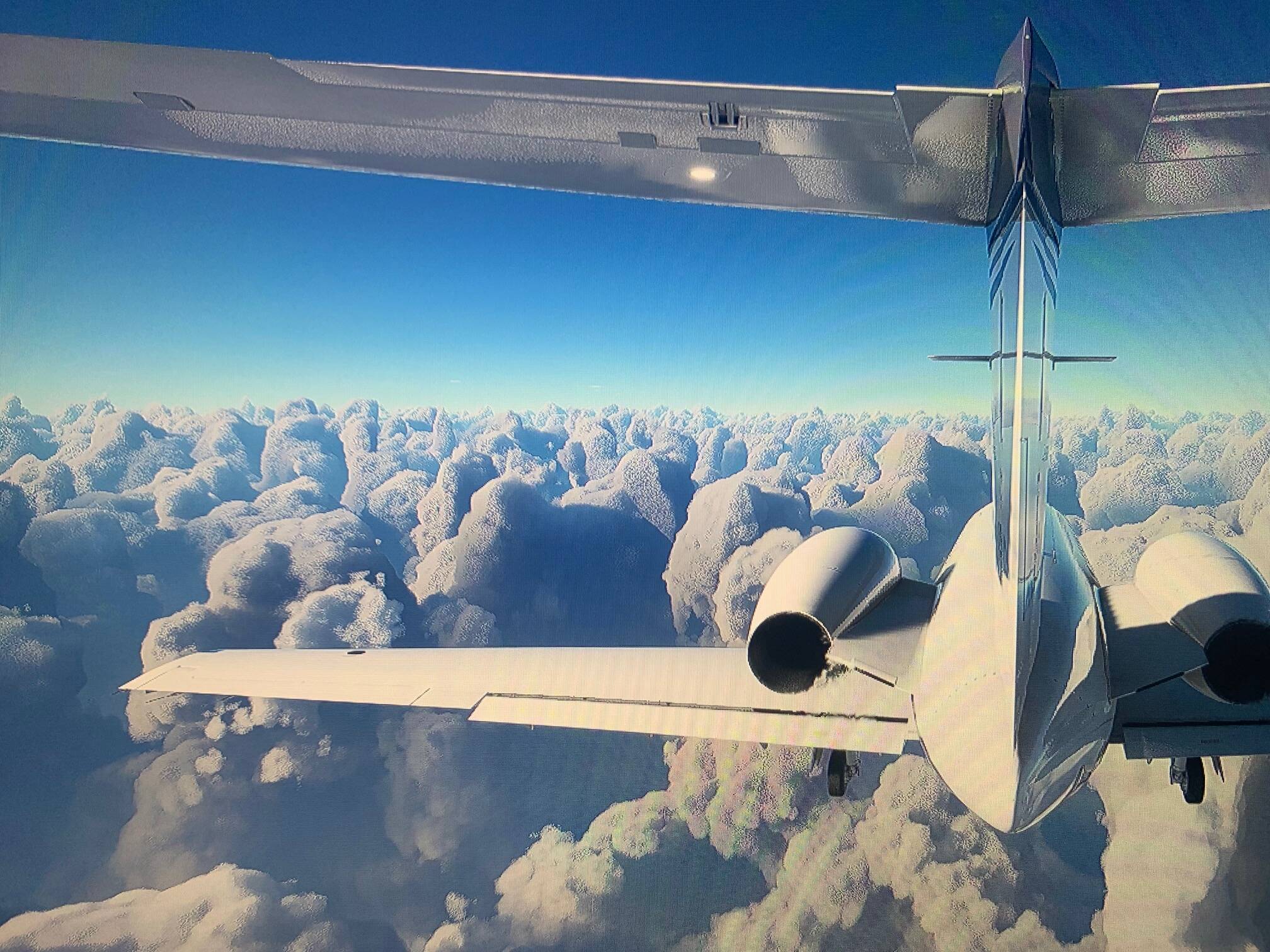
Here is a screenshot for you, as you can see there is even graininess in the reflections on the tail of the aircraft so I’m guessing the problem isn’t just cloud-specefic.
As for my computer specs here they are:
Intel(R) Core™ i7-10700 CPU @ 2.90GHz Processor
32 GB Ram
Nvidia RTX 2080 Super GPU
4 Likes
All settings set to ultra by the way.
Hi guys, I’m having this issues as well after the last patch. Graphics custom and its grainy as well.
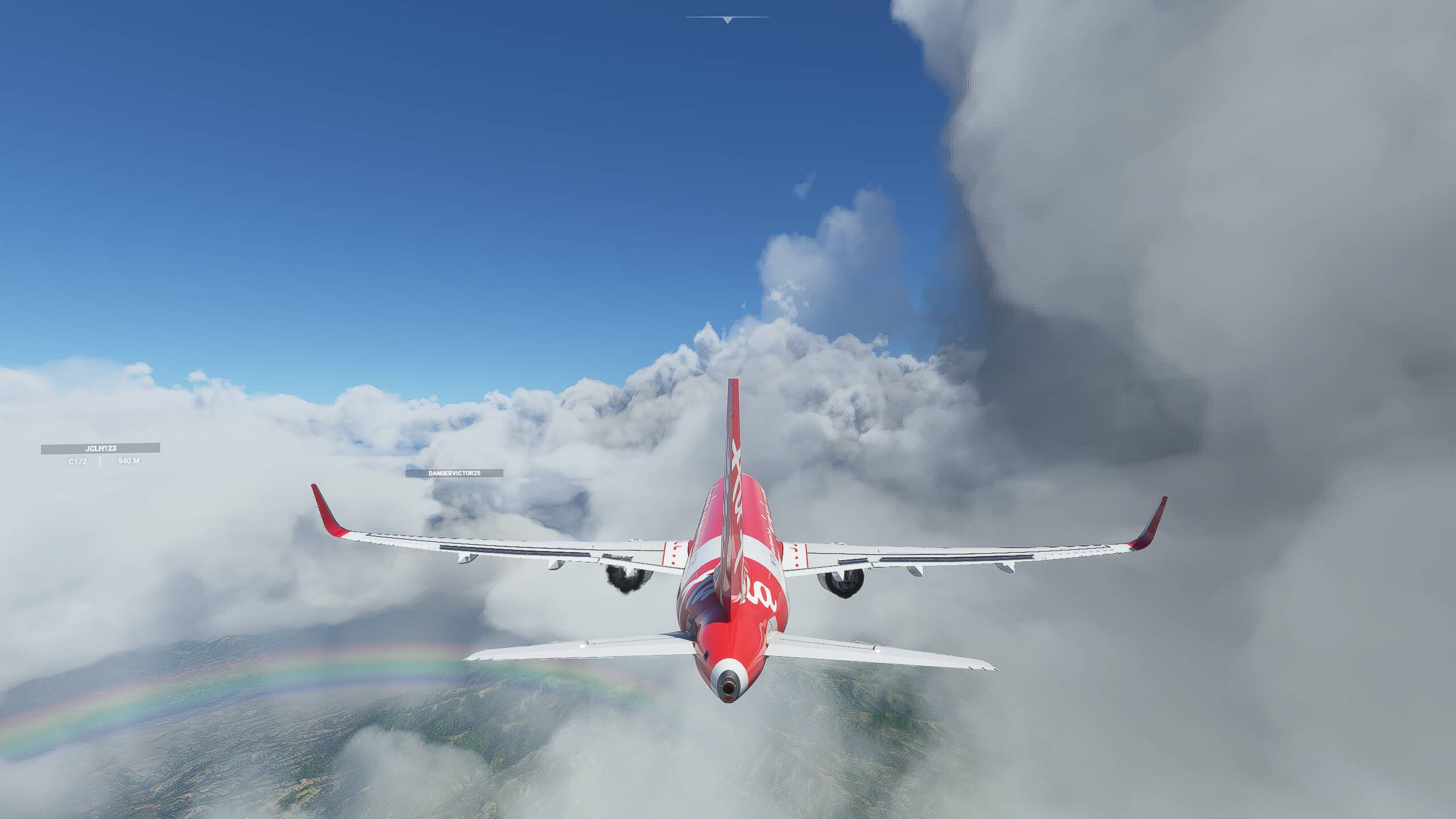
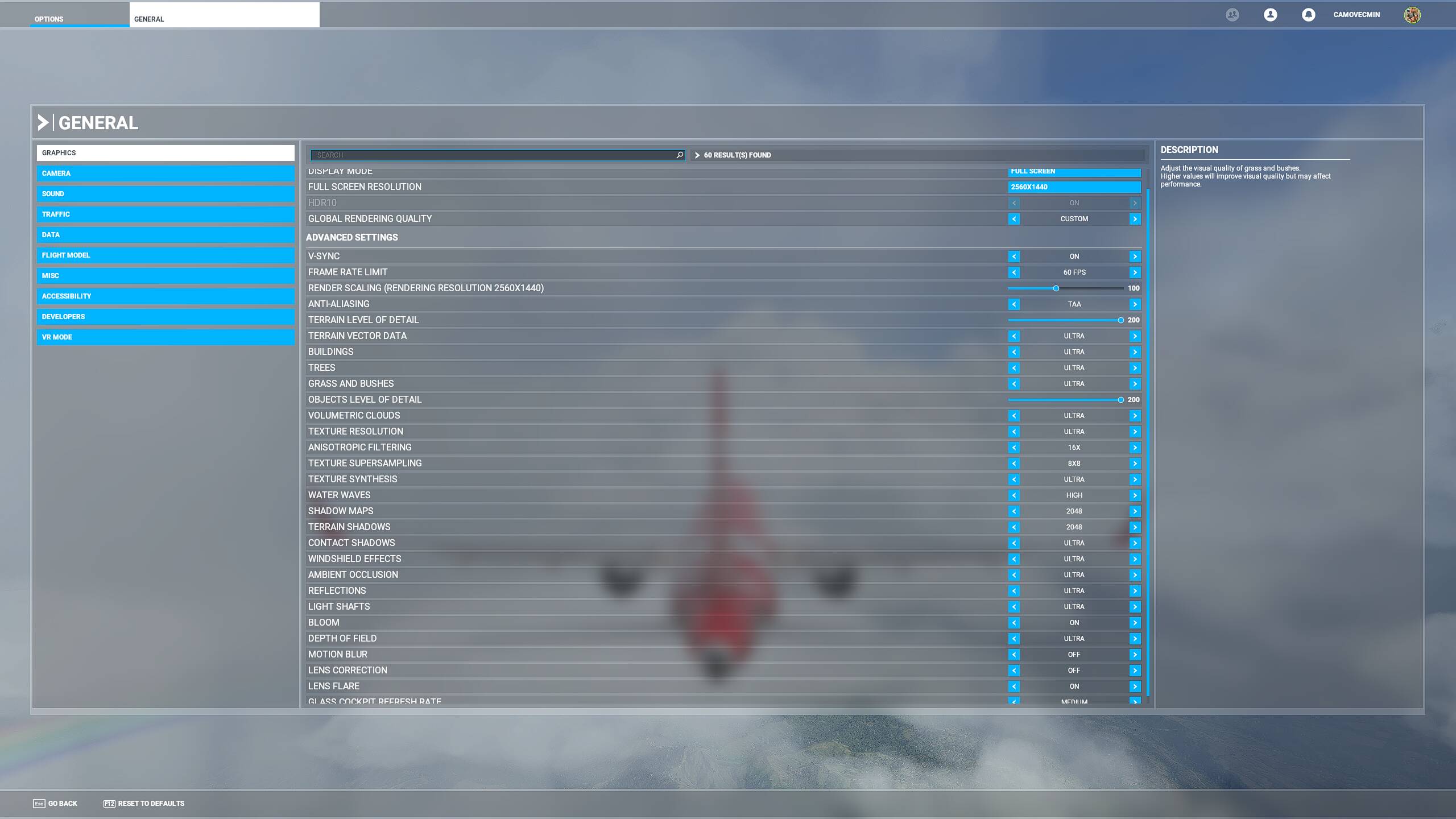
Well rats - I wish it would have worked for you. I was not expecting it to work at all, but had the time to do a full reinstall so I gave it a shot. Still, every time I fly into broken clouds I’m expecting the graininess to come back.
Hopefully this next update will fix it across the board.
I have seen one YouTube video from Q8PILOT. HE shous how to fix the pixelized clouds, only need to change 3 things on msfs cfg file. Search on YouTube. You will find it.
Many of us have tried this and while it is a bit of an improvement, it is definitely not a solution. If you scroll up to some of my earlier screenshots, you can see how my clouds look with the usercfg.opt fix plus the geforce experience ‘ignore film grain’ filter. Still you can see significant pixelation and grain.
For some it works better than others but I’m sure the majority of people on this thread have already tried this fix.
ok, i havent read all posts, sorry about that. i tought that could help
my bad, sorry
No need to apologize at all, if someone sees your post and they get some improvement from that fix that’s great!
It isn’t really reasonable to expect people to read this entire thread at this point anyway haha.
1 Like
indeed, 362 post are a bit long to read, however, hope this could help some people to get better clouds 
1 Like
Do you have in the Nvidia profiles the option „sharpen“ or „image sharpening“ ?
They are in the gerneral Profile and in the game profile.
Check if they are set to off.
I made a few flights after changing the cfg and noticed, that it is not completely gone. Under a specific angle from viewpoint, clouds and sun, it’s a little bit grainy, but much better.