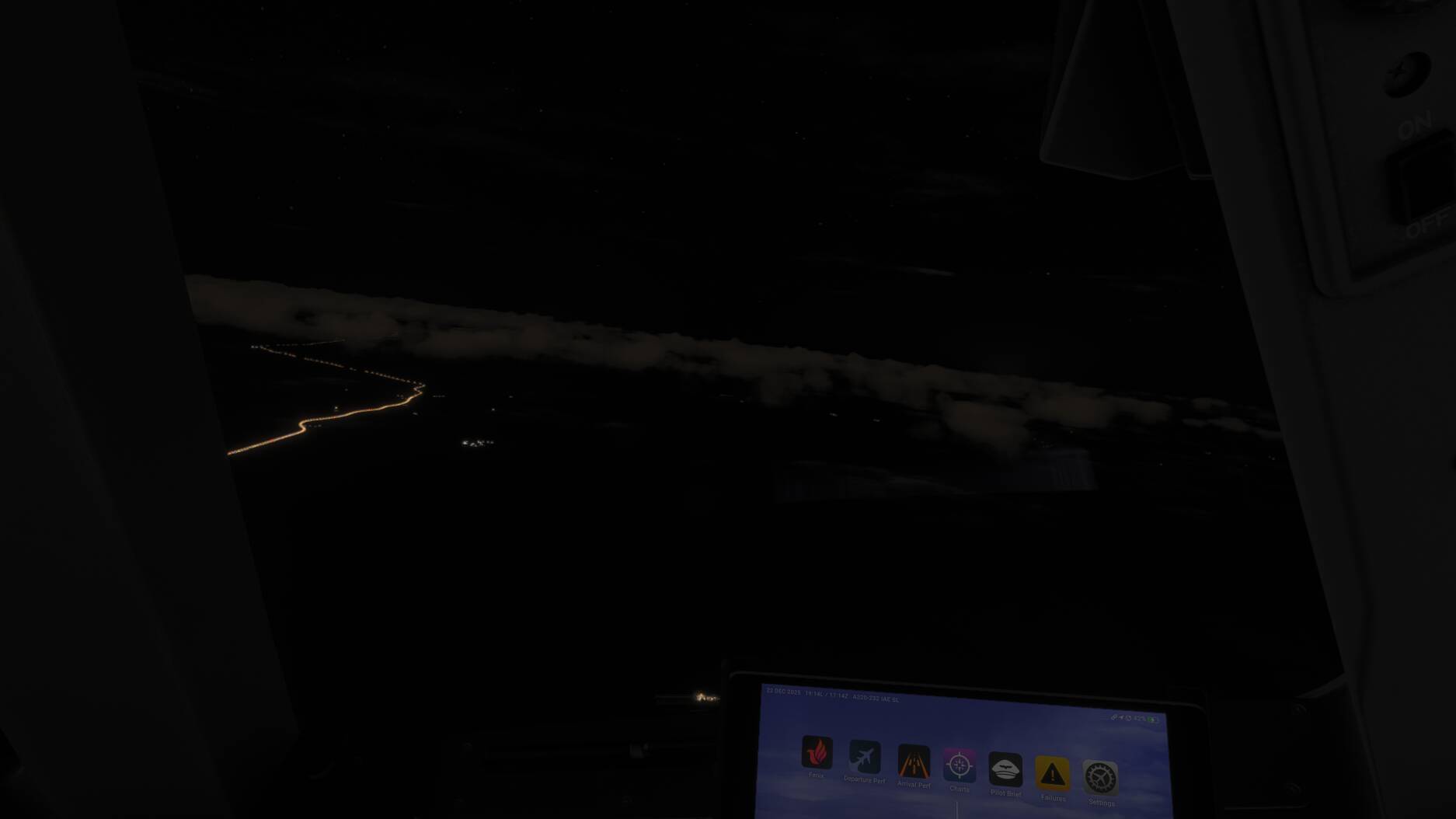
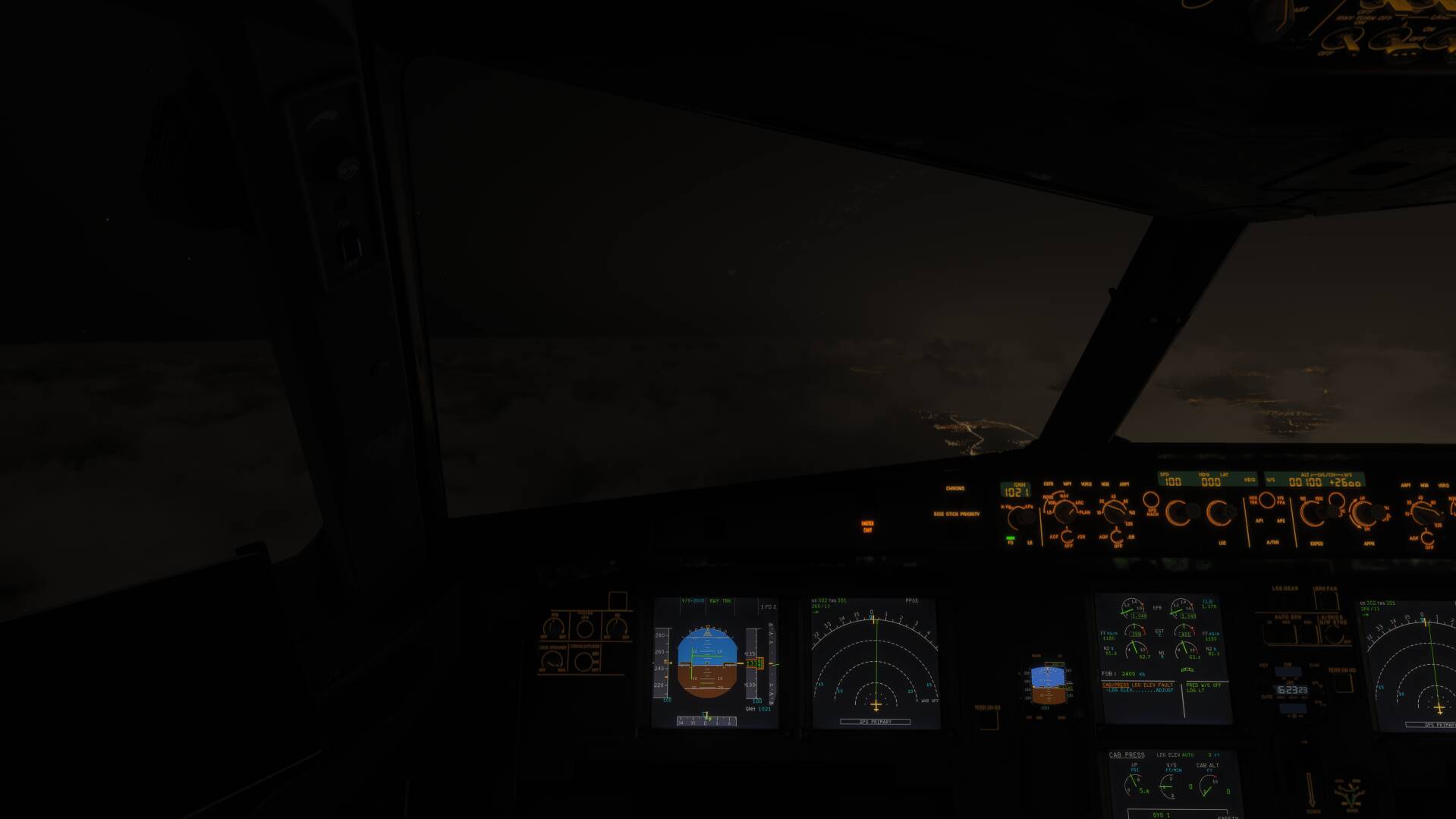
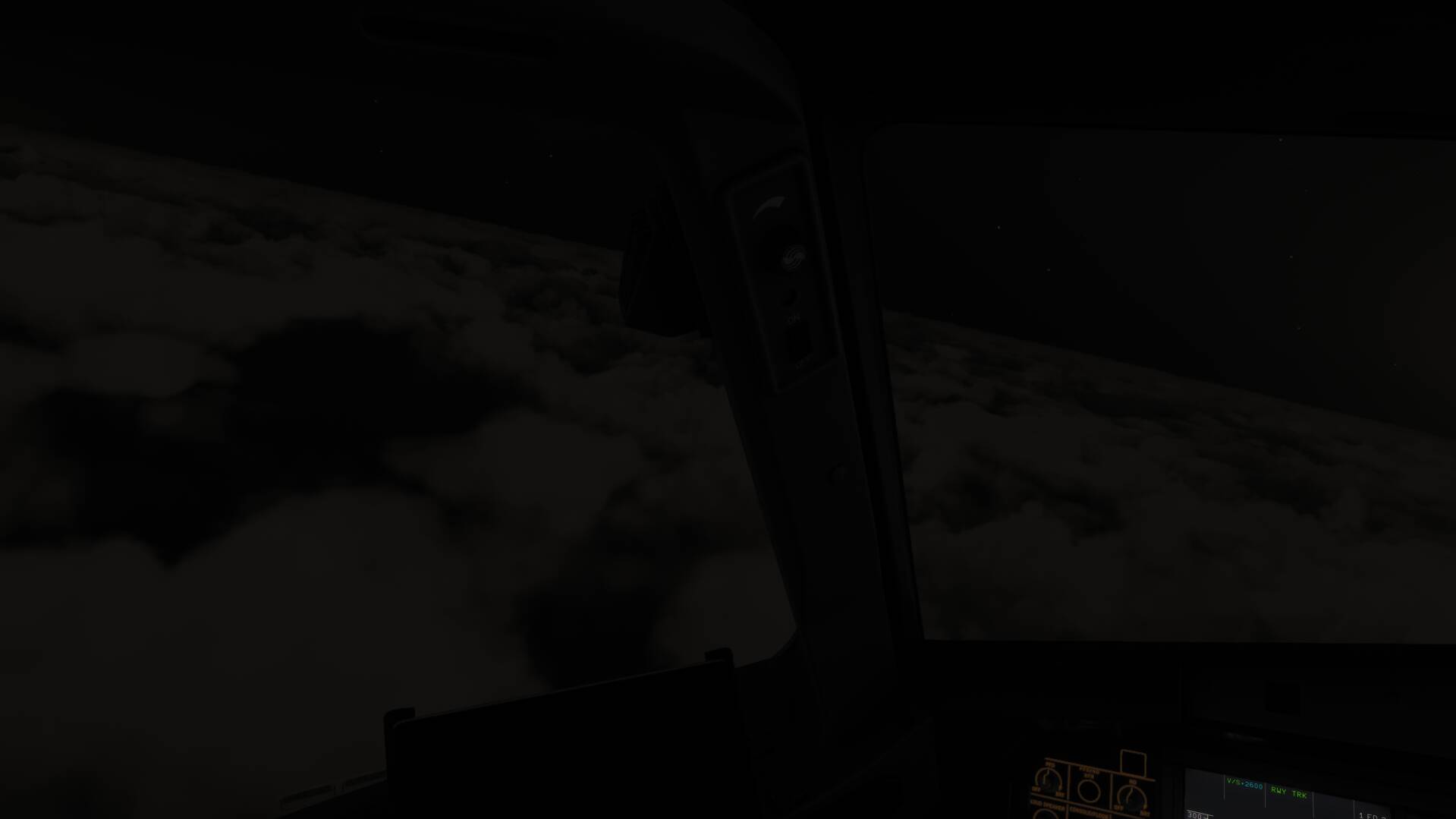
Clouds are bright at night as in day

Using the template below will greatly help the team reproduce the issue and ease the process of fixing it. Before posting, search for an existing report. If you are not sure it’s a bug, please first report in User Support Hub.

3 tags are required - add them in the tag section next to the title above:

Feel free to delete this quote section after adding your appropriate tags.

ISSUE DESCRIPTION

Description of the issue:
Clouds are white and bright at night as if its daylight. Away from city and 0 moon

FREQUENCY OF ISSUE

How often does this occur for you (Example: Just once, every time on sim load, intermittently)?
intermittently

REPRODUCTION STEPS

Please list clear steps you took in order to help our test team reproduce the same issue:

  1. Load a flight at night close to a small city

  2. Change date so no moon light can affect

YOUR SETTINGS

If the issue still occurs with no mods and add-ons, please continue to report your issue. If not, please move this post to the User Support Hub.

What peripherals are you using:

[PC Only] Are you using Developer Mode or have you made any changes to it?
No
[PC, MSFS 2020 Only] Are you using DX11 or DX12?

[PC Only] What GPU (Graphics Card) do you use?
RTX5090
[PC Only] What other relevant PC specs can you share?

MEDIA

Please add a screenshot or video of the issue occurring.

1 Like

Perhaps another image might be better because the image you show are certainly not as clouds look during the day.

1 Like

Light pollution. They are dark when above seas.

Light pollution from where ? From what ? Dont you see there is complete nothing under ?

The fact you see the clouds just proves my point.

1 Like

Roi741752, you are above the clouds, and if you flew in real time, there is moonlight at this moment. Not a lot, I’ll give you that. But having spent a serious amount on flightdecks I can tell you that the clouds in the image you uploaded might be a little bit too bright, but still very acceptable.

Still rather confused about your comment about daylight? Could it be that you have a very strange LOD on your display? That might make what you see on your screen totally different from what everybody else sees.

Mathijs Kok
PMDG

As i stated, no moonlight no light population. I could provide a screenshot from MSFS2020 for example from the same place same conditions, but it will be pitch black and you wont see anything.

Okay Roi741752.

I see street lights on your screenshot. The night sky (stars, planets, clouds etc) is a little brighter than usual in MSFS2024. I just flew over seas and the clouds were pitch black there. If it really bothers you, lower your screen’s contrast and gamma.

How about just letting the team fix/adjust it to be correctly instead of doing all kind of workarounds and playing with screen settings which are already adjusted with a tool ?

It was already reported:

https://forums.flightsimulator.com/t/night-sky-ozone-layer-too-bright-hyper-exaggerated-milky-way/739194

But they didn’t do anything with it.

1 Like

So we are gonna bring back till they do :slightly_smiling_face:

ReShade can do wonders for lighting. Clouds are barely visible at night on my setup

So i found something very interesting in the way light works. Look at the first photo. Here on the right there is big urban area with lots of light pollution, and on the left is the sea. You can see that even the clouds above the sea are lighted up.


Here is the same place looking left to the sea.

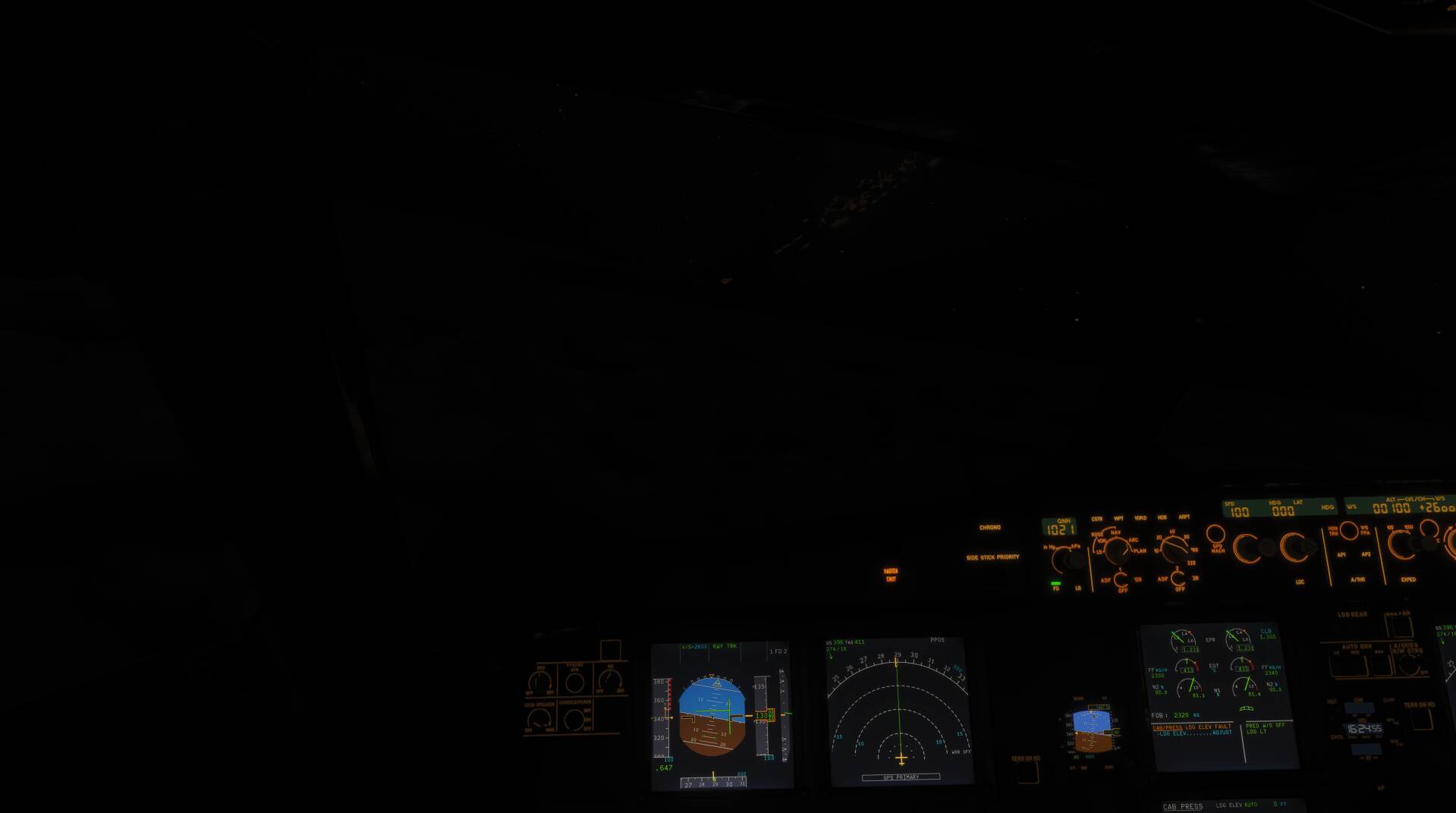
And now look at what happens to the same clouds when i turned towards the sea and flew about 2 mile away from the lights of the city

The same clouds went completely dark !
The point is these clouds were not supposed to be seen as the light pollution do not cast lights on them. Clearly something is wrong.