Conflict with FS2020, Microsoft Store/Xbox?

You can either keep complaining and do nothing (except "remove it from your PC), or help to become part of the solution.

Of all your comments I find that " un-install and re-install the whole sim. Can you imagine the massive amount of time to do that." to be the least valued.

Yes, it does take some time, but why can’t you just set it to download and install “OVERNIGHT” while you sleep ?

It’s almost as if you don’t really want it to work, and are getting more out of the sim by complaining about it, than using it.

3 Likes

I think the point is that you shouldn’t have to do this. Let’s be honest, the product delivery is tripe. The MS store is equally tripe. I don’t have any other games that I have to install multiple times to get them to work. Each install takes over 4 hours. This software is expensive and for many is an absolute headache to get working.

3 Likes

For some YES – for others NO

And that really is the Dilemma, and it depends into what group you fall.

1 Like

I don’t get why this is a problem. It doesn’t seem like a sim issue to me, but it does definitely seem like an account issue.

If he contacts Microsoft support direct to sort the account problem then it’s highly likely the sim will start working again.

1 Like

It may or may not work for others, but instead of signing out of Xbox and all that other stuff, I unplugged my network cable before starting the sim and plugged it back in after everything was properly loaded up and I was on the tarmac. Everything reconnected.

I found I could screw up my views if I went in and out of VR in the sim. WMR and Reverb G2. This was the day before I started getting CTDs though I don’t know that’s related. I had to exit the sim by terminating the application instead of shutting it down normally. I started getting CTDs the next day when the screen went black after the Asobo/Microsoft statement right before the sim startup shows the first scenery shot and checks for updates. 100% reliable. Sim would not start. Tried various combinations of other running software, etc.

Found the posts about logging out of Xbox and such and that this was the point in the loadup where it synchronizes with your account information. With the network cable unplugged, the sim was able to complete loading. Once on the tarmac, I plugged the cable back in and my account woke up and other pilots started appearing. I exited the sim and reloaded and it worked fine and has worked fine since.

For anyone getting CTDs just before the Welcome/Set Your Experience page, right after the screen goes black from the Asobo/Microsoft ownership statement, it’s an easy thing to at least try. It worked for me. No idea why or what it did but it got past the CTD and fixed whatever was causing them for me.

Please do, because the vast majority of us, myself included, are not having the problems that you are, and my PC ain’t got nothing on yours. I have no idea why some people are burdened by these problems when most of the rest of us are not, but I’ve concluded that it has to be something environmental that’s unique, or very close to unique, about your specific installation. You stated that your community folder is empty, the next thing I would try would be removing any overclocks, if you have them, but if you don’t that’s obviously not the problem. Next would be trying to lower your settings, even all the way down to the bare minimum available just to see if you can get up and running at all, and if so, then start raising them until problems happen.

But if you’ve eliminated all of the above “usual suspects”, then unfortunately, esoteric issues like having a memory chip with a bad thermal paste application (which would be a ■■■■ hard problem to try to track down, but it’s real, it happened, and I read about it on this very forum) can also cause such problems. If you have another computer available, you can try installing the sim on there to see if the problems go away, and if they do, then you’ve at least narrowed your culprit down to something in your rig. But if another system in the same household exhibits the same symptoms, then I would start to suspect your Internet connection.

So, I’m going to reverse my initial advice of just giving up and quitting, and see if you can at least narrow it down to your specific computer being somehow the source of your issues. At least then you know that you might have some off the wall problem that’s unique to your system that is the culprit. But narrowing it down from there will be extremely difficult, though I would start by removing RAM DIMMS one (or maybe even better, two) at a time to see if they are the issue. If that’s not it, they I’ve just run out of airspeed, altitude, and ideas all at the same time. But I wouldn’t bother even doing that until you’ve had a chance to ascertain if the problem lies somewhere within your rig first.

Good luck, I hope you manage to find the source of your problem.

NOTE: This was written after only reading a handful of the 85 posts that currently make up this thread. It’s competely possible that this advice has already been given, perhaps many times, and maybe even heeded to no avail. If that’s the case, then you gots me.

2 Likes

I have found that this works well for me.

Before starting MSFS get a stick of white chalk, and draw a six sided Pantagon around the monitor. Then get at least 3 cloves of garlic, cut them up finely, and place the garlic equally on the six points.
Start up MSFS, and all will be Good.

Works every time – I know, because when I do this, I never get bitten by a Vampire, when flying MSFS. – Your mileage may vary.

Just waiting for someone who is not doing this to say “BITE ME”

2 Likes

Buying through Steam doesn’t prevent CTDs though. I bought through Steam and had to go through CTDs just a couple of days ago.

But the Steam configuration does seem to be less trouble than a Xbox store purchase. Steam makes it easy to set up on another drive (which has gotten more valuable while troubleshooting Nvidia drivers and Windows issues - solved by a full Windows reinstall from a new windows.iso from Microsoft vs. using my original and old Windows 10 install media).

Compartmentalization and separation of Windows and FS2020 made troubleshooting these recent issues much easier and prevented having to do a full re-download of FS2020 on top of everything else. Luckily, the Valve/Steam programmers included all sorts of recovery contingencies so reconnecting all your games/sims is as easy as telling Steam to download a game and telling it to put it where it already lives. Steam sees it’s all there and just validates everything. No re-download.

I hear lots of problems with Xbox purchases but Steam seems pretty robust and trouble free.

@Seth8086, I see you have the same MSFS addiction problem that I do, except most of my similar (and in many cases, identical) addons are in shortcuts on one of my two displays. (I used to have them ALL on my secondary monitor, but I just did an in-place windows update, and it left everything in place, except for the placement of all of my icons.) Perhaps we could attend an MSFS Addicts Anonymous meeting together?

1 Like

Fortunately, I do not have too many CTDs. Once in a while, but not that often. My biggest problem is a drop in frame rate during IFR landing and the runway gets choppy which breaks the gear. If I turn down graphics quality, things get better.

But haters are going to hate instead of trying to fix it.
I hope you take a break from MSFS then come back when it is magically gets better.

The Longitude has had some issues. I come back the next day and they are magically fixed.

@BlondiJHiker No, it doesn’t. I, as well as millions of other people, run it for hours every single day without major issues. Well, I’m disabled and stuck in a hospital bed virtually 24x7 with nothing better to do, so I might get more time in that those millions of others, but the point remains. The vast majority of people don’t have whatever issues it is you’re having.

That doesn’t mean your issues are in your imagination or anything like that, only that it not just that “this sim sucks”. There is a solution to your problems, which you haven’t explained that I’ve seen, it’s just a matter of finding out what it is.

But since you don’t seem to care enough to even describe your problems, you’re not going to find any solutions here, or anywhere else for that matter.

Good luck to you. I guess.

1 Like

@andyjb1037219 I used to think that very same thing, and then I ran into a problem that ultimately was unrecoverable, and MS was pointing their fingers at Steam, while Steam was pointing their fingers at MS. So now I have an MS Store version (yes, I had to repurchase the whole sim from scratch to solve my problem, which I figured was less hassle than trying to fix whatever was ailing me), and the only place for MS to point their fingers to if something similar happens, is themselves. No more middle-man left for them to blame the problem on, should it ever repeat, which I’m thankful to report it has not.

It had to do with my gamertag getting corrupted on my actual physical Xbox, which is now a literal impossibility as that Xbox has been retired since I got a new TV that has the video on demand apps I was using the Xbox for. I had long since stopped gaming on it, it was only in service for those apps, and now that I no longer need it, it’s no longer installed.

Are you interested in a lightly used Xbox One?

@N7783L turn off WMR instead of trying to exit VR in the sim itself. It does exit you from VR, and in a clean manner that doesn’t cause any problems. I do that when I’m on a long flight and don’t want to sit there in VR just watching my plane fly itself in cruise, and it works great. And if you want to go back into VR, just launch WMR again, and hit CTRL-TAB (or whatever you have the “enter VR” function mapped to) and boom, you’re right back where you were before.

Works like a champ, every single time.

1 Like

Cool! Will give it a try next time. Thanks!

1 Like

Yes, it’s expensive and hard to get it to work and when it works, it’s not running like an expensive SW.
It has hickups, slow response times, crashes, unexpected behaviour, …

Not worth the money.

1 Like

we are …addicted and broke, MSFS/X-Plane obsession

1 Like

Never heard of one. :astonished:

Steam version has worked fine for me. I’m pushing my luck on graphics settings and don’t have any problems aside from occasional 1fpm freezes. I put up with it because it’s usually only as add-on scenery loads.

Can you use Add-on linker on your machine. It allows you to compartmentalise add-ons and makes error checking so much easier.

Is this the room for a whine?

Microsoft flight Sim has been one hell of a learning curve for everyone and I have been where this OP
has been and it does get a bit tiresome and frustrating, to say the least.

My setup is working OK but without Multiplayer, without Live Weather, Without Live players, Without AI, it’s getting really lonely
4 flights today with only 2 hiccups but I managed to get all the passengers safely on the ground.

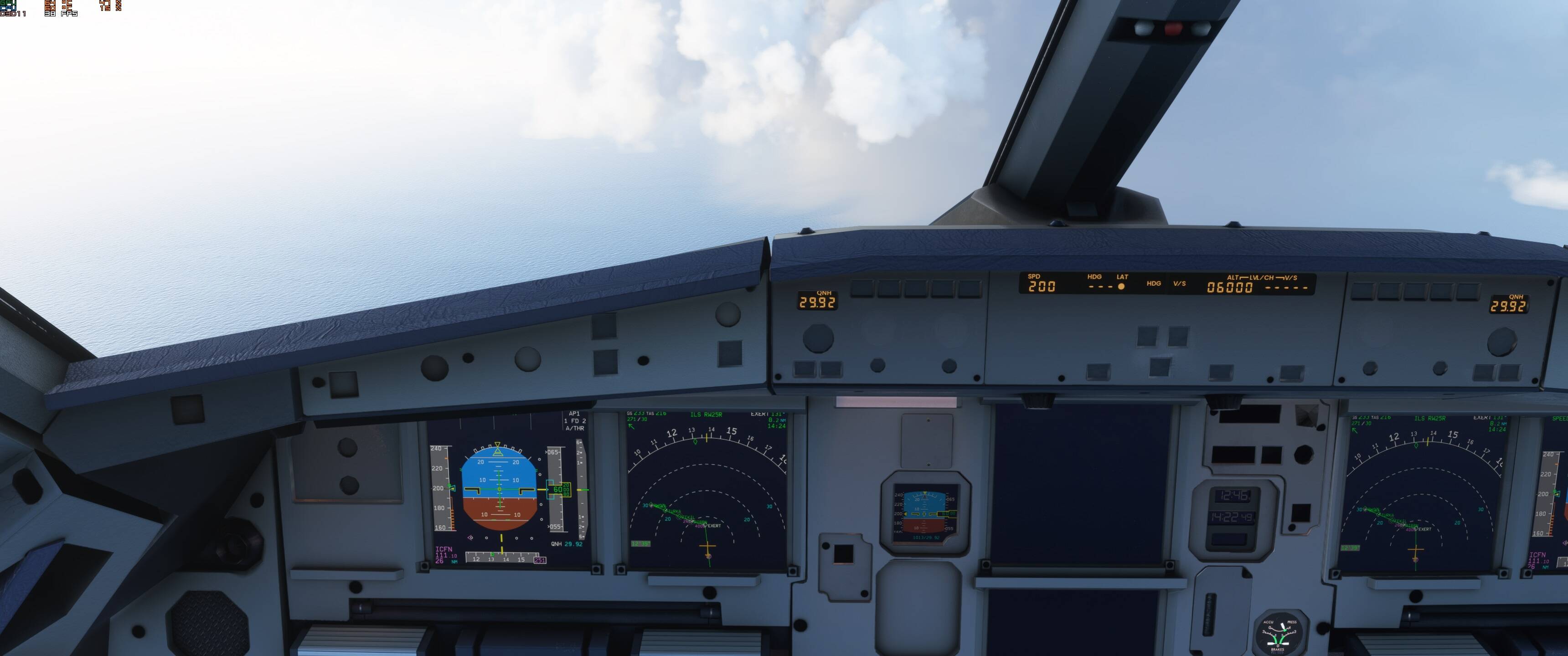
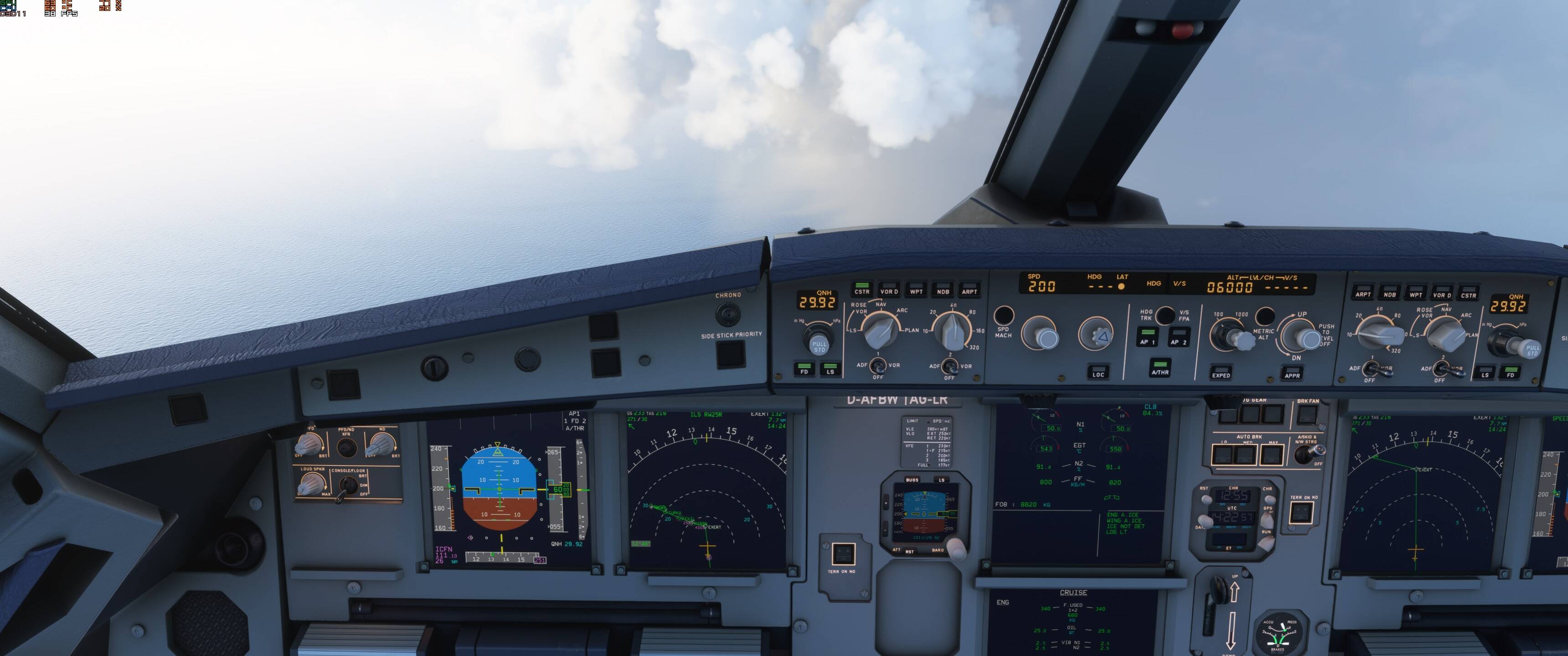
1, A320 somehow wanted to go to 370 ktas and a V/S of +6000 this was 26nm out from L.A.
One second plane sailing…

Next second mayhem! this could have initiated the fault.

P.S. Just flew Vallee De Seine to Heathrow with Multiplayer on, and Live Weather on, no probs, just unpredicable!

Window 10 pro 64
Thrustmaster Airbus SideStick & 2 Lever Quadrant
GIGABYTE RTX 3060 Ti 8 GB GAMING OC Pro
Ryzen 7 3700X
Corsair Vengeance LPX 32GB (DDR4-3200)
Gigabyte 1TB M.2 PCIe NVMe
Gigabyte B550 AORUS ELITE
MSI Optix Mag 3440 x 1440

Also my advise one day ago see #25 :face_with_monocle: better refresh your Store cookies with the kind of server problems we had last week.