ISSUE DESCRIPTION
Description of the issue:
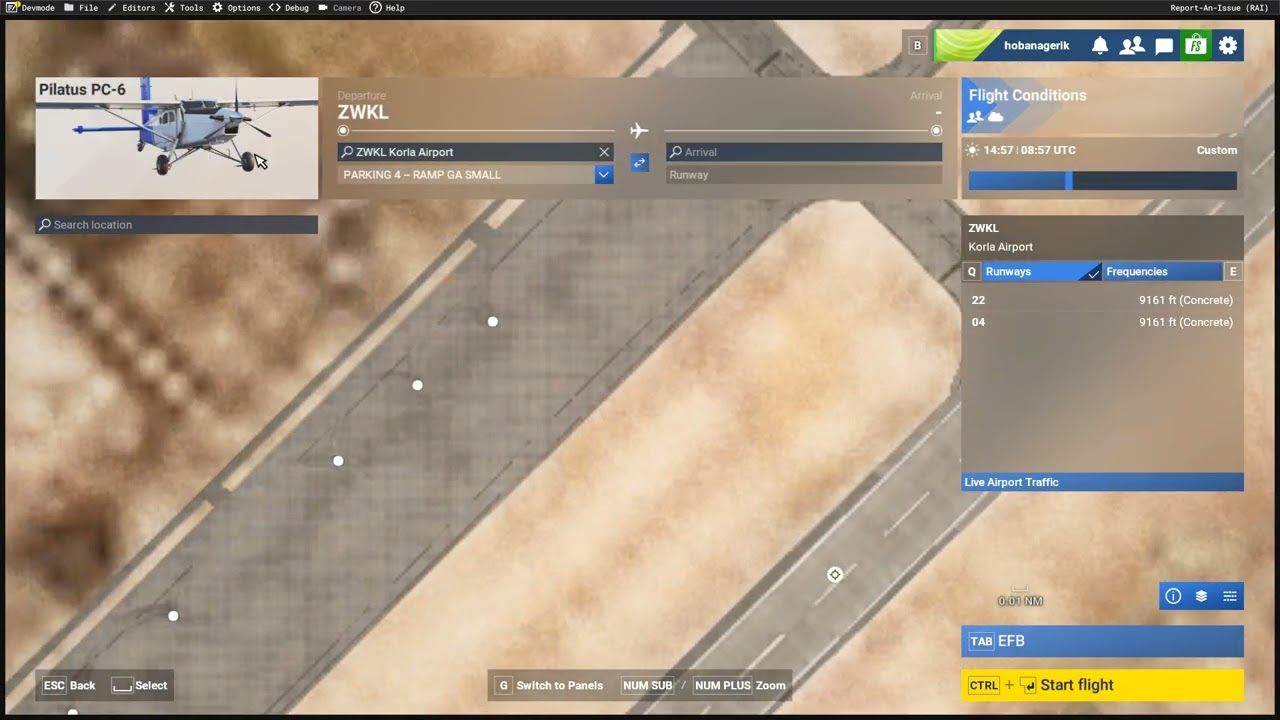
When customising a plane, liveries for example, and you come back to the map screen you find your map view has reset, and is now off the coast of Africa, position 0,0 if you will. This is a remnant of an SU3 bug which reset the drone camera to this position. The drone camera issue has been resolved, but the map screen view reset is now all that’s left of that bug. A link to the original issue is below.
FREQUENCY OF ISSUE
How often does this occur for you (Example: Just once, every time on sim load, intermittently)?
Every time
REPRODUCTION STEPS
Please list clear steps you took in order to help our test team reproduce the same issue:
-
Choose an airport to take off from. Note the map view location
-
Now choose a plane, and press F to Customise it. You don’t need to make a change, exit.
-
You will see your map view is no longer looking at the airport you chose, but has reset to position 0,0.
YOUR SETTINGS
If the issue still occurs with no mods and add-ons, please continue to report your issue. If not, please move this post to the User Support Hub.
What peripherals are you using:
[PC Only] Are you using Developer Mode or have you made any changes to it?
Yes, but is unrelated
[PC, MSFS 2020 Only] Are you using DX11 or DX12?
DX12
[PC Only] What GPU (Graphics Card) do you use?
Nvidia 3090 FE
[PC Only] What other relevant PC specs can you share?
N/A
MEDIA