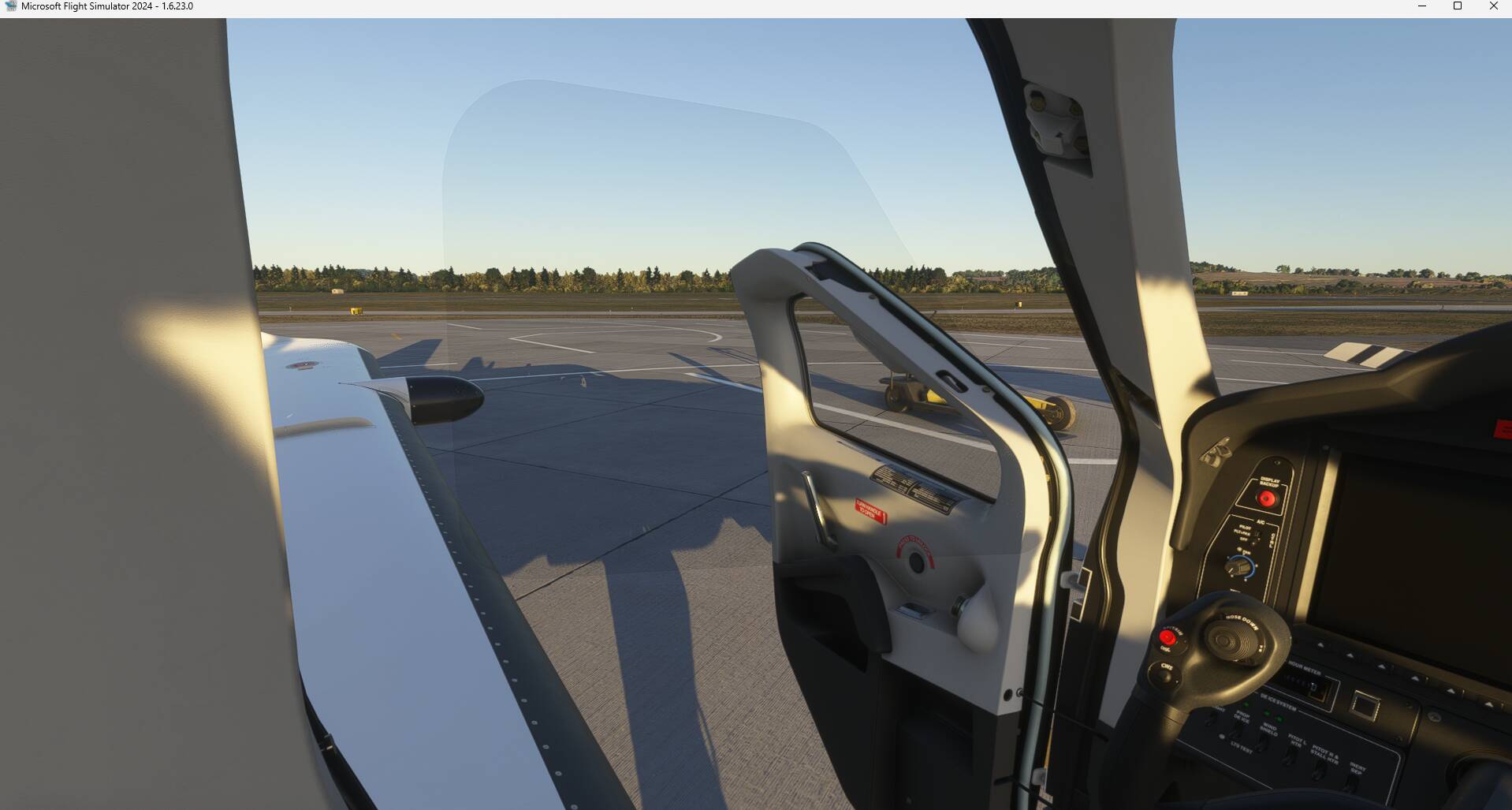
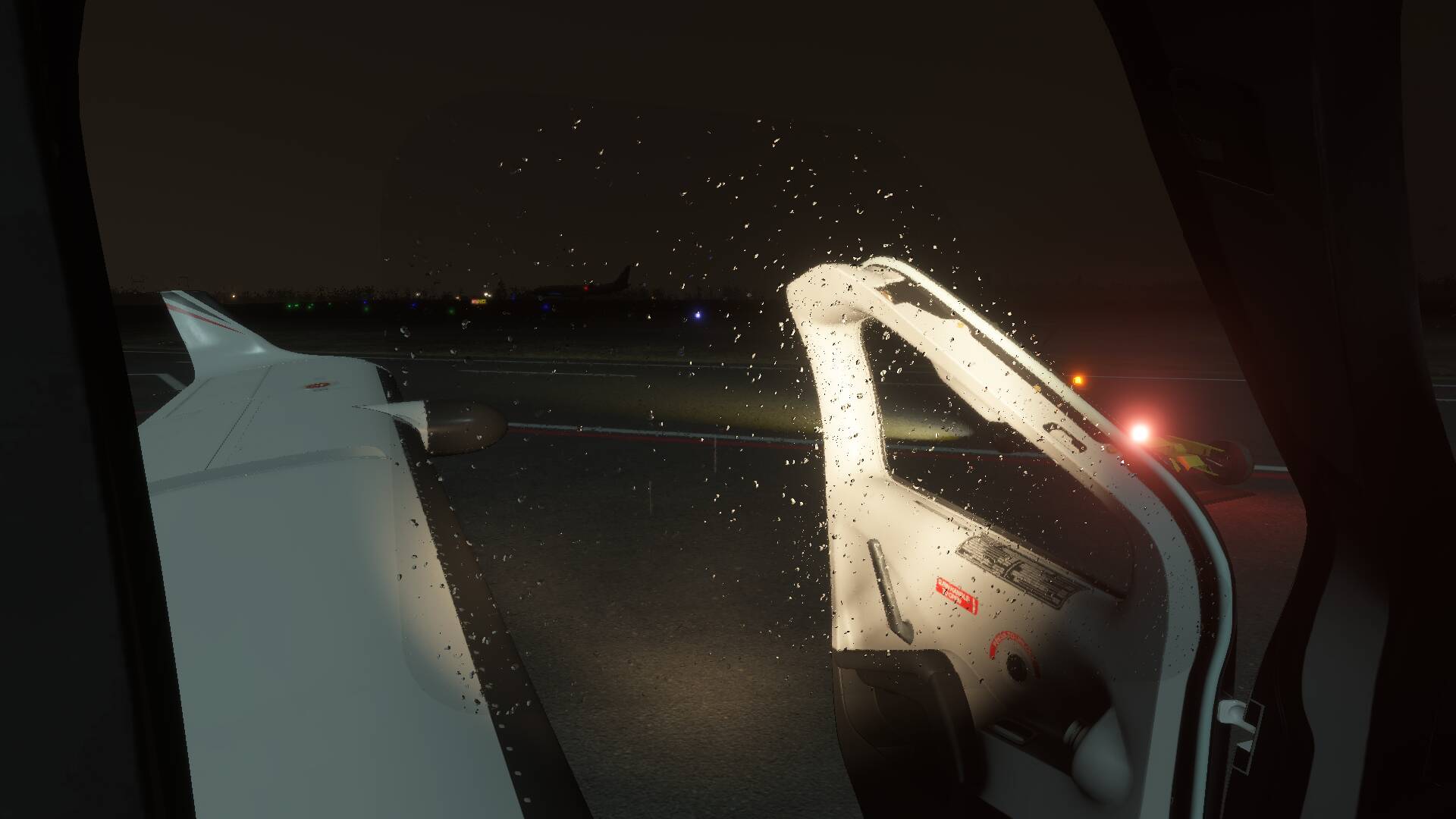
ISSUE DESCRIPTION
Description of the issue:
It seems that the glass pane of the pilot door is not moving with the door when it is opend. It seems to be stuck at the closed door position. It is hard to see but look for the door hinge, there you can see it best, but if you look closely you can see that actually the whole window keeps in the door closed position.
This issue can only be seen from INSIDE the aircraft - from the outside it looks normal.

I am not sure if this is related to my playing around with the exhaust description file. I noticed it first when changing this, but this could also be that for my reasearch on the excessive exhaust fumes of the TBM I closely looked at the window - also in open state.
Please find details about this in my post over in the TBM exhaust fume discussion:
FREQUENCY OF ISSUE
How often does this occur for you (Example: Just once, every time on sim load, intermittently)?
Since I noticed it, I can observe it every time.
My community folder is empty, running a vanilla MS2024 SU4 beta install - I am not sure if this is a pure SU4 beta thing, therefore I posted it first here since I belive this is a more general problem with the plane, which didn’t receive that much changes in SU4 beta according to to the change logs.
REPRODUCTION STEPS
Please list clear steps you took in order to help our test team reproduce the same issue:
- Load a flight with the Asobo Daher TBM930
- Open the pilot door
- ENTER the aircraft
- Look to the side an look closely for the floating window pane. Most obvious around the door hinge.
YOUR SETTINGS
Problem occurs with vanilla sim (empty community folder, no mods installed)
What peripherals are you using, if relevant:
[PC Only] Are you using Developer Mode or have you made any changes to it?
Not usind developer mode, but changed back and forth FX_Heat_Exhaust.spb (renaming it to get rid of the excessive heat blur)
So I renamed following file G:\SteamLibrary\steamapps\common\Limitless\Packages\fs-base-effects\VisualEffectLibs\Asobo\Base\FX_Heat_Exhaust.spb to __FX_Heat_Exhaust.spb
But after removing the name change and SIM restart the window still is sticky, and @DementedCorn327 seemed to be able to reprodce the issue:
[PC Only] What GPU (Graphics Card) do you use?
Nvidia RTX 5090 - Driver version: 580.88, no Nvidia App installed, no changes made in the driver for MSFS2024.
[PC Only] What other relevant PC specs can you share?
AMD 9800X3D, PBO active, 96GB @6000MT/s@CL30, Sim installed on separate HDD via steams library, Windows 11 Pro, version 24H2, Build 26100.3624