@DEAN01973 sorry posted that under the wrong air platform 
1 Like
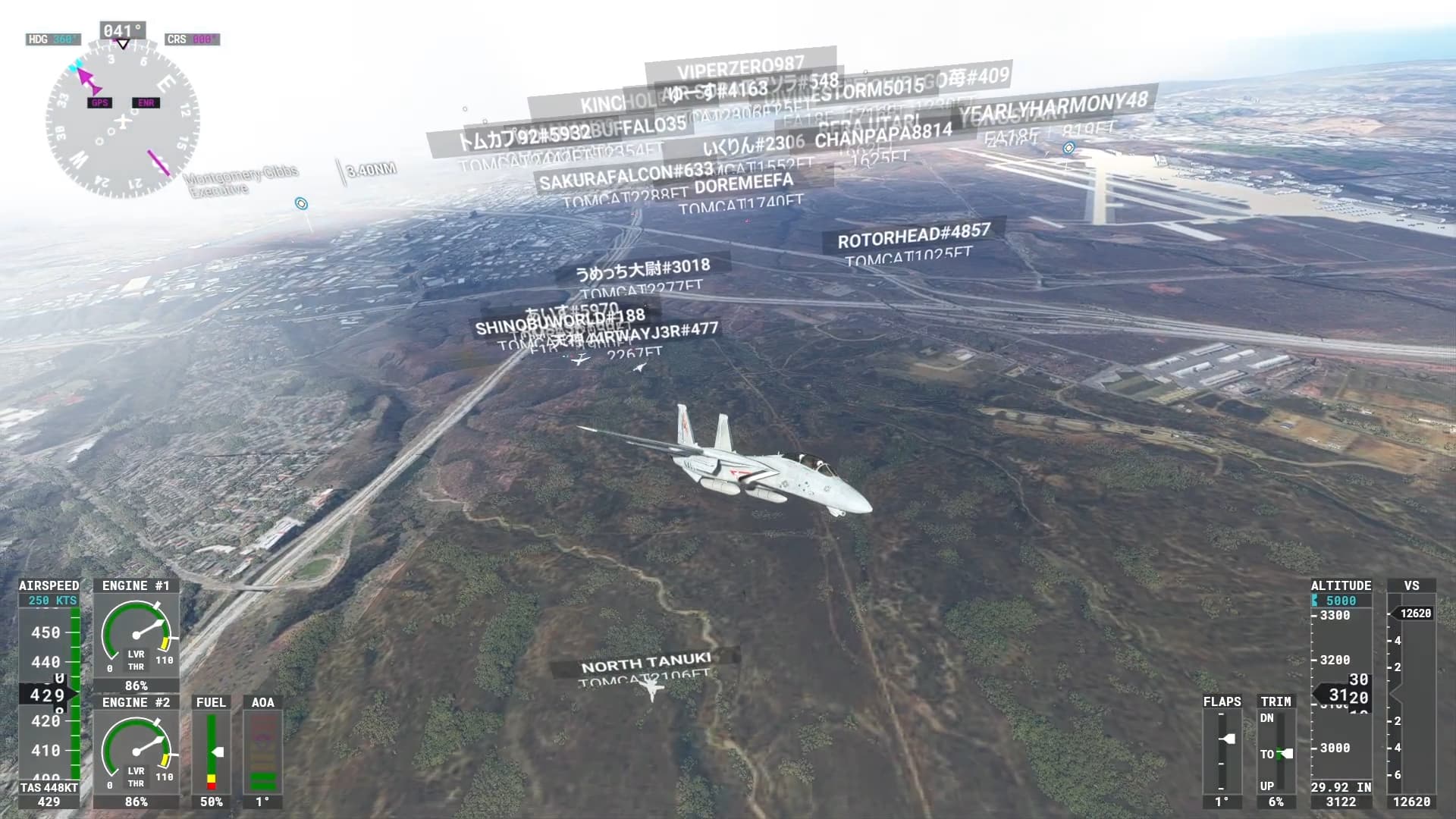
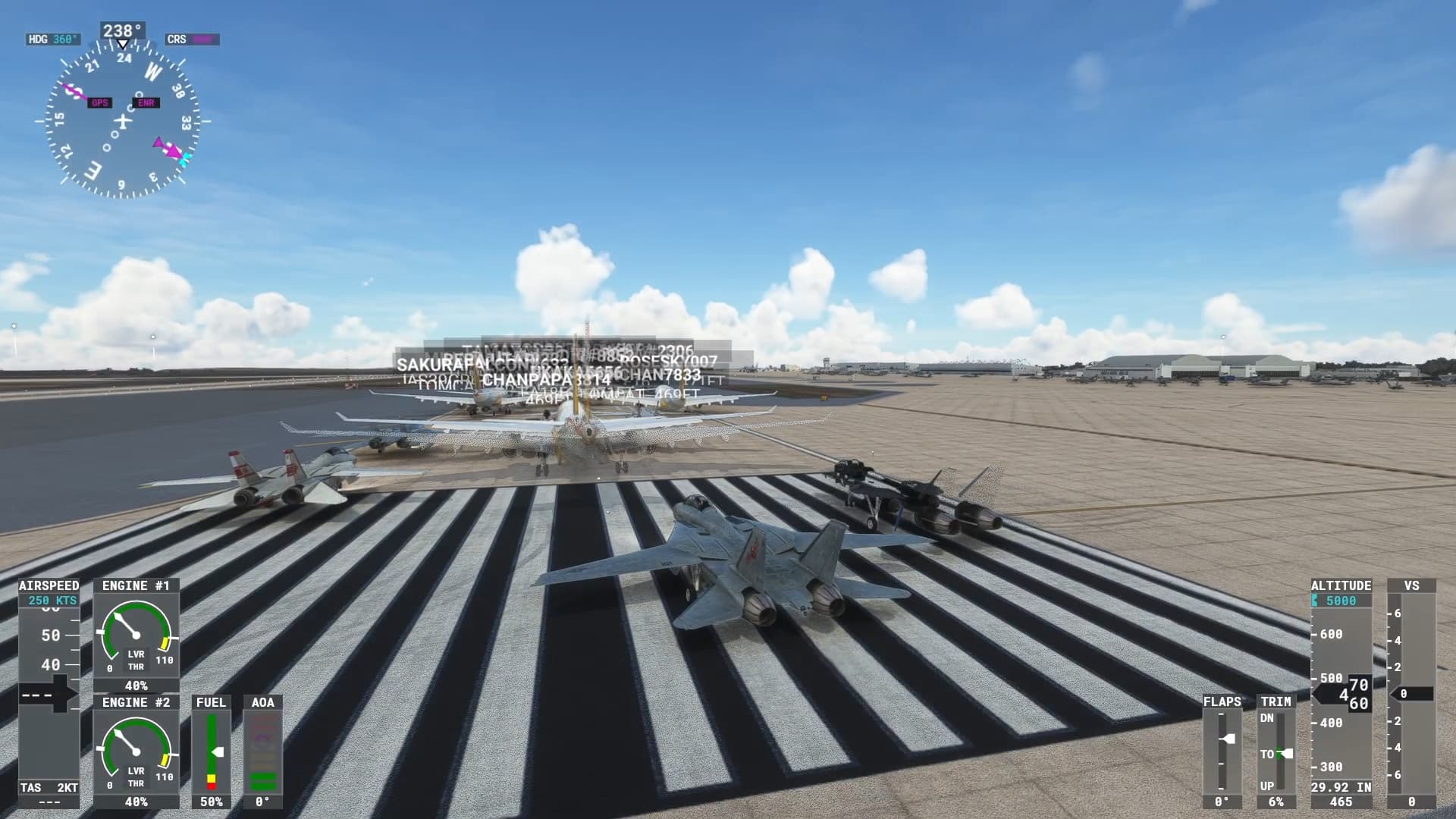
I saw that last night (it was nighttime for me). Wandered over to the gaggle of names at Miramar and saw a Top Gun reenactment that took off and turned into a furball.
I’m having a problem with the pitch and roll trims not responding to the mapped controller and keyboard commands. They were working OK before the last update. I’m running on Windows 10. Is there something I might be overlooking?
Not as far as I know, nothing about that was changed in any way in the last update and I fly the F-14 regularly, it’s working okay here mapped to my X-56 trim wheel. Sounds like a controller problem of some kind perhaps.
Thanks. You were right on with the controller issue. I switched out to another (using an XBox controller on HP Omen laptop for travel). I’m getting the response I expected now and having Tomcat fun again.
@DEAN01973 first I am loving the plane!!
is there any chance of reducing the echo effects of tire chirp on landing?
I have noticed the vapor cone is static for me when banked it looks like it is slaved to horizontal positioning. I’m on cloud gaming if that makes a difference
Also correct me if I’m wrong but I do not think a sonic boom would be heard in the plane only if behind it
The sonic boom happens because, as the speed of the source is close to Mach 1, the wave fronts it generates begin to overlap each other. If the speed of the source exceeds the speed of sound, there will be a “coning” of the waves behind it, and the sound of the explosion is because, when overcome by the aircraft, the sound barrier explodes without affecting the molecular structure of the aircraft or the air. In the case of the fighter plane, the pilot cannot hear that explosion or the noise of the engine traveling through the air, since it is left behind by the plane.
2 Likes
I am aware of the way a pressure wave works just was wondering about in the game.
It would be nice to have ordinance rails on the wings selectable for on or off in pre flight, WISH LIST
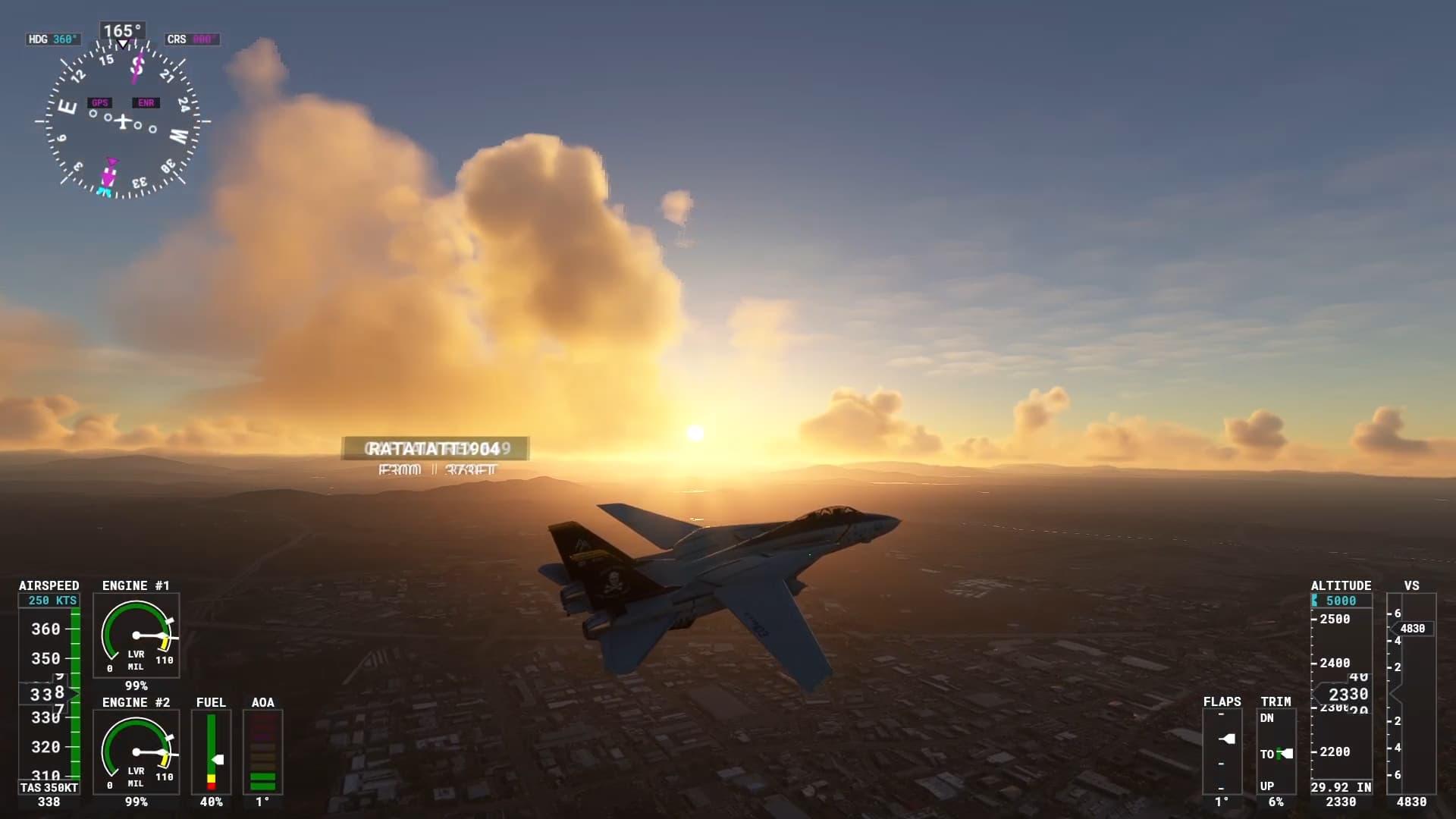
Does the tailhook work for anyone in SU9?
I’ve created a landing mission to share and all is fine apart from the hook.
Gear is down, flaps fully down, TLC engaged but the hook doesn’t deploy (it’s not just the external animation, the internal switch moves but the ‘co-pilot’ keeps suggesting to drop the hook and no hook action on landing). Similarly in free flight.
Apparently there is an issue with the latest update. Dean made a comment a few weeks ago in this thread
DC Designs F-14A/B Tomcat Announcement & Discussion - #1659 by DEAN01973?
Yup saw that thanks…but Dean thinks the hook IS working , it’s just the animation that isn’t, but I don’t think it’s working at all (for me)
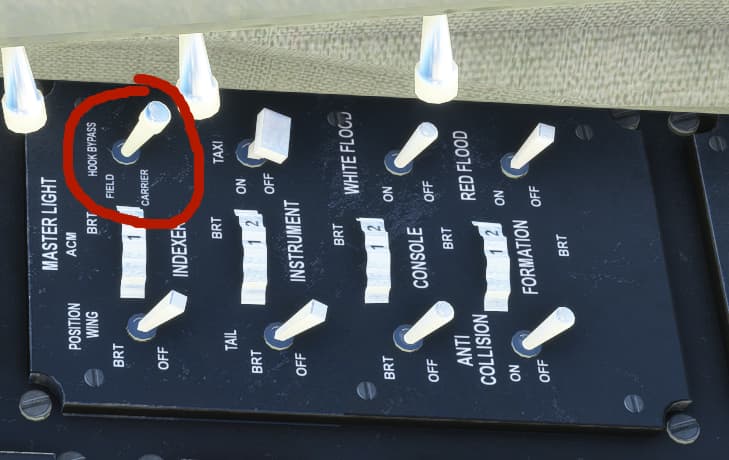
No worries, thanks for the tips. I didn’t have Carrier mode selected, but sadly it makes no difference - even with it selected no hook 
Hopefully Dean might respond soon…
I just put this in full landing config: gears down, flaps down, lift control on, hook bypass set to carrier…
…and the hook still does not come down.
I think he went on holiday. In the F-16 thread or THE Concorde  thread he or someone said he will be away a week.
The hook animation is not working in the current build as I was setting things up for the Top Gun DLC carrier, which I had assumed would be available in free flight. What a waste of time and effort that was. Will be working with the next update again.
6 Likes
Hi Dean, as far as I can tell it’s not just the animation, the hook doesn’t work at all.
You CAN use the TG carrier in missions/landing challenges but the Tomcat never catches a wire (Hornet gets it every time) and the ‘co-pilot’ keeps telling me to lower the hook.
I’ve uploaded a couple of WIP landing challenges to dropbox, the carrier one illustrates the problem
Cheers
Keith