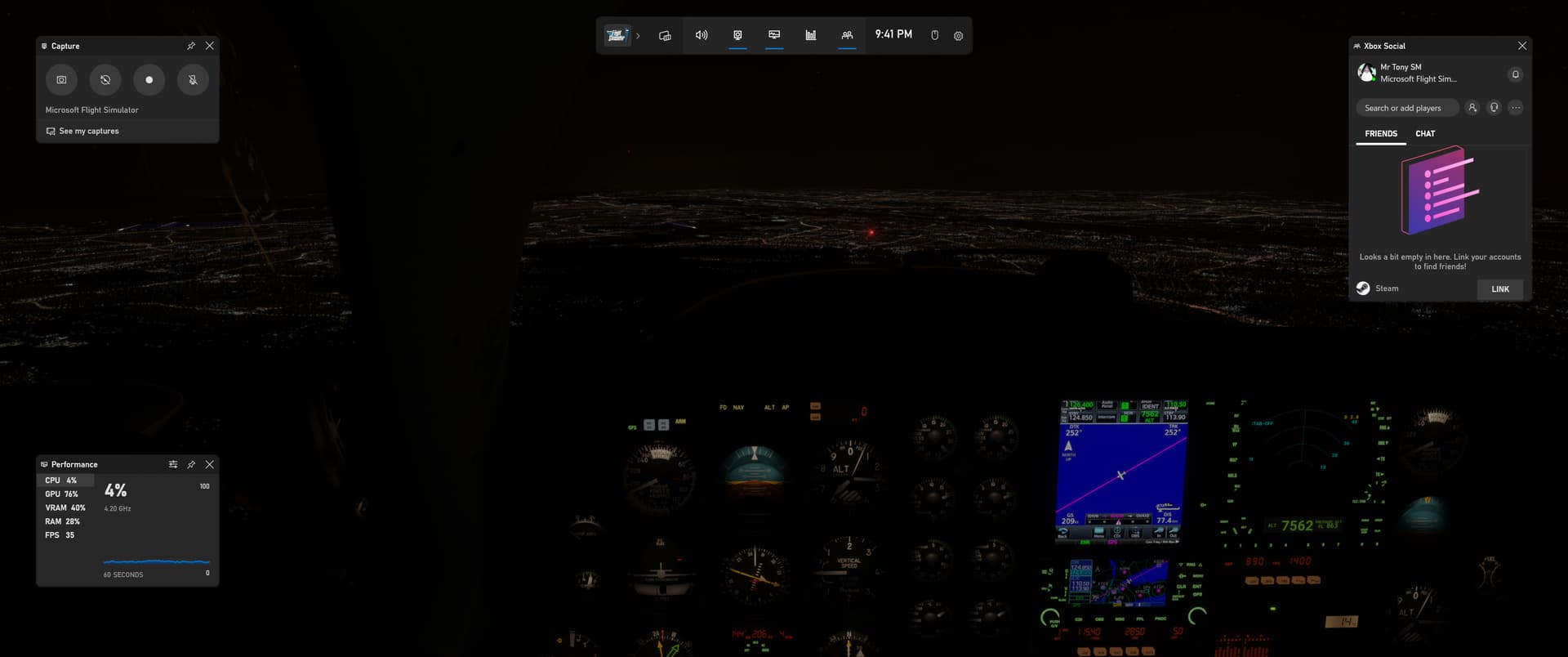
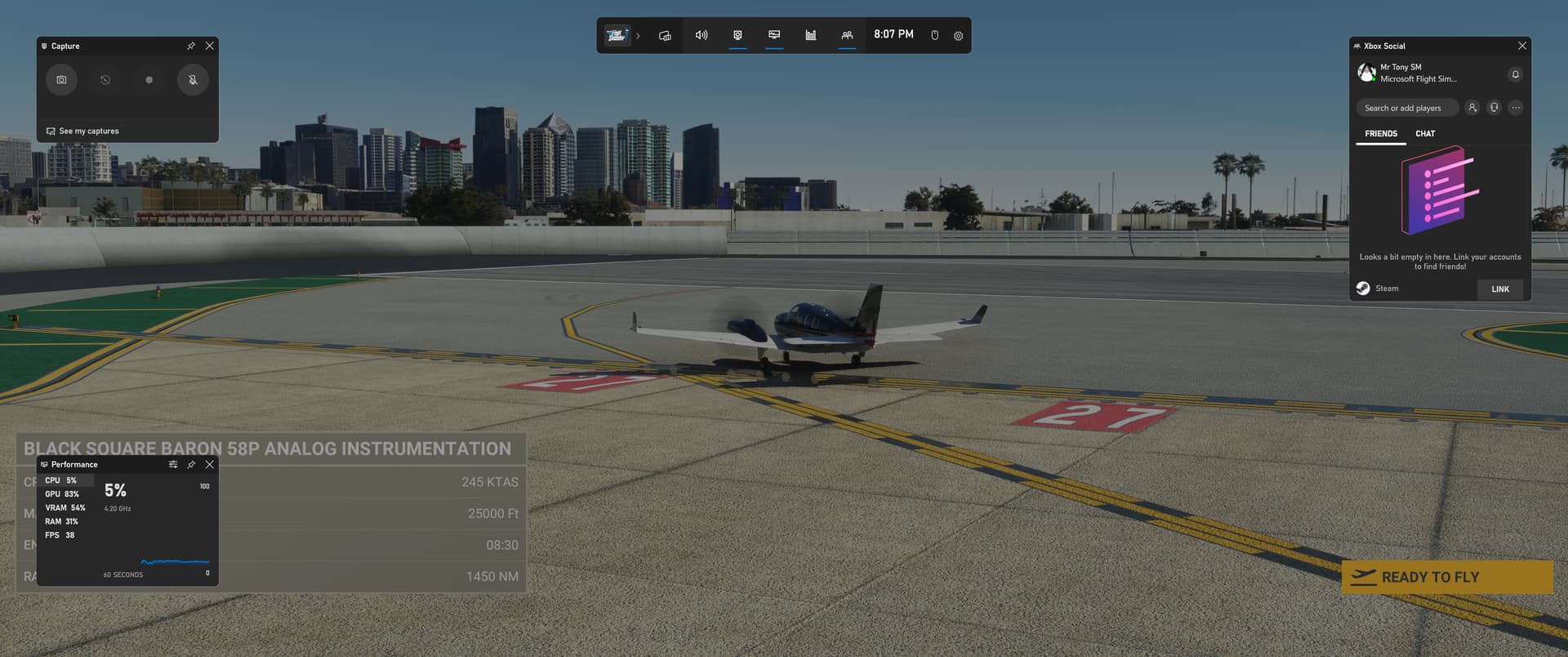
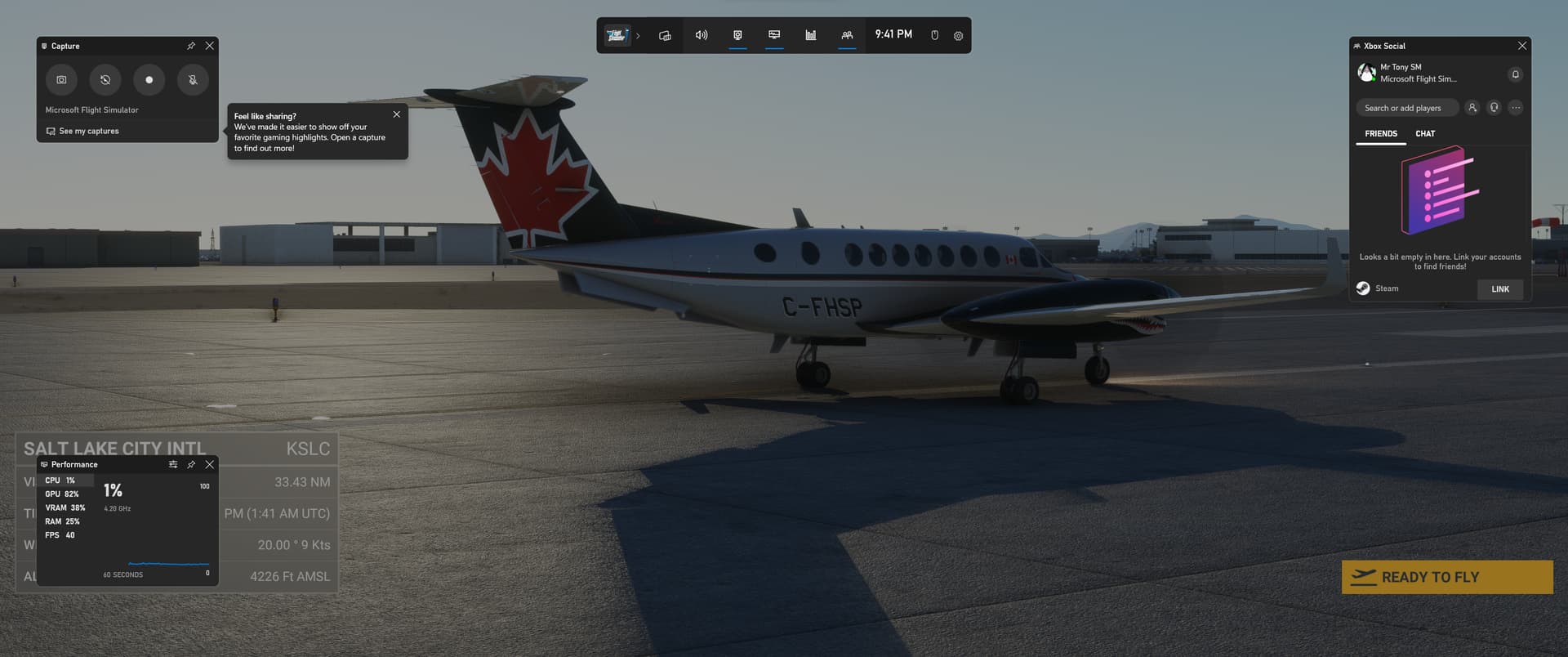
You are making a judgement on what you are seeing on a Youtube video.
What I see on my display is different.
You are making a judgement on what you are seeing on a Youtube video.
What I see on my display is different.
The capture software records what’s on your screen verbatim. Assuming your CPU isn’t a potato it’s almost unheard of now for that software to introduce stutters etc.
You have a CPU that is perfectly capable of capturing video in 4K and playing the game at the same time so I’m absolutely confident that what we’re seeing in that video is what you see on your screen, and what I’m seeing is far removed from ‘buttery smooth’.
That’s no surprise however, because there isn’t a system out there that can run this game in 4K / Ultra / TAA with LODs of 400/900 at anything approaching a decent frame rate. The game is simply too demanding of CPUs to do that (unless you’re flying a light aircraft far away from any ‘life’), which I’m sure is one of the reasons we’re getting FS ‘24.
Greetings -
I would like to report my experience for Simmers with outdated PCs
I fly MSFS on i6700k, gtx 1080 ti, 16 GB ram, single LG monitor g-sync compatible
In sim settings are 1080p, TAA, render scale 125%, TLOD 150, OLOD 150, everything else Ultra except traffic (I use FSLTL on lower settings)
With these settings my FPS are 40 average and Vram usage well below the 11 GB max of 1080 ti
With DX12 and g-sync enabled I have silky smooth behaviour (except on big and busy airports)
With DX11 when I get micro-stuttering in flight, more often when panning around
Hence DX12 is definitely the winner here
Happy flights!
YouTube videos play in either 30 or 60fps locked. If you upload a screen capture recording at either of those two frame rates, things will look smooth. If you upload game footage with a variable frame rate, or use software that records at a locked frame rate independent of the game, then the resulting video would have a bit more stutter. I.e. A game played at 30fps would look better than the same game played at 45fps even though the 45fps would be smooth to the player at the time. That’s because the video would have frame skips/doubling ever so often due to the odd number of frames.
If you watch any bigger named YouTube gaming benchmark channels, you may have seen the reviewer mention in their videos not to pay attention to how the gameplay recording looks, but to pay attention to the frame time graph they display. The above explanation is why.
Cough cough TLOD 4.00
TLOD 4.00 Samscene nyc, rkbridger packs, ini jfk, newawrk, and and and, plus plus plus
TLOD 4.00 San Diego with google decoded photgrammetry, payware airport, as many addons as the imagination could handle.
And for my grand finale, Billy Bishop payware, with Samscene Toronto, Fly tampa cyyz, and Every payware by Roman Designs etc for the area (I think at least 7)
My goodness!!! well, that’s TLOD 9.00!!! and I can and do fly smooth (Clicking a screen shot in high tlod will cause a pause though). I am in the market for an Elgato 4k capture card, as both Nvida, and the Gamebar captures will record stutters not preset in flight. It used to work, like a year and a half ago. Now, no chance in hell. They are light aircraft, because that’s what I fly. I’m not buying the fenix… you figure it out. But, I am in very hard scenery, and on the ground… not cruise, and I cruise at or below 5000ft.
EDIT: I do want to see performance improvements now (There has been a few unexplained cpu hits from updates or world updates. I don’t fully buy more is added to the sim so it hits harder. not as far as its ground down. AAU2 was a tough strike with 10 to 20 percent losses reported and the new beta omg, if that goes live anywhere near as bad as it is, i quit now), but 2024 for sure or the money train ends from me. I shouldn’t have to OC my rig as hard as I do, to do this. PS my x3d, memory, have verified under top 200 in world records for OC 
EDIT200025: Direct Storage, or RXT IO, DX12, or Vulcan properly put in place, with way better memory management, and optimization is required, lets hope 2024 has this. Memory usage and provisioning needs to be optimized for both platforms. Not just one. And most important. Servers. We are struggling with those right now. What is the plan with more offloaded to server? You can recode the universe. If you can’t dish it via server… all for nothing. Ground tiles popping and or blurry, server, unexplained stutters where there were none server. Atc audio dropped, you guessed it… server. decreased ground tile rendering levels, to reduce server load… oh my. Everyone sees it, xbox and pc alike. maybe shelve that lod switching system that a decent pc doesn’t, and didn’t require. or make it an option to load (Sorry xbox flyers, I want you guys n gals happy too). Rant over
Terrain at 900.
I’m in awe and also jealous.
But, I’m still enjoying my smooth flying.
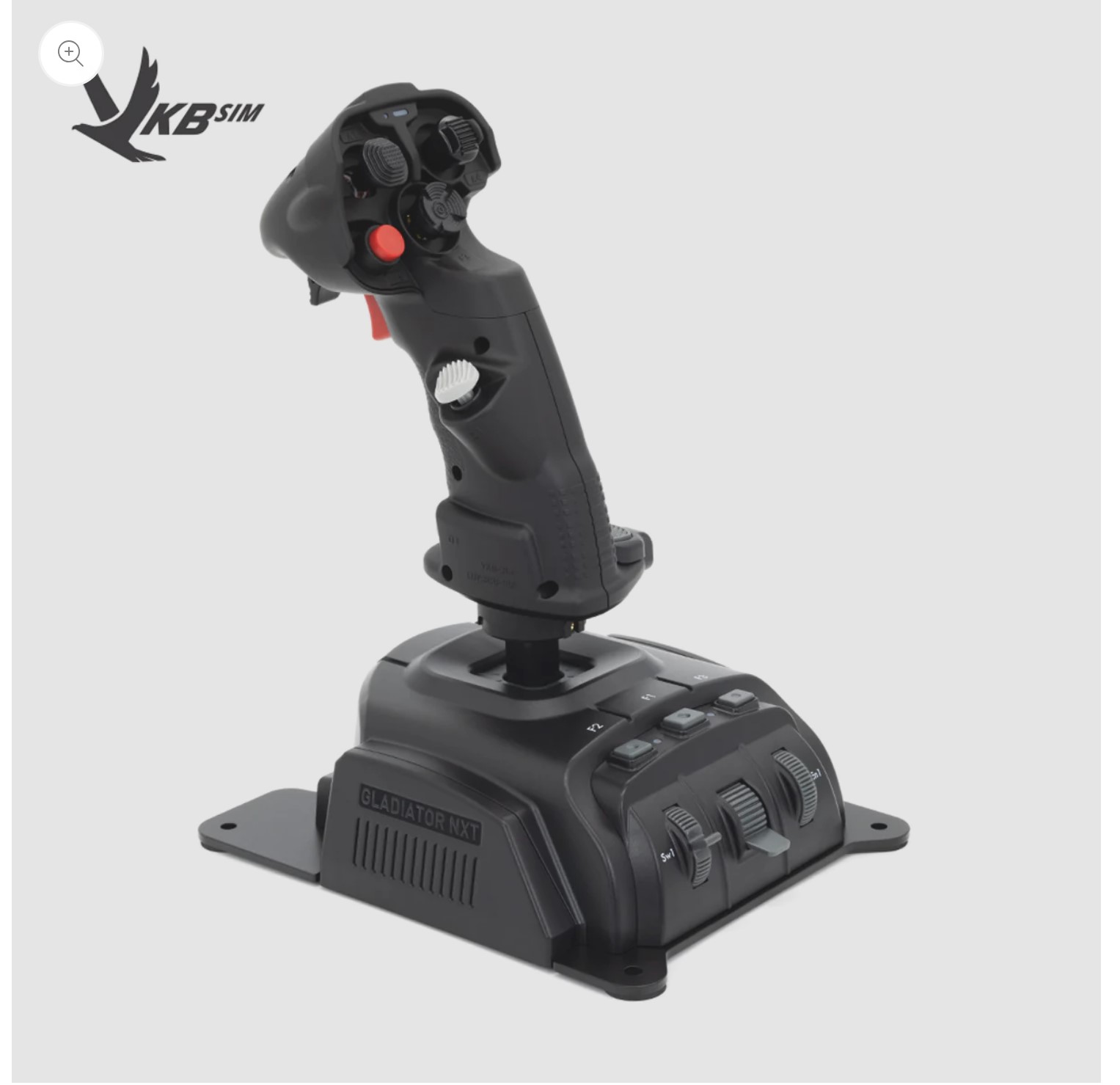
And my new flight stick.
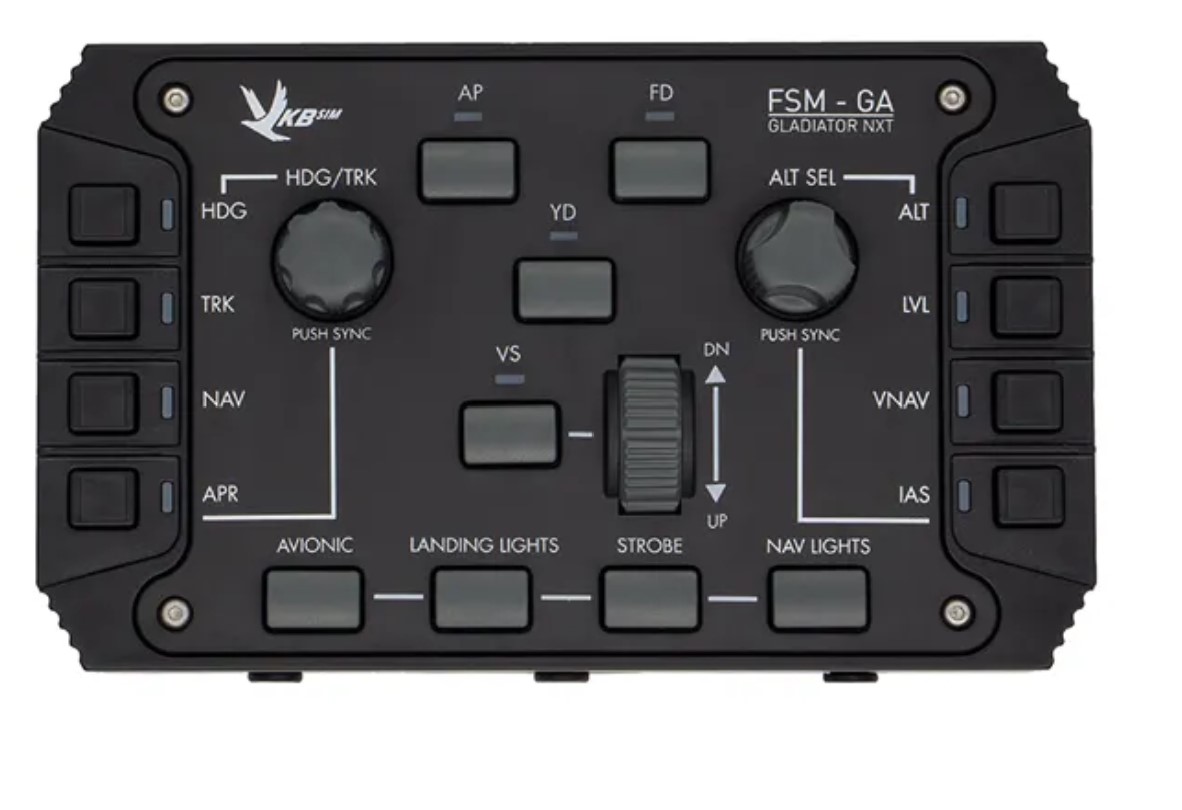
plus this which connects to it
All programmed within FS2020.
Axis & Ohs , etc. are not required.
Your last picture tells you are in dx11
But graphicly it sure looks nice,
So have u tried dx12 with these settings?
Yep, I lose some fps. Too many terrain artifacts. Im sticking with DX11
New flight stick looks awesome!!!
That‘s the whole point of computer graphics really: „make it look good while taking any possible shortcut that reduces computational requirements“ (aka „fake it till you make it!“).
This topic was automatically closed 30 days after the last reply. New replies are no longer allowed.