XBox S
D/L went fine. SU VII no issues
Content Manger - I selected updates in a row Standard, Deluxe,Premium. No issues. System froze after some of the world updates but a reboot fixed that.
Did a 1hour 30 min test IRF with C208. At this point in time all is well.
dw
The odd stutter here, but that may be 1000’s of simmers downloading.
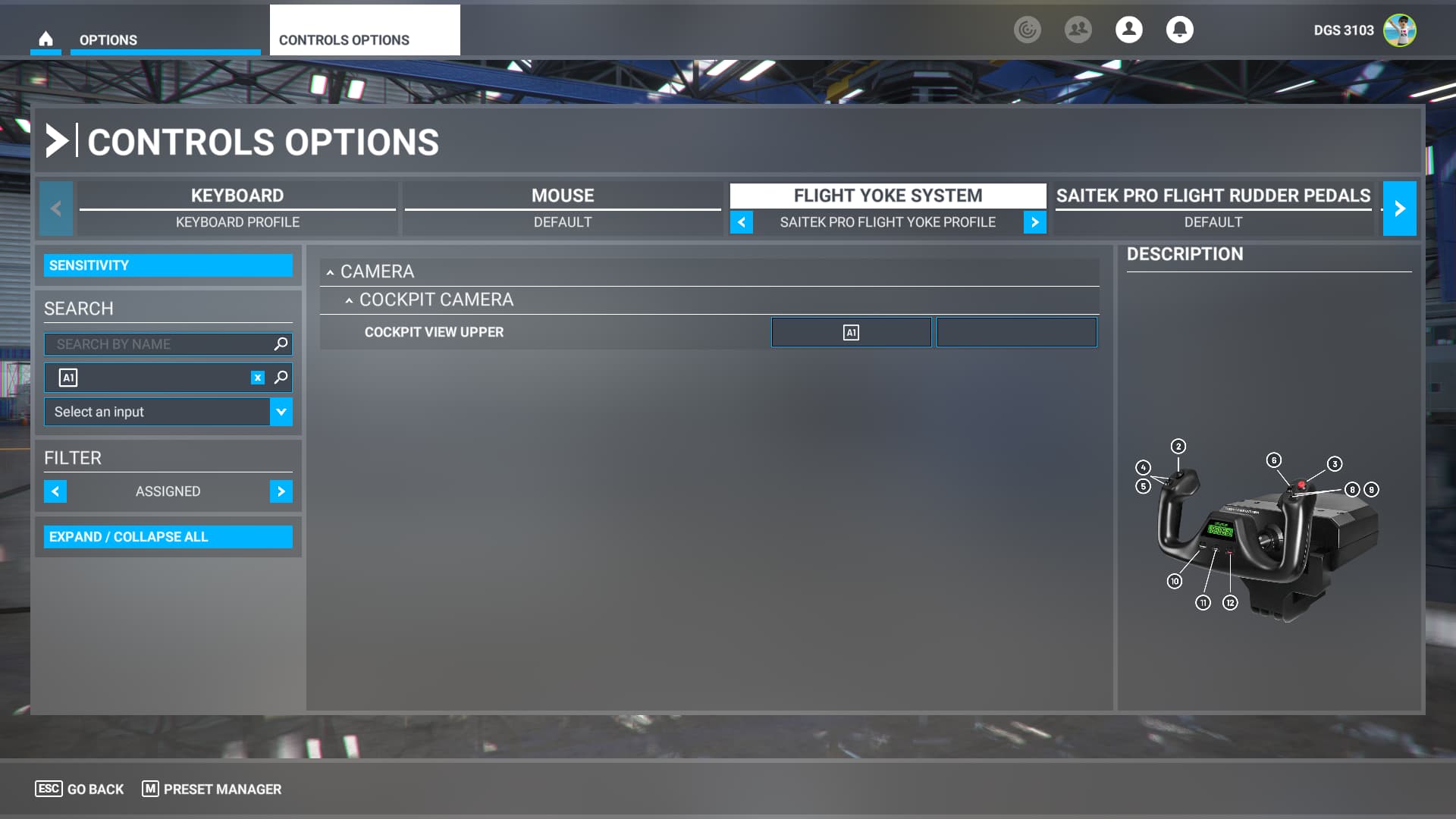
Great news in the Control Options, when you bind a key it now highlights on the screen when you press the key as it did in the beginning. Makes life much easier as every aircraft needs its own Profile.
No issues with update process.
Now i get that stupid spinning thing in the bottom corner which ruins flight performance by causing stuttering.
Landing Cockpit view? being able to see over the nose of the plane?
Works fine for me
I’m having a problem opening any project in the SDK within the game. Opening any project causes CTD
Neither Keyboard (Left CTRL + L or Shift + CRTL + L) nor joystick bindings work anymore. Reset the bindings several time. Problem started when I switched to Beta, and still hasn’t been resolved now that I went from Beta to the regular build.
Doesn’t work with either stock or WTG3000 0.7.7
Just verified
First flight after the update hung the computer just as I lined up on final. No CTD, no BSOD. Required a hardware reset.
Once rebooted, checked the Event Log: nothing to report. That’s the first time that has ever happened.
Restarted MSFS and checked the Logbook: no flight recorded. (That has happened before.)
Not sure what to make of it, but the performance during cruise (about an hour) was buttery smooth and the LOD “snapping” seemed reduced. Misty marine layer fog/clouds looked pretty nice.
High hopes that it was just a glitch of some sort… 
Same, not quite. Didn’t hang but performance seems quite a bit better and much smoother
That’s not the one.
Search for “Landing” in the cameras section. It’s a different view. The “Upper” cannot be configured in the camera.cfg files either. It’s a pre-programmed view that only moves the cockpit view a bit farther up, nothing else. This one’s still working.
The “Landing Cockpit Mode” in most Asobo planes used to elevate the head, move it forward and give you a slight downward angle. 3rd party devs often didn’t use it or did very strange things to it. That’s one reason I tend to make my own “Better Cameras” cockpit view mods for each plane.
Smooth update for me. Started right at release and had good download speeds. Updated all content at once no issues. I’ve had a few flights with no issues. I’m loving the market place changes - especially the airport browser. That’s really handy. And I can finally use my Tobii!
Very smooth update for me.
VR performance is very good. Everything is pretty smooth.
It’s actually the best update (focusing on VR) lately.
I feel we lost nothing for the first time in months.
Thanks.
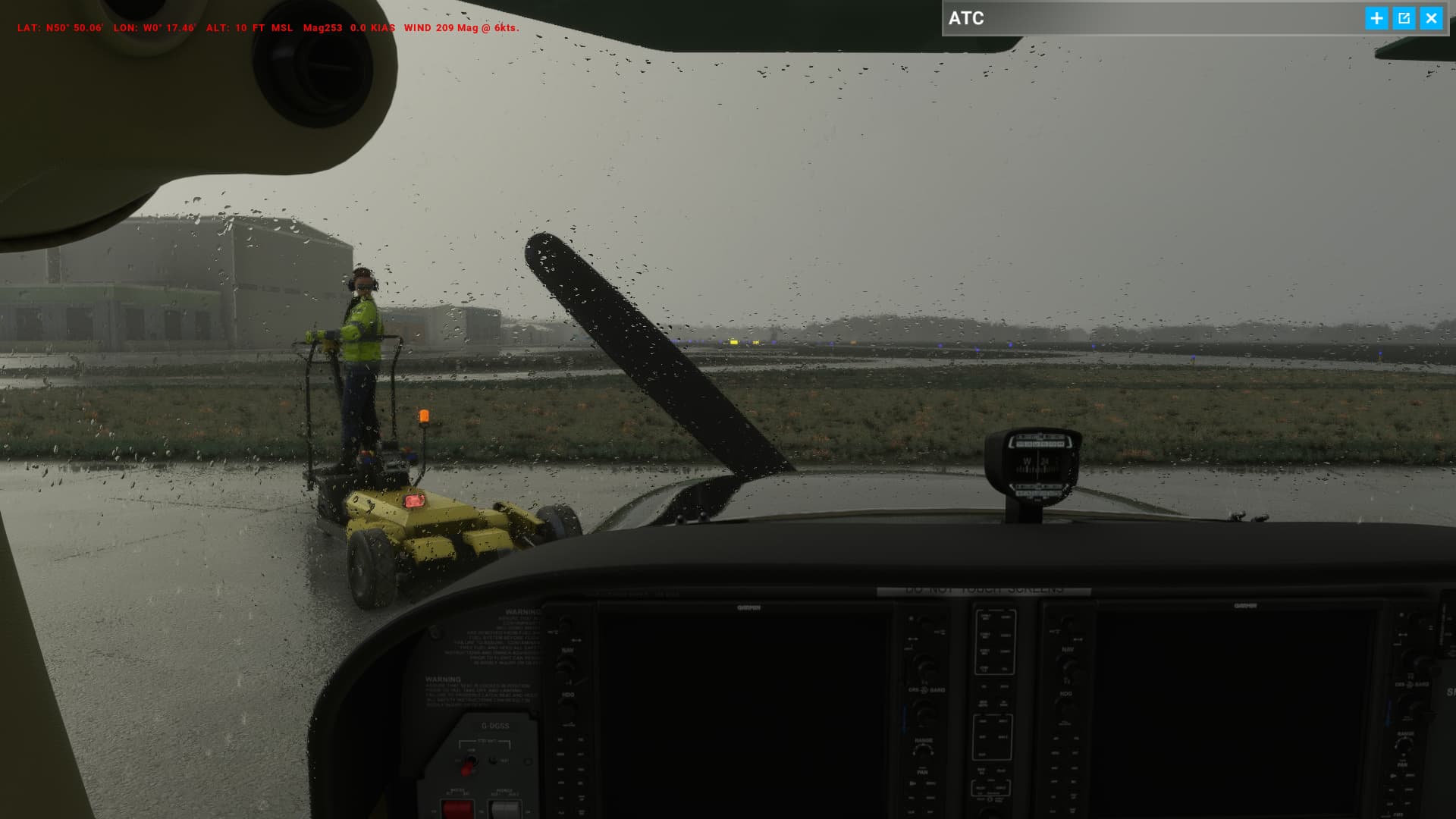
Just finished a 3 hour flight and while FPS was pretty much the same, overall the smoothness just felt better. I’ve only been simming since August so can only speak to SU5 → 8 but I certainly noticed a smoothness increase in this that I hadn’t in any previous ones.
A few addons that are not working quite right but that is to be expected and many developers already have release dates to address those.
Other then that, business as usual for myself.
The Master Warning lights up in the A320 now! Some of the small things mean the most! 
I don’t have a keybind assigned specifically to snap to Landing View, but I do have Next Pilot Position and Previous Pilot Position bound to buttons on my flight stick. Those keybinds are working perfectly fine for me and allow me to switch to the Landing View without problem.
game has run great for me since day of release.
this patch has ruined it. spinning circle in bottom right corner causes stutters and pops up often. xbox logoff/login didn’t fix it, clearing cache in localdata also did nothing.
only thing that seems to fix the issue for me is turning on dev mode. not sure what the sim is trying to do in normal mode that’s causing that spinning circle issue.
Cannot hear my part of ATC voice. Can hear the tower voice but not my voice.
Is there another new setting I need to look at?
Using HP Reverb G2 V2/nVidia 2070S, i7 9400K, 32GB, Airbus edition stick and throttle.
Tried to change in Sound tab but no difference from Default to PC Speakers to VR speakers
Overall, combined with Open XR tool kit, good experience.
Getting 28-32 FPS over Melbourne. Res 90, TLOD 100, OLOD 100, most other settings medium. Bloom off.
Set your communications device in sounds. ie, if you use headphones, select your headphones