There should be a World Update 4 today (BENELUX with France, Netherlands etc.).
But as for you: Today I only had (again after 9 Days!) the “old” 1.16… Performance Update with 17 GB.
Since then my Installation is curious.
At startup the New World Update 4 - Pictures appear.
But if I start a flight (e.g. in Paris, but also elswhere in BENELUX) then only the Old (Not world Update 4, but World Update up t 3 Scenery Appears). Additionally Icannot select anything at My content Manager (All ottions now gone..)
It seems, the automatically mirosoft uptate again shoots my Fligthsimulator installation. If this is not changed till tomorro then I’ll need again (the 3rd tinme since October) to fully erase and then completely re-install my Flight simulator again from scratch and waste the next day with these downloads and proceedings.
20 gb, correct?
If it’s bigger there are something wrong.
Update before on steam or ms store account.
I think the difference was the additional download for the world update.
Yes. More 5gb.
Thx, now next 5 GB are installing. Hopefully that’s it 
I had gobs of troubles with community folder for 3rd party stuff… I understand that MS/Asobo is not responsible for ensuring backward compatibility – however since you ask in the OP about crashes, etc… It seems obvious this was expected. A remark in the change log would have gone a long way toward easing my pain.
Most 3rd party stuff seems to be working ok after clean installs (not a copy of community folder back into place).
Can’t comment on stability yet, hour 2 of re-installs in progress. But making progress. I can definitely understand why the newer folks who aren’t used to updates breaking mods are a little irritated.
I just downloaded the update. It saturated my 100Mbps connection, no complaints there (I live in ceylon) and usually all my updates do that, even just as they go live… so for some reason speed is not an issue here… strange.
I love the update, so far it went great! Thanks Asobo!
PS: Thanks for asking about my rat! He’s doing fine, nosing around as usual! 
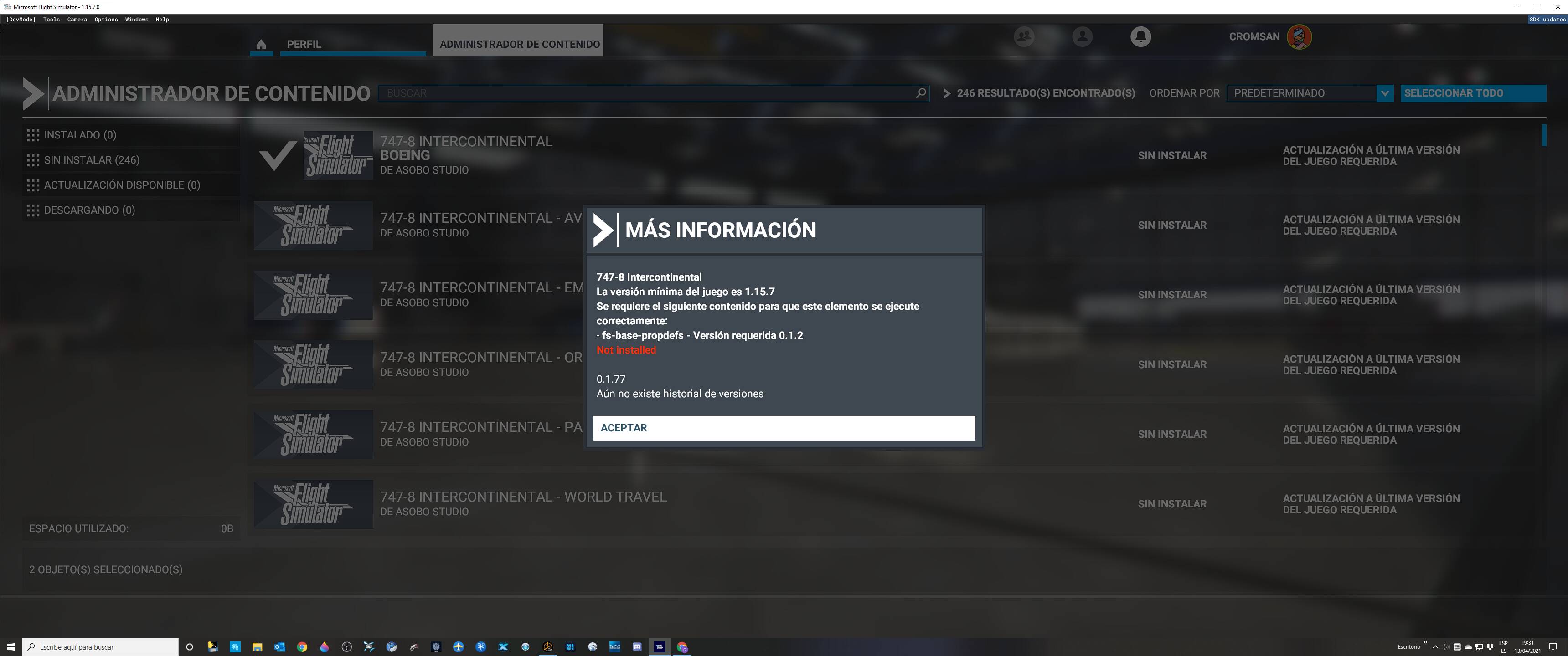
No problem to download and play thank you Asobo
Can anyone tell me if the Steam version uploads the the whole update, as when I go to the marketplace the Worlds update IV is greyed out.
Thoughts please
Same issue Kaspersky, does adding an exclusion work?
Not sure what to really do, I dont want to risk a huge problem yet seems like it might just be Kaspersky flagging a safe file.
Shuts down, Antivirus says its PDM:Exploit.win32.Generic.nblk going into folder \\globalroot\device\harddiskvolume8\flightsimulator.exe
I had this when the WU3 came out. Make sure the game has updated in the Steam download section and your version is 1.15.7.0.
If it isn’t, restart Steam. There was a Steam client and a MSFS client update this week.
Good luck..
I stand corrected. You are absolutely right!
Downloaded/updated fine. I didn’t install the extra stuff in the content manager as I don’t fly around those areas but thanks for the update Asobo!
Here’s a whole topic on Kaspersky. Excluding doesn’t seem to work I’m afraid.
Some posters seriously ask why people use third party AV. Windows Defender does the job as good as others. They posted a like to a test which proves this.
So the advise could be to delete all the third party AV’s and save yourself from trouble and a few bucks as well 
 .
.
For the record: yesterday I had interrupted (“paused”) the 17 GiB “world update 4” download (which was started from the prior version 1.14.6.0, which was not expected).
I then waited until Steam had updated the FS2020 client to version 1.15.7.0 and now the “17 GiB” download continued from where it left off. All good™ so far.
It has taken me all night to download this latest update on my soon to be upgraded connection.
So it is early - 07:40 Hrs here in the UK.
However before getting some shuteye, I couldn’t resist a quick test flight - EGCB and out to Winter hill.
First tentative impressions are very good: Photogrammetry looks fine, light and shadow over the 172 looks sharp, no popping of the landscape, no micro stutters and definitely no CTD’s.
All in all, at this early stage, things are looking promising.
No horror stories from me then, for now.
That happened to me, but not in this update. I think it was WU3, maybe. Don’t remember. But yes I was surprised to see everything wiped. Oh noes.
Yes, I am one of those posters.
I have relied on Windows Defender for years now [since the release of Windows 10].
I have been attacked but never successfully. Until that changes, neither will I.
My only caution:
Microsoft release new virus definitions almost every day and the last thing I do every day before
shutdown is to install it.
So if you choose to go down this route, I suggest you do the same.
Stay safe.