The utilization of CPU cores has become more even, resulting in performance degradation and FPS instability. Is this a game between quality and performance?
Apparently MSFS does not have a sense of humour either 
2 Likes
After the last update 1.10.11.0, unfortunately I am giving up, I will take a break with MSFS 2020 and humbly return to prepar3v4. With each update, the situation worsens and no relatively more complex activities can be performed, eg. it is not possible to program FMC in a320, it is not possible to perform a planned IFR flight - the controls (heading or altitude) in GARMIN at each aircraft do not work. The purchased Mooney M20 aircraft does not work at all - after choosing that aircraft, the simulator crashes.
The only activity that works is a direct flight from point A to B or vfr flying around the airport. Anything associated with flight programming, which is normal, does not work.
It is clear to me that this is a very ambitious project and I am keeping my fingers crossed for Asobo and Microsoft to be able to complete everything successfully, but it is clear that they have launched an unfinished project and it is a great pity.
6 Likes
Swaying is still there, the patch did not solve as stated
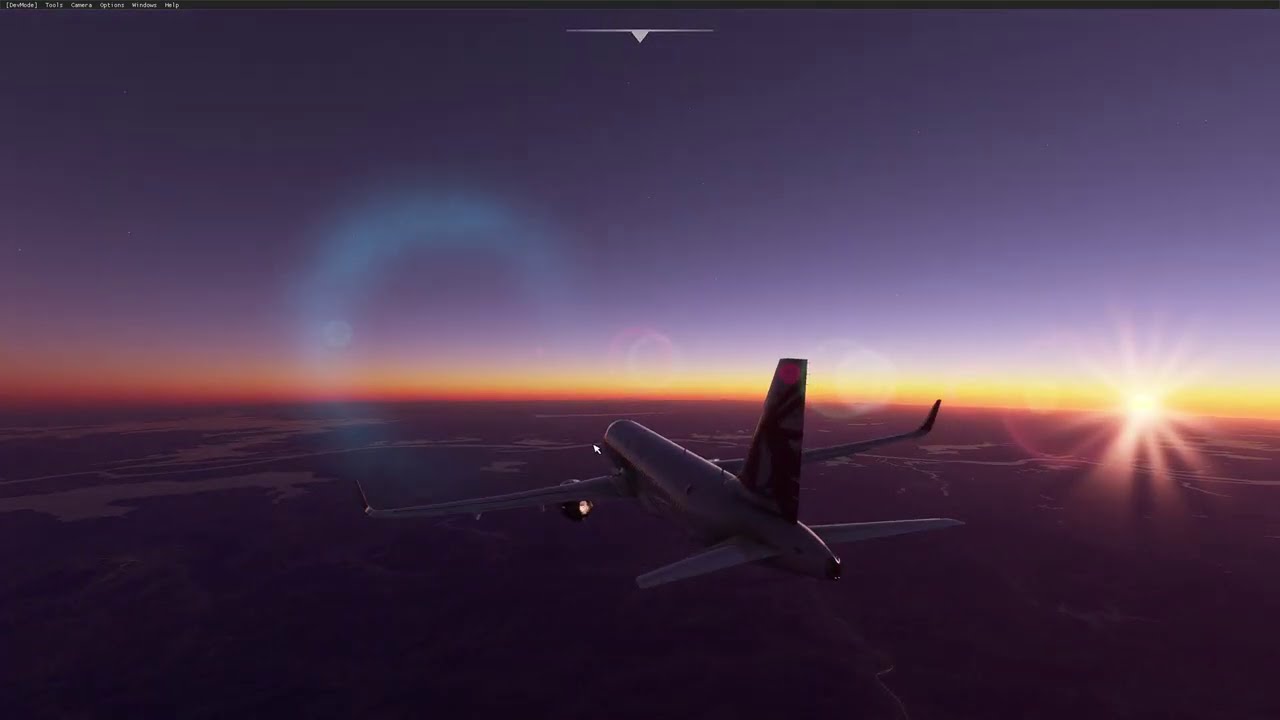
Here my performance in RTX 3080 I7 6800K, I notice improvements in GPU performance
THe Lightning issue still hasnt been fixed. It seems like there is constant lightning in Caribbean and Southeast United States
Many people (me included) are flying many IFR flights successfully. I’m sorry you’ve had issues, and maybe it is the aircraft you’ve tried (i can recommend the TBM) and sorry if you are giving up. Hope to see you back soon.
1 Like
Sorry, but the update to the autopilot across all planes. The 748 is still nowhwere flyable.
Ah, I see. Yes, I’m on 1440p.
I did a 787 flight from Las Vagas to Denver, and when hitting Cruise Altitude, there was a clear swaying. However, looking at the display there was also a 80knot wind hitting the plane (very audible on the outside view). Turning off AP, causes the plane to start banking, as would be expected in a cross wind.
Are you sure that you havnt hit a wind layer?
(Yes I have experienced the previou s sudden swaying on the A320 AP, that requires the AP being turned off and on, but that hasnt happened yet since the update)
That is annoying. I have not experienced it yet with this new patch, but i will keep trying to see if I can trigger it.
You did make sure all the content is updated in the Content Manager, and make sure all mods have been removed?
it stops at around 22gig..then about 30 45min to decompress it and install..No one know why its like this…or not that ive seen anyways.
Hi all! I got word from the devs regarding two issues they mentioned were coming soon in the last Dev Q&A:
- Mixture Bug: Issue where the mixture drops drastically after 90%
- CPU Optimizations: improvements to CPU threading
They held back on releasing in Update #6 as they noticed some risks. As of today they things are looking good for them to be in Update #7, though don’t hold me to that. So far, so good!
Thanks for bringing this to our attention and we appreciate your patience!
26 Likes
Patches come out so slowly that your computer gets old and gives out less FPS))))
2 Likes
How about where the mixture doesn’t change in the first 90%? 
Hate a lights! Asobo, fix that pls/
Thank you so much! Glad to hear.
1 Like
I wish I understood what you mean by “the situation worsens” because that makes no sense to me. I don’t currently have any issues with entering and flying programmed flight plans, procedures, etc. in the Garmin systems in the smaller planes and I flew a full autopilot/GPS flight just last night in the TBM. Heading and altitude were handled by the A/P perfectly fine the entire flight. In fact, I don’t think I have had any serious or noteworthy issues after patch #3. The only change I have been disappointed with is the night lighting, but everything else has improved for me, even if only in small steps at a time.
3 Likes
If you are experiencing slow download speed when downloading Microsoft Flight Simulator, please do the following:
- Please ensure that the Data Bandwidth Usage Limit is set to unlimited.
- Launch Microsoft Flight Simulator
- Go to Options > General > Data
- If the bandwidth is set to 5Mbps, 20Mbps or 40Mbps move the cursor to Unlimited
- Apply and Save
How can I change the Bandwidth settings if the Simulator downloads updates does not start ?? Can I change this somewhere in the files?
That is and was the intention from the Q&A to be addressed in Update 7.
3 Likes