Hello @PopsMcDaddyo. I don’t know if it works with the DLC’s paid add-ons, since they are often encrypted or protected and I don’t have bought them either, so they are not installed in my SSD to check by myself. The quick way to verify it is to look for ai.cfg file of that airplane and open it with notepad. If you can read the content with the notepad there shouldn’t be a problem. Anyway, I always recommend copy paste the entire airplane folder to community folder just in case you were going to make adjustments to the files without affecting the original one.
1 Like
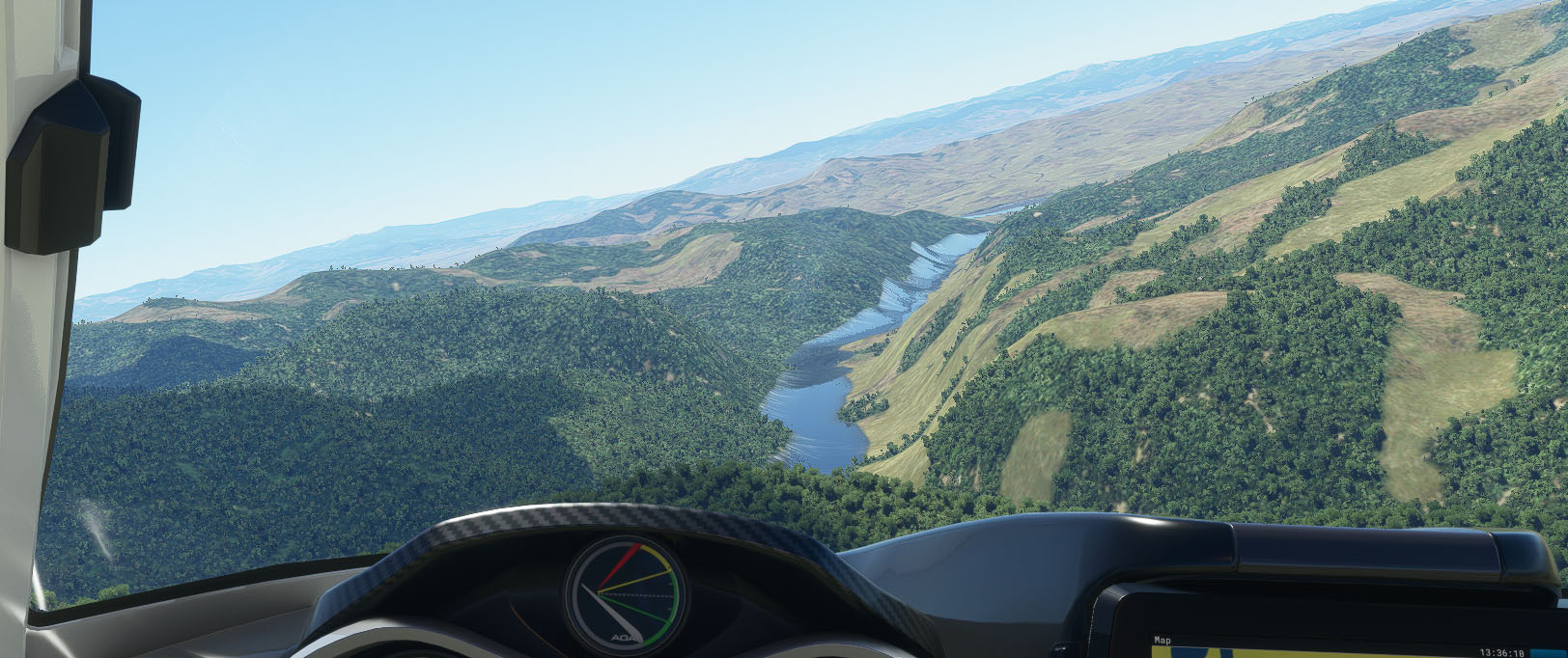
I agree. I free fly a lot around the Missouri River near Mann Gulch. There was always a bit of a problem of the river climbing the banks when viewed down close to the river level. With the USA Update, it’s gotten way out of hand (see pic below). Also, this is a very dry area much late spring and summer time of the year, of primarily coniferous forest. The update makes it seem a lot greener than it really is and seems to accentuate DECIDUOUS tree cover. The overall effect is to make the landscape viewed from the air look REALLY FAKE compared to real life. When you improve some areas, you ought to make sure the changes don’t degrade others. Maybe you need machine learning that can score many, many scenes on the planet because otherwise it seems relying on human judgement ain’t working like it should. I will also file a Zendesk report.
Missouri River Climbing Its Banks Near Mann Gulch, Montana
(and way too much greenery and deciduous-appearing trees on the landscape
and lack of bare rock faces on cliffs overlooking river)
3 Likes
That definitely looks like offline / generic terrain.
2 Likes
Same here mate, did you find a fix for this?, I got the ‘points of interest failed to download’ so may just test to see if it actually did!..there’s no option to re-download and try again, also I can’t see anything in content manager either.
Any help would be appreciated
UPDATE: I did see that the POI USA was there in content manager so I assume it has downloaded and installed correctly 
2 Likes
I do have issues with the autopilot since the update. I am trying to fly from EDDH to OMDB with A320neo. I am using the A320neo with the A32NXmod. Sadly, just before FL390 is reached, the plane disconnects from the autopilot and also does not allow any stick and throttle control input anymore. It just keeps flying straight from then on. That has not happened before to me.
…and make sure you go to Marketplace and install the free 4GB US Update.
You most likely need an update to the A32NX mod.
3 Likes
Whatever it’s source, it looked GREAT in the just previous version of MSFS (except perhaps for the “untreed” terrain being a little too grassy green and soil looking a little too colorful). It’s the last area I flew over in the previous MSFS version, I’ve flown over it many, many times, and I have 100 Gb of rolling cache. So whatever generates that scene, it’s drastically changed from the previous versions of MSFS. It has never looked so bad. Previous versions the river was mostly in its proper place and at least a decent amount of bare rockface showed on the cliffs on the right side of the river.
See 2nd, 3rd, & 4th pix in this post: I9 9900K + RTX 2080 TI = Low FPS ?!?! - #128 by JALxml for comparison. The 4th picture is REAL LIFE.
1 Like
Uninstal the mod - it won’t have been updated for the latest fixes yet
3 Likes
Try clearing it, also check that all Data settings are on.
Hoover Dam as a point of interest, really ?
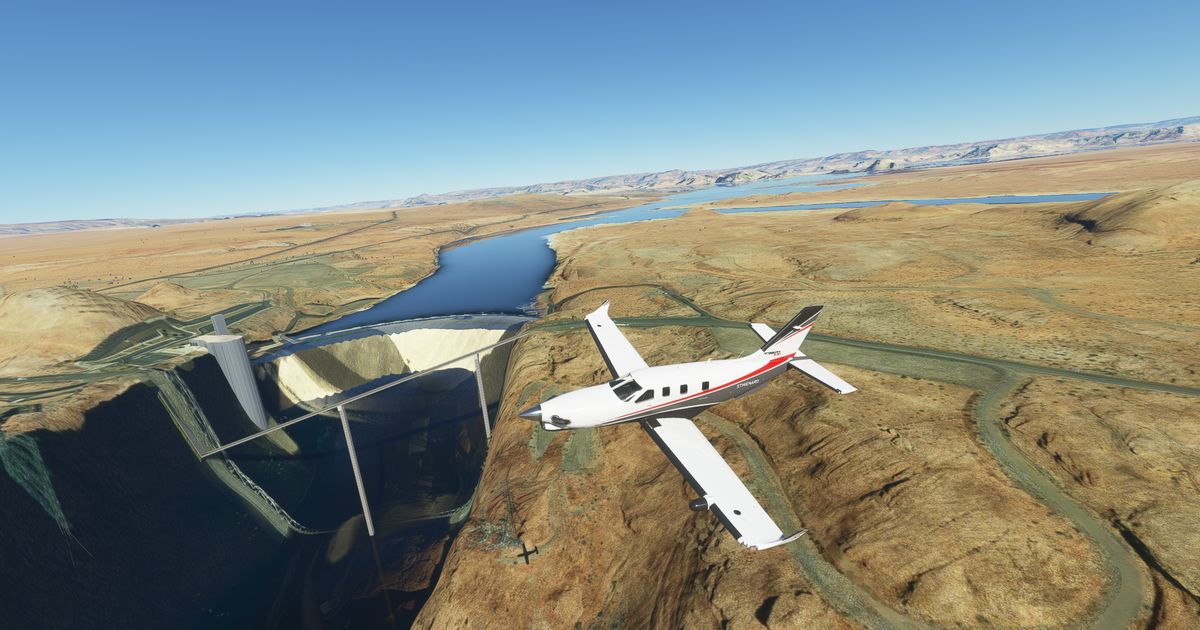
EDIT : Sorry, my FS is not up to date, I have to download more GB from Market Place, thank you for answers 
1 Like

Please, when do you plan to fix rudder issue, each time i land, rudder become crazy, taxiing become hard like hell !
In this short movie after a simple flight, rudder become crazy as soon as remove parking break, i dont touch anything in this short movie !

1 Like
I did flick through the thread, and didn’t spot anyone else comment on this. I had the same thing. I flicked the online features on/off, cleared cache etc., but what fixed it for me was a simple shutdown then restart of the sim.
It’s a pity that those nice rock formations don’t extend out further into the region as they look great! My only negative is its very obvious that those models are sunken into the ground, as they don’t blend terribly well with the floor around them. But that’s a very minor quibble regarding a really nice, and free, scenery update for an entire continent.
You need to download the ‘USA World update’ from the in-game Marketplace before you get the new scenery.
1 Like
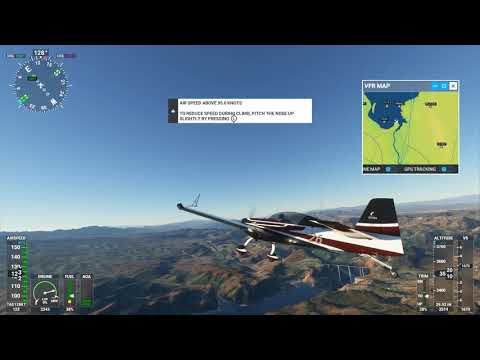
This is not Hoover Dam. It looks like Glenn Canyon Dam. Take off from Boulder, NV and aim NE.
1 Like
Glenn canyon dam and bridge are also modeled
this looks like he didnt download marketplace update (world update USA)
3 Likes
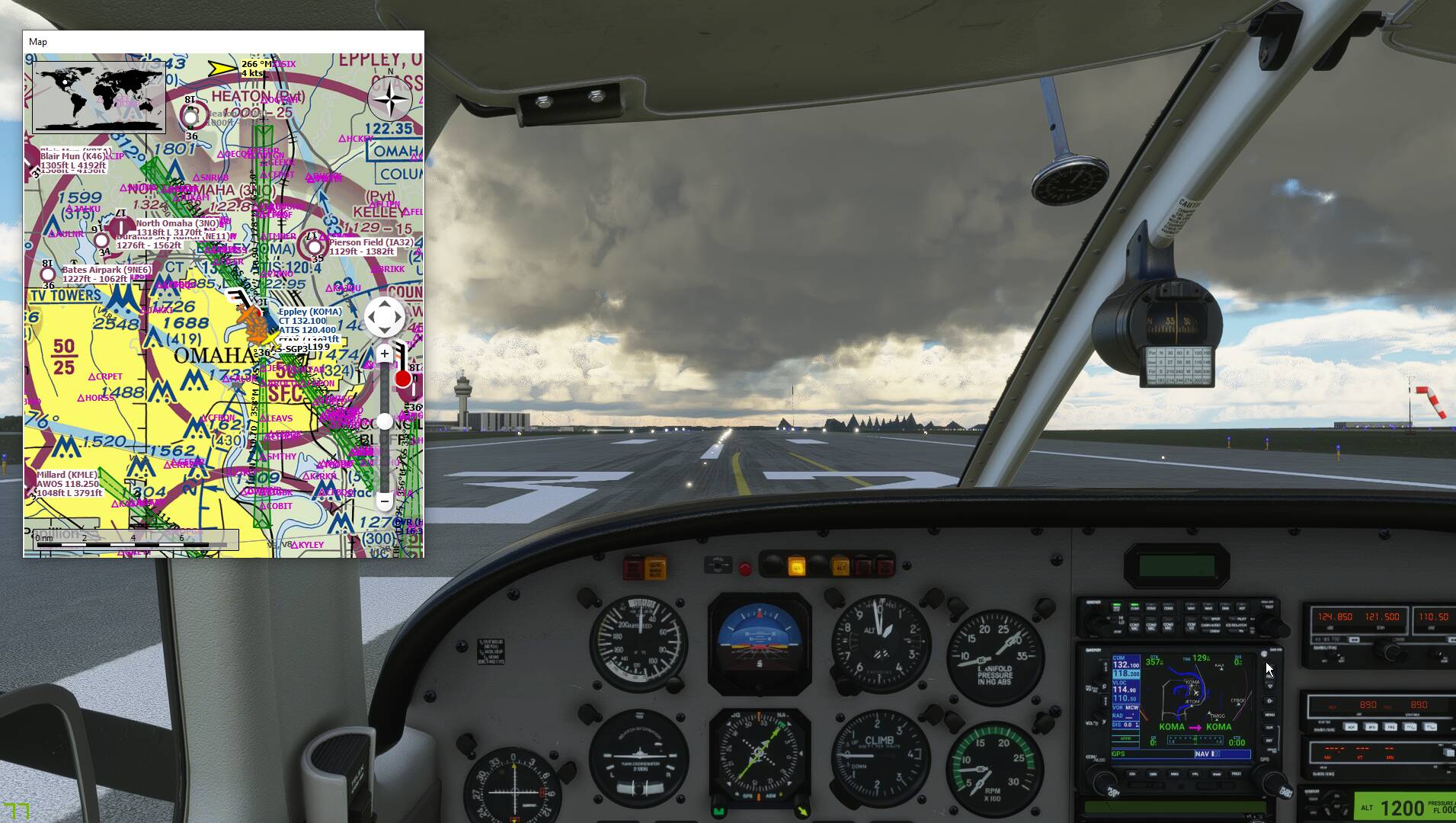
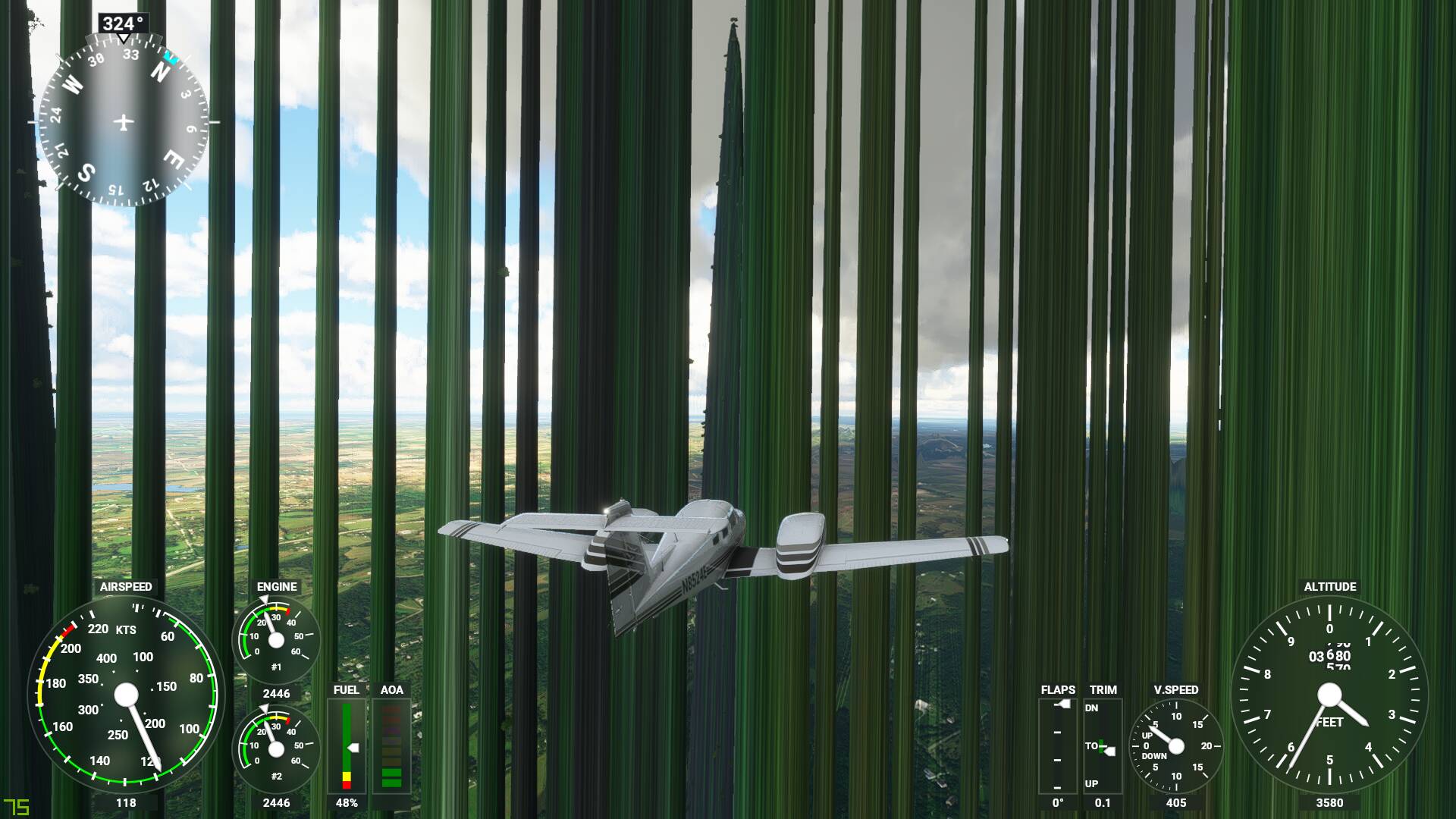
I haven’t checked Glenn Canyon Dam. I will. But the picture looks nothing like Hoover Dam (even before the patch).
1 Like
You’ve not downloaded the USA pack from the marketplace
2 Likes