A man after my own heart.
We are all looking forward to seeing your new set up.
Up and running.

On the monitor, did you look at 49" monitors? THAT’S immersive, and as of SU5 I get a silky smooth update rate at 5120x1440 resolution around the world with my Samsung CRG9 and 3080. I had a 38" before and the 49" is the ultimate monitor experience for MSFS. All of the space of multi-monitor with none of the hassle or bezels!
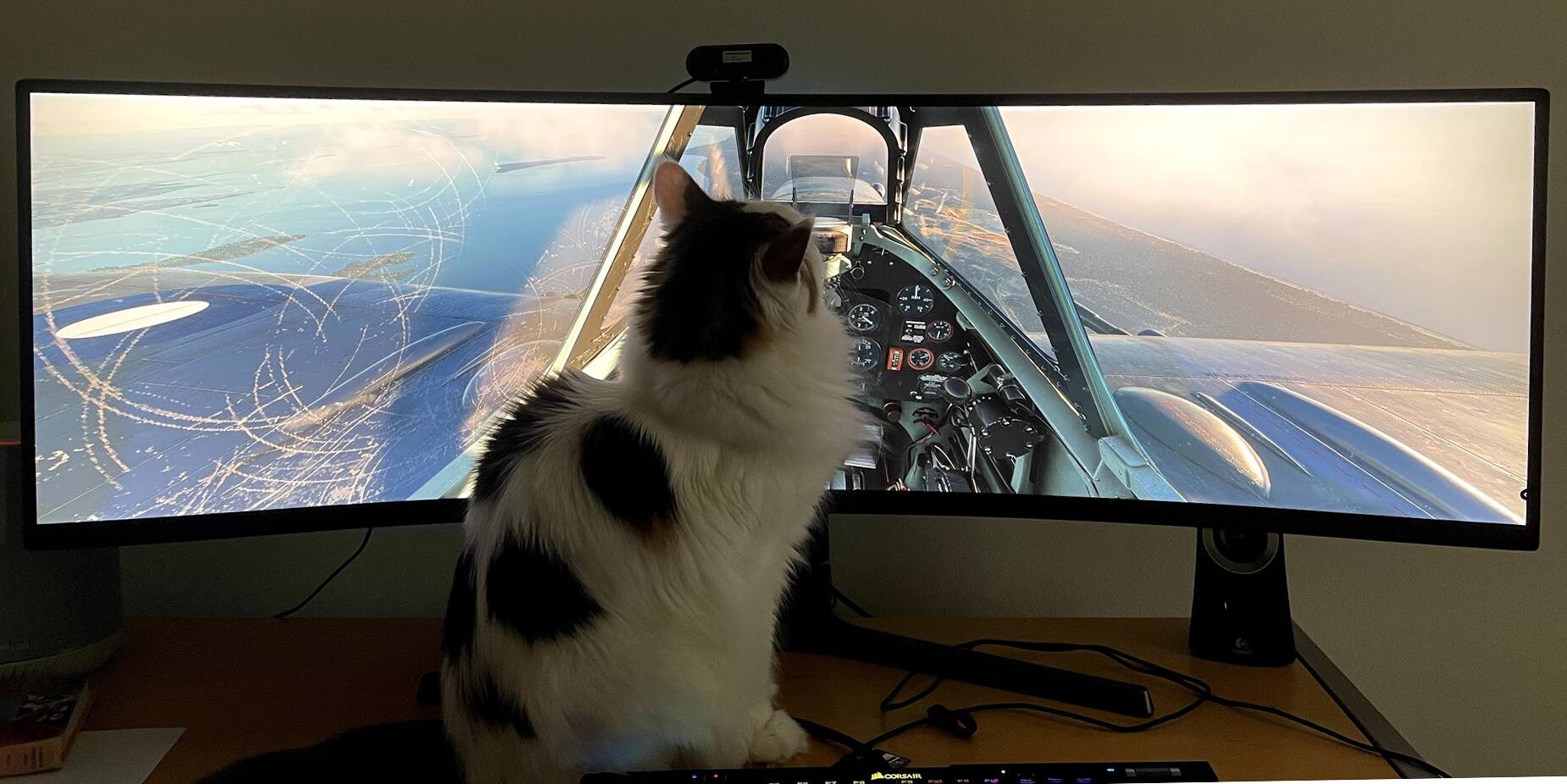
(Keep in mind that Simon is an enormous cat.  )
)
That said, make sure you get a Reverb G2 (or, since money doesn’t seem to be an object here, the new Vive). VR feels so much more like flying a real plane, other than the lack of motion/vibration/g-forces.
And where might one find that? As opposed to just “somewhere in Wales” lol…
That is impressive!!!
Ermmmm… somewhere in Wales?

There are flight plans posted here and there on the web. This is one I found just now. (Can’t remember if this is the one I’ve used before but it looks about right from the picture.
https://flightsim.to/file/2031/mach-loop-wales-snowdonia-uk-flight-plans
That was very kind of you thanks a lot!
Kev
The monitor is something else
It allows you to build a “wrap-around” cockpit view without the stretched-out fishbowl look FS 2020 currently has.
We can use multiple monitors with FS 2020 but we can’t adjust the view independent of each other.
That right there is kind of redundant. All thsoe controls are already on the Honeycomb Bravo and far superior to the Logitech panels. You may want to consider canceling that order
I appreciate the feedback,
Understood allot of the buttons / controls are duplicated but I liked the idea of having the display panel
The display is the only thing that it has that’s arguably better. IMHO, there are enough places your altitude is displayed on your screen that this display is totally redundant. That panel is a 20 year old piece of kit that’s never been updated. It has ok switches, but a garbage encode that’s frustrating to use.
I finally got my Honeycomb Bravo a couple of weeks back after trying to get one for months, and immediately sold off all my Logitech panels.
Nice specs! In my opinion if you’re not pairing this with a Samsung G9 or Samsung G9 Neo you are missing out!
I have a 3090 with a Samsung G9 and I love it. Very immersive.
Greetings - I have a RTX 3090 and the Samsung G9 Neo and my graphics just look Meh… What’s your secret under General options subcategory Graphics?
Thx in advance.
Hi guys i was proposed such a rig (very cheaply) :
• CPU: AMD Ryzen 7 7800X3D (top-tier gaming processor with 3D V-Cache technology)
• Graphics Card: PNY NVIDIA GeForce RTX 4070 Ti SUPER 16GB Verto OC
• Motherboard: Gigabyte B650M AORUS ELITE AX ICE (version with Wi-Fi 6E and Bluetooth)
• RAM: 32GB (2×16GB) DDR5 6000MHz CL30
• SSD: Samsung 990 EVO Plus 2TB M.2 NVMe PCIe
• CPU Cooling: Arctic Liquid Freezer III 280mm (high-performance AIO liquid cooling system)
• Power Supply: be quiet! Pure Power 12 M 750W (ATX 3.0 standard, 80 Plus Gold certified, fully modular)
Will it be enough for MSFS20 + Vatsim + handcrafted airports + gsx in 4k on 65’ TV and constant 50-60fps? 
I would like to try vatsim, but not much pressure, if it will stutters in this configuration.
Btw what about msfs24? How much worse it will be running on this rig?
At first glance I would add 32GB RAM and get a bigger high-quality power supply (at least 1000W)
Having said that… 32GB and a 750W P/S should be OK. I just like extra headroom in those two things.
The CPU / MOBO / GPU / SSD combo is good.