sorry but the title says different - DLSS 4.5
1 Like
My guess here would be that due to the new transformer model that you have to clear out everything or you will have problems.
This happened with the release of DLSS 4 as well.
2 Likes
Yep, but the tag is MSFS2024 
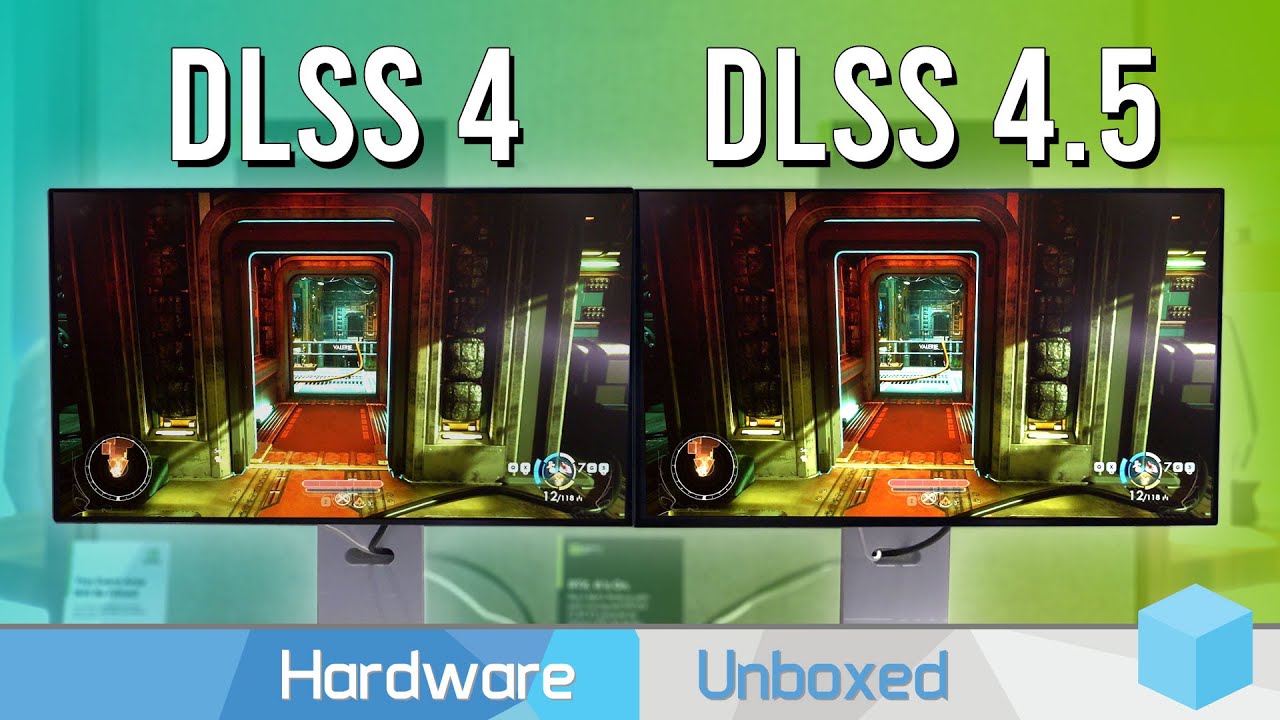
Hardware Unboxed quick preview of DLSS 4.5 and dynamic Frame Generation at CES
whats a tag betwen friends
1 Like
Yay !
Ghosting is definitely completely gone for me with preset M on Fenix FCU and displays.
This M preset is heavier on GPU load, but the result is worth it IMO.
Using settings as follows:
- 4K / DLSS 4.5 / Quality / preset M
- Max framerate 30 / Framegen 4x (so targeting 120fps)
- Gsync OFF / Vsync ON (see why below)
- Monitor : LG TV 42 Oled 120Hz / GC : RTX 5080
But … (there is always a but isn’t it?)
While having any popout instrument on other monitors, I can’t seem to be able to use Gsync and Vsync at the same time anymore (with M preset only). This create huge stutters.
(I have to use Vsync because otherwise I have screen tearing everywhere)
No big issue though, Gsync is kinda not needed with MSFS now that FG 4x does wonder and I am most of the time at a solid 120fps/120Hz heaven.
Have anyone same issue with poped out instruments ?
1 Like
Ghosting is gone for me with preset M in VR.
No idea about 2D as I fly VR only.
1 Like
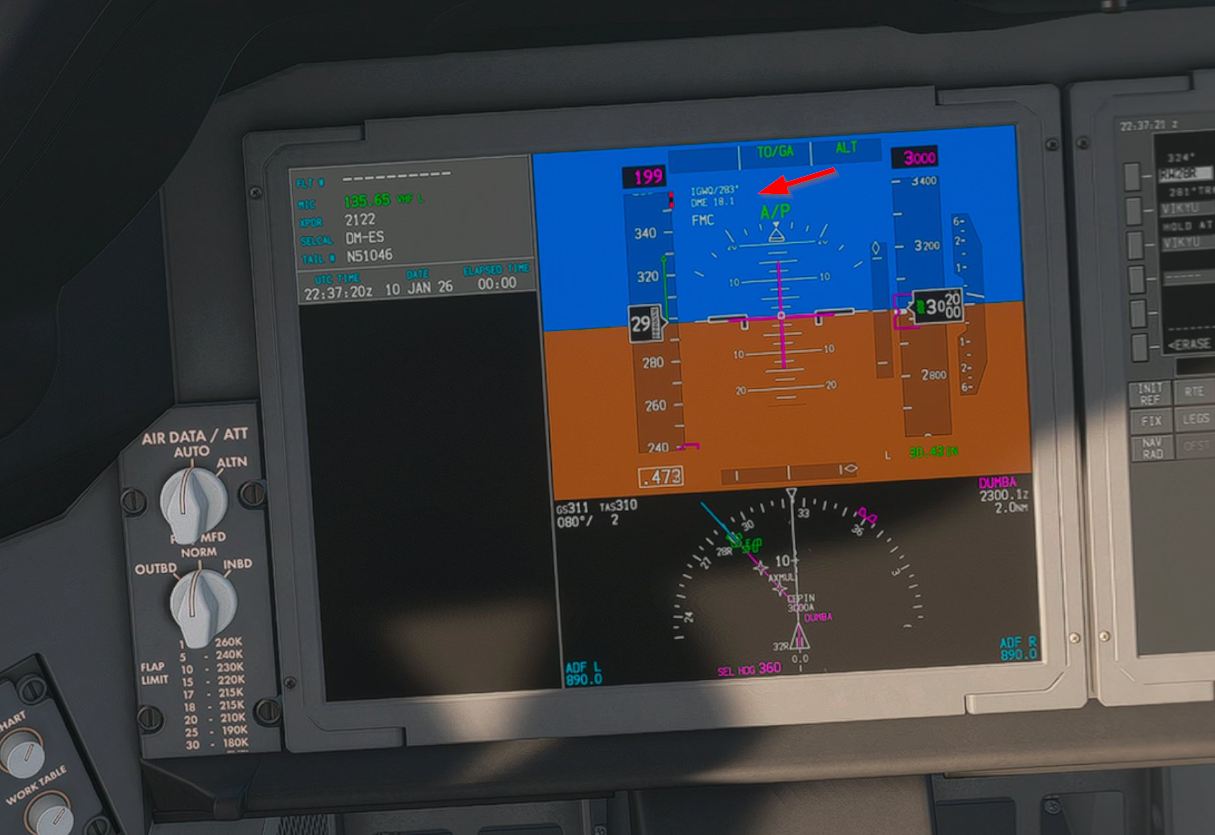
I think I put this image up on the Driver thread but I am happy as a clam with the display of the fine detail of the B-787 instruments. Check the small font on the highlighted ILS parameters.
1 Like
My sim keeps crashing during flight. I have reverted to the previous driver. Hopefully that resolves the issue. Apparently you can use DLSS 4.5 on older drivers as long as something called RTX Streamline is updated to it.
I was having the same problem with MSFS crashing in VR with the latest and preset M.
Removed the driver with DDU and Nvida app which was allowing beta versions. Pulled the latest driver from Nvidia’s website and did a clean install along with Nvida App, but did’t enable beta in the settings and reverted to preset K via DLSSswapper and so far haven’t had a crash in VR.
Weird. No crashes here in VR with beta nvidia app, preset M, and DLSS performance.
I even overlock my 5080 and still no crash.
I don’t use Swapper as the app lets me do what I need.
Wish I could be more help.
1 Like
I wonder what I’m doing wrong. RTX 5080, installed the latest drivers, forced MSFS2024 to use the latest DLSS and still I have a bad ghosting that makes me switch back to TAA.
1 Like
I had the same thing after I installed it a couple of nights ago (ghosting on DLSS 4.5), but rebooted my machine and the ghosting is gone. I think it was that simple, but maybe there was some other step I forgot that made it all work. (note to self…don’t do major config changes right before bed!)
I still need to experiment more with DLSS 4.5, so no opinions yet.
1 Like
I’ve done many reboots since then. Well, I’ll investigate a bit more. I’m happy with TAA, so there’s no rush. I’m in the middle of a flight now anyway.
2 Likes
I’ve been testing for days, and although DLSS 4.5 with Preset M is visually great, DLAA being the best since it is full resolution, but the performance hit (on 3 screens…) is too much, so I keep going back to TAA.
What I’ve found is that if I use the High graphics preset, then increase a few things (like TLOD, Clouds, Textures) and turn a few things off (Traffic, Parked, Motion Blur, Light Shafts), I get the best compromise. TAA isn’t perfect either, but system just seems happier, and I like to be able to read instruments especially when the altitude or speed tape is moving.
1 Like
I’m not using dlssswapper. Maybe that is the difference.
I cannot comment on 2D stuff.
Glad I’m not the only one.. Since upgrading to 4.5 with DLAA (tried presets K & M) have noticed a significant jump in GPU utilization. Previously, my 5090 was quiet at about 30-40%. Now, it is between 50-70% and the fans are running constantly. Image quality is definitely a bit better but considering I cap the frames at 30 and use 2X FG, it seems like a significant hit. Will wait for official release but likely will go back to the DLSS 4.0 (3.1.4).
Also, I’m not entirely sure which Preset I should be using if using DLAA with native 4k. I assume they still matter but not sure what they actually do absent upscaling.
Yeah it’s a bit confusing, but here’s my understanding:
Preset K is the previous version 4, it works well but has the side effect of blurry cockpit instruments (not so bad with DLAA, but certainly with DLSS upscaling)
Preset M is a new engine, which uses a lot more processing power, and is tuned for “Performance” and “Ultra Performance” (lower res), so when you use it on 4K and DLAA, it’s doing a LOT of work, more than TAA. It does show more detail, slightly, but costs a lot more.
DLSS Super Resolution:
- DLAA = full resolution
- DLSS Quality = 66.7% render scale
- DLSS Balanced = 58%
- DLSS Performance = 50%
- DLSS Ultra Performance = 33%
Used with any of the above:
- Preset K (the old DLSS 4) is good, but blurry insturments
- Preset M (the new DLSS 4.5) is better, but performance hit, and the FAQ indicates M is intended for DLSS “Performance” or “Ultra Performance”
I found DLAA with Preset K to be very good - I could actually get 4K on 3 screens, however, the insturments were too blurry for my taste. With preset M, even if I put my side monitors at 2K, it’s still too heavy. And I can use DLSS Quality + M but again, a performance hit that’s worse than TAA for me.
What I’ve found is that if I use TAA, I can adjust the render scale before and during flight. So if I’m flying GA, it’s on 100. If I’m departing in a big airliner from a big airport, I’ll put TAA render scale at 85 or 90, and then after takeoff, I can up it to 100.
1 Like
Thanks for the additional background. I’d be happy to use TAA but then I can’t also use 2X FG.
And, with DLSS 4.5, even Preset K is putting a much greater load on the GPU. Better than M but worse than 4.0.
Anyone dared to try 4.5 / M with a 3090 on pancake 1440? Is it even worth bothering or just too big of a performance hit?