 This is Regarding a 3rd Part mod app called DLSS Enabler
Hello! I am gettong a crash (see attachment) when I try launching MSFS2024 with DLSS Enabler installed.
I followed all the instructions: 1.I changed ReShade’s dxgi.dll file name to d3d12.dll because I use Reshade, as specified on mod site 2. I
downloaded latest 4.5.3 STABLE hotfix and moved version.dll to the location of FlightSimulaor2024.exe file (for me its C:\XboxGames\Microsoft Flight Simulator 2024\Content) 3. Opened the game as usual and prompted with this
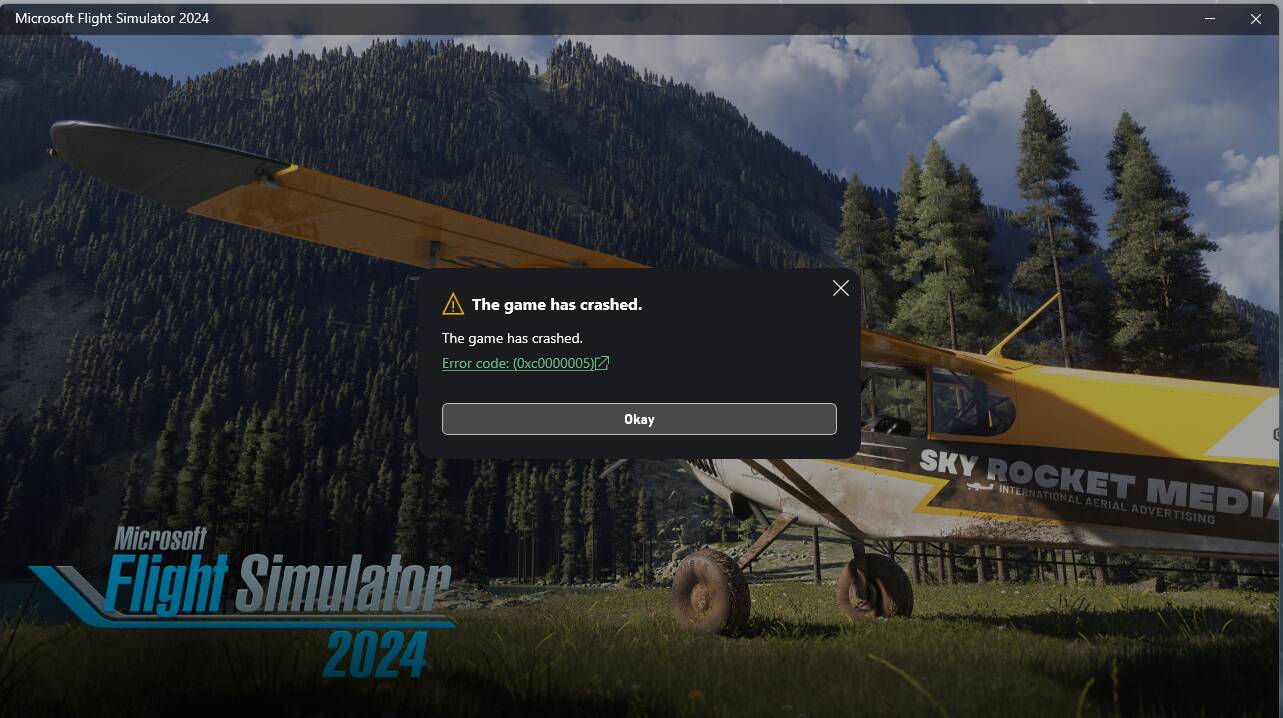
I also noticed that it created files in my Content folder, like nvng_dlss.dll, sl.dlss_g.dll, dlss enabler.ini and a lot of other files that look like they are related to the mod app. I also tried completely uninstalling reshade, still the same. I tried deleting those weird files, and double-checked that they actually were deleted, and did a “verify and repair” in the Xbox app, and when i checked the folder again they reappeared, like they now were part of the game and the algorithm found them essential to repair and re-create them…
I hope that anyone wil be able to help me woth this, note that I am running on a 7800X3D and a 9070XT.
Thanks!