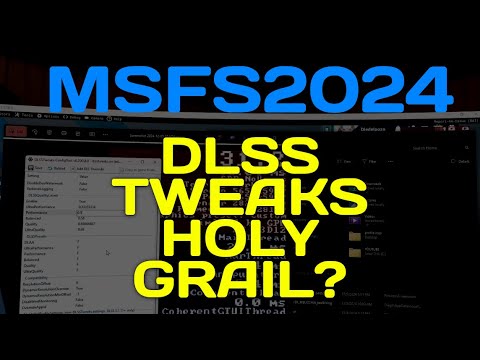
All right guys… This morning I had some time to test my “solution” enabling Dlss tweaks. Pimax Crystal Light here.
Here’s one good result method: All this in VR.
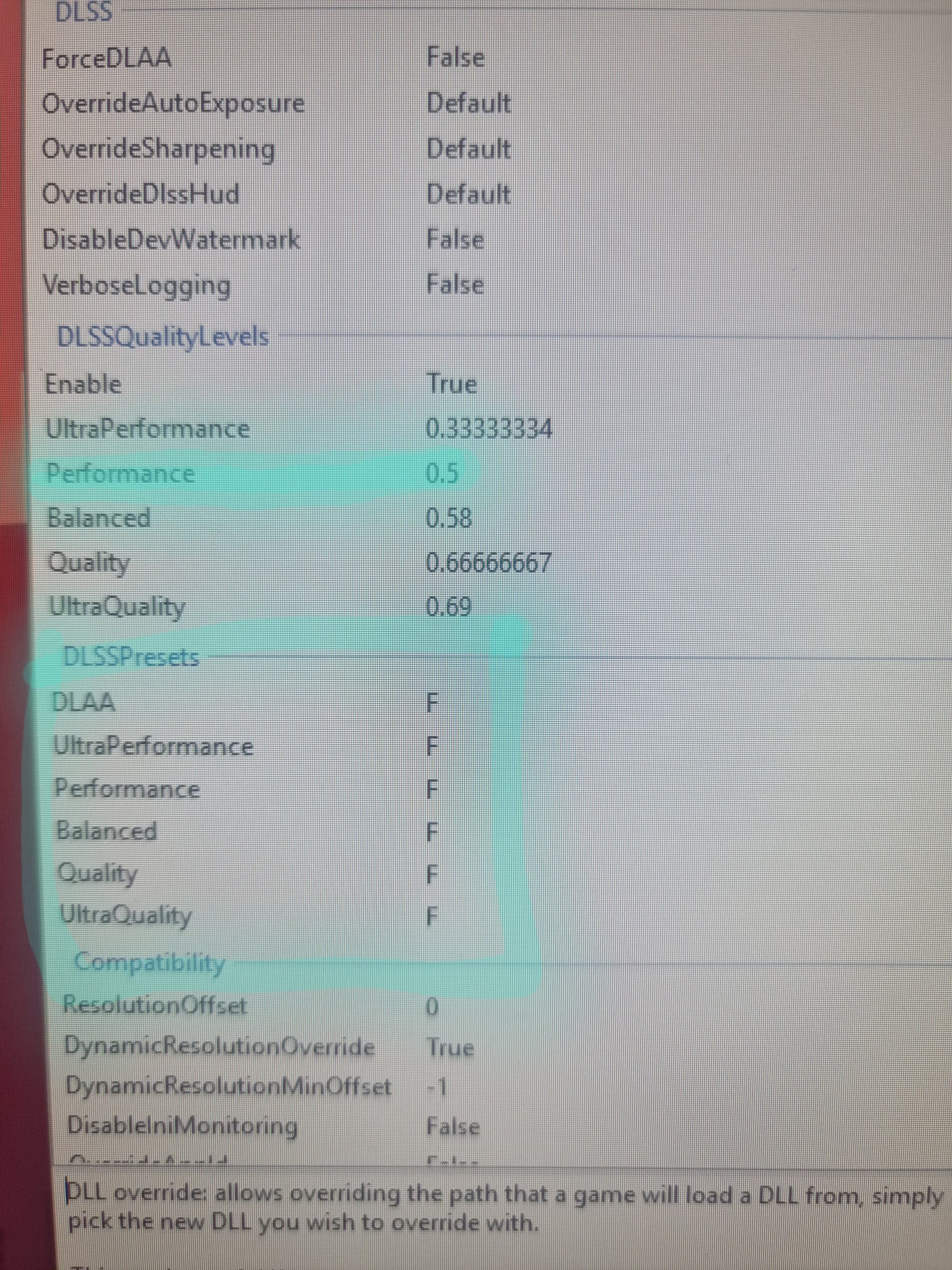
In DLSS tweaks I suggest only touching presets.
Set everything to F (see photo).
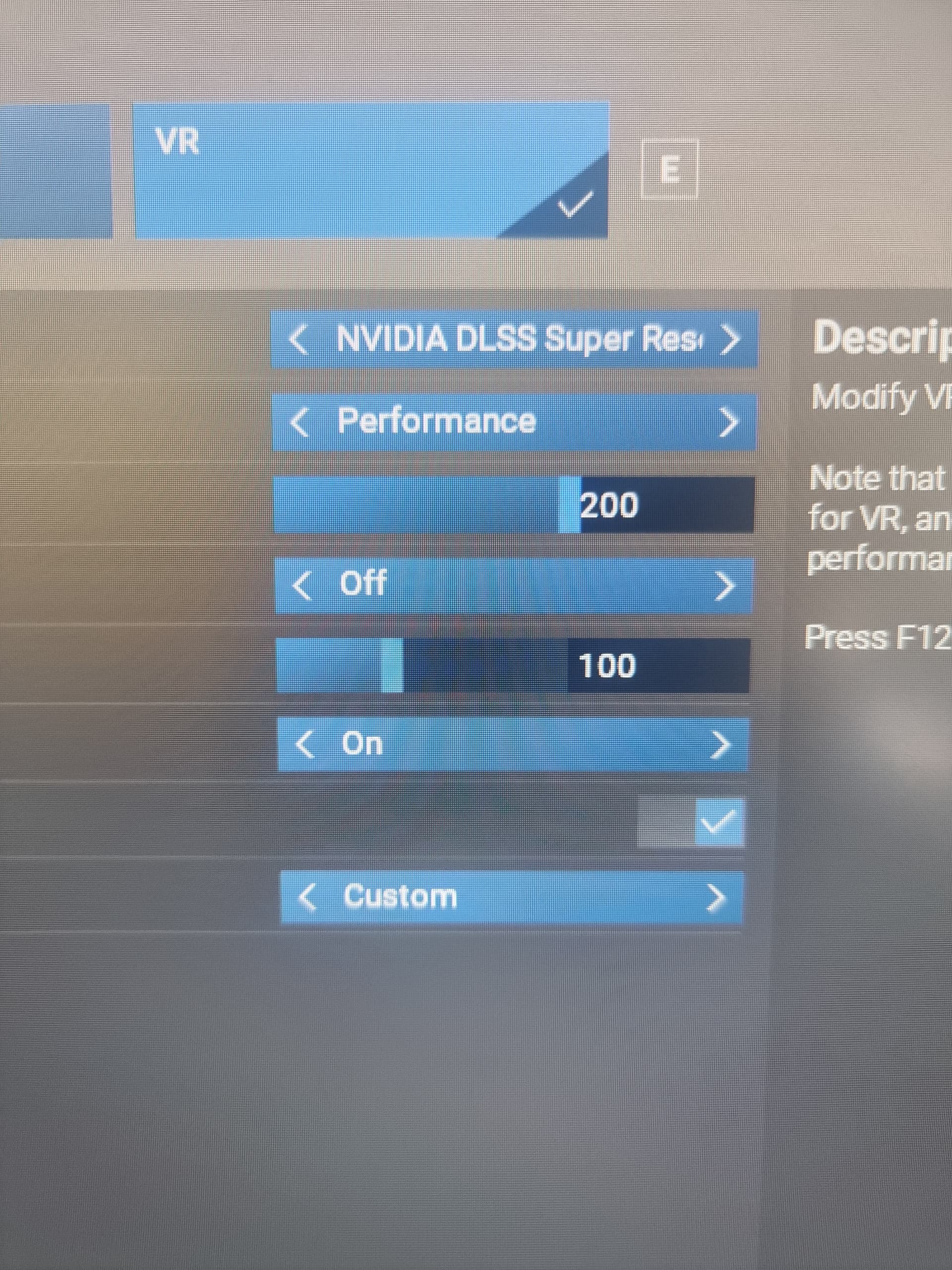
We are going to use DLSS PERFORMANCE in VR.
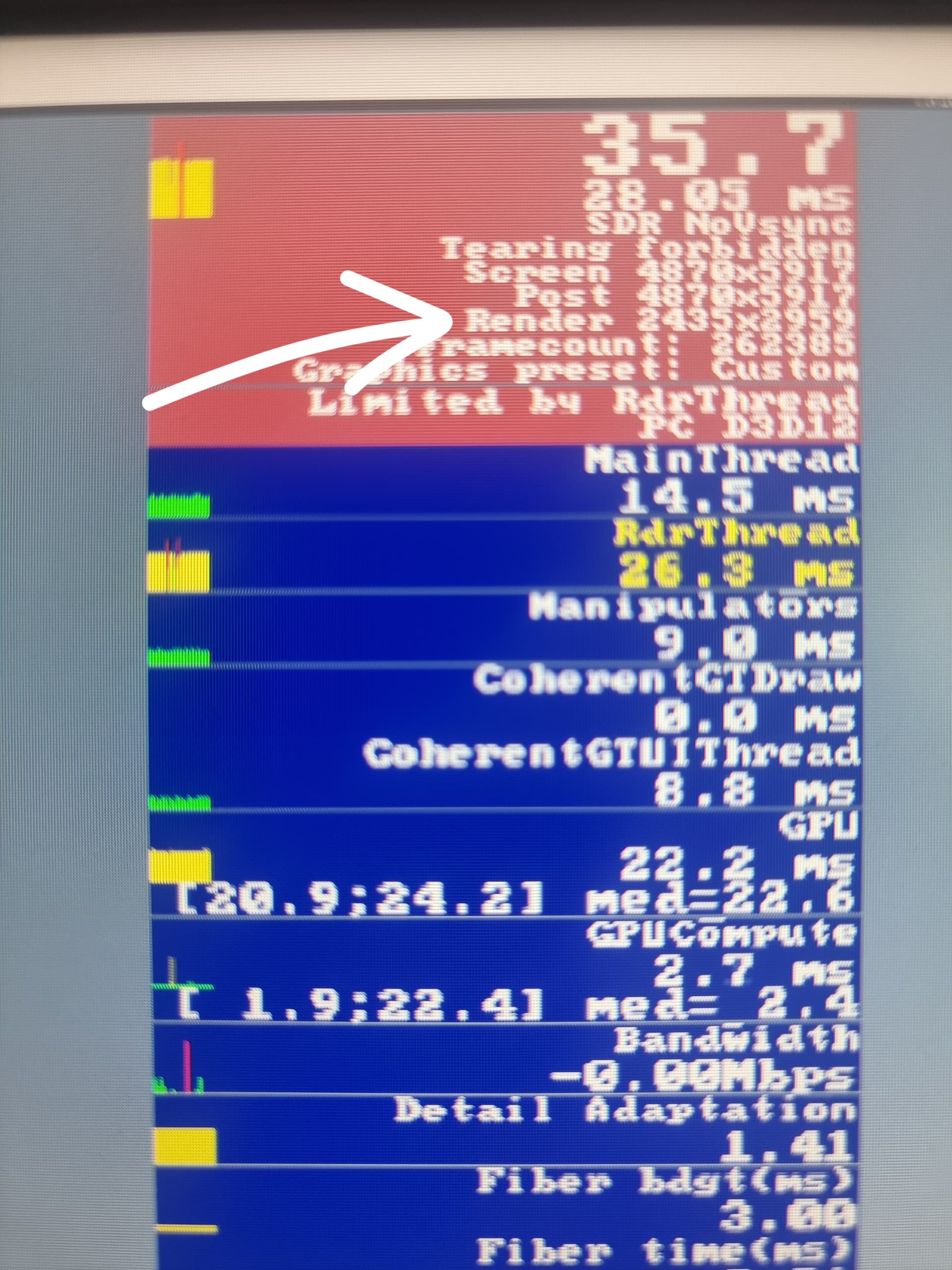
Performance is a 0.5 factor, so 50% of the native resolution. In this case we are going to play with OVERRIDE RESOLUTION in OpenXR toolkit. Our goal is to achieve the half refresh rate frames. In my case I’m using 72hz, so 36 fps is my goal.
I’ve found that this preset (F) in Performance, supersampling the resolution around 5000x***** (in my case 4870x5917) results in 2435x2959 (half the Open xr toolkit resolution). DLSS does it’s magic and we get a crystal clear image, very similar to DLAA (100%)
Try my method and let me know.
- Important or not to know is that I’ve set all my PC settings to low-end. Maybe a placebo method but since we don’t want to use vram during loading time…
- If you can’t reach your half refresh frame rate you have 2 options> lower your sim settings and/or resolution in openxr toolkit.
- why preset F.. It’s the one DLAA uses’ so much sharper.
7 Likes
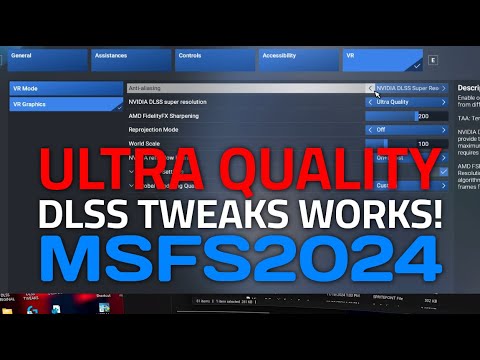
In case you need to know how to enable DLSS TWEAKS I did a video.
2 Likes
It works surprisingly well..
I confirm, I’m surprised it looks okay. Running DLSS 3.8.10.0, Preset F, Performance, and sharpening around 170 with Pimax Crystal at 1.0, smoothing off.
I haven’t bumped up the resolution in OXRT yet but I’m getting 40 to 45+ fps with passable glass screens and I can still read fine text.
It’s still no TAA but TAA in 2024 just isn’t doable.
1 Like
I took a long flight in the G1000 C172 to test it out and had a surprisingly nice flight. At no point did I feel graphics were bad and I didn’t have a single stutter. In air I had a solid 45 fps. I feel like I could have had the Pimax smoothing on at 90 Hz.
The buttons on the PFD and MFD were all sharp and readable to me except for the far-right buttons on the MFD. Which I’ve never seen be clear in TAA either.
The magenta text on the screens were a little tough without a lean in but that has always been the case for me.
The largest annoyances I had on the whole flight was 1) the known issue where left and right screens have inconsistent images and 2) the non-stop warnings about loss of the live traffic data.
It was nice to enjoy a flight and not be tweaking settings! 
1 Like
Thanks for sharing this. I believe that this is the best way… Sharing experiences means that you’re not struggling with things that put you outside the immersion. That’s the reason we use VR. To forget this is not real 
I’m starting to enjoy walking in the sim, lol.
One thing that this method gives me is the impression of dimensions. Like the scale, depth are more present and it feels more realistic. I was experiencing this in DLAA (2020)
Best Post ever in this forums! The sharpness and feeling of height and depth with this setting is outstanding and jawdropping while performance is superb. Since OXRT does not work out well in 2024 for me i just used the steamVR Supersampling setting to insane 300% (valve Index) which just works as well.
Since the new Era of msfs i never had such crisp visuals till the horizon. No more blurr in the distance. Need to go fly some more, cheers!
“The sharpness and feeling of height and depth with this setting is outstanding” Many settings have been discussed - which one are you referring to?
Changing the dlss presets to F is a total game changer!
I have some lower resolution in openxr as I like atleast 45fps but even then is great! I also set the refresh rate in pimax plax to 90 with lock to half.
How/where do I change the dlss preset to F?
See third post this thread
1 Like
It’s a bit of an involved process to get the dlss tweaker setup but the video makes it easy.
- Get the latest DLSS version
- Update with tweaker to use the F presets
- Don’t be afraid to use Performance mode
- Adjust final resolution in OXRT
In my case on the Pimax Crystal, I didn’t feel the need to bump the resolution up as the clarity was surprisingly good for the level of performance.
I’m just debating now if I want to run 45 fps smoothing or just let the frames run higher once up in the air. I’ve never been able to do smoothing at 45 fps with clarity before.
2 Likes
Really nice video, thanks. One thing I don’t get: You are doing 40fps at 120hz but tell it to lock to 60fps? What’s the intention/effect there?
I was wondering the same thing. I just have it on 90 Hz at the moment because I was smoothing at 45. Although I’ve just gone back to no smoothing and unlocked. It feels the same without glitches.
I’m still shocked at the clarity and performance.
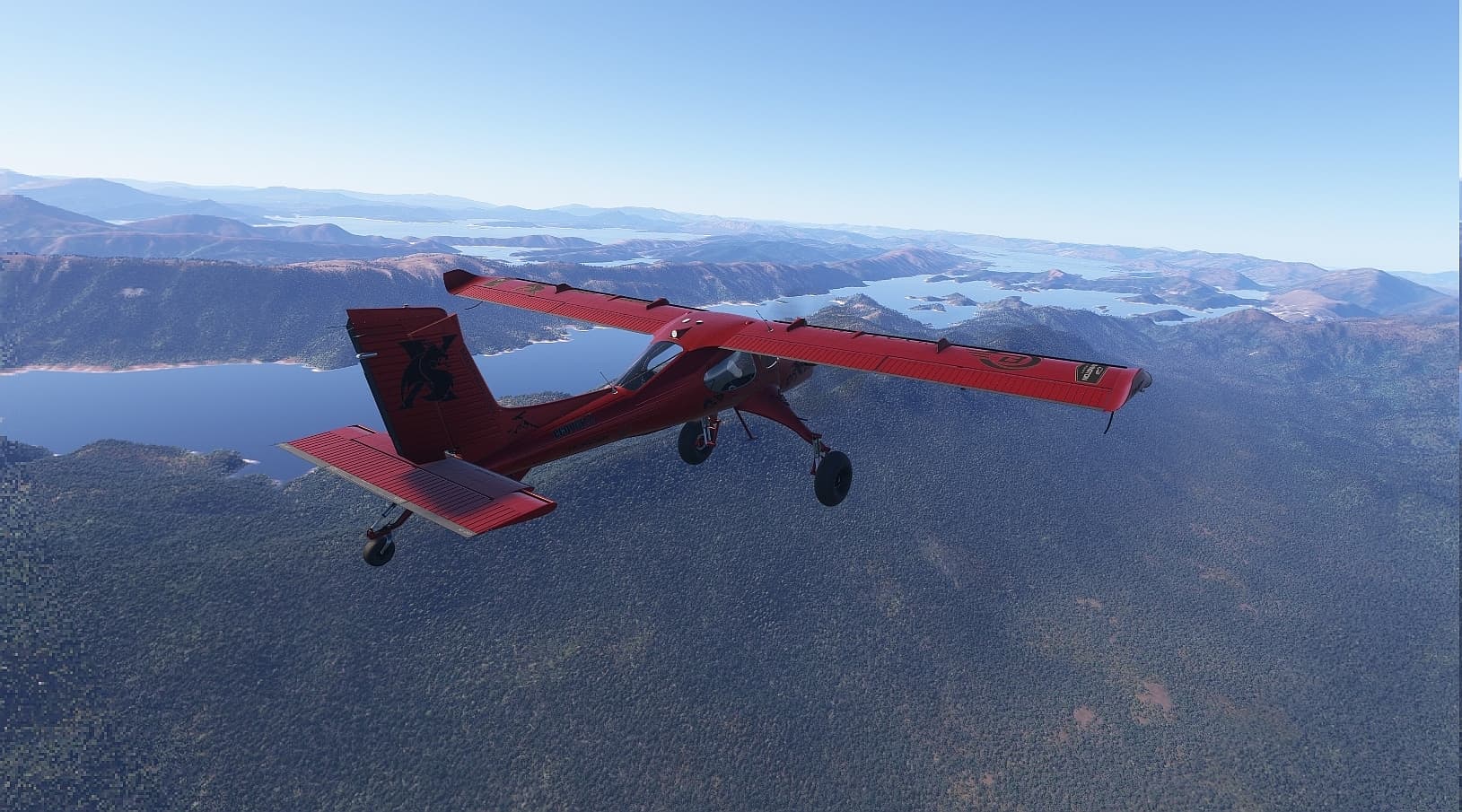
Your’s truly over the West Coast Wilderness of Tasmania this morning in this little hot-rod. I had no idea it was a turbine until I spawned inside to do some tests. What a blast!
Anyhoo, Pimax Crystal OG, running 5000 x whatever in Toolkit, DLSS Performance F preset via DLLSS Tweaks. 4090, 5800x3D, 64GB ram, Win 10.
Comfortably locked at 45fps with motion smoothing on. Sharp outside and those
massive flat screen panels inside were also very crisp.
I love the Draco! I haven’t been in it since getting VR tuned.
1 Like
Yeah, I loved everything about it. Going to be doing a lot more bush flights in this red rocket.
I did the same flight yesterday, from Wynyard to Strahan, absolutely beautiful flying over that part of Tassie in VR with smooth performance.
I’m really starting to enjoy MSFS 24 now 
1 Like
I live in Hobart, so exploring Tassie by air is the gift that keeps on giving. The west coast terrain is also particularly good for ridge soaring in gliders, the westerlies give lots of lift and the scenery never gets old.
Now with the high res 3D trees etc, landing and going for a stroll to take in the view is also fun.
I too am starting to enjoy MSFS 24 now (although the bugs and the godawful Control settings interface still drive me bananas).
1 Like