This explanation could be the reason: SU3 Beta FINALLY able to download default aircraft, airports and scenery! - #29
Restart the PC.
Restart the Sim.
In My Library, select that item again, and use the Cancel option. It may be hidden behind Other Options. Sometimes it shows Cancel, sometimes Other Options → Cancel.
Download it again. Wait for successful download.
Exit the sim. Restart it.
Go back into My Library and try Ready to Install again.
Thank you! Have to leave for work but will give it a try when I get home.
Weird… when I hit cancel it suddenly showed everything as installed.
Check to make sure it doesn’t say N/A on that item. I’ve seen that happen and it’s not really installed.
Occurred to me as well. Had to reboot and checked the page again and my downloads had reduced. I think it may just get stuck - especially if you try to download too many. I then disabled existing downloads and uninstalled. Seemed to do the trick.
Not seeing any N/A’s. I think im in business.
Thank you for the bug report.
We have created an internal ticket to see if our team already has this logged, and if not they will attempt to reproduce the issue and create a new bug report. This item is now marked as feedback-logged. If there is an existing bug report or one is created, we will move this thread to bug-logged.
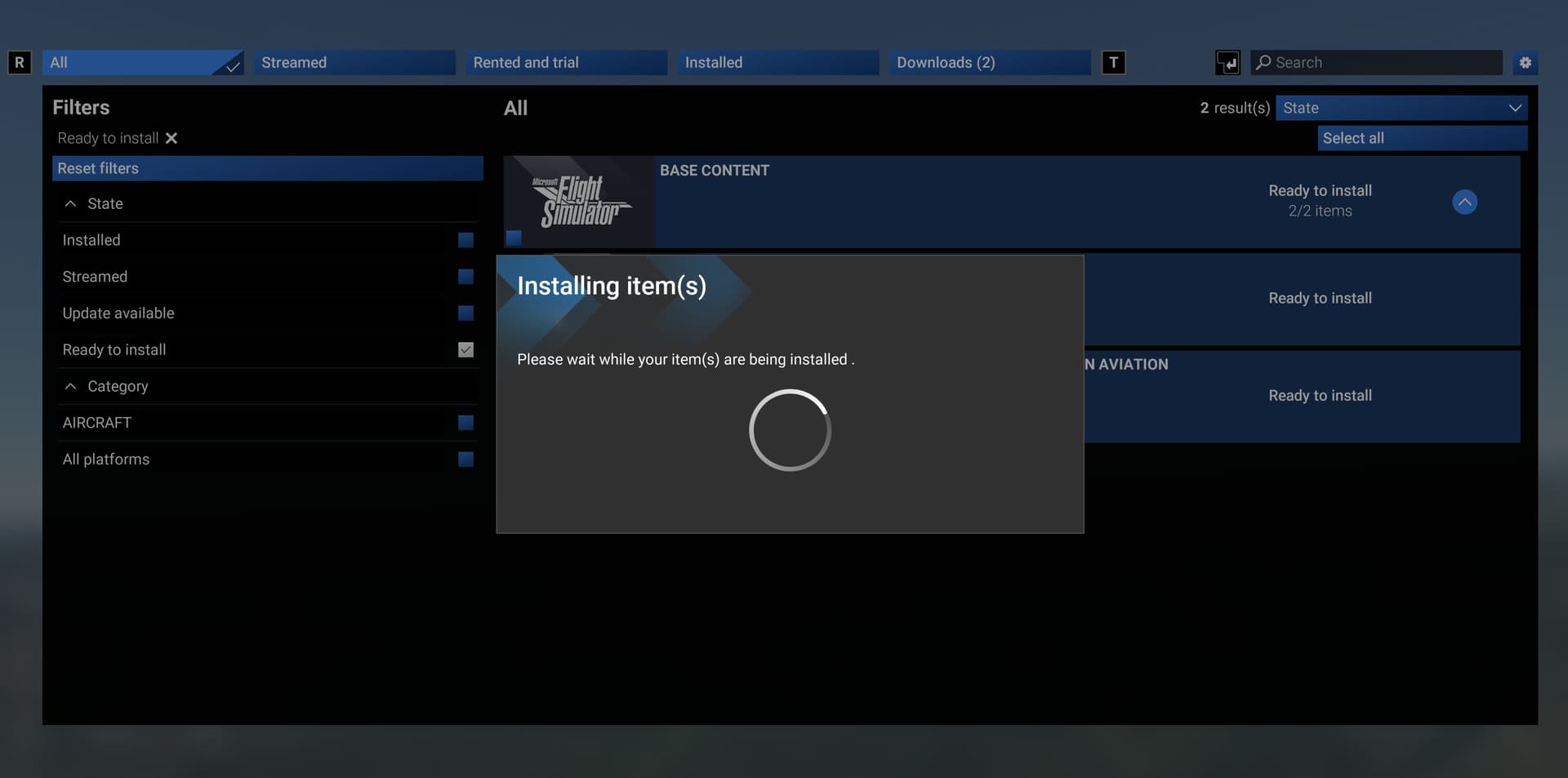

Is this where we go to report when updating files that you get a spinning circle? Downloading doesn’t seem to be an issue, but when hitting install after it says ready to install (why should we ever download it but not install it, installing at the same time should be the default) I get a spinning circle. This happens when selecting 3 or 4 to install or just 1. Literally all the files are downloaded and none of them will install, even little tiny flight files that are like 18kb.
What’s the hangup?
Is there a workaround?

Had no problem with the initial install of everything when SU3 dropped, this is updating files today
So after reading more and testing, if you uninstall the “update required” item so it goes back to saying streaming, then you can install it. That said, it still, needs fixing.
Some paranormal activities happening at My Library right now. Base Content and some Air Traffic Aircraft files began to download by itself, i saw them on Downloads tab. Number was 24 near Downloads text, than it was 22, than it was 23. I didn’t touch or do anything. Later decided to choose all of them 23 total and pressed UPDATE. At Downloads tab, number increased over 45+ , now it is slowly going down, i am waiting since 20+mins. My only option is F Pause at bottom, + cancel and disable at G More Options.
edit: Ok it finaly finished whatever it was doing, now shows as nothing installed and i am back to Downloads (23) and at bottom shows as F Install instead of F Pause. Imgur: The magic of the Internet Have a great night you all. We need to cancel&uninstall those “update required” files and redownload&install them.
Had the spinning circle and rebooted. Now its downloading stuff repeatedly, as well as creating duplicate categories for downloading.
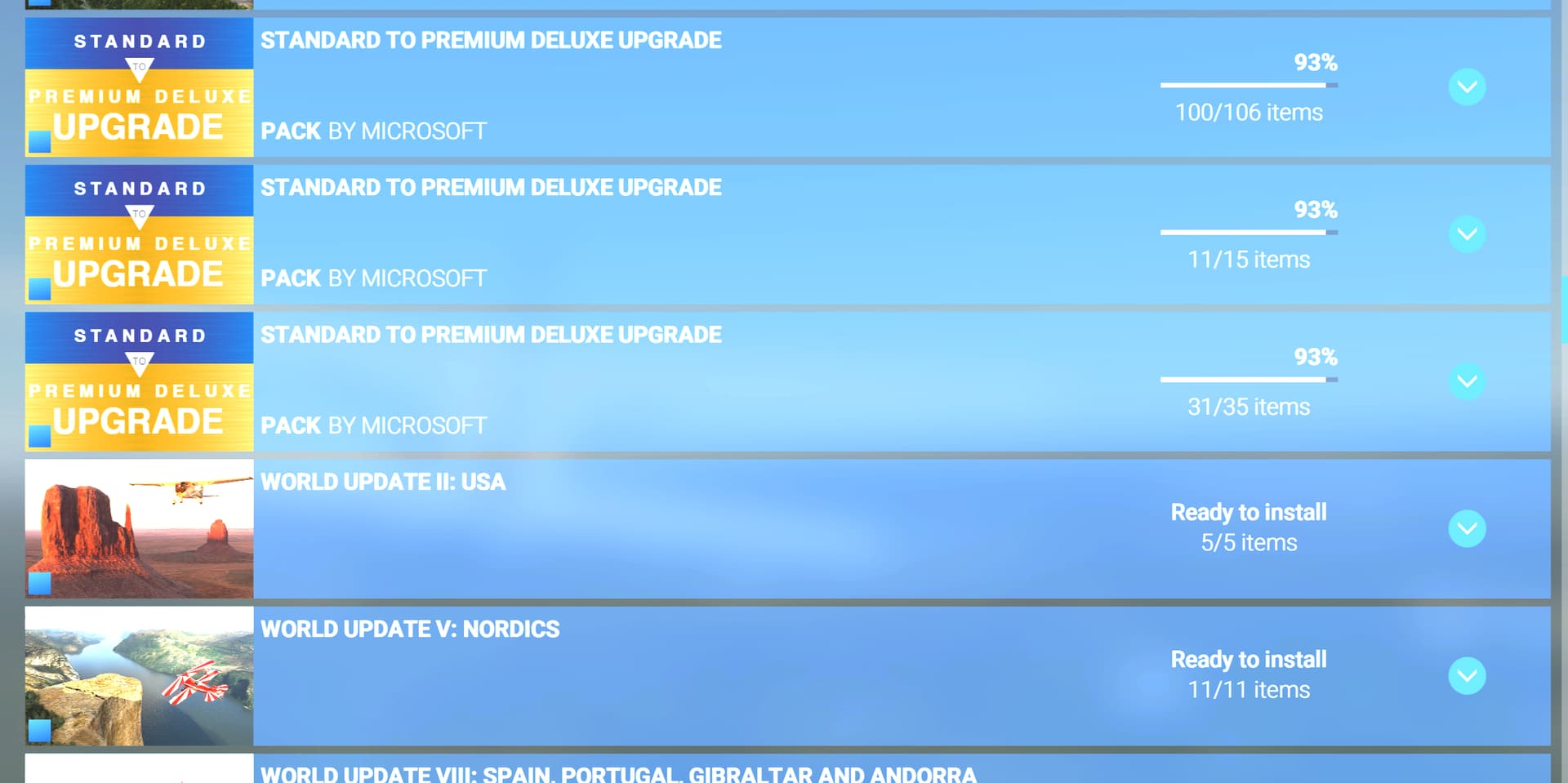
edit: After further shenanigans, its redownloading stuff, dynamically changing download amounts, changing from Install to download, duplicating categories, etc. All without me touching anything. This probably shouldn’t have even been enabled to begin with, even in beta. Its not even close to functional.
Well, back to 2020 again.
Same .. The full streaming experience is not for me.
Thank You will try this option till they “fix” it.
So in a nutshell
Anything locally installed that has “update available” the workaround procedure is to simply uninstall it so it goes back to the streaming list then redownload it correct ?
Correct. That fixed it for me
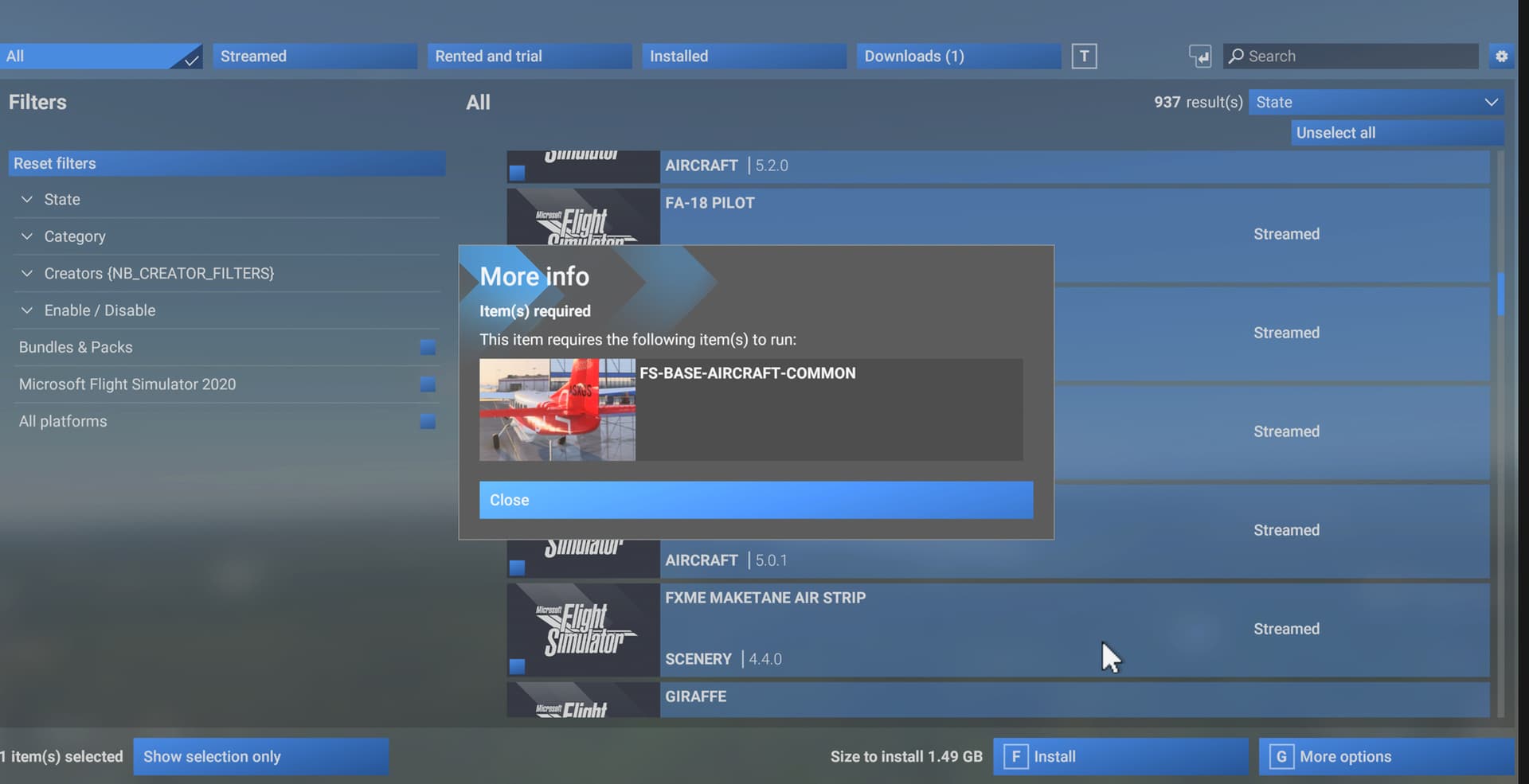
I spent hours last night trying to get even a single item updated/installed and each time had to manually crash FS to get away from the spinning circle. It didn’t matter if I cancelled/uninstalled. I finally went to look at the directory where these downloaded and installed files are located after a new download and during the spinning circle (was trying to install the 172) and you could see the folder for the streamed version and then another folder with -Temp after the folder name that contained far more data. The download obviously goes into this temp file and then that data is moved into the permanent folder after hitting Ready to Install. The subfolders where this exists are where you have your community folders setup but within and then within Official2024/OneStore (or Steam I guess). There is also a folder with the same name as the item within the StreamedPackages folder.
The process for the update and install should then be fairly easy for code to perform. Copy the downloaded data into the relevant folder, remove the temp folder and my guess is then remove the folder from the StreamedPackages folder. It makes sense that the data is first stored in a temp folder in case something goes wrong during the download but why in the world does it take us confirming we want to install it at that Ready To Install stage. JUST DO IT. It’s what we asked for in the first place. Do you think we will change our minds during the download? It’s like leaving the sim. We intentionally press a button that says Exit to Desktop and then have to press another button that says “Are you sure you want to exit?” as if this is some life or death decision.
Worst case in all those situations is that someone hits the wrong button and an item installs (no big deal. You can uninstall it or the sim exits and it just has to be restarted. Stop treating users like children please. One button - Install. Unless there’s a download error, done.
After downloading Base content and other packages tendancy for installation to hang also when updates shown these hang when UI gets to install see sccreen shot. Program hangs at this point. Anyone have any ideas how to work around currently have to uninstall and re-downoad packages to update packages.
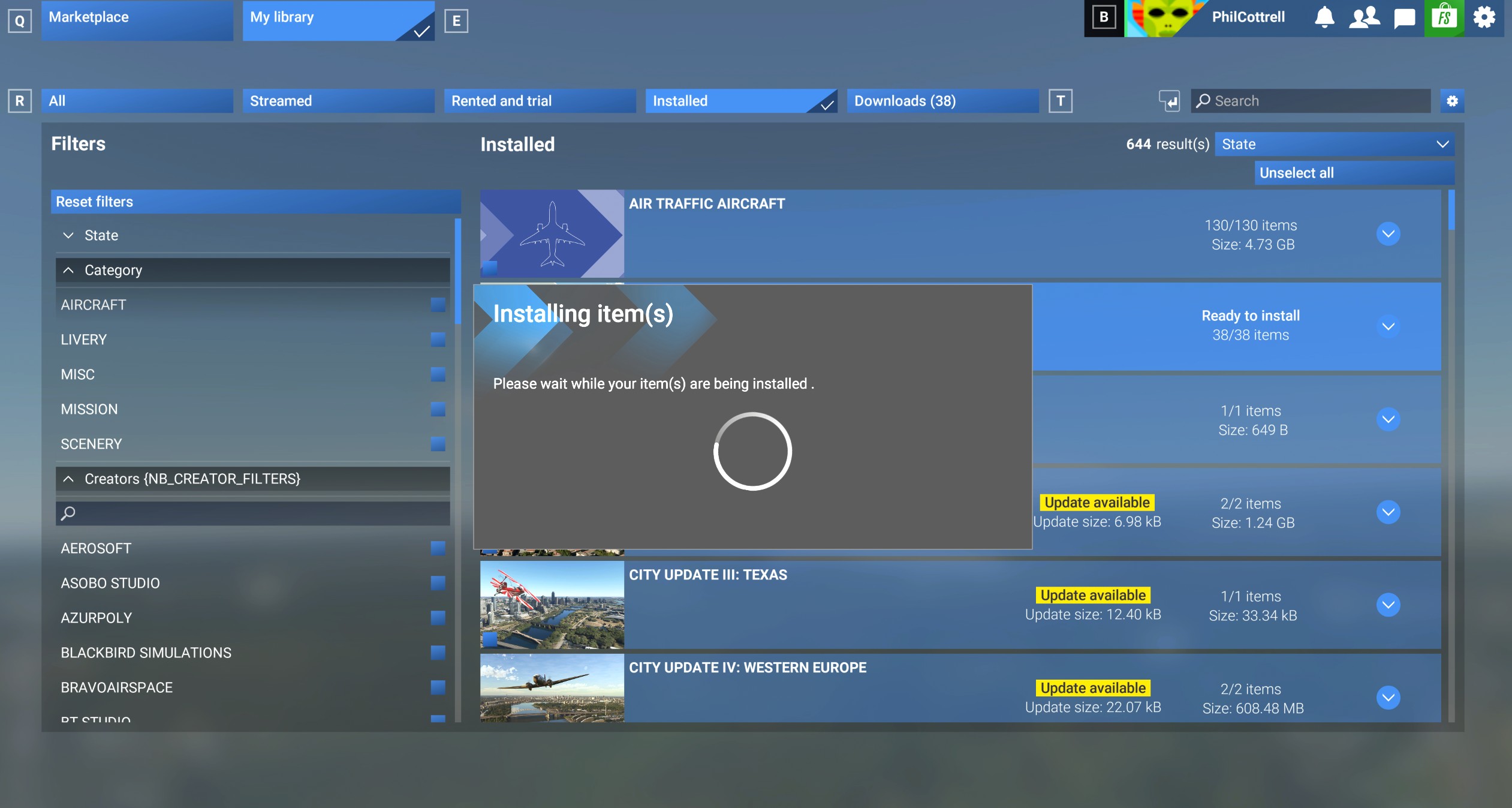

Just out of curiosity. Has anyone been able to download and install everything?
I’ve given up. My install with base content and the upgrades downloaded/installed has completely crapped out due to this issue. Back to 2020 for now. I just bought 2024 because of the download capability and a lot of the fixes. For now, its still the lesser functioning of the 2020/2024 family.