On the question of installed content, and updates, I had a few planes that needed updating. It was the C172, and the 182Q. I had a yellow dot on the alarm bell at the top, the. I had to manually download, then “install” the updates. This required multiple passes of that process for some reason.
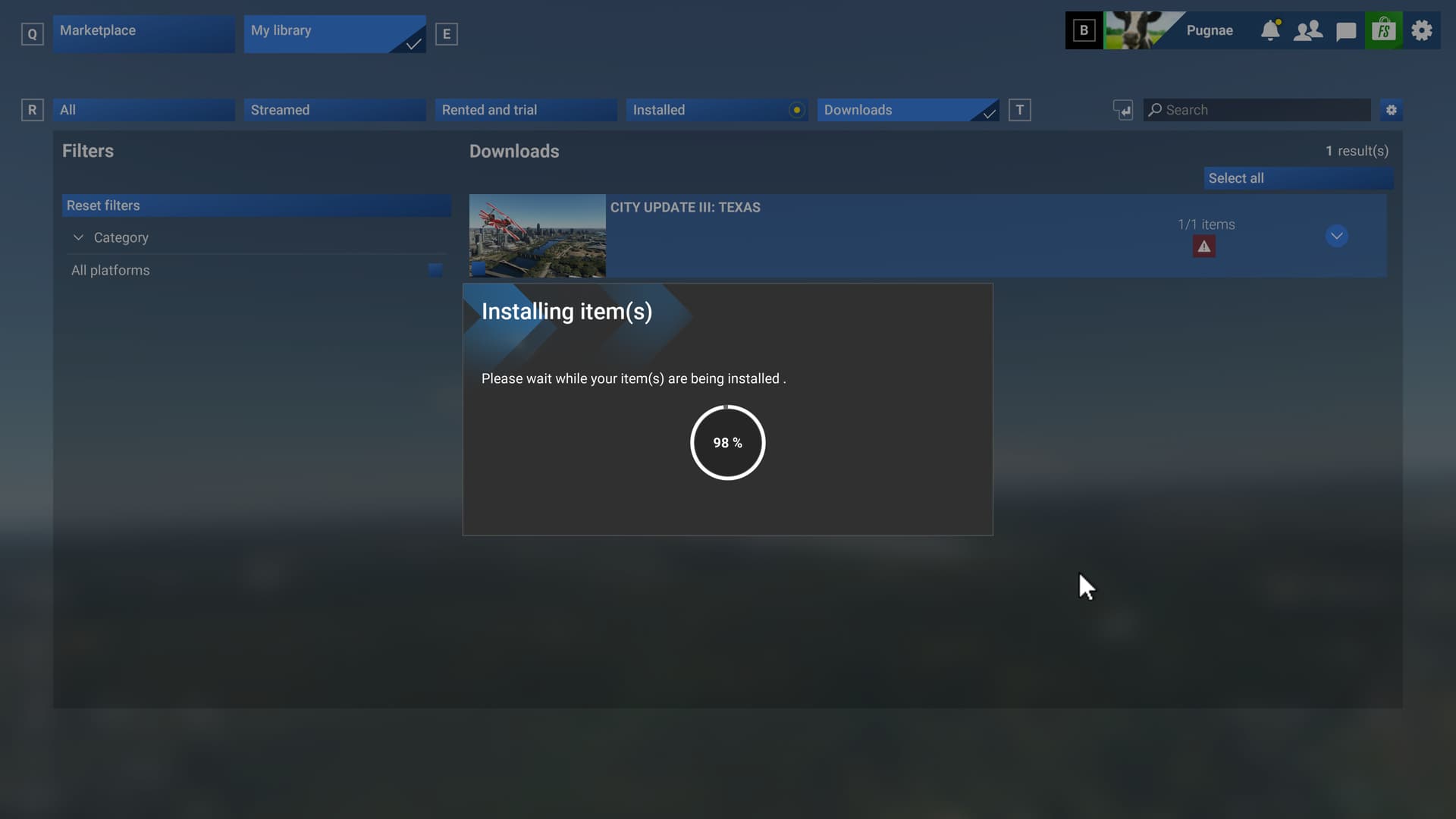
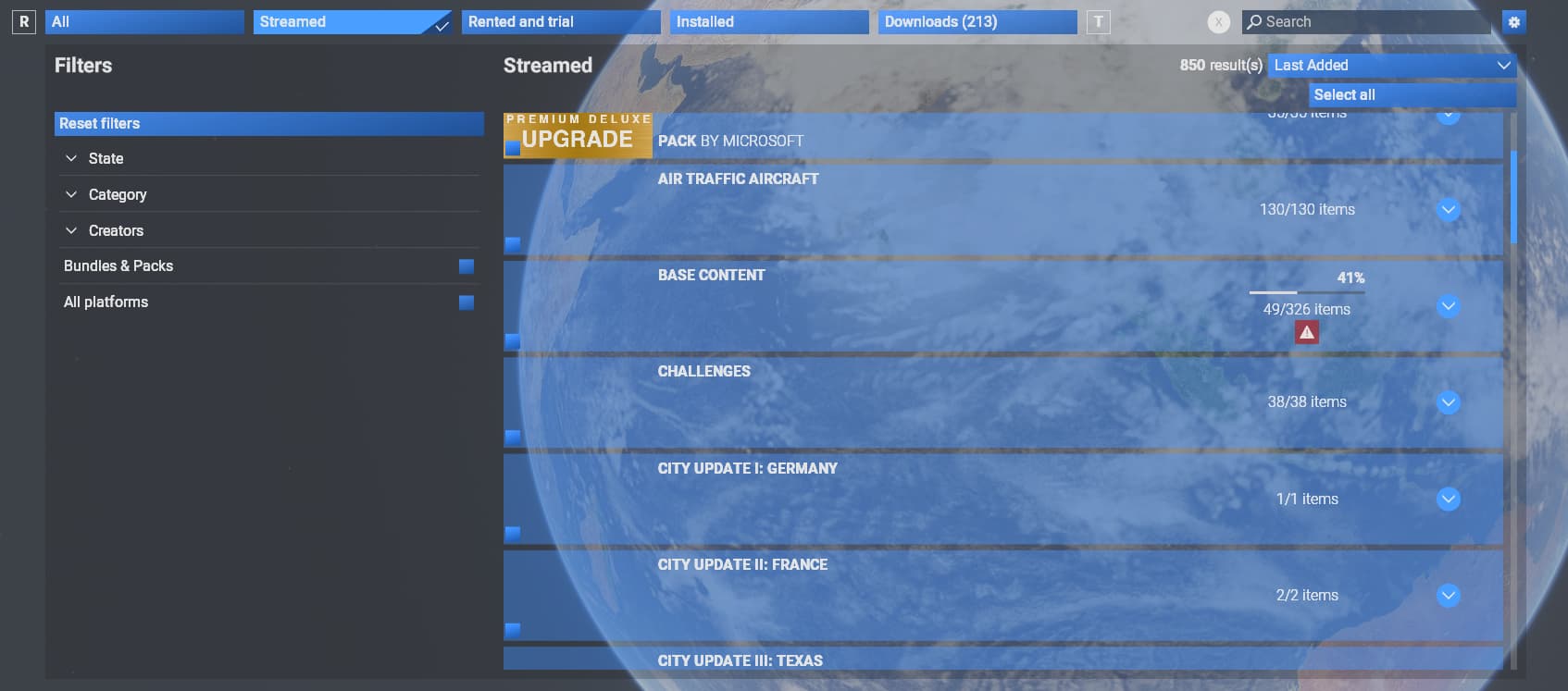
Meanwhile on Beta 1.5.9.0 the problem for me stays consistent as it was from the beginning of this beta cycle: It will hang installing/streaming Base Content. It will start over and over again and gets stuck with 41% (right now, this value might change).

Clicking on the details it will show several failed downloads which it cant stream/download/install some way …
I still didnt find a solution. Only way is to leave beta … I tried so far: Deleting rolling cache, deleting content.xml, running as administrator, deleting OneStore folder, …
Anyone having similar problems … and even a solution/hint? 
Greetings
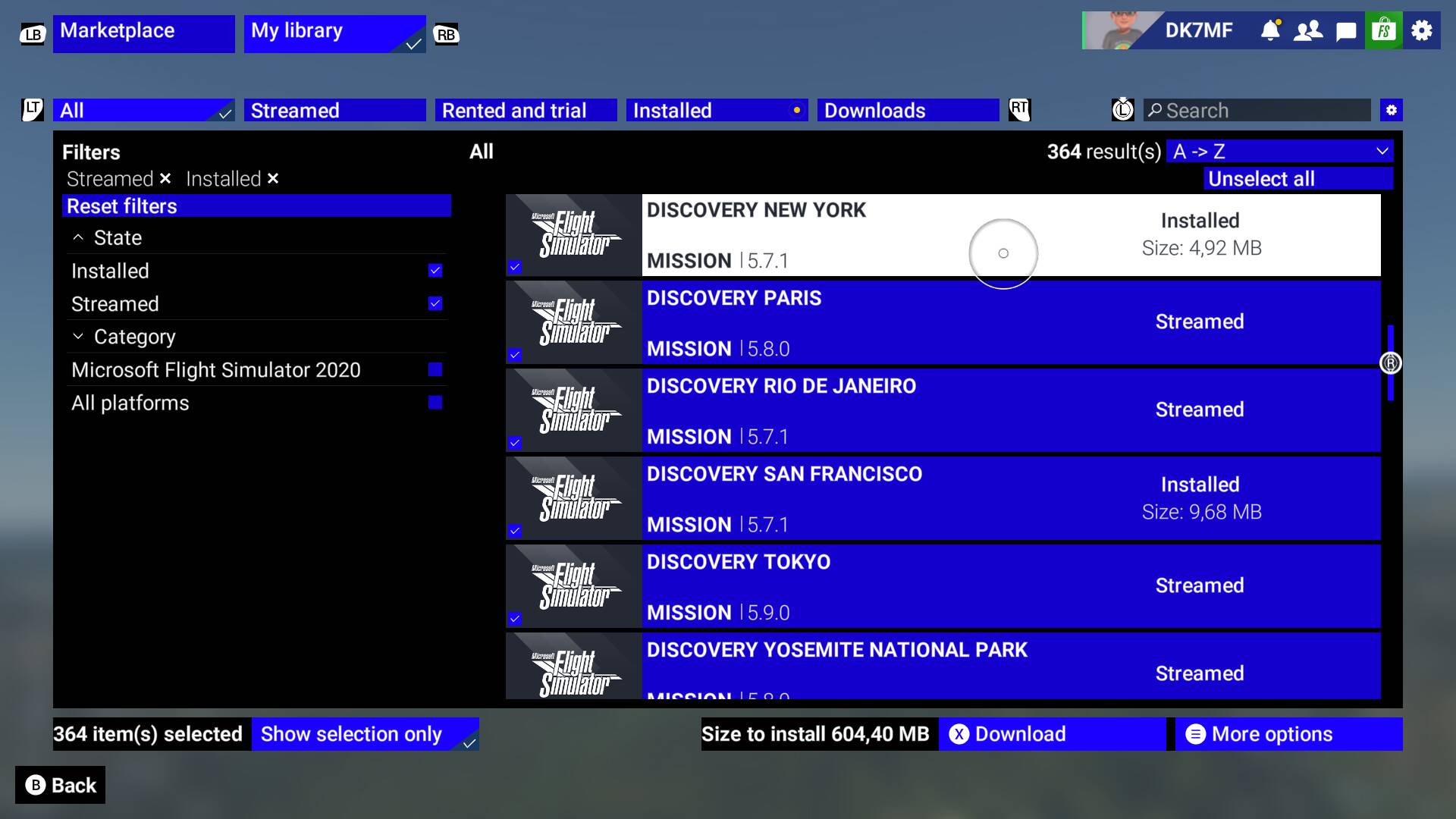
Had same issue a few weeks back albeit Xbox Series X.
Combination of an update they released, in additon to (this “band-aid” kept the bug at bay prior to the ahove mentioned update, albeit agonisingly)->;not selecting more than 3-4 sub-components nested under the Base Content Parent folder to download at a time.
Spoiler - after the base game swelled from ~30GB on mylocal xbox drive to over 300GB and climbing (with most World Updates still on cloud), i objectively could not revel in even 1 noticeable mprovement apart from load times.
I downloaded pretty much all l base content excl ships (GIGABYTES of ships??), animals and a few liveries.
World and City packs I downloaded were specific to the geography i tested once downloading finally concluded. Hope im the exception rather than the rule
Indeed, that was working even though I’m on store version:
I clicked “cancel” on the failed item whenever I got notice that a download failed. After many hours of going through this process, it finished downloading many items.
Cancelling will prevent to end up in a loop where it re-tries again and again to download the same items resulting in no progress.
But for the Beta Team: I would recommend to auto-cancel failed items, otherwise the installation process is a mess as it was for me.
Thanks!
1 tag is required - add it in the tag section next to the title above:
ISSUE DESCRIPTION
Description of the issue:
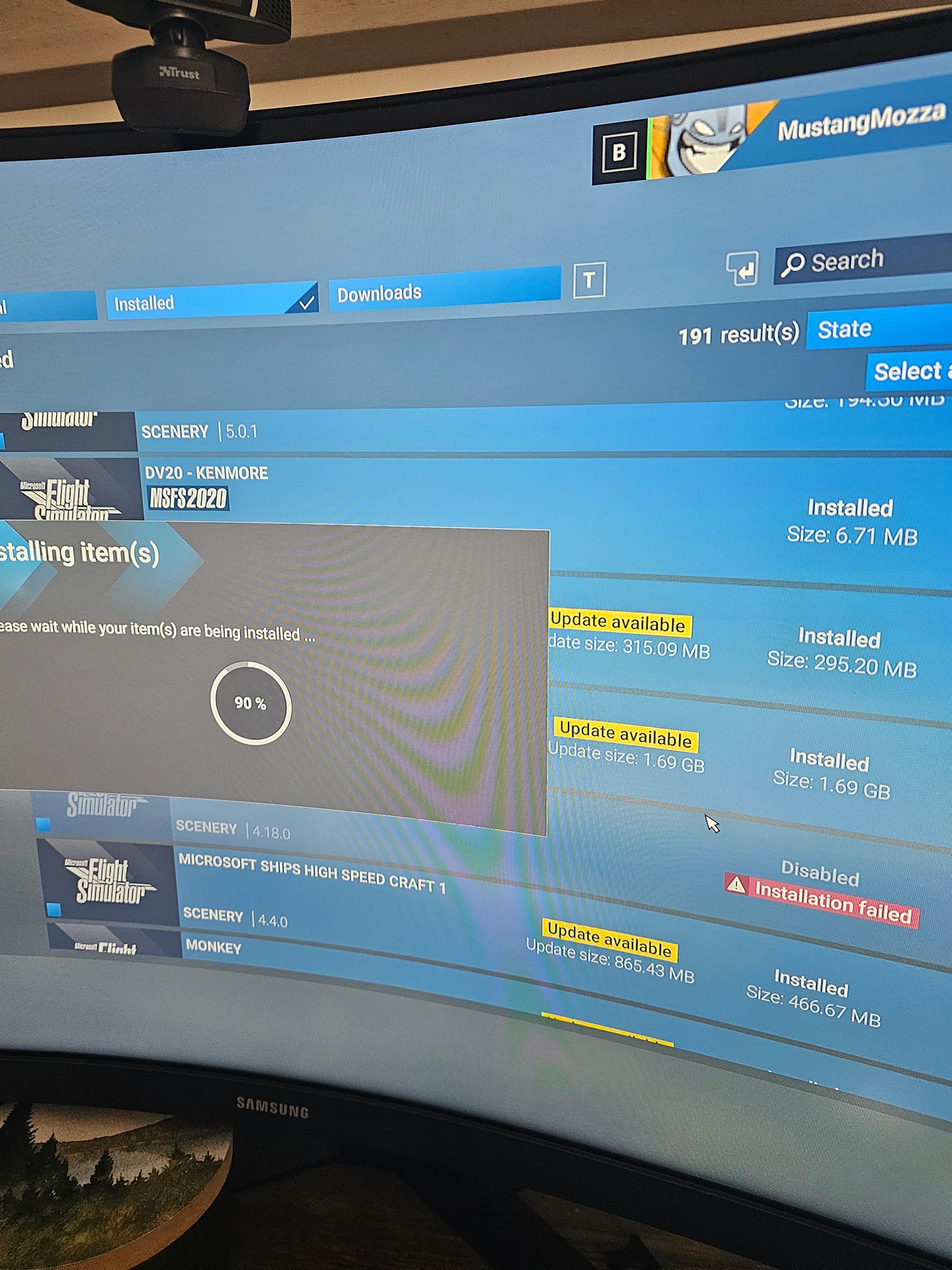
When installing items and the installation fails you get stuck on this installing screen at 90% is there a way to go back or do you have to keep ending the sim through task manager. Its very annoying having to restart after every installation fail of individual packages.
Did you experience this issue before you joined the Beta?
[PC Only] Did you remove all your community mods/add-ons? If yes, are you still experiencing the issue?
FREQUENCY OF ISSUE
How often does this occur for you (Example: Just once, every time on sim load, intermittently)?
Intermittently
REPRODUCTION STEPS
Please list clear steps you took in order to help our test team reproduce the same issue:
- Download individual packages e.g scenery update
- Install after download complete
3.installation fails at 90%
[PC ONLY] FAULT BUCKET ID
If you experienced a crash on PC, sharing your Fault Bucket ID would be extremely helpful. You can learn how to find that ID here: How to find your Fault Bucket ID after a crash [PC]
YOUR SETTINGS
If the issue still occurs with no mods and add-ons, please continue to report your issue. If not, please move this post to the User Support Hub.
What peripherals are you using, if relevant:
[PC Only] Are you using Developer Mode or have you made any changes to it?
No
[PC Only] Many issues may be due to an outdated graphics card. Please state your Graphics Card Driver Manufacturer (NVIDIA, Intel, AMD) and Version:
Rtx 3070ti
[PC Only] What other relevant PC specs can you share?
MEDIA
Please add a screenshot or video of the issue occurring.
[END OF FIRST USER REPORT]
 For anyone who wants to contribute on this issue, Click on the button below to use this template:
Do you have the same issue if you follow the OP’s steps to reproduce it?
•
Provide extra information to complete the original description of the issue:
•
If relevant, provide additional screenshots/video:
•