Hey there, @Kongaming27. There was already a thread about the topic you started so I merged your post here to that existing thread. The votes that were on your original post were transferred.
In the future, please try searching the SU10 Beta categories to see if there are existing topics before adding your own. Thanks, and blue skies!
Because of the randomness of it I’m starting to wonder if it’s a backend server problem.
I have not had any graphical issues since turning off DLSS. I still have significant frame rate drops with DX12 if I don’t back off on the tLOD while on the ground.
I doubt it. I have not run into any major FPS drops or graphical issues with DX11 with TAA. Video above clearly shows to be associated when VRAM utilized exceeds VRAM allocated.
Yup I was wondering how come I don’t get this but it seems my 12GB vram doesn’t overrun. I’m also confident MS coders will patch this before the beta goes live but in the meantime there’s DX11.
PS some of these screenshots would make cracking desktop wallpapers 
Do you have the same issue if you follow the OP’s steps to reproduce it?
Yes
Provide extra information to complete the original description of the issue:
I’ve been trying to test as much as I can in DX12 today, but it keeps throwing up weird, random glitches. DLSS was turned off in all instances.
Are you using DX12?
Yes
Are you using DLSS?
no, Dlss is not displayed to me at all: i7-9700K , DDR4-3200 32GB, RTX 2080 Super
If relevant, provide additional screenshots/video:
Screenshot by Lightshot
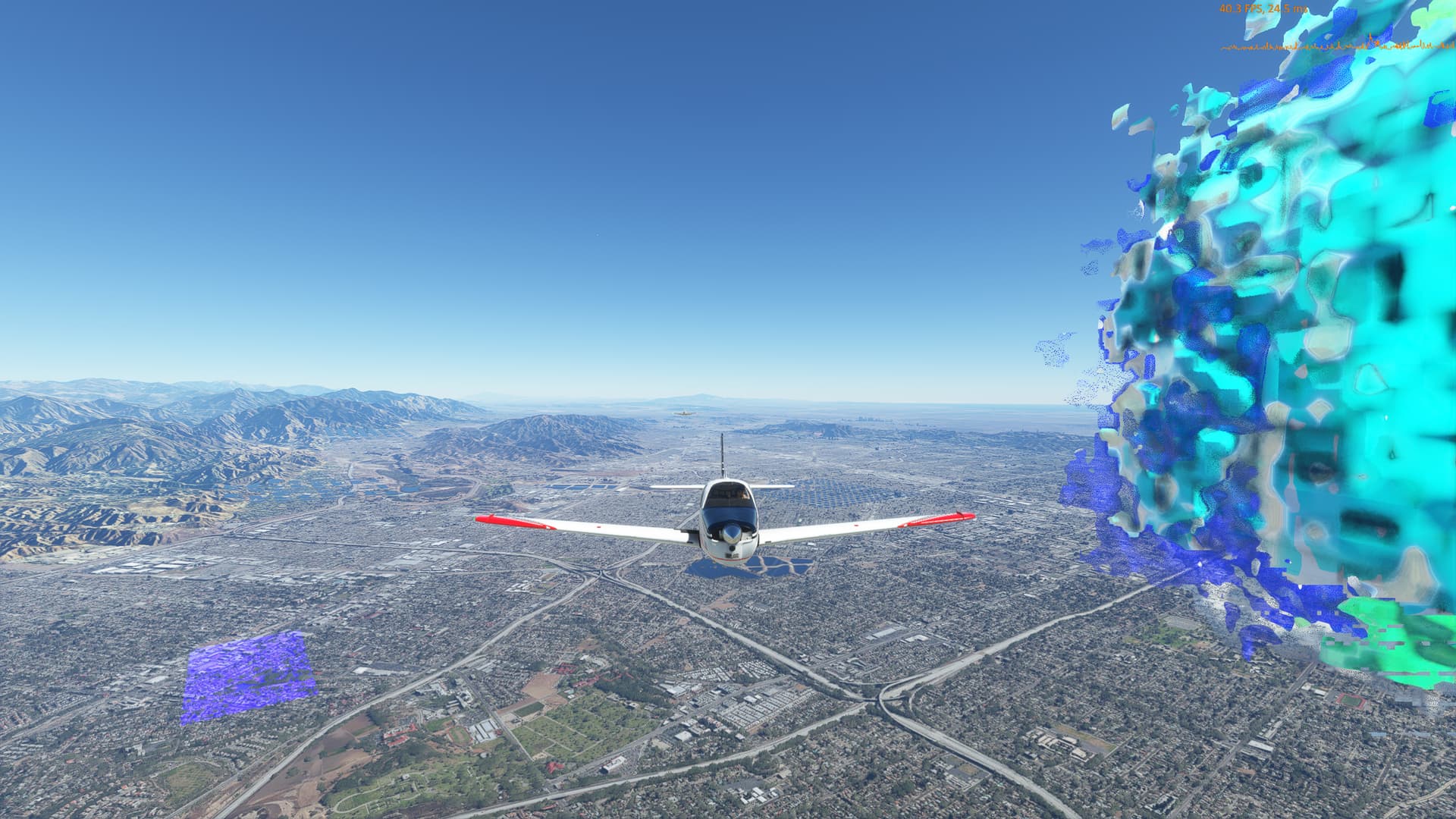
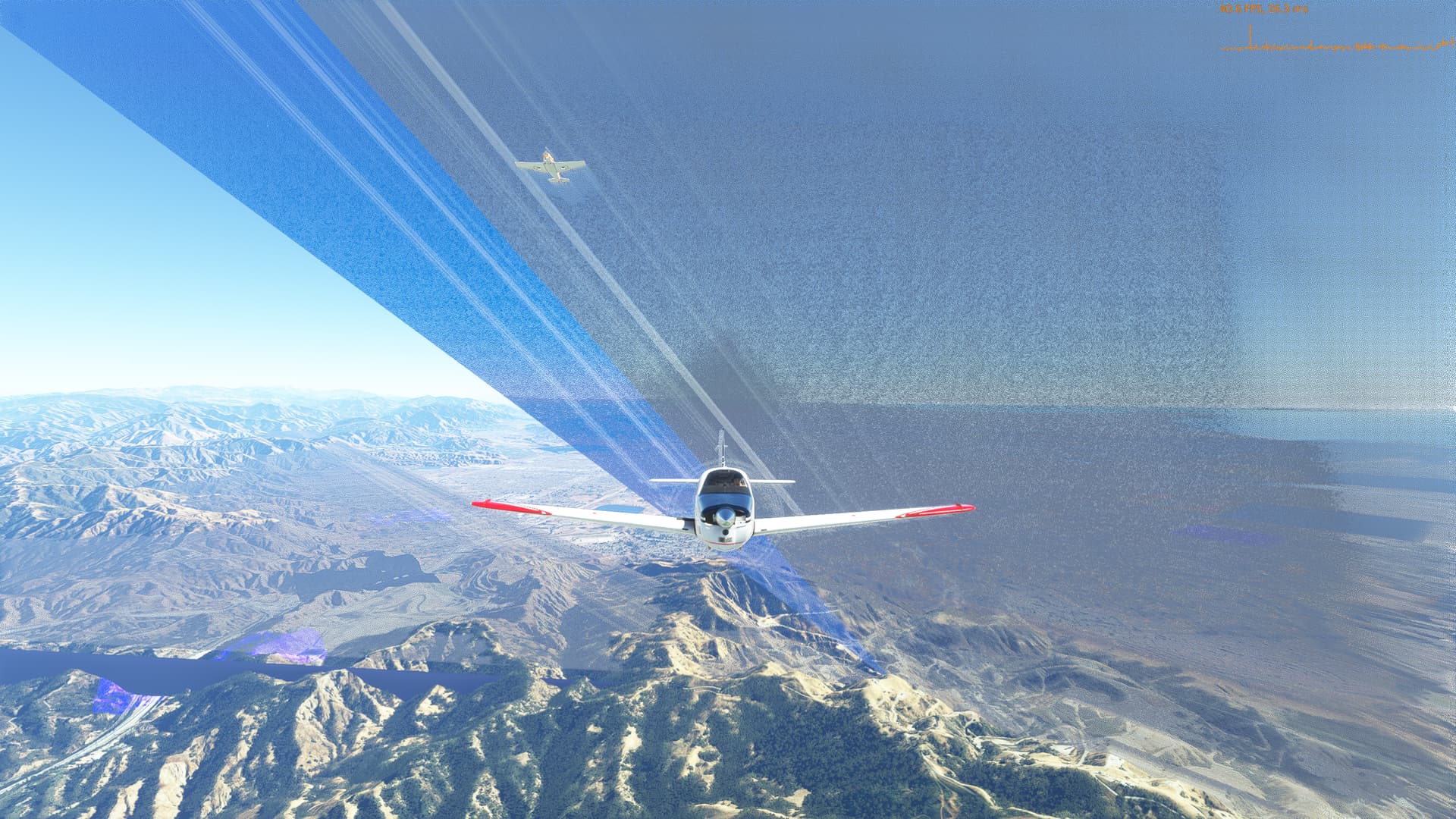
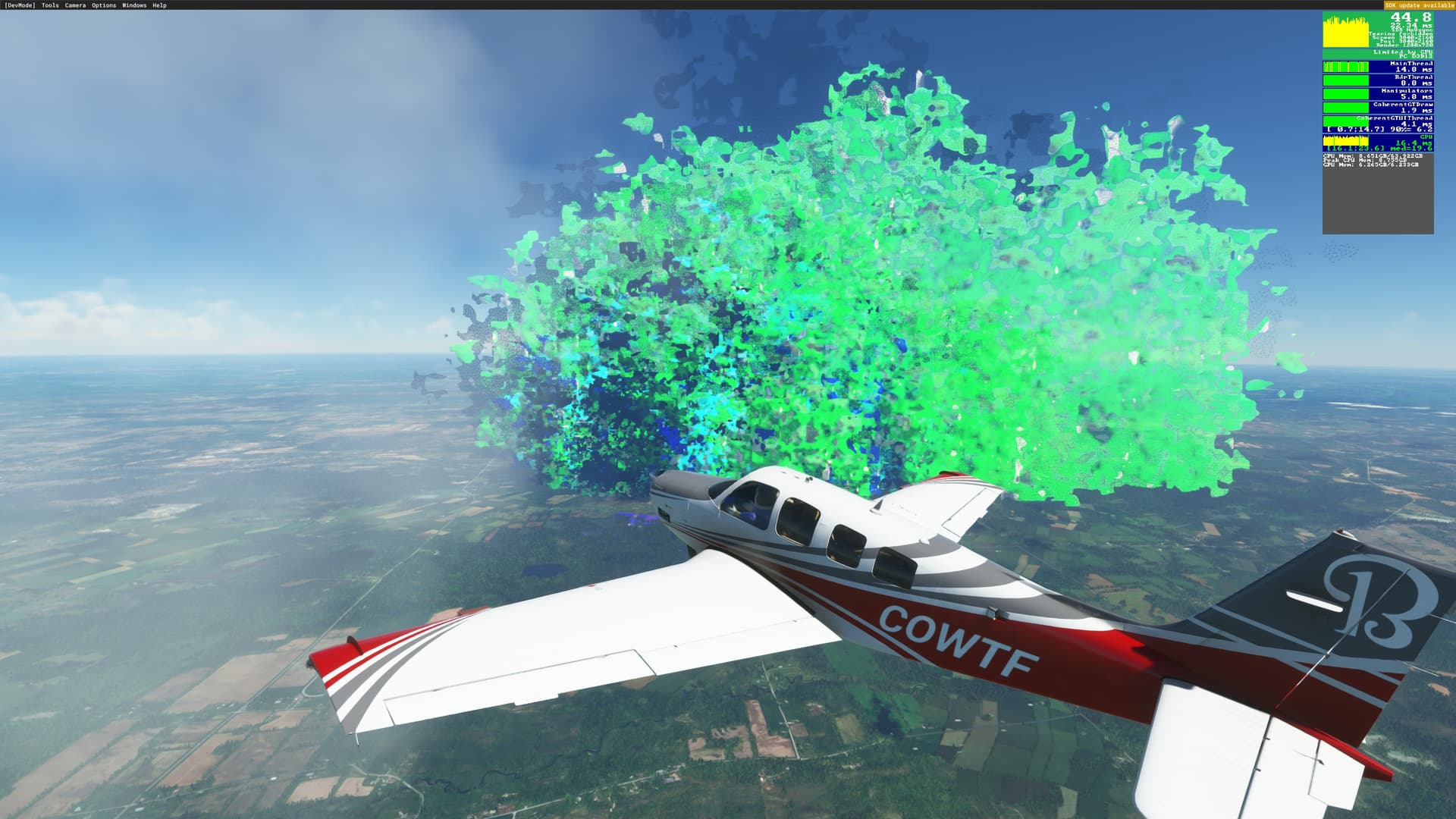
This is what I see using DX12. I’ve experimented with every setting imaginable. Makes no difference. It looks like badly rendered giant trees everywhere.
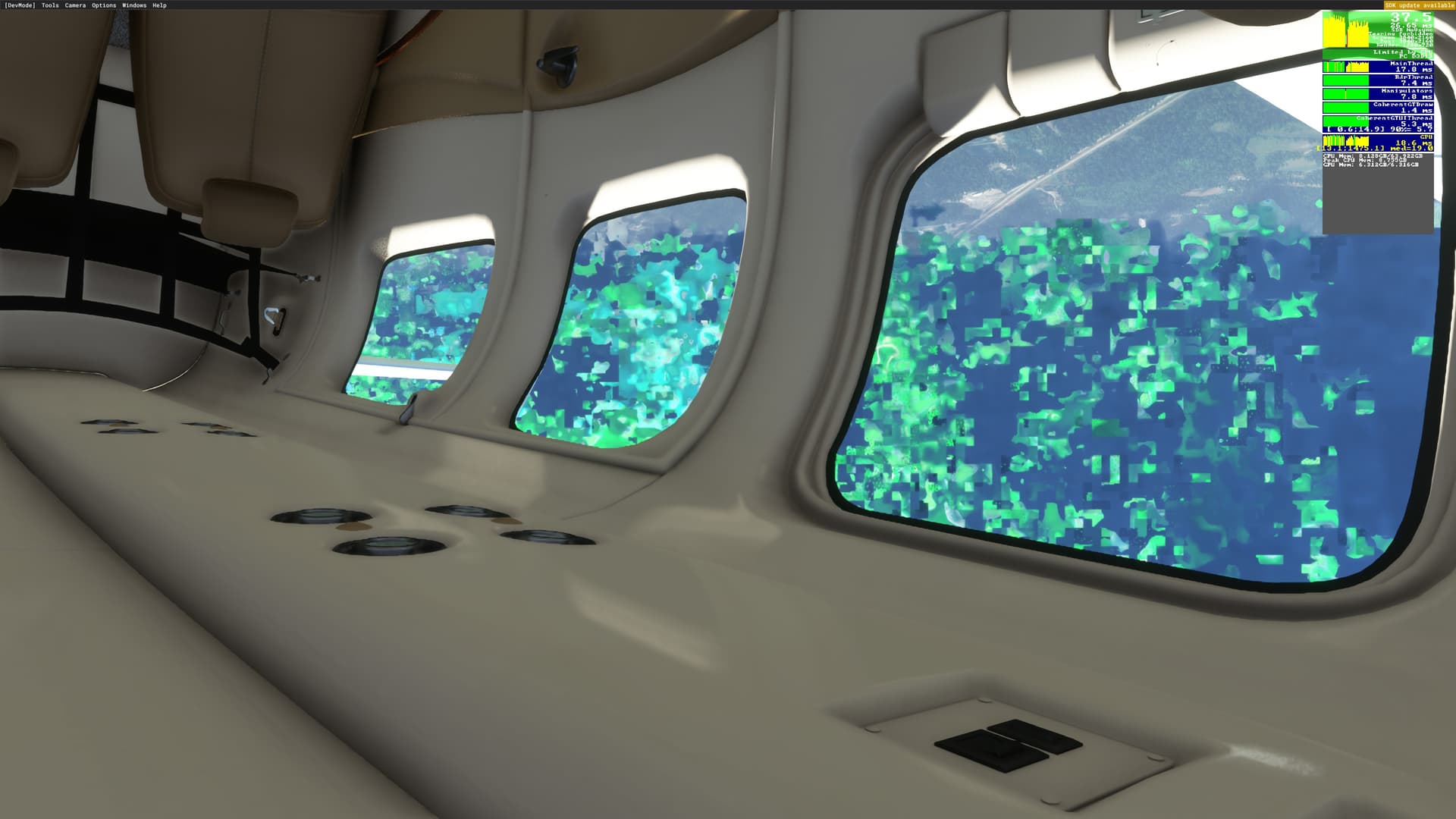
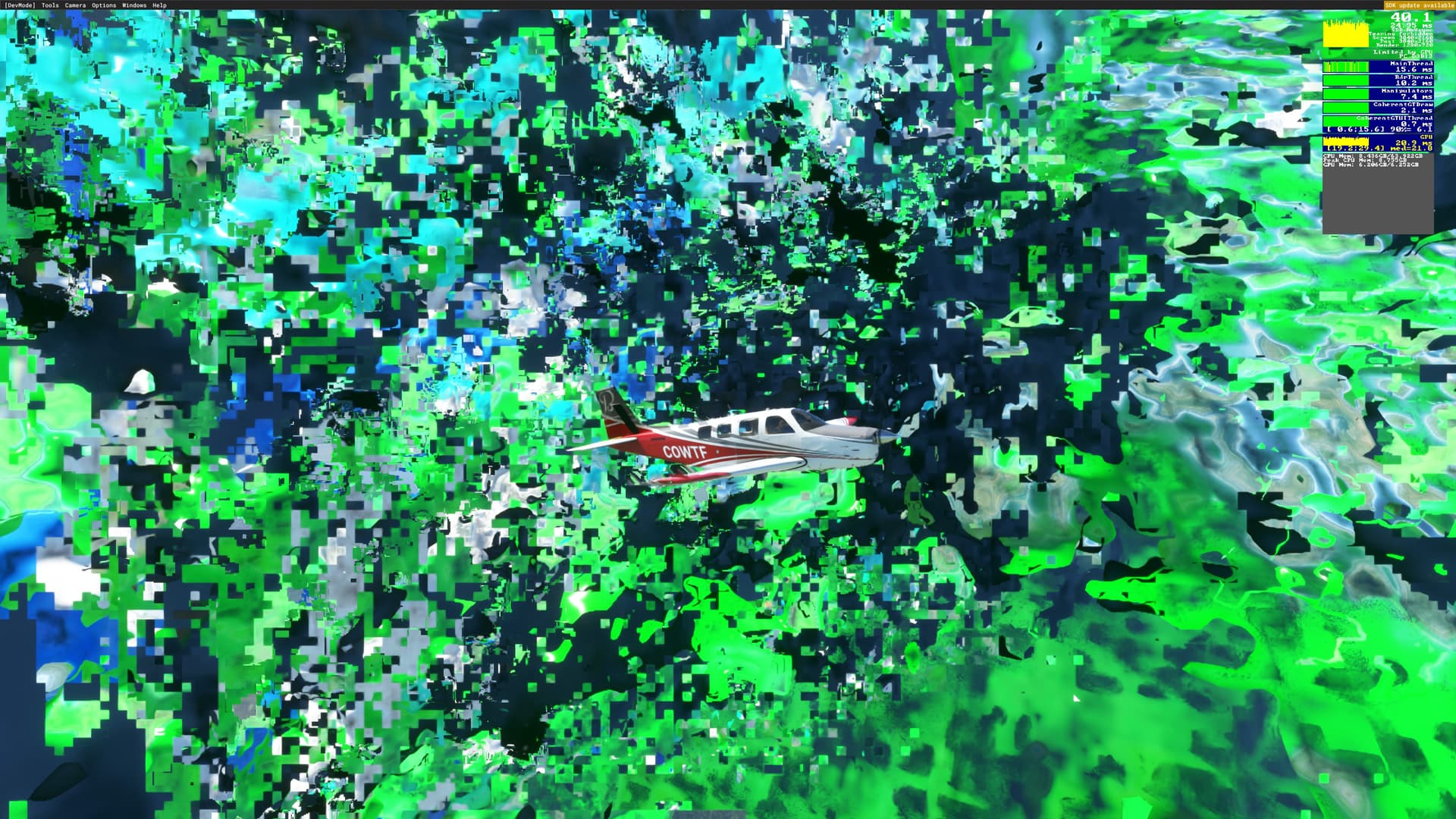
This post kinda puts a wrench in the theory of not enough VRAM. Only 6GB used and artifacts
Had the same glitches at start then lowered my settings LOD 100 TOD 200 all ultra but terrain resolution (I think it’s that not at home right now). Was limited by main thread and then with dx12 by a huge use of vram. Now can achieve ksfo/klax with no problems DX12+dsll no more glitches and more stable than DX11.
I8700k 4.8ghz Rtx 2080Ti. 4k resolution.
Hope this help.
Ugh i hope someone answers this question before im forced to jump in the beta since it seems like im the only one here with a Team Red card !
But that’s not true. We’ve proven it a few times - I am getting them when I still have VRAM available.
If you are talking about Crunchmeister’s post, yes only 6.31 GB but only 6.31 available so it is consistent.
Exactly. Thank you. I’ve experienced the glitches and artifacts multiple times at 6gb/12gb VRAM. So I’m not sure the vram is exceeding is an actual argument anymore.
I’m 100% certain these artefacts are to do with VRAM and DX12, but particularly DX12.
The behaviour is bizarre - for no obvious reason the GPU using goes up to maximum and the fps tanks. Shortly after these issues appear. I’ve no idea what triggers this sequence but if it happens I find I’m stuffed. The only way to sort it is to quit to the main menu. Even hitting ESC to the pause menu doesn’t recover the fps…the only thing sometimes works for me is to change the DLSS quality setting. That may (or may not) recover the fps.
Whatever is going on needs to be rectified before SU10 goes live or it’s going to be a nuclear firework display when all users run into these problems. We all volunteered for this but I dread to think what the reaction will be if people are forced into it.
@moxiejeff I agree with you. This morning it started happening when there was VRAM to spare. GPU usage went crazy and shortly after the aliens arrived. All I’d done was switch to drone cam and turned around 180 degrees.
I’m no programmer, but I sure wish MSFS would enable Nvidia’s resizable bar into the sim. Wouldn’t this alleviate the VRAM issue? Maybe it won’t, just curious.
Nonetheless, fingers crossed that Asobo can fix it before release.
I think you’re going to need to cross more appendages than just fingers. lol
But yes, hopefully they do. As long as they can reproduce it. Seeing how they launched it this way, I’m guessing they’re not seeing this issue with their internal testing.
Here is a short video of the flickering issue i get with DX12
I haven’t seen any of these artefacts yet. Running a 3060 12GB. Done 4-5 flights with DX12 on.
It would seem that this is a VRAM overrun issue. All screenshots I have seen in this thread that show the FPS counter show that the VRAM usage is above or at the GFX card physical VRAM amount. I dont see the issue due to having a 3090 and the sim has never been smoother. My hope is that Asobo dont handicap users with high amounts of VRAM like DX11 seems to. It would be good if the sim is able to use the amount of VRAM according to the hardware.
The above flickering issue i posted has nothing to do with with VRAM. I got 12gb and using 9gb.