Perhaps, but I hope a bit of tweaking by the developer will help!
Do we want to combine this with the already created DX12 has artifacts and glitches so you won’t dilute the votes?
I second the motion to combine this with the artifacts thread. The problem affects my 8 Gig card. Programmers are supposed to control the amount of VRAM allocated, not just let it run out of control. DX11 is fine on my system.
I don’t mean it in that sense.
What I’m trying to say is that when the usage peaks at or above the physical limit, DX12 appears to allow that to happen and correspondingly the fps tanks as a result. That isn’t the case with DX11.
Interestingly, having had an opportunity to try it outside of such an intensive area like San Diego it is behaving better. There is no question, however, that in this beta VRAM usage spikes when panning under DX12 and fps drops markedly as a result. It’s like it is out of control.
I’ve dropped my texture resolution to high which seems help a bit.
ps Happy for the thread it to be combined if it means we’re more likely to see a fix!
Interesting about the texture resolution. Going to try drop mine now as well to check.
1440p instead of 4k and texture resolution to high fixes the VRAM problem for me in DX12. Artefacts disappear as well.
For me is an “undesirable feature” then, affecting some users, including me and my 3080ti. If you are lucky enough to get the 3090, enjoy.
I do. and hope this doesn’t get patched out for higher end cards, but is massaged somewhat for cards with less VRAM. In other words. don’t restrict VRAM usage arbitrarily for all cards, but find a way to limit it to available VRAM. If you have more, great, but if you don’t the sim won’t hit the limits by doing some kind of trickery. I hope this doesn’t lead to yet another graphical slider with arbitrary textual labels.
On a related note, have any of you noticed the stuttering you sometimes get when panning your view around quickly? In SU9 I get this from time to time, and its definitely locational, but is repeatable no matter how long you sit waiting for everything to load. Watching the dev. mode FPS counter VRAM usage readout I can see it sitting usually in the 7-8 of 24GB, and never climbing above. It constantly seems to be loading, and unloading content despite caching being set to Ultra.
Hopefully DX12 has put that to bed.
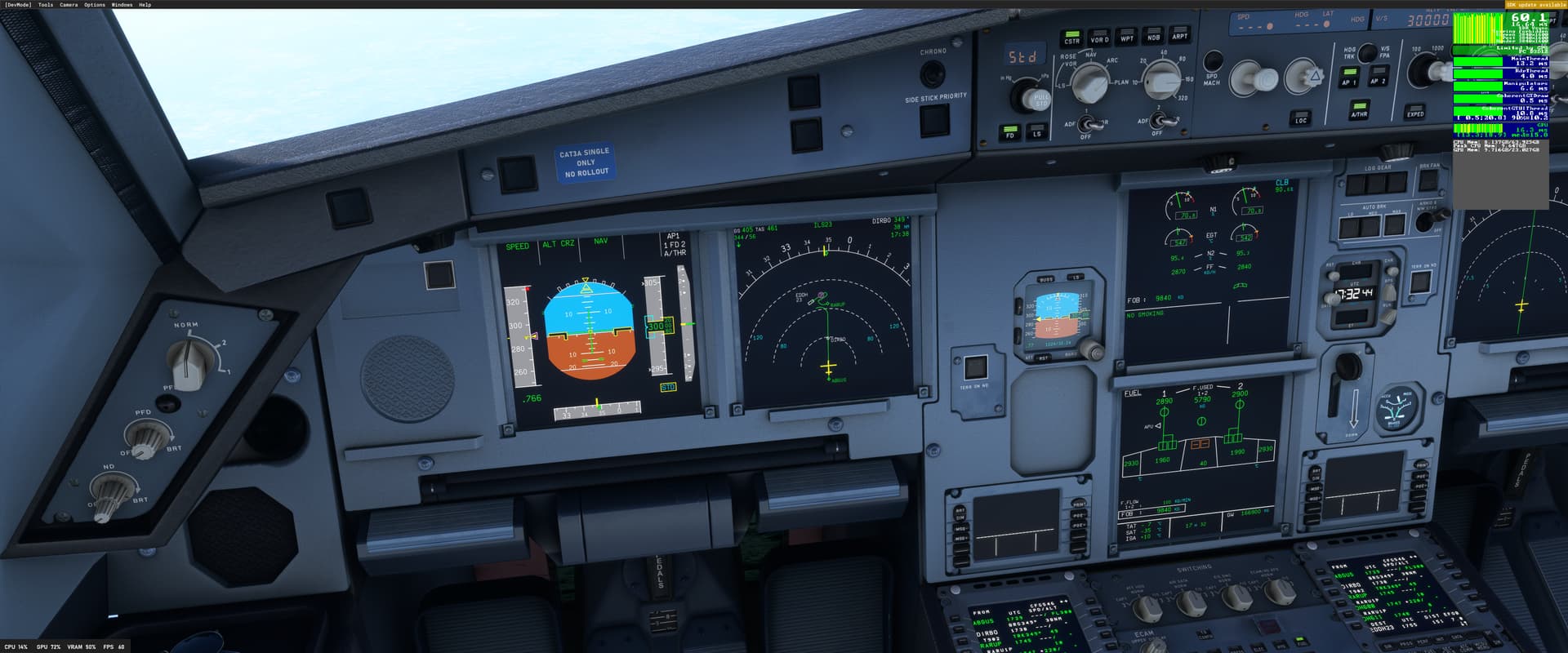
@Nevermind123451 Same here, much better, as long as I keep away from VRAM limit with my settings.
Related topic with 40 votes: Massive FPS drops when memory required from GPU is more than the VRAM
When i am in the outside view vram and gpu usage increases, so it seems the 3090 is now a bit worth the money?
I actually dont get the super weird artifacts but i do get some frequent annoying white screen flickering. Happens only with DX12.
Do you have the same issue if you follow the OP’s steps to reproduce it?
Somewhat- not using DLSS- Just DX12
Provide extra information to complete the original description of the issue:
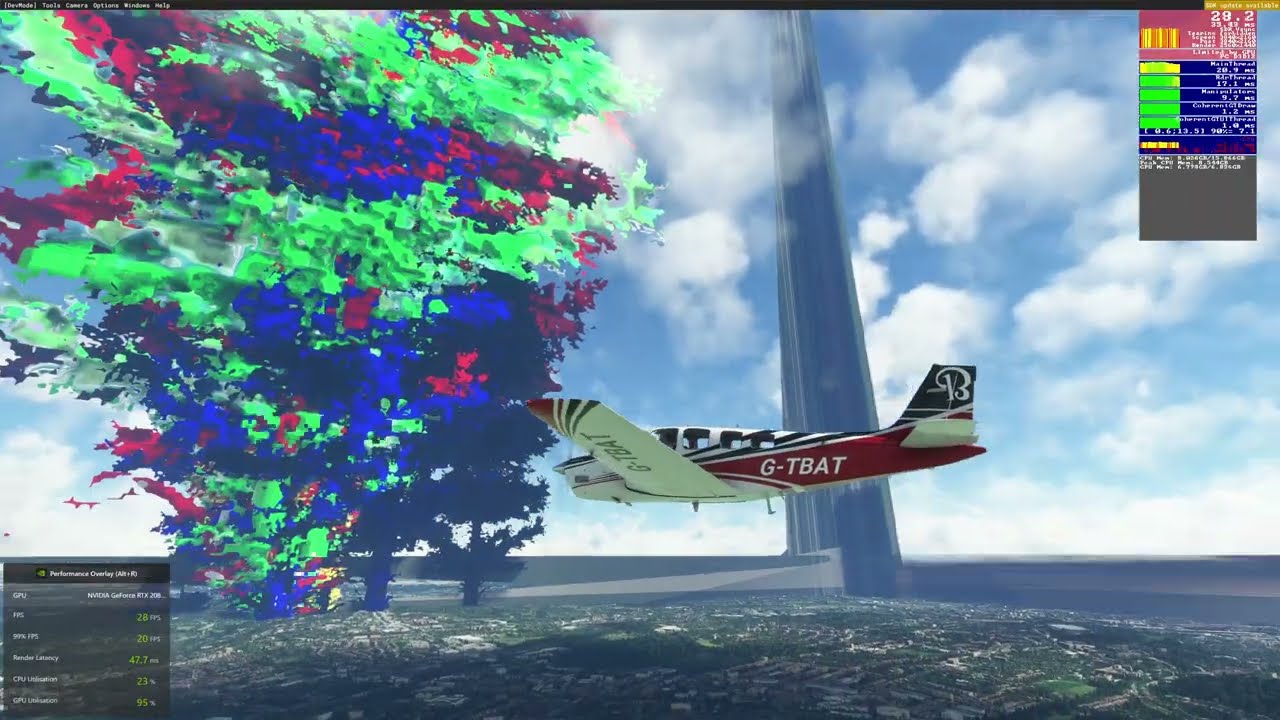
Aerial artifacts and colors, right before takeoff at a given airport, which stop manifesting about roughly 50 miles away from airport. Issue not present with DX11. Hardware is i912900KS RTX 3080ti 32 gb DDR5 5200.
Are you using DX12?
Yes
Are you using DLSS?
No
If relevant, provide additional screenshots/video:
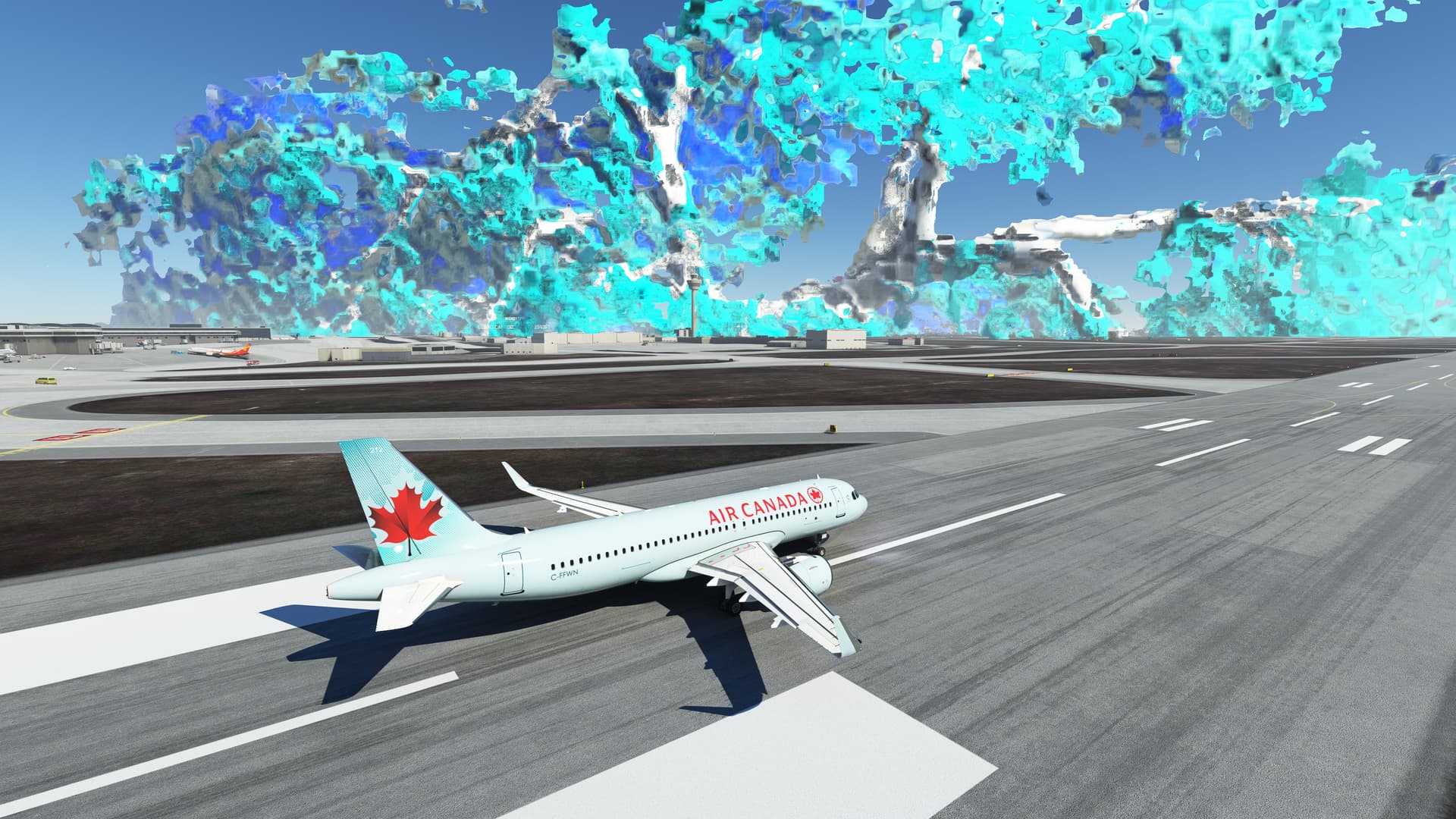
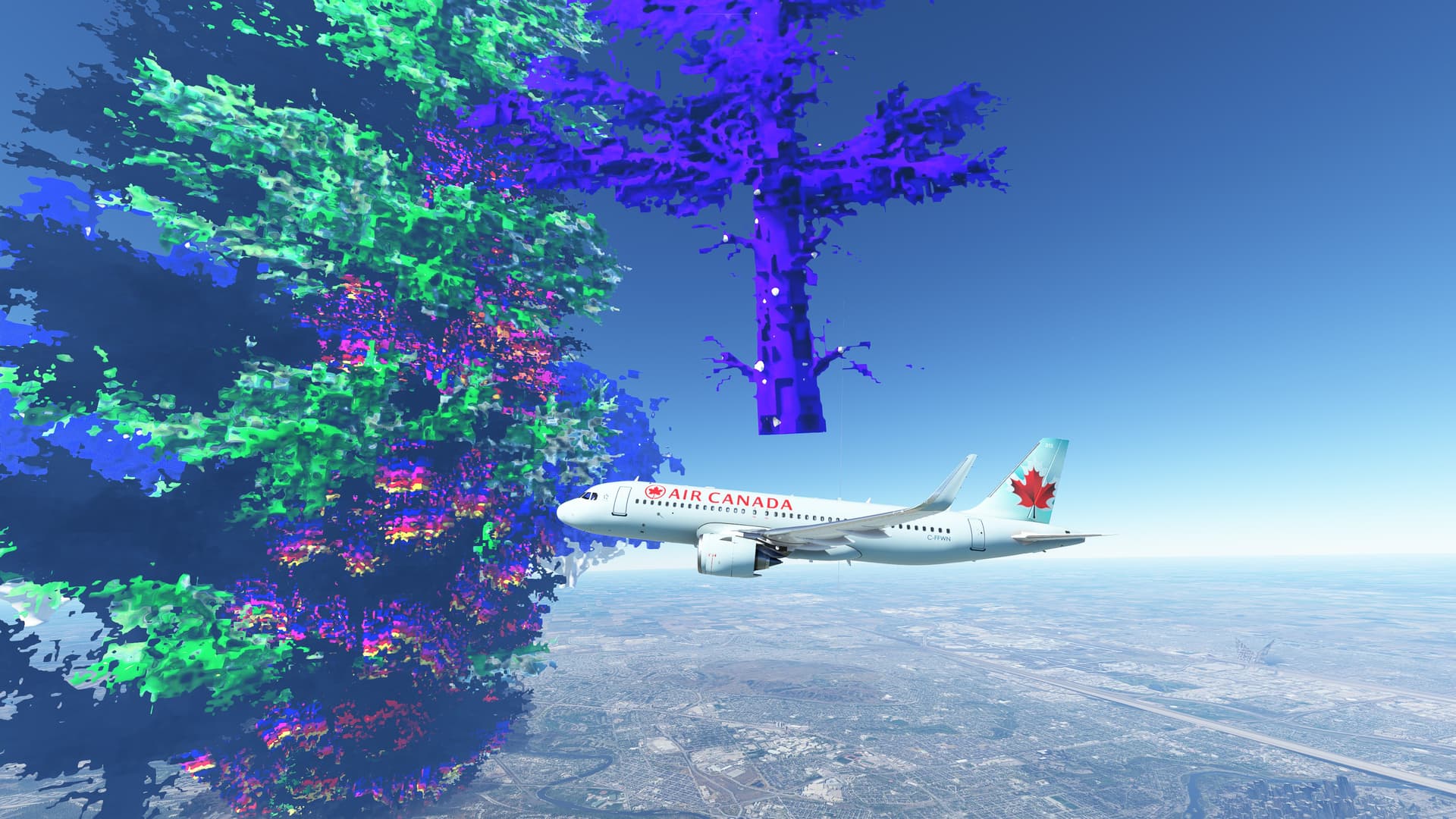
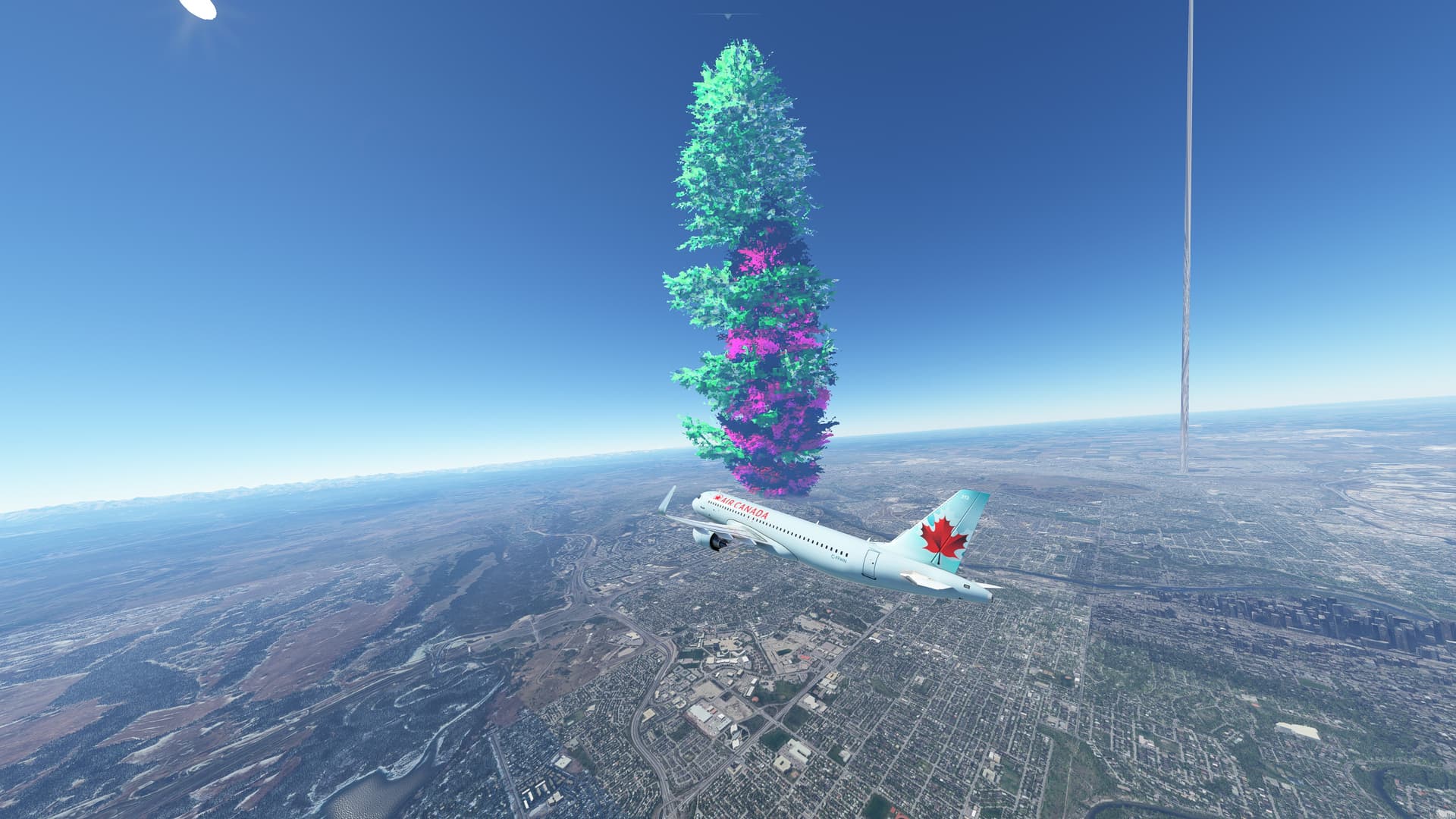
Do you have the same issue if you follow the OP’s steps to reproduce it?
Yes
Provide extra information to complete the original description of the issue:
Are you using DX12?
yes
Are you using DLSS?
yes, although this still happens without using DLSS. Switching to DX11 fixes the issue.
If relevant, provide additional screenshots/video:
Same issue as op. I’m seeing the same effect.
Do you have the same issue if you follow the OP’s steps to reproduce it?
Same issue, but some settings are different. I’m seeing them when not using DLSS.
Provide extra information to complete the original description of the issue:
I’m getting the same artifacts when using DX12. Flying an identical route with DX11 and all other settings the same I do not have this issue.
Are you using DX12?
Yes
Are you using DLSS?
No
If relevant, provide additional screenshots/video:
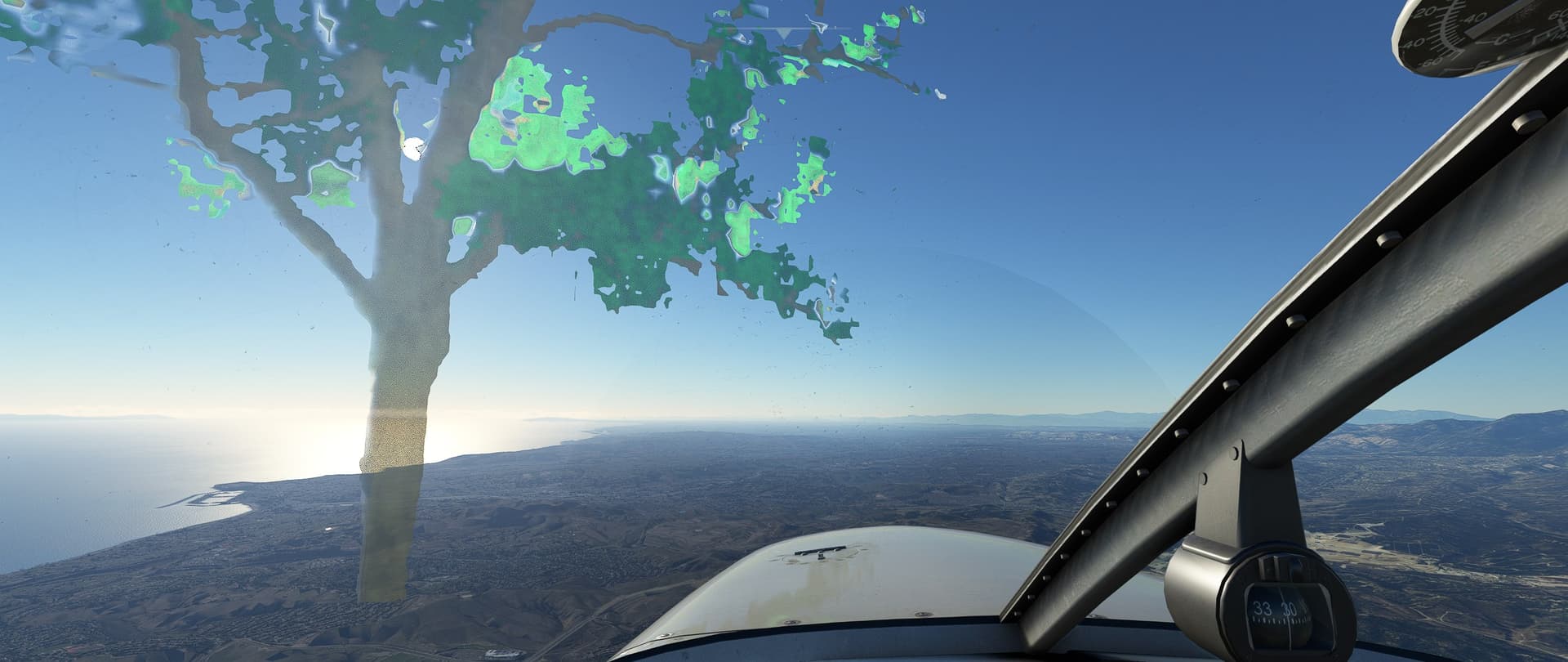
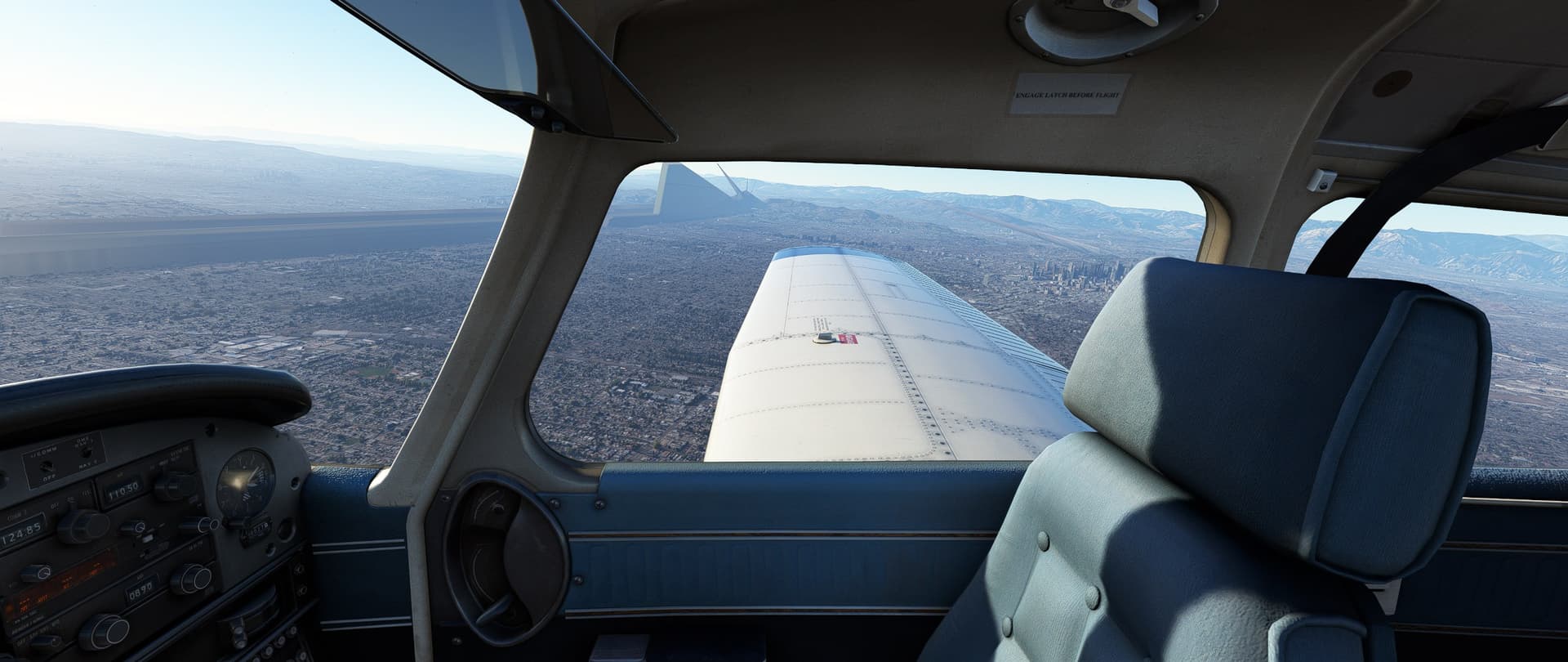
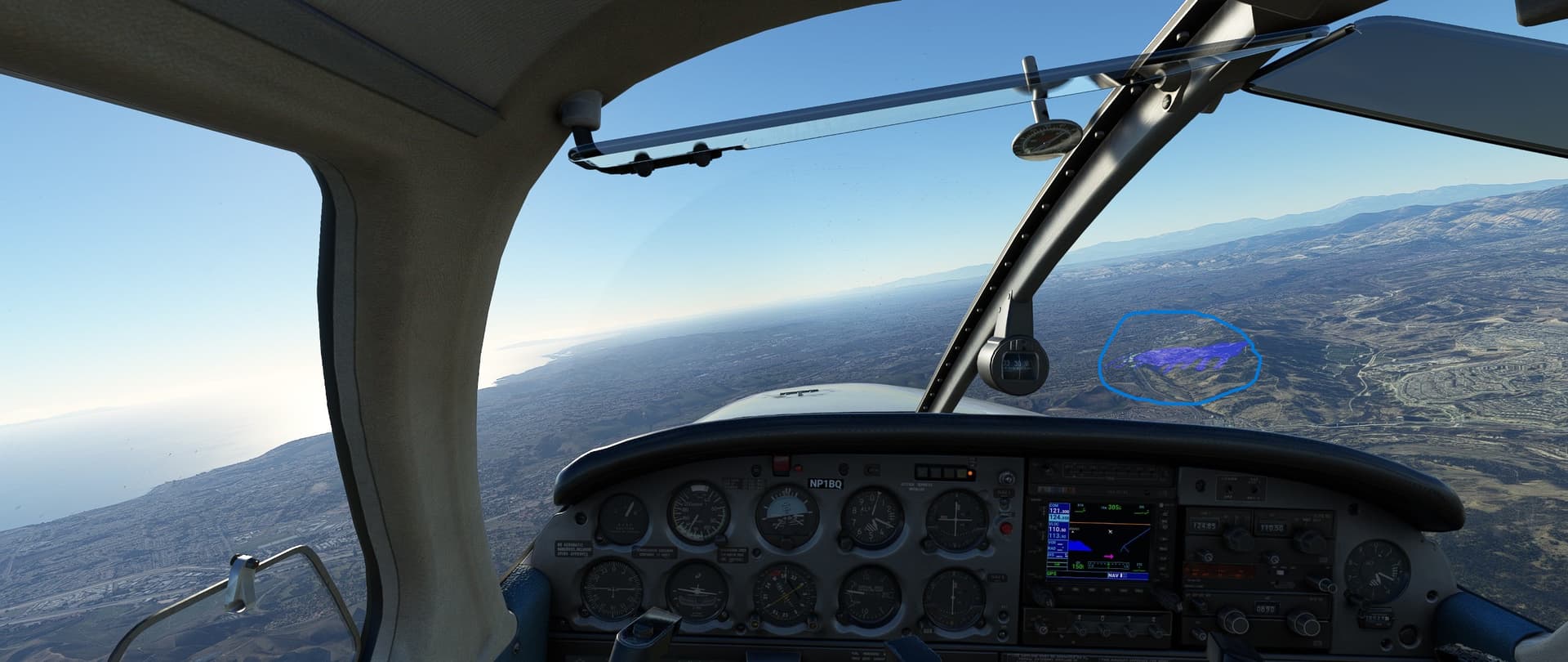
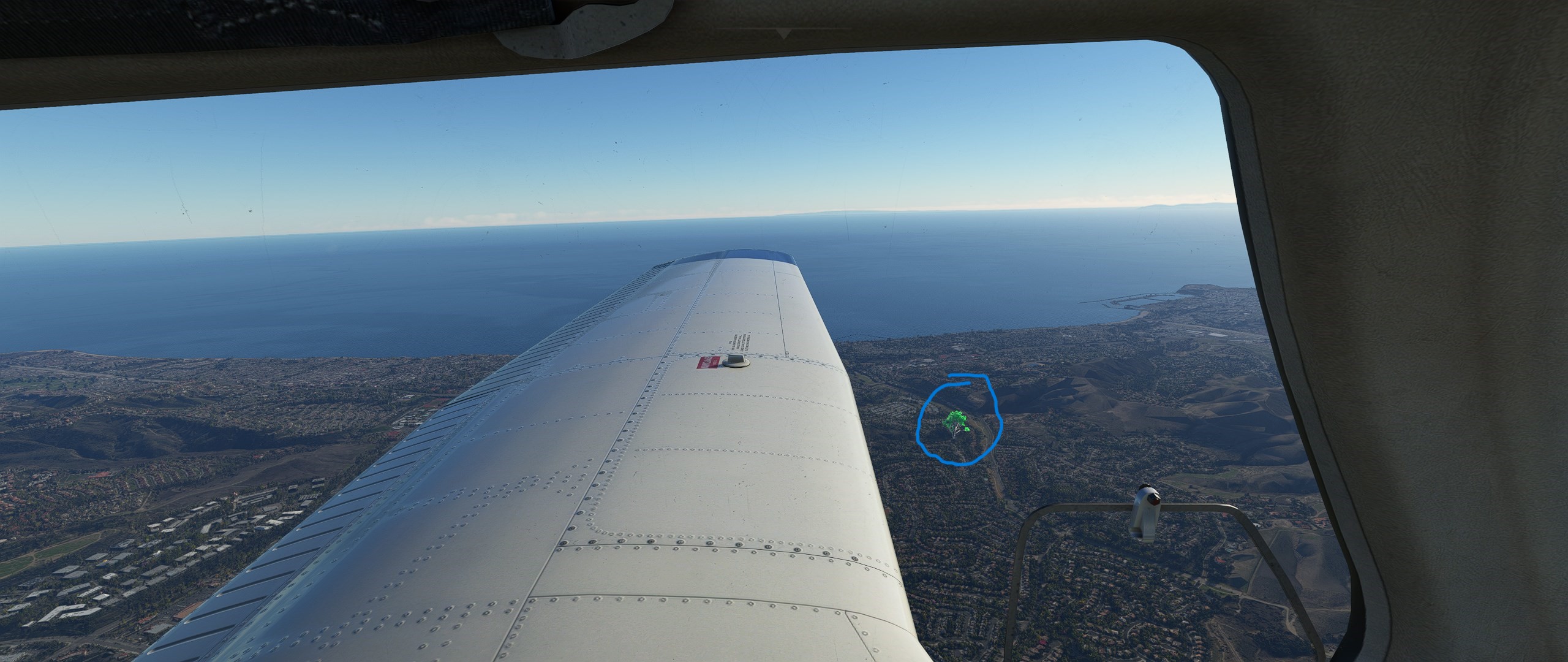
The blue tile on your 3rd pic looks likes a HAGs/driver issue. Hags off often gives better performance
Do you have the same issue if you follow the OP’s steps to reproduce it?
Yes
Provide extra information to complete the original description of the issue:
RTX 3080, so an Nvidia card, Flights is usually fine for 5 minutes or so, then artefacts start to appear - trees, vertical lines extending out of the ground - all similar to the OP screenshots
Are you using DX12?
Yes
Are you using DLSS?
Yes
If relevant, provide additional screenshots/video:
Any chance Nvidia need to issue a new driver for DX12 ?
For me this problem occurs when VRAM is near its maximum. Video showing how frame rate drops then artefacts start appearing.
Some textures are flashing when dlss is turned on. Specially smaller texture designs. Changing from different dlss modes and not doing a reboot causes fps to tank drastically and never recover. DX12 performance is still awful, shadows on the planes still look horrible and do the whole flashing shadows thing.