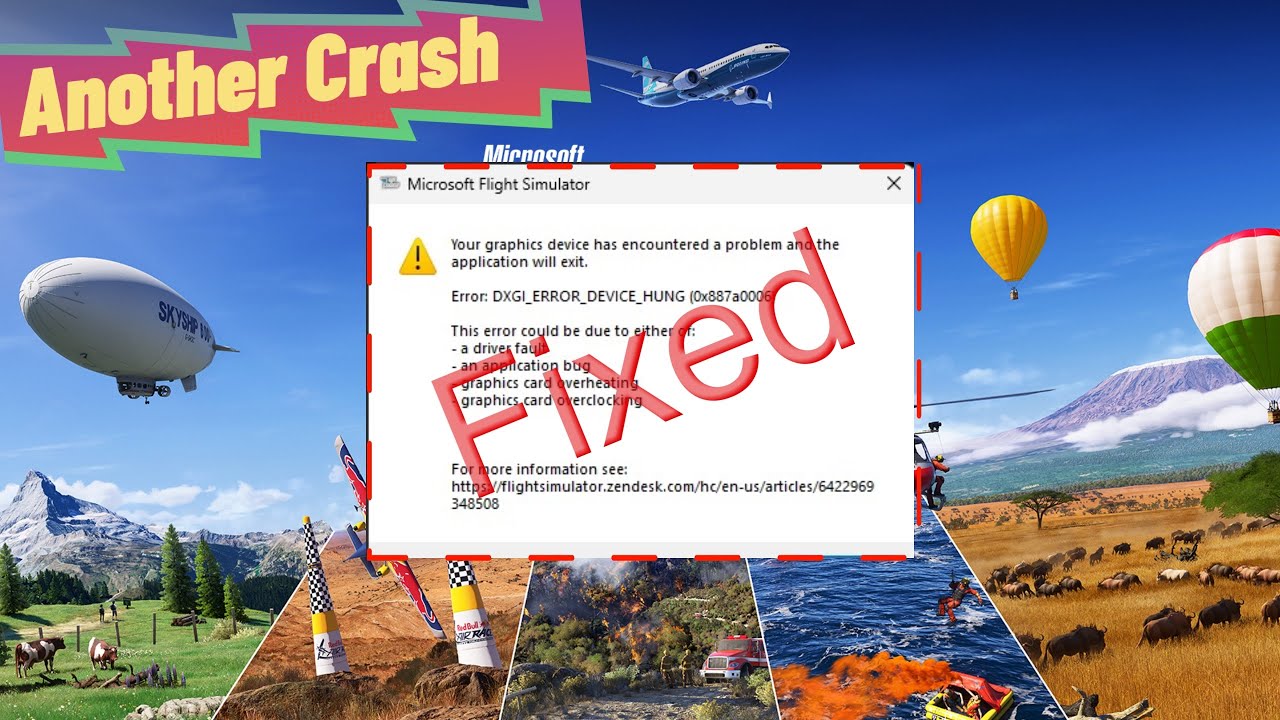
I had this three times this morning while just sitting at the gate in the Fenix A320. I did update my Nvidia drivers last Friday but tested with 3 flights all around 2 - 3 hours in length and had zero issues. I have never had this CTD before. I did try the regedit fix and on the 4th time did not have the error. Now 1.5 hours into the flight and all good so far.
Could this be a MSFS 2020 issue rather than a GPU issue?
UPDATE
I did manage to complete the flight after making the change in the registry but now I get the same CTD a few minutes after loading into the sim at the gate. Man this is really frustrating. I have no overclock on my 4090 (Never have)
I think I will try going back to 566.03 instead of 566.14
If anyone has any other ideas I will be glad to hear them
Having the same issue here. 4090 on 566.14 also having issues with guage pop outs not working. Is anyone else seeing that as well? Everything was fine before the small update that happened, I think, on the 1st?
Hey Lego, can you remove the “Solved” mark from the topic? It gives MSFS the false impression that it’s an easy fix. Not everyone has a spare GPU lying around
Hi everyone: If you are using an Nvidia GPU, i may have a fix for you.
I do not update my drivers frequently, but up-to-date enough. I install 566.36 which ended up giving me this error for MSFS2020. 24’ worked fine however.
I have reverted back to 566.03 and it works as intended, and gives me access to msfs2020, with no crashes or errors.
DO NOT USE the Nvidia Geforce experience app, please refer to the Nvidia website.
I did go back to 566.03 and had the same issue but I found it seems to be related to the update that came out to the Fenix A320. I loaded the IniBuilds A320 and had no issues and then did two successful 2+ hour flights in the iFly 737 Max 8. This was also on the latest Nvidia Driver 566.36. I have opened a ticket with Fenix Support
Worked for me. I actually posted this same thing, but moderators removed my post for some reason. I have an RTX 3070 (laptop) and AMD Ryzen 9 5900HX with Radeon Graphics, 3301 Mhz, 8 Core(s), 16 Logical Processor(s).
That’s crazy for a game for 140 bucks. So far I’ve only seen the loading screen up to 58 percent and then the error message appears. Nobody has been able to help me so far. Today’s update didn’t help either. I’ll wait this week, otherwise I’ll return it. It’s not normal, something like that.
Same issue here only with the Fenix sometimes it happens straight away other times 20-30mins into the session. Only happening with the Fenix all other aircraft nil issues.
Still getting this hung driver error and it’s very random. Can complete a number of flights without any issue then all of a sudden I get hung driver error and CTD.
Made changes to TDR delay and level and doesn’t stop the CTD.
Nvidia 4070Ti and used 566.36, 566.14 and 566.03 and all provide the same errors at times. All installed using DDU and just the drivers, not Nvidia app
Registry edit fixed it for me. I can finally play MSFS 2024 longer than 10 minutes. Completed my first flight since release. I have a ticket open for this issue with Zendesk and the tech seems very intrigued.