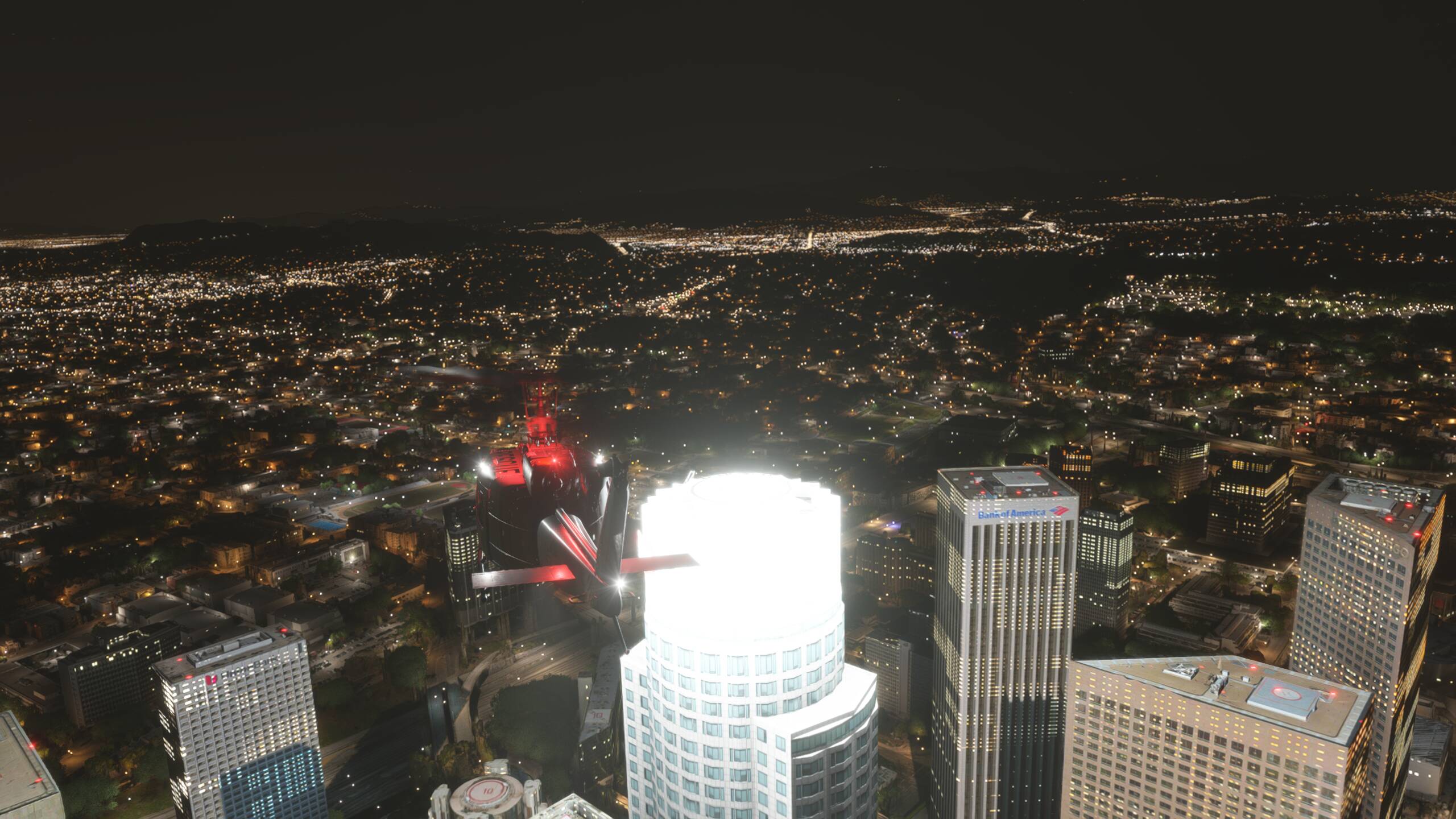
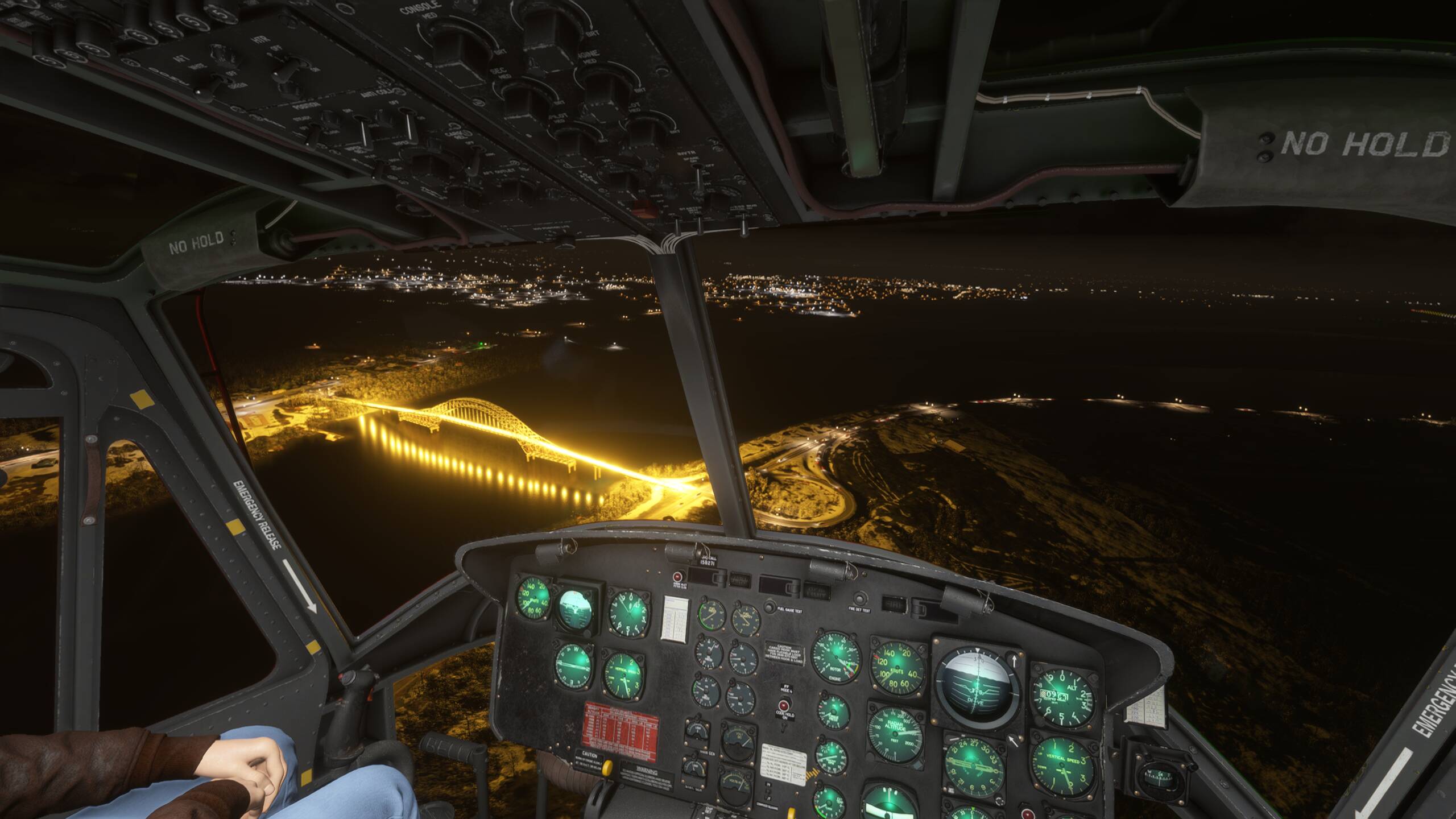
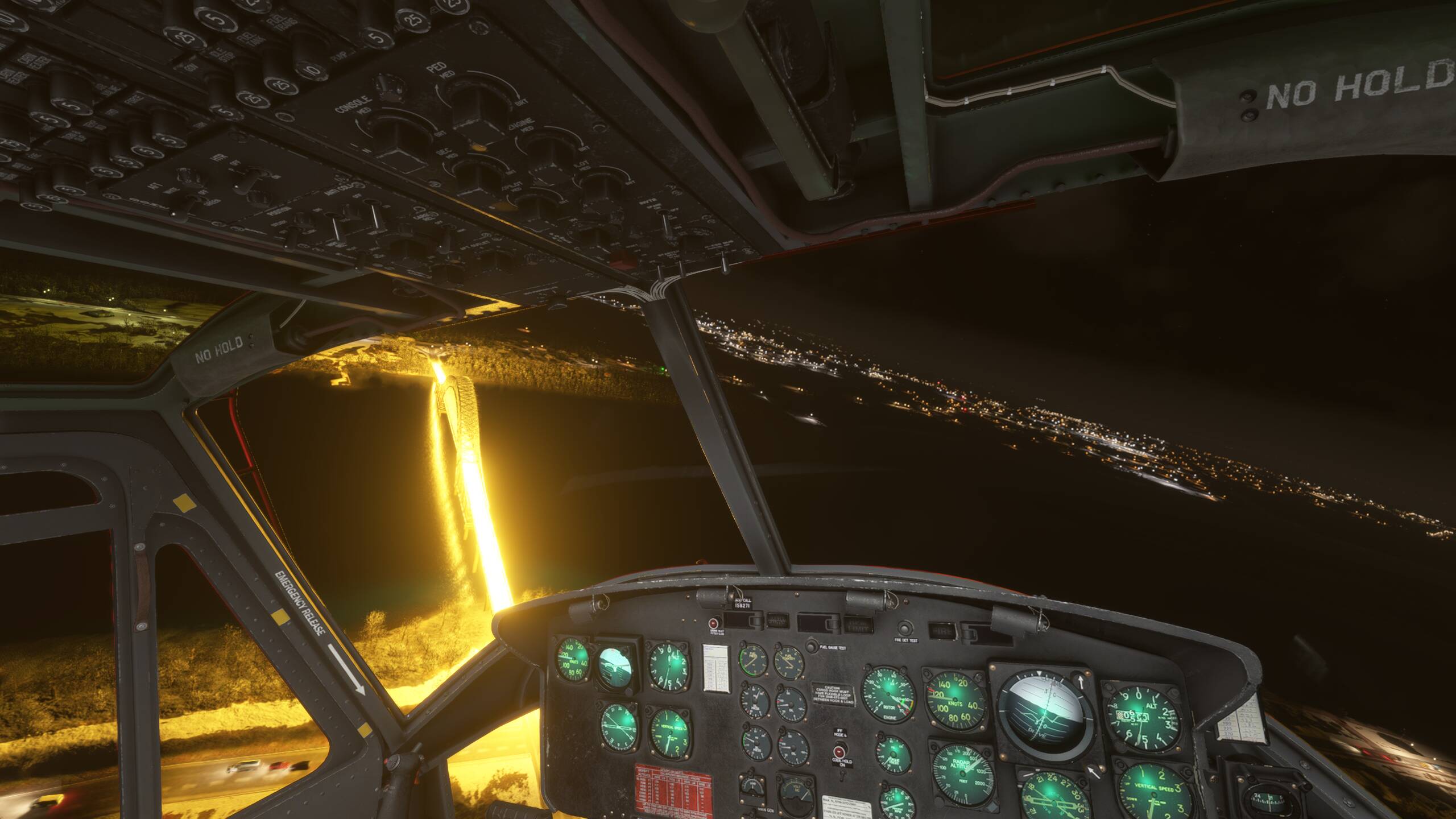
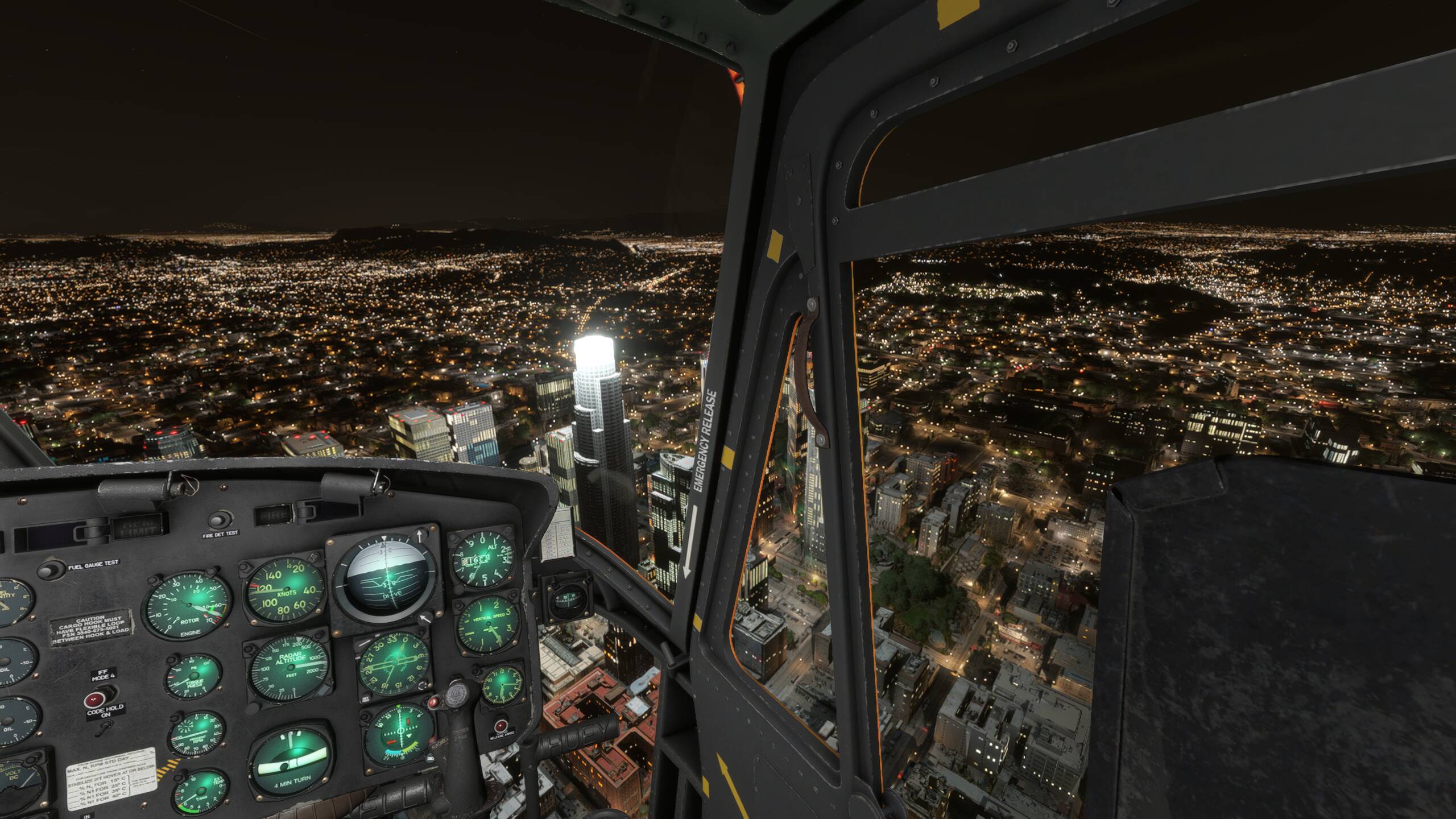
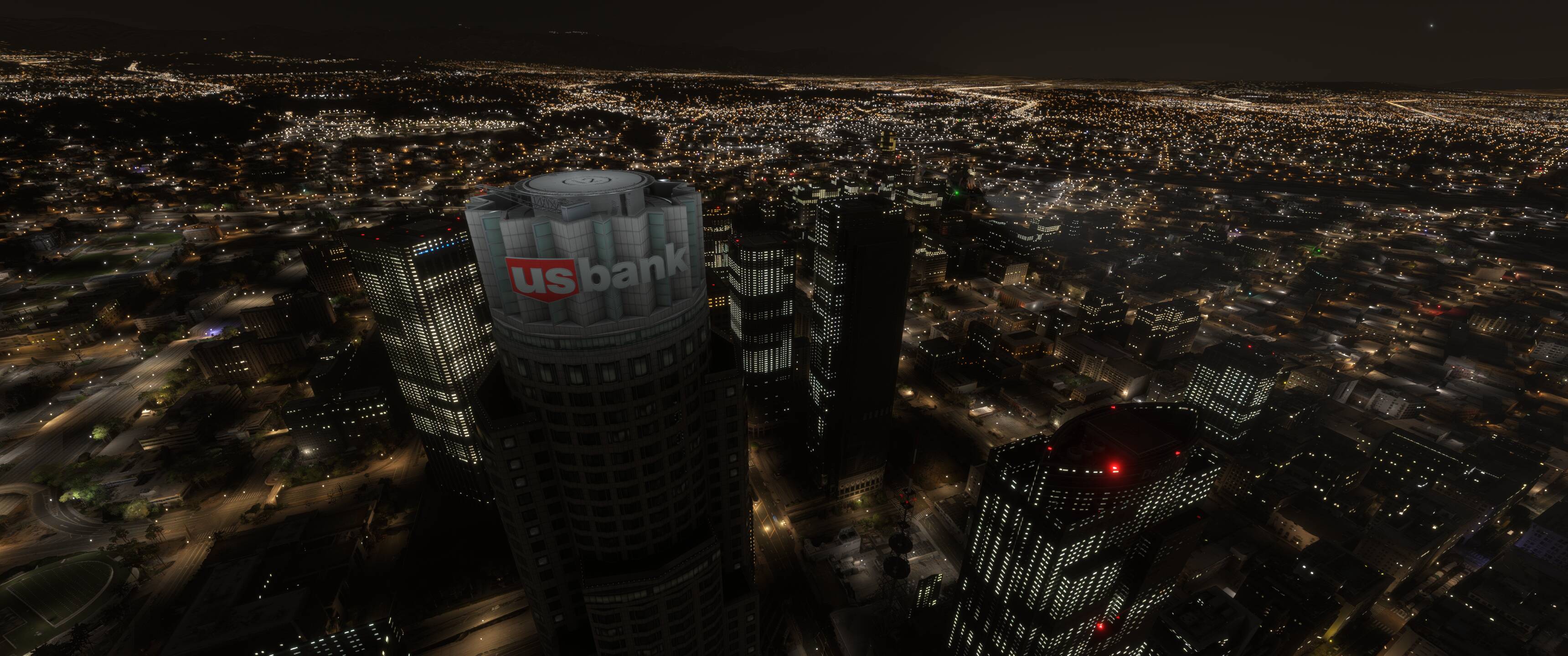
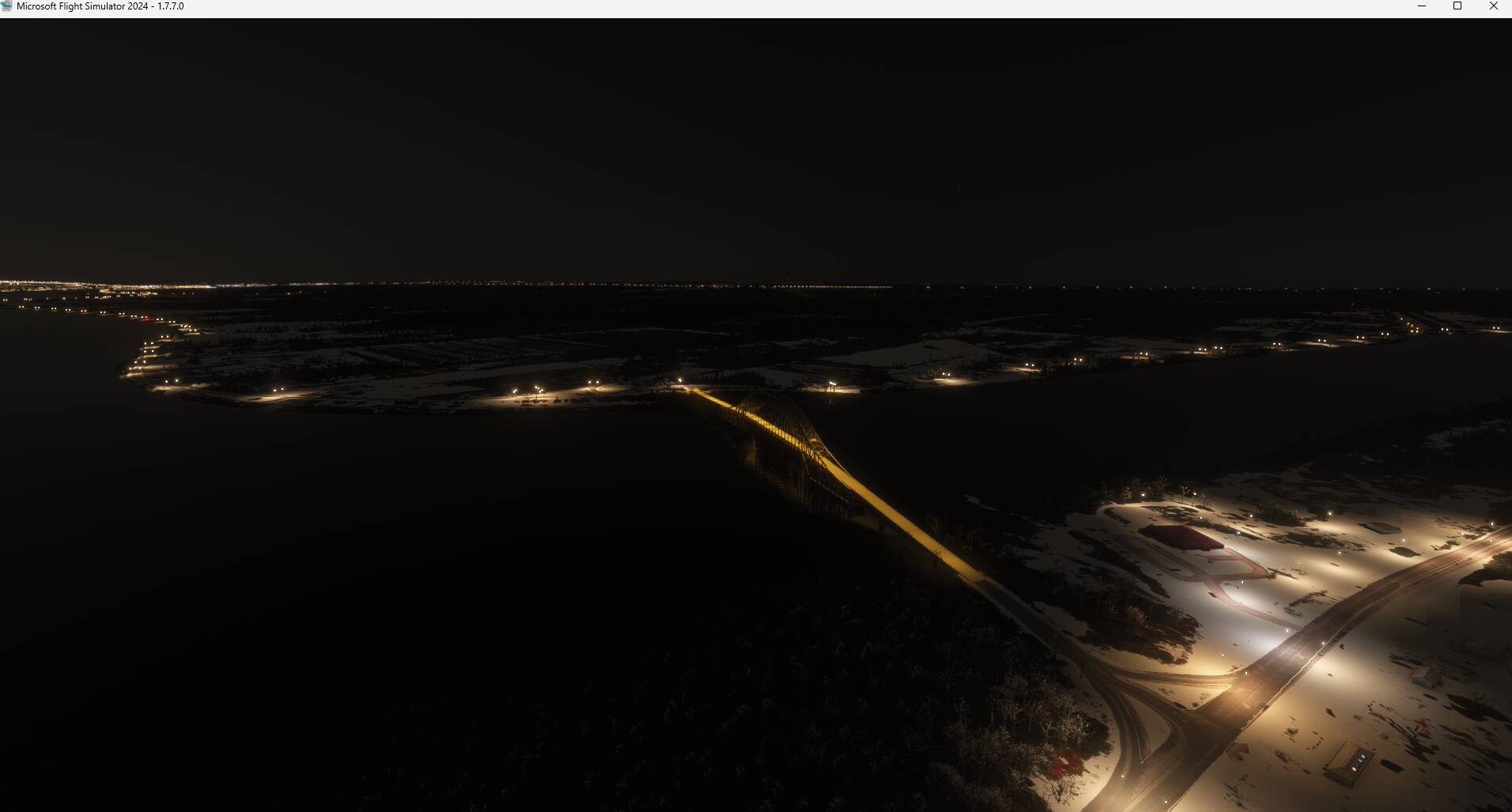
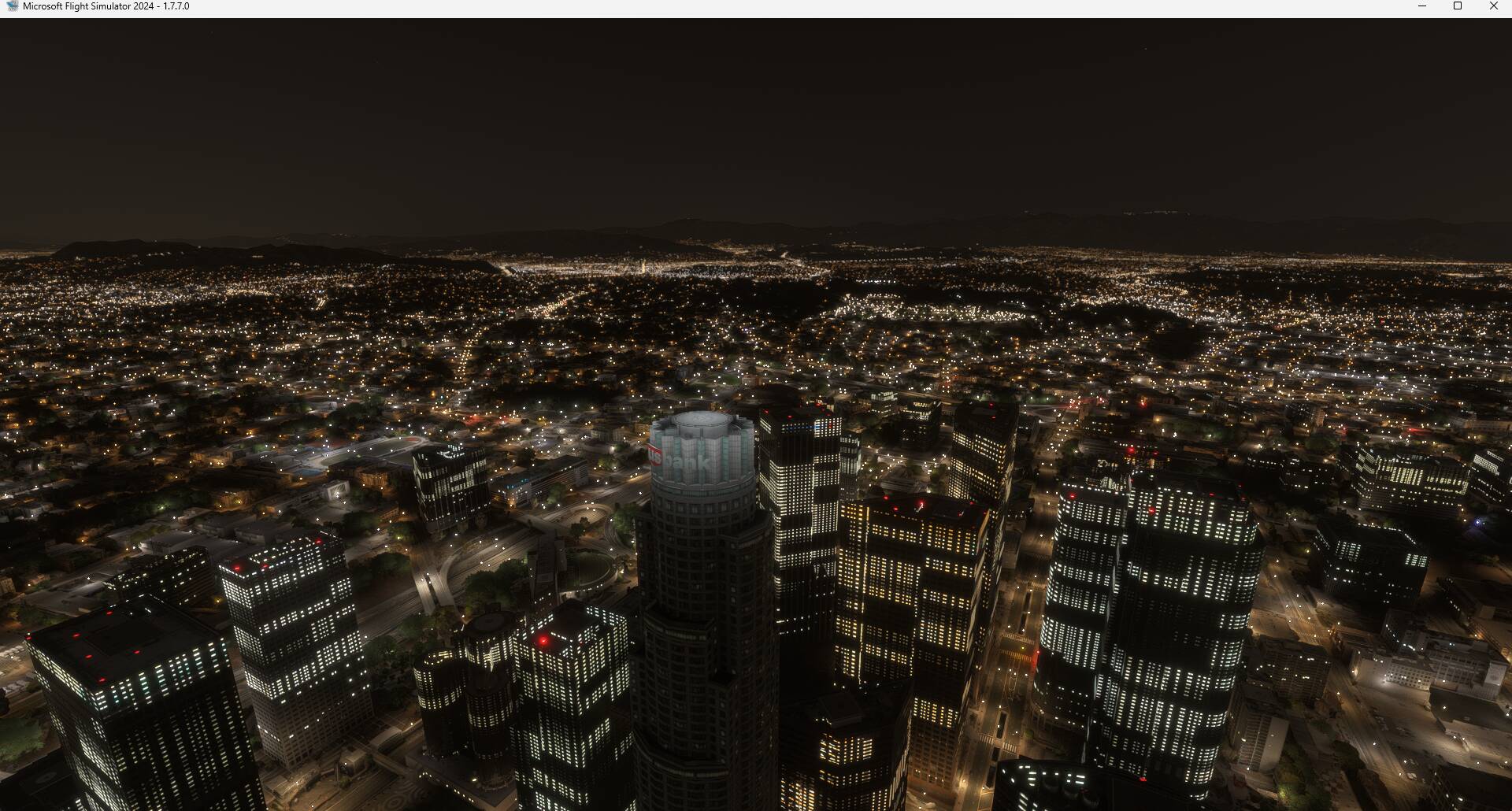
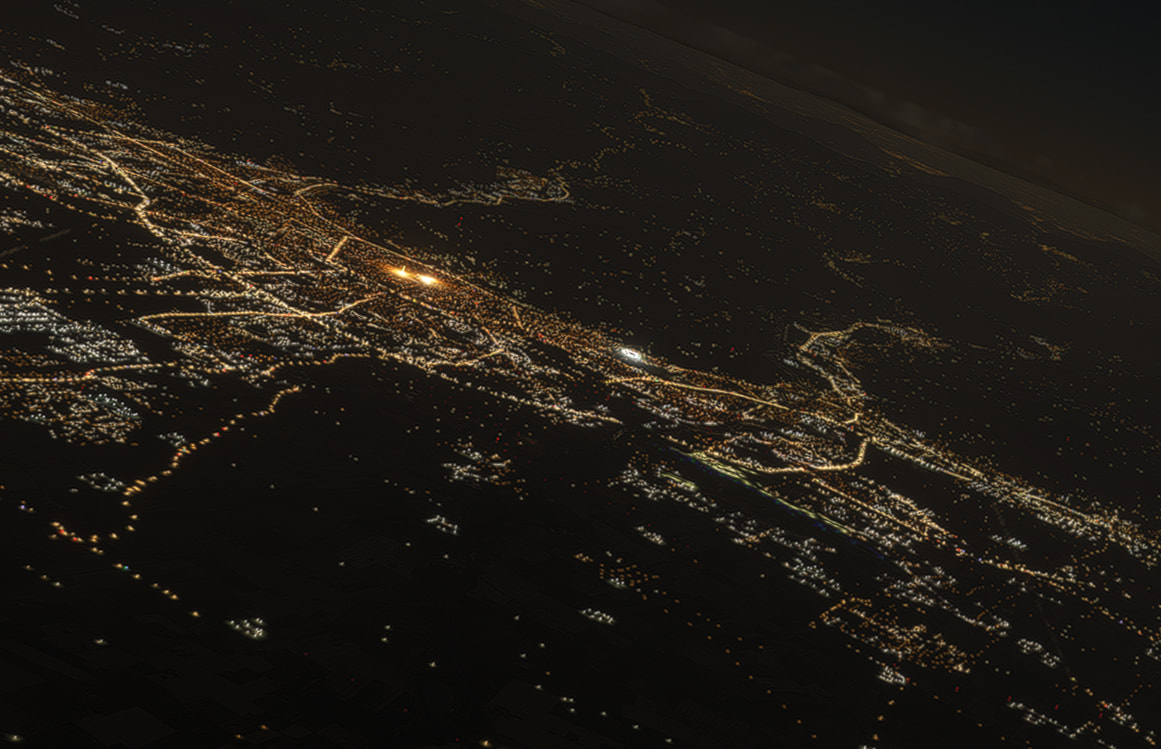
Description of the issue: Many bridges and buildings have extremely bright lighting after one of the most recent updates. (Sim update 4 I believe). Potentially affecting only custom point of interests?
Coordinate or location of issue: 45.864897, -66.451467
OR
34° 3’4.34"N, 118°15’17.29"W
FREQUENCY OF ISSUE
How often does this occur for you?: Always
REPRODUCTION STEPS
Please list clear steps you took in order to help our test team reproduce the same issue:
Go to supplied areas on map.
Time or day set to night time
All graphic settings on Ultra (MAX)
YOUR SETTINGS
What peripherals are you using:
[PC, MSFS 2024 Only] DX12
[PC Only] What GPU (Graphics Card) do you use?
RTX5070ti
[PC Only] What other relevant PC specs can you share?
Are any of those third-party scenery objects? This is a common issue with 2020-native handcrafted POIs, but most if not all the default ones were resolved in SU3 I believe.
For example, here’s the US Bank Building you have shown with the bright lighting, but this is the default/City Update California scenery:
What you are seeing is more likely related to this report: 3D Objects and landmarks night lights overblown again.
Not sure if the 2 POIs reported by OP here is part of the same issue since I and another user were not able to replicate it.