I’ve done two more practice flights and it seems to be inconsistent, the first flight all of the autopilot functions seemed to work fine so I then restarted the flight and the AP functions were not working all over again…
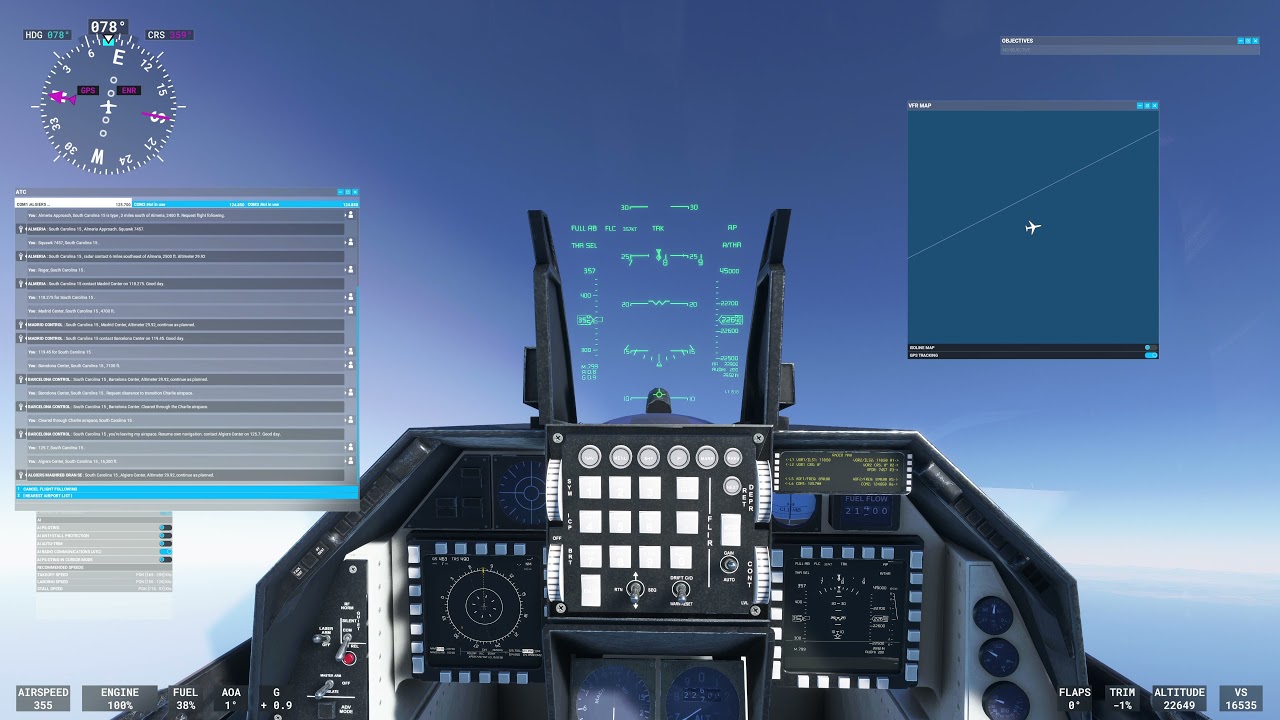
I’m uploading a video with a demonstration of different autopilot modes. I cover, alt hold, VS/FPA, FLC, Autotrottle, Heading, Target Speeds and target altitudes.
You will see that I do different climbs and descents using ALT, VS or FLC in combination with autothrottle. And you will see how when you reach the target altitude, the autopilot maintains the altitude.
For prevent any issue I test in AGL or MSL with weather presset since there is a bug with the live weather that may be affecting the general operation.
You will have to wait for it to be processed, but i hope you can get an idea of how to use it correctly in F-16.
4 Likes
I’ve noticed that both the F-18 Hornet and the F-16 Falcon both seem to have a “sweet spot” at 540 knots where the control of the plane gets significantly tighter.
Is this how it is in real life, or is that part of the game’s code?
Thanks Jack. To all that are attempting to learn the modes, they’re quite easy to use. I’ve found that most issues arise if the sequence in which the buttons are pressed isn’t correct. A few practice flights with mode changes in-flight will get you there.
1 Like
Yeah, is what I was saying some posts above, seems a FBW hardcode behaviour. In the f-18 is less noticeable because it has less roll rate than F-16. I’m gonna try to report it to Asobo, since is something I can’t touch.
IRL should be a little degradation about roll rate, but maybe them have tightened it a lot.
5 Likes
I get the blob and I have a EVGA 2080 Super. The issue seems to have lessened but still shows time to time. It’s weird.
1 Like
That’s normal since like SU6 or SU7 for me on pretty much all the jets now. I don’t think it has anything to do with the SC F-16.
See the post just prior to this - the only other person who has posted about it here traced it to a cloud mod.
Interesting. No cloud mods for me. I’ve only seen it with the viper and eagle. Not the Tomcat. I’ll keep flying all of them +T-45 to see if any other factors are contributing.

Could this be related to the latest NVIDIA driver ?
No. It’s not that. I’ve had the driver since the day it was out. I’ve never seen that “blob.”
Why don’t you try with the Community folder empty?
Clear the cache, first, and all the Graphics Options to default.
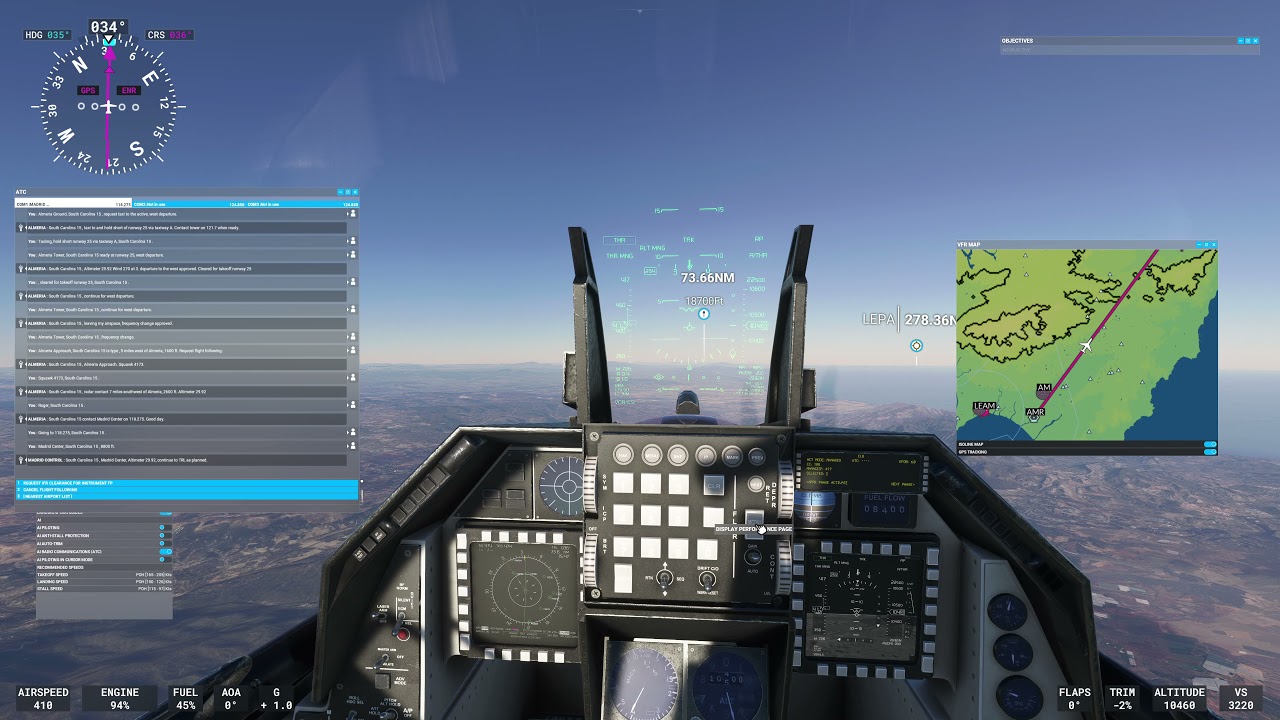
The following video shows a fully automated Flight Plan from takeoff to landing on our F-16C. Using the DED, a departure procedure and an arrival procedure are created and some waypoints are modified. The flight is fully covered by the autopilot using managed heading mode, managed altitude and managed speed with autothrottle. The aircraft will climb automatically following the waypoint altitudes provided by the DED Datalink. In some parts of the flight, we change to speed selected to travel at supersonic speeds during cruising altitude. Finally an Aproach ILS CAT III landing is performed, with AP and Autothrottle.
I warn you that the video is long and that it is not necessary to see it in its entirety or in detail, It does not have any type of editing, so it can be boring in some parts, but the goal is to show the fully automated flight from the beginning to the end (the cruise phase for example is not very interesting so you can skip it).
4 Likes
So i am not the only one ? And you are an nvidia as well,as i am an amd owner.
Funny thing is that indeed for me,deleting the cloud presets,fixed the issue
Got an email from JustFlight that there is an update available. No time to fly until after work tonight but curious to know what’s been changed/fixed.
( GENERAL BUG FIXES AND CHANGES PRIOR TO MAJOR 2022 UPDATES )

Cockpit panel lights colour corrected from white to green
Glareshield texture resolution fixed
Glareshield shape improved
HUD mounting repositioned for greater accuracy
Control column texture mapping fixed
Jet category in aircraft.cfg corrected
F16 Multiplayer UI text corrected
AoA indicator lights position / colour corrected
F-16I external tanks visibility corrected
External sensor pylon rail visibility corrected
ADI texture resolution improved
ADI texture colour corrected ( tan & blue )
Waterline added to ADI
Cockpit interior glass made more reflective
Cockpit MFD screens to white text and data display ( as per real F-16 )
Taileron animations reversed - fixed
Additional UV maps added to paint kit```
9 Likes
thanks, can you guys fix the horrid afterburner
Thanks, Dean.
I don’t see it listed, but did you fix the see-through texture issue that’s visible with an AIM-120 AMRAAM on the right wingtip rail when viewed from inside the cockpit? It’s not visible on the left rail, and it’s not present with Sidewinders, only an AMRAAM on the right.
Yes, that was fixed, I just didn’t list it as it was very minor.
1 Like