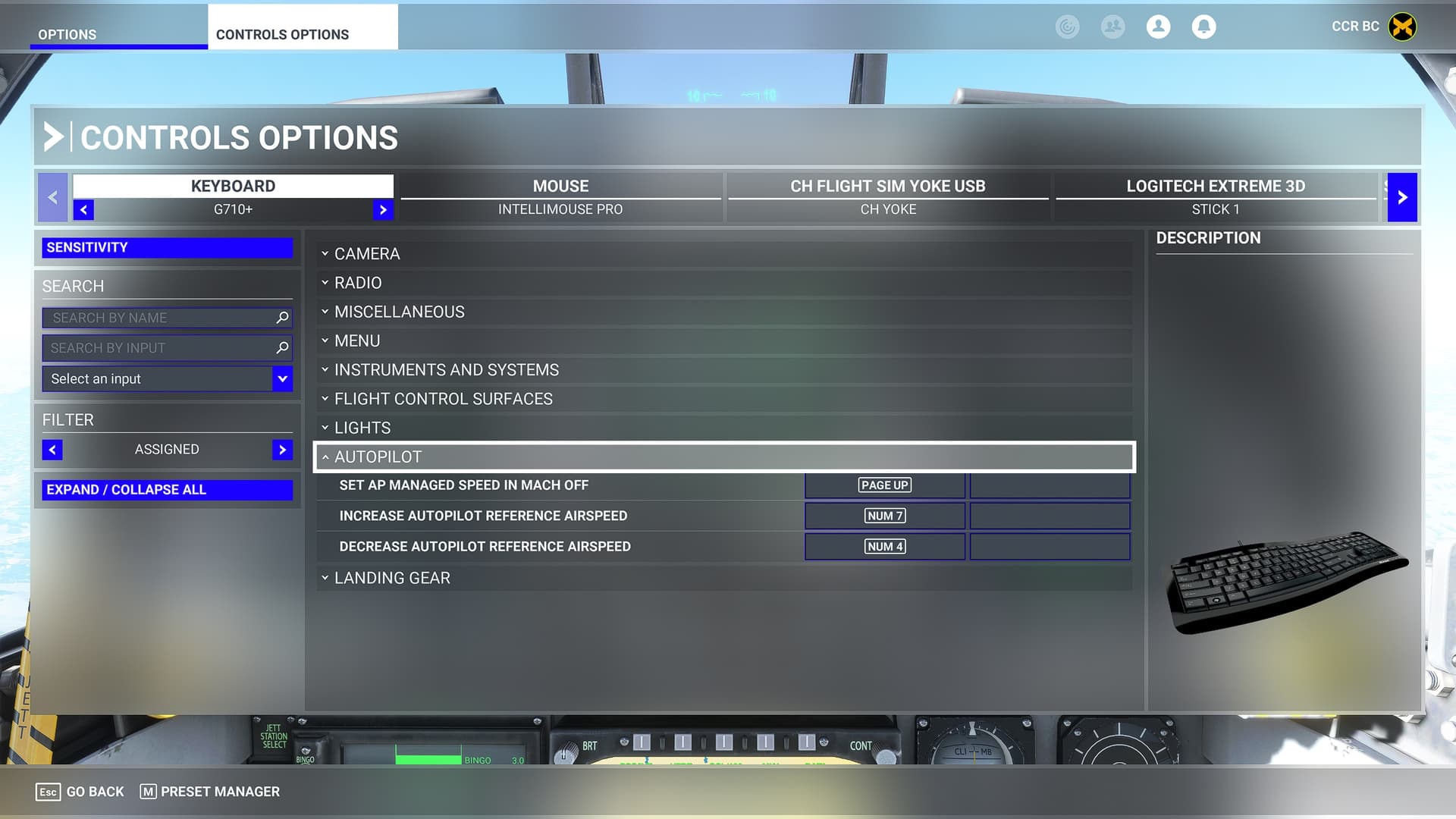
Can not locate a kb/stick mapping for: Cage HUD & AutoThrottle.
Just me being thick?
In case anyone has missed them:
-Cage hud working button on RH thrust lever, right side/lower.
-AutoThrottle working button on LH thrust lever, forward side right.
I’ll look up the exact command later, but I believe “SET AIRSPEED HOLD” will toggle the autothrottle on/off. No luck finding any binding to Cage/Uncage the HUD.
Thought I’d continue this thread with updated info.
Cage HUD works, but you have to toggle using the button with your mouse.
ATC(autothrottle):
Working sort of…
Cruise= flaps auto and speed stabilized. It does hold current speed +/- a few kts as it should and
it will hold speed in FPAH. However it will not hold BALT when atc is on. It steadily loses roughly 500fpm. It must be toggled off also. (not correct, it should switch off if throttles are advanced or retarded)
Landing config- 1/2 or full flaps, gear down=it presets to about 118kts (not correct).
Work around:
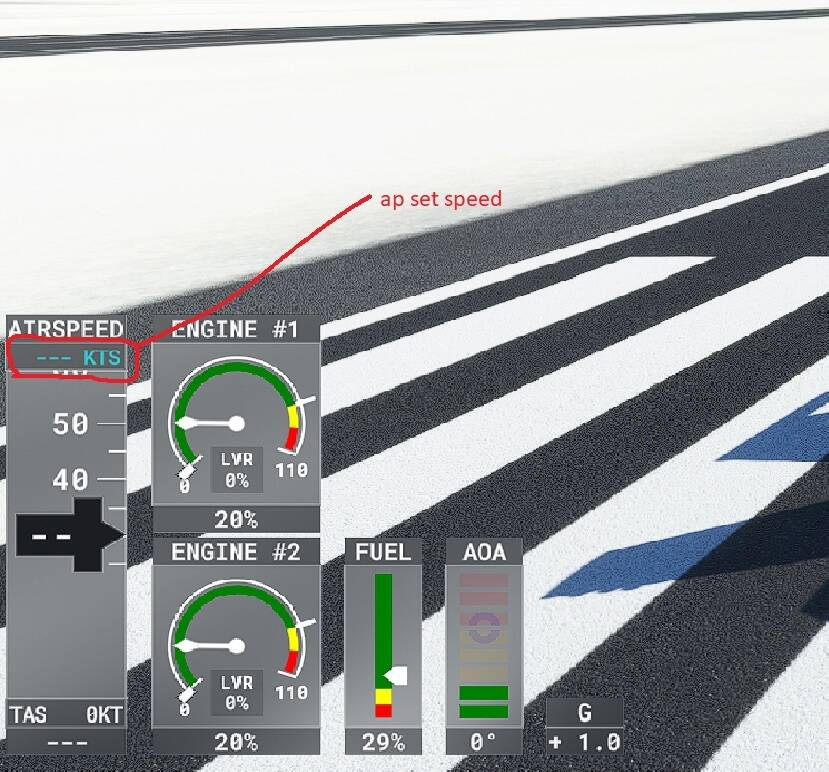
You can change that speed by assigning keyboard buttons to a/p speed BUT you have to go to external view with gauges to see the speed setting.