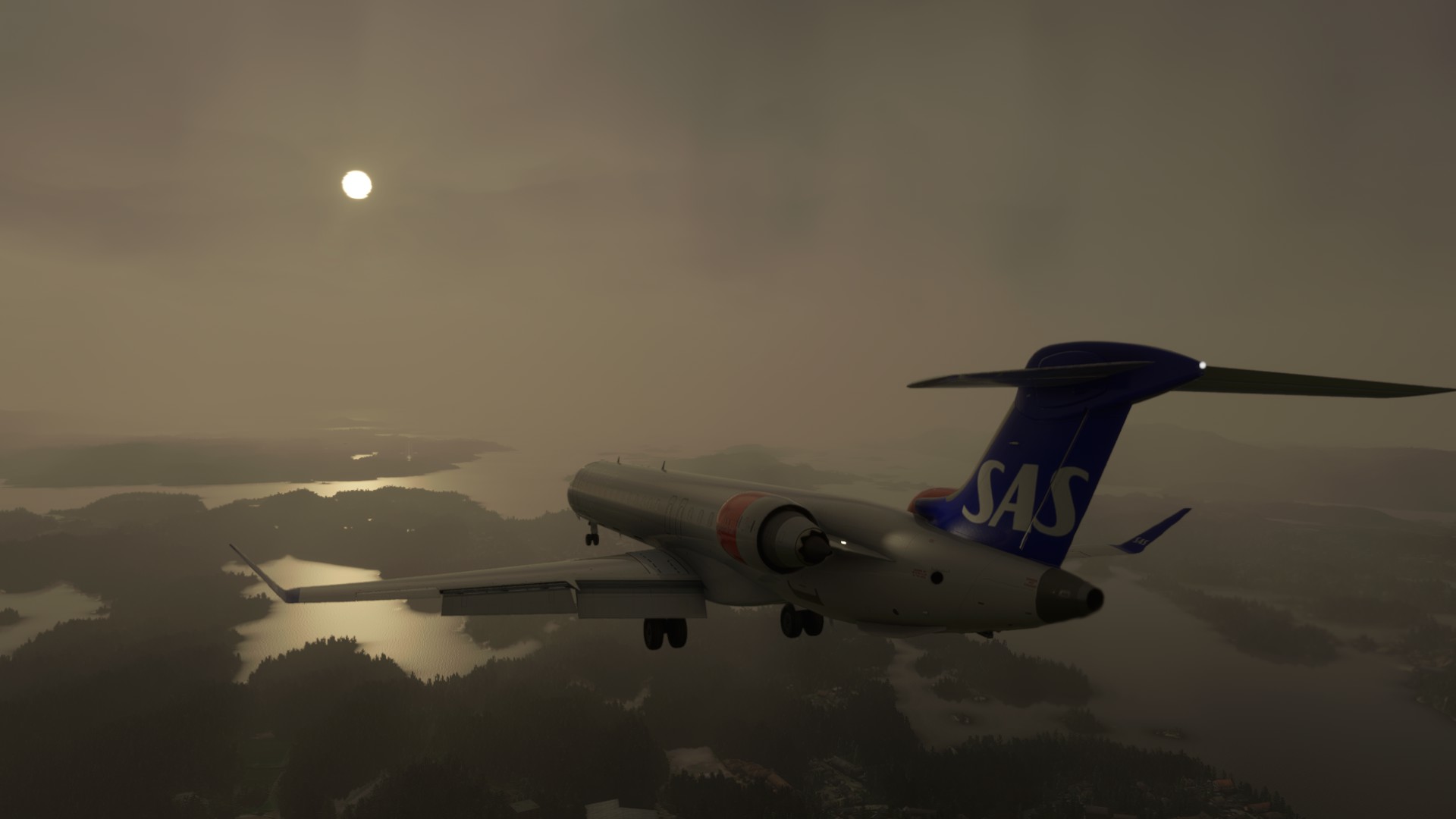
I got my issues sorted out with APU & Bravo throttle quadrant. Enjoying a nice flight now. We’ll see if I can get it on the ground…hoping ILS issues from the earlier versions have been resolved.
Edit: Finished 1st flight with the 900. Had a known issue with some of the knobs not working, but was able to get it landed alright with everything else working well, including ILS capture. The only thing I need to figure out is how to set up the spoiler axis with the Bravo. Right now, it’s constantly moving.
I had the same issue with adjusting the range. The other issue I noticed is that some buttons in the Saitek Pro Yoke system stopped working after taking off – lights, landing gear, etc. All of these were working prior to taking off.
At landing, I activated APPR. However, the plane started to pitch up for no reason, Speed started to drop so I had to disengage the AP and land manually.
I’ve been flying the CRJ-550 at least three times a week an none of those issues exist.
Last night I flew the CRJ-550 and, it seems that the range knob is broken there, too. This was working, since I use it all the time. But, after getting the CRJ 900/1000, it broke.
The other issue I’m experiencing, where switches in the Saitek Switch panel stop working is only on the CRJ 900 and 1000, with the exception of the landing gear. In the 1000 doesn’t work at all. On the 550 and 700, it stopped working when lowering it.
It seems like the addon broke things on the existing CRJ 550/700.
Have you guys noticed that the 900 doesn’t have the VNAV button? I was flying it for the first time and wanted to descend via VPATH just like with the 550 and 700. Couldn’t find the button! Now I just checked on all planes, only the 900 doesn’t have the VNAV button.
Oh okay! I never knew. I also read that usually only 1000s and some 900s have the VNAV button but it’s not supposed to be good in real life so it’s hardly ever used. The more you know.
It was added update 550/700 few months ago with an update on the EFB, my preference update the weather radar, although I know thats Aerosoft its, Asobo issue…
How are you all able to download the flight plan from Simbrief? I have been flying the 550/700 with never any issues but since downloading the 900/1000 I cannot set flight plan via simbrief, I have to manually add it, the aircraft will not pick up the glide slope and my VR G2 headset blacks out from time to time where I lose all my vision
I just completed a flight from KPSC to KPDX with the CRJ900. Used Simbrief to create the flight and save it, which also allowed displaying it on Little Nav Map. Used live weather. Again I had one discontinuity, but NAV followed the flight plan as it should. I did not use VNAV. On approach selected NAV1 and it followed the localizer and glide slope. Turned off the autopilot at about 200 feet just before touchdown. The only problem was a lot of trees both on runway 28L and on the taxiway to North Parking. I don’t remember seeing trees on the runway or taxiway if I landed on runway 10R.
I had to add another location for my simbrief downloader to copy the flight plan. Below are the two I use. Your exact folder will be different based on you userID and MSFS install folder, but should be fairly close.
Thank you that worked a treat. Much appreciated. Just flew a morning run from WSSS to VTBD with a storm, sunset on the horizon and night to day all in one. Was brilliant. 1st time in a while my VR headset and the game behaved itself.
The out-of-the-box scenery does have trees on the right way path. There is an add-on for PDX, which makes it more realistic-looking, and also takes care of the trees.