Same issue here. no matter the speed even on the ground if I extend the flaps I get a penalty.
The fact this is still an issue after multiple patches… I hate to say it but the game should be pulled until it is finished properly at this point. It is evident now it was released just to meet the 2024 name with no actual time left for testing.
This is a reminder that this thread is meant to serve as a bug topic, not a discussion topic. If you are experiencing this issue, please feel free to report your findings using the following template. In addition, if you find workarounds or processes that helped resolve the bug for you, please feel free to post about it, as it may help the team’s investigation. Outside of this, please use an existing or new topic in the appropriate Discussion Hub or User Support Hub to discuss/assist others with this bug.
All other posts will be removed.
 For anyone who wants to contribute on this issue, Click on the button below to use this template:
Do you have the same issue if you follow the OP’s steps to reproduce it?
•
Provide extra information to complete the original description of the issue:
•
If relevant, provide additional screenshots/video:
•
Several posts removed as per above memo.
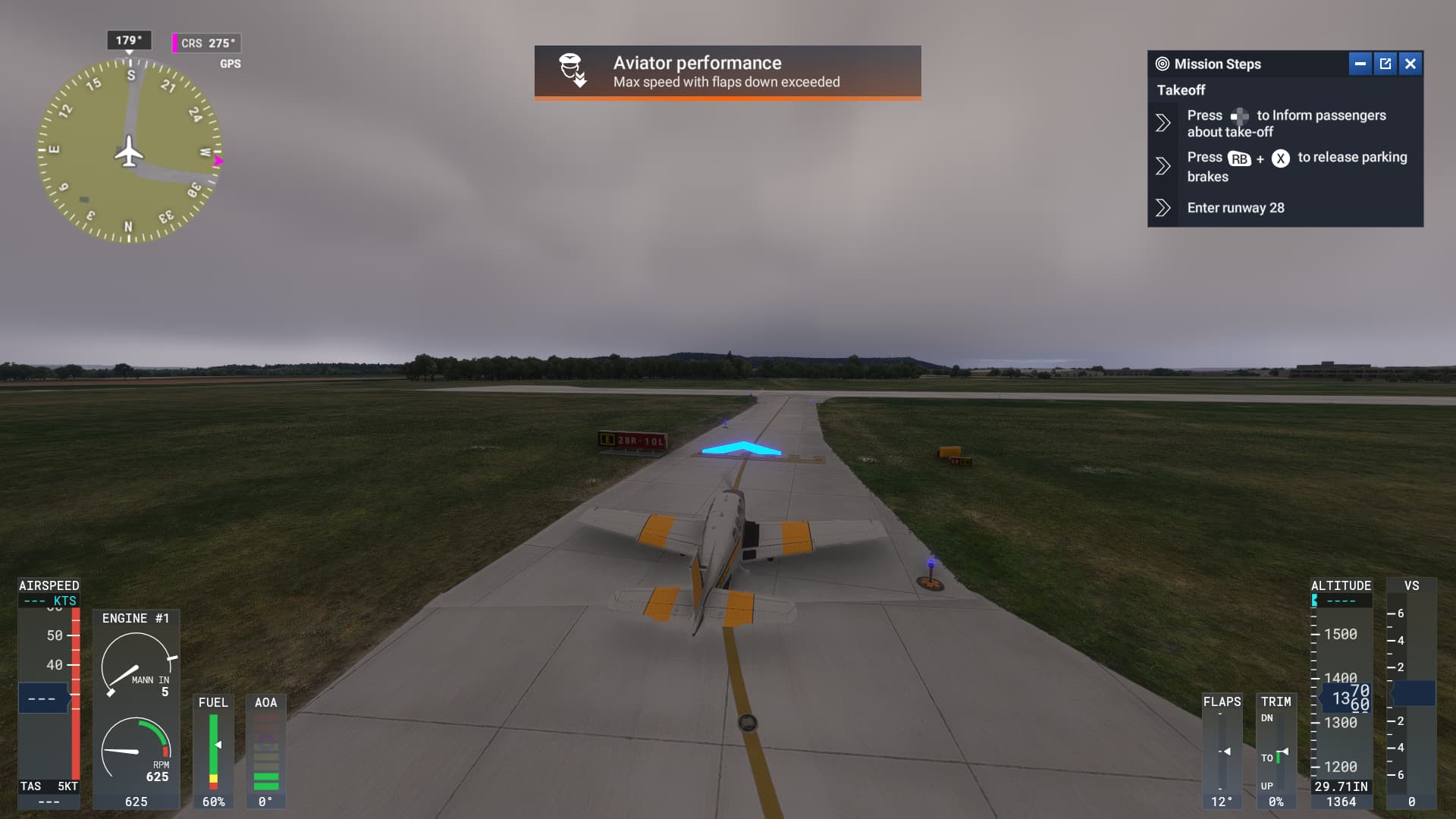
well atleast microsoft didnt check this did they, also the career modes that start on the roof of hangars or inside causing you to crash the plane and not able to turn the engine off
worst is that this was flagged during the aplha test!
Had this happen to me as well today, in the G36 Bonanza.
I loaded a new ferry mission, the flaps immediately deployed at 50% by themselves, and I was penalized for excessive flap speed while stopped on the ground with the engine off.
SMH.
Do you have the same issue if you follow the OP’s steps to reproduce it?
• yes
Provide extra information to complete the original description of the issue:
• happens under 100 kmh, anywhere
If relevant, provide additional screenshots/video:
•