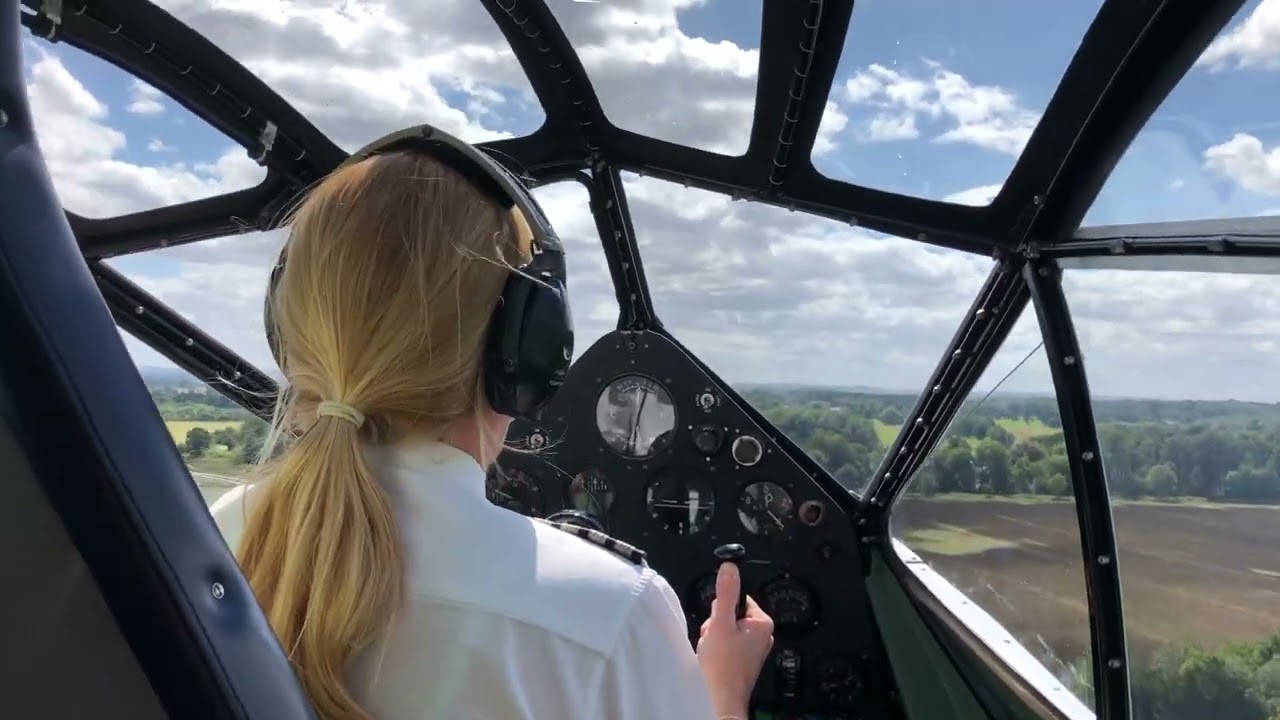
Flight Replicas DH89 Dragon Rapide - Released on Marketplace

In fact, the manual is available for 2024 users in its folder, and I now have it. The problem with that, of course, is that you only have access to it if you download the aircraft, and that’s not a requirement in 2024.

Like many in 2024, I only download aircraft once I’ve decided I might fly them regularly - and in my case, as I said above, if I’ve decided I’m not going to fly it again till it’s updated, and installing is a way of being notified when that happens.

That’s why, if you’re selling a new aircraft in the 2024 Marketplace, even if it’s a 2020 aircraft, getting checklists and tooltips complete and accurate first time is particularly important; however much it may seem to developers that, after the challenge of getting the aircraft right, these addenda are not worth an equivalent amount of effort. If your customers spend the first hour with the aircraft feeling their blood pressure build up, there may never be a second hour - or a second purchase.

And if you’re a developer, you really should have at least a cheap VR headset to check how that works - you may not fly in VR but a small but not negligible part of your customer base do.

There’s still no manual on the Flight Replicas’ website. In fact, of the six FR aircraft I own for MSFS - five de Havillands and a Grasshopper, of which only the Rapide did anything unfortunate to my blood pressure - only three rate mention anywhere there that I could find.

While I am considering your suggestion that I report my experience with the Rapide to Flight Replicas - without, of course, including the large lexicon of profanity I resorted to at the time - I do wonder whether, since you’re on first name terms with the developer, you might be willing to make a more sympathetic report of the difficulties I and others have encountered than I could manage.

I hope you enjoy the Rapide when you do pick it up; if you’ve seen the manual beforehand you’ll know where the starter buttons and fuel valves are located.

Edit: after I wrote this I got the urge to go and check the fuel valves again. It turns out that the tooltips for them appear in flatscreen but not in VR - though the valves are well enough marked in the aircraft that I really shouldn’t have missed them. My bad, though that’s what happens when you’ve just spent ten minutes looking for the engine starters.

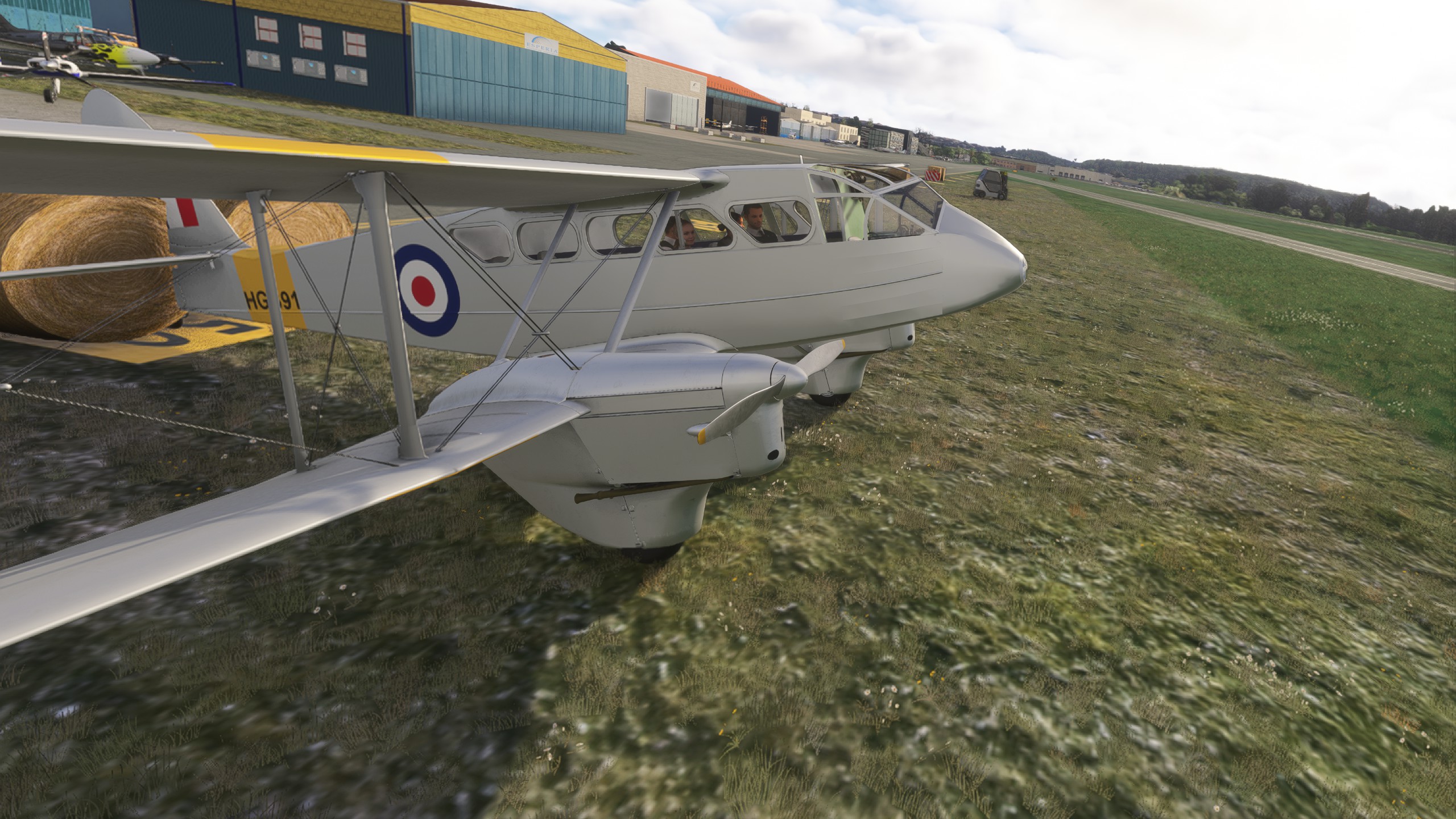
Incidentally, while I was there I took a shot of the VR home position - I had to turn my head to look at the aircraft:
I’ve emailed them and they got back to me saying that the passenger switch works for them on their end. I might take a video and send it just in case that helps.

I don’t use VR, and I’ve tried both downloading and streaming. But the passenger switch doesn’t interact when I move over it with my mouse and it isn’t clickable.

the dev is super nice and helpful btw! I’ve been enjoying this plane and taking it to Central America. (I just want to lose the passengers haha)

I’m only on a first name basis because I know his name from the responses I’ve gotten over the years to support emails. :slight_smile:

Still more intimate than me, but not as intimate as I was thinking (no, I wasn’t thinking that intimate).

OK, if I can find time tomorrow I’ll try and put something together and send it to the address you gave me.

Using the Rapide in FS2020…. You will find “cameras.cfg” in this folder, if you installed typically by steam.

C:\Users\yourname\AppData\Roaming\Microsoft Flight Simulator\Packages\Official\Steam\fr-aircraft-dh89dragonrapide\SimObjects\Airplanes\DH89_Dragon_Rapide

If you decide to edit that cfg remember to make a copy of the unchanged version first, just in case something gets messed up by mistake and you have to re-download the whole aircraft again.

It worked for me.

OR, if unsure, please wait for the developer to send out a revision. He is aware of this issue.

- Kenneth (aka “VIPgroup” at sim outhouse).

2 Likes

Thanks for this.

I had the email written that I promised Editer I’d send when I came here to get the email address to send it to and saw your post; but if the developer already knows about the issue there’s no point in cluttering up his inbox.

So not a developer, I was assuming that cameras.cfg would be in the encrypted files in the downloaded folder in Official2020/Steam, but I’ll have a look where you suggest (though I’m in 2024 so I’ll have to find out if the address still works) and see if I’m willing to take my life - or at any rate my Rapide’s life - in my hands.

Edit: I think the equivalent address in 2024 is:

C:\Users\myname\AppData\Roaming\Microsoft Flight Simulator 2024\Packages\Official2020\Steam\fr-aircraft-dh89dragonrapide\simobjects\airplanes\dh89_dragon_rapide

But I’m not seeing a cameras.cfg file in there, nor does a search turn one up.

Unless someone can tell me where I’ve gone wrong, I suppose I’ll have to wait for the update.

Thanks again anyway.

P.S. I have a shortcut on my desk for the 2024 Community folder, from which it’s easy to get to Official2020/Steam, so didn’t immediately realise that the address you gave me was the one I’d already looked at.

bkr (0003) by JanKees Blom, on Flickr

bkr (0004) by JanKees Blom, on Flickr

bkr (0008) by JanKees Blom, on Flickr

5 Likes

Imgur

Imgur

Imgur

3 Likes

Imgur

Imgur

Imgur

6 Likes

Is there any news from FR about any updates for the Rapide, it has so many issues, bad paint work jagged edges in the cockpit and two tone paint schemes. Engine start sounds are terrible, and you can only hear one engine start and not the other. There seems no difference in engine tone moving up or down through the rev range. The main one that gets me is that looped rattle . It is the only aircraft I fly with the sound turned down. Not to mention the many cockpit features that have no function other than being there.
I have wanted a Rapide for so long, the aircraft means a lot to me personally, this is a disappointment.

I know the owner and pilot.

5 Likes

Have you tried to contact them?

Imgur

Imgur

Imgur

Imgur

ZK-AEC(0001) by JanKees Blom, on Flickr

2 Likes

Asked if update planned to address issues.Nothing back yet.

Developer advised the VR head posn is known bug and will be fixed.

Other issues queried all explained as unexplainable or not seen or something within MSFS. Developer seems very responsive and polite.

Saw there was an update, still not able to toggle passengers using the passenger switch which is completely static. Does anyone know what was updated?

Possibly the VR head posn?

The VR head position has been updated (at least in 2024, which is what I fly in).

It’s not a perfect update - the default position is still outside the cockpit - but it’s just forward and up slightly from where you’d want to be and adjustment is a ‘one and done’ proposition. No more going into external view and returning to find yourself in mid-air. The VR position has gone from a huge to a minor issue,

I think - until today I hadn’t flown it since it came out, and memory fades rapidly at my age - engine sounds in the cockpit are louder; but I’ll be interested to see feedback from others on that.

I never fly with passengers - they always look to me like zombies just waiting to eat your brains as soon as you land - so I can’t comment on the passengers toggle.

The magneto switches are not the standard rotary switch(es) and are still on by default, which is not standard practice. I suspect that’s so people don’t have to spend time wondering where the magnetos are.

Off and marked with a handwritten label above saying ‘Magentos’ might be a better option.

But not a big thing although I did waste time on my first flight after buying the aircraft looking for the magnetos - yes, I am an idiot, why do you ask?

For me, though, the big improvement is in the VR position. It’s taken the Rapide from an aircraft I would never fly to one I’ll be coming back to.

So well done (almost) Flight Replicas!

1 Like