Looks decent, but limited details in the description on features from what I can find. Just aircraft history. Anyone get it yet and how is it?
Thanks for the heads up, I’ve been waiting for this one for a while! Will give it a try and report back later.
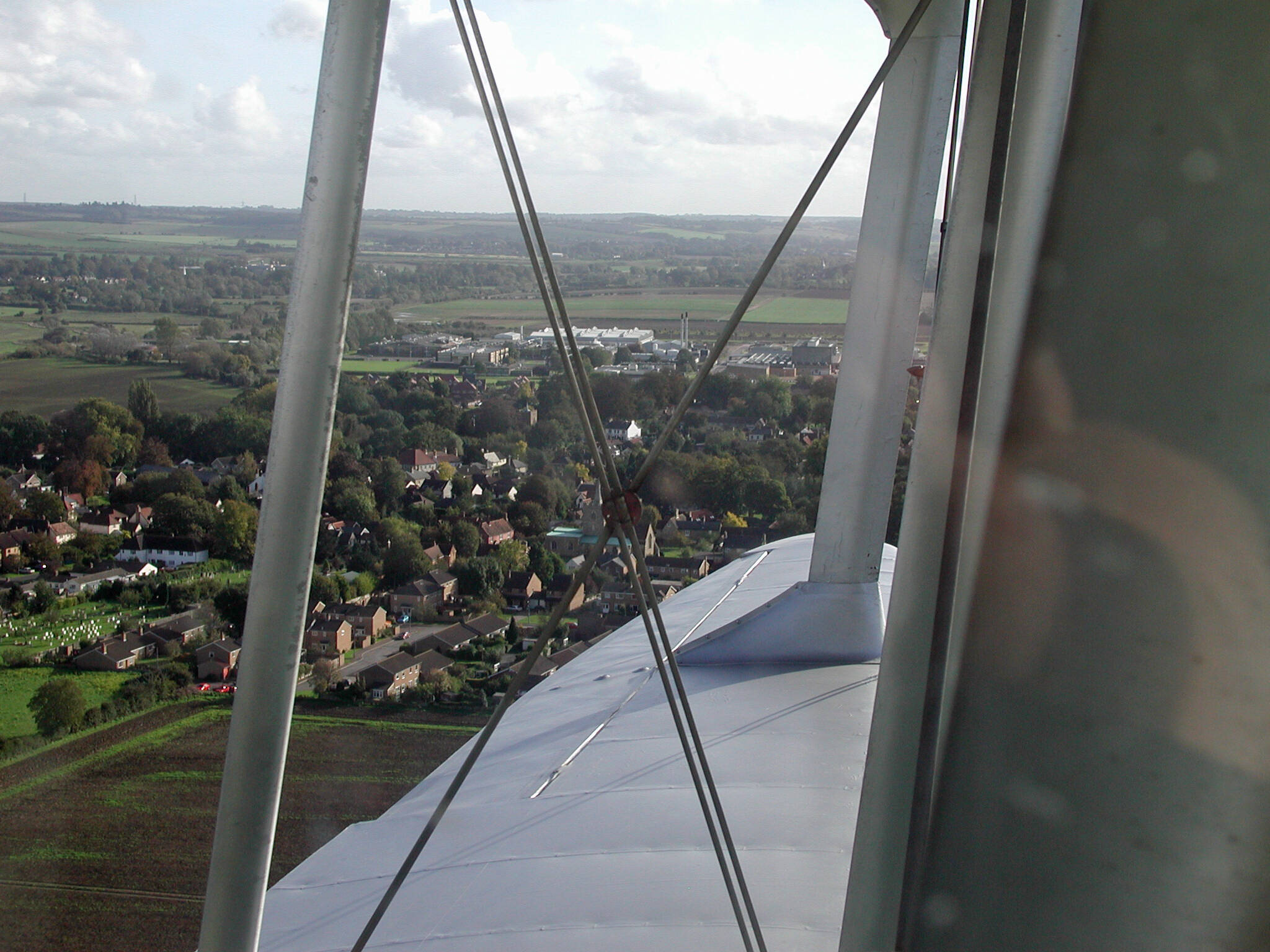
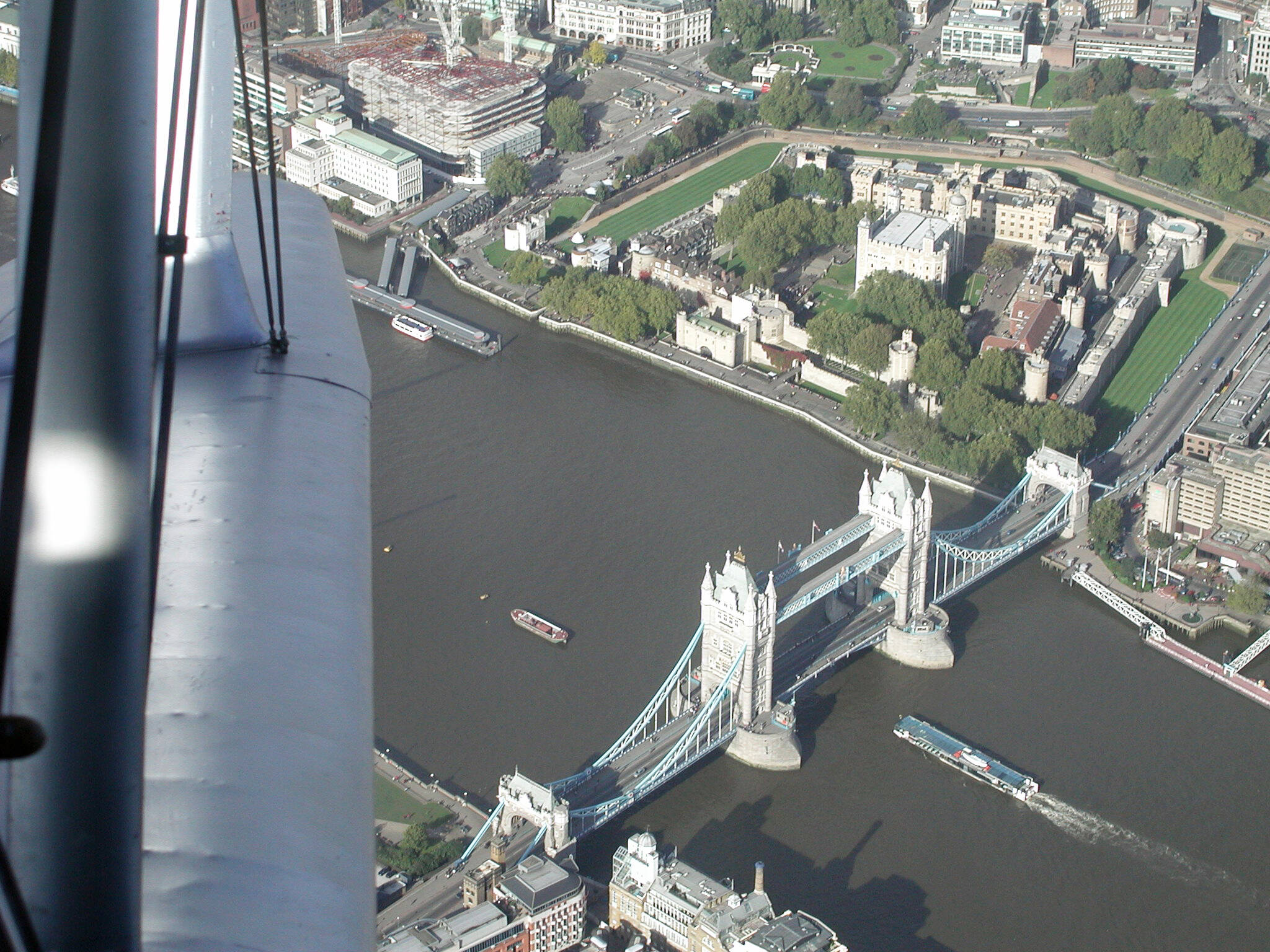
IRL There are a couple of Rapide’s that fly out of Duxford.


Who’s going to do it? I would but my experience with FR is a bit hit-and-miss and Marketplace-only is a big negative. Tempting though. I do like the Rapide
I greatly enjoyed the FSX conversion of the Dragon Rapide by Dave Garwood and associates; I don’t know if there’s any connection between Dave Garwood and Flight Replicas, but I couldn’t find Garwood’s Rapide on flightsim.to this morning (though there were still plenty of liveries, the number of which lead me to believe that I wasn’t the only one to like it) which makes me wonder if there might be some link.
Anyway, I bought the Flight Replicas version this morning and took it for a flight. Unfortunately, flying in VR in 2024, I ran into some problems.
There’s no checklist in 2024. Now this isn’t a huge problem - the Rapide is not exactly a complex aircraft - except:
Tooltips are incomplete. Again, this wouldn’t matter too much - I found most of what I needed - except they’re missing for the starter buttons for the engines, and the starter buttons are on the floor hidden behind the control column. I had to Ctrl-E for my first flight, and it wasn’t until my second flight that I found them.
But the big problem for me - the one that means I won’t be flying this aircraft again until it’s fixed - is that the home VR seating position is outside and well to the right of the aircraft. This is a huge pain and in particular means that it’s impractical to switch to external view and back in flight - and don’t try switching to your default seating position by pressing Ctrl-0 or equivalent, though pressing the instrument view key you last pressed (you’ll need Ctrl-9 or equivalent to see the battery and related controls) will keep you inside the aircraft.
The flying itself was fine - I can’t offer a comparison with the FSX conversion since it’s a couple of years since I last flew it and I’ve flown well north of a hundred planes since (clearly I’m no Eric “Winkle” Brown.)
The Dragon Rapide is a beautiful aircraft and I’d love to be able to recommend Flight Replicas’ version, but until the VR issue is resolved I just can’t.
Dave Garwood’s Rapide is still available at Sim Outhouse but you need to be logged in to download it…. MSFS dh-89 Dragon Rapide | SOH Forums
Thanks, that may well in fact be where I got it.
According to the date on my archived .zip file, I downloaded it on 7January 2023, and as memory fades, which tends to take about five minutes at my age, there is a tendency to assume that any freeware download came from flightsim.to - not an entirely reliable assumption.
So that makes it seem much less likely that there’s any definite relationship between Dave Garwood’s FSX conversion and Flight Replicas’ work.
First flight done, I have to echo the above, the head position issue is really annoying, the lack of a checklist is a shame and isn’t helped by the tool tips being missing on some switches.
Visually, it’s okay, the cockpit is better than the FSX port but nowhere near the standards of what can be achieved. Textures outside are a little low resolution up close and kinda flat looking, but perhaps the fatness is true to life here.
I’m not a huge fan of the modern radios, transponder and autopilot - I’m sure they will be appreciated by some but I prefer a more ‘period correct’ look.
Starting the aircraft up, we encounter my biggest issue at the moment, the sounds. I personally feel these are really not up to scratch for a payware aircraft, there is no blending at all between the start up or shut down sounds and the normal engine sounds, I also find them to be a little loud and unrefined, with a few noticeable loops when running at a constant rpm.
I am actually quite impressed with the ground handling and flight model, especially for an MSFS 2020 addon, the aircraft feels heavy and sluggish on the ground in the manner that I would expect for an aircraft of that type. In the air it was docile and very enjoyable to fly.
I think with a bit more work on the sounds, an interactive chacklist and a fix for the head position, this would be a fine addon. I certainly don’t plan on sending it back to the hangar just yet, but I’m not sure it’s quite up to scratch at the moment.
22 GB - Why? Do the springs in the pilot’s seat depress when you sit down?
The Inibuilds A350 requires only half as much disk space.
Very large textures I expect, and not using more modern methods to put detail where detail is needed. Like an 8K textured footwell, that kind of thing. 
I do like their products but they murder my hard drive.
I have the same issue with the otherwise-great Carenado T-34. I’m able to get into the right position with a few presses of the Shift WASDQE keys, though. Will that work with the Rapide in the meantime? (I haven’t picket it up yet.)
Most importantly, did you report these issues directly to FR? Not sure if Mike from FR reads these forums.
EDIT: I haven’t bought this yet (waiting on my montly msrewards payout), so didn’t realize the cameras.cfg file isn’t encrypted. According to vipgroup over on Sim Outhouse, if you update this value in the cameradefinition.22 section, it will fix the VR viewpoint issue.
InitialXyz = 0, 0.08, 0.2
The line you’re changing reads InitialXyz= 6.0, 0.0, 2.305
I like this one overall, but on 2024 it doesn’t let me remove the passengers which look a little… Creepy… There’s a switch to remove passengers, but the switch isn’t clickable.
Graphics aren’t perfect but overall is a fun and unique plane to fly! If the 2024 issues are fixed I would wholeheartedly recommend it.
Passenger and pilot removal worked fine on my end in 24.
I don’t use VR, so probs for me there, I like it!


Did you use the switch to remove passengers? If so, does the switch move up and down at all when you click on it?
I did use the switch, but it did not move
I have the T-34, have encountered the problem you describe, and applied the same solution. But the problem in the Rapide is of an entirely different order of magnitude.
You’re not misplaced in the cockpit; you’re well outside the cockpit to the right. If you find yourself there in flight you could - well, I could - easily lose control before you get yourself back in the cockpit. Also, the fix takes much, much longer than it does in the T-34.
If I were a developer (I’m so not) I’d be coming here to find out how my new product is being received, but diff’rent strokes for diff’rent folks, I suppose.
Still, I’ll have another look at the website (I went looking for a manual, which wasn’t there) and if I can make a report without needing yet another login and password, I’ll do as you suggest.
Thanks for this. As I say, so not a developer, and in principle I think fixing this sort of thing is the developer’s job, not mine; also I have the Marketplace version of the plane, and haven’t downloaded the aircraft yet, which I’d have to have done in order to access the files.
Still, making the change may not be entirely beyond my abilities, and I was planning on downloading the Rapide anyway, since apart from any performance benefits it’s a good way of being notified when an aircraft is updated. So I may well give your advice a go.
Assuming, of course, that the relevant file on the Marketplace version of the plane isn’t encrypted.
Edit: Couldn’t get the ‘Contact us’ link on the Flight Replicas website to work. Probably set up by whoever implemented VR on the Rapide. 
Further edit: Downloaded the Rapide. Searching for ‘camera’ in its folder didn’t turn up anything, but I do see three ‘fsarchive’ files, so until someone who actually knows about this stuff tells me otherwise, I’m going to assume the file I need is indeed encrypted.
Dang, mine still won’t work! I’m not sure why. I’ve tried both downloading and streaming. I don’t use VR. But the passenger switch isn’t clickable at all for me.
Just send a message to support@flight-replicas.com requesting the manual and Mike will send it to you. I think it’s there in the download folder for 2020 users, but obviously 2024 screws that up.
That’s also a good address to let Mike know about the VR issue and the passenger switch.
Looking forward to picking this up next weekend.
Part of the issue is that Microsoft expressly forbids developers providing user support here. A lot of devs are here ‘informally’ anyway, but too many folks assume posting here is akin to telling the dev, when in fact, a number of devs don’t read the forum regularly for various reasons, such as having their own Discords or private forums, basic life bandwidth, whatever.
Agreed, if I were a dev, I’d raise my shields, put on my armor, and maybe consume an adult beverage or six, and pop in here to see the commentary. But in reality, not all devs do.