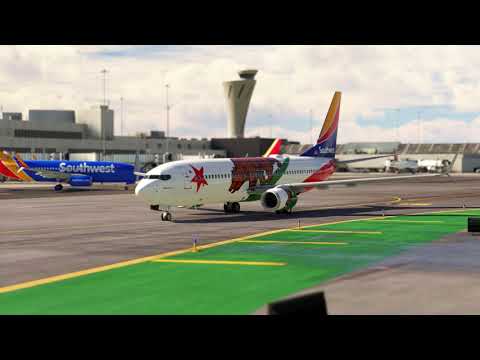
FlightControlReplay 5 features Cinematic Replay, exclusively for Microsoft Flight Simulator, enhancing replay experiences with automatic camera switching. This innovative functionality allows users to sit back and enjoy a dynamic viewing experience without manual intervention, as the active view shifts seamlessly between different available camera angles. Whether you’re replaying a breathtaking landing or admiring scenic landscapes, the automatic camera cycling adds a cinematic touch to your replays.
With this feature, users have the flexibility to customize their viewing experience. They can choose to focus solely on external cameras, internal cockpit views, or select the automatic mode, which combines both for a balanced and engaging replay. The Cinematic Replay feature amplifies immersion by presenting flights from various perspectives, making it perfect for content creators or those who simply want to relive their most stunning flights in a more engaging way.
Watch FlightControlReplay 5 in action in the following YouTubers’ content :
Blu Games
MAX IMMERSION
Static
Airbus A330-900NEO | Austin - Honolulu | 8 Hours | Hawaiian Airlines | MSFS
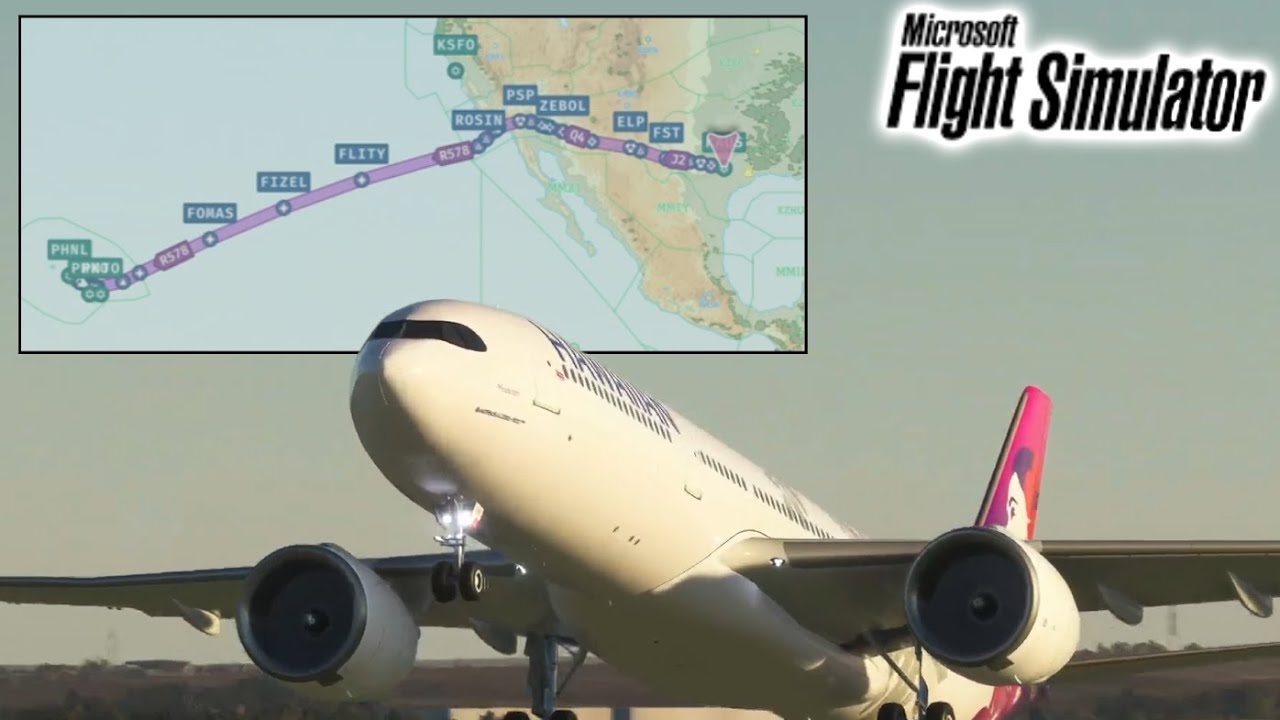
JPGamingSimulator
Boeing 737-800 - Southwest - N8653A | Landing at San Francisco(KSFO) | MSFS20 Gameplay #72 | 4K