It may not be the answer to your issues, but if it does find any corrupted or missing files, and automatically fixes them, you “MAY” be one step closer to a stable PC.
Thanks will give it a go. The PC was new in Jan this year and just runs FS so not sure how windows gets corrupted, but will certainly give it a go. I had a few CTDs last week, an one longer flight with the ntdll.dll issue that people had seen last weekend. Not many before that though.
This error isn’t much different than an access violation in this context. A bad address for a jmp instruction leads to memory that happens to contain 0xCC (int3 / breakpoint instruction).
Since SU10 and Windows 2H22 I have now had 4 instances of The Exception Breakpoint causing CTDs. 0x800000003. Never had this error before. Most of the conversation in the thread isnt recent so I am not sure if its relevant. Any ideas on resolving?
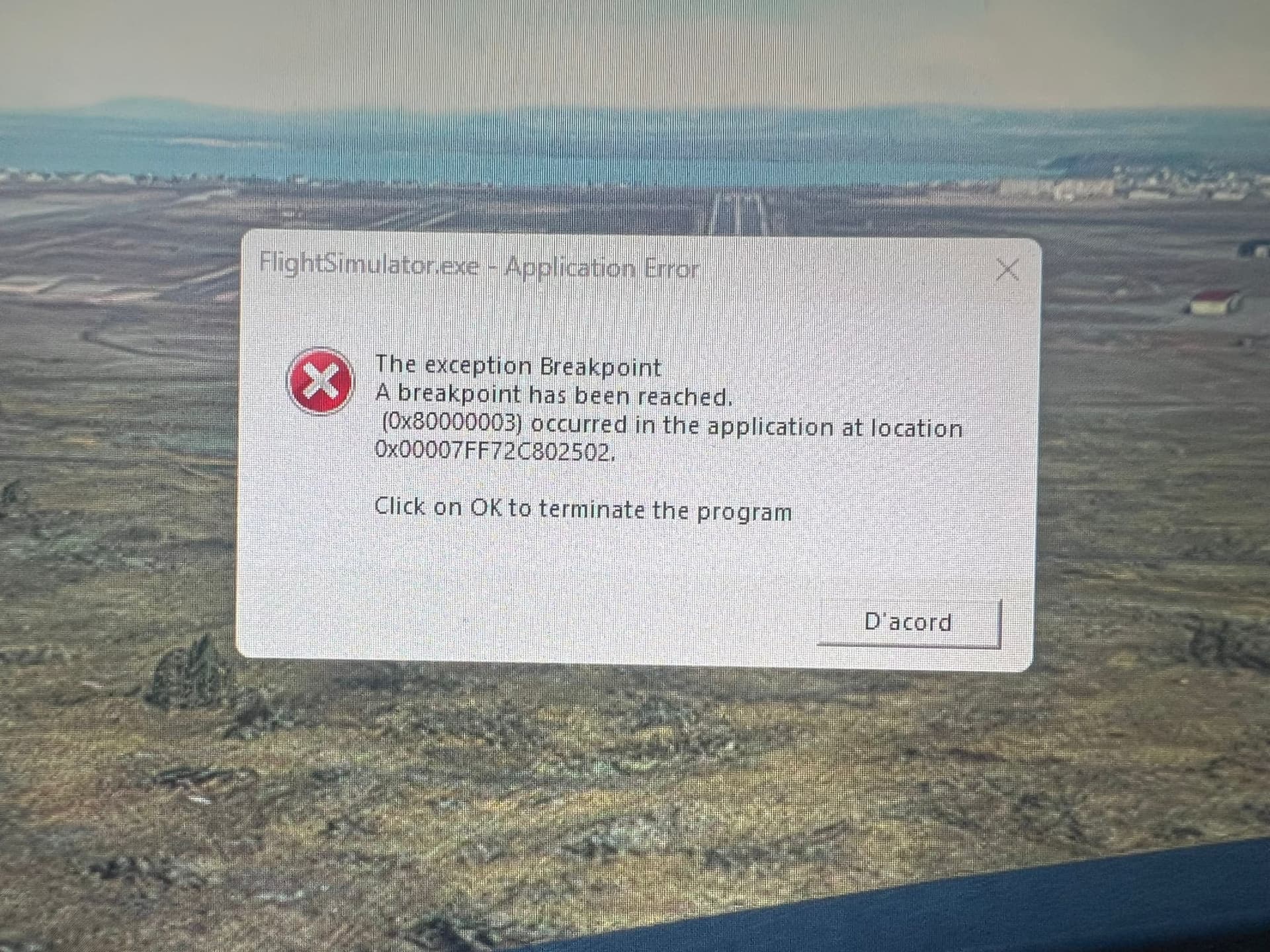
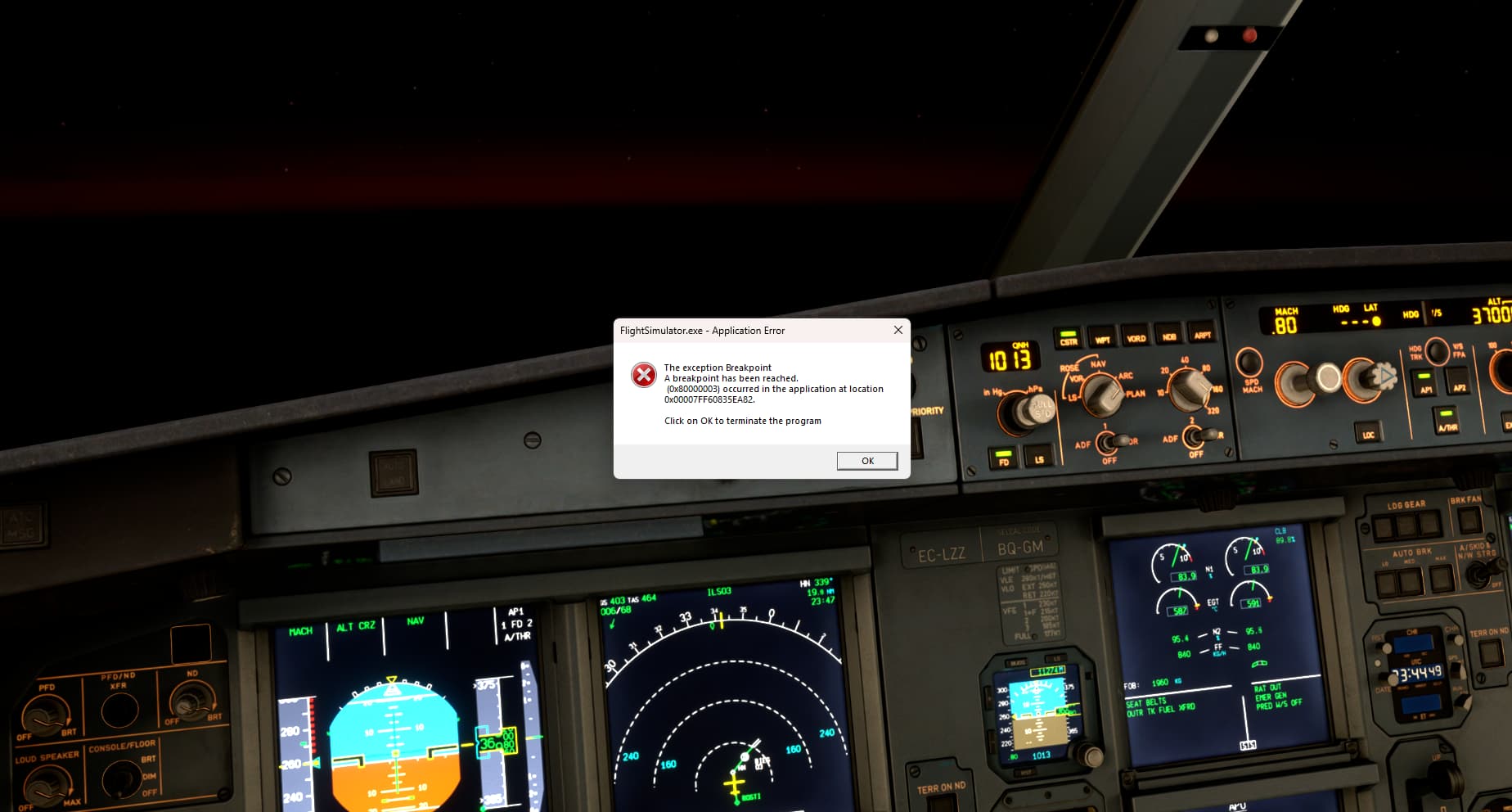
Application pop-up: FlightSimulator.exe - Application Error : The exception Breakpoint
A breakpoint has been reached.
(0x80000003) occurred in the application at location 0x00007FF6BCBC0682.
I’ve had this twice also. Seems to happen when I’m on main menu and leave the room for some time. Came back and one time it’s just on desktop (app crashed). Other time main menu had windows popup over the top with this message, click OK and instantly goes to desktop.
Well cannot start FS2002 anymore get this error every single time, removed all community stuff, removed logitech flight stuff, removed bravollights stuff, click repair in the ms installed apps, clicked reset in ms installed apps, next options is to remove it and reinstall all 300+GB which will take a few days even with my 1.2gbit line!!! Not COOL!
Constant CTDs with initial error ‘Your graphics device has encountered a problem’ and then today this further message. Disappointed that these CTDs haven’t been fixed.