Any thoughts on why I cannot start the Flight simulator directly from the WindowsApp folder with a double click. It keep telling me I don’t have permission, which I should have as admin. I can start it from the desktop shortcut and from the Windows appstore.
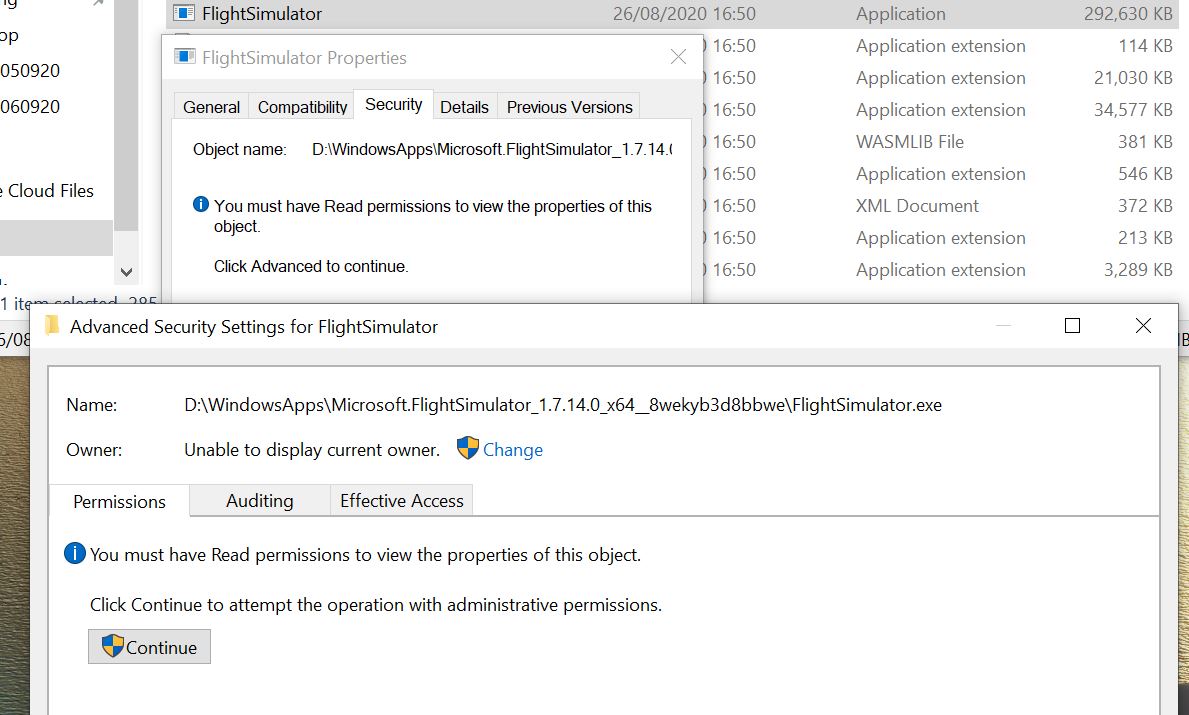
When I go into the security settings I get this window which is very strange to me.
Kev