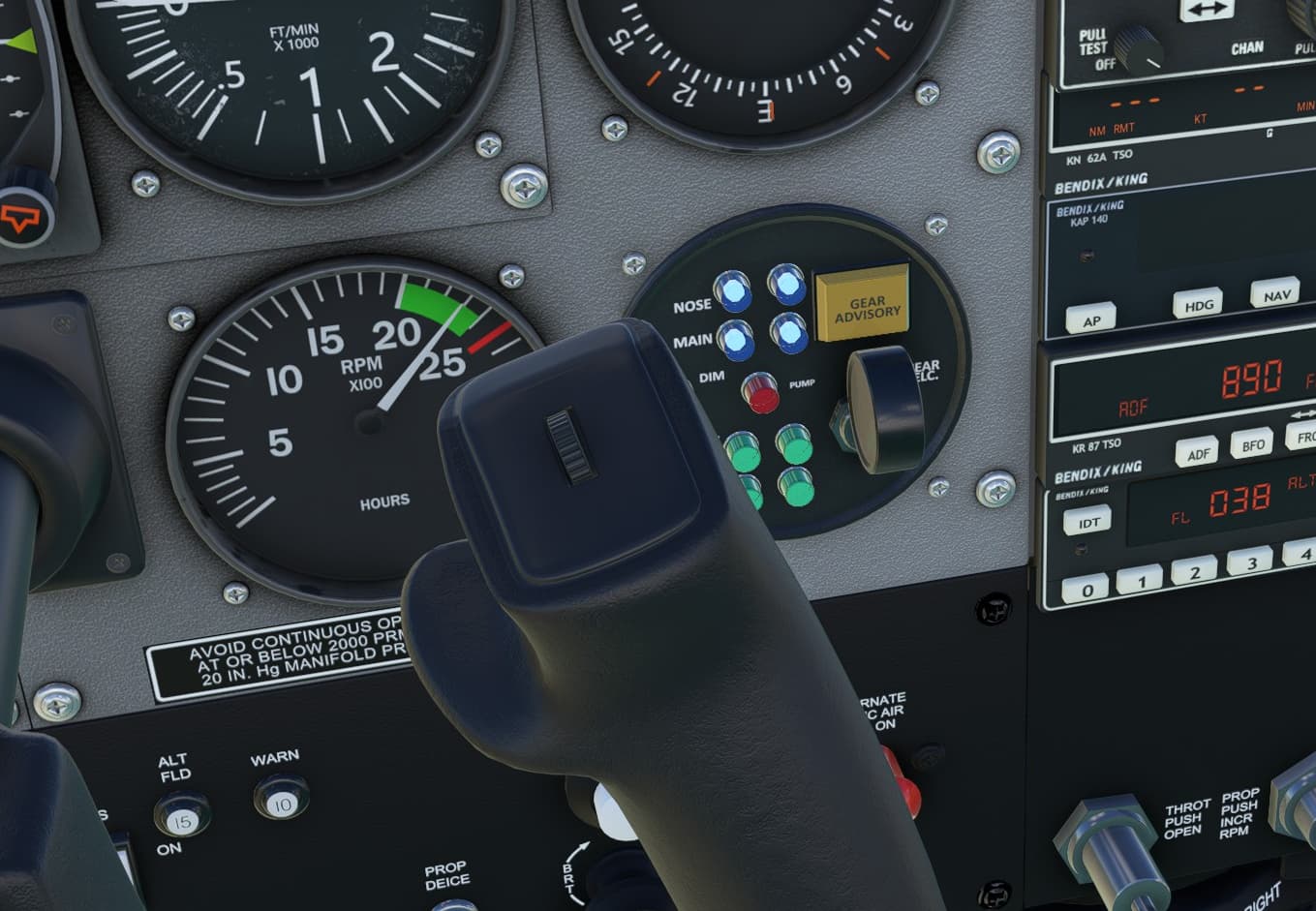
I wanted to call out SebastianJ7210 for suggesting the map light control on the yoke. It was a good idea and it’s in there. I very much appreciate the support.
If I want install an update to this - do I need to re-download it again?
Yes. Remove the previous version from your Community folder and replace it with the newly downloaded version.
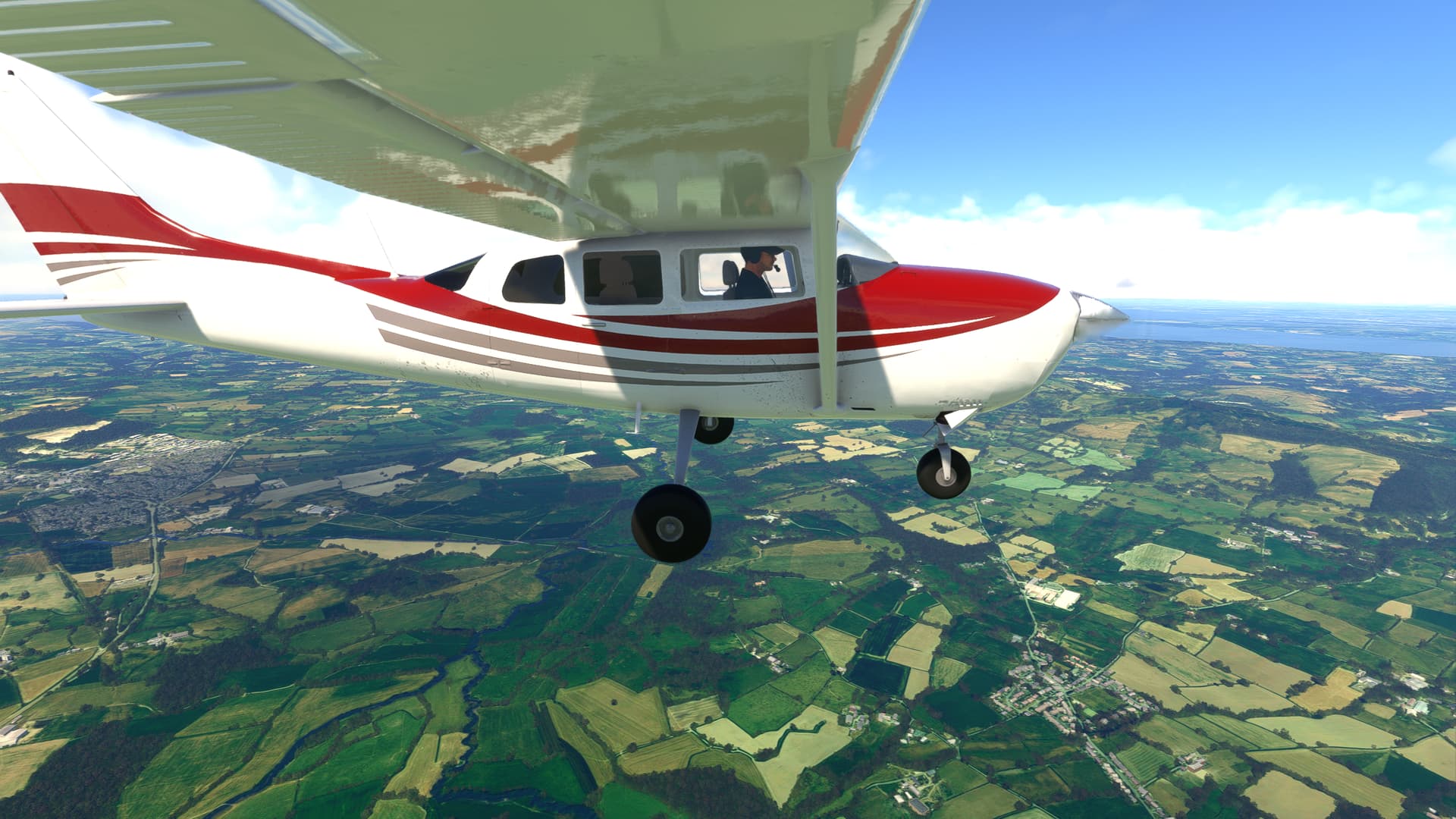
Great job @Sal1800 loving the floats!
Okay will do that, Thanks!
As I understand it, unfortunately, the old FSX sound method can’t support changing the sound based on aircraft configuration, you’ll supposedly have to go to WWise sounds for to gain the full programmability like that.
This is what I have right now. Maybe it needs to be in the SimVarSounds section. This seems like it should work as I have similar sounds that work from LVars.
  <AlwaysPlaySounds>
    <Sound WwiseEvent="custom_sound_11" Wwisedata="false" FileName="T206wind.wav"  ViewPoint="Inside" Panning="-10000"  LocalVar="WINDOW_L_OPEN">
      <Range LowerBound="1" />
      <VolumeCurve SimVar="RELATIVE WIND VELOCITY BODY Z" Units="Feet per second squared">
        <Point SimValue="0" Output="0" />
        <Point SimValue="20" Output="10" />
        <Point SimValue="100" Output="40" />
        <Point SimValue="240" Output="60" />
      </VolumeCurve>
    </Sound>
You have reached the limit of my knowledge.
As I noted, I think you need to use wwise sound set for that.
I don’t think it works with the old method. It looks like you’re trying to replace a wwise soundset with a .wav in some sort of hybrid sense. I have zero idea how to do wwise sounds…
Yeah, this is how you play WAV sounds from the XML. It’s how the engine sounds work. But there is probably some details that I am missing.
Wwisedata=“false” FileName=“T206wind.wav”
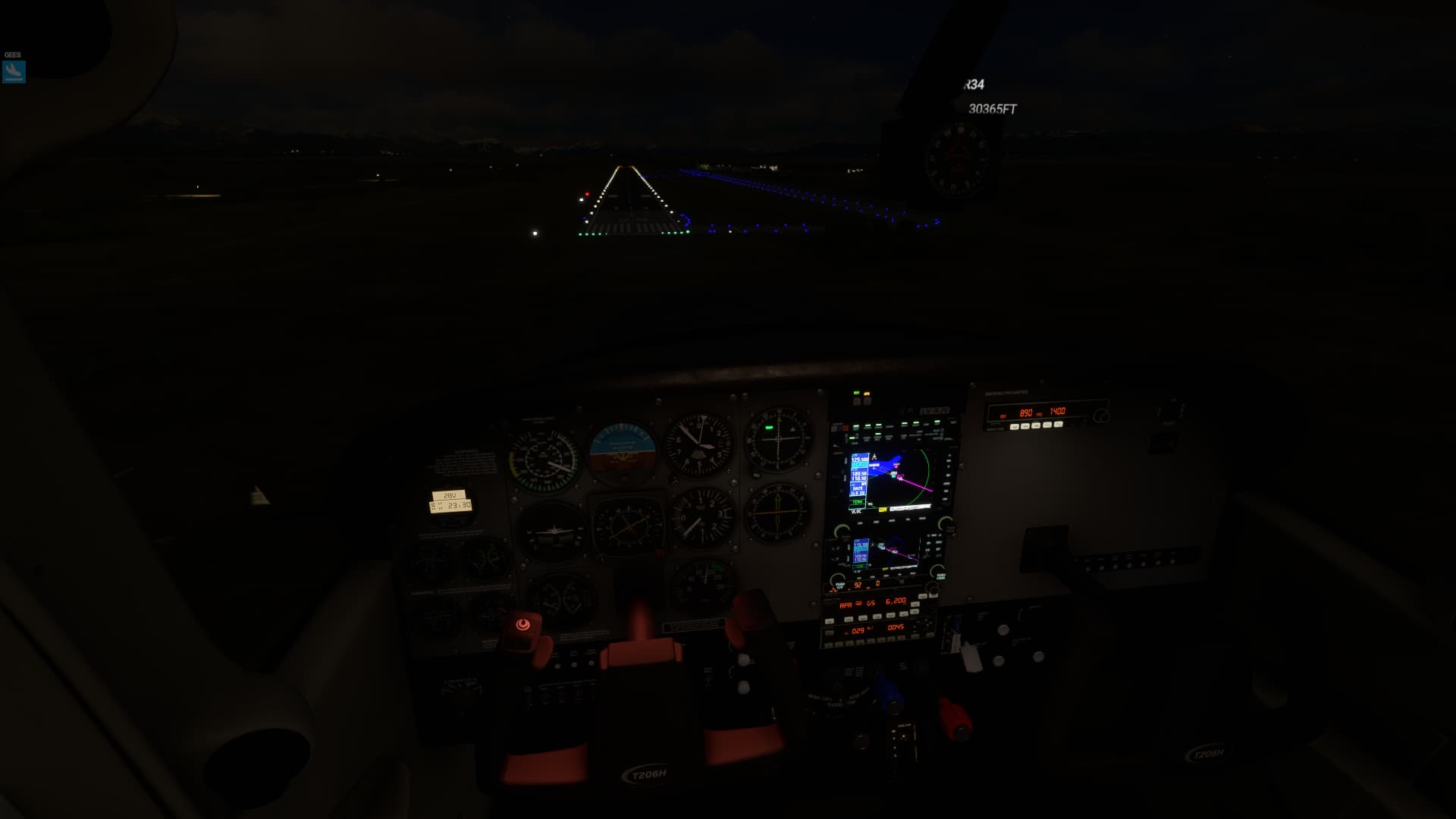
Seriously speaking, first of all thanks. I downloaded the update yesterday but didn’t have the chance to fly until now (local time is night). Made a three hour VFR to IFR flight. The airplane is awesome and the map light is very easy to use, I’m really glad the idea made into the airplane, it’s turning beautiful.
Noticed a weird behaviour on the avionics brightness knob. When moving it, I can see the intensity of the Garmin panel reflections on the passenger side yoke changing accordingly, but the avionics themselves stay on the same brightness, could be?. Maybe I’m doing something wrong, just wanted to let you know in case it’s actually something to check.
Now selriously speaking, what can I say Sal, if you ever come to my place, I owe you a really good beer. The really good wine comes with the 170B AP 
Huge thanks for the hours of fun I’m having.
Also from me, great thanks.
As planes using ancient GPS units are rare, I wish to get this wishlisted Release v1.4.2 · falcon71/kln90b · GitHub
Hey Edit: Microsoft where is your promised bunch of freeware addons on xbox?
Any news on the paint kit?
I’d like to release Millinocket SPB (70B) sometime soon, and it would be great to be able to also release a paint for N8345Q
I did one in the past for Carenado’s C185, it would be cool to be able to do the 206 it actually is…
BTW, please don’t add “Gate” to parking_type for GA aircraft. People will end up with C206’s at their gates at major airports.
I actually have had a tab open to that KLN90 Github page for a while now. I like the idea of working on some of the older avionics it’s just hard to find the time. I do have some other autopilot units and audio panels. I am also a big fan of the really old radios.
Some day I would like to add more instruments to the configuration options. I need to figure out the UI so it doesn’t get too confusing. Engine monitor panel would also be nice.
If you could ever find the time to create something like this FS2004 standalone AP for MSFS, you would achieve legendary status in certain quarters:
https://www.flightsim.com/files/file/90103-fs2004-dh89a-dragon-rapide-autopilot-add-on/
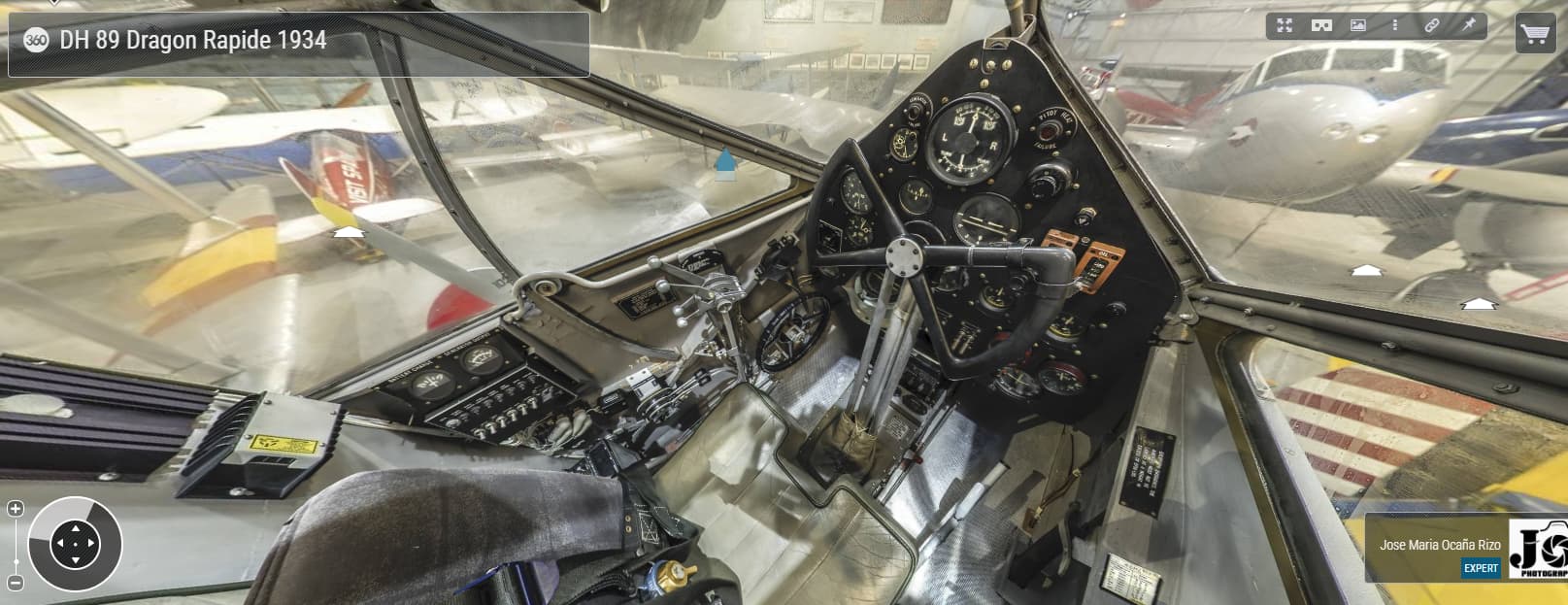
It was a ‘stylised’ autopilot with all modern features in 1930’s style. This can be done in MSFS as a pop up window from the menu bar, but don’t ask ME how!
It’s interesting that the turn/slip indicator is the most important instrument. Useful for a twin engine, I imagine. But all these early planes had panels that we a lot more “scattered” than we are used to today.
I see what you mean. It would be a 2D instrument in a window. I have never tried that but I think the coding is similar to other HTML instruments.
For sure. I’m thinking that a ‘period’ looking autopilot panel would really appeal to the local legends and famous flyers owners out there. Along the lines of PMS50’s GTN750 Premium autopilot.