[Freeware] Corona Municipal Airport (KAJO) (update Jul'26)

Free to download for PC: KAJO - Corona Municipal Airport - MSFS Add-on - Flightsim.to

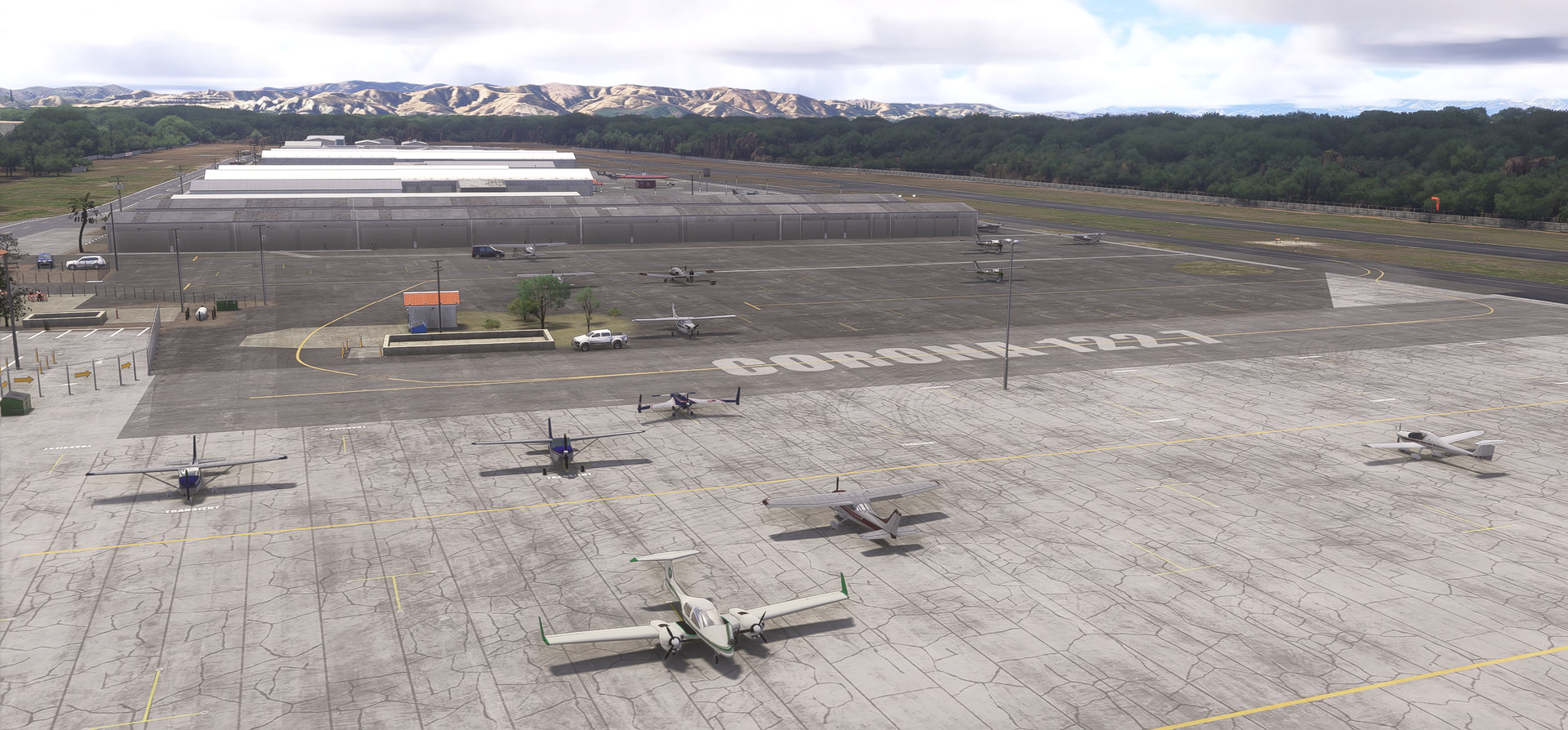
Corona Municipal is in Riverside county, California, approx. 40 miles east of Los Angeles. It’s an uncontrolled airport and is home to 300-350 general aviation aircraft. It’s strictly a recreational airport with no commercial flights.

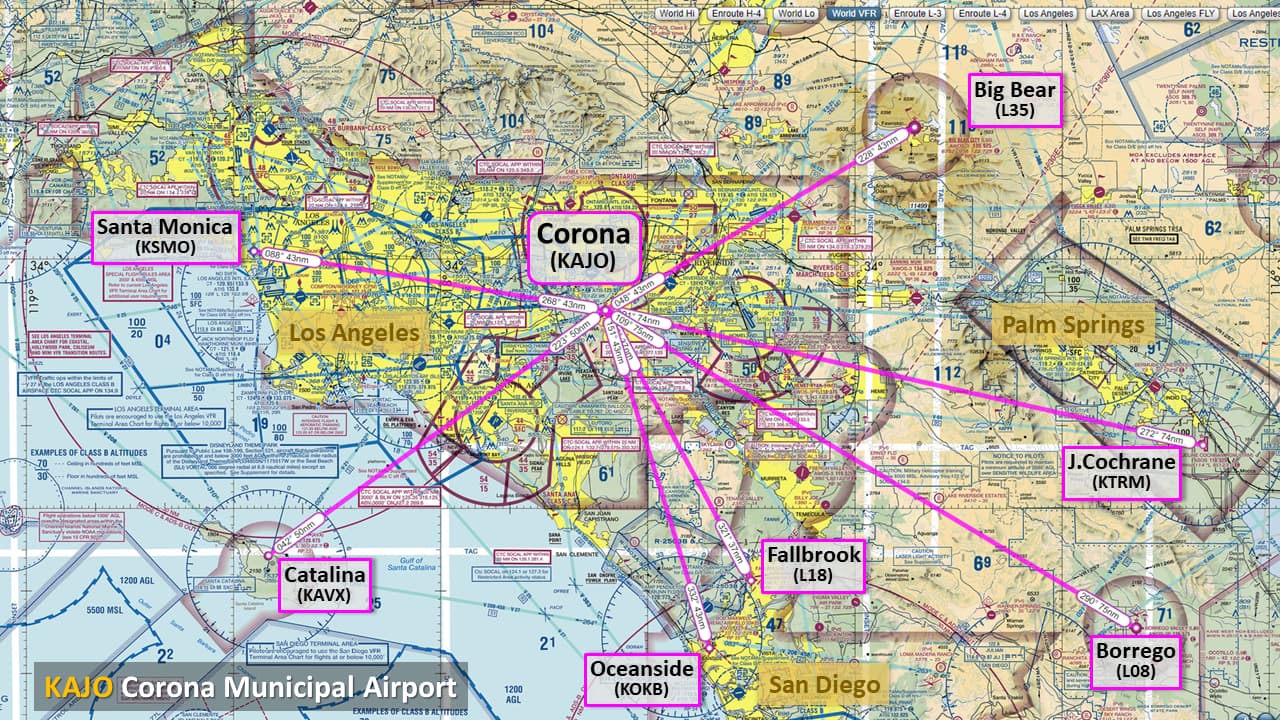
Corona airport is well known because of its close proximity to aircraft shop “Aircraft Spruce”. It has also few businesses, such as a cafe “Corona Cafe”, “Flying Academy” flight training center, and aircraft maintenance and repair.

FEATURES

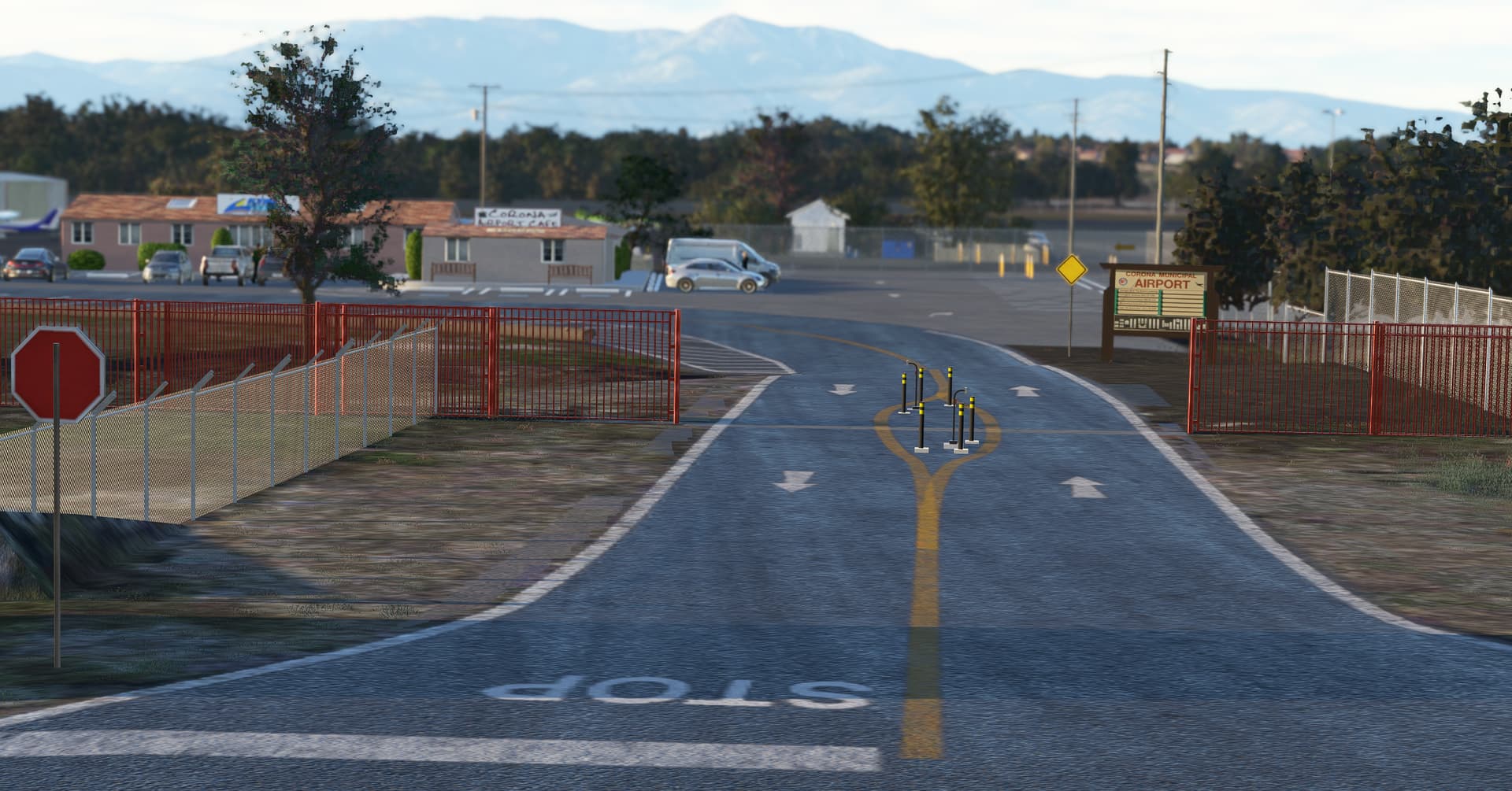
  • Replace all AI generated buildings with more realistic stock/free MSFS objects
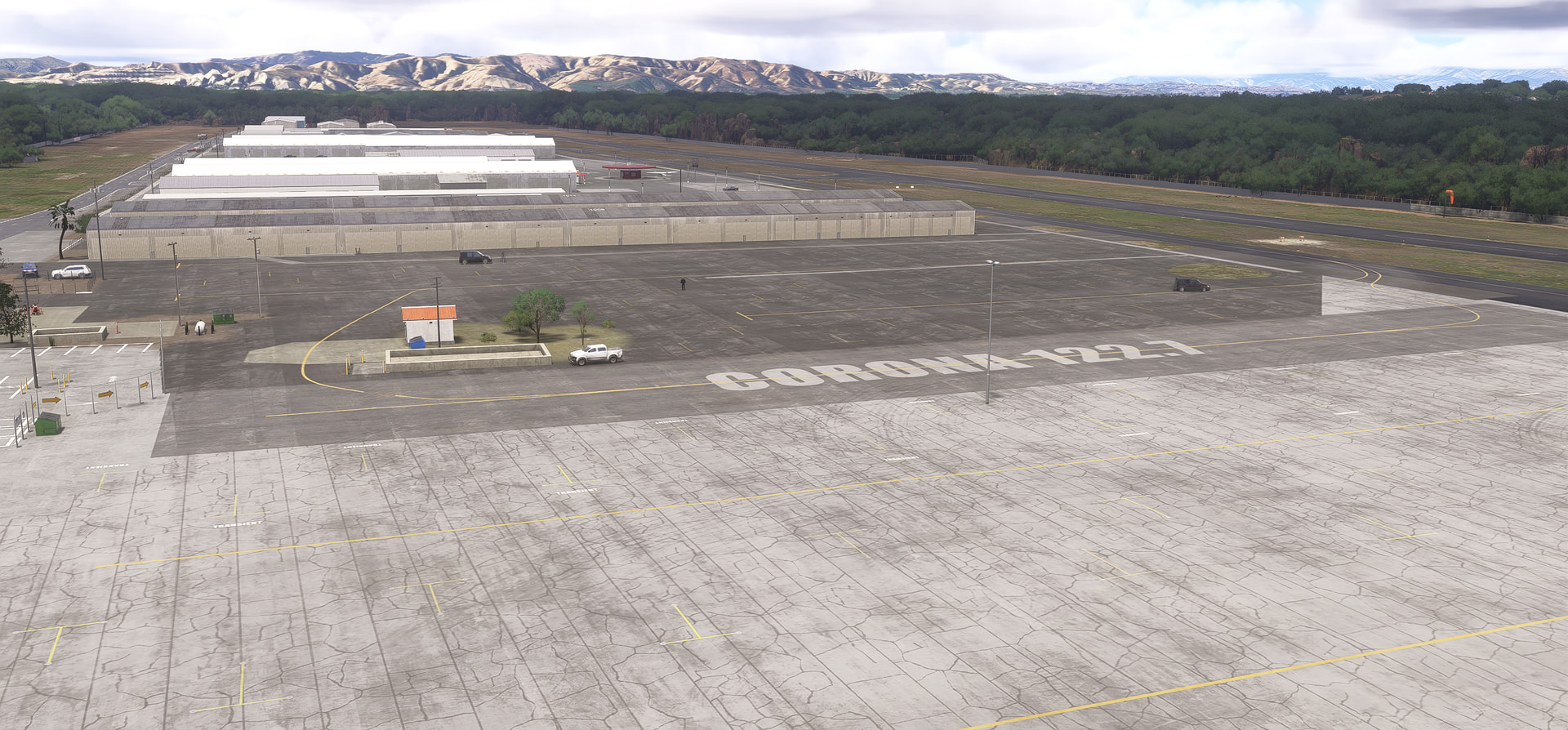
  • Add custom ground painting and replace all aprons textured
  • Add hundreds of small objects to make the airport a more living and immersive environment. Mostly with stocked objects which requires no 3rd party library. See requirements below.
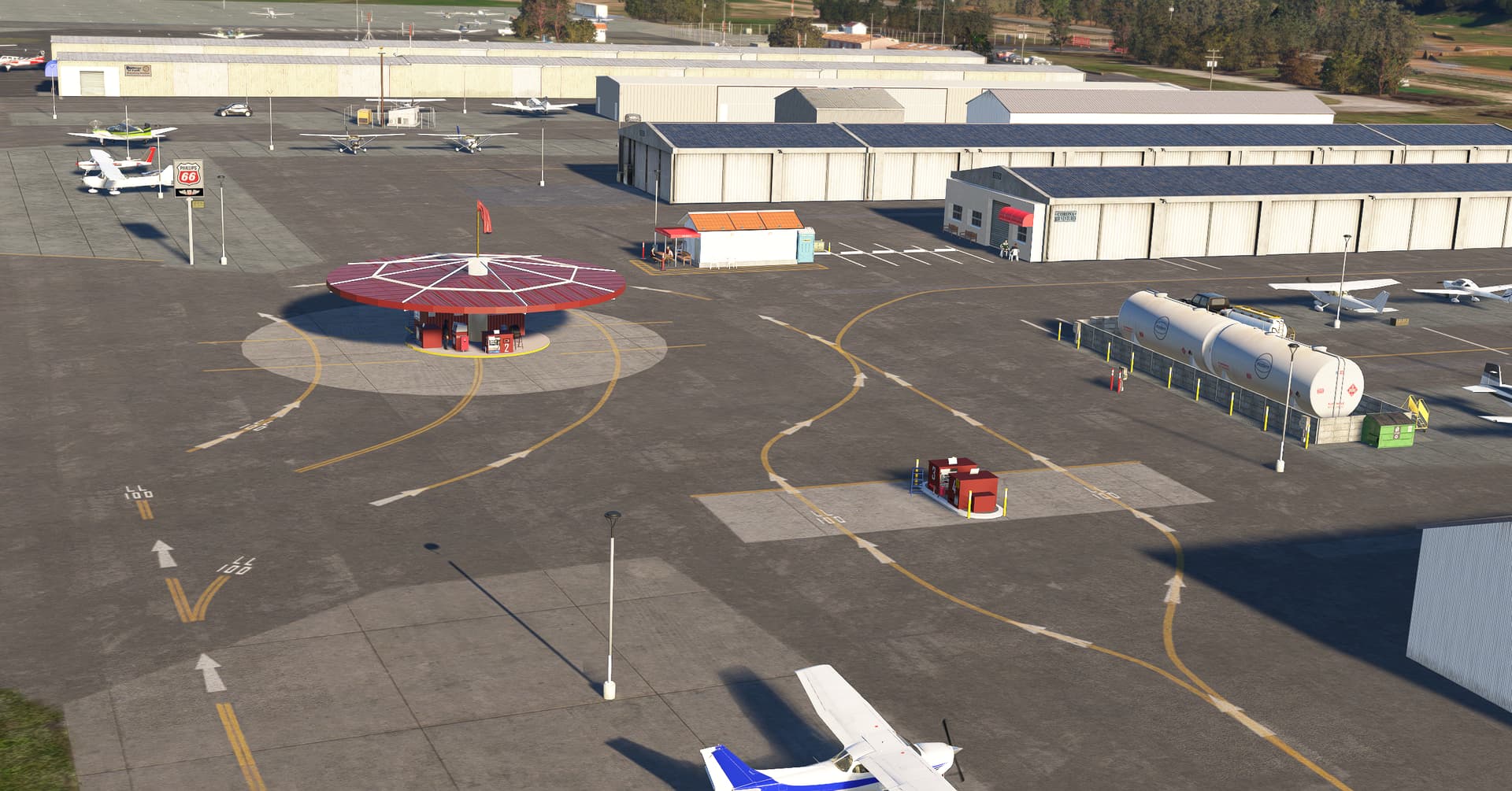
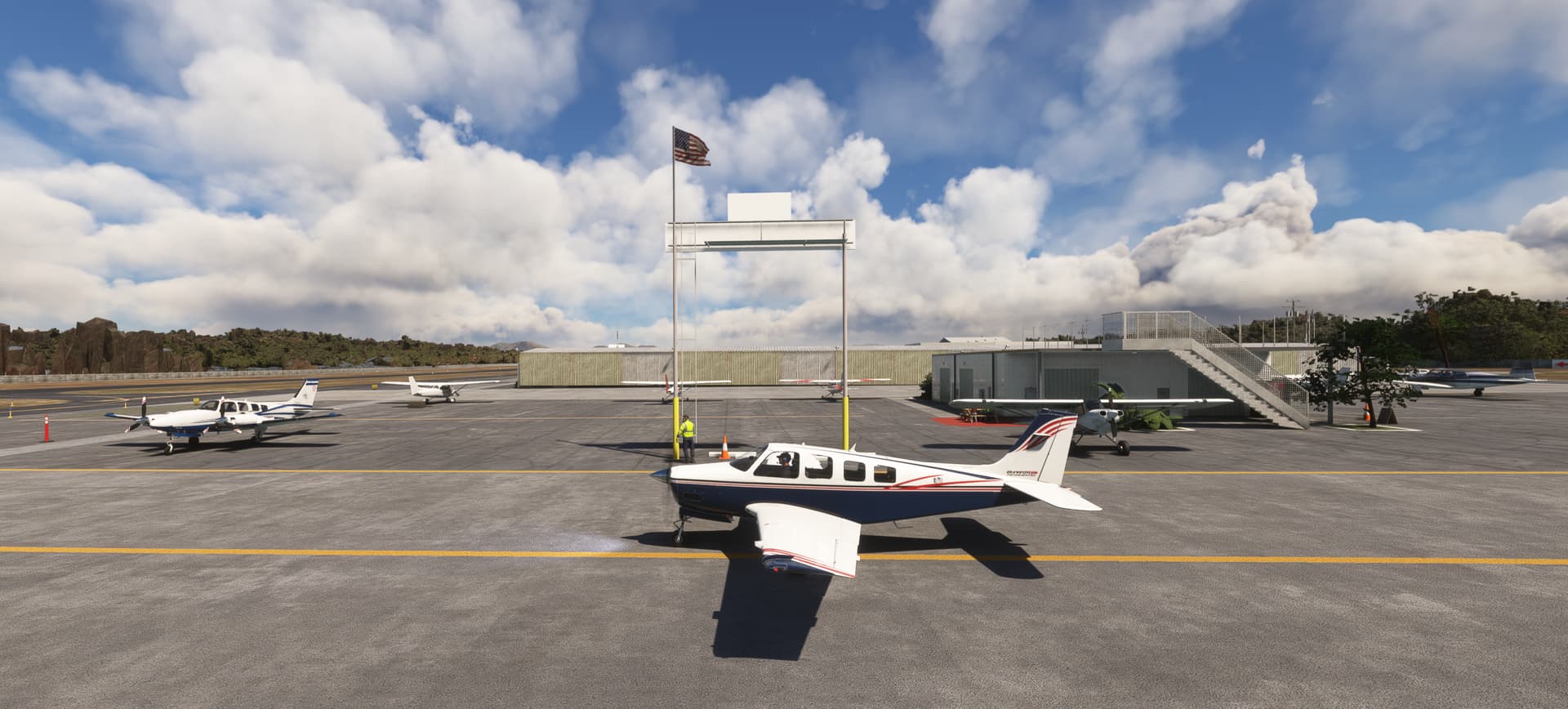
  • Add dozen of static aircraft because in the real world Corona has a lot of home permanent airplanes on ramp. Caution: It could impact your performance.
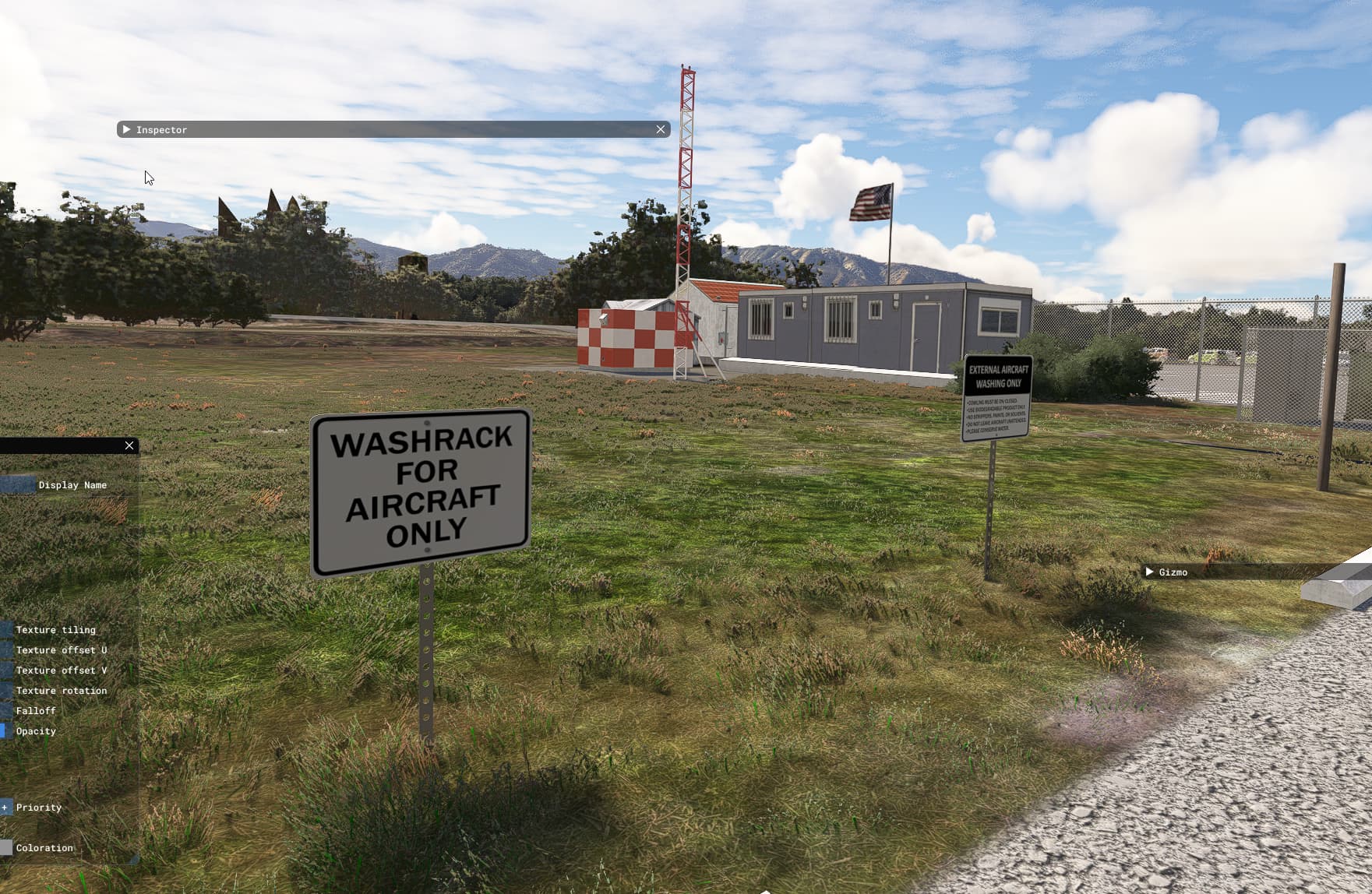
  • Add several handcrafted objects all around the field (sign, ad, iconic objects, poles light)
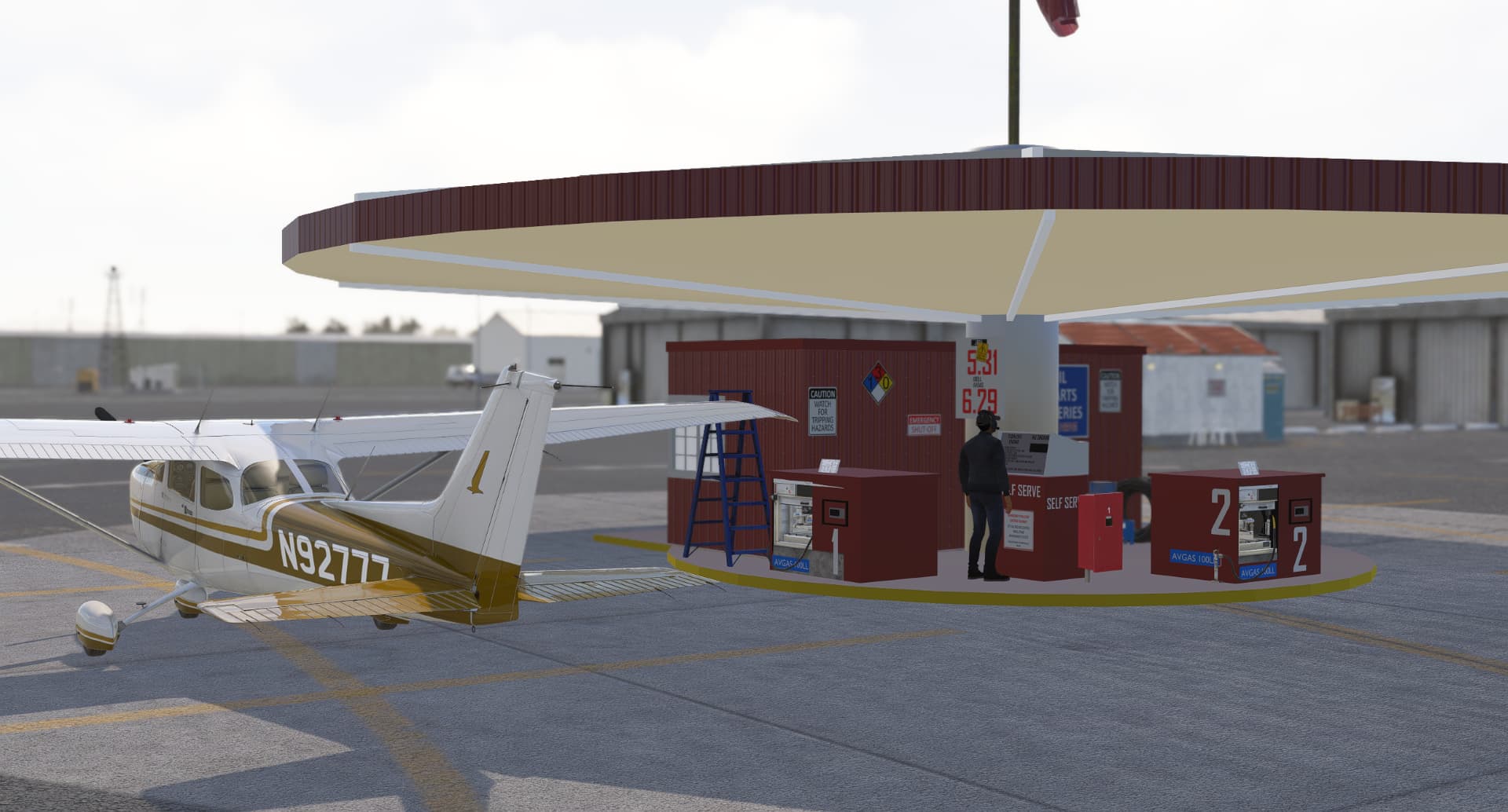
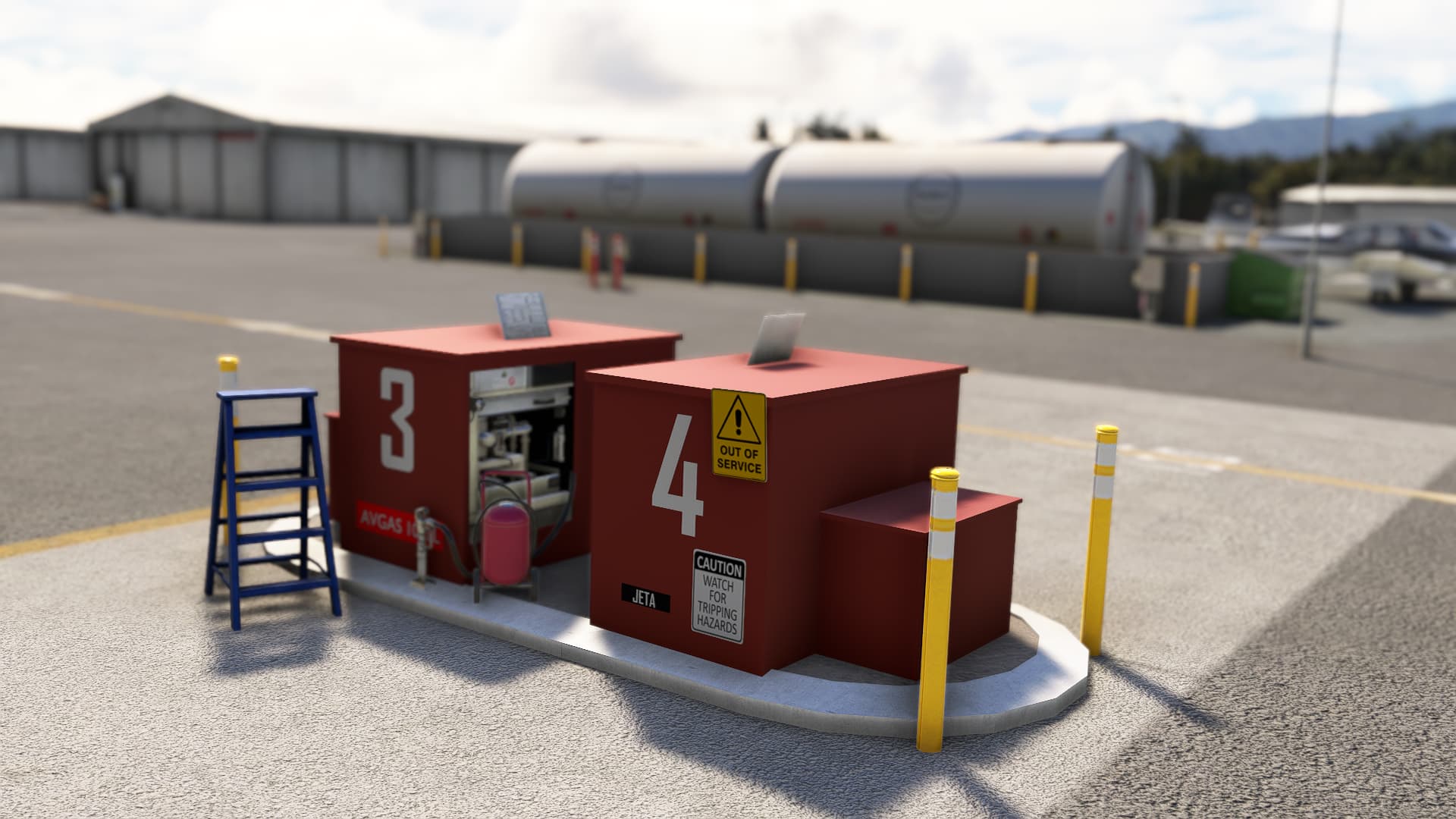
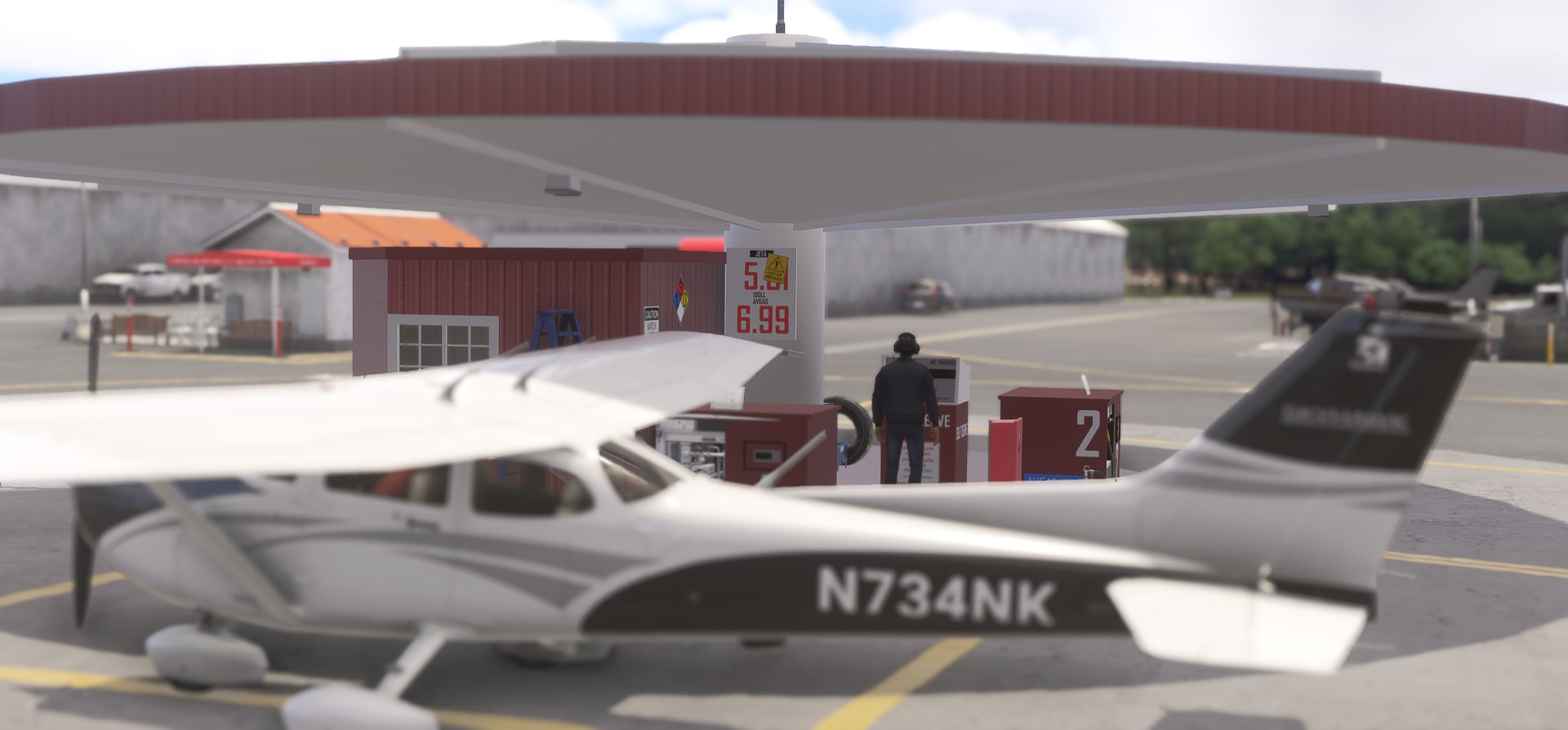
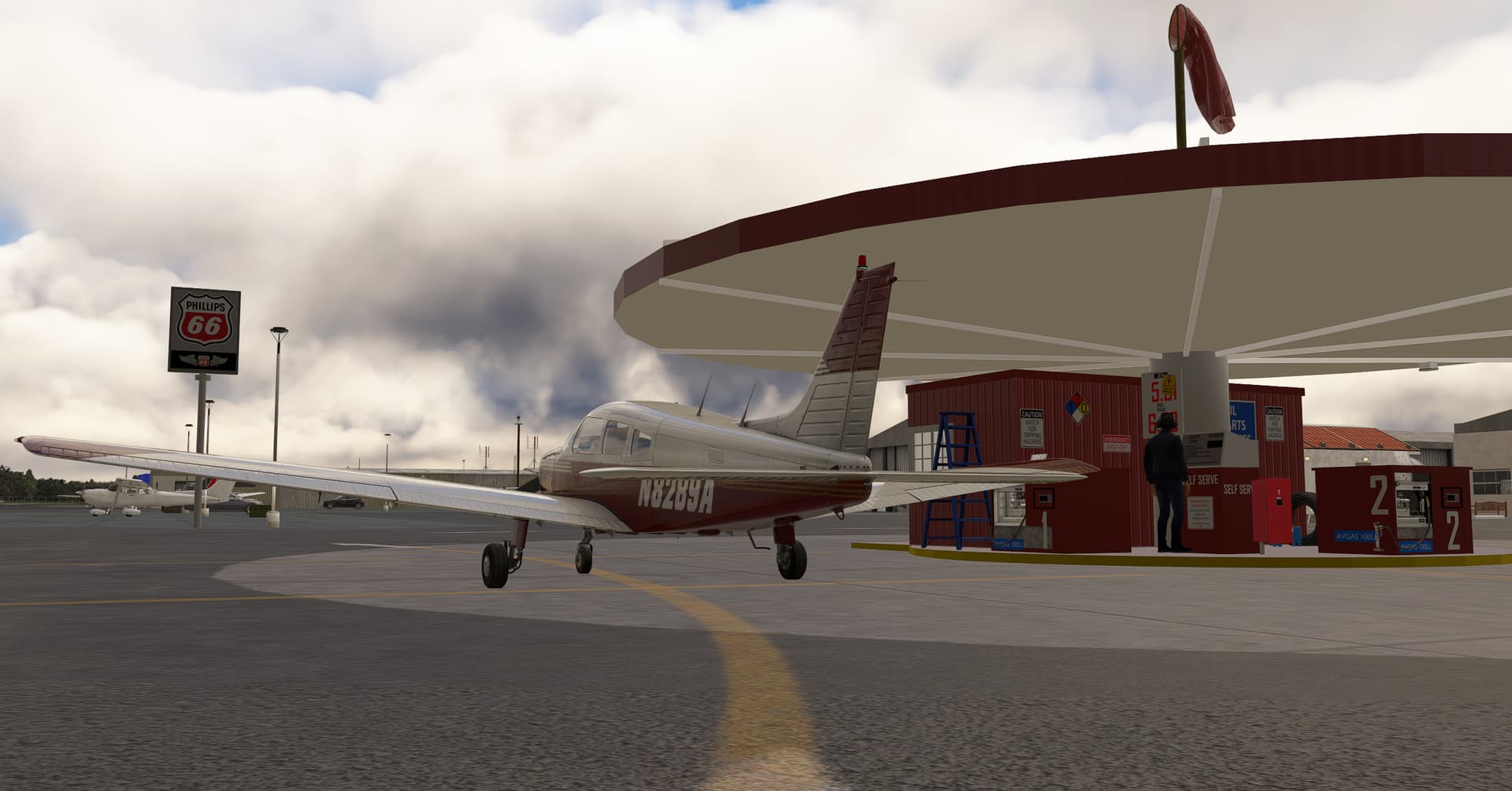
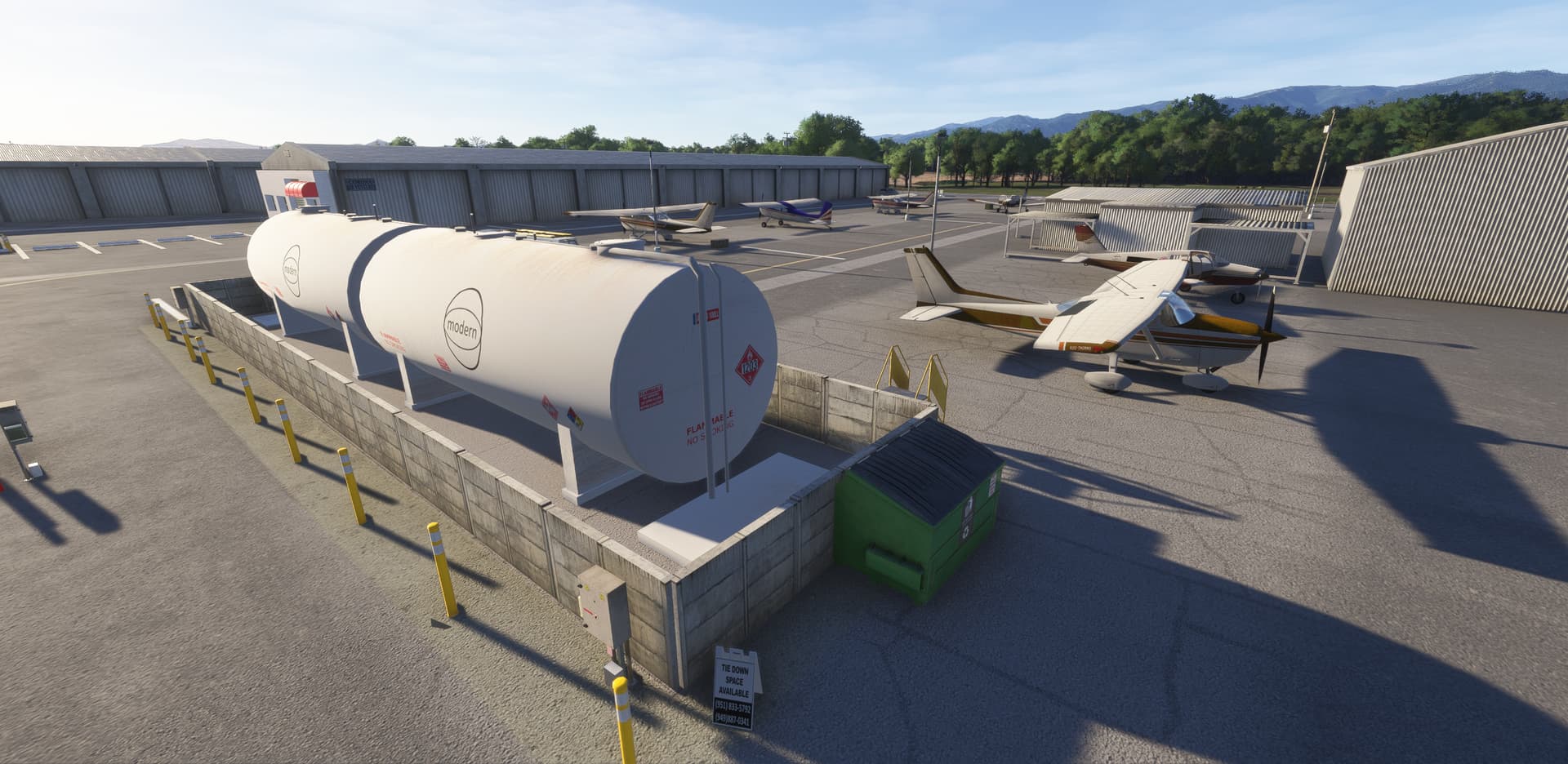
  • Special attention to the fuel island and fuel station/tanks with handcrafted objects
  • Add several new startup positions including two helipads
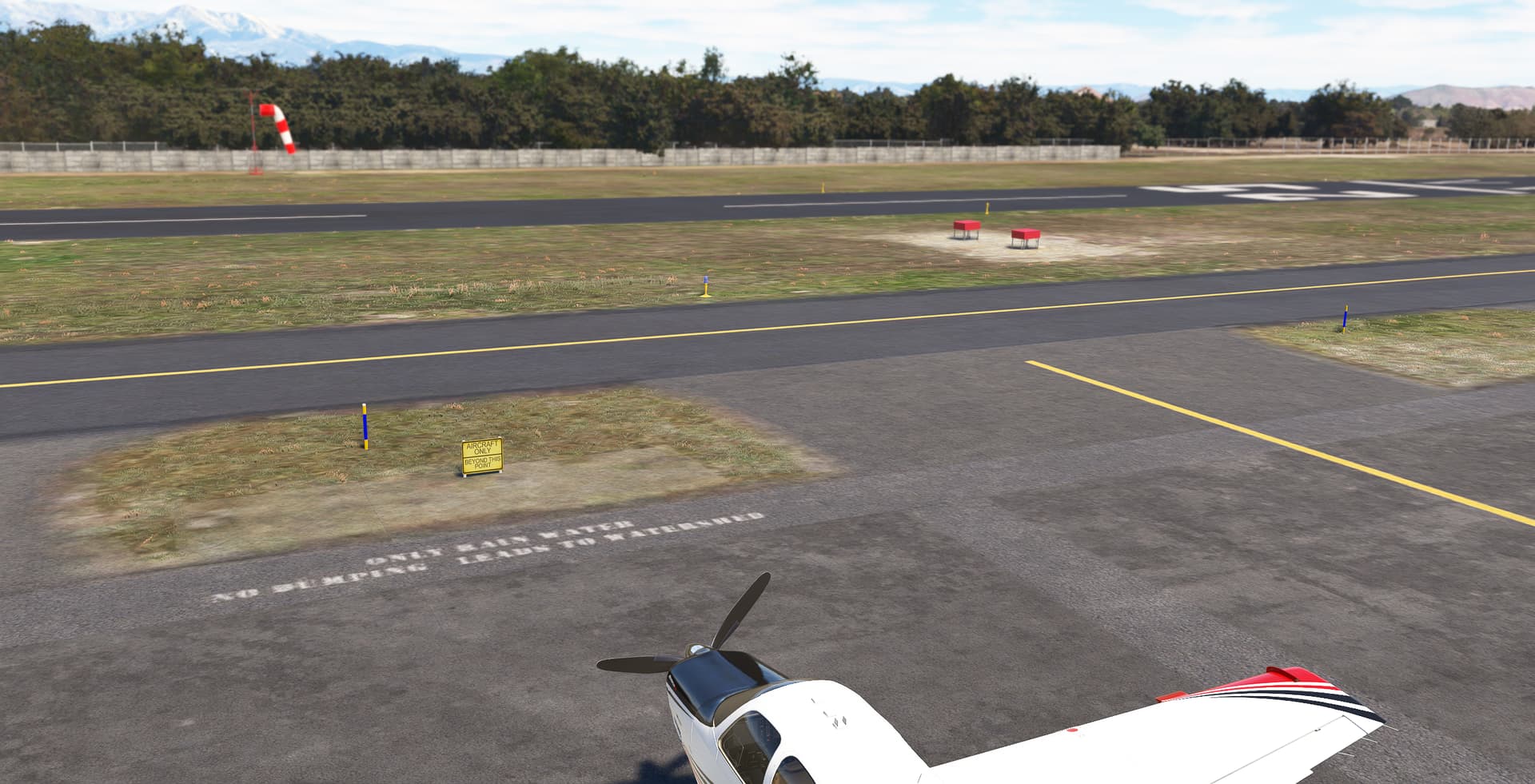
  • Add all fences around the airport (thanks to vectorplacement SDK features)
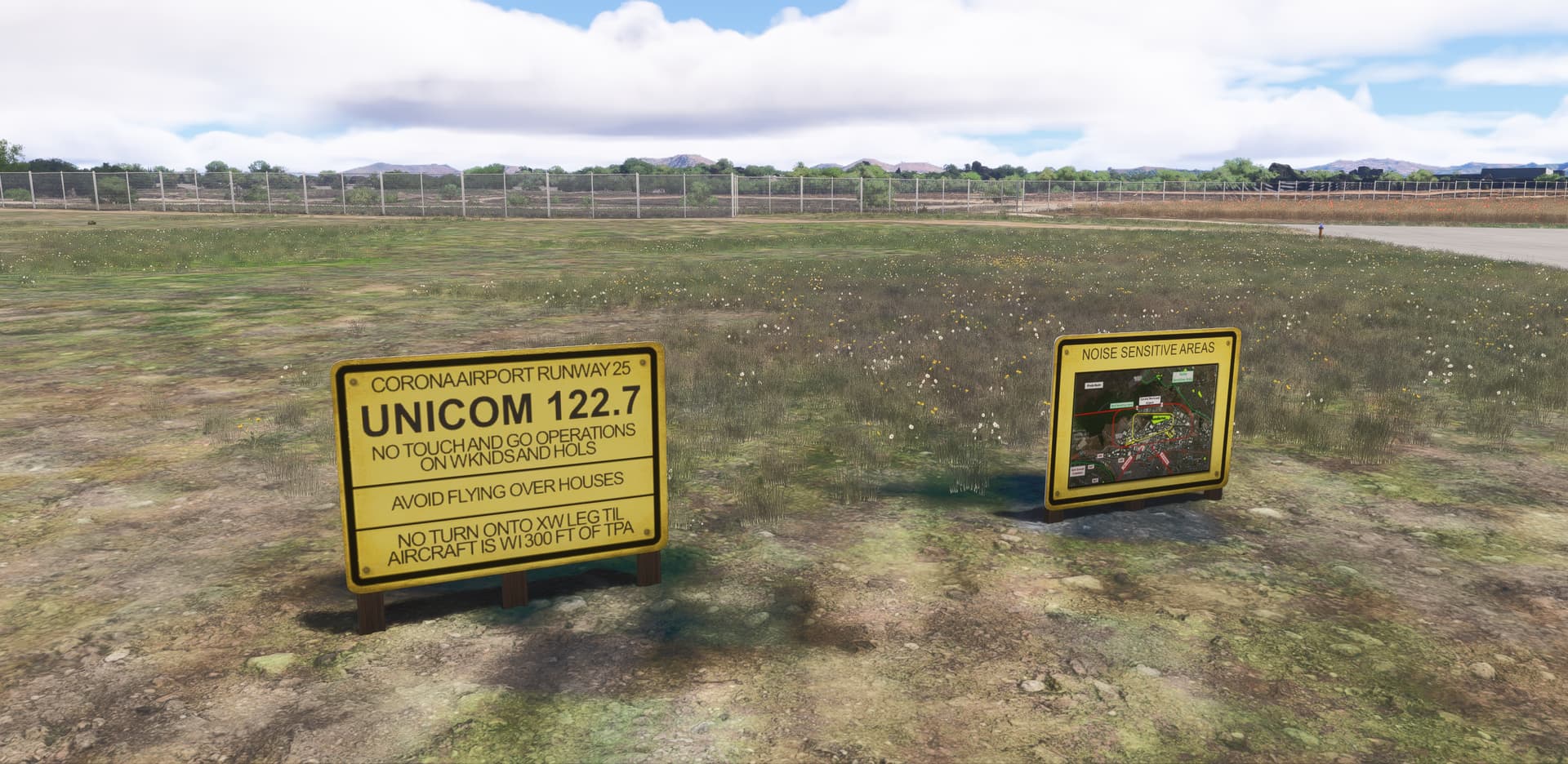
  • Add a lot of signs and boards here and here on buildings
  • Extensive work to clean the underlying Bing texture
  • Clean all night blue poles (still wip). Add passive blue sticks when exist in real.
  • Fix the two windsock positions
  • Remove all non-existent taxiway signs
  • VFR Reporting point : repaint of the Prado Dam Spillway (Freedom Mural has been restored mid 2023) on downwind runway 7 (VPLPD). Add Paradise (PDZ) VOR object

Free to download for PC: KAJO - Corona Municipal Airport - MSFS Add-on - Flightsim.to

MORE INFO FOR PILOTS

One single runway 7-25, elevation 533 MSL, 3,200 feet long by 60 feet wide. 100LL and Jet-A fuel is available at the fuel island. Noise abatement procedures:

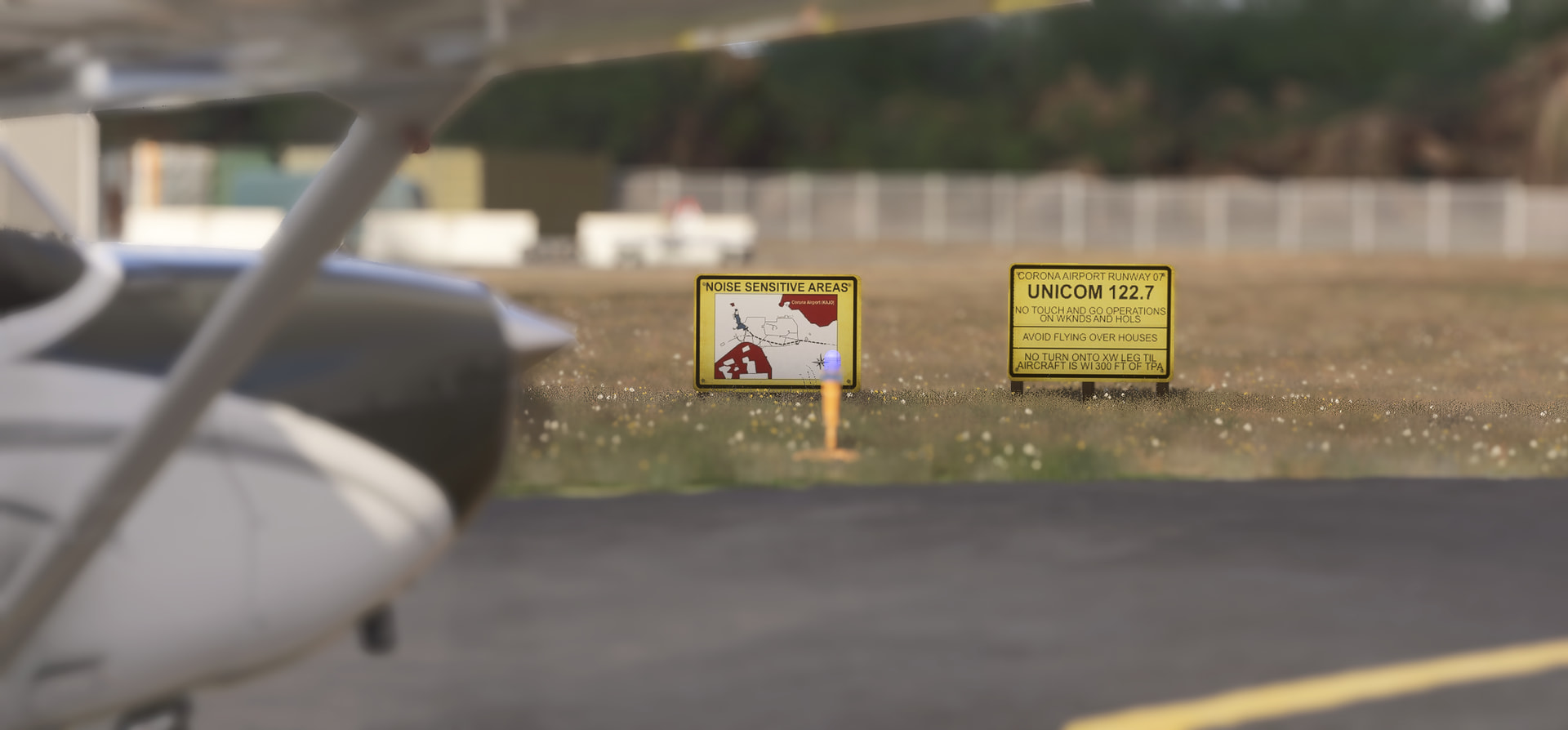
  • Runway 25: straight-in approach not recommended. Avoid flying over houses on bluff at east end. Fly over wash/creek.
  • Runway 07 requires a 15 degrees right turn at departure end to follow wash/creek.
  • No turns onto crosswind leg until aircraft is within 300 ft of recommanded TPA.
  • Obstacles: Runway 25: 6 ft Fence 200 ft from runway. Runway 7: 40 ft Trees 400 ft from runway
  • No intersections departures.

Skyvector: AJO - Corona Municipal Airport | SkyVector
Airnav: AirNav: KAJO - Corona Municipal Airport

Free to download for PC: KAJO - Corona Municipal Airport - MSFS Add-on - Flightsim.to

================================================================
FOR THE RECORD (archive of the Work-in-Progress screen shots)
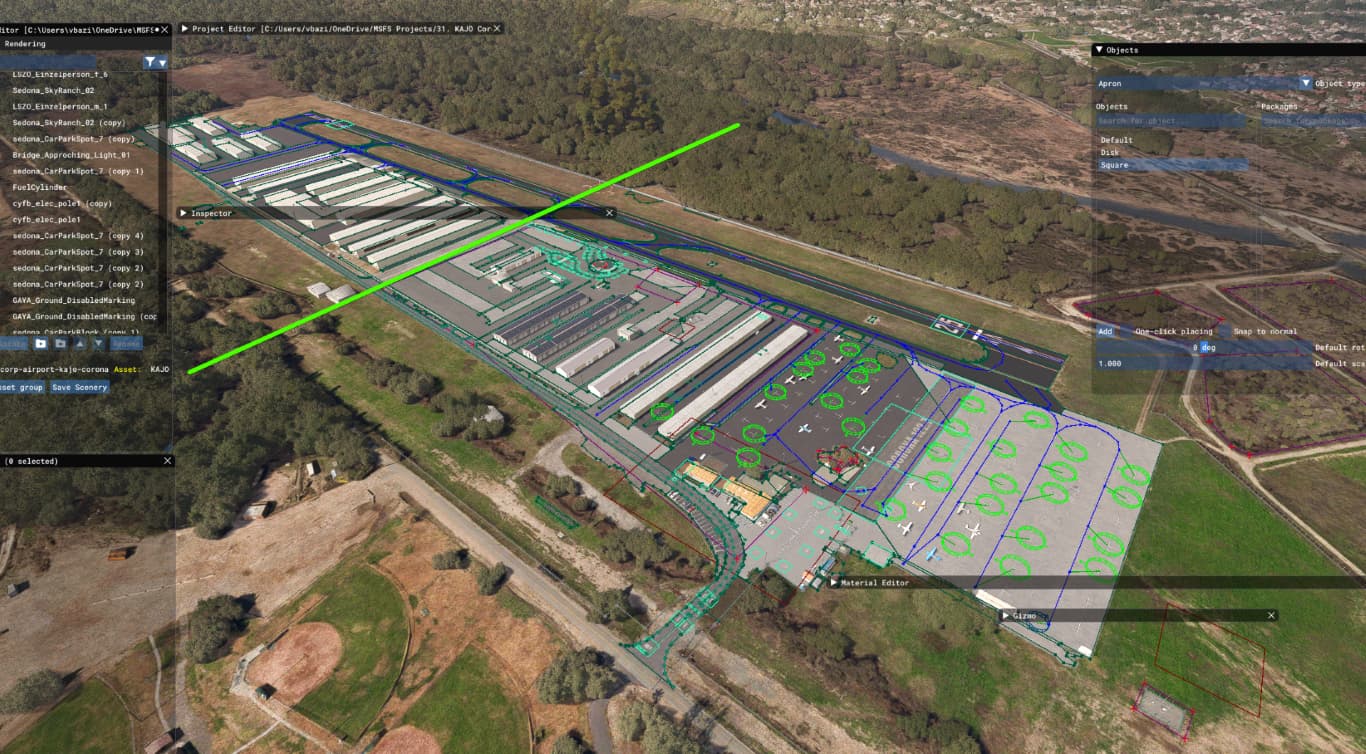
Here are some work-in-progress screenshots of my next project: Corona Municipal (KAJO). It’s always cool to start a new project, isn’t it?

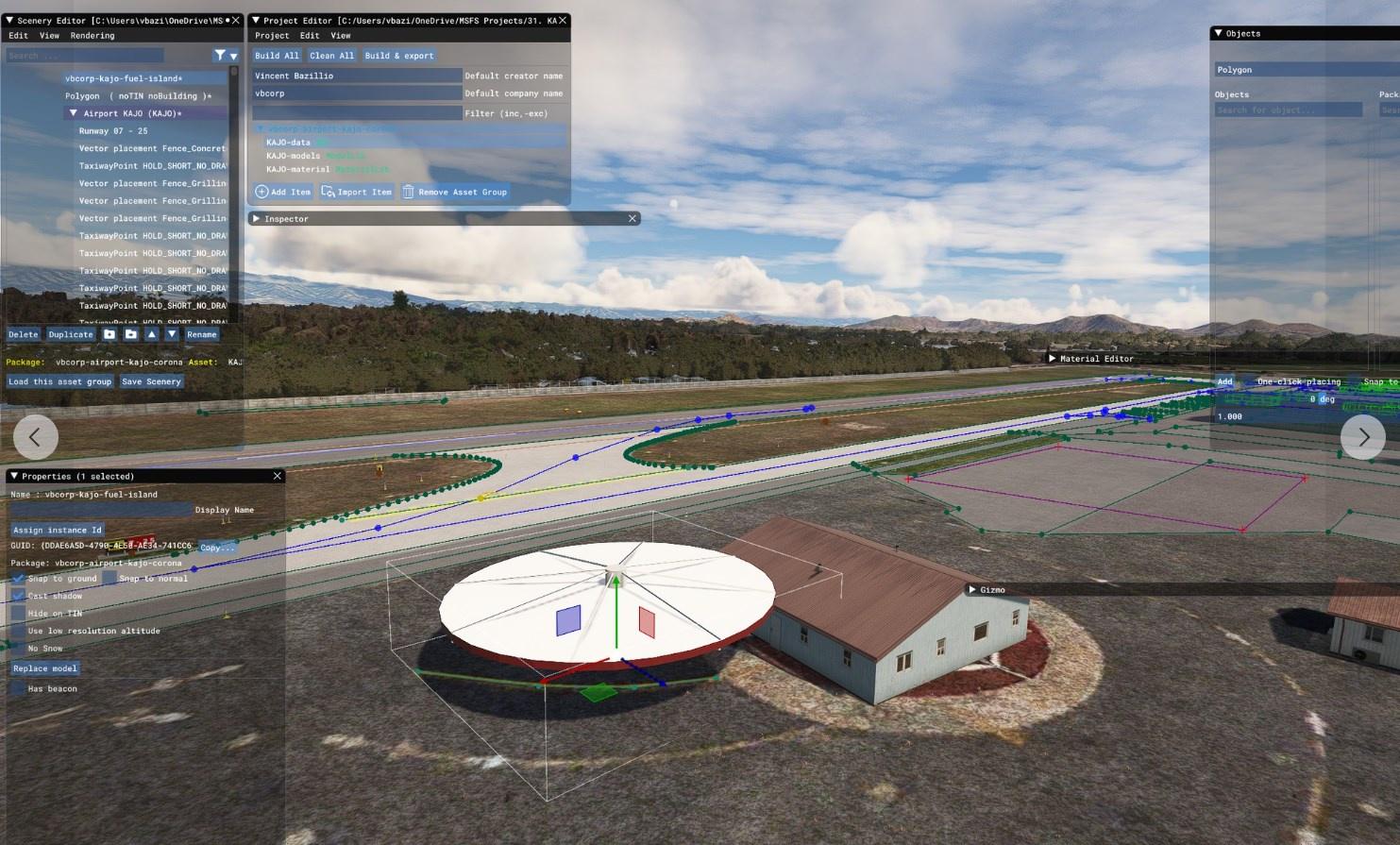
The awful autogenerated building visible in the below picture will disappeared in few seconds and I will check if my draft Blender 3D Fuel Island fits in MSFS:
What is fun with this aiport is that there’re very cool materials available free online. The Corona Municipal airport is one among the few airport I know that are fully covered airside by Google Street View:

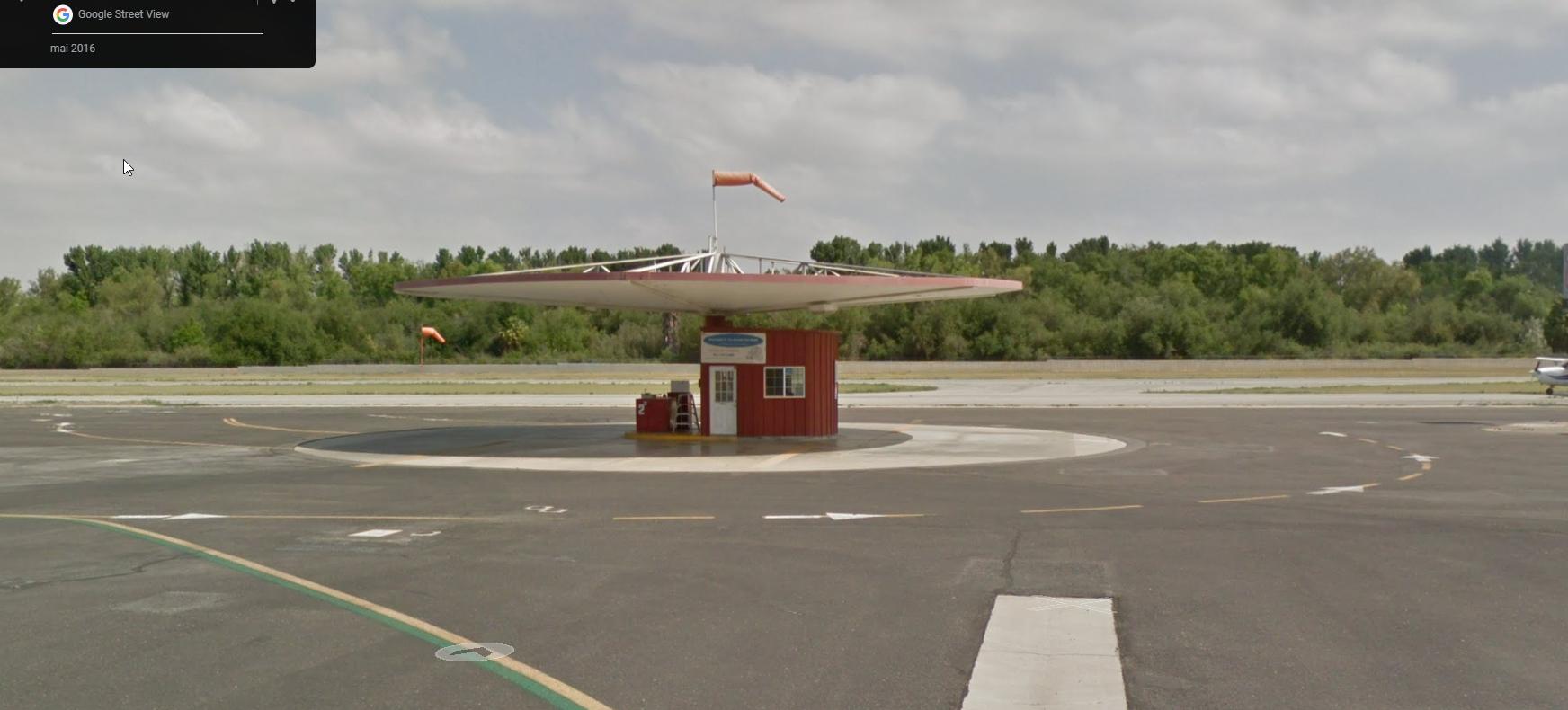
… but also great Bird Eyes View from Bing:

For the record, I was in touch with MojaveHigh regarding his now dead project of Corona available for years on flightsim.to.

Wish me all the best!

10 Likes

Wishing you all the best! :innocent:

1 Like

Again, slow progress due to the real world that took all my spare time.

2 Likes

Half way done ! Still a lot of things to learn on Blender and MSFS SDK but I can see the last miles for this small project (huge for my amateur skills). Should be, as always FREE and from-the-pilot-perspective.

3 Likes

I have finished all the major work. The whole airport is covered. Something like 90% of the job is done. Now, I have to go into the detail and fix minor issue. And find some spare time to do so.

Request to the community: If someone can help to make a Aris Helicopter livery for this free Sikorsky S58 (from Helijah) : s58 - Download Free 3D model by helijah [34f9cbf] - Sketchfab Please let me know if it easy for you to make this livery, I’ll put this iconic helicopter on her home. Time for me to look at tutorial how to make repaint :wink: One more skill missing :wink:
5 Likes

Vincent, you are fantastic. Thank you so much for your great work. :+1:

1 Like

Corona Municipal Airport is now available for free to download for the MSFS PC Platform at : https://flightsim.to/file/72389/corona-municipal-airport-kajo

6 Likes

Continuing my vbcorp airport tour of Southern California.

1 Like

Update and fix v1.0.1 is available. Thanks to all for their support and feedback!

  • Bug fixes and improvements
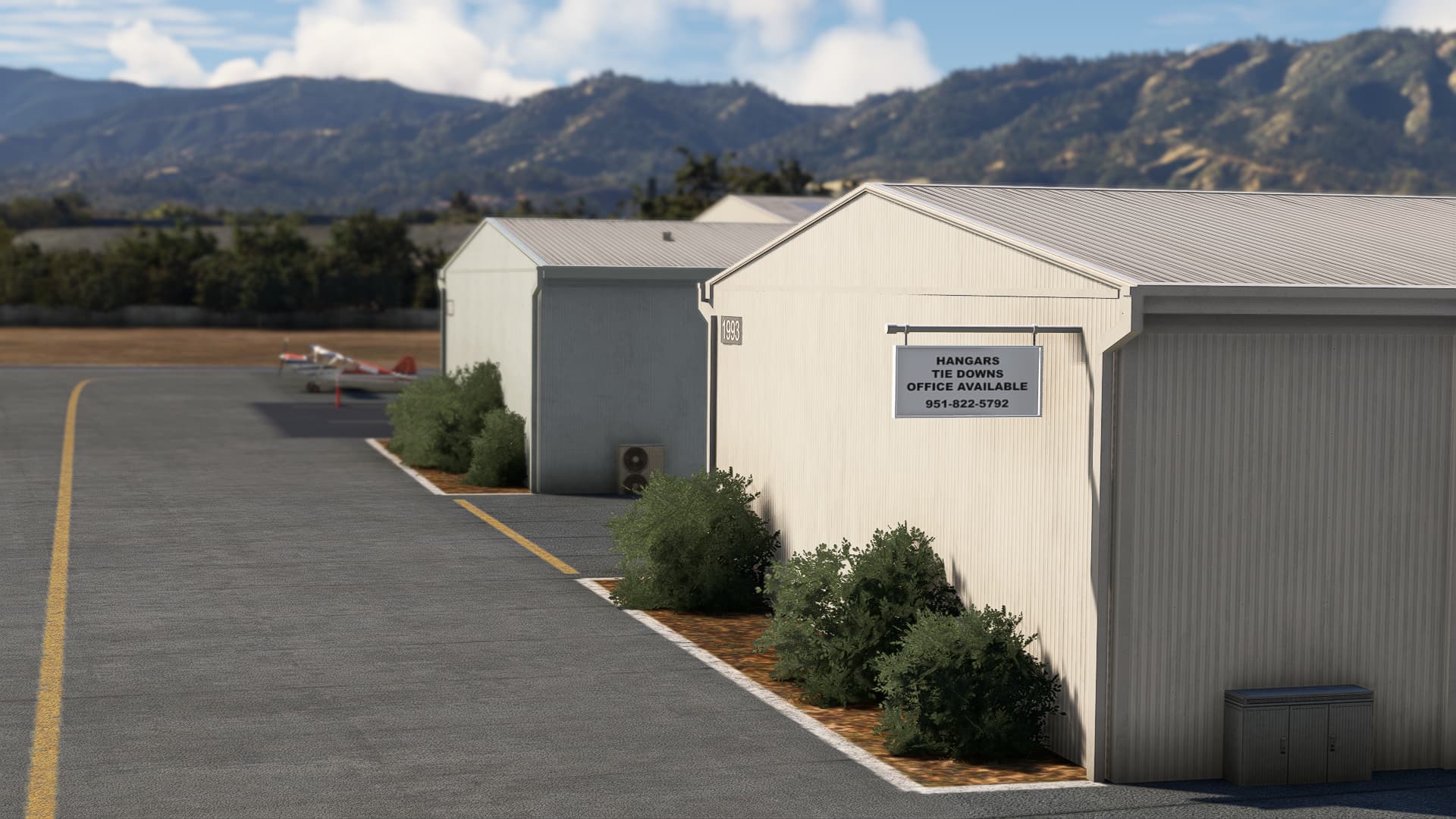
  • Add small sign ad “Tie downs available”
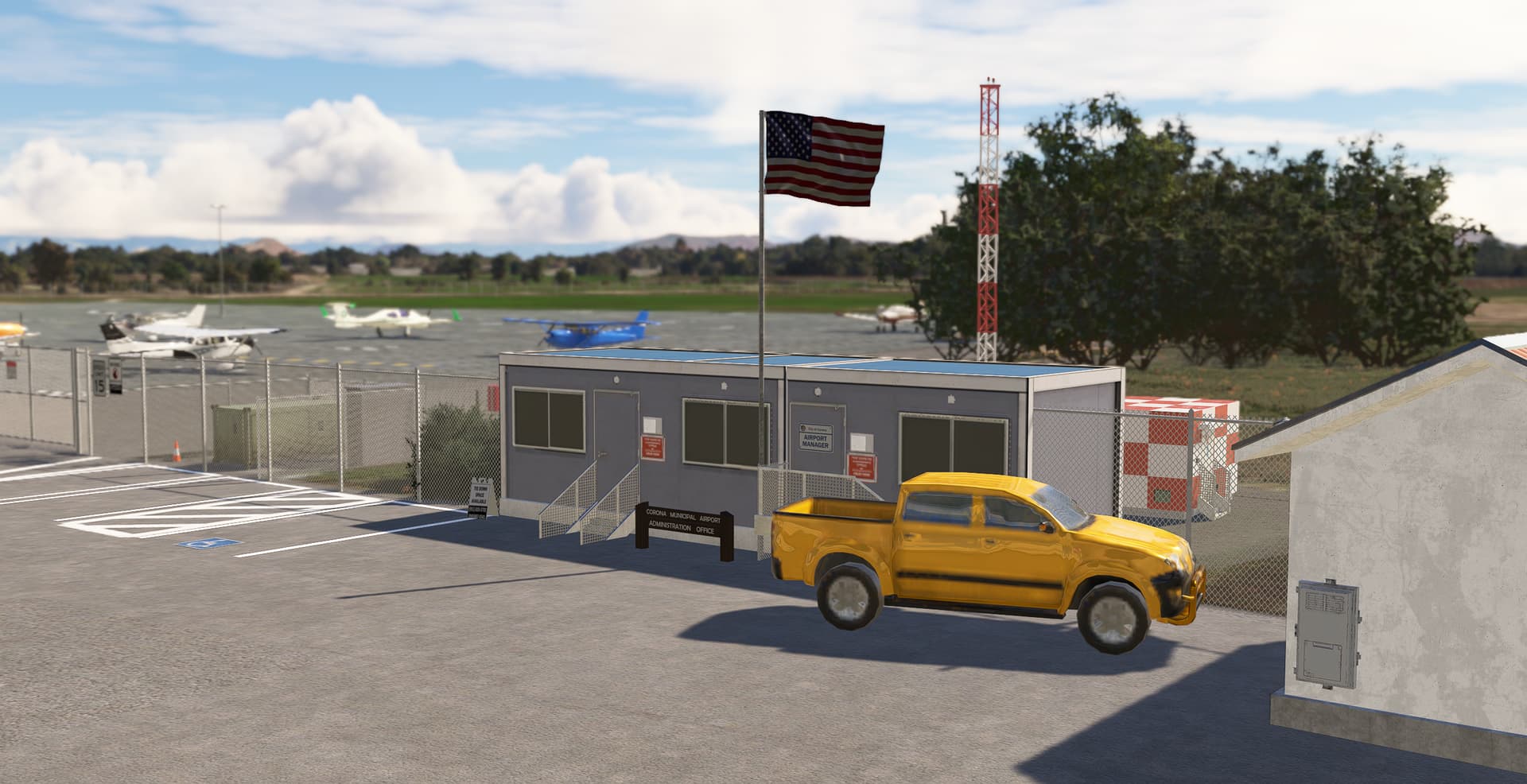
  • Add details on Airport Administration Office
  • Add new fuel startup position at the fuel island
  • Replace arrows and stop road markings from library to integrated one
  • Fix some east side parking ground markings floating in the air
  • And several small enhancements that you may not even notice! :slight_smile:

3 Likes

New version 1.0.2 available for free at https://flightsim.to/file/72389/corona-municipal-airport-kajo

  • Add new free model animated windsocks by TheAirportGuys. Thanks to him! It replaces the default MSFS windsock which is more for Europe (white/red) to a 100% orange version.

1 Like

Here’s finally Corona fully compatible for MSFS2024 and enhanced for MSFS2020. Download it for your PC: https://flightsim.to/file/72389/corona-municipal-airport-kajo

  • Fix compatibility with MSFS2024.
  • Fix Vegetation and outrageous TIN.
  • Fix and replace static aircraft (see new Cessna 172 and no more generic SimObject).
  • Fix and replace missing hangars.
  • Fix fences all around the airfield.
  • Enhance parking spot markings compatible with MSFS2024 and more integrated in the apron texture.
  • Update Avgas 100LL Price (070325) :wink:
  • Total overhaul over taxiway lights (blue poles)

Static Cessna 172 (Cessna172 - Download Free 3D model by KOG_THORNS (@ioai25312) [d1b1584] - Sketchfab) by KOG_THORNS is licensed under Creative Commons Attribution
Static DA20, DA42, PA28, C180, BA125, C421, Caravan, DA40, Falcon50, Gruman AA1, P2006, PC12, TBM930, LongEZ, Lancair and R44 by helijah are licensed under Creative Commons Attribution
Static piper_pa18_bs by Lukasz Paraszka is licensed under Creative Commons Attribution

3 Likes

KAJO – Corona Municipal Airport v3.0 Update

After Sim Update 4, many default objects and custom airport assets from MSFS were removed or replaced by Microsoft/Asobo.

What’s new in v3.0:

  • Restored all missing airport objects, including buildings and hangars.

  • Added more open and empty hangars to bring extra life and variety to the apron.

  • Introduced refreshed runway textures for MSFS2024 users for a smoother, more realistic look.

Installation details:

  • MSFS2024 users: The ZIP now includes two folders — “vbcorp-airport-kajo-corona” and “zzz-vbcorp-airport-kajo-corona.” Make sure both are active in your Community folder. Keep the name “zzz-vbcorp-airport-kajo-corona” as is.

  • MSFS2020 users: You can safely ignore the “zzz-vbcorp-airport-kajo-corona” folder.

Come experience KAJO v3.0 - restored, richer in detail, and optimized for your next flight! :airplane: All all for free for PC MSFS2020/24: https://flightsim.to/file/72389/corona-municipal-airport-kajo

5 Likes

Take your flight ops at KAJO (Corona Municipal Airport) to the next level. Version 3.1.0 is now live, focusing on high-fidelity environmental accuracy and user-controlled immersion.

The Big Update: Static Toggle

Tired of scenery clutter or fighting with MSFS AI traffic? I’ve introduced a new batch file (Toggle-Static-On-Off.bat) in the main scenery folder. You can now toggle static aircraft and vehicles on parking spots, inside hangars, and throughout the field with a single click. Configure the airport exactly how you want it for your specific session.

Refinements & Fixes

This update addresses several community-reported discrepancies to bring the scenery closer to real-world operations:

  • Operational Accuracy:

    • Windsock Relocation: Re-positioned to be perfectly offset from the ring—as-real-as-it-gets.

    • Runway Geometry: Corrected the width of the threshold on Runway 7.

    • Taxiway Markings: Refined line placements for better navigation.

    • Helipad Detail: Added the missing “H” marking.

  • Signage & Wayfinding Overhaul:

    • Updated the Noise Sensitive Areas signs at both holding points.

    • Overhauled business and directional signage, including Corona Air Paint, Corona Aircraft Engines, Procraft Aviation Inc, CPS ROTAX, Aircraft Paintshop, Wings of Faith Missionary Aviation, and Corona Air Ventures.

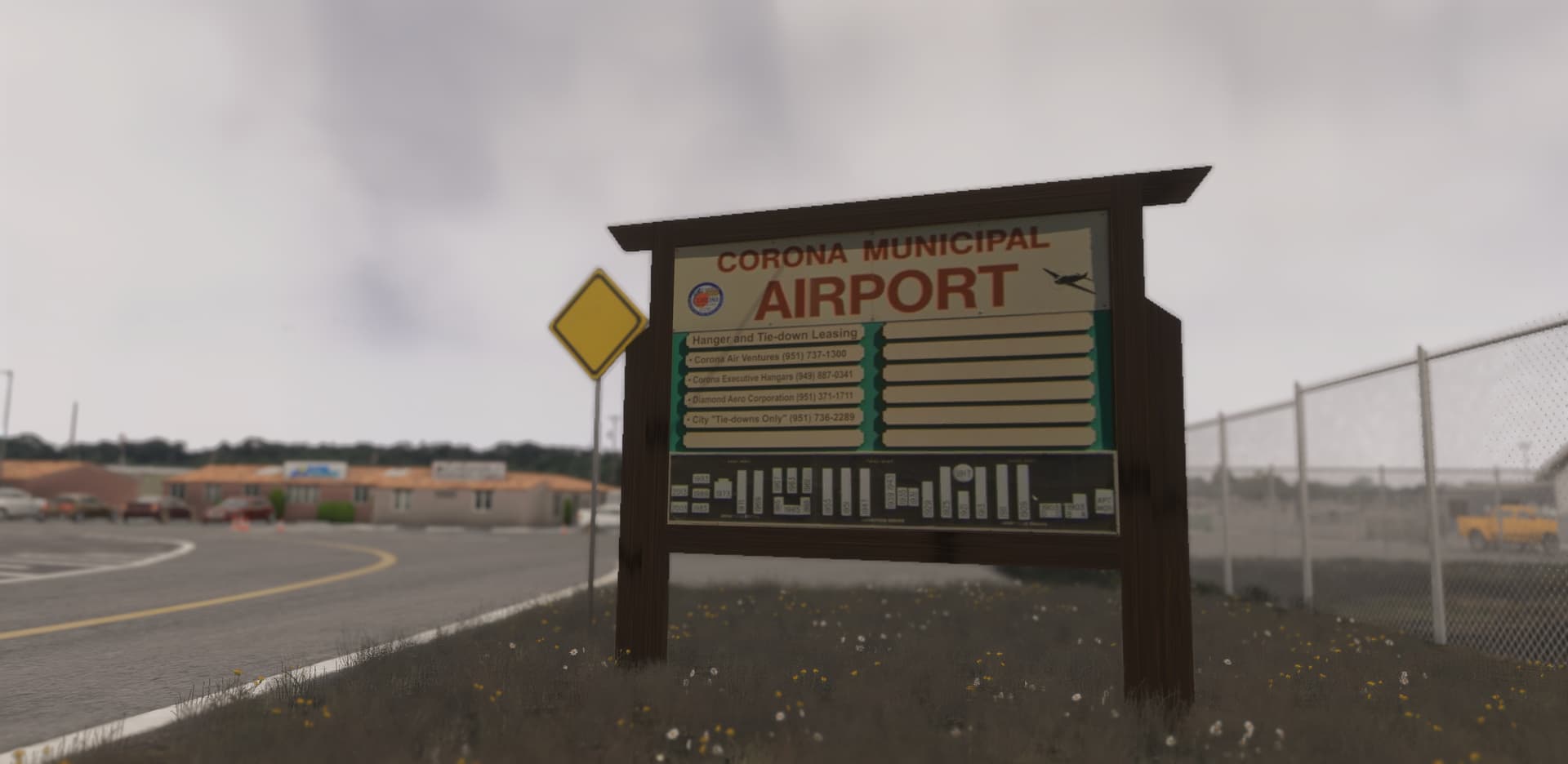
    • Revamped the main Entrance Map and Directory sign.

    • And of course, the must-have price 100LL fuel update! :wink:

Empty ramp…

… or with static aircraft

Get the Update

For MSFS2020/24 and PC Windows only, download the latest version here: Corona Municipal Airport (KAJO) on Flightsim.to

Reminder: Please perform a clean install by removing the previous version folder from your Community folder before copying in the 3.1.0 files.

3 Likes

Just an FYI the link changes the language of the site to French.

image

Weird. This link on my PC still displays in… english :wink: Anyway, I’ve replaced it now with https://flightsim.to/addon/72389/corona-municipal-airport-kajo