Free to download for PC : Fallbrook Community Airpark (L18) - MSFS Add-on - Flightsim.to
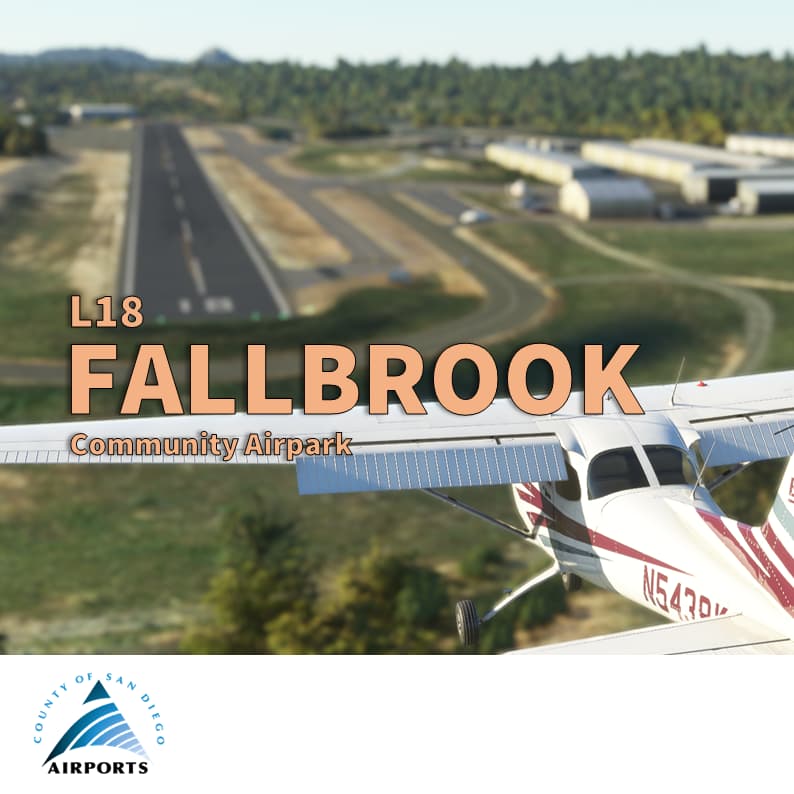
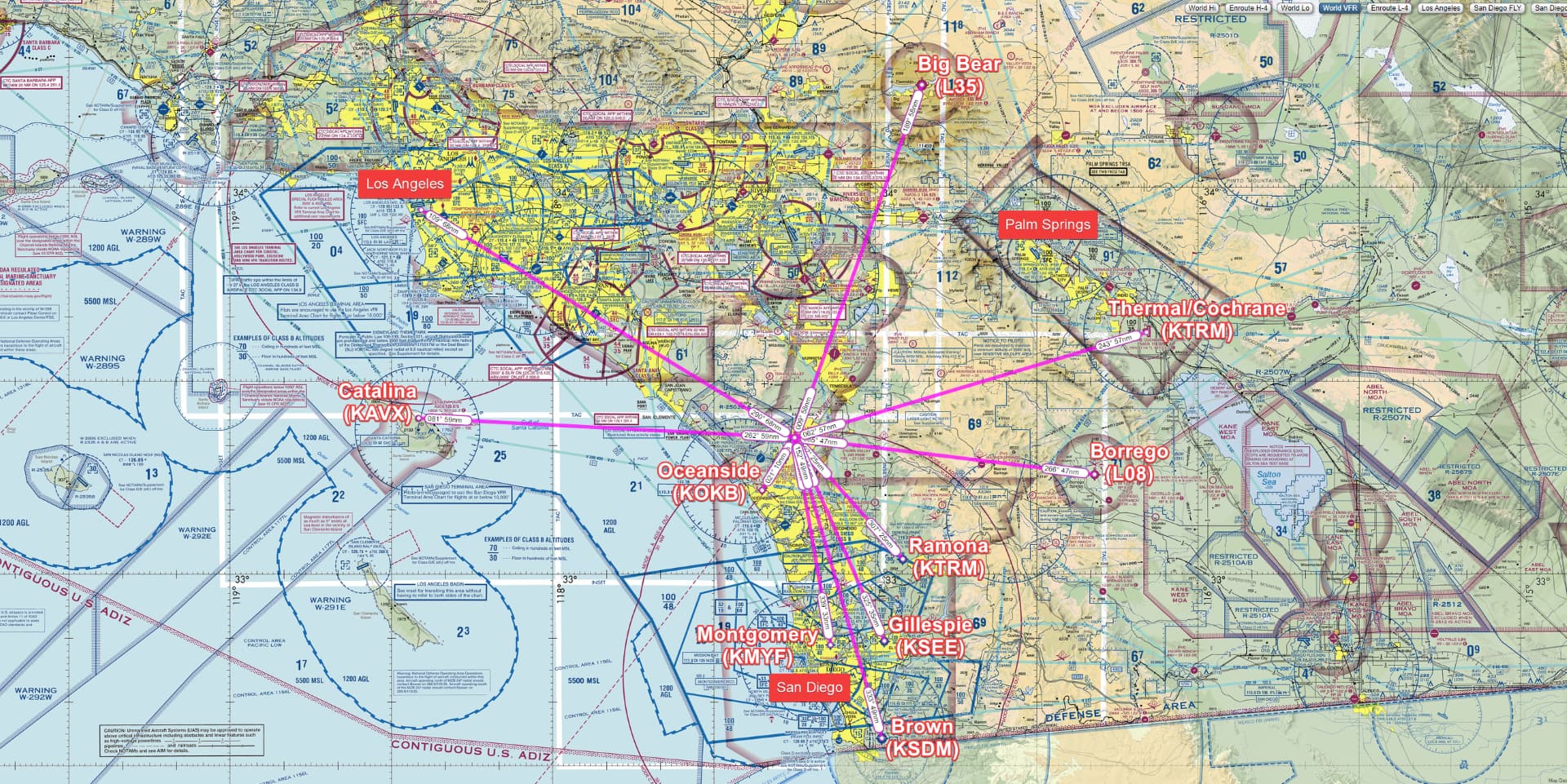
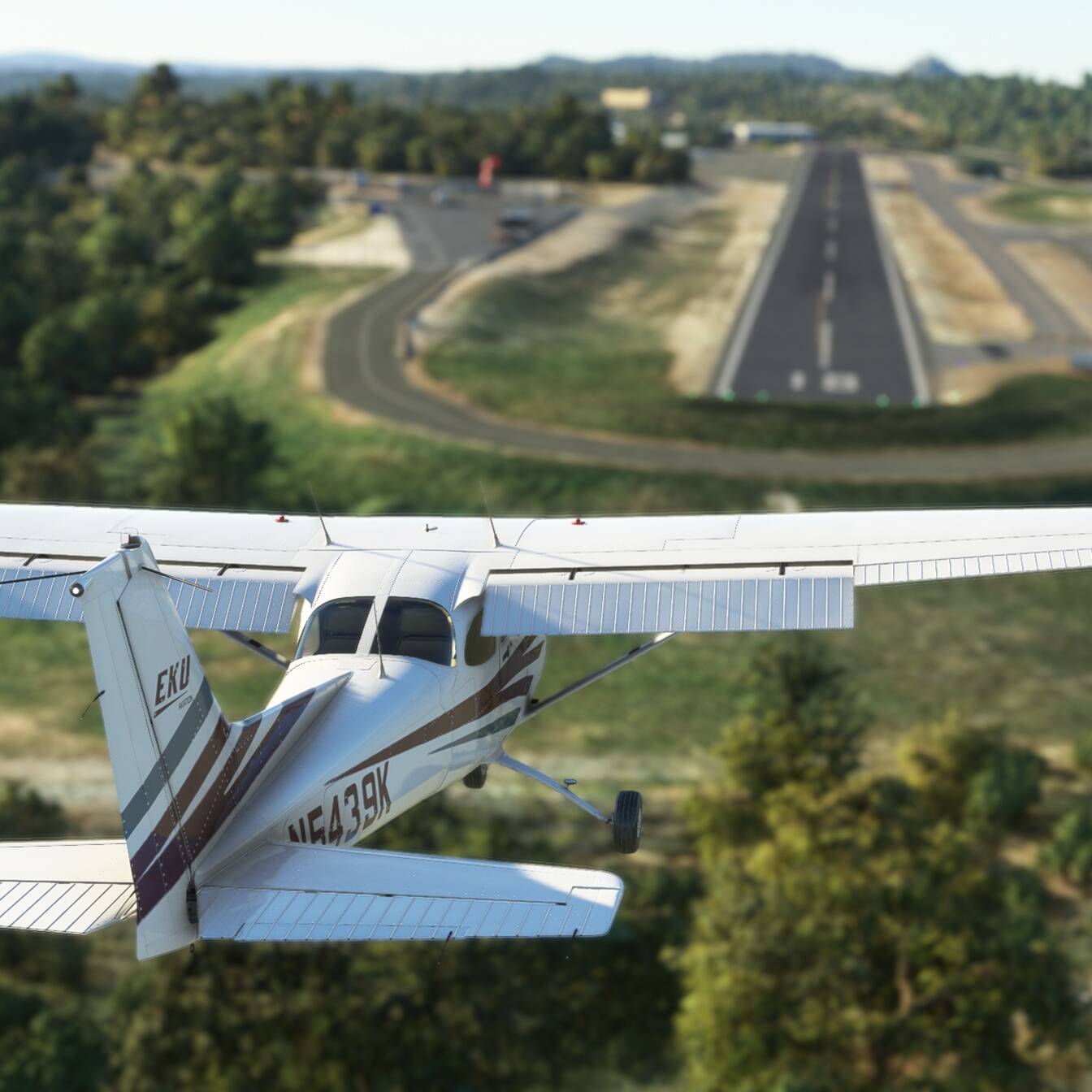
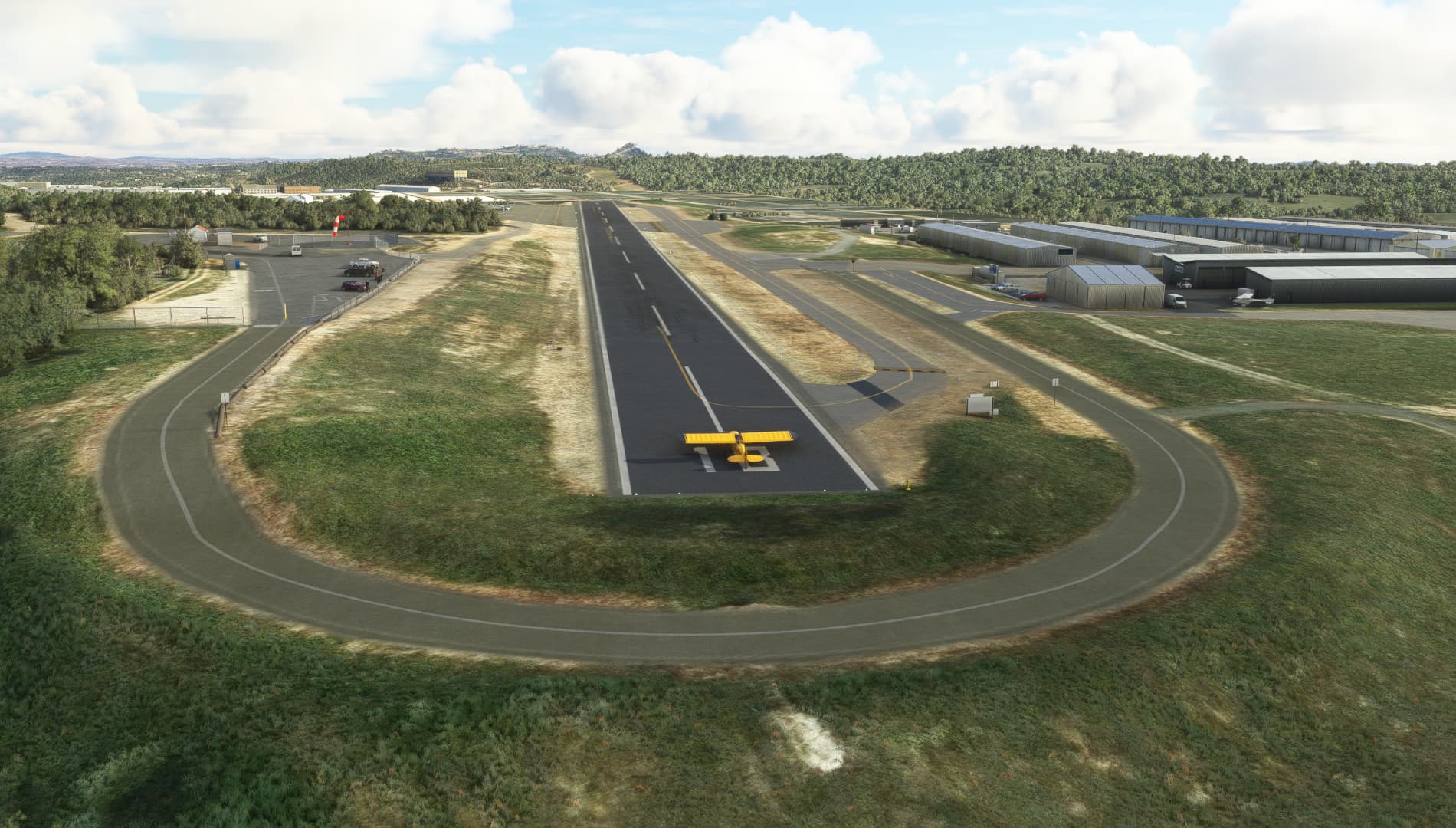
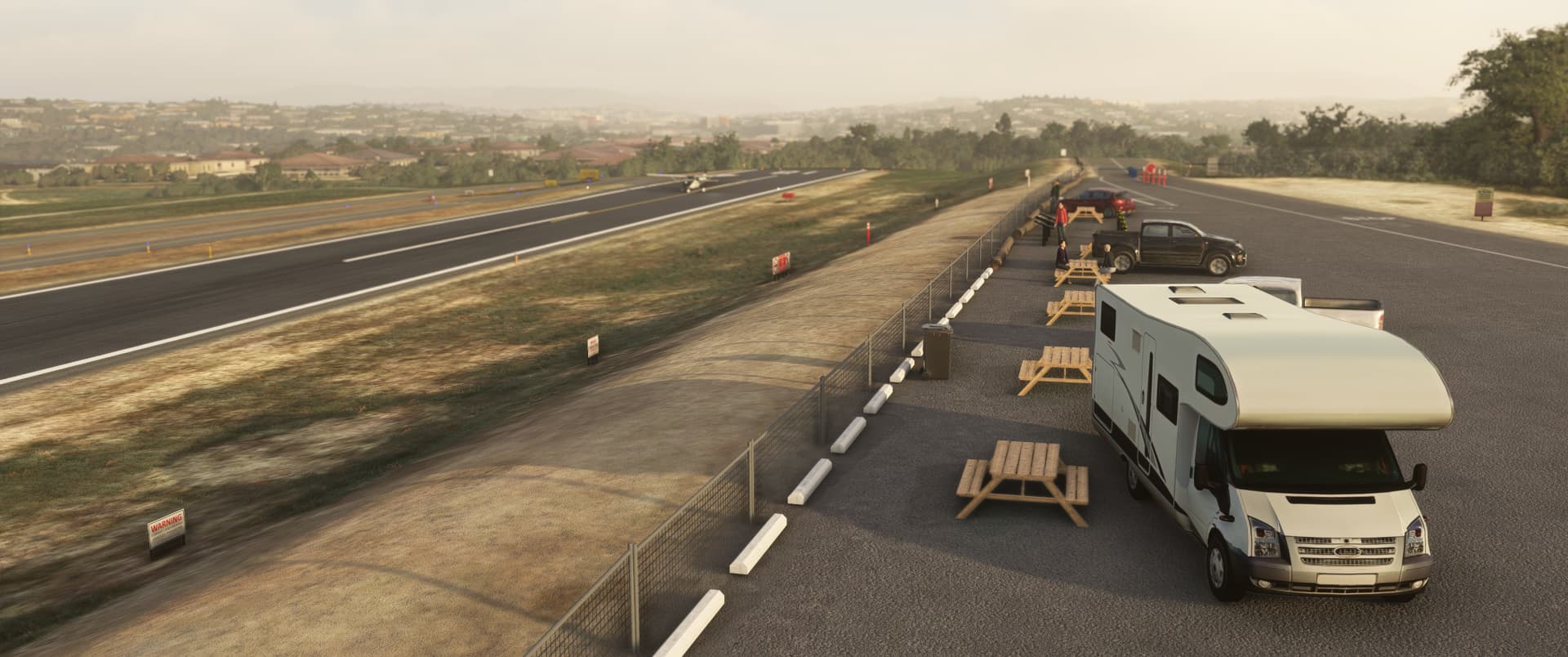
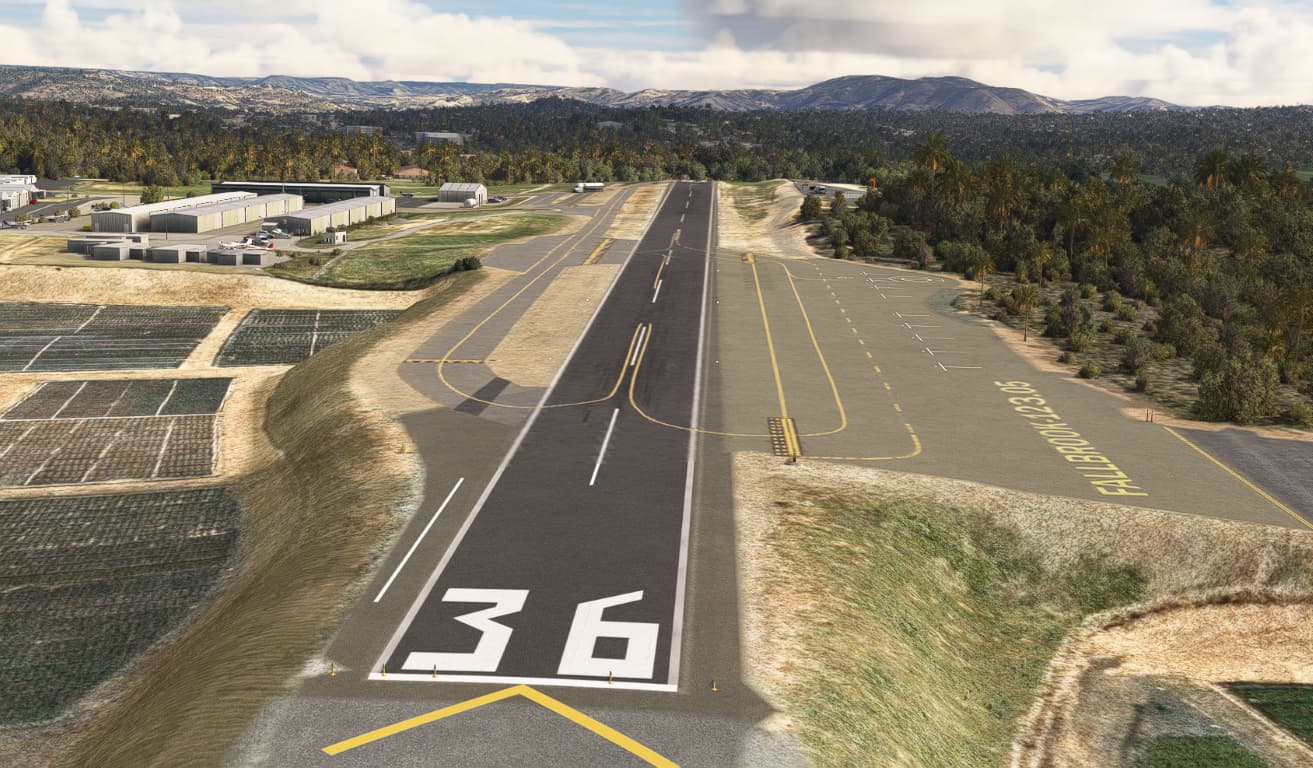
Fallbrook is a small general aviation airport is uniquely located. Few miles between San Diego, Los Angeles and Palm Springs, it’s unique, sited on a lone mesa a few hundred feet above the city. “Its spectacular runway views include Mt. Palomar, home to the world-famous 200-inch reflecting telescope, to the east. To the west is the Marine’s Camp Pendleton, to the south is the San Luis Rey Valley, and to the north sits the largely agricultural community of Fallbrook, most famous for its avocados, and a handful of celebrities who mostly want to remain anonymous” (source AirportJournal Returning Fallbrook Airport to Former Glory – Airport Journals).
IMPORTANT : please note that my skill in terraforming were highly challenged and that I’m not fully satisfied with the result but so far it’s the best I can do. For example, the taxiway going uphill are far from perfect and should be taken at slow speed and with maximum caution.
Features
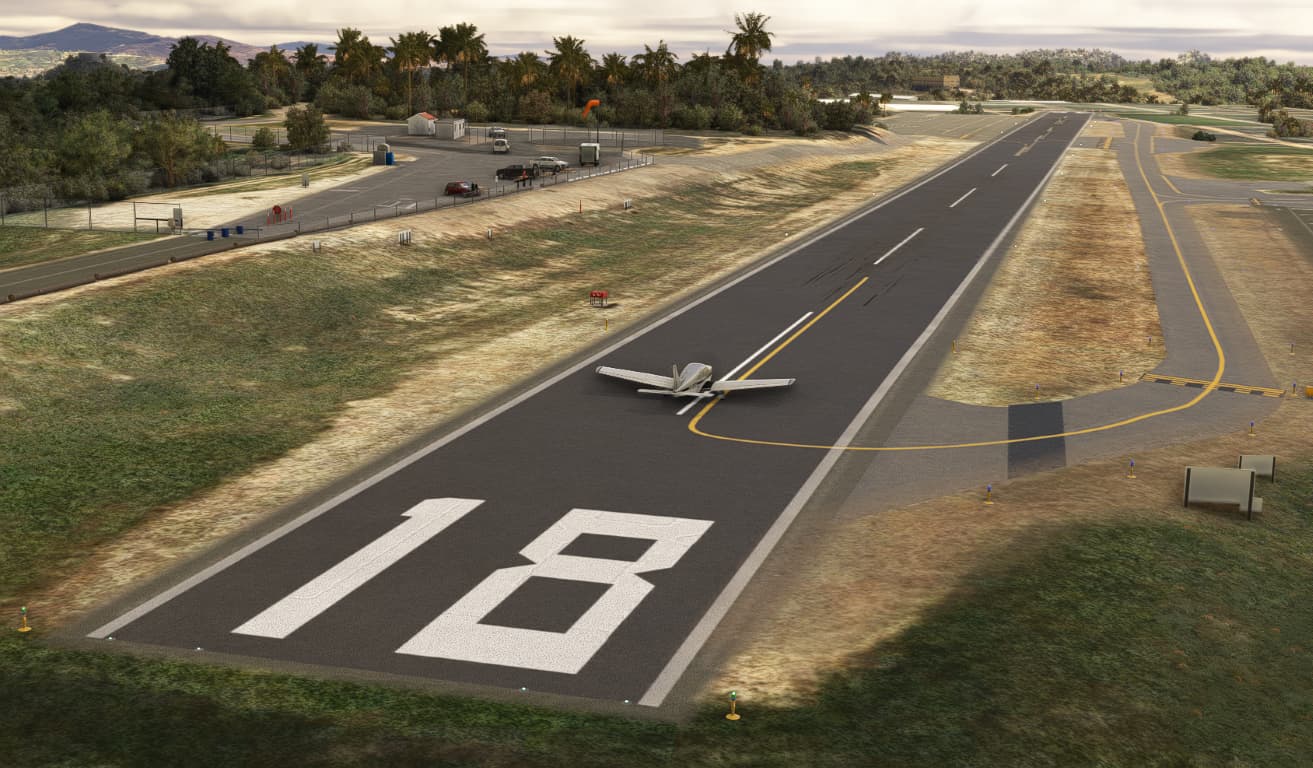
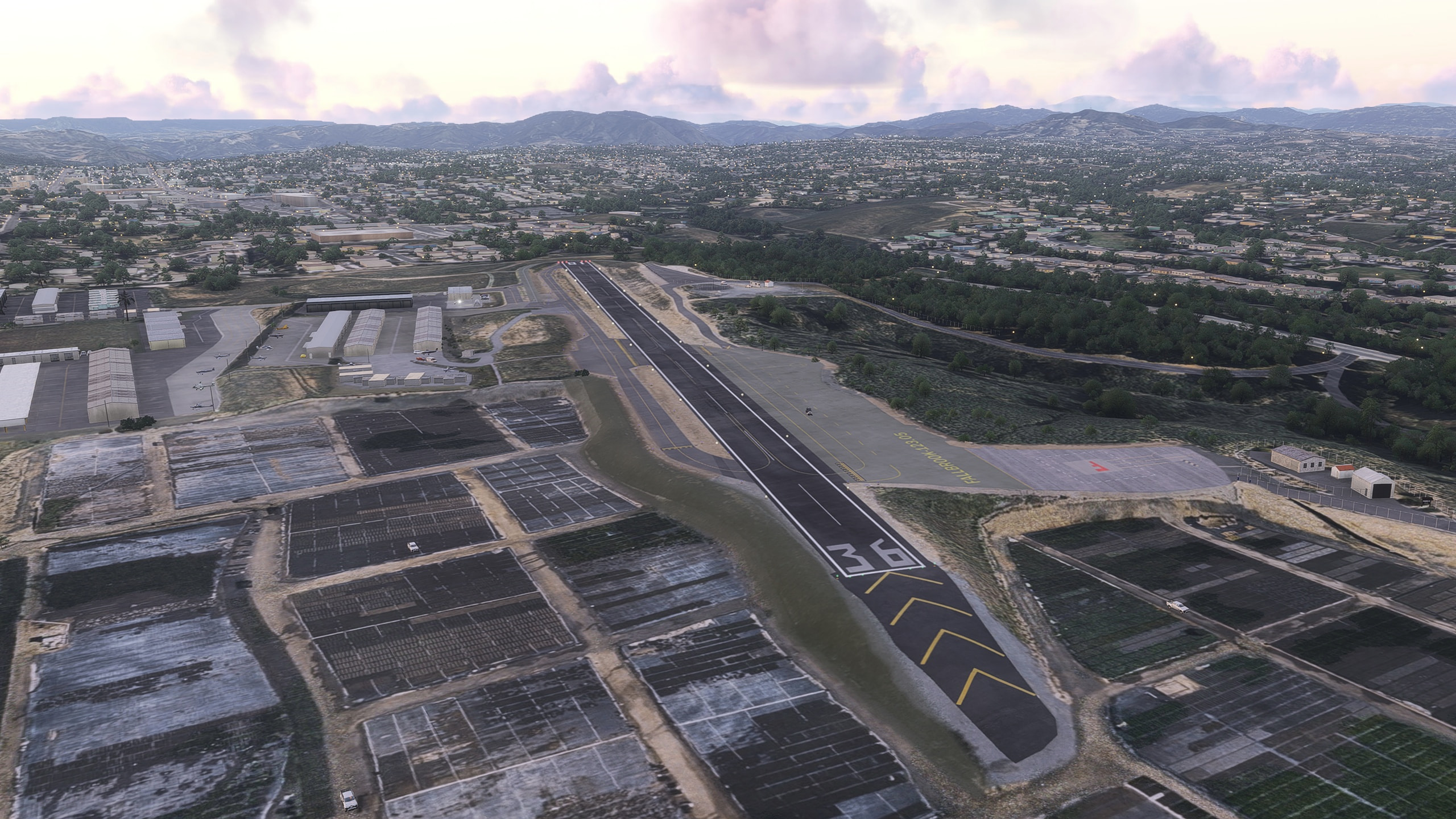
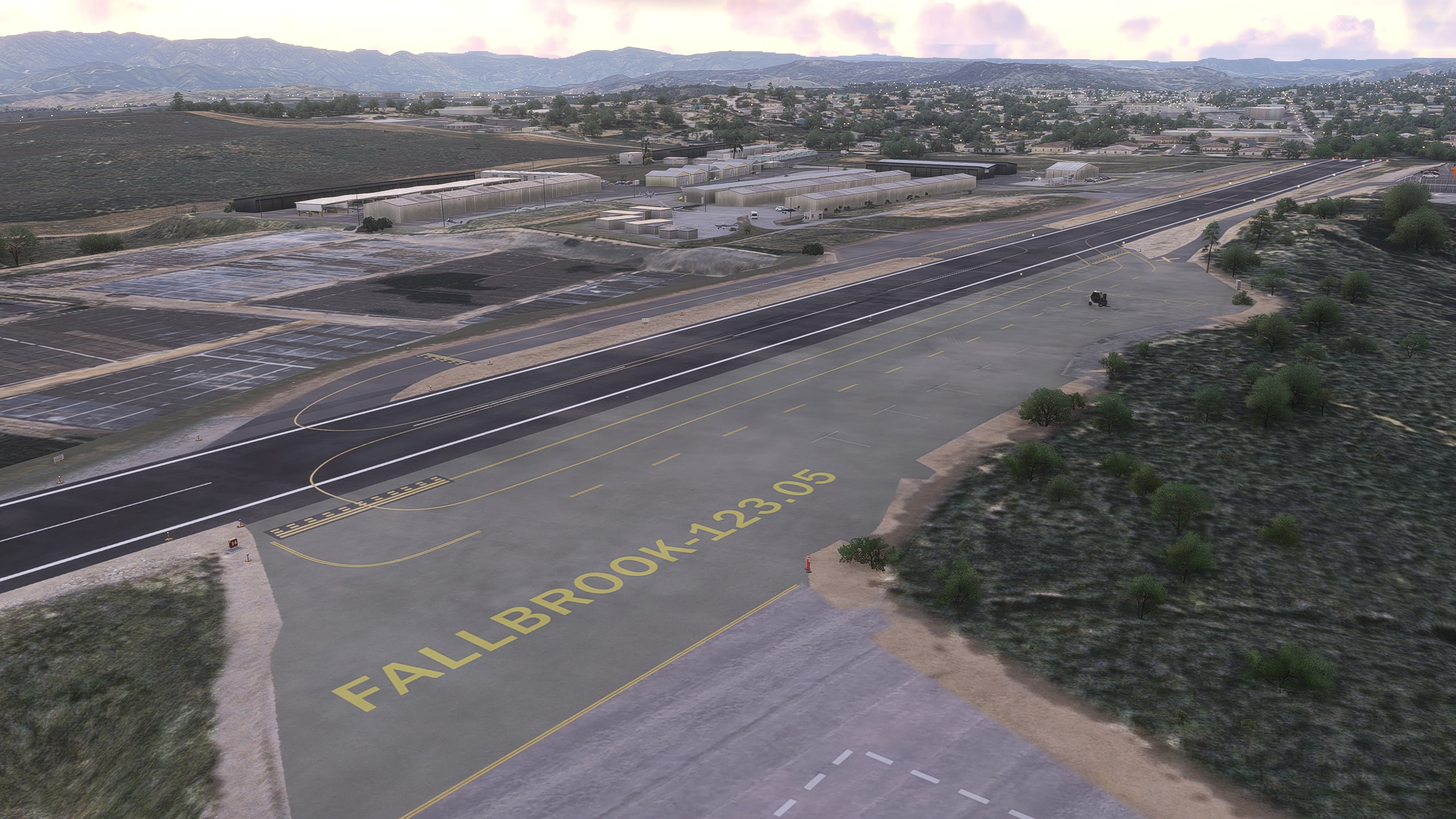
- New runway marking. Bigger numbers to match with reality.
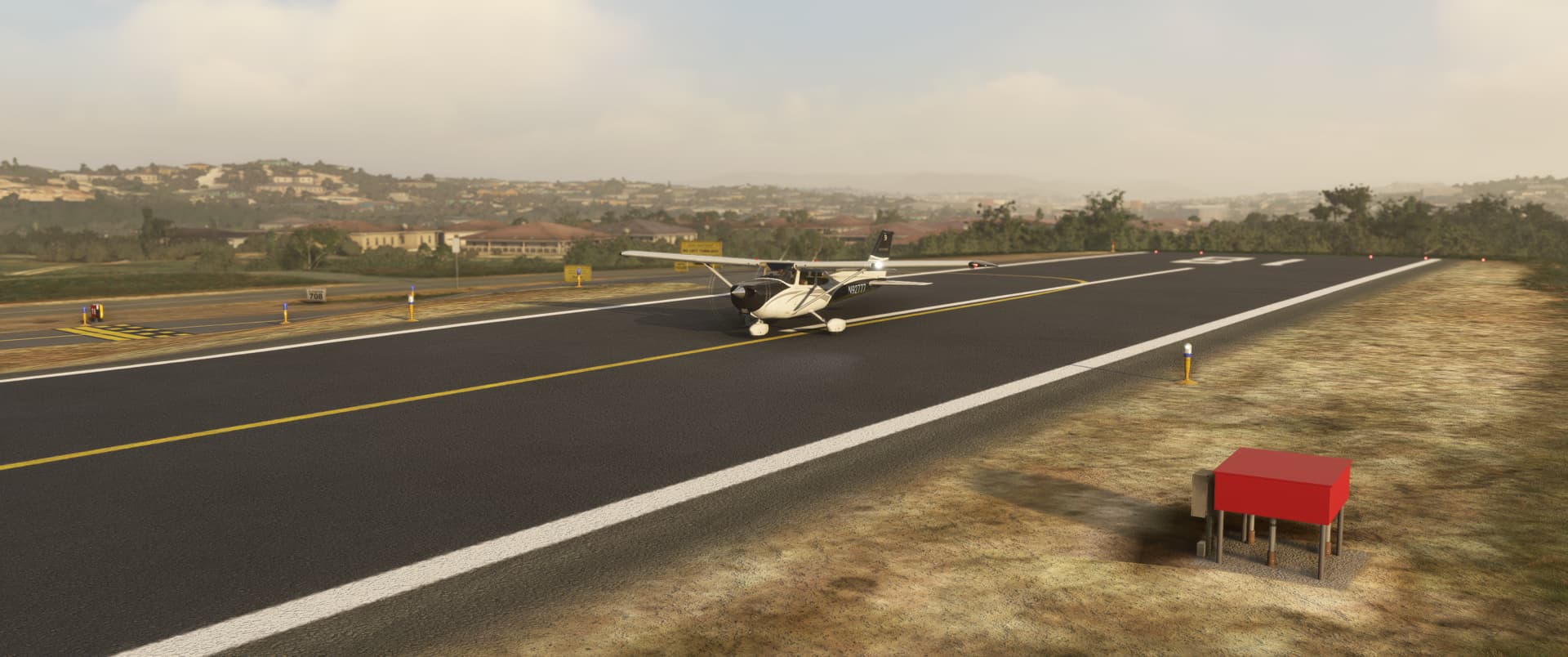
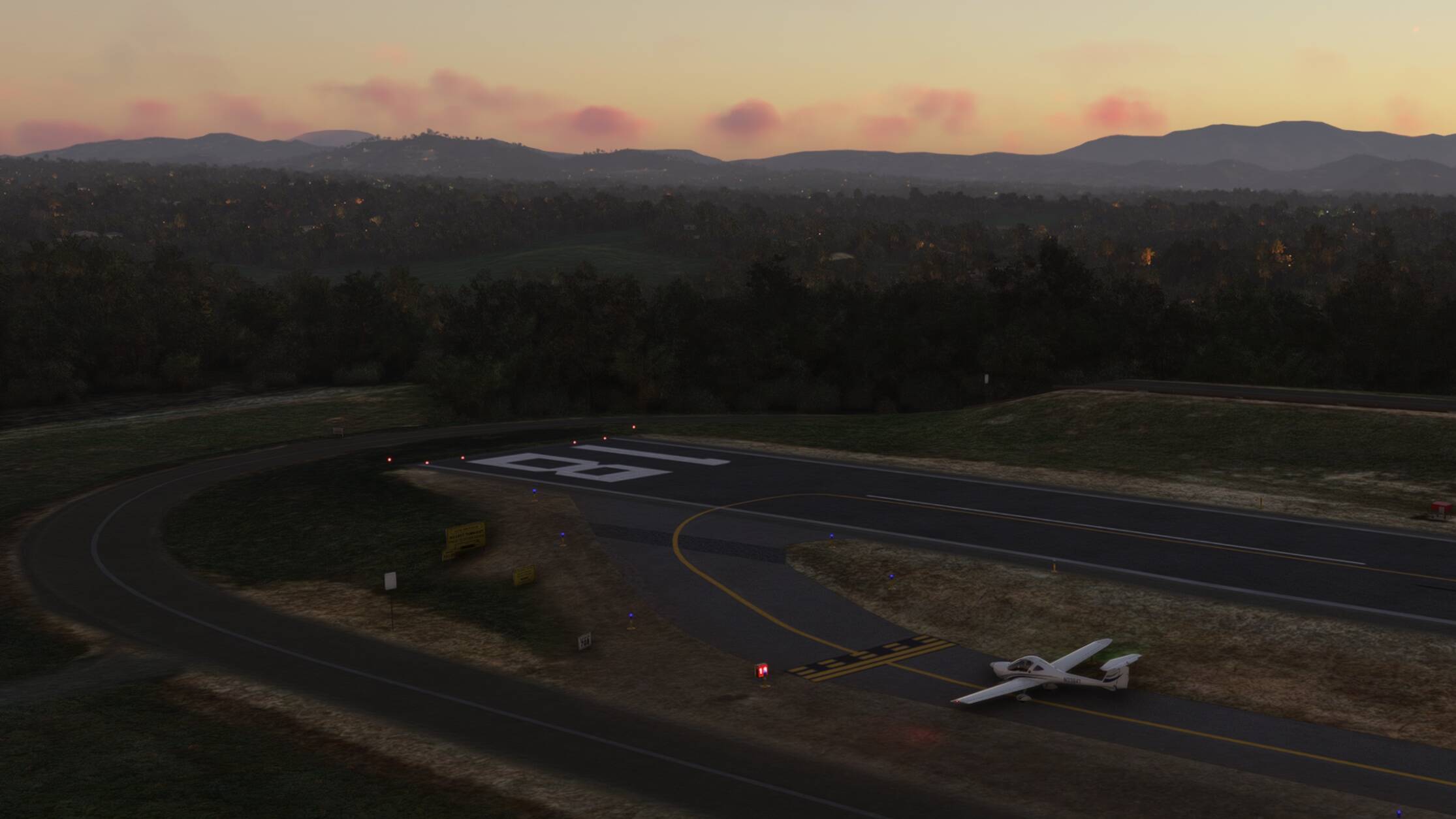
- Add the pulsating VASI (Pulsating white – Too high // Steady white – On glide path // Steady red – Too low // Pulsating red – Dangerously low)
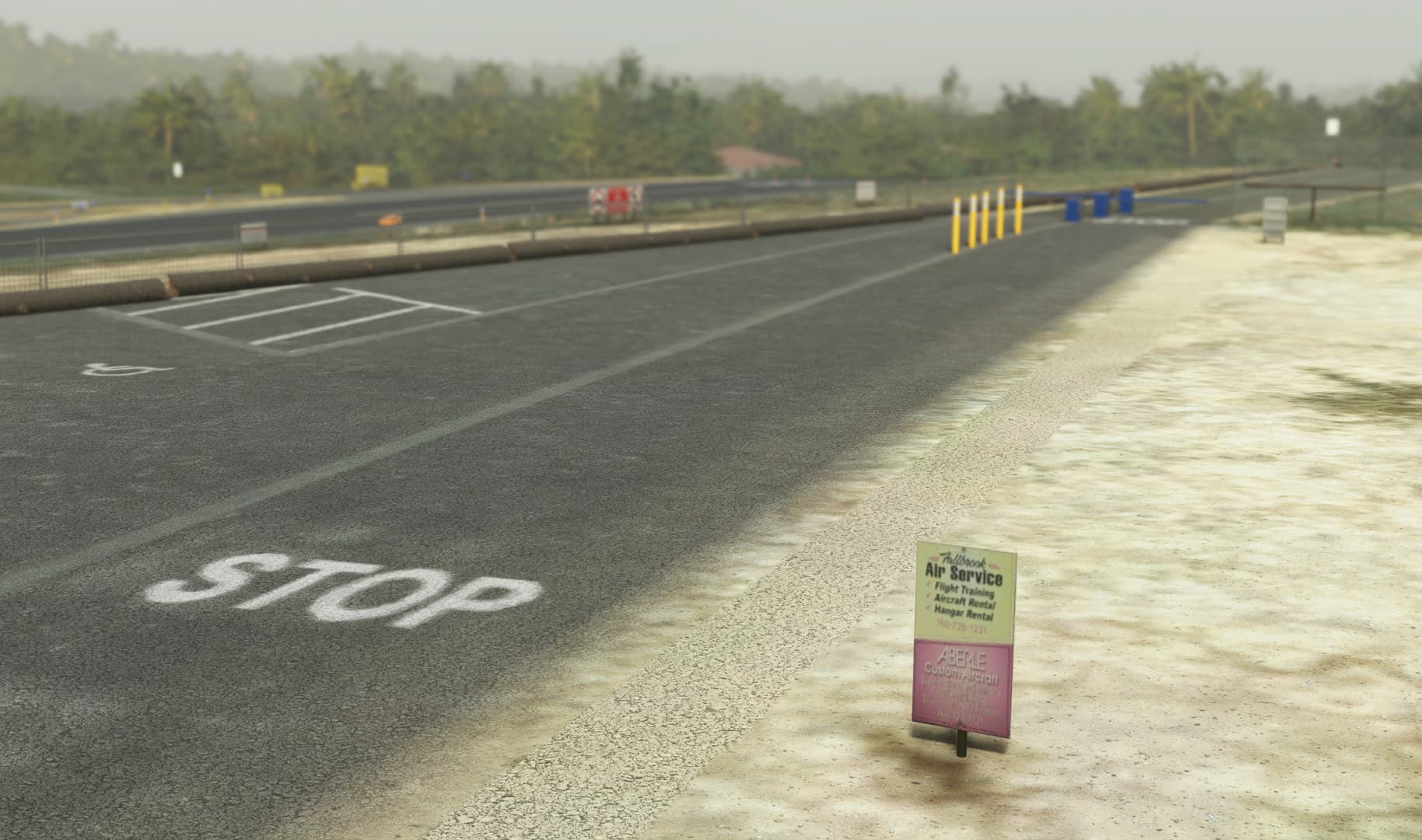
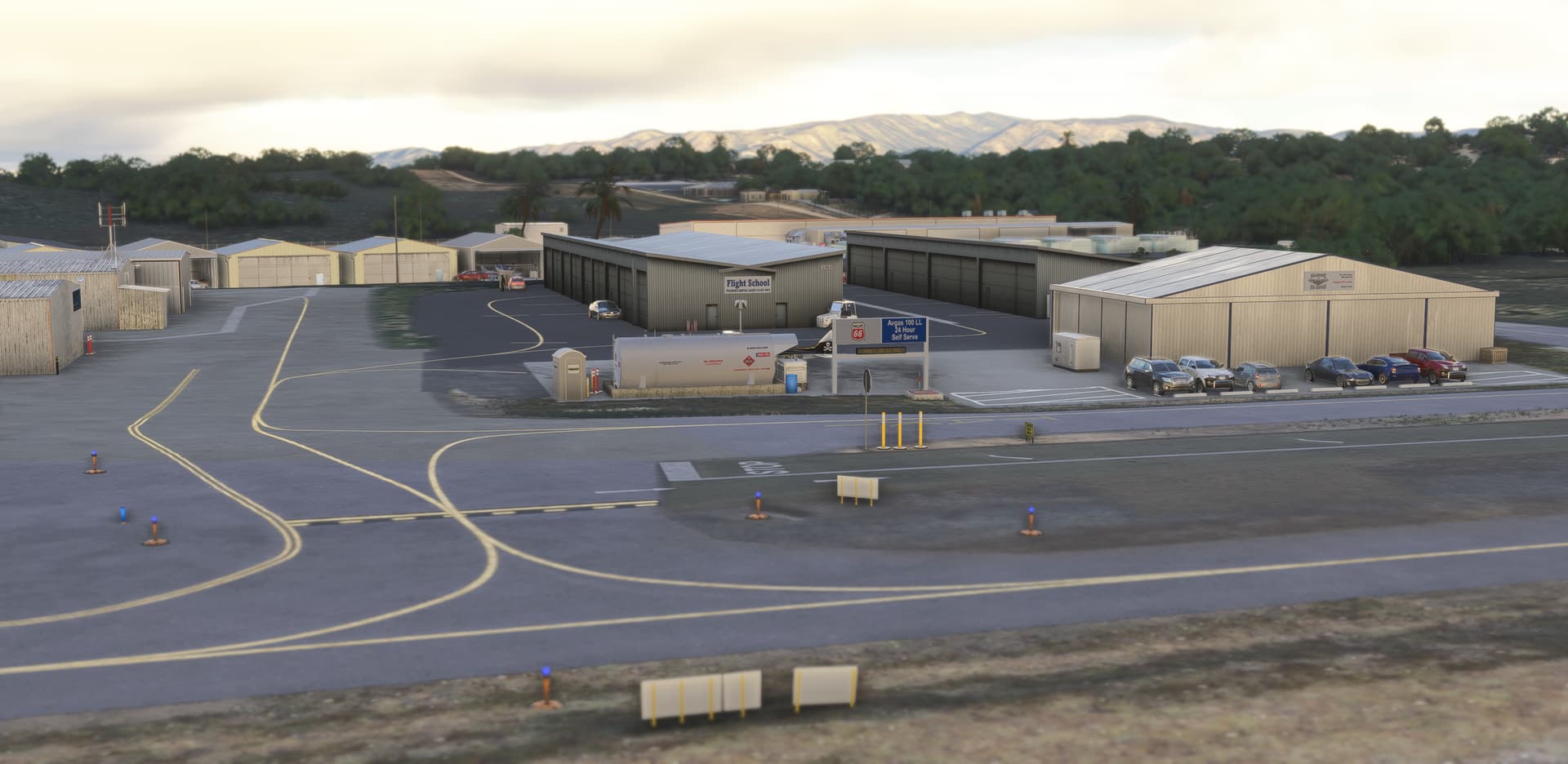
- Add several building’s signs of local business (if you know more, let me know!)
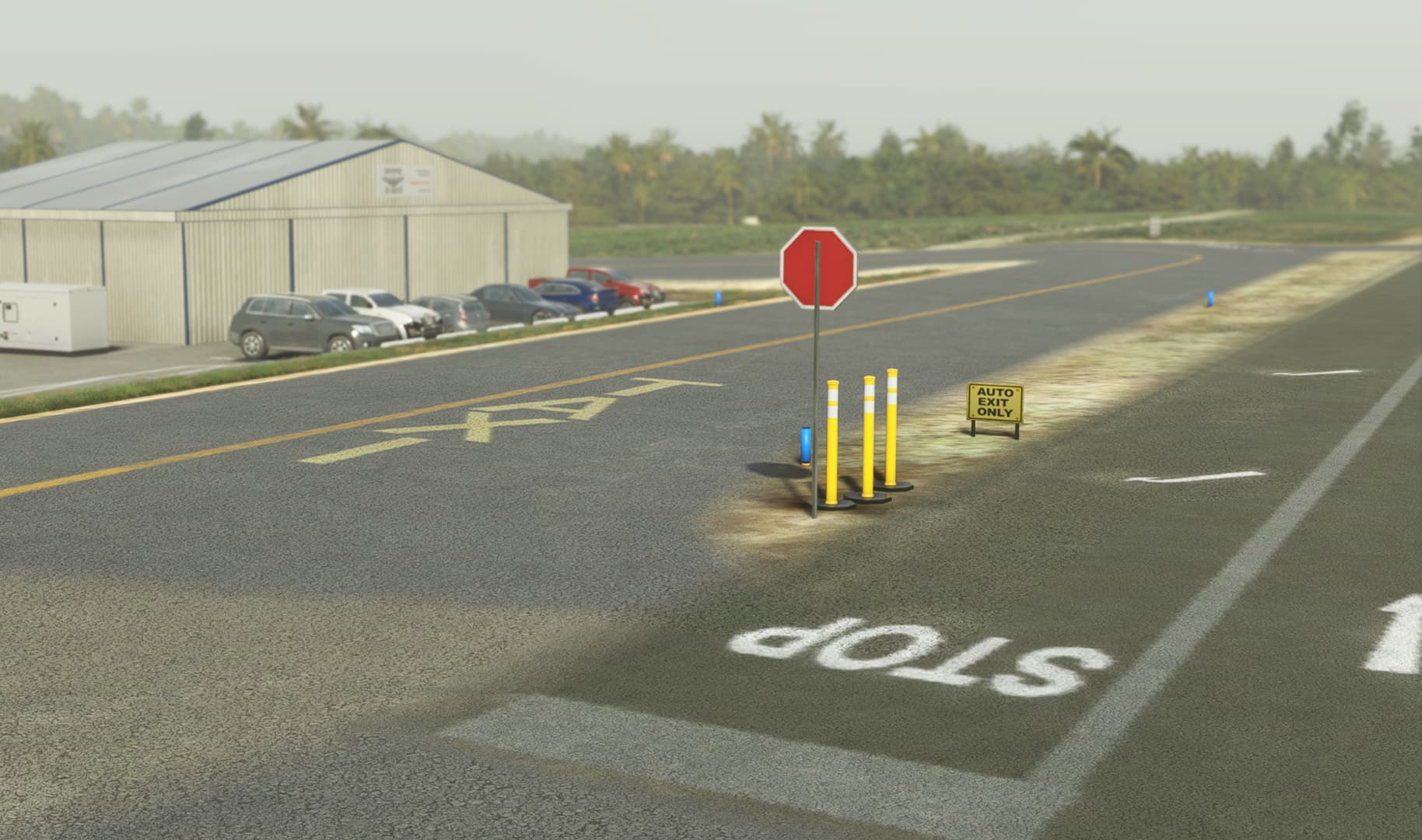
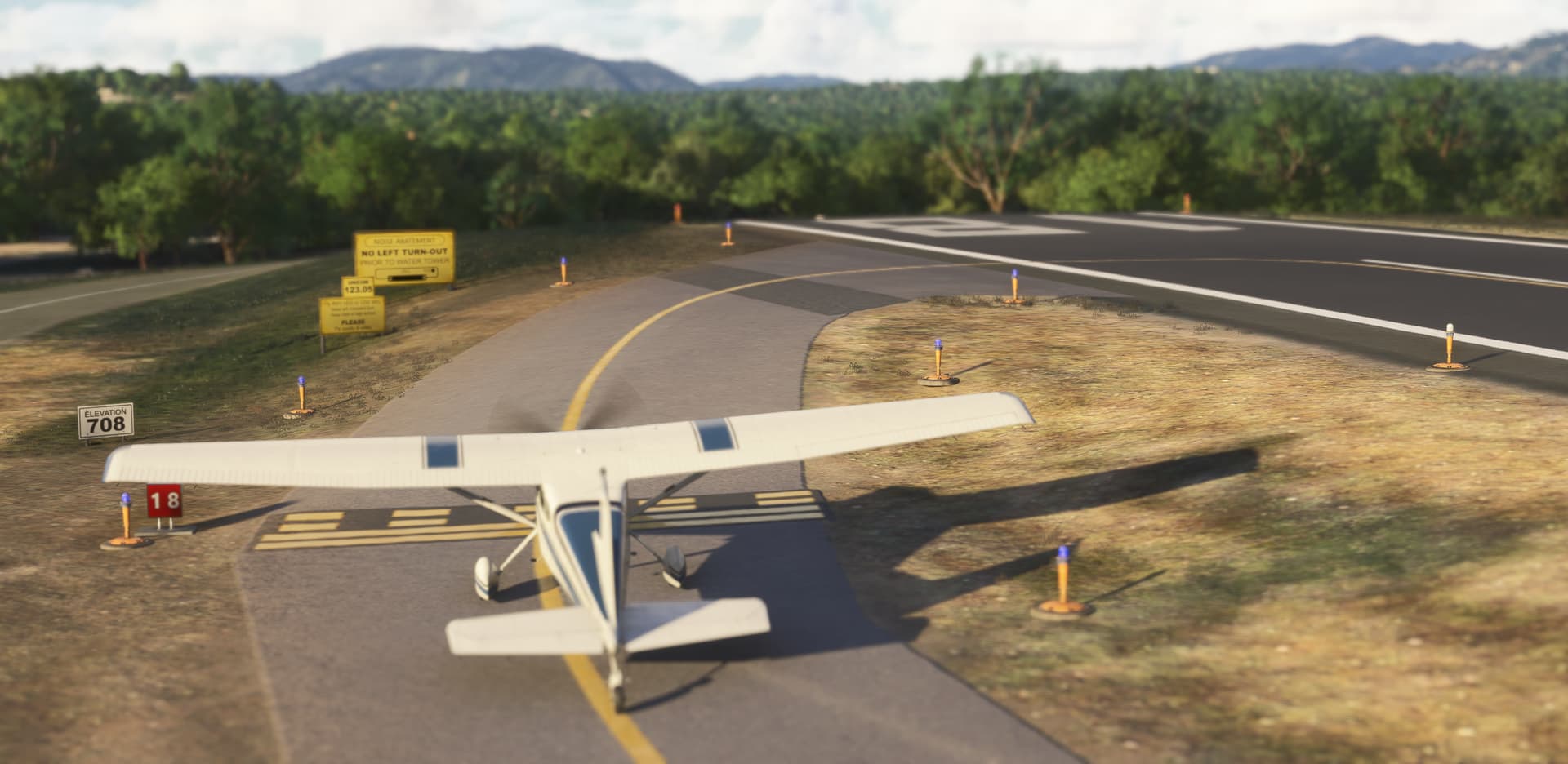
- Add specific taxiway signs (warning, do not enter, runway direction…)
- Add the water tower and solar farm (POI) indicating the downwind
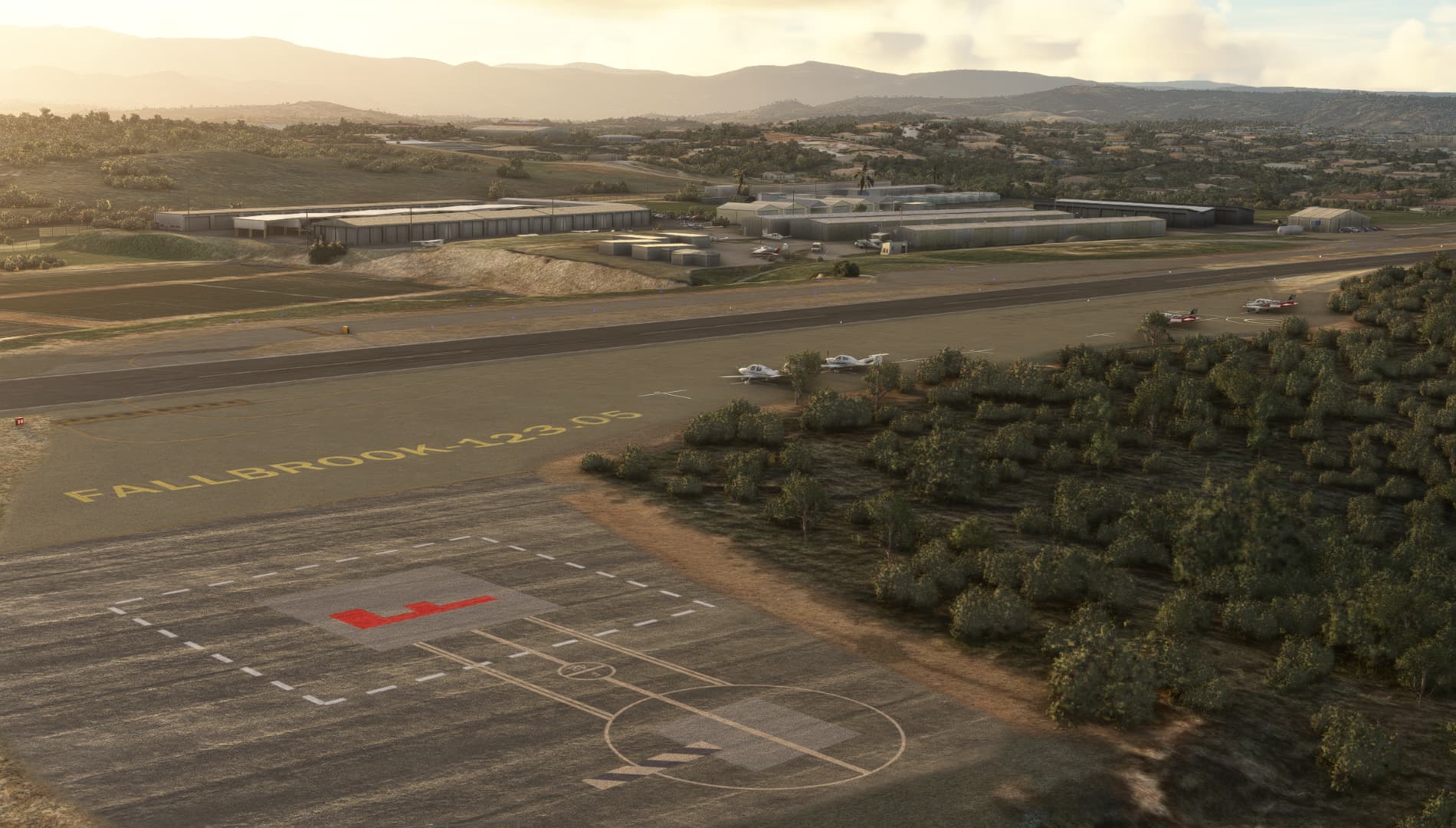
- Add 2 helipads at emergency & transient aprons
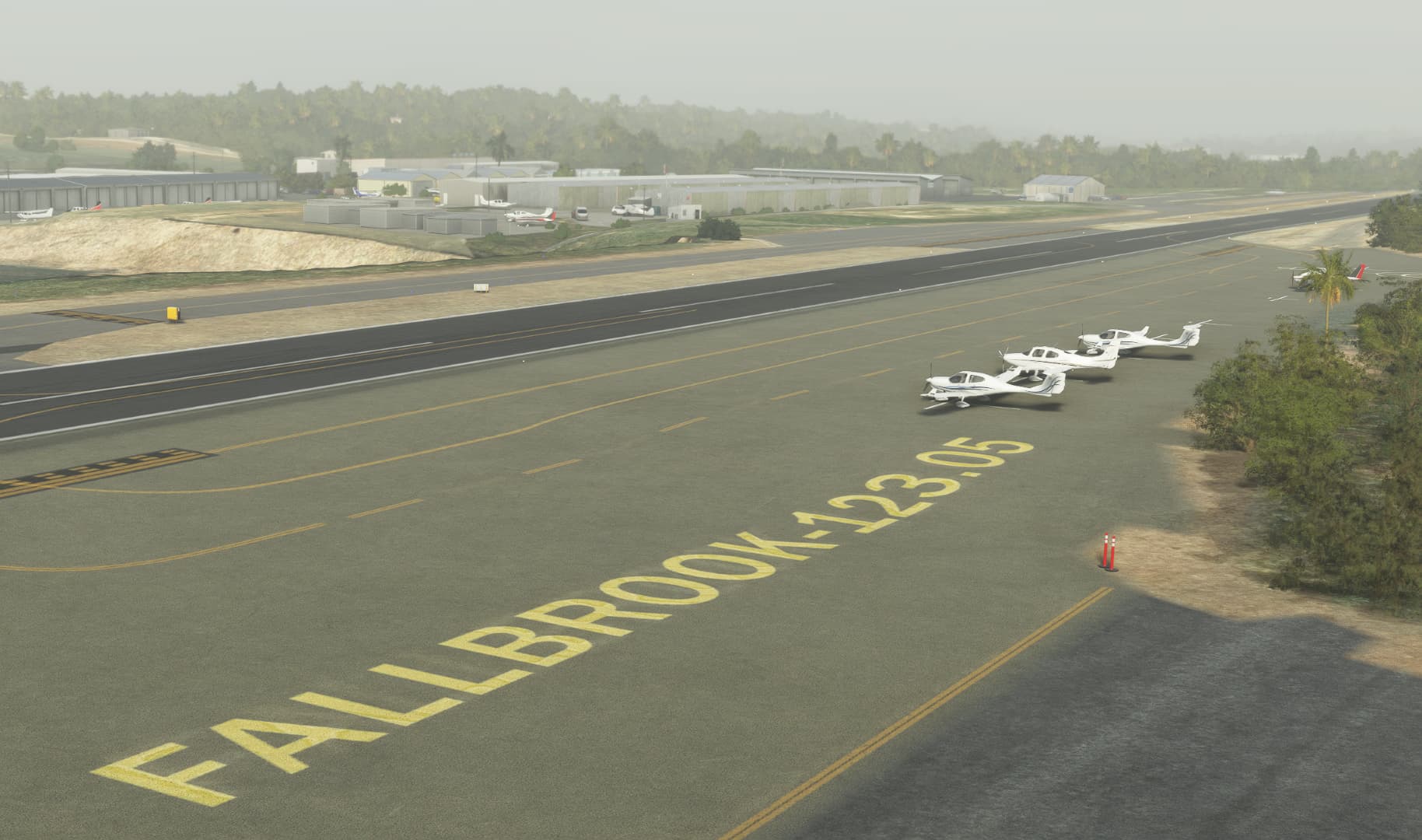
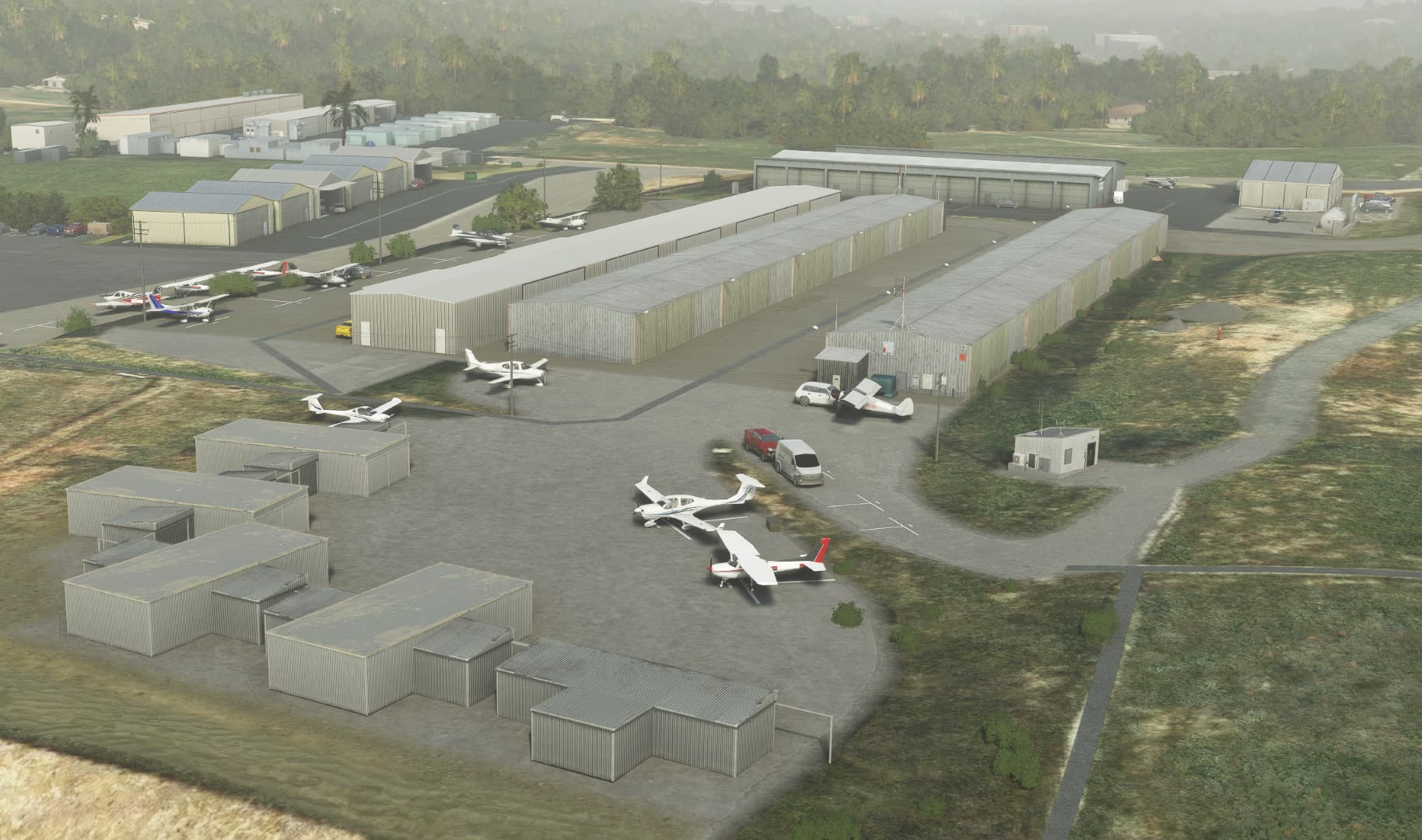
- Add hundreds of detail: static aircraft, opened hangars, small objects spread all around the airfield, ground markings…
- Special attention to blend all apron with the underlying satellite image
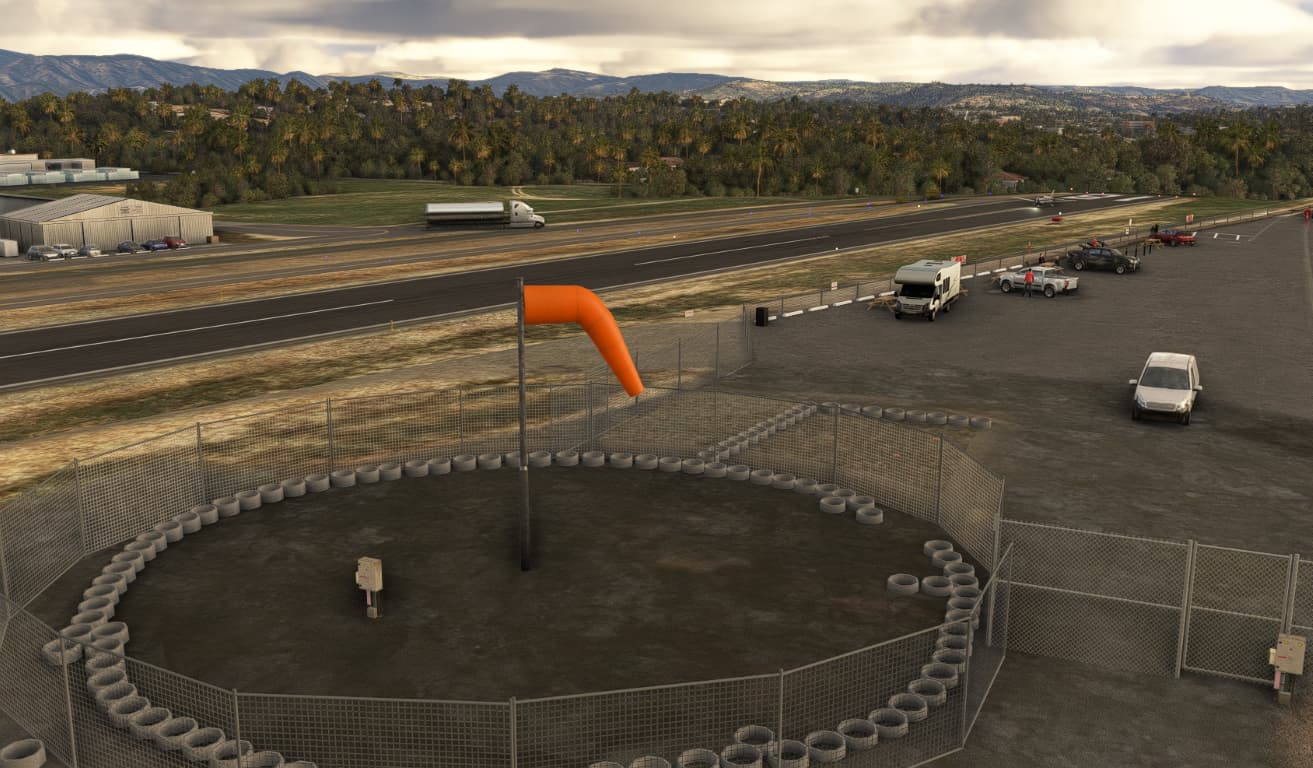
- Replace the windsock with a custom orange animated windsock
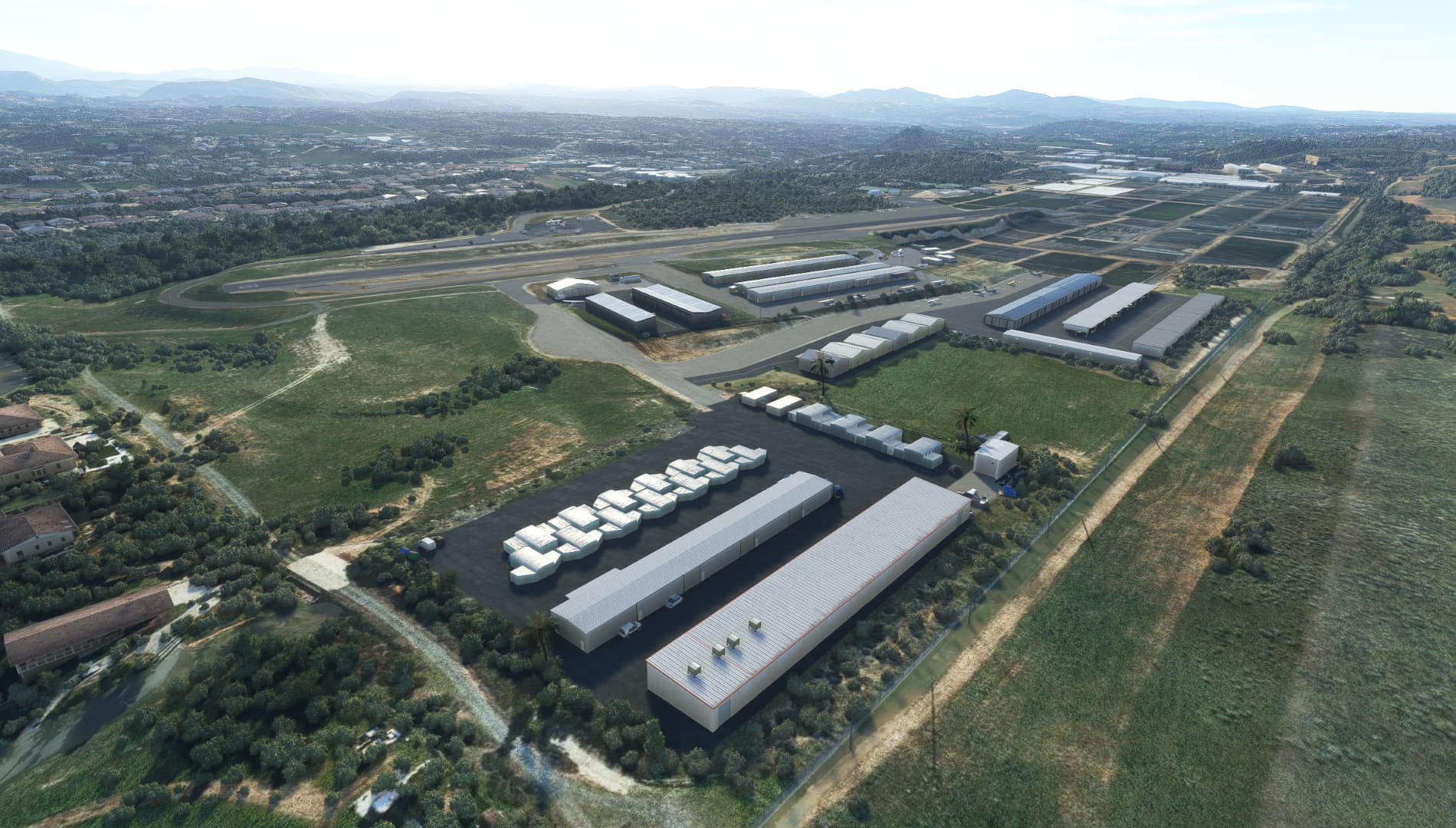
- Replace all AI generated hangars by more appropriate object (opened hangars and shade shelters)
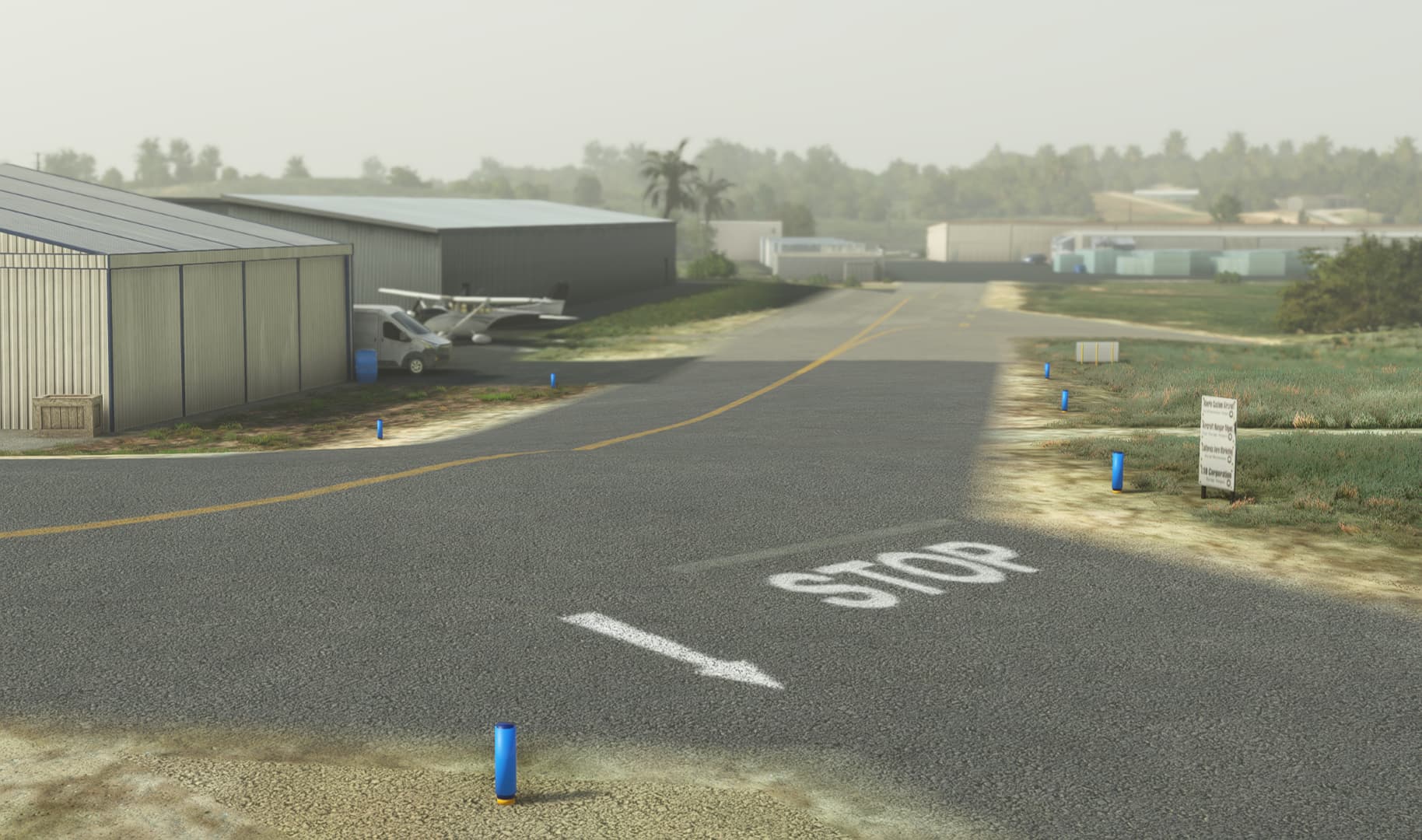
- Clean of AI generated taxiway sign, replace blue poles by passive reflector blue one.
10 Likes
Update v1.1 released.
- Set the scenery as Star Airport
- Add new “If you know what’s written here” signs on taxiway around the runup 36
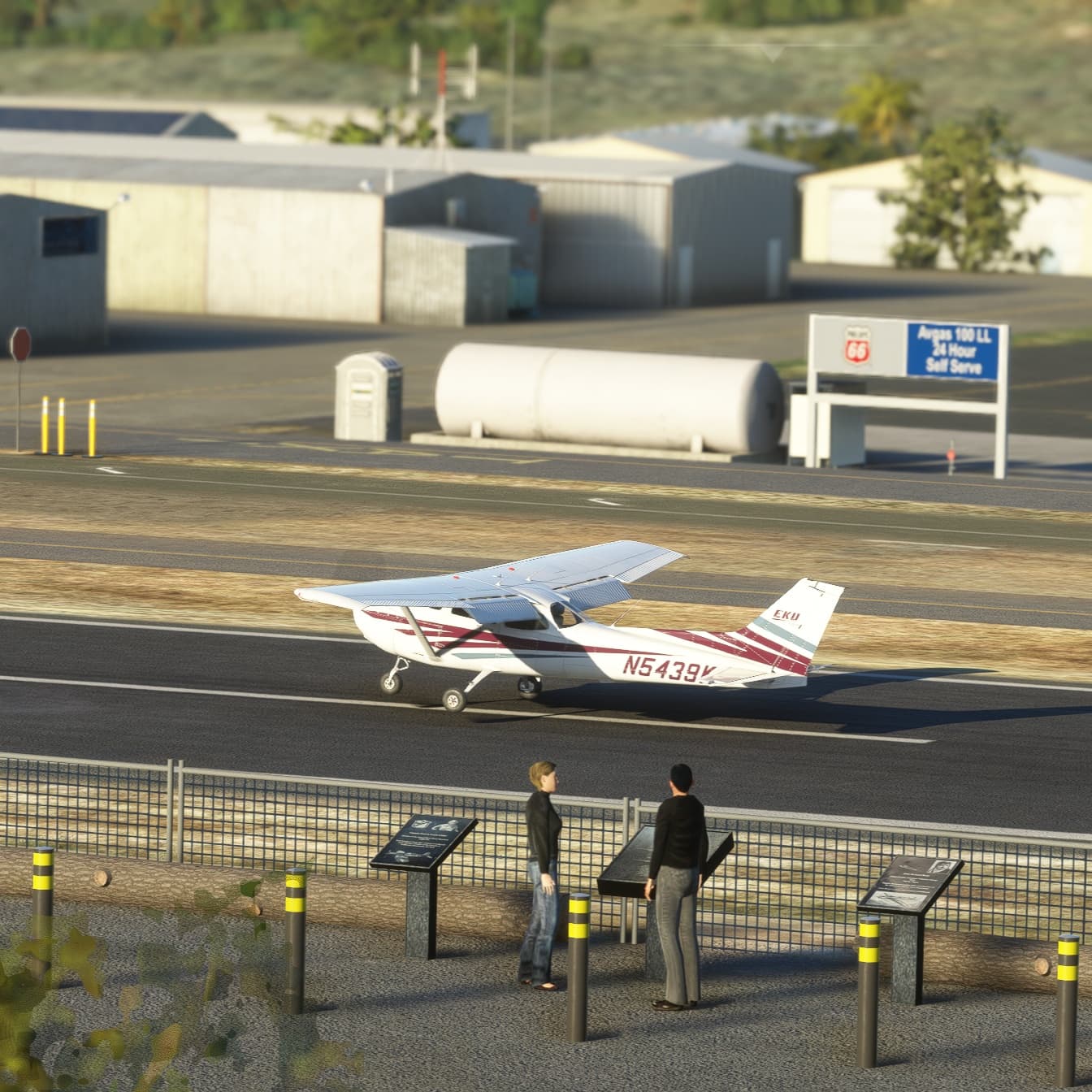
- Add new Warning signs visible from the view point area
- Add dozens of new details
- Update taxiway signs holding point 18 (thanks to Bill4LE Youtube video)
- Fix helipad markings on transient apron
- Improve Flight School building’s sign
- Improve the Water Tank visual point on downwind
- Reduce the global size of the blue reflector poles
https://flightsim.to/file/63441/fallbrook-community-airpark-l18
1 Like
Version 1.2 tries to improve the elevation and terraforming which is a challenge for my dev skills. Don’t expect perfection. I finally add the red box around the pulsating VASI as it is in real life. And enhance and fix several minor things here and here. Hope you enjoy!
1 Like
It would be great if the upcoming World Hub would provide a way for you to push your improvements into the base sim. I’m not sure if that’s how it’s going to work, but one can dream.
As far as I know it’s not design this way. Hopefully as some of my 3D objects and my capability to drop hundreds of small objects here and here would crash the console 
New version 1.2.1 just released today, free to download for PC users at https://flightsim.to/file/63441/fallbrook-community-airpark-l18
- New runway marking. Bigger numbers.
- New custom animated orange only windsock (to replace the MSFS default)
- Improve north west side area
- Fix a building issue (west side area)
1 Like
Version 1.2.2 released today:
- Total overhaul over taxiway lights (blue poles)
- Minor bug fixes
Oups! You’re right! I fix this right away!
Version 2.0.0 released today, free to download for PC: https://flightsim.to/file/63441/fallbrook-community-airpark-l18
- Fix compatibility with MSFS2024
- Fix Vegetation (WIP)
- Fix and replace static aircraft
- Fix fences all around the airfield
- Fix texture resolution of directory sign (entrance)
- Add Greenhouses on final approach path 36 (feedback welcome)
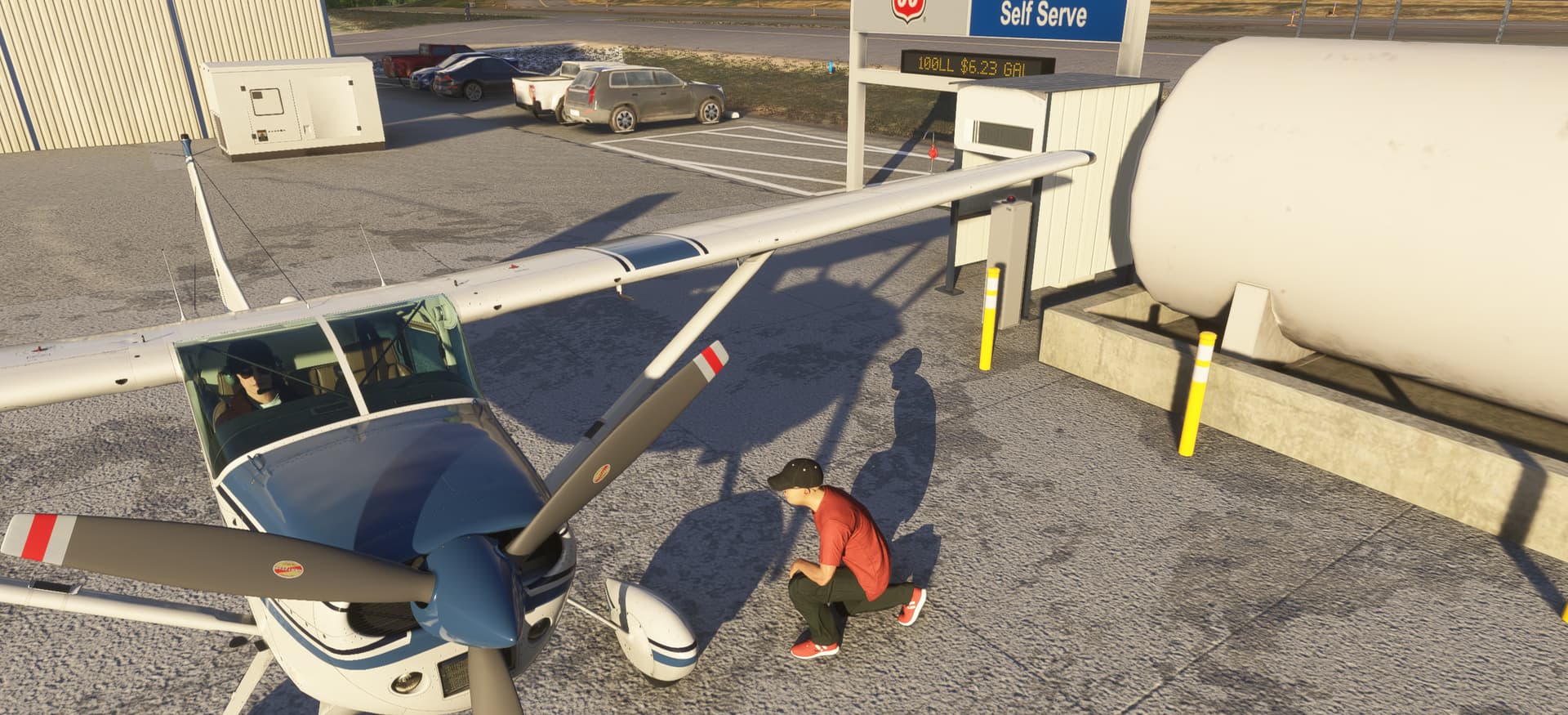
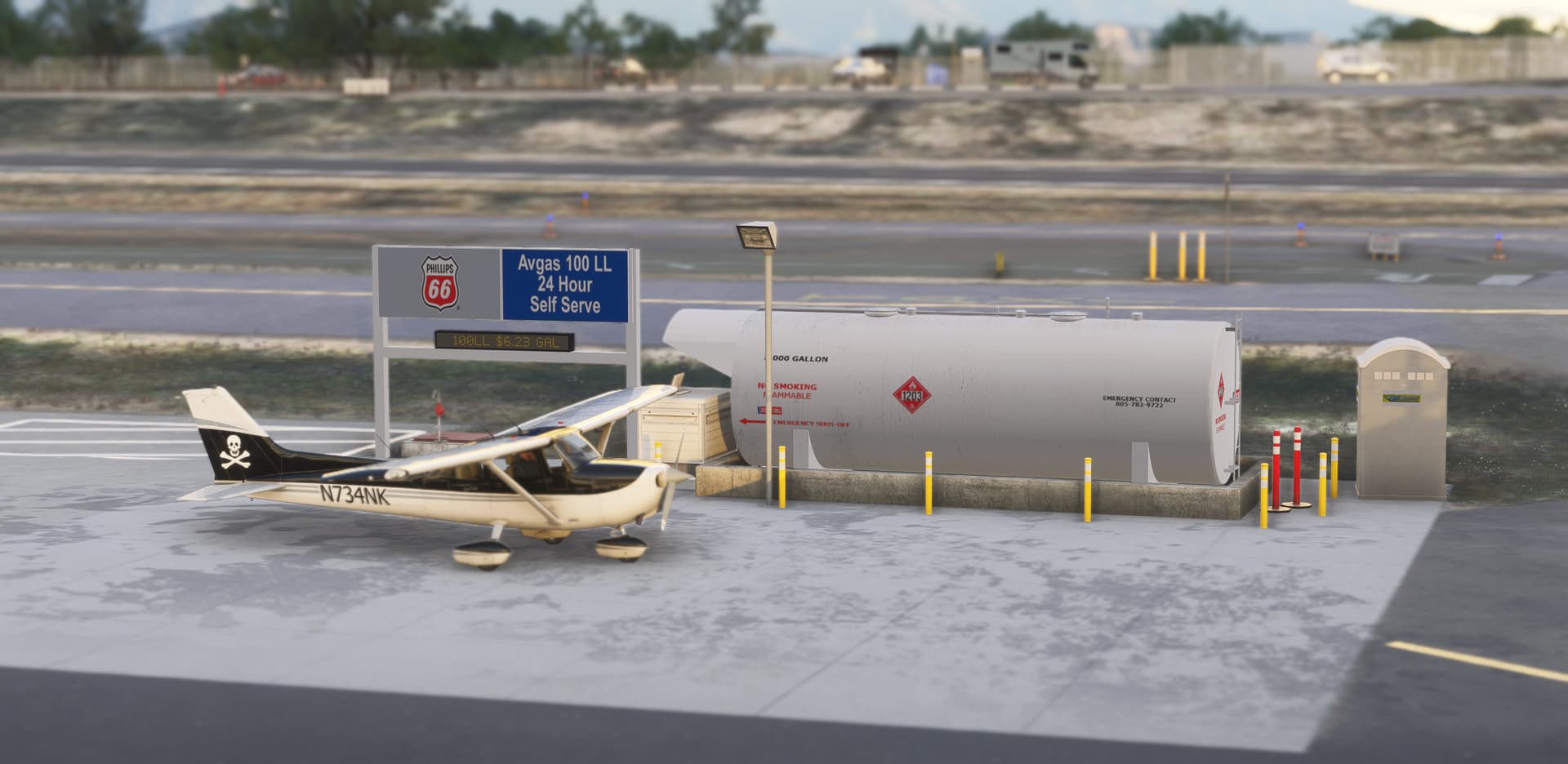
- Add 100LL price (2/21/25)
- Enhance parking spot markings
- Enhance some elevation (I shall admit it’s the weakness of this scenery)
- Enhance yellow runway centerline
4 Likes
Small cosmetic update with this v2.0.1. Enjoy!
- Update Fuel Station
- Add custom textured fuel tank
1 Like
Version 3.0.0 Update Released!
Forgotten on my workbench since March 2025, this airport is finally getting its long-overdue update. After Sim Update 4, several default objects were removed or replaced by Microsoft/Asobo. This v3.0 update replaces all missing objects, mainly buildings and hangars. Free for PC MSFS2020/24: Fallbrook Community Airpark (L18) - MSFS Add-on - Flightsim.to
Important Installation Notes:
- MSFS 2024 Users: Starting with v3.0.0, the downloaded
.ZIP now contains two folders. You must copy both folders into your Community folder. Please keep the zzz- prefix in the folder name intact to ensure proper loading order.
- MSFS 2020 Users: You only need the main folder; you can safely ignore the
zzz- folder.
Changelog & Improvements:
The entire airport has been completely realigned with the latest Bing Maps data (using the ground imagery featured in Microsoft Flight Simulator 2024).
- Runway & Markings: Fully updated runway width, colors, and all markings.
- Runway Textures: Enhanced runway textures (MSFS 2024 only).
- Static Aircraft: Replaced the default SimObject airplanes with performance-friendly, low-poly static models.
- Object Fixes: Restored missing hangars and buildings (MSFS 2024 only).
- Taxiways: Fixed and updated the taxiway lines on the runway.
- Textures: Fixed transparency issues on several textures.
- Economy: Updated the fuel price!

A Quick Note on Elevation Issues (Sorry!)
This is by far my most difficult scenery to develop due to the massive amount of conflicting elevation data. Because of this, some terrain issues still exist. You may encounter a few bumps and some steep or strange slopes around the airport. I appreciate your patience and understanding as I continue to work through these tricky elevation bugs!
3 Likes
How do you get your information on taxiway signage? Do you actually fly to all these airports? That’s the only way I’ve found to get accurate information on the real signage.
(I can’t help myself but take pictures whenever I fly into an airport with dreams of redoing them in FS. I wish I was better at creating building textures with appropriate weathering and shadows)
The vast majority of airport I build for MSFS are on my real log book. As a leisure PPL pilot, I record most of my flight with several Gopro (if you want see my Youtube) But even with these, I don’t have all signs from all around the airport I need. Another source of data is… Internet. Search Internet is part of the process of collecting data. Static images and other pilots videos sometimes hide a piece of taxiway sign in the frame. A Sherlock Holmes activity. Finally, high resolution Google Maps or Bing Maps also can reveal if there’s a taxiway sign or not. And sometimes, you just ask the Community…

Few really figured out that most of the buildings and hangars I use for my scenery are default. I’m also bad in making realistic texture for my handcrafted object.
2 Likes
That’s what I was expecting for an answer, but, I was hoping you knew some source for taxiway sign design…
1 Like