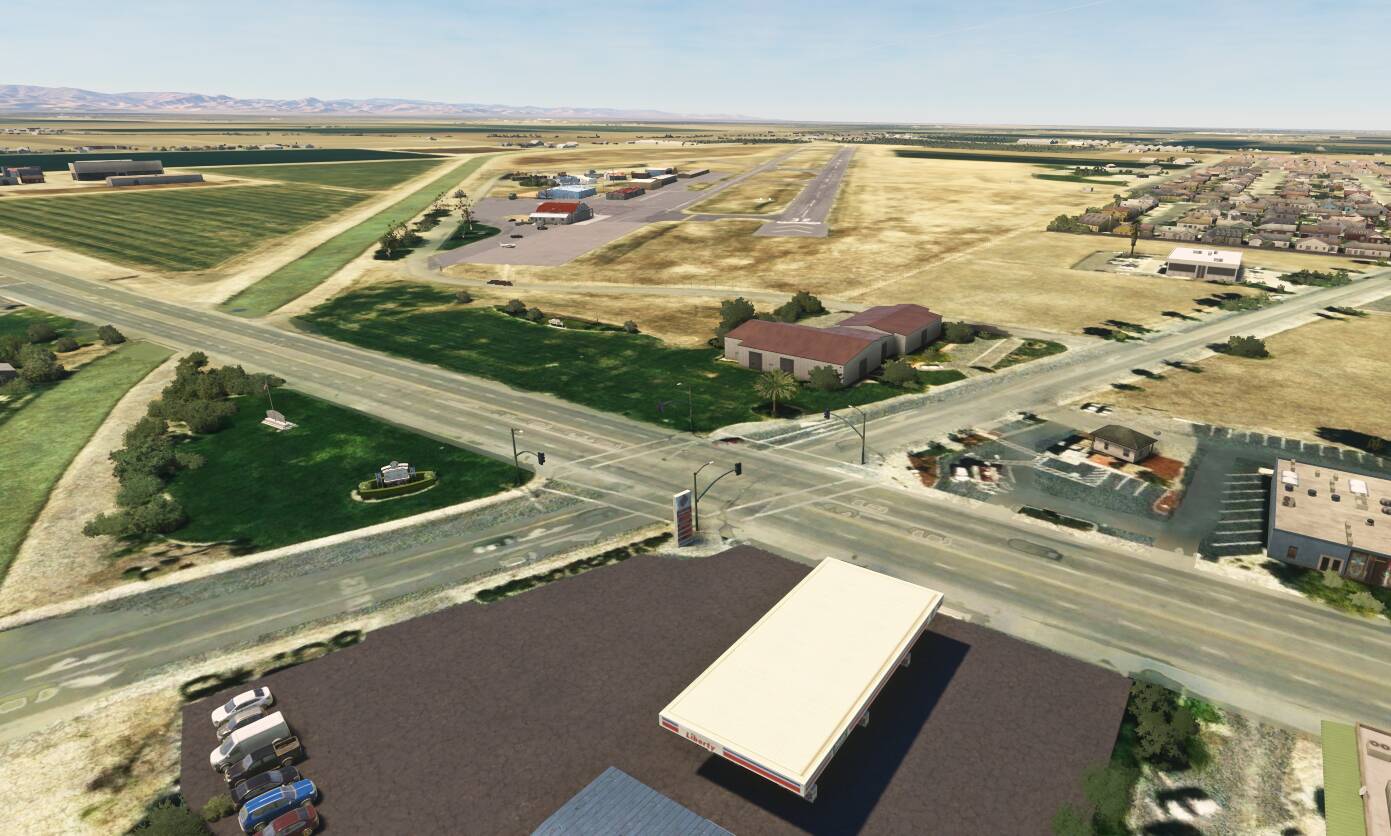
Hey all,
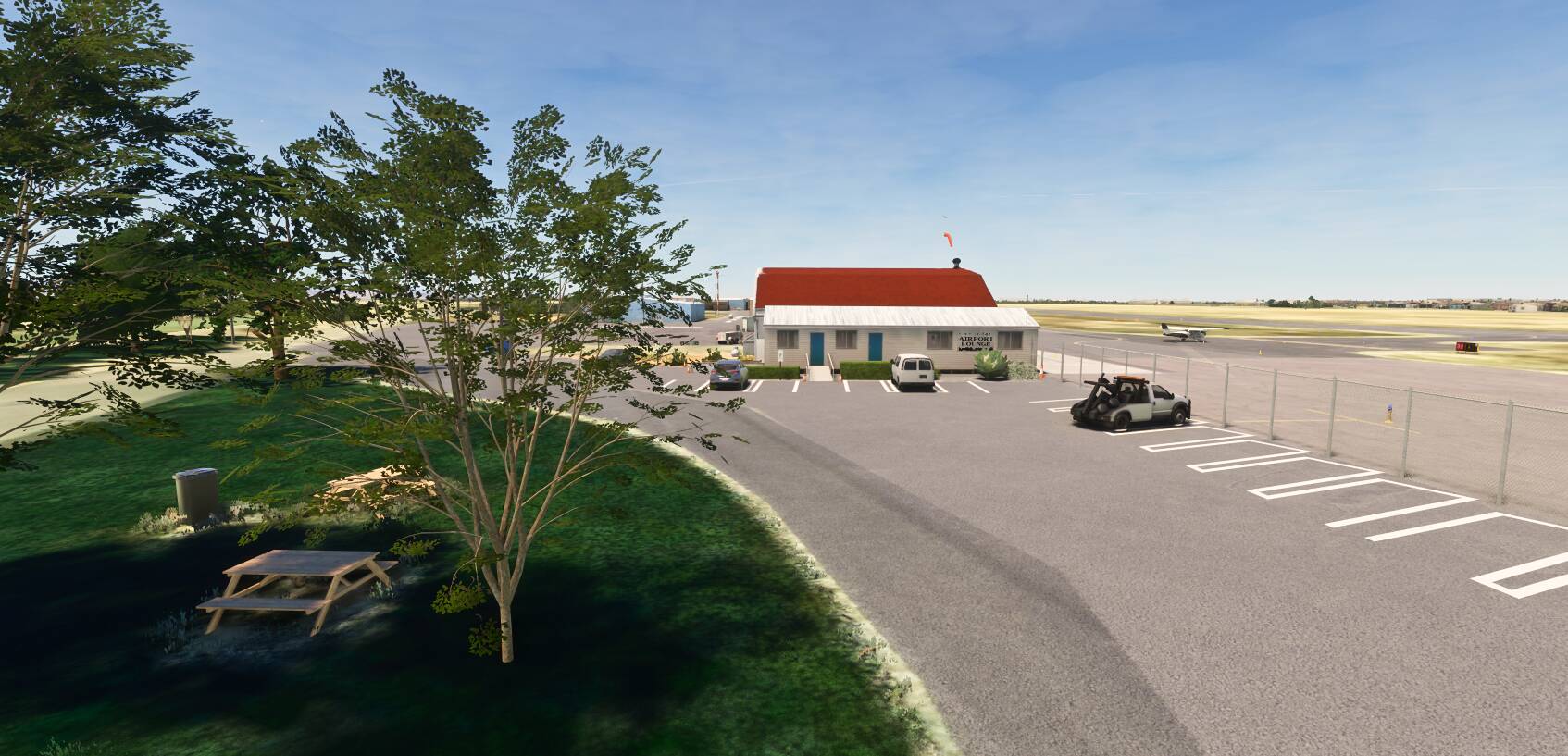
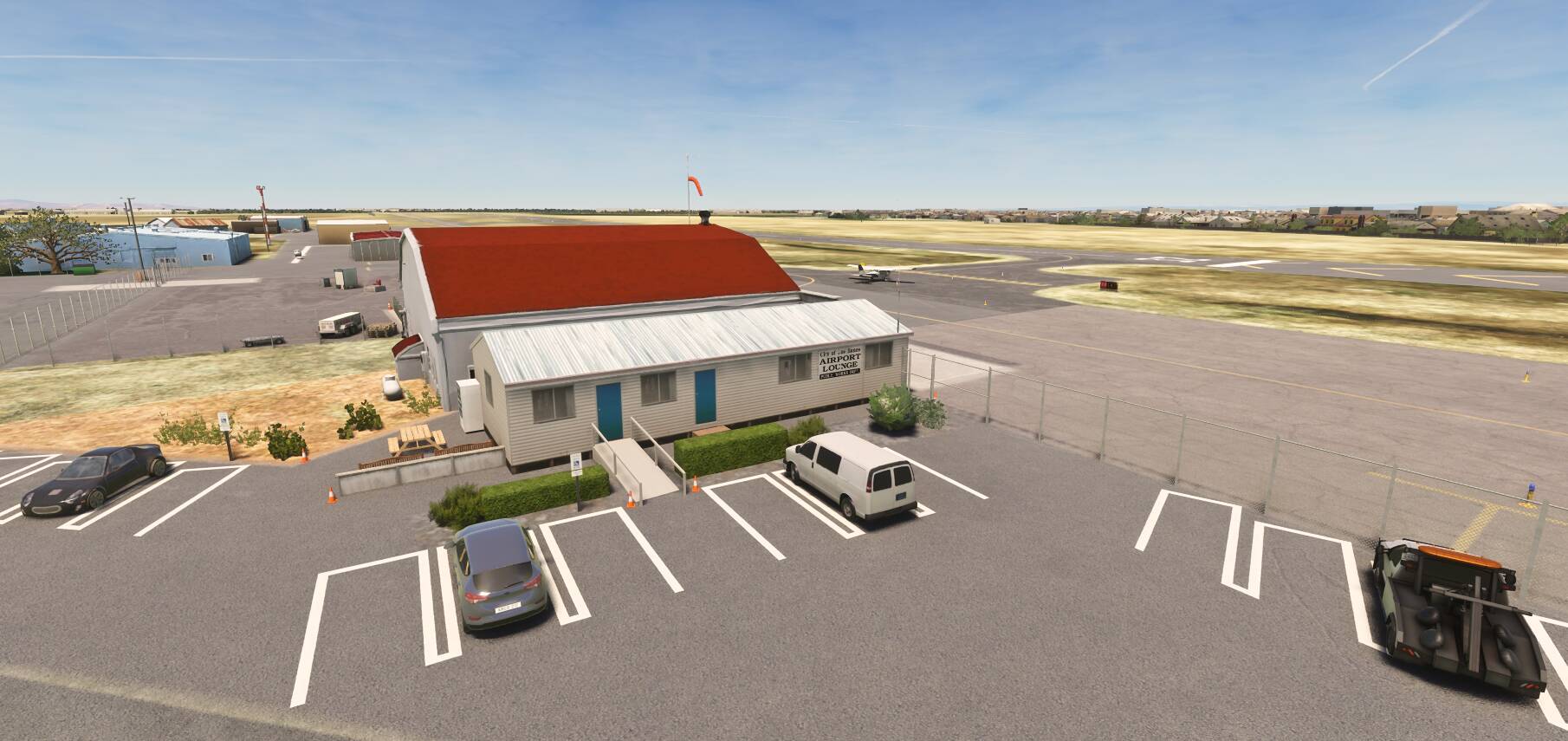
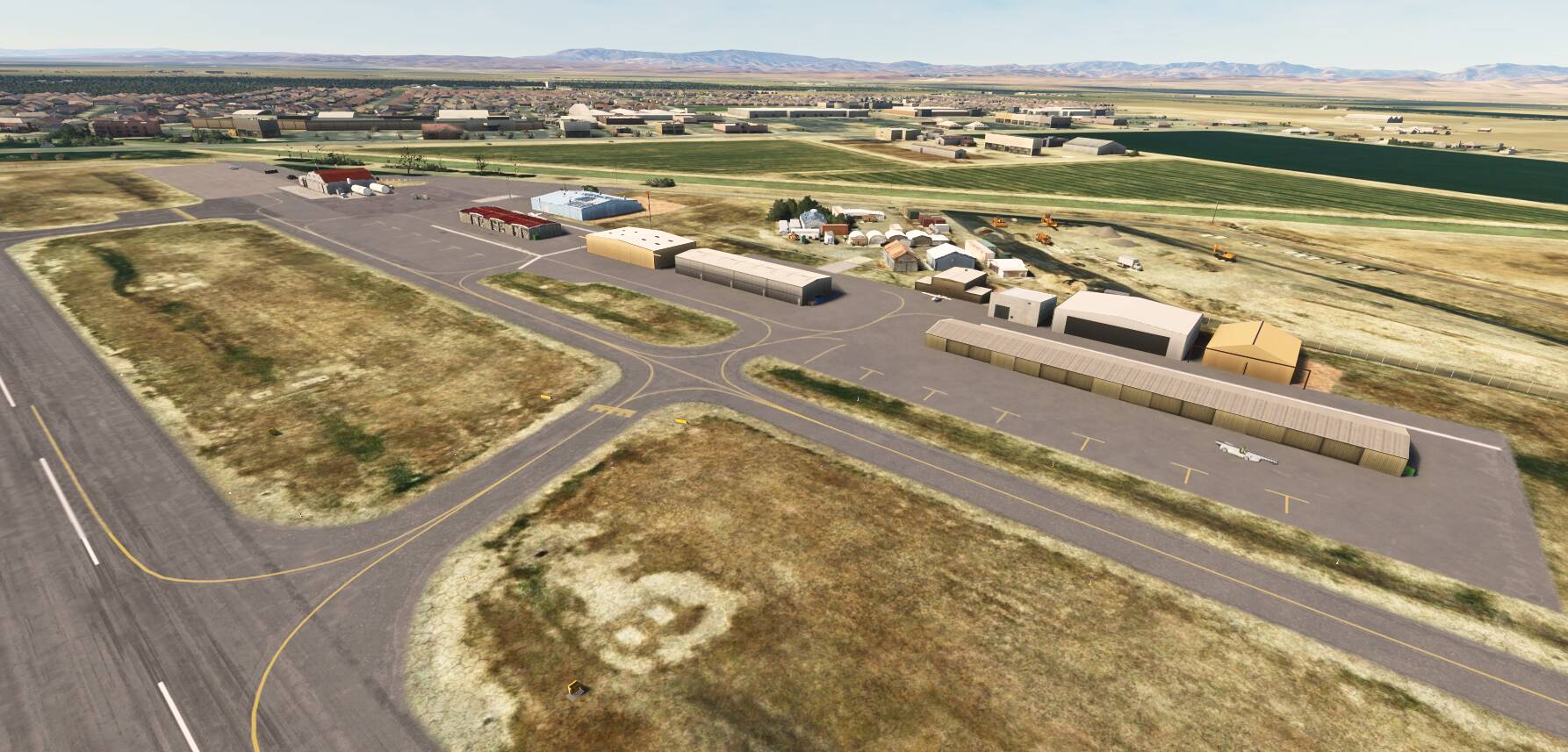
Developed alongside KMCE, this one has come together very fast because I have been there a couple times and there isn’t much to the airport.
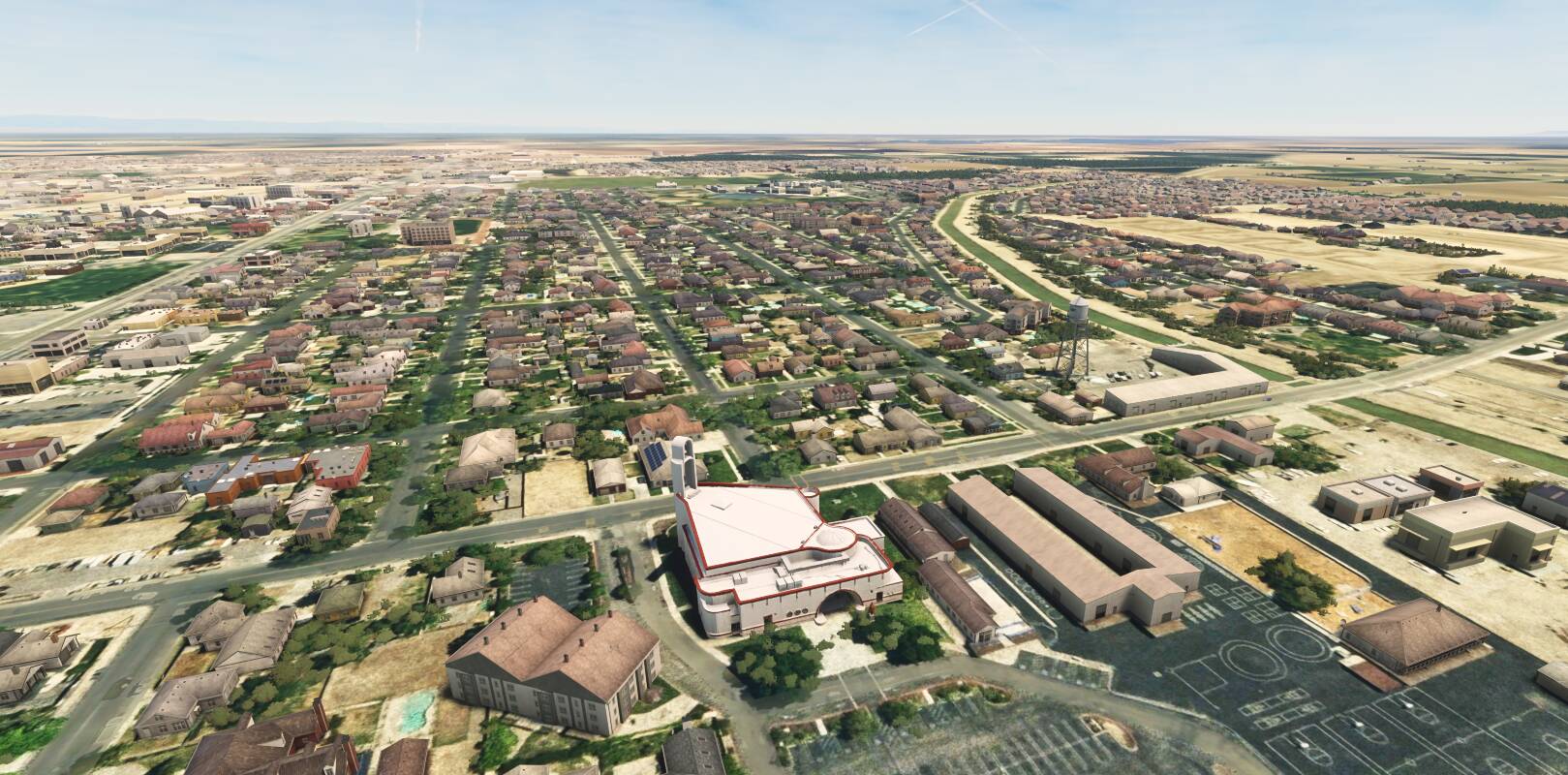
Have tried to give this small GA field some good feel and surroundings. Added the town water tower and St. Joseph’s landmark church as well.
4 Likes
Looks pretty good! Recommend to thin the parking lot lines and remove the taxiway lights from the ramp.
1 Like
Thanks!
In order to get rid of the lights, would have to redraw the taxiways. Always a PITA…we’ll see if I can find the motivation to do it 
Afraid I can’t change the parking lot lines as they are an object…
Ah yeah, I’m used to being able to edit the taxiways and deselect lights at the root level. Does an exclusion poly not do the trick?
Unfortunately it doesn’t, have to delete the taxiways.
So you didn’t read in the original airport and edit that? That would bring in the taxiway lines for you to edit.
I used to use ADE which had a facility to read in the base airport, and I’d start by editing that. But I think I’ve done the same thing with the SDK tools, too. When you create the project.
I don’t believe so…haven’t touched ADE in a long while, but the SDK does not natively allow editing of default airport elements. You have to delete them and add fresh taxiways.
What you do is create a project by copying an existing airport to your project. It’ll give you the buildings, runways and all the items. Then, yes, in Airport Properties form, you check the box to delete the base airport. I think you do that directly in the SDK tools when you create the project. If not, I was using ADE, and that in turn was using some bgl file utility. I assume you’ve checked out these sites?…
FSDeveloper.com
Version 1.0 has been released. Unfortunately I couldn’t find an efficient way to get rid of the taxiway lights, and didn’t have time to replace all of the taxiways. Perhaps in a future update.
(KLSN) Los Banos Municipal Airport, Merced County, CA - Airports for MSFS | Flightsim.to