Day 1 purchase loved this P3D and this looks way better plus toolbar support for VR users . Pro ATC should take note it can be done.
I used in P3D and it´s a really nice addon. I really love that it´s comming to MSFS too.
Cheers
My card is ready.
Will they not wait for the SU10 release on 23rd?
Unless they’re 100% confident it’s working with the SU10 beta and they have no worries anything will break it between now and then…!
Looking at the streams and videos GSX seems a bit buggy but maybe a lot of them are using the default systems, rather than customising their parking stands? never used GSX with FSX so not sure if the customised stands are considered the best way to go?
Hoping so! To be honest I think FSDT are waiting for SU10 full release seeing that it will release on the 23rd and is less than a week away just so they can make sure it runs smoothly and nothing breaks. This is going to add a new layer of immersion to the sim for sure.
@LameLefty I don’t think so, at least I have not seen anything regarding pricing.
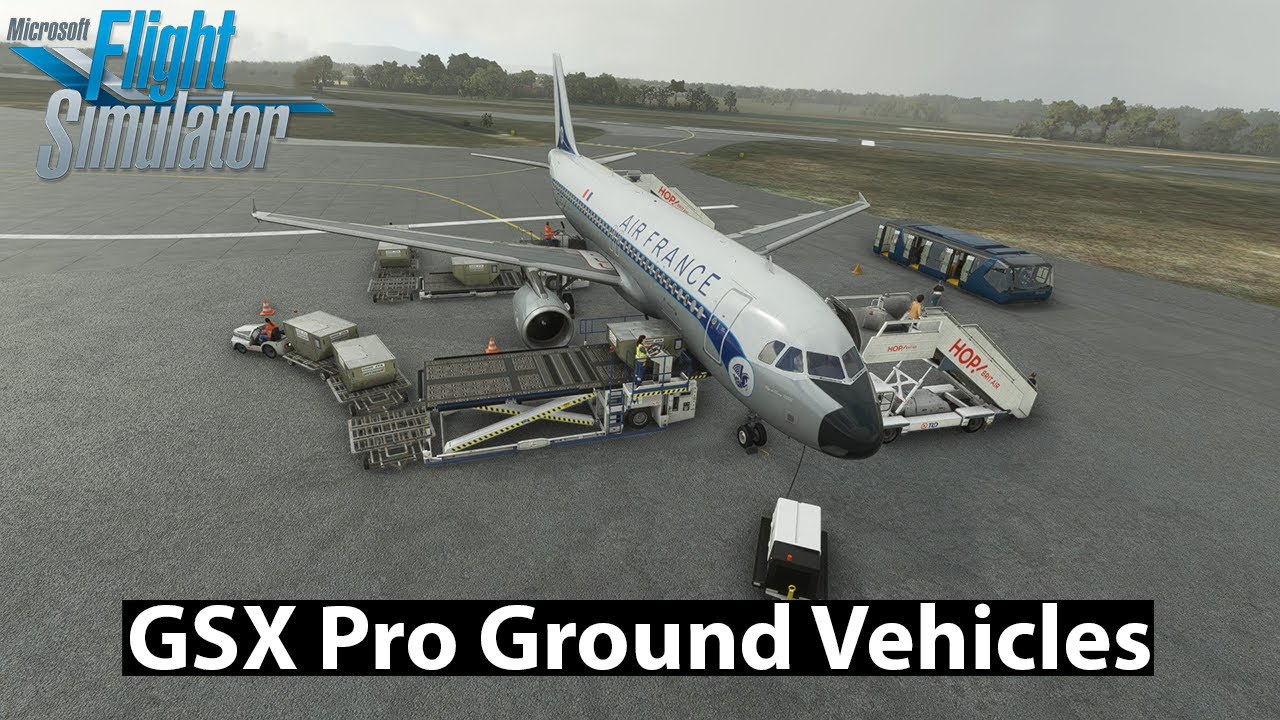
Here I’m taking an early look and checking out some of the vehicles. Including catering, fueling, de-icing, follow me car and more
Not entirely accurate. XP12 users have other addons for this of their own.
Yes, but GSX has it all. It’s a one stop, one shop, solution for ground handling. And it’s the best ground handling add-on out there.
Yes, GSX is one addon. XP12 users will need more than one. That part is correct.
It’s Out… The long wait is over 
Worked out at £31.60 Instant buy for me

Reports of a bug on their forum, so maybe they’ve pulled the plug until they resolve it?
http://www.fsdreamteam.com/forum/index.php/topic,26480.0.html
Hmm. It appears I had a browser glitch. When I left the site entirely and went to open a new tab for something else, my browser told me I still had an item in a web-shop Cart and offered to reload the page. It was GSX - I was able to buy and download. Weird. Anyway, installing now.
Instant purchase for me too, about 20mins to install from zero to fully installed.
I clicked the “update” button also after it was initially installed.
I’m really interested in this, but from what I’ve seen on YouTube in the last day or so, it looks pretty rough around the edges. Think I’ll wait it out for an update or two.
This is indeed very promising but when I try to update using their FSDreamteam updater program, it crashes partway through. I’ve tried running it as an administrator, and after a reboot, but no dice. There’s at least one other person on their forums with the same problem - I don’t have an account there to chime in (still pending forum approval).
In the sim, it does work and seems pretty cool. I’d love to read the manual but I can’t find it. When I first installed the program, I clicked on the button to show it, but nothing happened. I can’t find it in my Community folder in any of the fsdreamteam folders. Anyone know where it’s located?
That happened to me during the first install @LameLefty
I unlinked it, then uninstalled it.
Re-installed again (it uses the saved DL files if you answered yes to those prompts when you first downloaded it), but this time, I did NOT update at all, I just downloaded the file from the forum link above, copied it to the directory.
Next start Couatl for GSX MSFS program (it should go into your system tray), THEN start MSFS (I didn’t start the Couatl program whilst MSFS was running, do it before you start MSFS) - I also didn’t just start MSFS and hope it starts the Couatl program, I started it myself first manually.
I’m sure there are other ways, but that’s what is working for me.
I got it fixed and that’s ultimately mostly what I did - however, after installing it, I used the INSTALLER program to update it, not the separate FSDT Updater app. That seems to have worked, and best of all I have the manual, lol.
For anyone who can’t find it in the future, the manual is in whatever directory you picked to install in, buried in a subfolder. I went with the defaul installation location, so it’s:
C:\Program Files (x86)\Addon Manager\couatl\GSX\GSX_manual_MSFS.pdf
Does it work now with the a32nx? A reviewer has reported that the early access did not work with a32nx
Oh nice, thanks. I will give that a try.
How many times did you have to click the Update button? only the once or multiple times? Only asking as I read some people seemed to have the Update button available no matter how many times they pressed it.
Glad you found the manual! lol definitely need it for this app.