FSExplore by Mamu Designs - user-editable multi-user hiking, driving, scenery-objects, and misc

Just ran into a fascinating addon from Mamu Designs on youtube; looks like there was actually a video uploaded a month ago about part of it:
but a more in-depth one today:
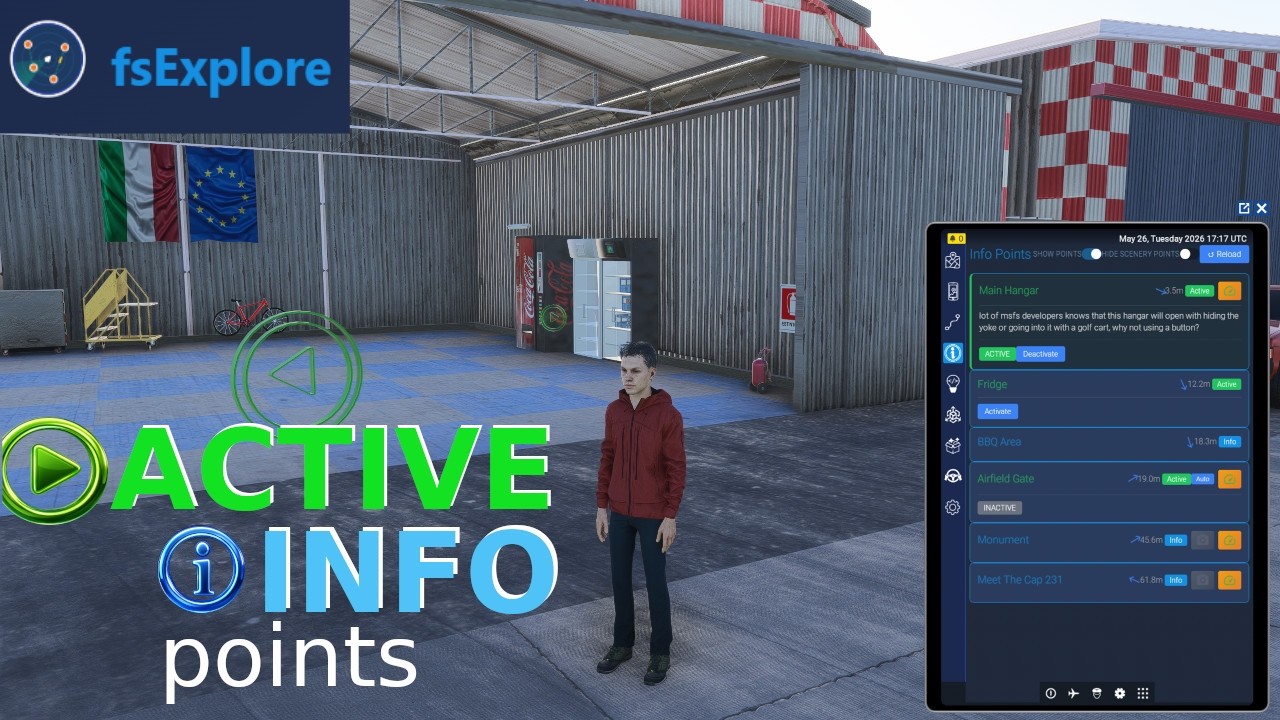
Not quite sure what to even call this; it seems to be mostly focused on walking/hiking/on-foot exploration, but then it also has stuff for bush trips, pilot-controlled-lighting at airports (and I’d guess probably any other remote-control scenery object effects you want really), and the vehicle driving + pushback/towing. There’s a basic freeware version, with an expanded payware version for 18,90 € (seems to be on launch discount for 13,90 at the moment)

It was only the other day that I was musing over the possibilities of FS Fire’s simobject placer, and this seems to be another addon playing around with the that sort of thing. It’s already available for PC, though the main www.fsexplore.com website itself was showing “0 online users” last I looked at it. Not sure when it actually launched, but I guess within the past week. Or maybe today? The mamudesign.eu front page only has a placeholder image for it at the moment.

I explored this on my stream last night and I absolutely loved it. It’s providing the immersion, engagement, and character the sim has been lacking. While it’s true most of it is geared toward avatar mode, it creates very plausible goals that involve flying:

Imagine a scenario in which you fly a bush trip to an airport, explore points of interest there, complete with pictures and details. Then get on a motorcycle, follow a path to a trailhead, get out and hike to a scenic point with a guide showing you the way. Then ride back to the airport and fly home.

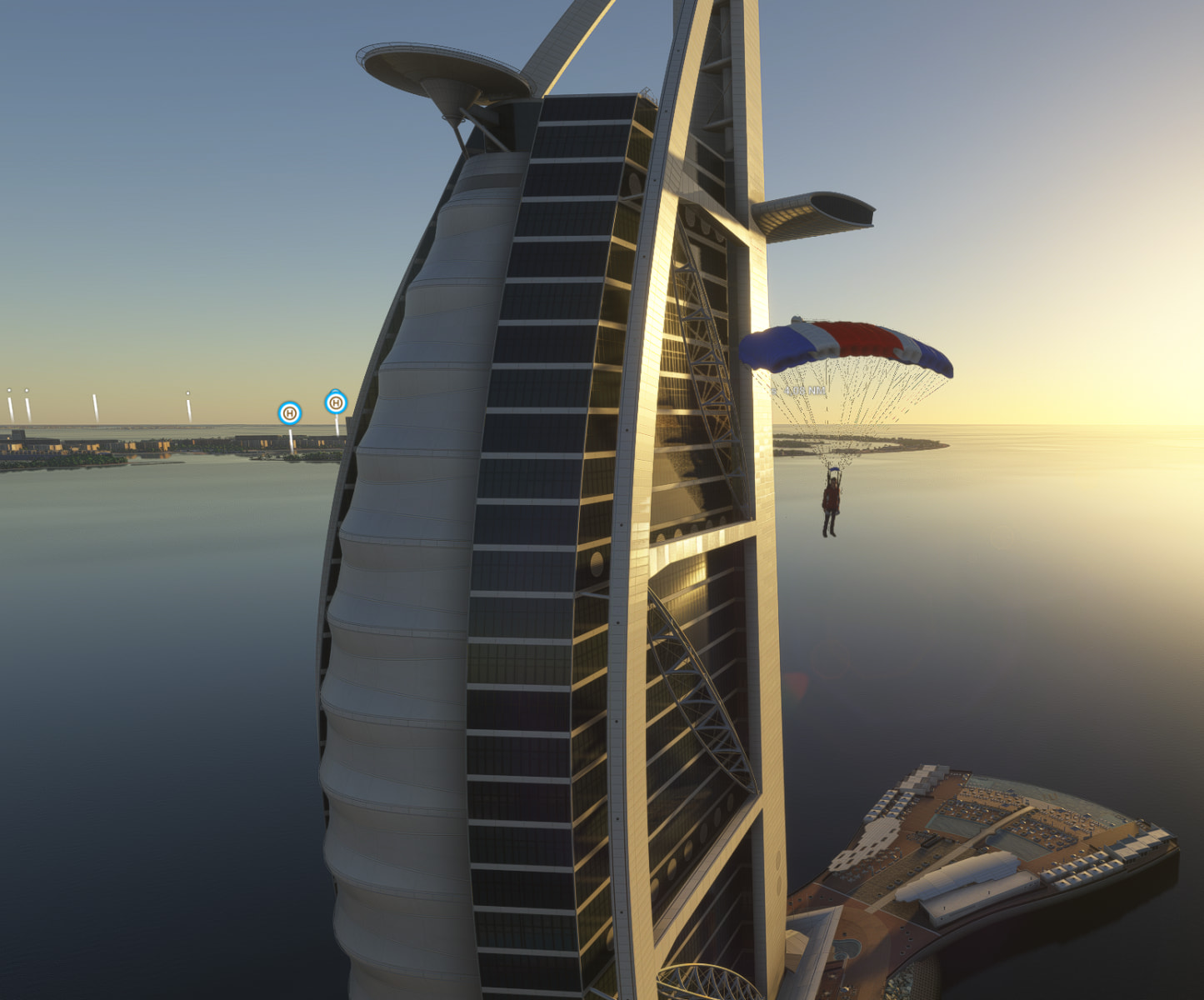
Or perhaps someone challenges you to find a McGuffin. Or you could do a multiplayer race involving flying and driving (all without reloading the sim). There are a couple neat addons as well, pilot-controlled lighting, the ability to transport the avatar and/or airplane (independently) anywhere. You can give your avatar skis, or a headlamp, and yep, you can also parachute.

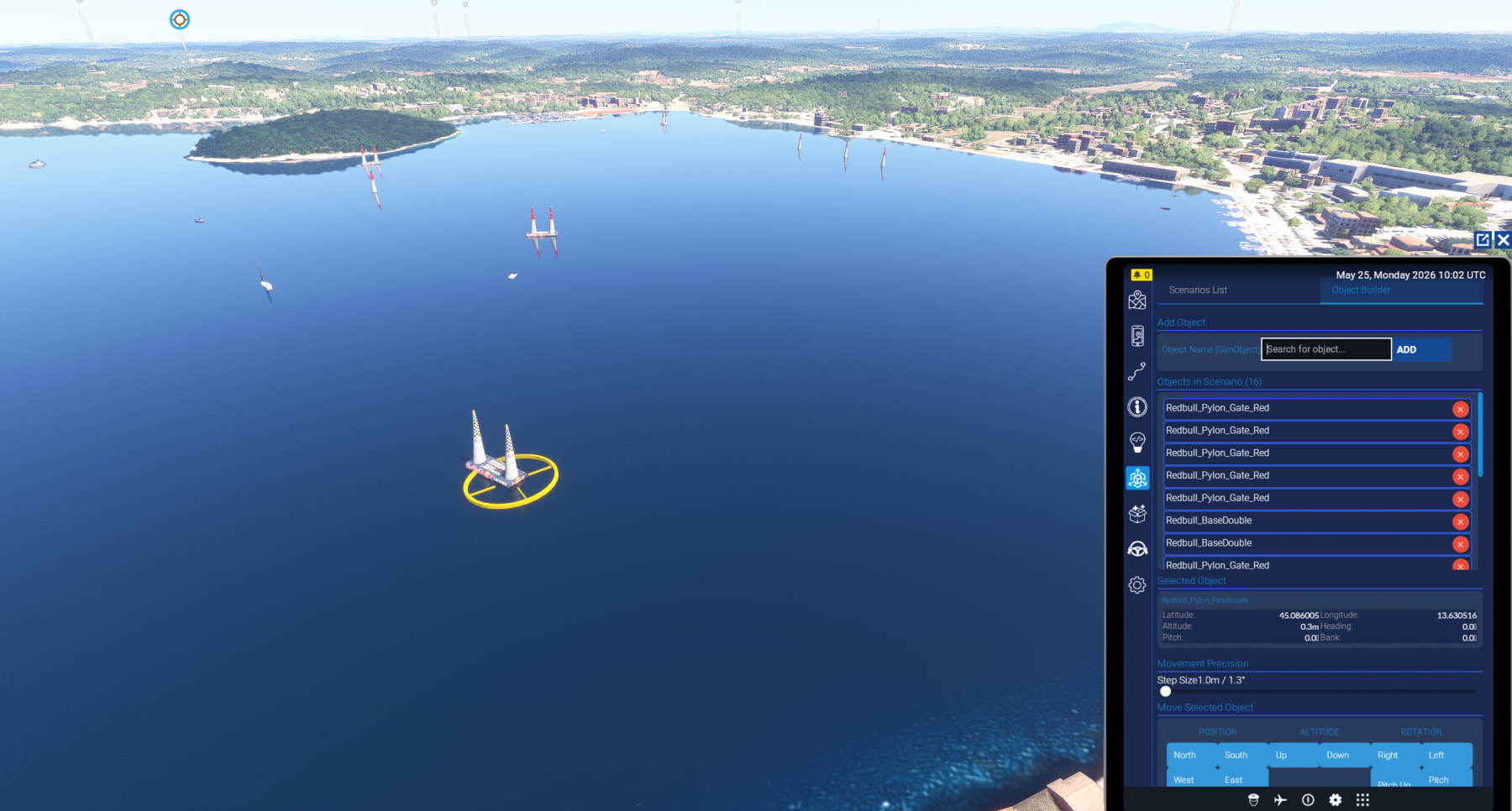
Creating points of interest can be done within the sim’s EFB, right in the sim. Some include actions triggered by proximity or other simvars (I need to explore this more). With the scenario creator, also in the EFB, a you can drop objects from a list of over 4000 items, including driveable vehicles. More creation tools are available on the website, accessible from pretty much any browser.

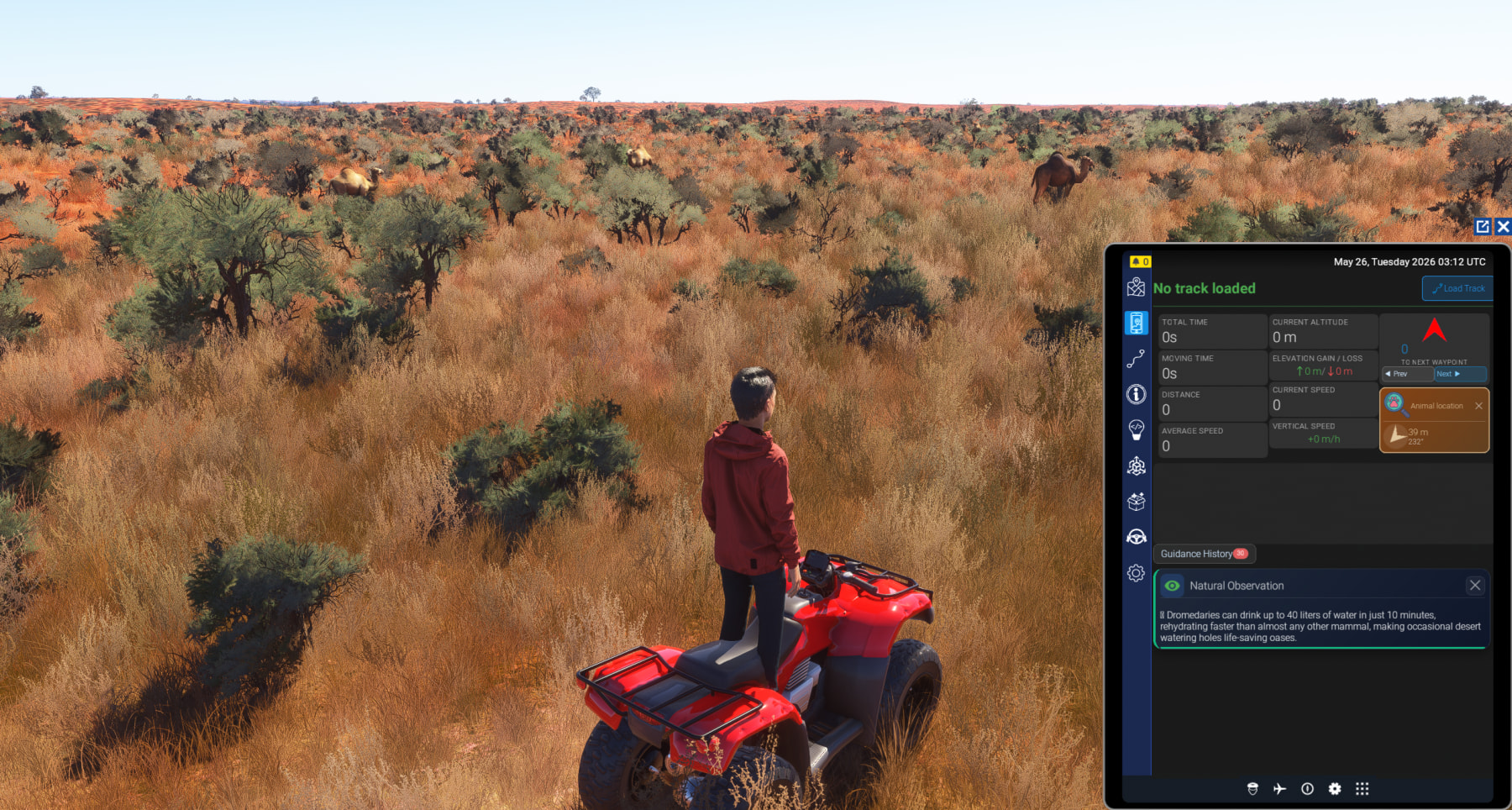
Even if you’re not interested in any of those things, it finally has an interactive map that shows where your avatar is, as well as any fauna. And all of this is accessible within the sim’s EFB.

It’s a powerful tool and a lot of the things we thought were impossible have been done. I can’t wait to see where this goes.

We got GTA in MSFS before we got GTA 6, crazy!

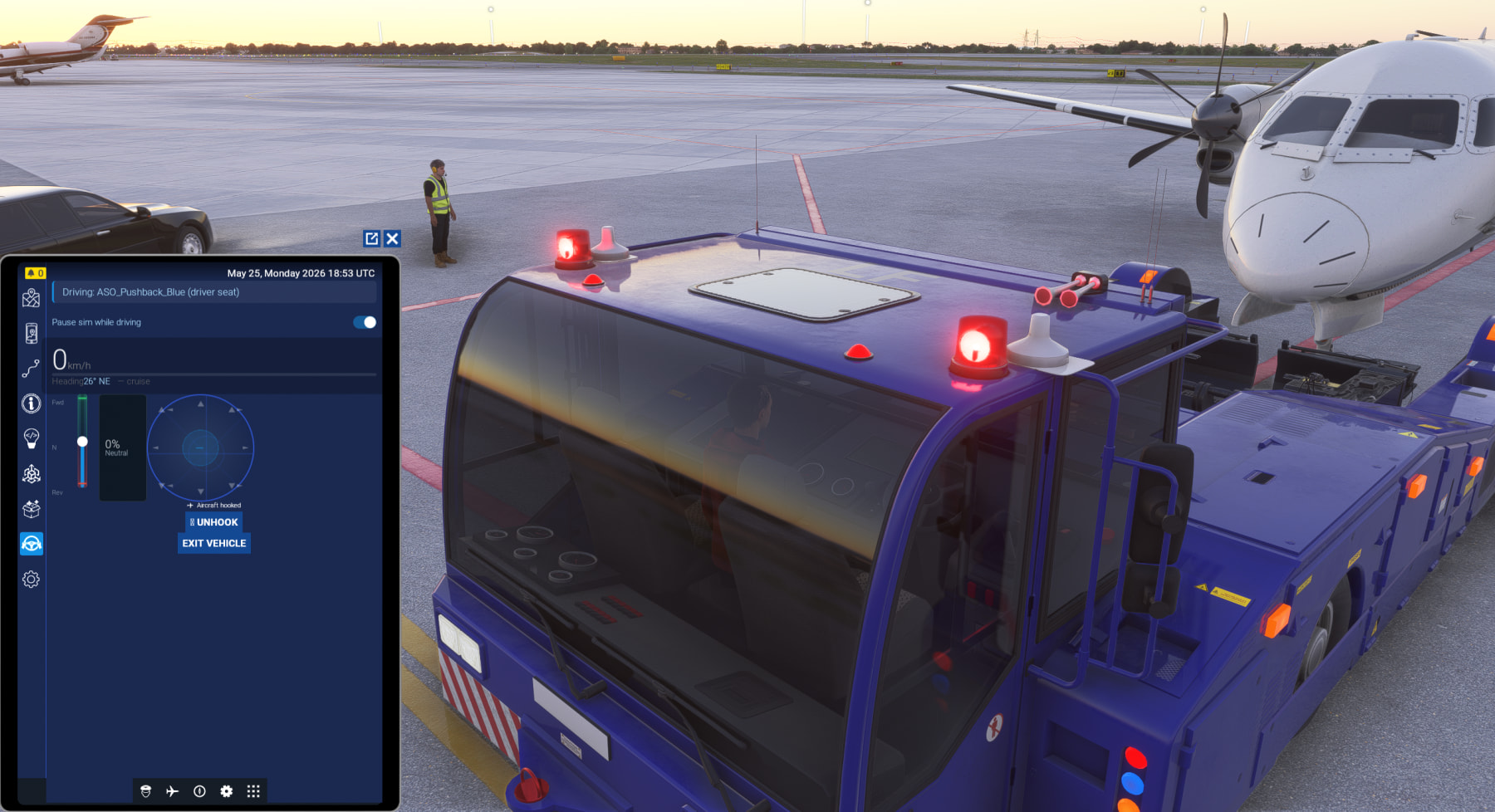
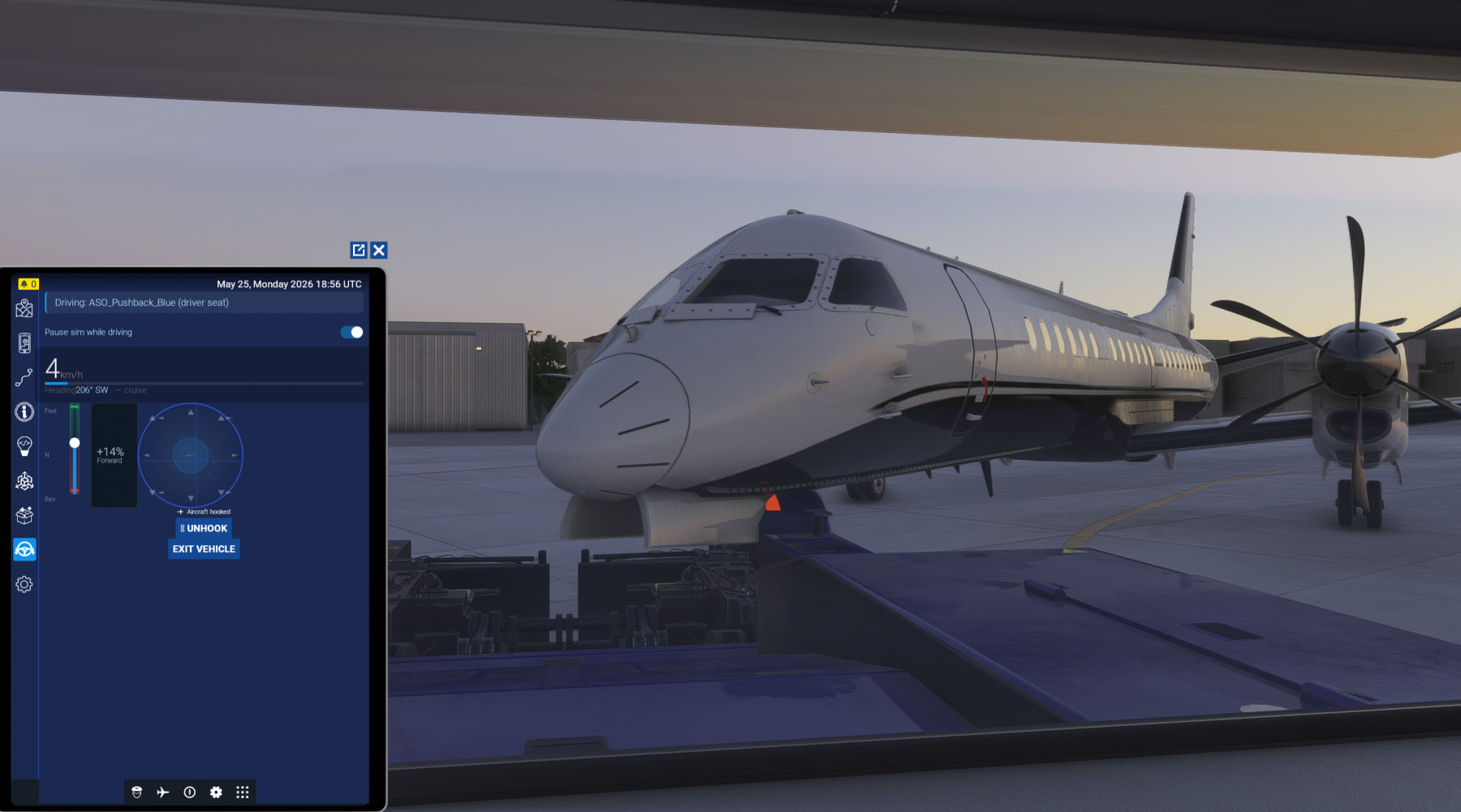
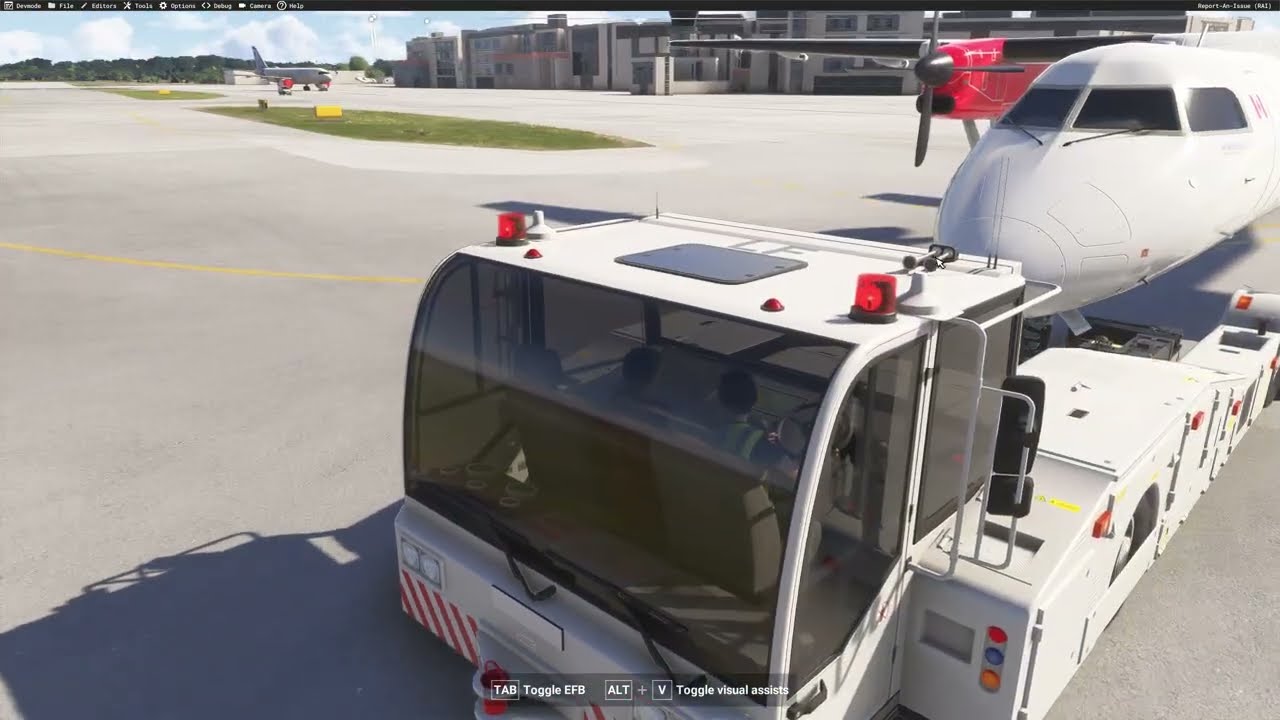
I would love to drive my own pushback.

Thanks for the thread, so let’s make this the official one, shall we?

fsExplore — Full Edition

The complete companion platform for Microsoft Flight Simulator 2024. Land your aircraft and keep going — on foot, with an AI guide at your side and the whole world to explore.

What you get:

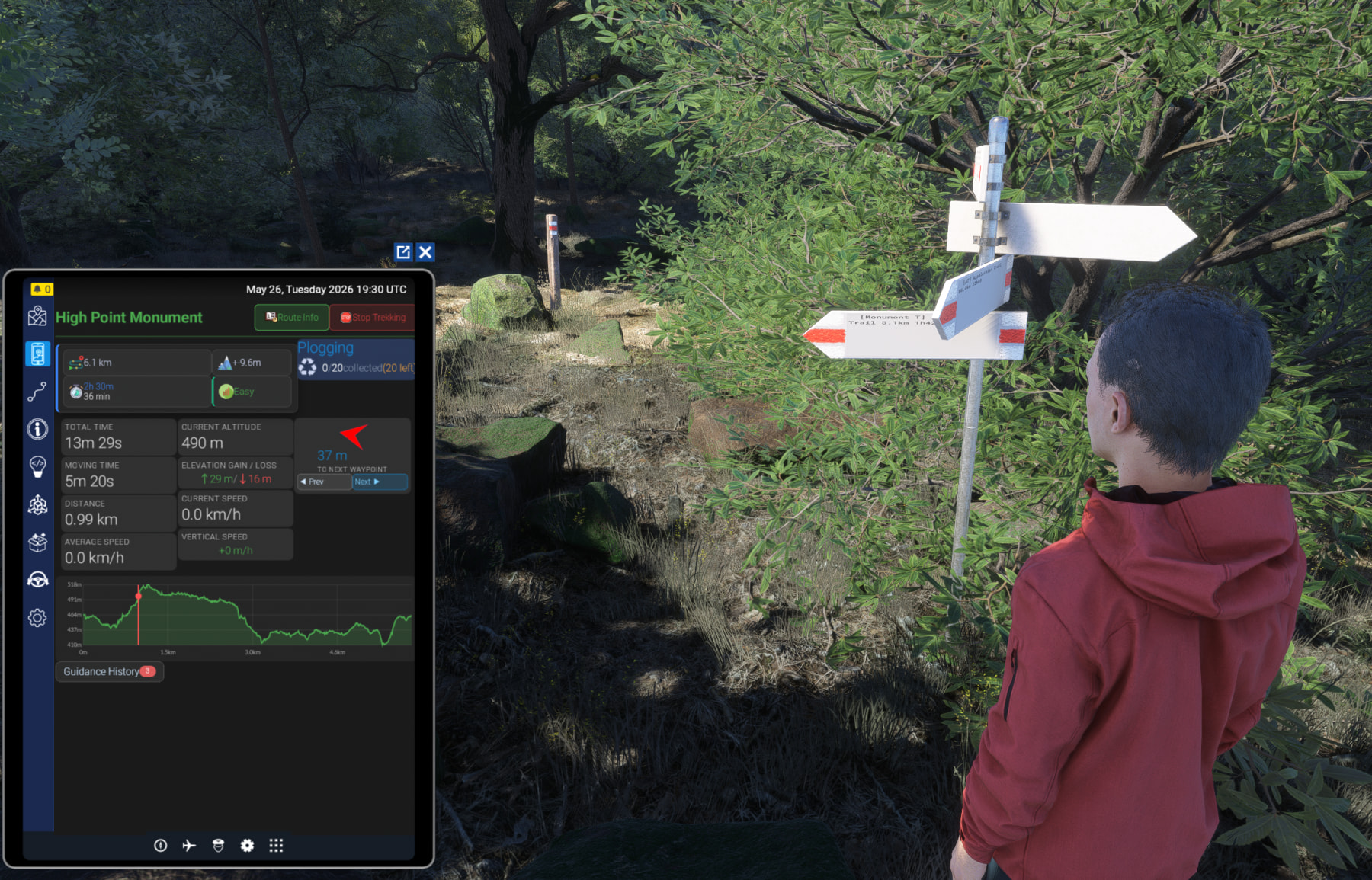
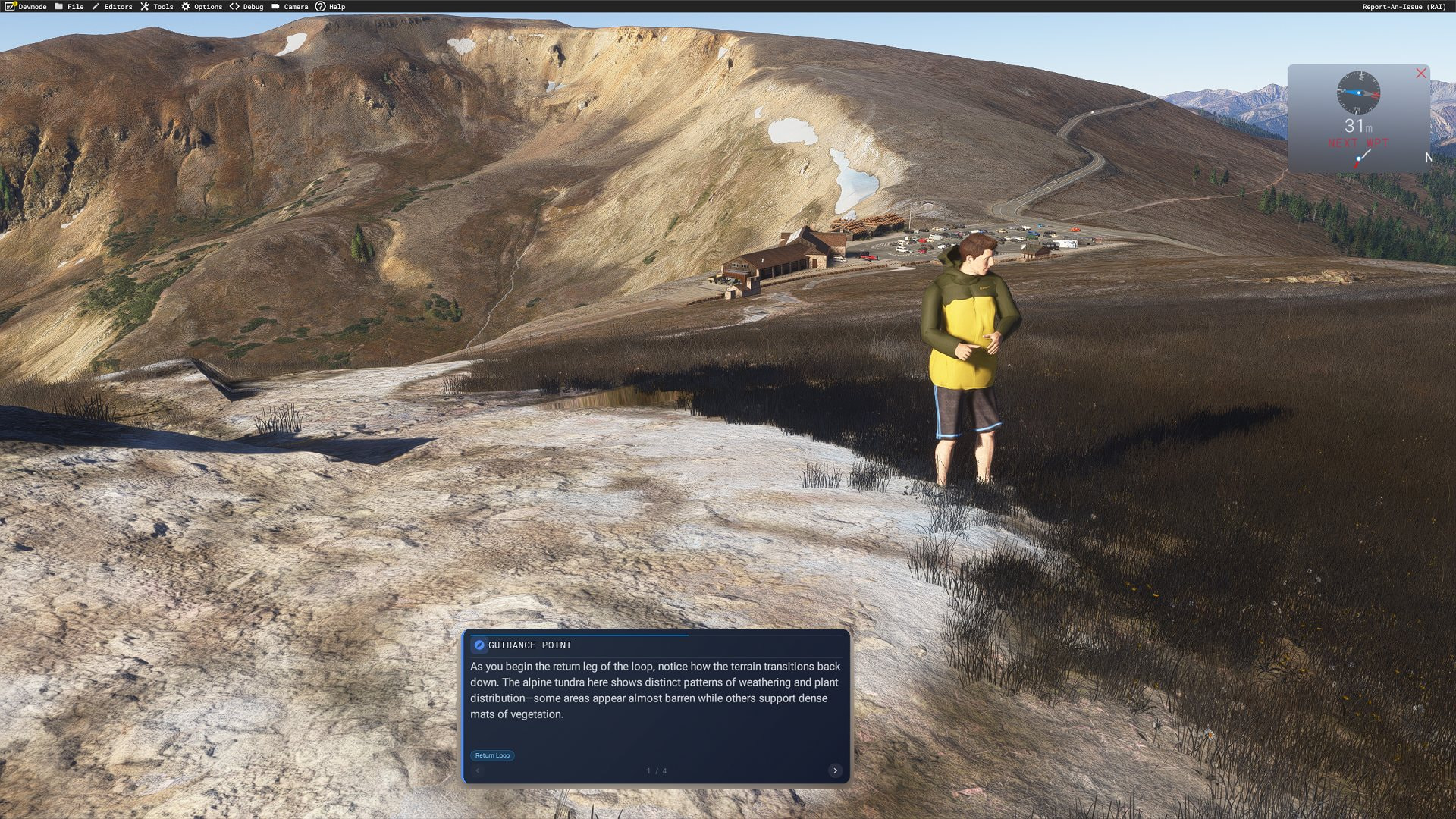
  • :hiking_boot: Avatar trekking system — walk real GPX/KML trails with a virtual guide who leads the way, adapts to your pace, and waits at scenic spots

  • :robot: AI-generated commentary — Claude-powered narration about landmarks, nature, and history, brought to life with multilingual text-to-speech*

  • :paw_prints: Wildlife observation — get prompted when animals appear nearby, with directional tracker arrows to find them

  • :world_map: Interactive map EFB — real-time position on OpenStreetMap, OpenTopoMap, Hiking & Bike, satellite, and more

  • :satellite_antenna: Live position sharing — see other pilots on a real-time map, coordinate group flights

  • :railway_track: Track Manager — upload GPX/KML hiking routes, auto-simplified with elevation profiles

  • :airplane: Bush Trip Editor — design custom bush trips with multilingual narrative waypoints

  • :clapper_board: Scenario Builder — place SimObjects anywhere in the world (animals, vehicles, props) and share scenarios with the community — no install required

  • :automobile: :ship: :bus: Vehicle Driver — drive any available GroundVehicle, or spawn your own in a GTA fashion. Carts, Cars, Trucks, motorbikes and boats. Real pushback available too ( Custom quad bike and snow mobile included for faster exploration)

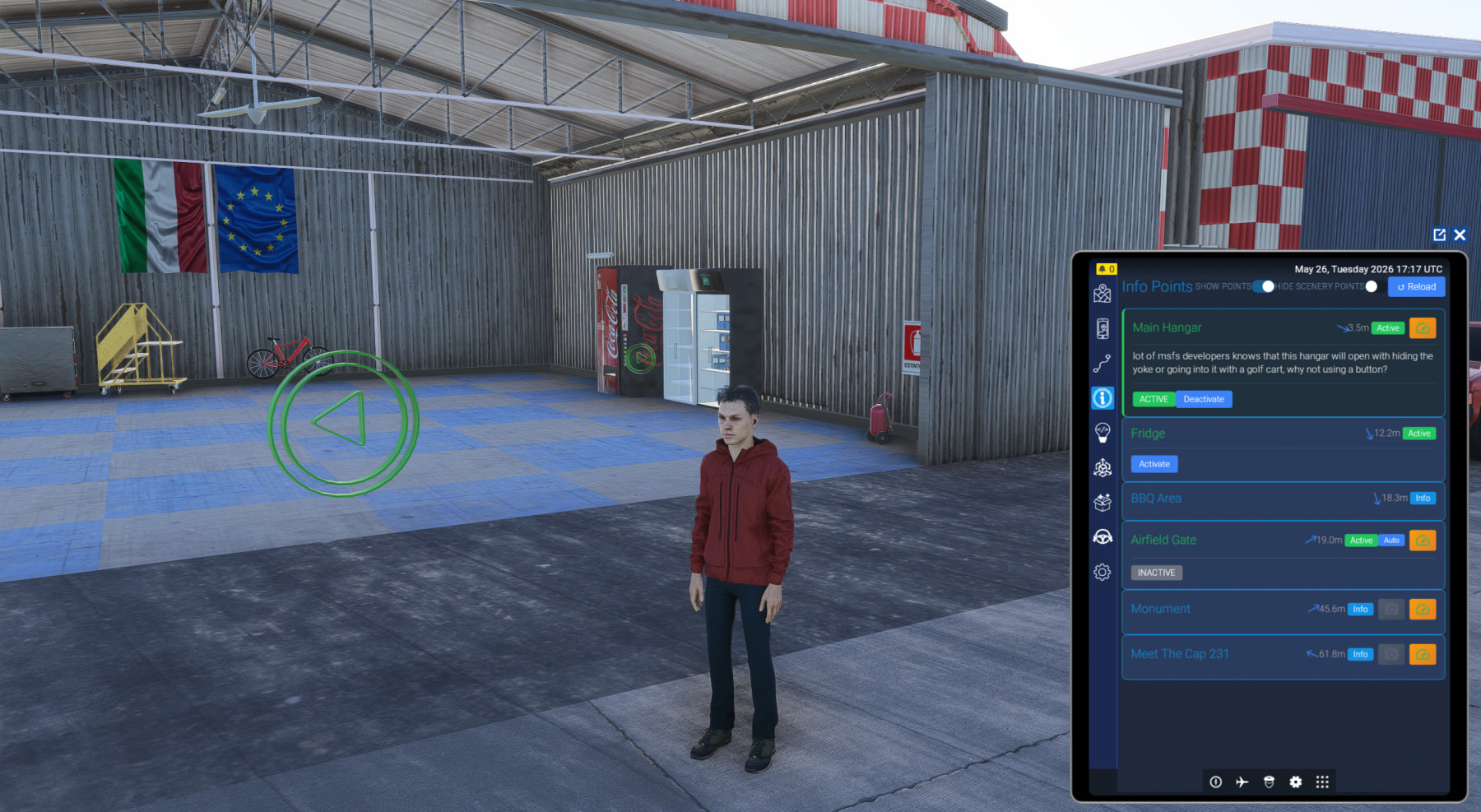
  • :round_pushpin: Info & Active Points — interactive markers that open doors, trigger gates, fire scripted events

  • :world_map: OpenStreetMap injection — real-world benches, fountains, monuments, and signposts appear dynamically along your route

  • :placard: Hiking sign system — authentic directional signposts at trail junctions sourced from OSM hiking relations

  • :light_bulb: PCL (Pilot Controlled Lights) in every airport in the world

  • :mobile_phone: Full EFB integration — manage everything from your in-sim tablet

  • :globe_with_meridians: Community access — discover, rate, and contribute content worldwide

  • :hammer_and_wrench: Creator tools — full web editor suite for tracks, scenarios, guides, and SimObjects

fsExplore — Free Edition

A free taste of the fsExplore world. Perfect for pilots who want to mark interesting locations, share discoveries, and explore community content — directly from the in-sim EFB.

What’s included:

  • :round_pushpin: Info Points — create rich markers with photos and descriptions for scenic viewpoints, landmarks, and great landing spots

  • :high_voltage: Active Points — design interactive triggers that open hangar doors, activate gates, control lighting, or fire custom events in your scenery
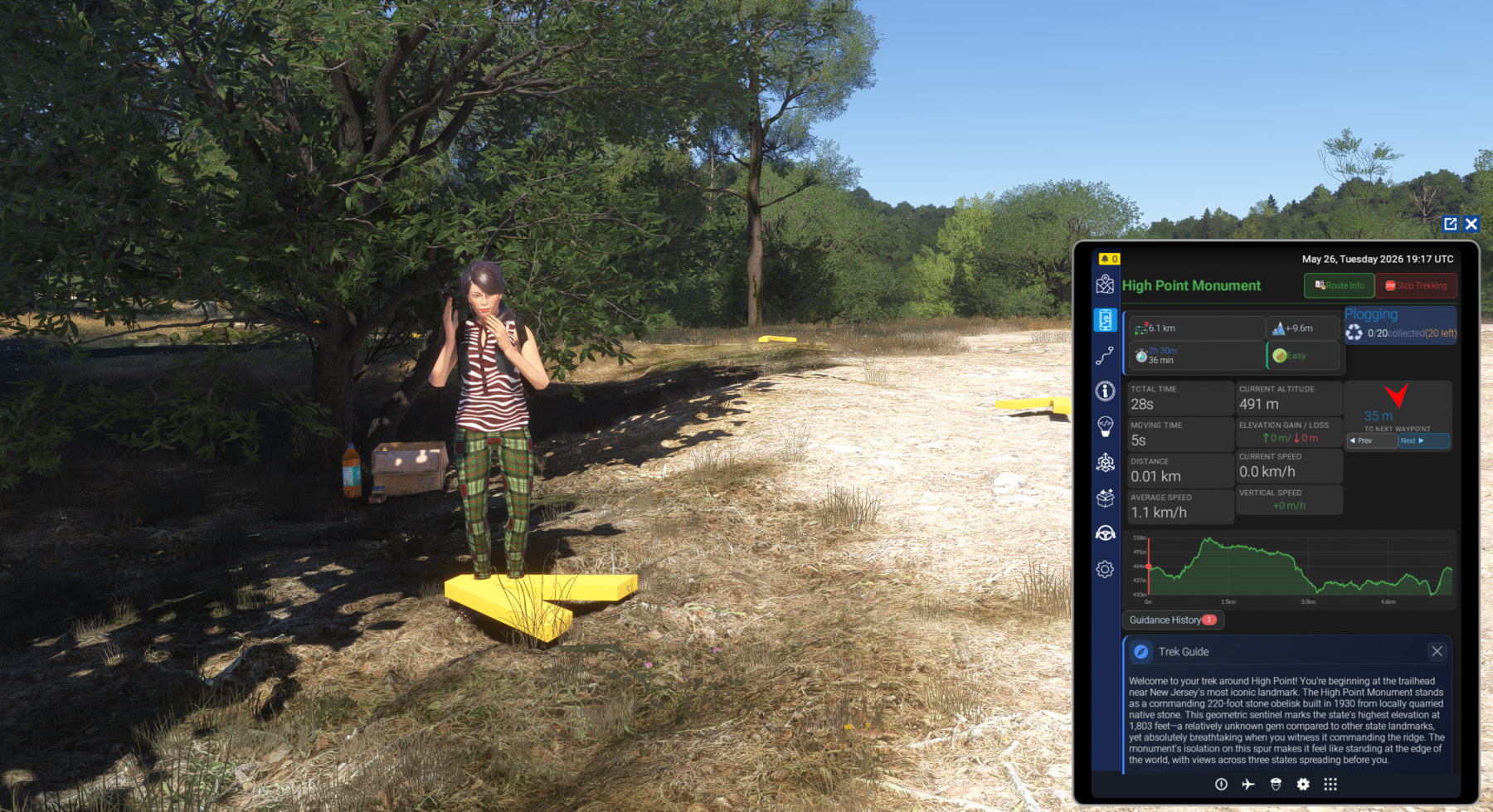
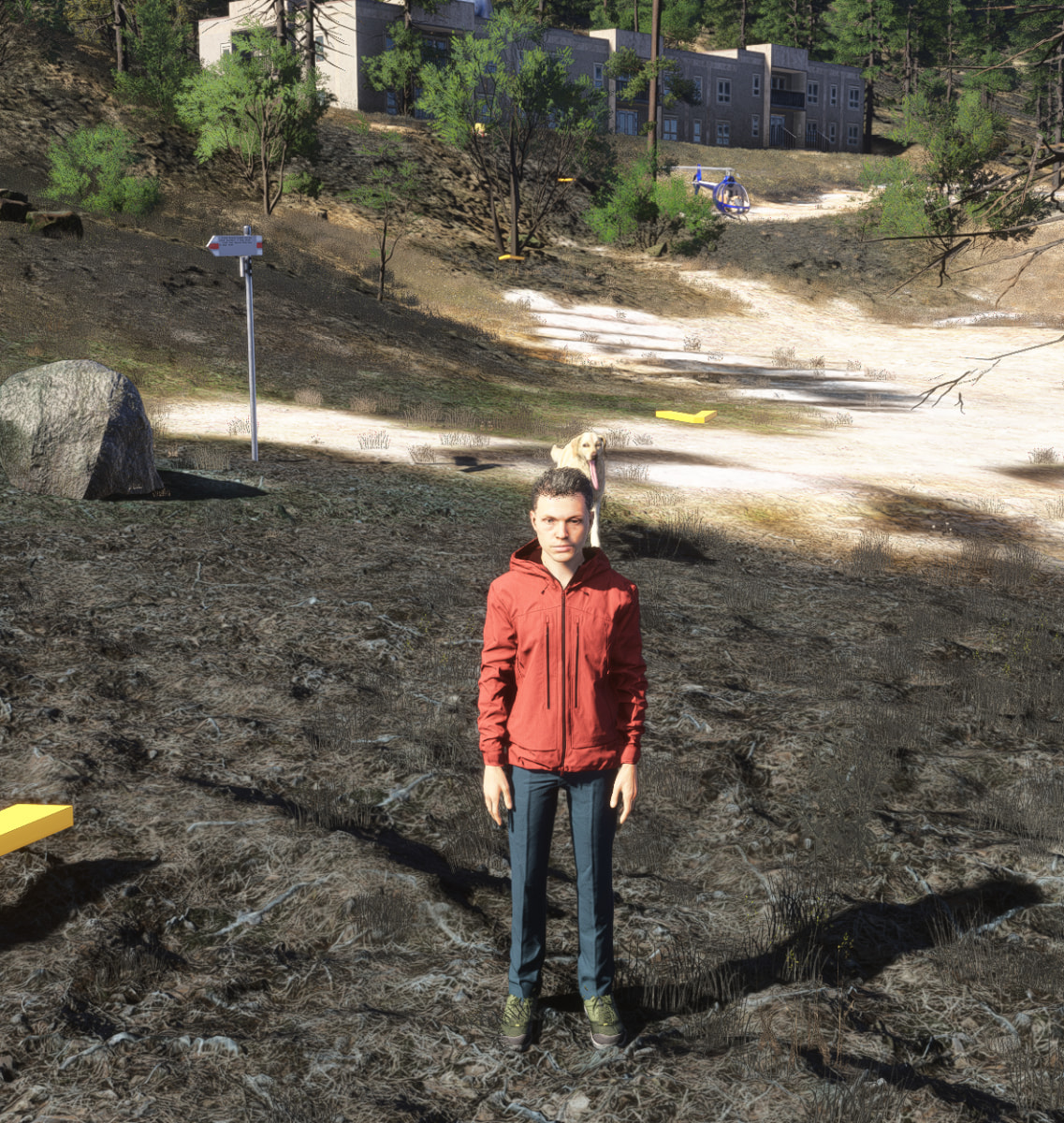
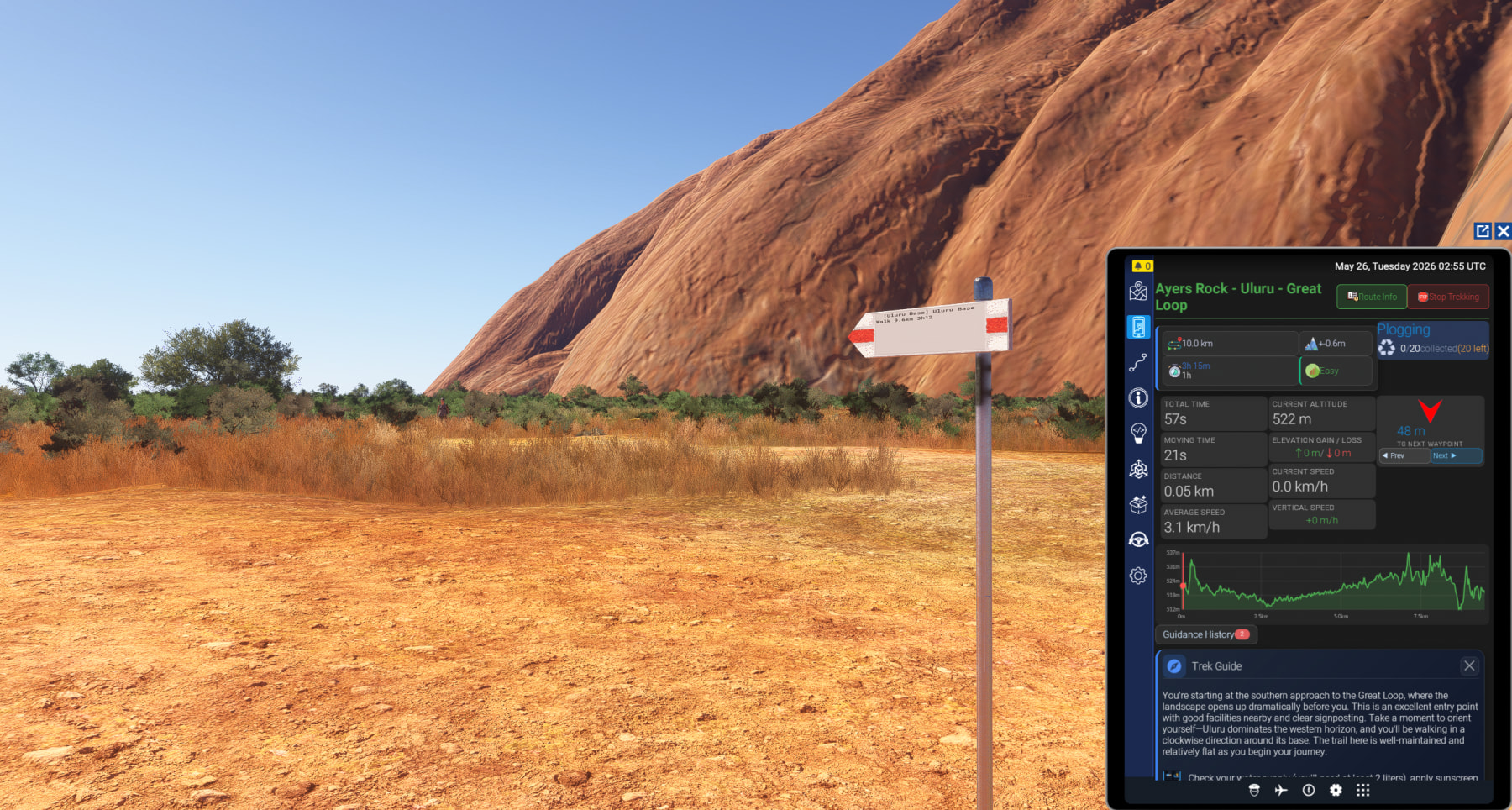
  • :globe_with_meridians: Community discovery — browse and use points of interest created by pilots worldwide

  • :mobile_phone: Mobile EFB integration — everything available from your aircraft tablet

What’s not included (available in fsExplore Full):

  • Avatar ground exploration & trekking

  • AI-guided routes with voice narration

  • Scenario Builder & SimObject placement

  • Bush Trip Editor

  • Wildlife detection system

  • OpenStreetMap object injection

  • Vehicle driving

Compatible with: Microsoft Flight Simulator 2024 (PC&XBOX**).

*Some features (Piper TTS voice synthesis) require the companion PC application.

** Currently on test, full driving experience still not available, pending bug at Devsupport

Further info and support available at

I really hope this addon takes shape and gets populated with interesting places to visit and interact with.

In the thread below (aug 2024) we were talking about how the new “walking avatar” would look like in msfs24 and what new possibilities would create. With the implementation of new landable and walkable Gaya AI ships, land vehicles, drivable boats and ships, a series of addons from //42 that focus on outdoor activities and other addons like FSExplore, I’m happy to see the direction the sim is taking:

https://forums.flightsimulator.com/t/2024-pilot-active-outside-the-cockpit-interactive-walk-around/596293/25?u=wilster2070

In last night’s stream, I flew a JetCard charter TBM-850 up to Truckee, had VATSIM a good chunk of the way. When I got to Truckee, I got out, dropped a Crown Vic (common crew car) using FSExplore and drove it into town. I parked it, then got on Google Streetview and “walked” around, looking at restaurants, etc. It was very immersive.

This looks intriguing and reminds me a little of another unique app that doesn’t get much look in, Where Are My Aircraft by Lorby.

That enables you to save you aircraft in scene so that they remain 'in world, sort of like your object spawn.

Perhaps that’s a function you could look at adding. I.e. when you park up or land your aircraft, it is saved in scene so that if you drive around in another vehicle, your aircraft remains where you landed and you can transfer back to it. I had a runway set up with all my parked aircraft. Adds to immersion greatly.

@MagicManASK

Hi, yeah it is absolutely possible and quite easy to implement, there is already a integrated Scenario builder to add objects to the sim (directly via the EFB or with a web interface)

So ideally, user click on a button like “Save in parked aircraft list”,

This will create/save it in a Scenario (Which basically a list of objects with their position in the world)

And by loading the Scenario (either manually with current implementation or with a specific one automatically), parked aircraft will appear

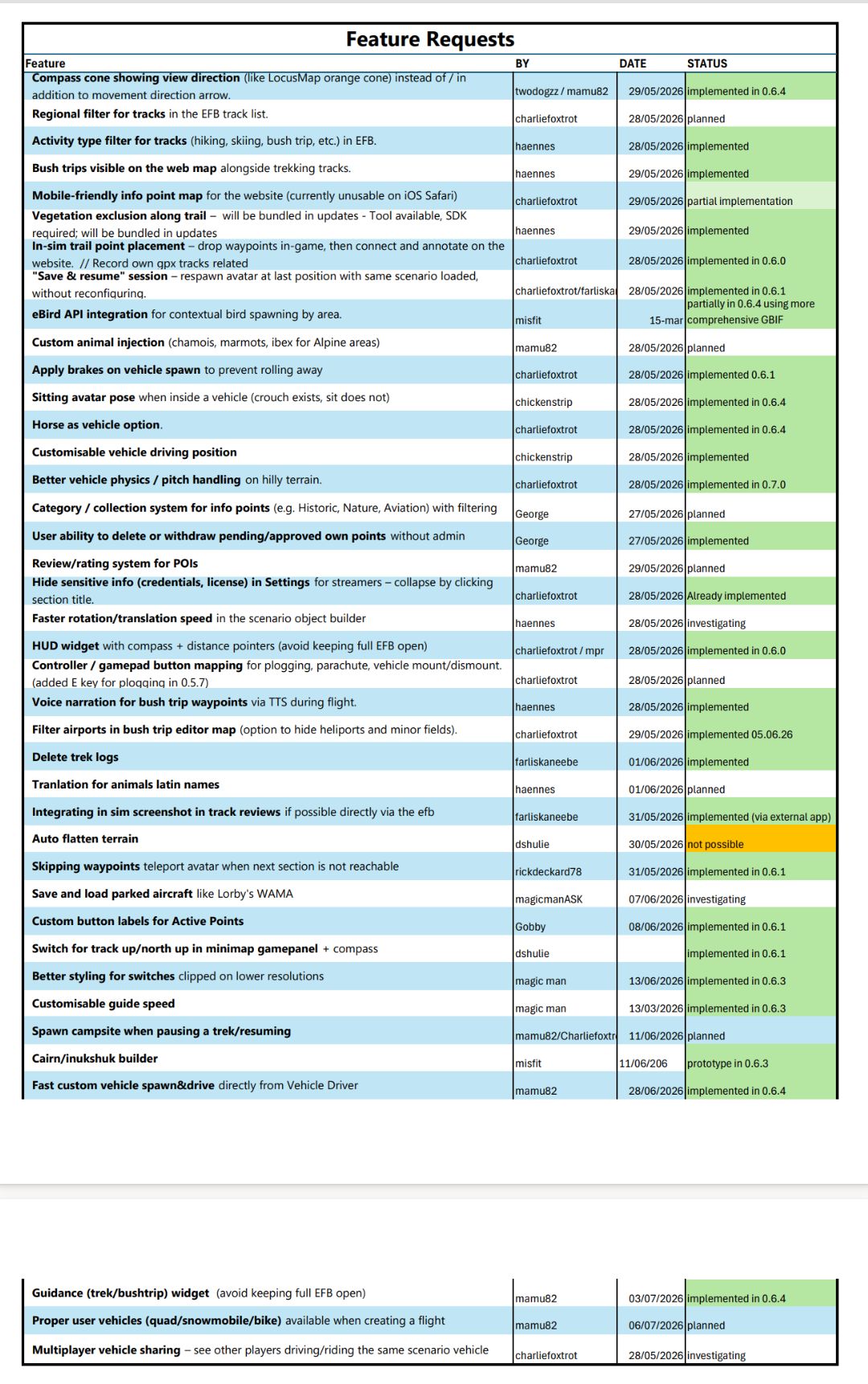
Will add it to the feature request list

It is anyways already possible in current implementation to arrive at a location, park aircraft, drive any of the groundvehicles or boats available (or spawn your home), drive anywhere and when you come back your current aircraft is still where you have parked it. Or you can drive everywhere teleport the aircraft where your avatar is

I would already say that it won’t be possible to fly that plane again from that position, in MSFS it is not possible to change aircraft dinamically (well it is in dev mode but is out of the scope of the EFB app)

That’s excellent. WAMA does allow you to fly again from a parked aircraft - it’s not perfect - I think it loads in the saved flight that you previously saved. It also uses the slew operation to move you/your aircraft to a previously saved position. I think Lorby is ‘parking’ any further development on the FS2020/2024 version, which was only ever a beta anyway, but you may want to check it out or get in touch with him.

Many thanks.

FS Explore is a great pairing with the new World Update. I’ve been adding a lot of trails at the national parks.

I somehow missed this. It’s right up my alley. Will be getting the full edition ASAP! Edit: Using PayPal creates an infinite loading wheel, unfortunately. I’ll try again later.

Thanks, the PayPal checkout needs popups to be enabled so if you have something blocking them it won’t work

Hope to have this in Markeplace soon too :kissing_face_with_closed_eyes:

For those interested in

Version 0.7.0 has been released

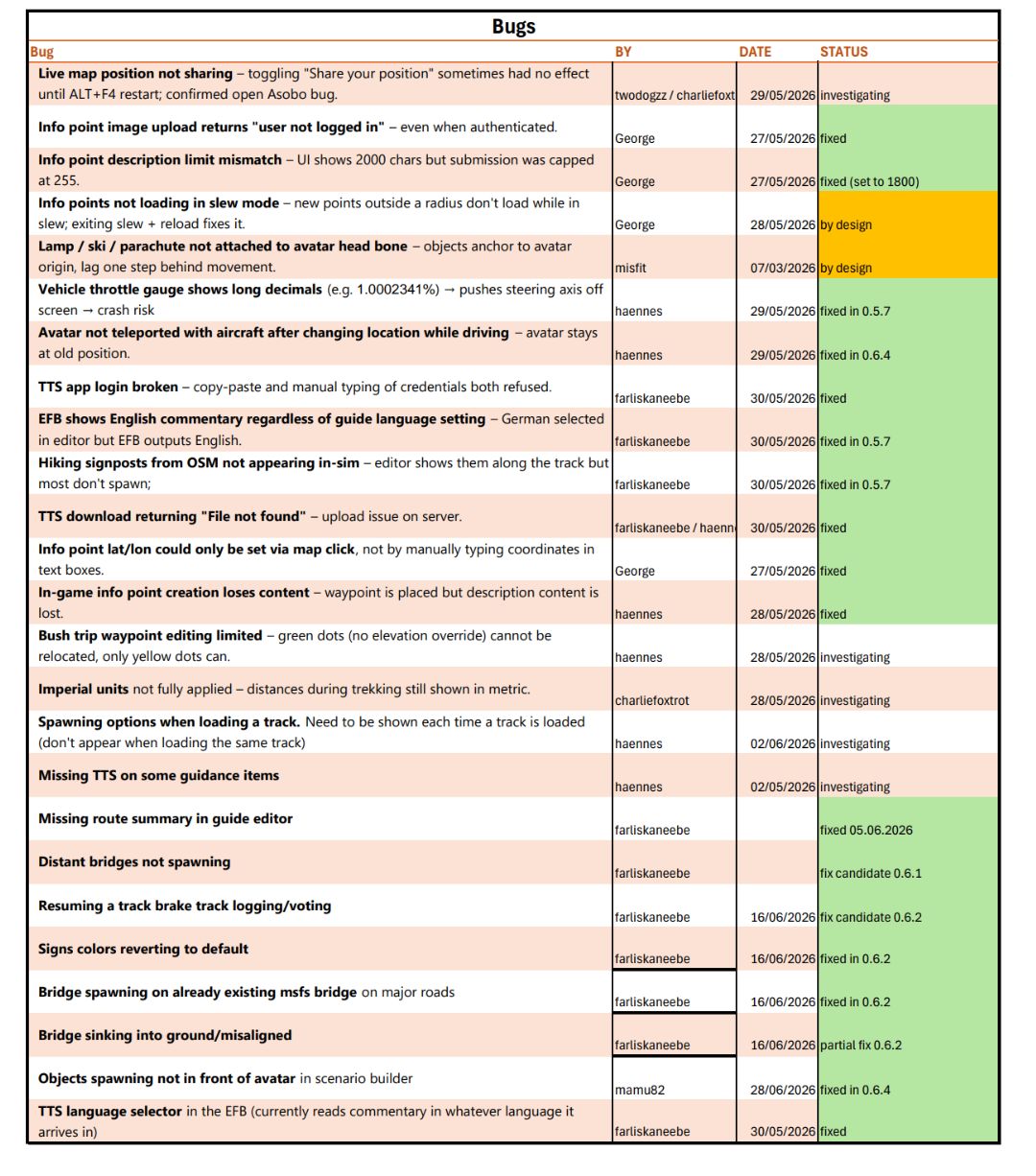
Bug fixes:

- when in world map vehicle driving is blocked, so avatar and airplane can be teleported correctly

- in Scenario Editor objects are now spawned in front of the avatar

- fixes a bug where bridges spawned where existing msfs bridges are, added new filters

- fixed a bug where guidance indications in loop track were mixed with “back” part of the tour

- moved the exit vehicle button above the vehicle controls so it is still visible in portrait mode

- pause when driving set to default (this is a game limitation but I want you to know that the game is in active pause when driving)

- when adding an object in Scenario Editor, it is now ensured that the Simobject textbox value is considered

- when using the headlamp, default brightness is applied without the need to operate the brightness slider

Added:

- in map view, a cone is shown for the avatar looking direction

- ebird API integration using the more comprehensive GBIF database: now when generating guidance, information about real animal occurrences (birds and mammals) are addded to the guidances info and location are stored.for future injections

- sitting position has been enabled when driving vehicles (or via a toggle in Misc tab in the EFB) . This feature overrides default avatar’s animation so may brake with game updates

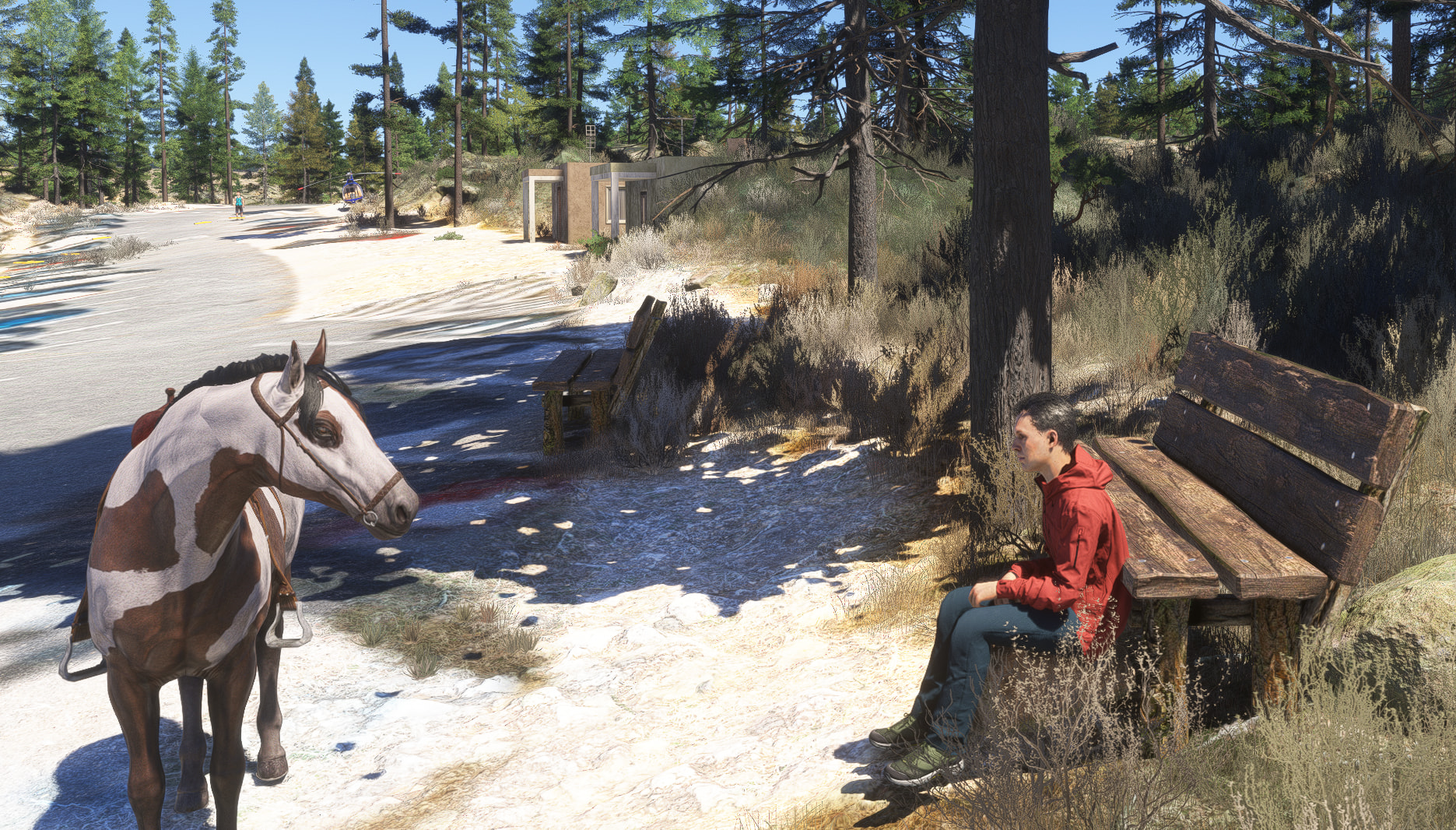
- added horse as vehicle option , unfortunately i’m not yet able to sync the trot/gallop and avatar vertical position, but in first person is quite nice

- better physics for vehicles , now they have pitch&roll and react to gravity

- added a new function to spawn&drive some vehicles with a single button press

- added a new in-game panel to send guidance notifications without the need to look at them on the EFB, the panel must be opened manually

I’m a fan of Mamu got all the add-ons on Xbox. Bought this last night but a lot of the buttons are in-op and do nothing and it’s very glitchy. I can’t make an account it keeps saying to fill in all fields when I’ve already done that or it says no connection. And driving like GTA is a bit of a stretch it just throws you in a car standing up sitting down button doesn’t work and it’s almost impossible to drive. The horse jump on and you fall thru the floor in an endless loop. Unfortunately I disabled this add-on it’s just not working as advertised. It has some interesting features but imo it needs more work and updates. Also I’m not a fan of the 2 extra menu tiles as they all take memory even if you don’t click on them. And atm the Xbox is struggling with memory as it is.

Same here - got it, was even able to register and all the stuff, but using is quite a hit and miss. It should have been advertised as open beta. The concept of creating something (hiking trails with signs) is also not really clear to me. A handbook is needed ASAP.

You have to pause the sim to not fall through the ground. There is a toggle for it to do that in the scenario tab of the internal app: “pause sim while driving,” or something to that effect. There’s also a toggle for avatar sitting or standing position while driving - really the only options available at this time. If it’s one and you want the other, get off the vehicle, toggle it, and get back on. I’ve found that if it’s getting too buggy, just respawn the vehicle.

As far as driving, I’ve had the best results using WASD versus a controller.

GTA it is not, but it actually adds a very interesting and engaging dimension to the sim. And it’s constantly being improved to leverage more features that enhance it. But it also highlights the lack of ground detail and native avatar features, so your mileage may vary.

Are you on Xbox.? I can’t register at all. I just want the street maps :sob:. Also erm why is there a page that makes you drop rocks on the ground.? I agree with you it really needs a manual or some YouTube tutorials.

The “rocks” feature is used to build cairns (rock piles). It’s a common thing hikers do to mark their path or just for insta photos. Harmless to do it in the sim versus real life.

Keep in mind most of the features of this are oriented toward hiking/trekking. But I’ve had some interactions that are really cool, hiking and not-hiking. The ability to drive to and from the airport is pretty cool. Or to find a nice photo spot or nearby animals.

The ability to move faster than the stock avatar and having a map that shows the avatar’s position is worth the price of entry alone.

Highly suggest the monowheel for personal transport for now. The nature of the avatar using it while in a standing position makes it less prone to some of the bugginess affecting other modalities.

@Hookalaya911 @BlitzMeerkat

I’m sorry for your experience :pensive_face:

The registration via the EFB interface should have been solved now, it was a server side issue related to the game web browser

If you are still unable to register please report !

In any case you can register directly on the www.fsexplore.com website

(The registration btw isn’t mandatory, it is just a way to keep your progress in the Community Treks, Scenarios, Position on map, Cairns and such)

About vehicle driving, the “falling” behaviour is due to unpause the game while Driving. This happens if you toggle the pause switch in the Driving vehicle tab or if you go to the pause menu manually (the in game one with the Resume buttons), without exiting the vehicle. There is a fix for this and will be available asap in Marketplace

I can assure that the two in-game panels won’t affect the Xbox memory at all, they are less than a few kilobytes. I’m not 100% familiar with the Xbox interface, gonna check later, but on PC there is a Setting panel (with a cog) so you can turn in game panels on/off in order to save space on the bar

Version is currently 0.7, so usually when below 1 i’m not expecting a completely bug free experience, of course your reports are massively useful to solve them :heart:!
this is the reason btw the product is not yet been advertised properly, the early Marketplace release was mainly meant for users that have been following the Mamu Design Tips & Tricks

development on the Discord channel.

Of course this doesn’t mean that the app hasn’t been tested in the Xbox :smiling_face:, but a broad user experience is always needed for proper tuning

Will work on manuals and tutorials!

Consider subscribing to the Discord channel so you can have immediate assistance and feedback