I set RNAV in the g3000 and I set the waypoint altitudes next to each waypoint. What do I set to have my aircraft ( Longitude) to follow those altitudes??
RNAV vertical guidance is not working with the default G3000 or any other default planes. Never has.
Try the Working Title mods.
1 Like
Thanks Sierra. I have the g3000 working title mod. I can enter the altitudes for each waypoint and the purple diamond reads the altitude but the aircraft does not respond. Do I need VNAV or something else on?
I believe at this time the WT G3000 only offers advisory VNAV… it tells you what descent rate is required to hit the altitude constraints. Setting the proper V/S to match that descent rate is up to the pilot. I think coupling VNAV to the autopilot is planned at some point in the future.
3 Likes
As RadPreemo63 correctly stated, only RNAV Advisory functionality is implemented for waypoints meaning the diamond shows the flightpath but the autopilot does not follow it for waypoints. It works however for linear (non-stepped) glideslopes towards runways (at least, last time I checked. But as things are getting improved by WT constantly, my info might not be entirely up-to-date).
This is correct
Under the flight plan page you will see VNAV with the WT G3000.
You need at least one waypoint with an altitude set and then you need to activate VNAV, all it provides is guidance on when to descend and how quickly, you still have to manually adjust VS mode to stay on the descent path.
1 Like
Thank you everyone for your information. Much appreciated. This is the best forum for msfs2020 questions.
OK, We have VNAV auto pilot in the G1000 and in 6 Aircraft in msfs2020… ( Check your Market place for the free update) Where can I check if they are going to add this to the G3000 please?
At the working title discord server. It is their official support channel.
VNAV (proper) isn’t really implemented in the G3000 as of yet. That said, it can be done. It’s just not the normal way you’d expect it to work like in the WT CJ4 or the new G1000 NXi where you enter an arrival / approach, set minimum altitude on your AP, punch the VNAV button, and let it to do its thing.
I don’t think I could properly explain it, so I would recommend checking out this video which demonstrates how it works (specifically in the Longitude). Hopefully you find it helpful.
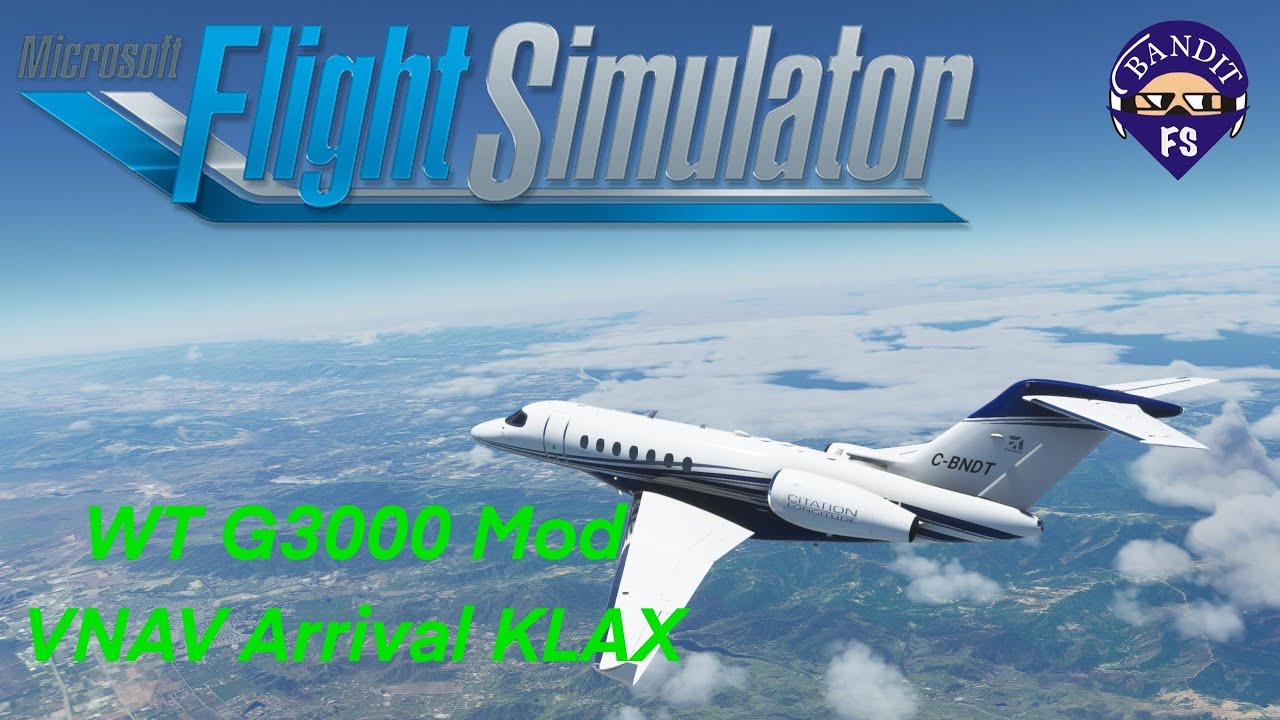
Clever.. I like his thinking.. There is so much in there for VNAV I can’t believe this is taking so long to activate.
Thanks for sending me this link.
1 Like
This topic was automatically closed 30 days after the last reply. New replies are no longer allowed.