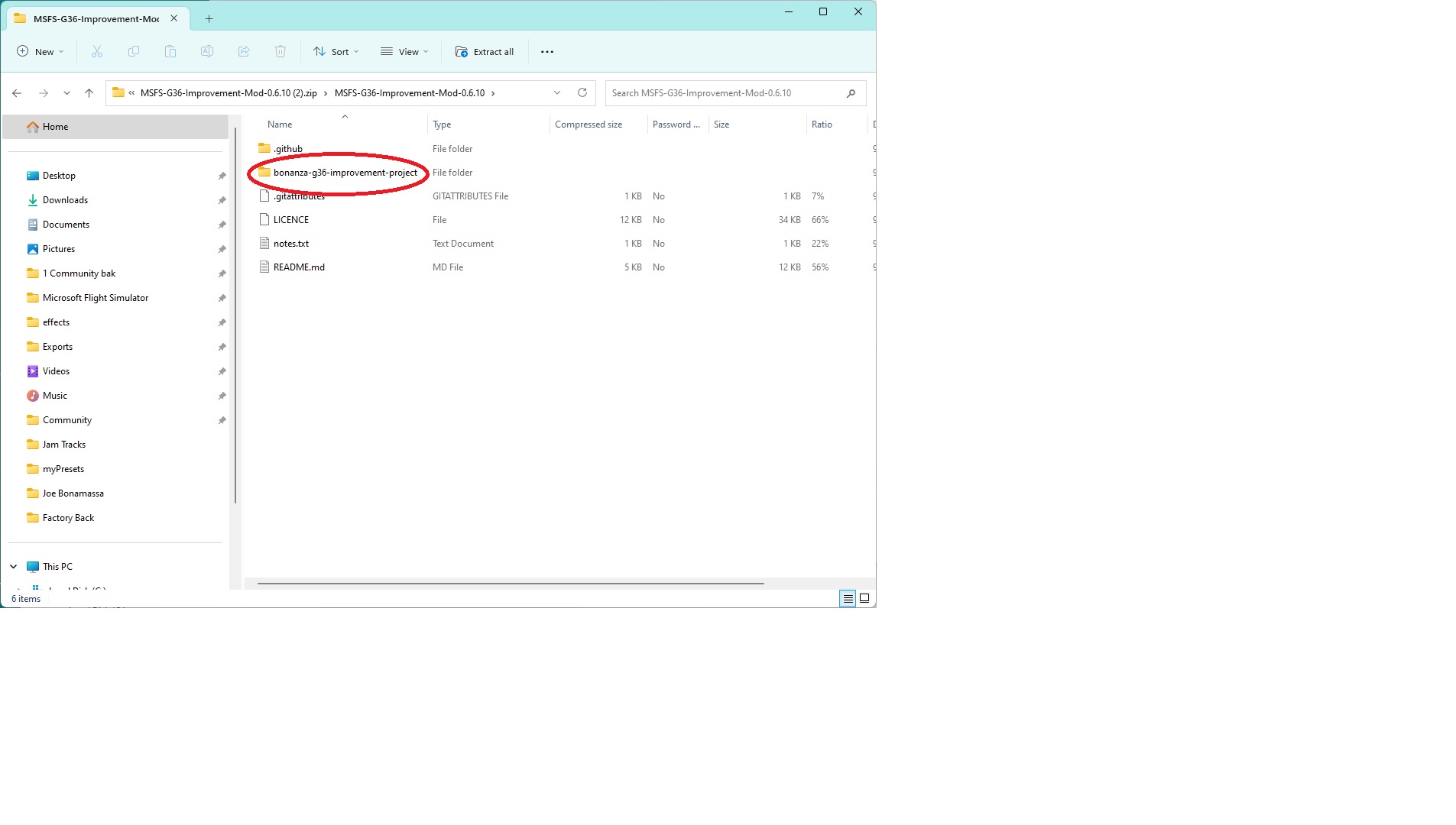
What extra folders would be hidden, then? I use addon linker and only use the “bonanza-g36-improvement-project” file.
Also, is there a way we can include the PMS750 mod since its so popular and useful? I have gotten used to using the 750 since release and “other” sims.
Yes, I have that same exact folder but the plane is still invisible. I removed it completely, deleted it, restarted the PC and downloaded and installed again. Still invisible.
I even avoided addon linker and copy/paste into my community folder. Something tells me there’s a mod conflict
Same result here! I also moved my community folder to the desktop, created a new community folder and put the “subfolder” for the bonanza g36 in that so there were no other mods to interfere. The plane was still invisible!
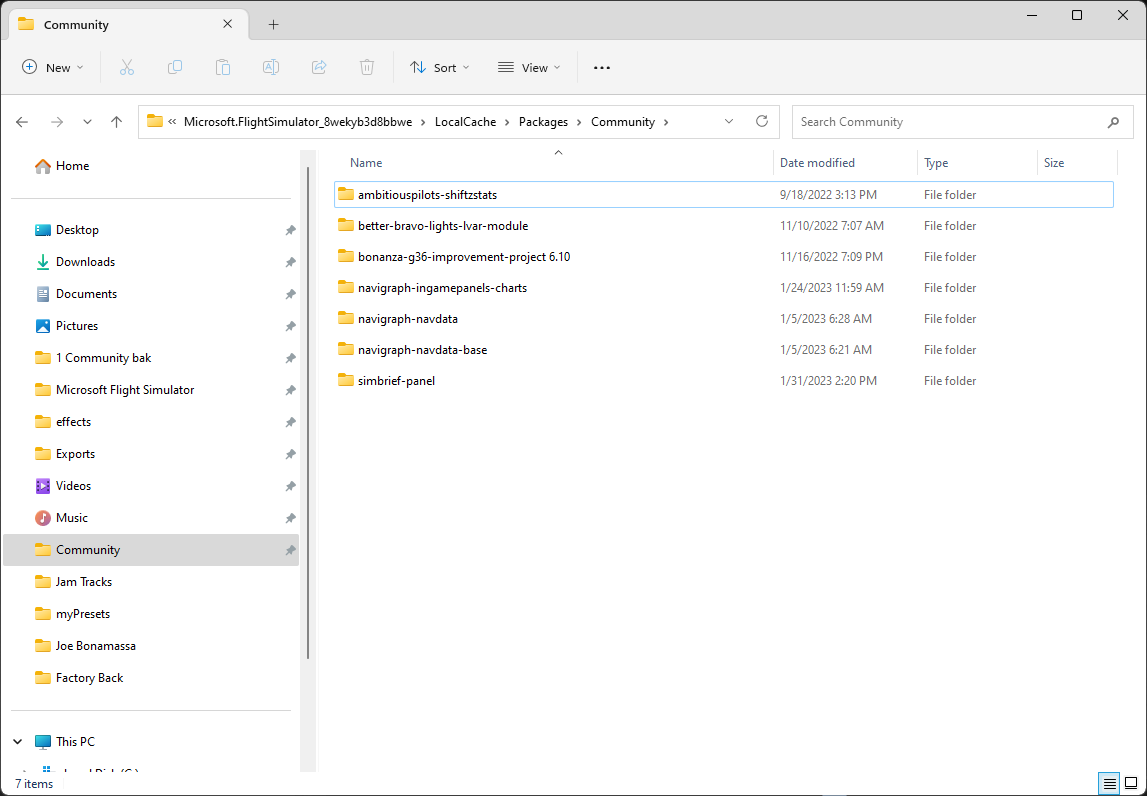
No issues here. Not now, not ever. Just working beautifully, so one has to suspect it is something specific to your setup? Could you do a screen capture of the expanded Community folder with the mod folder expanded as well perhaps?
Definitely not in a beta. I’m at work so I can’t get a screenshot of that. I am just thinking of conflicting mods right now. Pms750 is installed, WWT mods are all disabled and I am using the default livery.
In the simulator hangar, it says its the improvement mod but it’s invisible there too.
Was there a hidden folder, or something extra that shouldn’t be there?
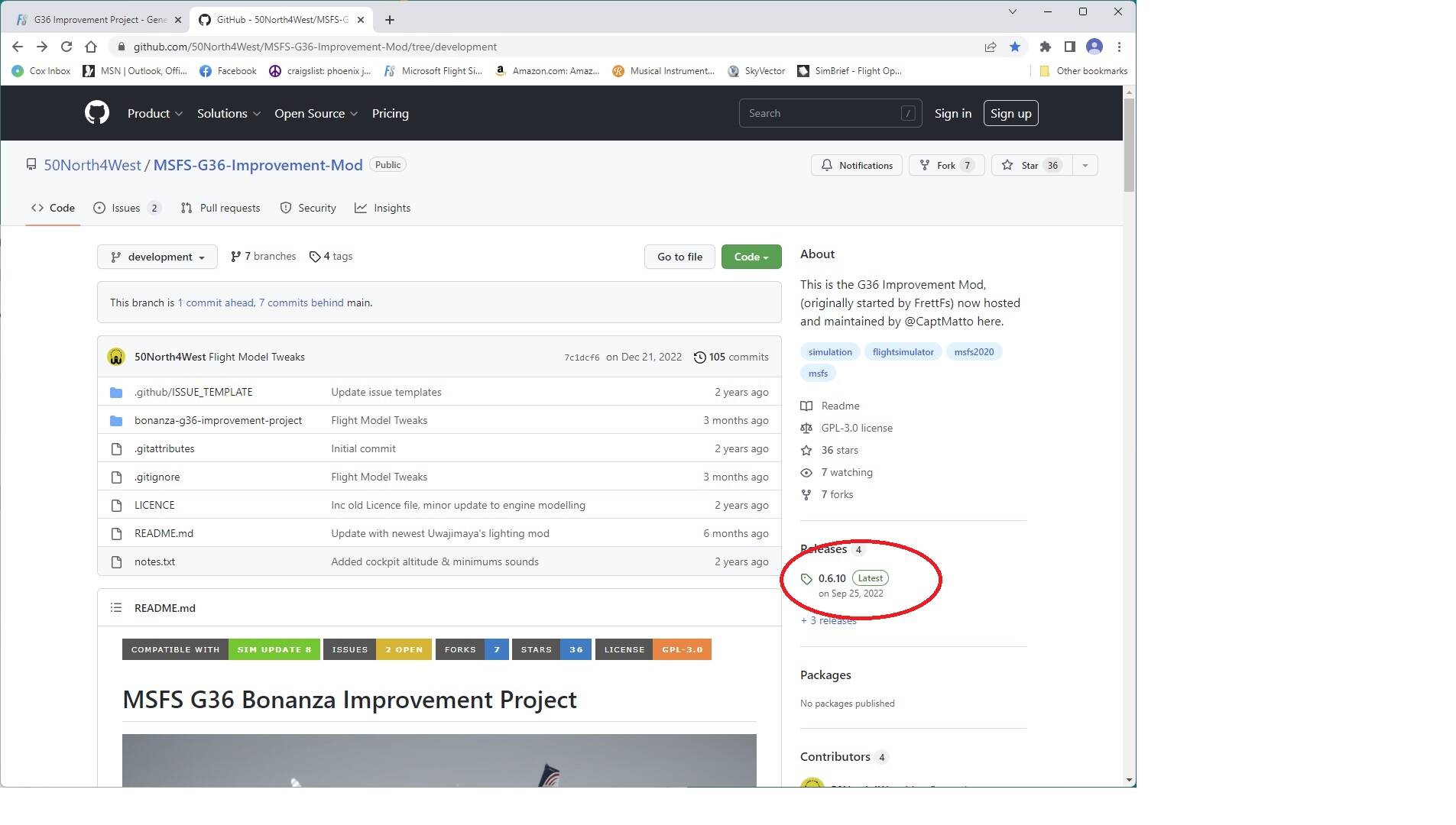
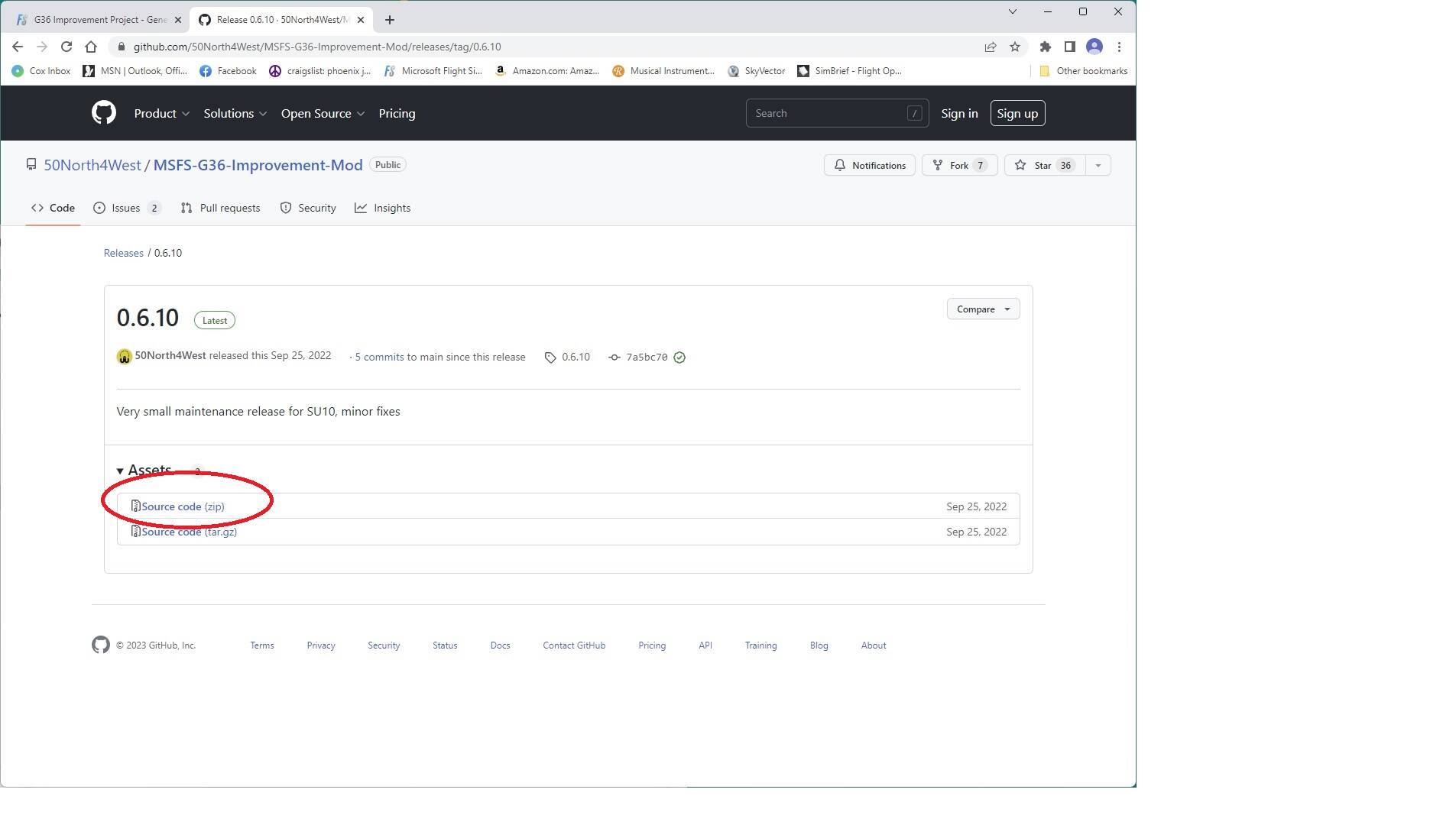
I found out what is going on here. The package that can be downloaded from Flightsim.to does not contain all files needed to see/run the G36 mod. The source.zip on the github repository does include all the files needed.
Just tried out the mod…looks like very nice improvements…should be fun to fly!
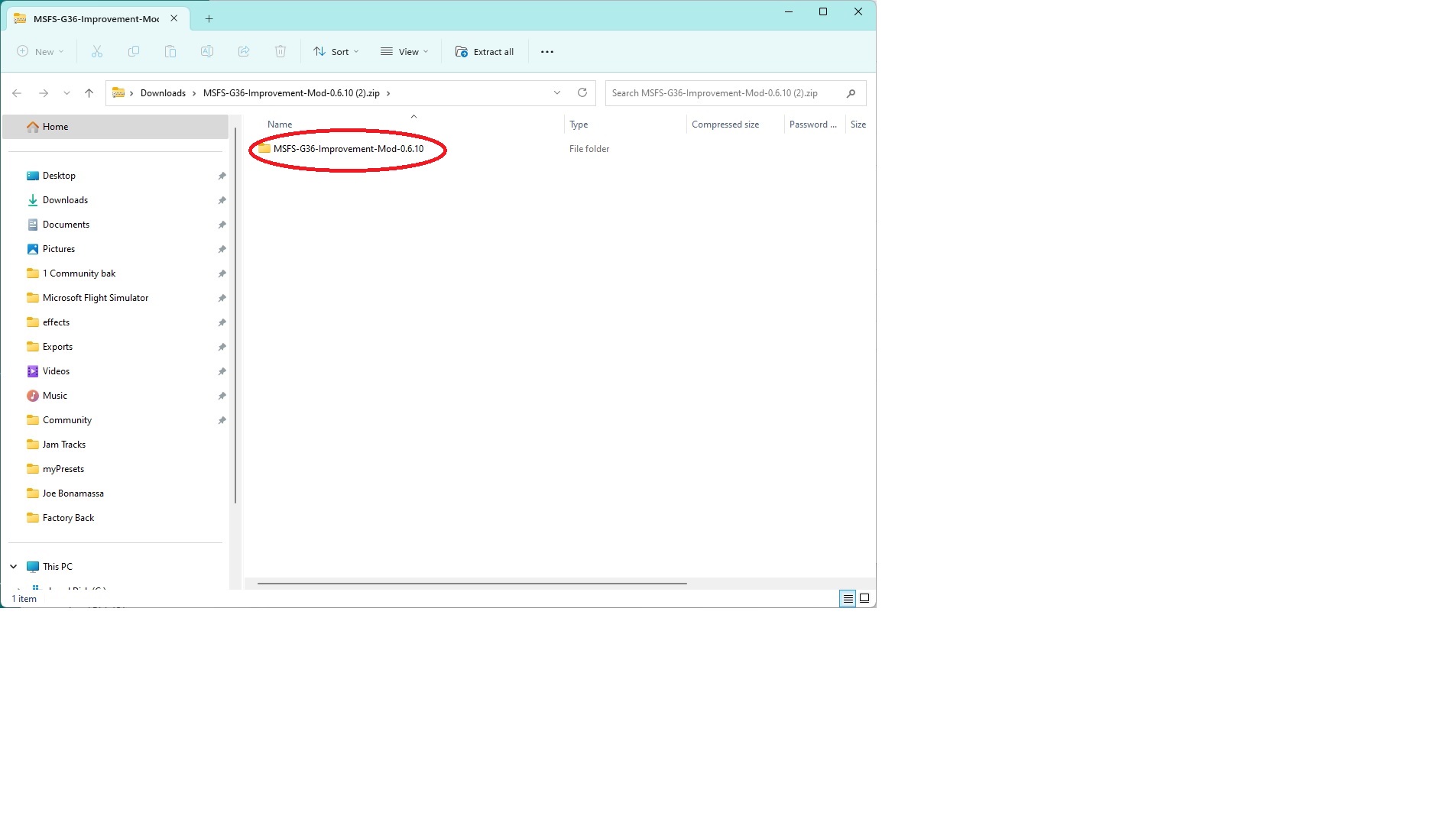
@CurrentFoil3744 not sure what is happening on your install, but the files on flightsim.to haven’t been changed since the 0.610 version, which I know are working. As posted here and on discord, I’m sorry to say an extra folder snuck into the release, which means you just need to ensure you’re dragging the correct folder across to the community folder - other than that, all files are in place.
So, to make sure I’m not going crazy, I checked things again:
The “MSFS-G36-Improvement-Mod-main.zip” that I downloaded two or three days ago and again yesterday from Flightsim.to is 170,509 KB. The g36source.zip from the Github site that I downloaded yesterday is 195,852 KB. I still have these on my computer. Yesterday, after extracting the zips, I checked folder-by-folder and found the Github source contained more files in at least three or four folders. I was aware that the “bonanza-g36-improvement-project” subfolder had to be moved into the Community folder.
The “MSFS-G36-Improvement-Mod-main.zip”, when extracted, had 276 files/36 folders in the “bonanza-g36-improvement-project” and didn’t work. The “g36source.zip”, when extracted, had 302 files/36 folders in its “bonanza-g36-improvement-project” and it works fine!
So I went back to Flightsim.to this morning and downloaded “MSFS-G36-Improvement-Mod-0.6.10_bjfR.zip”. It is 195,852 KB, same as the g36source.zip that worked.
Whatever happened doesn’t matter. I flew the plane last night and think it will likely become one of my favorites! Very nice job, @CaptMatto!! I look forward to many flights with the G36 Mod and any further enhancements you might provide!