Is there a tool out there that can help in correct airline assignments of gates? Even some earlier payware like Gaya LOWW are just not there when it comes to this - I cant see a single heavy at that airport for example, which completely breaks the immersion.
Yep - freeware Airport Design Editor
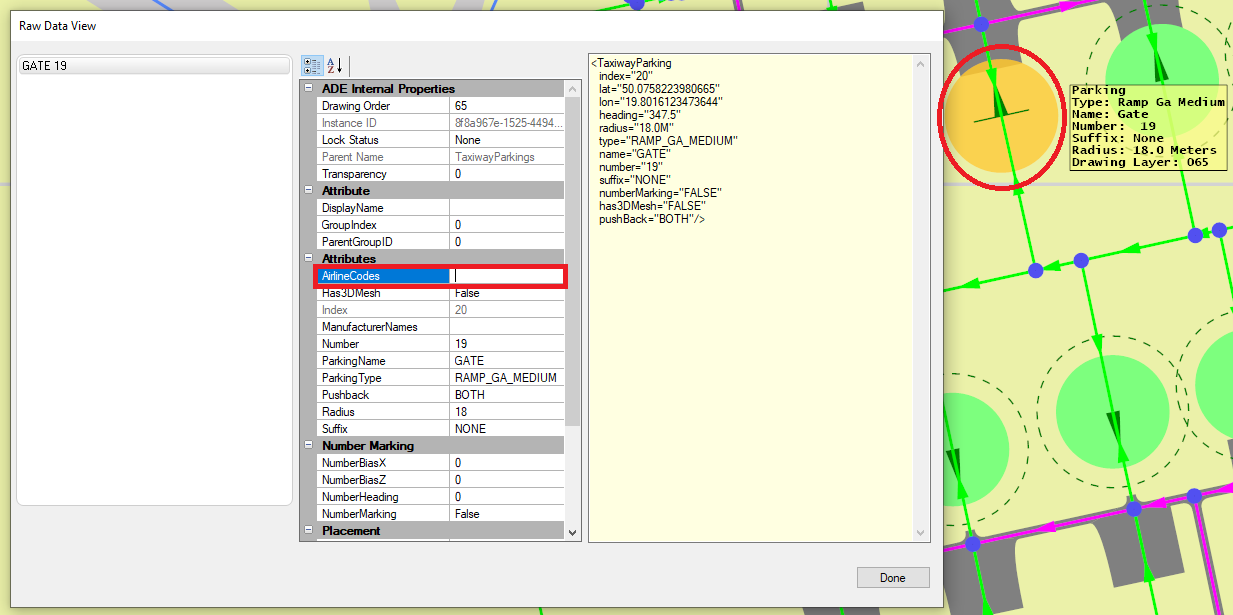
README FIRST (scruffyduck.org.uk)
Download Base (core) Alpha 21 and hotfix4
https://www.fsdeveloper.com/forum/threads/ade-2020-alpha-21-hotfix-4.454244/
Patch - Hotfix 5
MSFS - ADE 2020 Alpha 21 HF5 | FSDeveloper
Support forum
Airport Design Editor for MSFS 2020 | FSDeveloper
Fly safe capt.
1 Like
Maybe try this?
MSFS does not support airline codes as far as I know. At least you can´t set them in the SDK. Airliners park according to the parking spot size. Jetways can´t be forced to exist if they don´t exist in original airport layout. In MSFS they are a separate object, not a property of the parking spot itself. Object is created when you configure parking as a gate so, if included artificially, it still needs to have all its attributes defined to work and be linked with the gate. The parking object properties in MSFS are just the following:
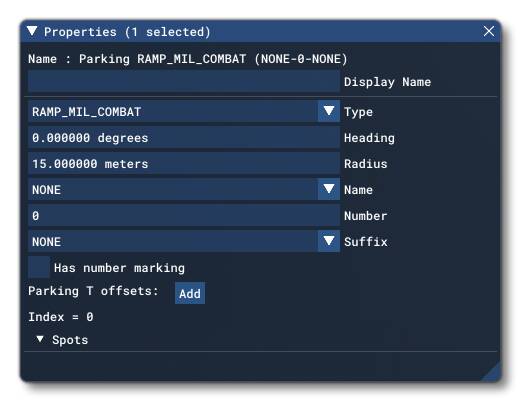
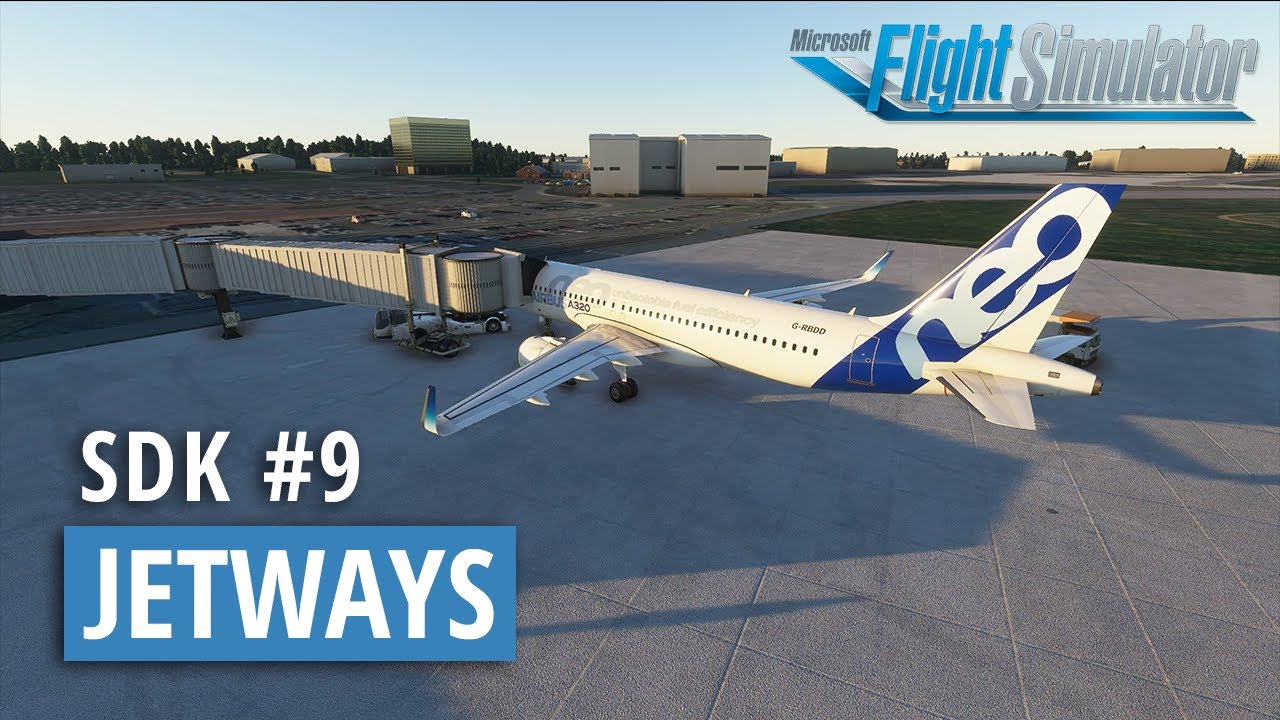
You can find more info here:
Tools are fine but the resulting output has still to be compliant with latest MSFS SDK standards in formats and type of information. In particular I wouldn´t use any tool that modifies the original MSFS files. The safest approach is that customized files are added as addons. Remember to open developer console afterwards to check for possible errors anyway, specially when modifying core features such those ones.
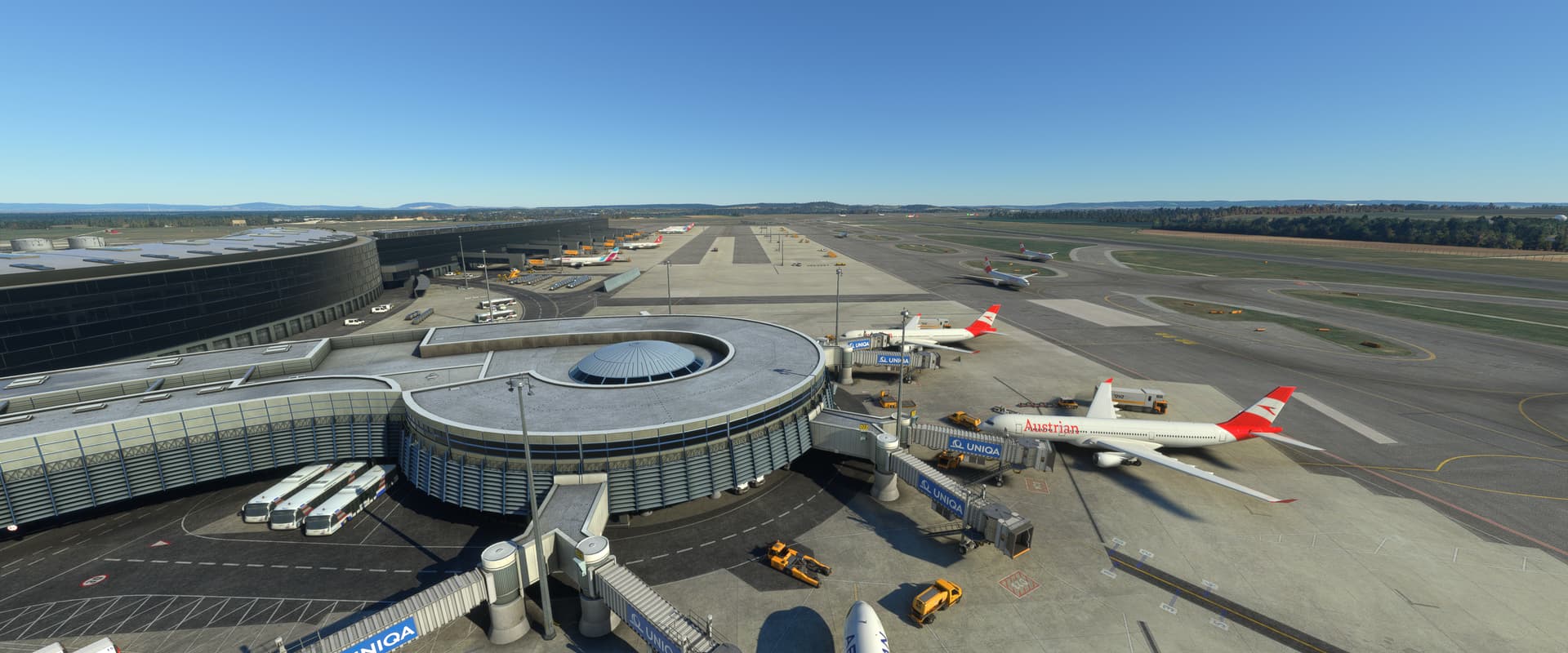
There´s no problem with Gaya LOWW parkings. These pictures are taken using live traffic right now. I haven´t found any big airport that lacks airliners so far, provided that at least one parking spot big enough for an airliner exist in its layout and a traffic schedule includes departure/arrival for that airport. If there´s no traffic scheduled nothing will be spawned there. Check that you are not using any file that modifies the original airport, the traffic departures/arrivals for LOWW or has broken the airport or traffic system.
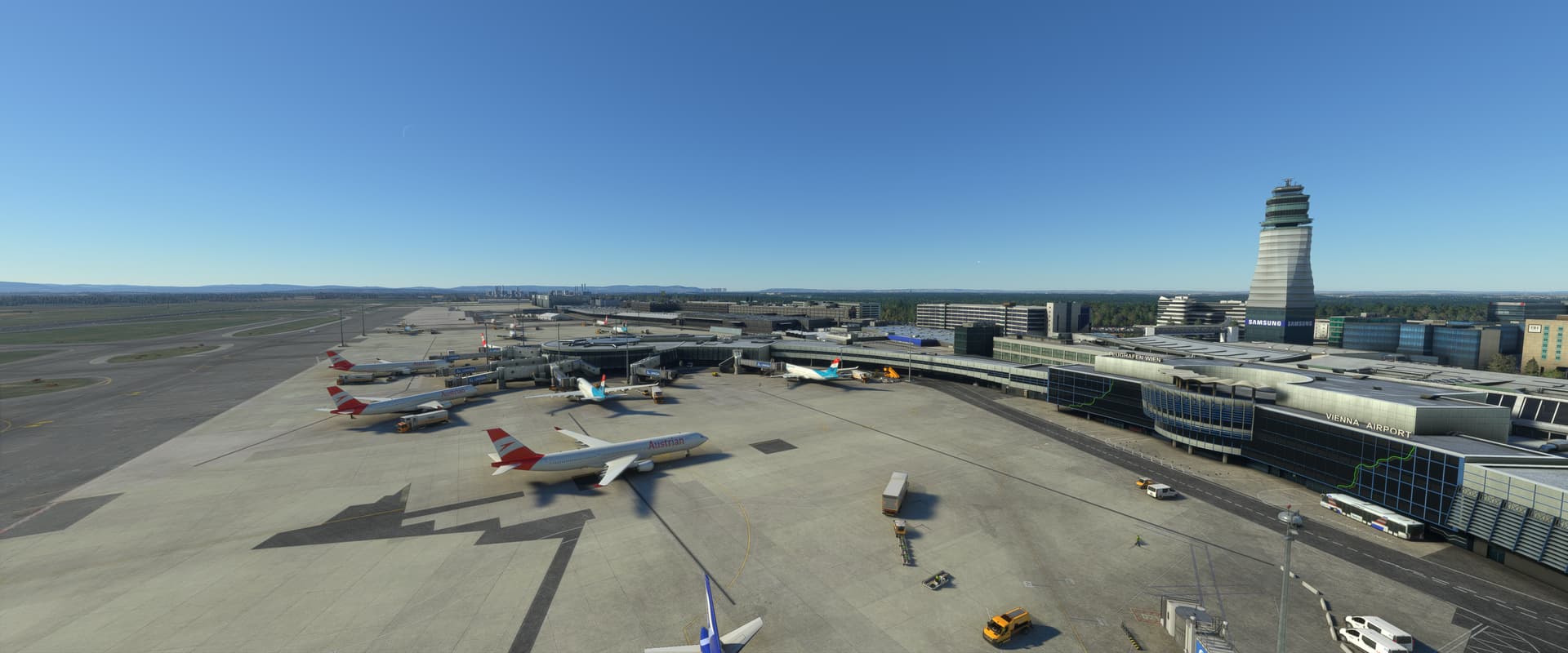
Cheers
MSFS does support them. My KSAV made witrh Scruffy Duck’s ADE with Gates and Ramps assigned with Airline/parking codes has the AI aircraft from FSLTL (and AIG) parking at the correct gates.
Parking size radius also does play a big role, but parking codes do work.
But this information is not included in the native gate configuration of the airports anywhere, at least so far.
ADE is a tool that comes from the FSX and FS9 era like AFCAD, and I think the author is not supporting it anymore. It may take advantage of that variable from the old FSX era to maybe be further used by the custom traffic schedules on FSLTL, but MSFS aparently does not support that airline definition yet on the airport side, even if that works when using external tools.
I found the following reference in the SDK, that says airline codes can be defined in the taxiway path (the portion of the taxiway that connects to parking). However when you create such taxiway path in editor there´s no field to enter that variable, nor the airport xml includes it afterwards either. Maybe SDK needs an update or reference docs are just a copy/paste from the old FSX featues, who knows. Many things are not well documented yet. In the same reference page the pushback variable (also used by ADE) is included as well below airline codes, but it says it´s a legacy feature that has no effect in MSFS, so imagine…
Use those things at your own risk. They can cause errors or not and some of those errors may not be always clearly detected unless you check the developer console log. I would only use the official SDK to edit content for game.
Cheers
Thanks. I did not modify any airport in MSFS for the fear of breaking them. I use FSLTL and haven’t ever seen any heavies at Gaya LOWW.
Looks like you use Aerosoft Simple traffic?
Yes, Aerosoft with default game´s online traffic. Works also with offline traffic.
Cheers
ADE was being developed for MSFS and yes, by the same author. He has decided to retire a couple months ago but you can still use the version for MSFS. I’m not sure if it’s taking advantage of a variable not shown in the SDK or not though as I don’t use the SDK. There are some airports (not all mind you as most airports put out seem to ignore parking) designed without using ADE (as far as I know) that do have gate parking codes. I do not know how they accomplish it. It may be that they use a combination of the SDK/DEV mode and ADE
Worse, many airport designers have no idea that they can make aircraft park where they’re suppose to. Some simply want better buildings and layout. But there are some that want correct parking and go out of their way to accomplish it.
I suggest you sign up over at https://www.fsdeveloper.com/forum/ and have a good look around. There’s a wealth of information there. The MSFS ADE forum is there at https://www.fsdeveloper.com/forum/forums/airport-design-editor-for-msfs-2020.160/. Another place to check out is AIG at http://www.alpha-india.net/. While AIG is more focused on AI traffic, there are some there that also design airports and have info on what to do.
Edit, looking through the SDK at https://docs.flightsimulator.com/html/Content_Configuration/Environment/Airports_And_Facilities/Taxiway_Definition_Properties.htm under the TaxiwayParking section it lists airlineCodes. This tells you how to add airline codes to a parking spot. Note that this section is for parking even though it mentions taxiways. That’s because parking spots are attached to taxiways (they’re useless if not).This section also describes parking radius, types (Cargo, Military, etc.) and many other items you can accomplish with a parking spot.
2 Likes