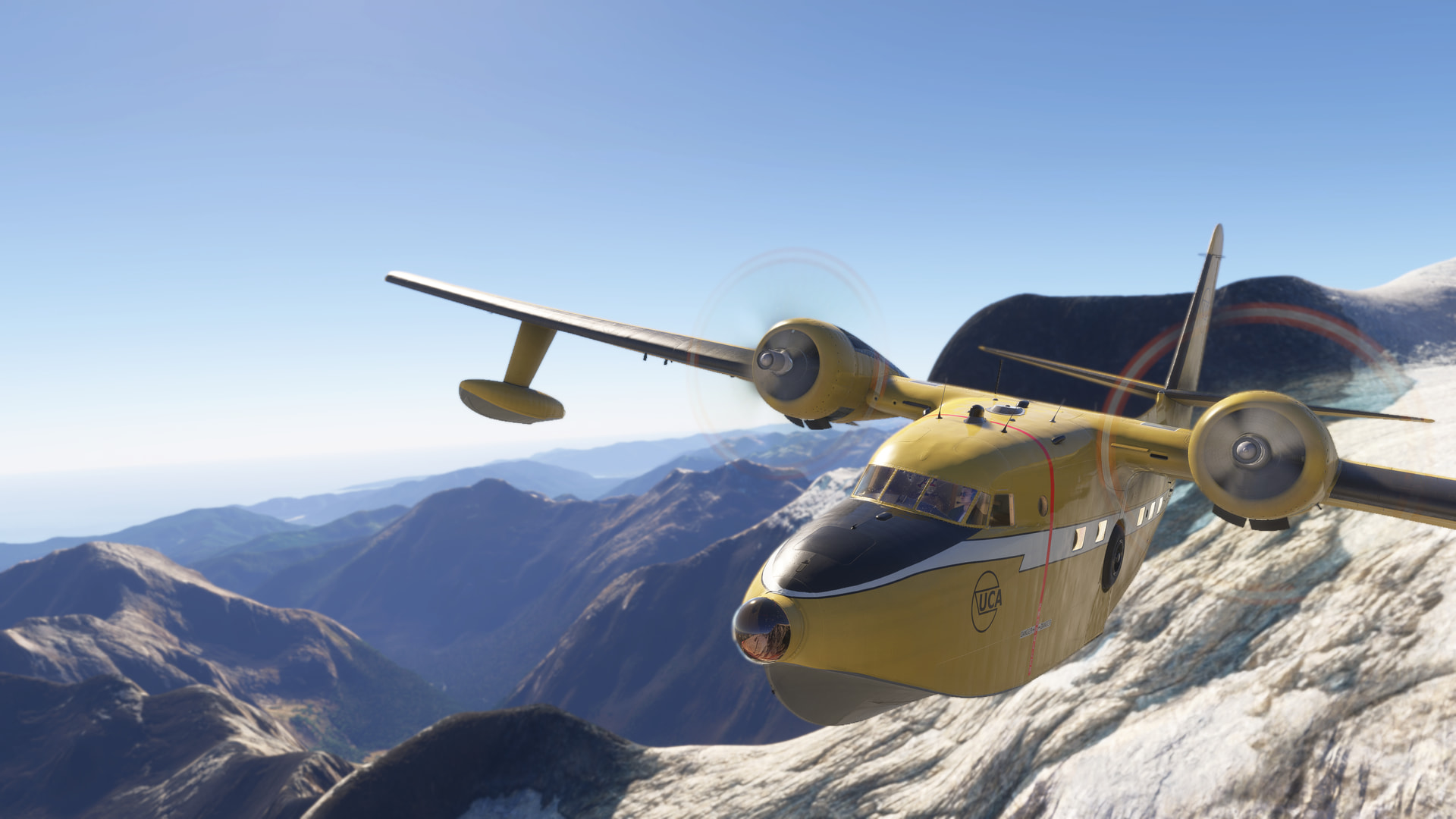
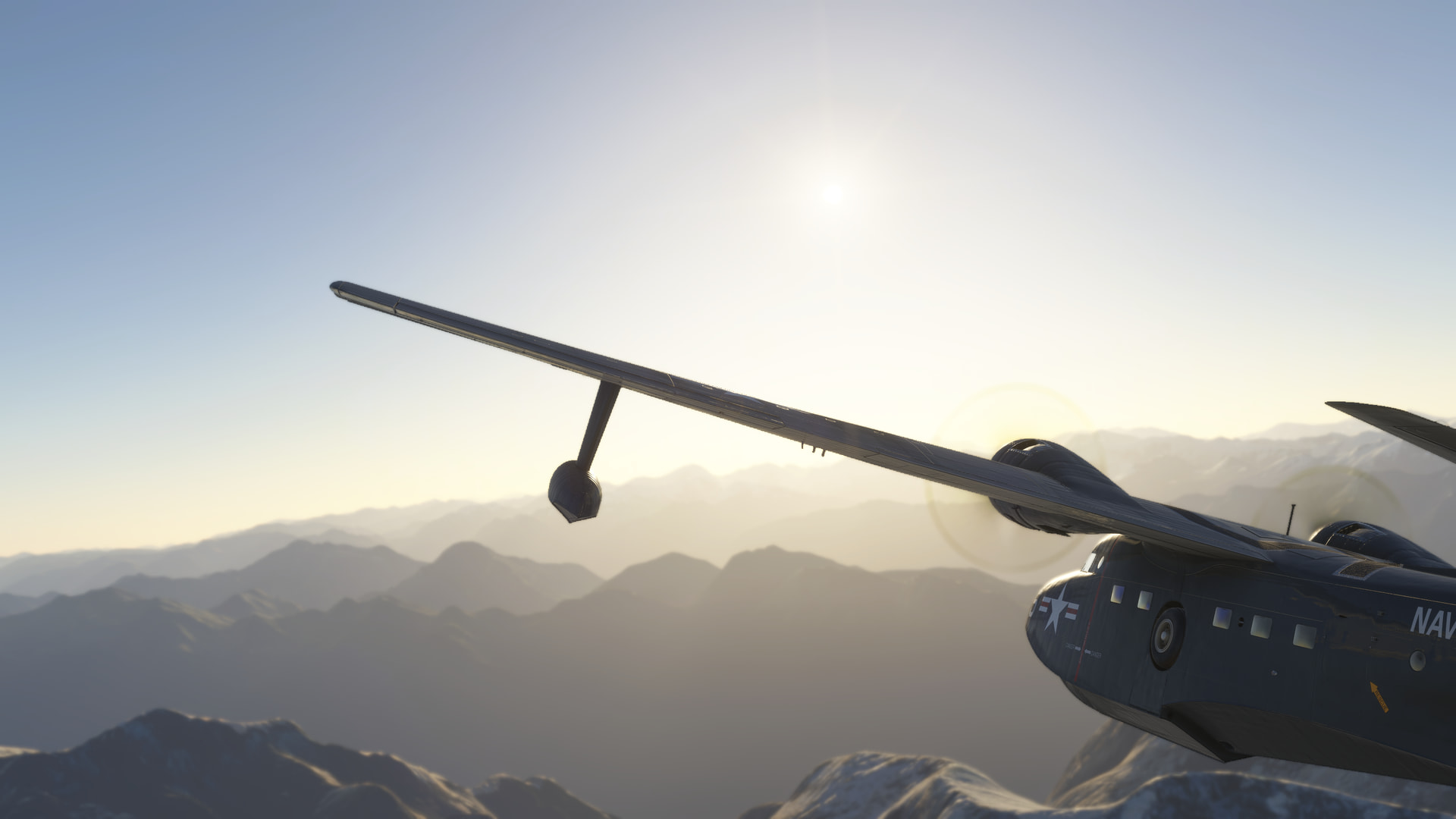
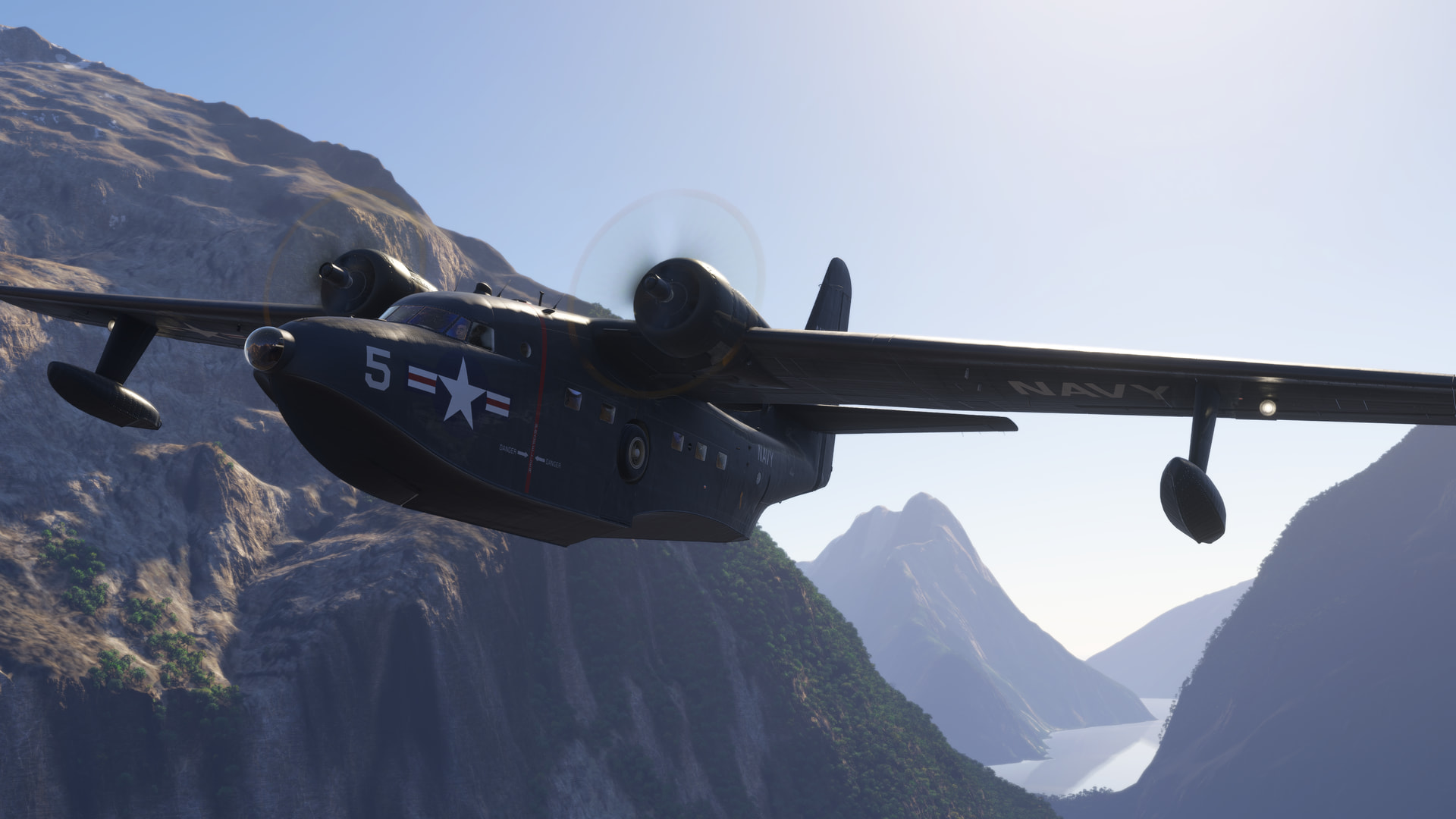
Grumman Albatross HU-16/G111 Thread

First up, thank you Ramasurinen, for your continuing support for this marvellous creation of yours!

The engine start issue has been resolved by the suggested much longer cranking. Thanks!

Now, for that pitch behaviour:

- I have an ageing but airworthy TM HOTAS WARTHOG with Saitek Pro Flight Combat pedals. I doubt they’re a factor, as I physically disconnected them during one of my flights, without affecting the pitch transients.

- All assists were (are) turned off.

- All my previous flights were conducted in the HU-16 only, no externals, realistic engine limits.

- The transient behavior was encountered after starting from both land and water, but they all were from cold and dark only.

I have now performed a number of additional tests. All of these were conducted from YPAG, live conditions, no assists, turbulence set to “realistic”. The flights were conducted late-morning to mid-afternoon local time. Light winds (<5kt) anywhere below 6,000 with little thermal activity (we’re still in winter), with little variation during that period.

Flight 1. HU-16. C&D. Take-off to the south then headed due north over low, flat desert landscape. After becoming airborne immediately encountered several (disconcerting) pitch-down events (<5s intervals). Once above 500’ the pitch-down events became more intermittent (>15s), but still evident up to 5,000’ (>1m intervals). Levelled off at 5,000 and trimmed for straight and level flight (which she does beautifully … kudos!). Turned off all electrics and continued S&L for several minutes without encountering another pitch-down event … until I did. So, it’s not affected by aircraft electricals, or lack thereof. Master back on, and headed east for YHAW at 5,000. No further events for a while (>5m) until they started again. What’s changed? Rising terrain is what. Turned on turbulence visualization in the sim. No thermal activity, but light mechanical turbulence around the hills. Headed straight for some of the activity and encountered light chop affecting all axis, but again with intermittent pitch-down only events (that don’t register on the visualization display).

Flight 2. G111. Conducted as above. Not a single pitch-down event during the entire 40 minutes flight to YHAW (55nm), though maybe there was one soon after take-off whilst I was busy cleaning her up.

Flight 3. HU-16. C&D. Take-off and level off at 500’ AGL and head due north over the desert. Frequent pitch-down transients (<15s intervals). Observed obvious wing flex when they happen, but no obvious yoke/elevator movement. After a few minutes commenced a slow climb to 5,000. Frequency of events declines with height above ground, but sill evident at 5,000’ AGL (>1m intervals).

Flight 4. G111. Conducted as above. Whilst at 500’ infrequent pitch-down transients (>1m) reduced to (>5m) once at 5,000’.

Flight 5. HU-16. Commenced airborne at 1,500’. Descended to 500’. Behaviour as in Flight 3.

Flight 6. G111. Commenced airborne at 1,500’. Descended to 500’. Behaviour as in Flight 4. Continued on to perform a low-level flight through the desert hills (what a beautifully handling machine when flown by hand) followed by a water landing on a (IRL dry) salt lake (that one is on Asobo).

Conclusion: From this limited set of data I’d say the effect is more obvious in the HU-16 and inverse proportional to height above ground. But I’m not an experienced test pilot.

Thank you!
@gue63 Thanks for the extensive testing and data points.

That is a real mystery. I’ve tried replicating one of your tests, taking off from YPAG and heading northeast towards the mountains at low level, and it’s smooth as silk for me. I get a little bit of yaw hunting and a few small bumps when I get very close to the mountains, which is to be expected, but nothing unusual.

Couple more questions:

Do you find the same issues if you use preset weather instead of live weather?
Are you using any weather addons?
Are you using “Modern” flight model (I’m sure you are, but worth a quick check)

The next time you fly the HU-16 can you please watch the airspeed indicator and pitch trim indicators closely and see if there is a rapid loss of speed or pitch trim spikes when these pitch down moments occur?

Also please try flying with the clear skies weather preset and try setting turbulence to “low” in the assists settings. I tuned the flight dynamics with the “realistic” turbulence setting, but it’s worth a try. That should help narrow down if this is a turbulence induced or wind problem.

I know you’re running it streamed, but just for kicks, try installing it locally. See if that makes any difference?

Also you mentioned you emptied your community folder, but can you please list any other planes you have from the marketplace? Wondering if there might be some strange conflict somewhere.

Thanks.

Any chance you’re using FSRealistic or FSRealistic+? The FSR built-in Low Level Turbulence could be the culprit in either case. If so, try turning that off

Thanks CpMoustache, appreciate all the work you’ve been doing for the community as well. But, no, I’ve been in this game too long not to take the effect of possible conflicting add-ons into account. So, no, no FSRealistic or weather add-ons or anything else that would modify the environment.

I’m still mostly using 2020, so I only have a handful of marketplace aircraft that carried over into 2024. A couple of Carenados, a couple of LLs and the FFX P.180 and C750. I will disable them all if I can, just to make sure.

I’m using Axis&Ohs for my controller assignments, which uses simconnect, so certainly a potential interferer. But I’ve now done flights with Axis&Ohs unloaded and the aircraft on a/p, and I still see the same pitch transients. And again, it’s only the HU16/G111 that have this behavior. Not that I’ve done that much flying in 2024, but I’ve also played with the BKSQ Baron and 114 a bit (which I also removed from Community to eliminate it as a potential conflict while testing).

The rest is vanilla 2024.

I will do a bit more testing and reply with the results to Ramasurinen. Thanks Guys!

Thanks Mike. Some more testing, just with the HU-16 for now:

- Deleted all control assignments; removed/disabled Axis&Ohs for 24; natively assigned minimum controls required to get airborne and onto A/P

- Removed TDS GTN from EXE.xml (the only entry)

- No other external apps; no simconnect connections that I’m aware of

- MODERN flight model

- Turbulence set to LOW

- Custom weather: Clear skies preset, with wind speed adjusted to 0

Flight 1. Level off at 500’ and on A/P heading 360. Pitch transients observed as before. No noticeable effect on ASI during the transient, but the trim indicators spike up briefly, I’m sure in response, rather than as the cause. Hard to be 100% sure, because it happens very quickly. These things feel/look like a snap turbulence kick in the backside, on just the one axis. Wing flex observed (again, as a response).

Continuing on, my track just happens to bring me over a perfectly flat large salt lake. Radio alt is glued to 500. No change observed. Transients every minute or so as before.

Overall, much the same as yesterday’s Flight 3, but possible somewhat increased interval (>1m) but that might be a red herring.

Since the above made no objective difference, in addition to the above:

- Disabled all bought Marketplace aircraft in My Library (a few Carenados, FFX P.180 and C750; An-2, Beech 18); rest are just world updates and sim upgrades to premium deluxe

- Emptied StreamedPackages folder and restarted sim

Flight 2. Conducted as above. Pitch transients observed as before. Frequency more like yesterday (<1m) so the above observation was indeed just a red herring.

Downloaded the Grumman G-111 / HU-16 Albatross package (2.3.6).

Flight 3. Conducted as above. No observed change.

And just for the heck of it:

Changed the flight model to Legacy/FSX.

Flight 4. Conducted as above. No observed change.

Question for Mike: is there anything I could look out for in Dev mode that might give us a clue?

Cheers

@gue63 Well I couldn’t ask for better help in testing, but I wish I had an answer for you. This really seems to be a unique problem.

I’m sorry to say I’m out of ideas. Will be interesting to see if the 2020 Albatross update exhibits the same behaviour for you when it comes out though. If it does then that will certainly narrow it down to any changes I made in the past couple of months.

I’m away for a much needed break for a couple weeks, but I’ll keep an eye on the forums. Maybe something will come to me with a change of scenery.

Cheers.

Thanks @Ramasurinen. Please enjoy your well deserved break. This is just a very minor annoyance and certainly no show stopper. All the best!

Interestingly enough users of the BS Starship had a similar pitching occurrence, maybe look over there for a solution.

Having some trouble on Xbox. When I load passengers in the EFB, their weights show up, but they don’t load visually. . Cargo, visually shows up, but weights reset to zero. Has anyone else had this problem and/or found a solution?

@zac0006 Haven’t seen that problem since the early days off 2024. Does this problem happen with both the HU-16 and G-111, or just one? Does it happen with cold and dark starts, runway starts, or both?

Thanks.

Its been with the HU-16. Both cold and dark, and runway starts. Plane is streamed.

@zac0006 Ok, so it always works properly on the G-111?

@zac0006 I’ve done quite a bit of testing on both the HU-16 and G-111 with the current streamed version (2.3.6), and I can’t replicate the issue unfortunately.

Setting passenger weights in the EFB prior to pressing “Start Flight” on a cold and dark start never works for me (on any plane) as the sim expects you to call for passenger loading via the radio, but I tested runway starts on both planes with varying passenger loads and they always showed up correctly in their seats on flight start.

With cold and dark starts you can force the passengers to load once in the sim by setting their weights in the EFB back to zero, hitting apply, and then setting a new weight for them and hitting apply again. Not sure why they set it up this way as many airports don’t have ground services to bring passengers to the plane.

Not sure what could be causing the issue for you, a conflict with another addon maybe?

Thanks for the info. I almost always do a cold and dark start. Always loads my copilot but not passengers. I had tried loading passengers while in sim, but hadn’t tricked it into working by resetting to zero.

Best plane and best support!

@zac0006 I think this is a sim limitation, as I’ve never been able to get passengers to be automatically loaded during a cold and dark start with any plane. When you set the seat weights via EFB before starting the flight you’re just stating reservations really.

I tried the C172, Caravan, and TBM930 this morning, and passengers won’t show up in any of them initially in C&D. The resetting weights to 0 and then setting again trick works. Used to be able to call on the radio to have them loaded, but even that’s not working anymore… at any size airport.

It’s a bit strange really.

Would someone please light a fire under Asobo and get them to approve and release the update?

As Gordon Sumner might say, “I want my… I want my DME!”

Yeah, it’s crazy how Asobo completely ignores operations at non-towered airports, as if they’re wastelands or something. I asked them years ago to add an FBO frequency option for airports so we can call for ground services at non-towered airports. And I keep asking.

Do we have a wishlist item that we can vote on? (yeah, I’m still naive enough to believe in voting :upside_down_face:)

Moderator edit:
See
Please add FBO frequency capability for Ground Services at uncontrolled airports