Hi guys again…unfortunately the deleting procedure of the reserved space didn’t bring any good result. The sim starts, gets to the main page and after some 30-60 seconds it freezes and goes back to xbox main page. After deleting the reserved space I even restart the console to make sure. Nothing happened!
This is indeed a very bad news because I’m afraid I will have to uninstall the whole game.
One question before deleting the game: is there a way to save the assignments? If I loose them when I reinstall the game it takes me weeks to reassign everything.
If you delete the game locally, your control profiles should be saved to the cloud and resynched when you reinstall it. I say should because this has been unpredictable for me. But it did work the last time I reinstalled, so maybe they’ve fixed it.
Have you checked to see if your Xbox has any dust in it? It’s possible it is over heating. You might want to unplug it for a while, then blow out the dust carefully…
In my experience with MSFS 2020 on Xbox X, when nothing else works, I found that a factory reset of the Xbox itself had the best results. But there are a few steps that are essential if you really want to do it correctly:
With MSFS some settings, including the controller bindings, that are saved in the cloud. If these settings were corrupted, then even erasing MSFS and reinstalling doesn’t fix it, because the corrupt settings come back from the cloud. (The corruption can occur if the Xbox runs out of memory at the wrong time, and ends up writing bad data, or overwriting something on disk…)
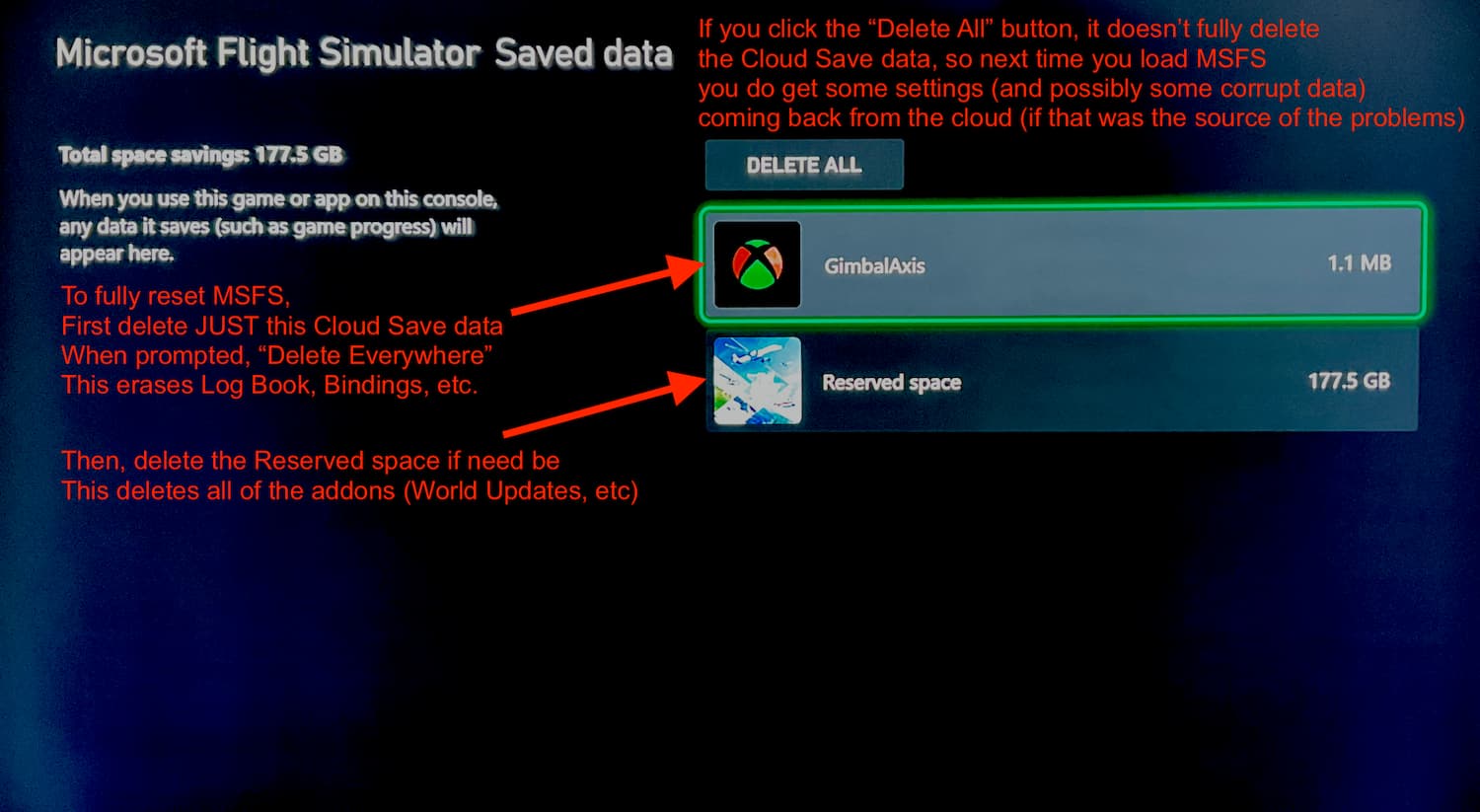
In that case, you would need to delete the Cloud Save data - which does reset your controller bindings and Log Book. It is like starting for the first time. To do it properly:
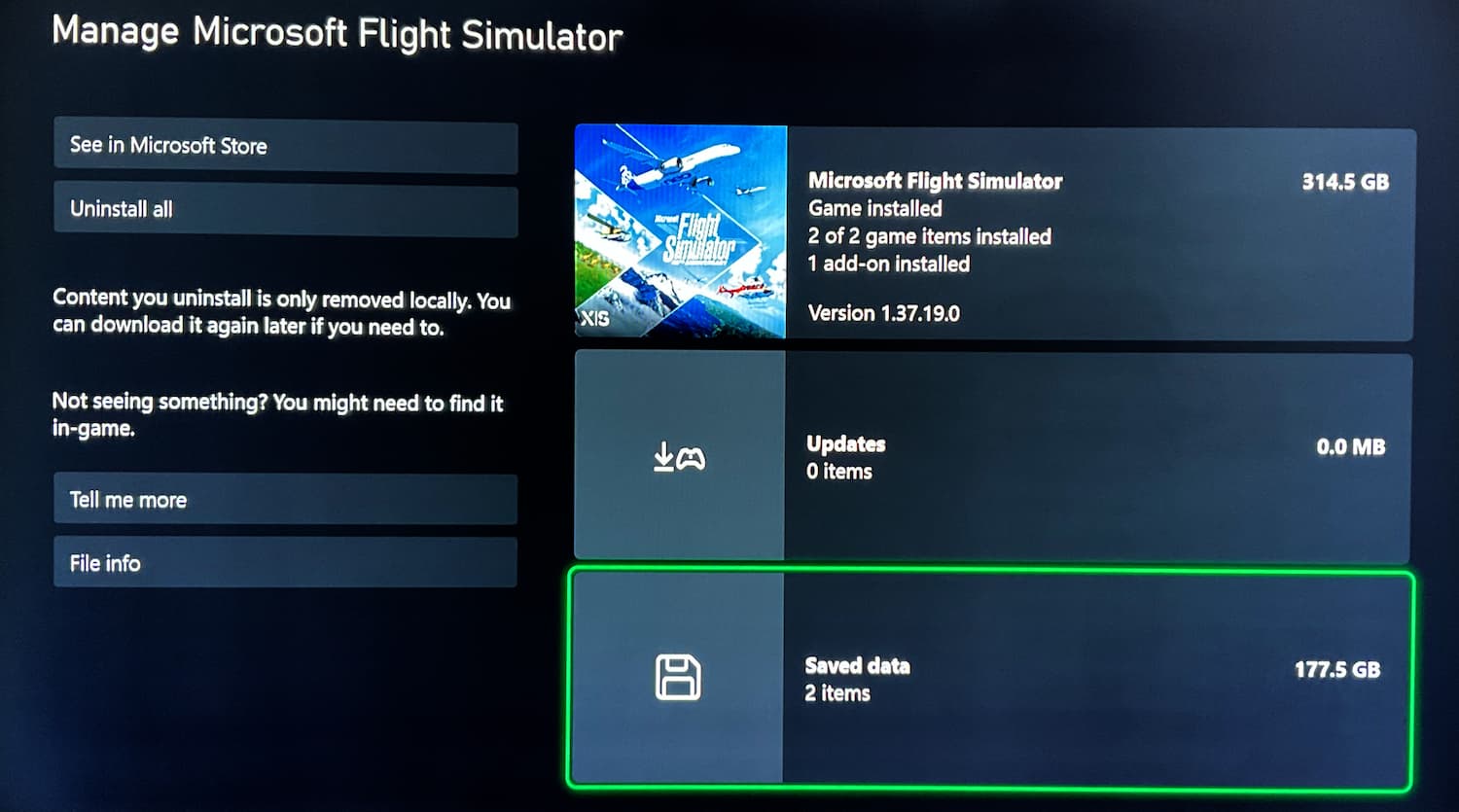
With MSFS closed, on the main Xbox screen, highlight MSFS and press the Xbox button to “Manage game and add-ons”
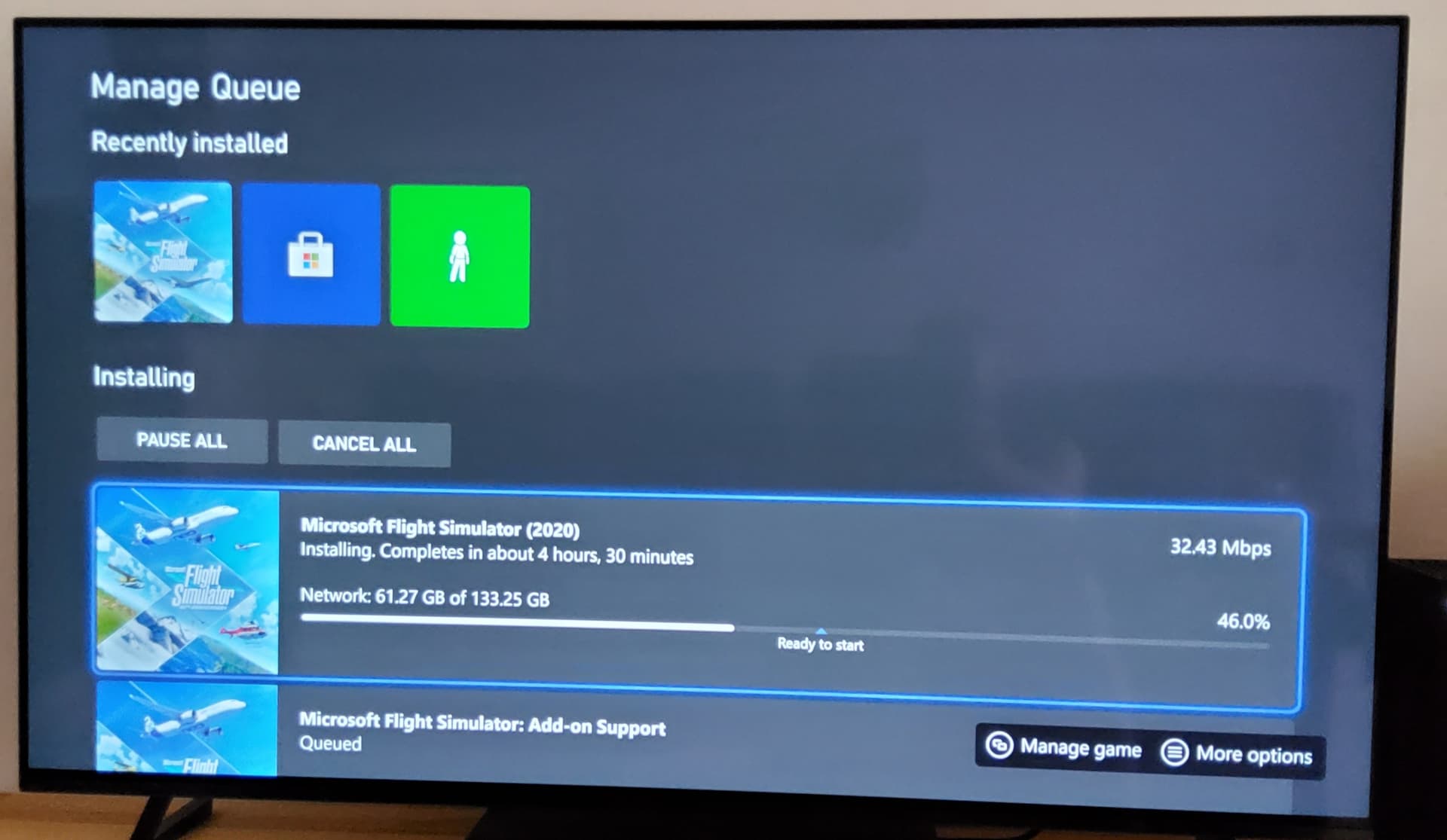
It does take some time to reinstall MSFS 2020, but I always had great results after a full reset like this, even if it was inconvenient to re-do the control bindings. For that, I made a list of everything I changed, so that next time I wouldn’t have to try to remember.
The only other advice, if you are going to reinstall World Updates, do them one at a time. I found that sometimes it would run out of memory and fail to install if I tried too many at the same time. Perhaps they fixed this, but I found it safest to be methodical.
As for dust, this is not the case because I cover the console, when off and cooled. In addition my Xbox has worked flawlessly up until now, in the same room.
There is a corrupt something for sure which prevents the sim to function. And since I have no way to determine what it is I will have to do a complete reset of everything, included the xbox. So thank you GimbalAxis for your guide.
Be aware that the Xbox can accumulate dust when it is running, so periodically it is worth checking for dust.
As for factory reset, the key part is to delete that MSFS Cloud Save data if you can!
Unfortunately it does reset your bindings, and log book, and statistics, but, it’s the only sure way to clear out corrupted data if that is in fact the cause…
I’ll check for dust for sure, but the crash seems totally independent from dust issues. In fact, in case of excessive dust the console would turn off, I guess. Instead, the console works flawlessly prior and after fs2020 crash.
Unfortunately I only have fs2020 installed so I cannot test try other applications to check if it is really a dust issue.
Thanks TenPatrol for your advice. Can it be possible that deleting the cloud saved data could fix the crash issue? Since I have to reinstall everything I might give it a try. One way or the other I will loose them…
Start by cleaning the console first – after years of use, some dust may have built up inside. Next, try reinstalling MSFS. Deleting the cloud save should only be considered as a last resort.
After a clean installation fs crashes again, in the same manner.
This is unbelievable…
Guys…why is that? I really don’t understand what’s going on. Could it be really the dust, which though, through the holes I don’t see? But if this is a temperature thing, would the console be on after the crash of FS? I suppose that the high temperature would turn off the console, right?
That’s not a temperature issue. I’ve only had this once before; well actually twice but it was the same thing that had happened both times. The only thing is I don’t think I was getting as far as you got and my only solution was to delete my saved info from the Xbox and the cloud as a controller profile had become corrupt due to my occasional use of Xbox remote from my phone
But like I say, I’m not convinced mine got as far as yours and would basically CTD the second it finished with the checking for updates screen. But there shouldn’t be a need for a reinstall if you delete all reserved data and saved data. You’ll lose your hours but it’s the only way in
How old is the Xbox? When MSFS loads, it does spike the processor, and thus the heat… wondering if maybe it could be thermal throttling, and the solution would be to take it apart and re-apply thermal paste. I remember watching a youtube video of someone doing that…
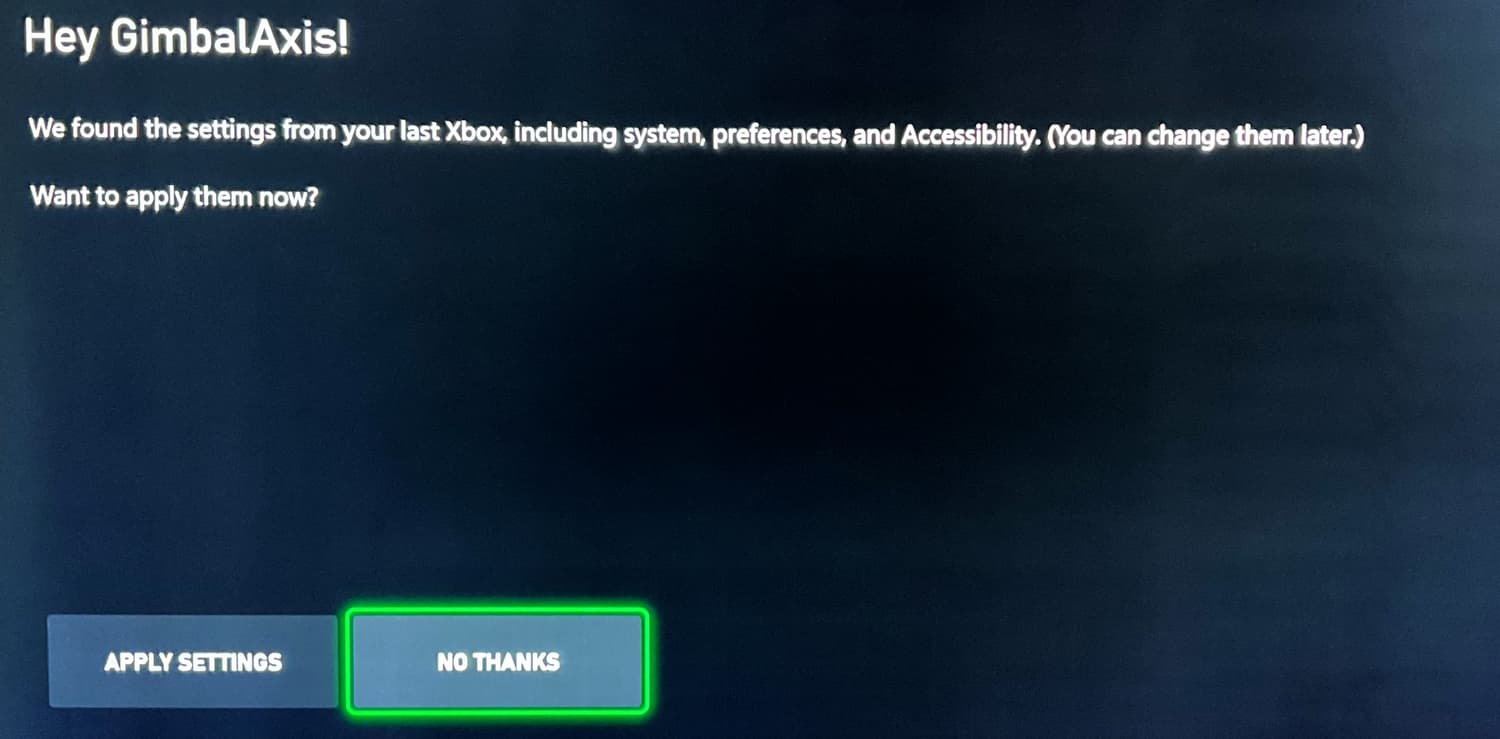
So the way to be sure - without having to open the hardware - would be to find some other game that is known to put a heavy workload on the Xbox. If it only happens with MSFS, then I’m not sure. My go to solution was to delete cloud save data, factory reset console, check for Xbox OS updates, and reinstall just the base MSFS 2020 without restoring preferences from cloud, no vpn, no peripherals, NO World Updates, City Updates or addons until I was certain the base sim was ok…
You said you deleted cloud save data - did you do it exactly as I described above? Don’t click “Delete All” in the the “Saved Data” page, you HAVE to delete just your profile for it to actually delete the cloud save - and you have to specify “Delete Everywhere.”