I’ve just got a 3090FE running on a 3440x1440 setup with a 9900k @ 4.8. I’m definitely CPU bound, but I have everything on ultra, and render scaling at 200, and the GPU is still not stressed. It looks amazing, and I generally get 30-55 fps. New York 30fps, bad airports 20-25fps. I’m sure Asobo will continue to take processes out of the main thread bit by bit, so I think the future is bright. DX12 should help too.
There is no way you’re pulling 30-35fps with render Scaling at 200. Al settings ultra. I have 2 pc’s both with 3090’s in them and cpu 10900 at 5GhZ watercooled resolution is 3840x1600 with gsync, and render scaling at 200 reduces it down to the teens!
Put render scaling to 100 and you’re talking 40-65 FPS…
Ha, you are correct, it’s set itself back to 100.  Re-set it to 200 and getting a about 25fps at Innsbruck.
Reducing the over abundance of AI Planes will deliver a major improvement EVERYWHERE.
Please VOTE:
Please “destroy” out of range AI Aircraft - that are causing FPS decrease, (and eventually CTD ? )
What’s your cockpit refresh rate set to? I am CPU bottlenecked but running a 2070 S on an ultra wide display and still getting 20FPS at KLAX yesterday with all settings at Ultra. I found the Cockpit refresh rate and the rendering setting were my two biggest FPS thieves.
The future is bright and 20 FPS stable is definitely flyable.
I will give that a try. Cheers
so.. as say’d, I tried EDDF since a while again..
and yes.. as I had it in mind it used all what my PC can give him and I have 20-25 fps, rare 18… so, not an issue for me. I like >35fps, but >20 might be ooookay for a short while. ( it was realy worst weather where I flew for some minutes )
But this airport is really a monster… I not see often that MSFS fully use my 2080Ti VRAM.. at this Airport it is used and MSFS used about 17gig RAM. If necessary I can upload the recorded video.
Why your 3080 is not much better ( GPU limited ) is still not clear. Possible it is realy the Multiplayer-Traffic , Bandwith, Whatsever… ( but why then GPU limited )..
Possible you record a short clip so that we can see bit more about..
On my 3080, cockpit refresh makes no difference.
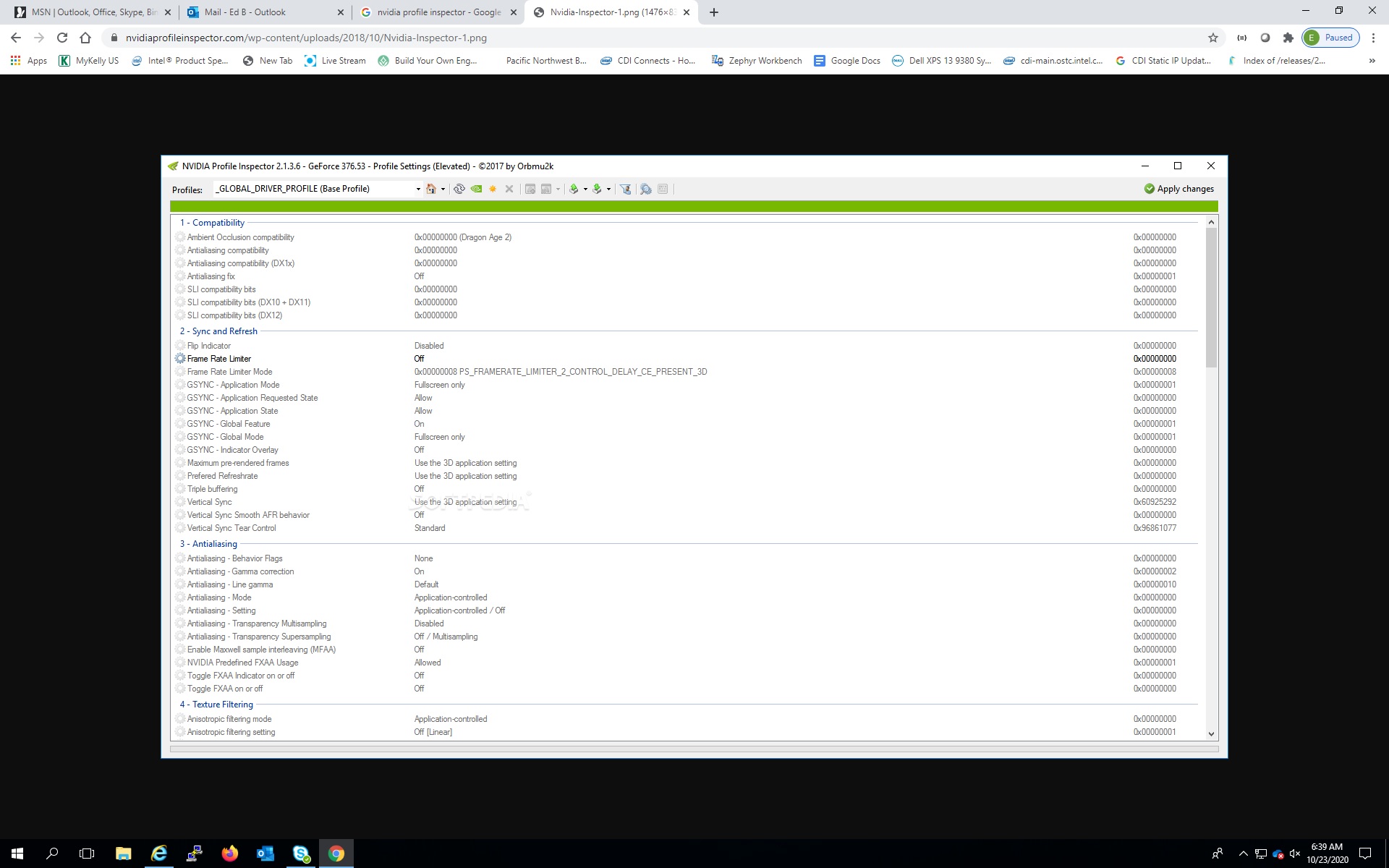
A friend advised me against optimising game thru Nvidia so I havent.
I’m still using a 980Ti and all good here. I’m holding off on the 3080 for a while yet.
It does help you tone down some ‘ineffective’ stuff. I did it, bumped some settings and got about 15FPS extra. Shows better GPU usage than everything Ultra (60% vs 45%).
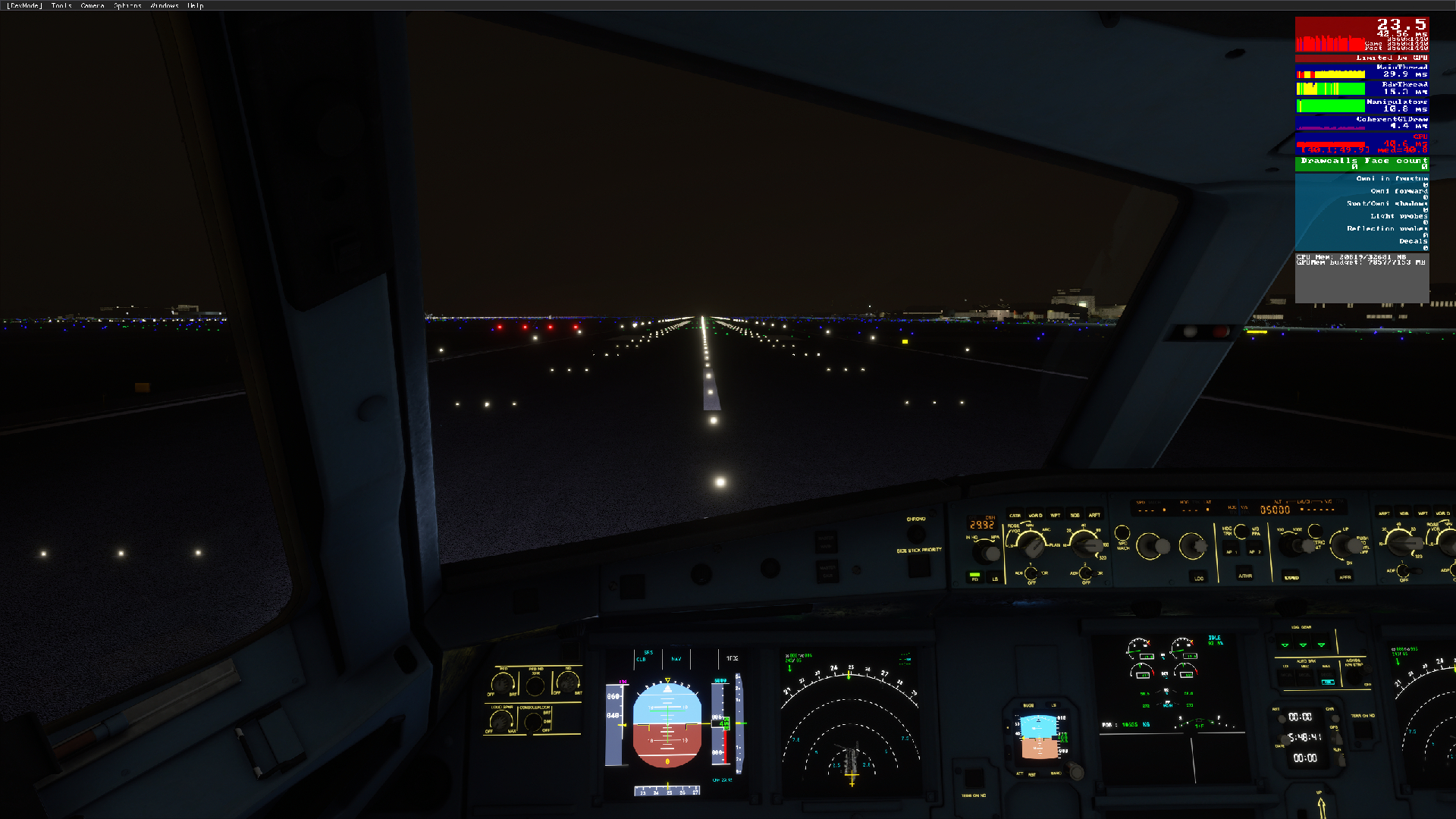
Ultra untouched. Render scaling 100%
2560x1440, AI traffic OFF, Live players ONLY with Live Weather (October 23, 2020 18:52 UTC+2 [Germany Time]) at Frankfurt Main.
Ryzen 9 3900X with SMT (Hyperthreading) OFF, Precision Boost Overdrive Enabled
32 GB DDR4 RAM running at 3600 MHz (G.Skill Ripjaws V 2x16GB DDR4-3600 sticks)
AMD Radeon RX 5700 XT VRAM overclocked to 1900 MHz (stock 1750 MHz) and Power Limit +50%. GPU Core clock is stock.
MSFS on a Samsung Evo 970 M.2 NVMe SSD
Windows Game Mode ON
Graphics settings - FlightSimulator.exe set to High Performance
FlightSimulator.exe compatibility mode settings:
-Fullscreen Optimizations DISABLED
-High DPI scaling OVERRIDDEN by Application
Hardware-Accelerated GPU Scheduling is OFF, not currently supported by current AMD Radeon Drivers, version 20.10.1
EDIT: AMD Virtual Super Resolution was used to super-sample to 2560x1440, hence the poor image quality due to downsizing back to 1080p not working properly on MSFS. So far the only game I’ve seen where AMD VSR works properly is Elite: Dangerous, but I digress.
EDIT 2: Power Plan used is Ultimate Performance, is hidden under Additional Plans in Control Panel, if you do not see it, it needs to be un-hidden using a command prompt ran as Administrator
powercfg -duplicatescheme e9a42b02-d5df-448d-aa00-03f14749eb61
and does mostly also not works fine where the driver support this 
Forgive the edits, I’m still thinking off the top of my head what other tweaks have I done to Windows for this flight sim.
It seems to be only couple of really big hand crafted airports that the fps is that bad so it must be mostly down to bad optimization in these areas. My payware and smaller airports that i’ve tried so far are nowhere near as bad. I did and still do expect better FPS with my setup though, but maybe that will come in time as they optimize the game further in the future.
yes.. I assume same.. EDDF is a huge thing.. but it not realy explain why 3080 is not "a bit better.. possible is some kind of these strange perf issues of MSFS , or because dx11, or whatsever.. I fear, we can not find a solution at these moment.
Yea dropped the cockpit refresh down to medium and got a little bump up in fps so cheers
Yea hoping that things will improve in time. I’m sure they will and to be honest even with low FPS the sim still run pretty smoothly anyway.