Hi,
Just so your aware that I received my new Honeycomb Serria TPM yesterday & had some MSFS issues;
I tested this in both SU3 & SU4 & had issues in both.
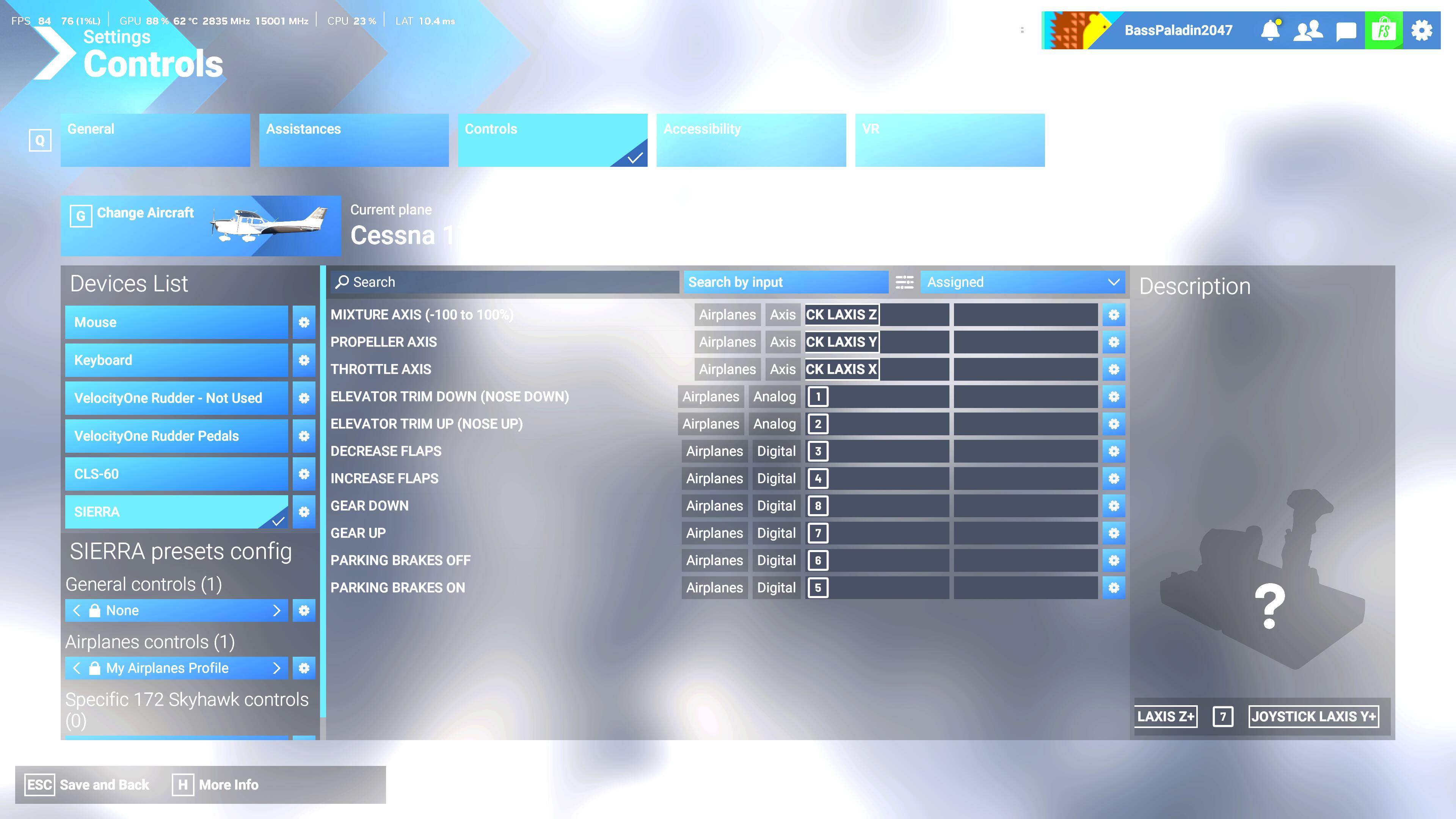
1, When binding the functions I used searched by input but I found that MSFS wasn’t saving all the functions. In my case it didn’t save set parking brake or gear up/down.
Solution was to search by function ie set parking brake then select the setting cog & manually bind the function. This worked for me.
2, I have notice that when using the in the Cessna 172 & others setting the throttle to idle or full in the sim sets it to 1500 rpm. I have recalibrated the device.
3. When setting the mixture to leaner the sim stops almost 2” earlier than the physical device setting. I have calibrated the device.
Solution for this is dont set mixture axis 0%-100% use set mixture axis -100% - 100%
These are happening in SU3 & SU4
PC specs;
7800x3d, rtx 5080, 64gb ram, m.2 drives. Win11 pro.
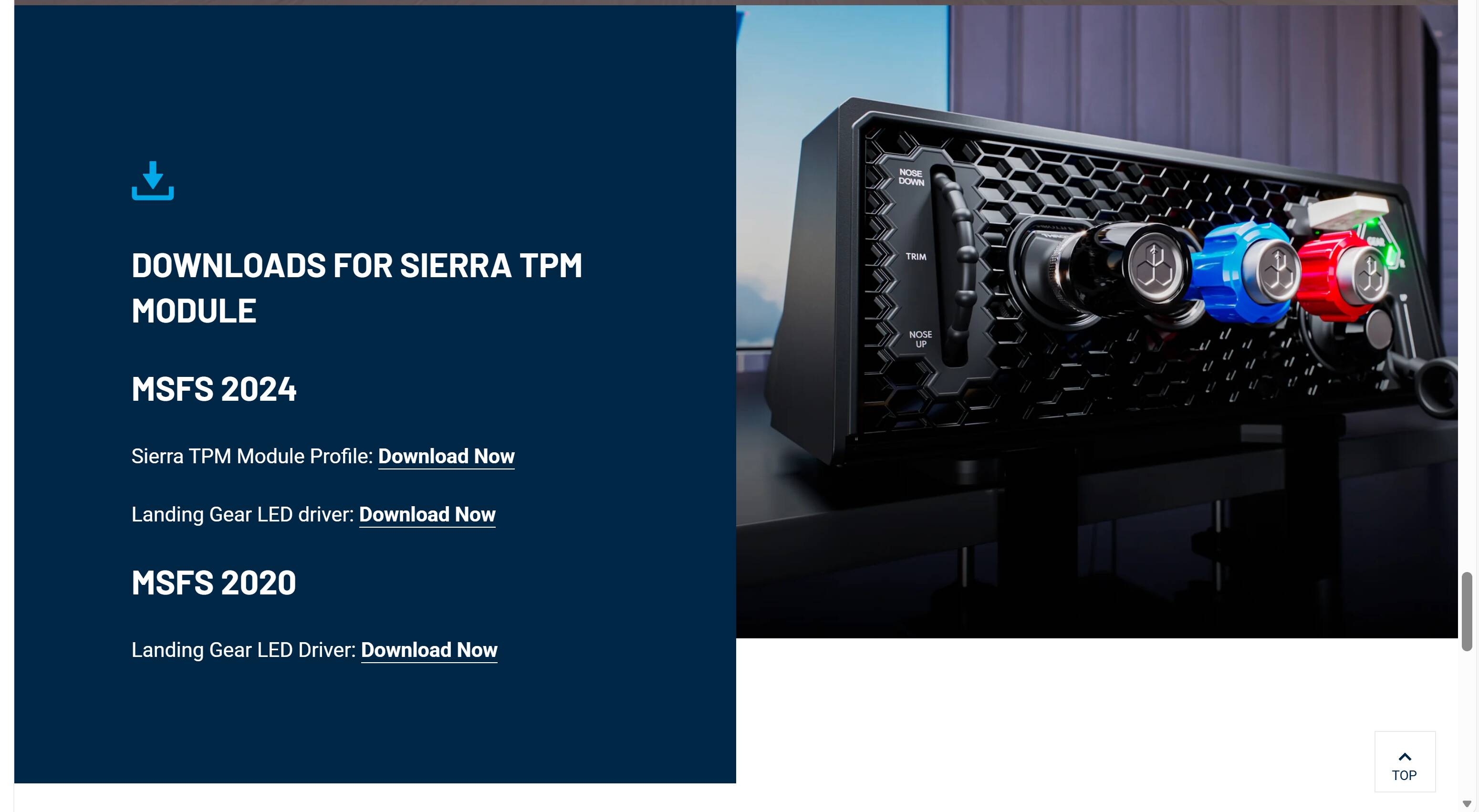
For the bravo and alpha they had a add on download from aerosoft. Don’t they have one for this too?
only the Sierra TPM Module_Airplanes controls_Cessna_MSFS2024.xml
no instructions, if you try importing it in msfs 2024 airplane controls you get an failed error message.
So you are saying that even after calibrating the axes (and doing bindings manually) you are still having issues?
yes but they’re to do with msfs. i tried it in xplane & the throttle etc work fine.
still no gear leds but honeyomb have replied back to me saying the gear led fix is in progress.
I think honeycomb need another patch for msfs.
just tried msfs su4 & the throttle seems to be working better today. its not resetting to 1500rpm when full in or out. Mixture still stops in sim about 2” before the actual hardware does.
MSFS seems too unreliable, one day some things work other days they dont & thats in both SU3 or SU4.
Regarding the Honeycomb Sierra TPM, it is great. Solid build.
How’s it looking now? I’m waiting for mine to ship.
The honeycomb sierra TPM is a great piece of kit. Just waiting for the gear LEDs to work.
Msfs is what it is 
So no issues with functionality in FS24 except the LEDs? Or you still have the discrepancy in axes?
Yes still having issues today with msfs regarding throttle & mixture. Still no gear leds either.
Throttle set to idle but msfs has it at over 15000rpm. This was working the properly the other day.
Mixture still ends 2” earlier in the sim.
This sim is getting worse, no consistency at all.
M
Very strange. If Aerosoft gets their act together I can test it too soon. Have you reported this anywhere?
And have you tried 2020?
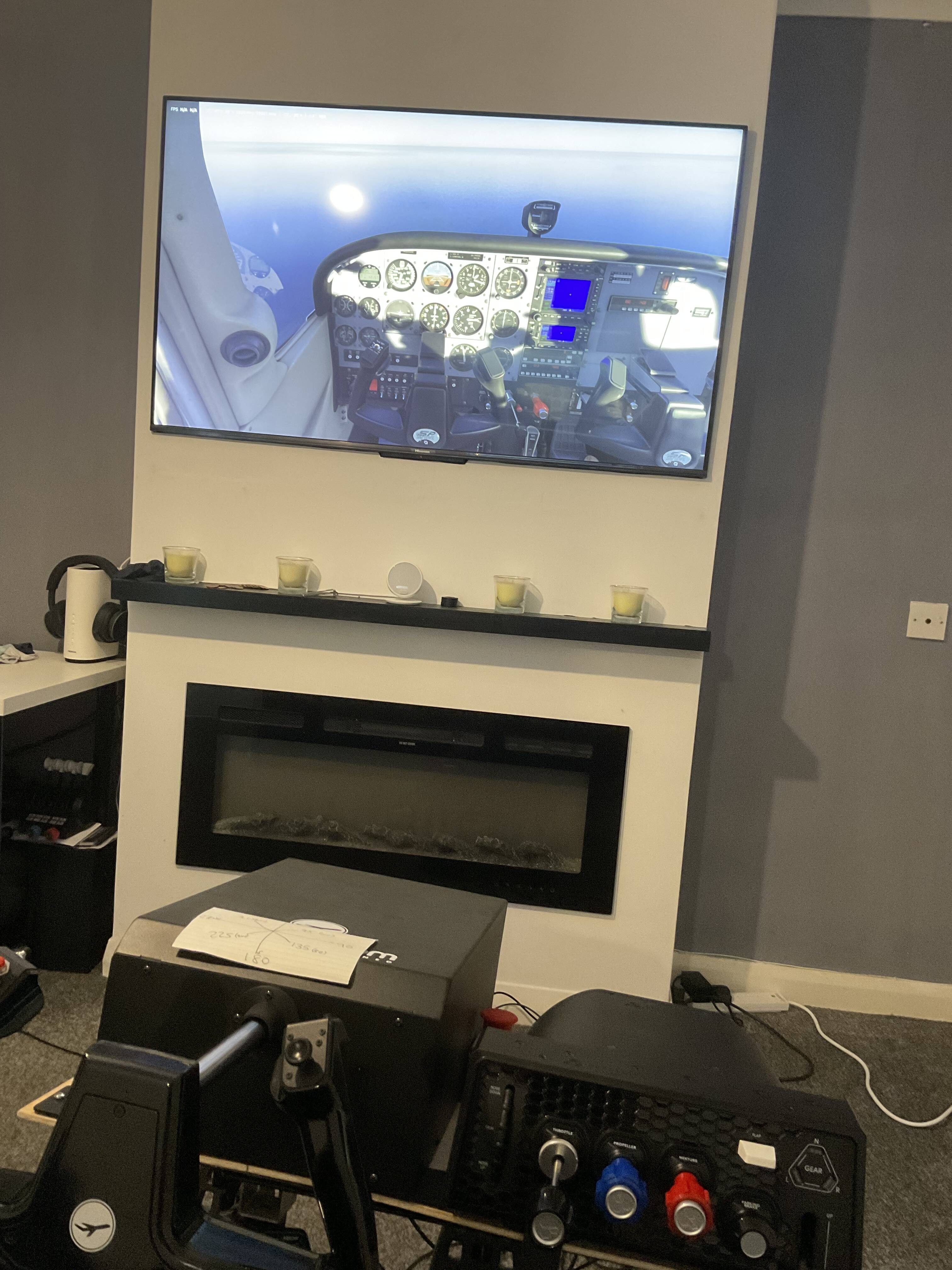
PS: Oh nice I see you have a flitesim yoke? How’s that?
mixture axis sorted. Solution for this is dont set mixture axis 0%-100% use set mixture axis -100% - 100%
Lol maybe PM me since your post is hidden
Got mine today. It’s working great, I don’t have these issues in 2024 with the axes you mentioned.
Did they update the driver or something? Or what made it work?
yes they have release a driver on there website.
Use the link i posted & scroll down about 3/4 & youll see
I had been chatting to them about it so hopefully they updated the profile they had.
I’ve already installed the driver, didn’t use the profile though. Is it required to use the profile to get the Led to work?
Not sure why I care, can’t see it in VR anyway lol