Hello everyone,
I am having issues with the new update. They have put overlays over the instruments and they are very hard to use and extremely annoying, cluttering up the cockpit and UI. Does anyone know how to remove these annoying overlays?
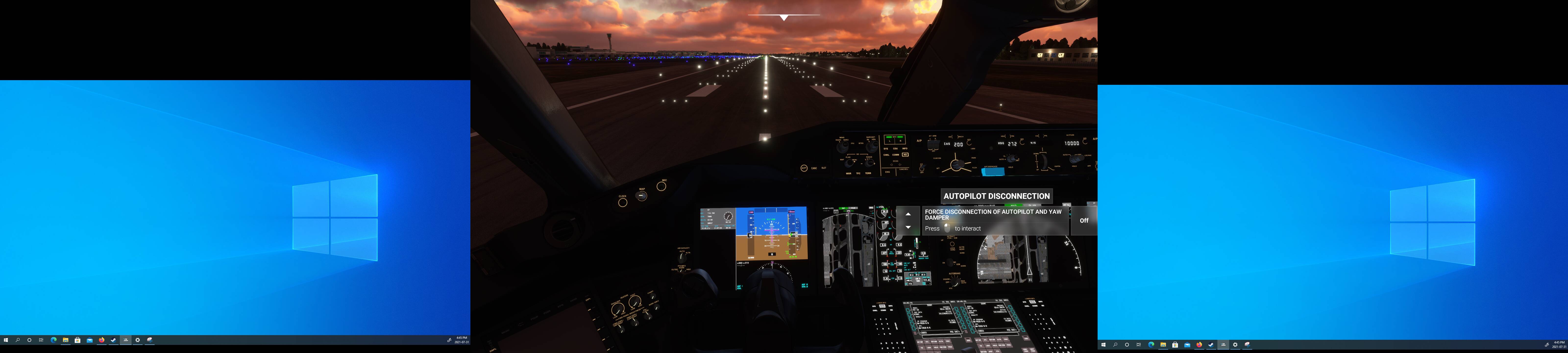
Go into your settings and look for tooltips and cockpit interaction system. Setting those to legacy should do the trick.
Sorry not sure on the exact wording, still haven’t had time to launch the sim since the update came out.
The setting may be in the accessibility menu.
I have checked it is not in the accessibility menu
General Options, Accessibility, Cockpit Interaction System. Set it to Legacy, Apply&Save.
3 Likes
I will try that sim just crashed 
It worked Thanks!
1 Like
This topic was automatically closed 30 days after the last reply. New replies are no longer allowed.