Well, when you finished purchasing the sim, you should have the Microsoft Flight Simulator in your library. When you click it, you should see a button labeled “Install”
Click on that button, and Steam will install the launcher. And you should see the launcher in your desktop as a shortcut. Even so, once it’s done you can select the Microsoft Flight Simulator on Steam, and the Install button should change to “Play”
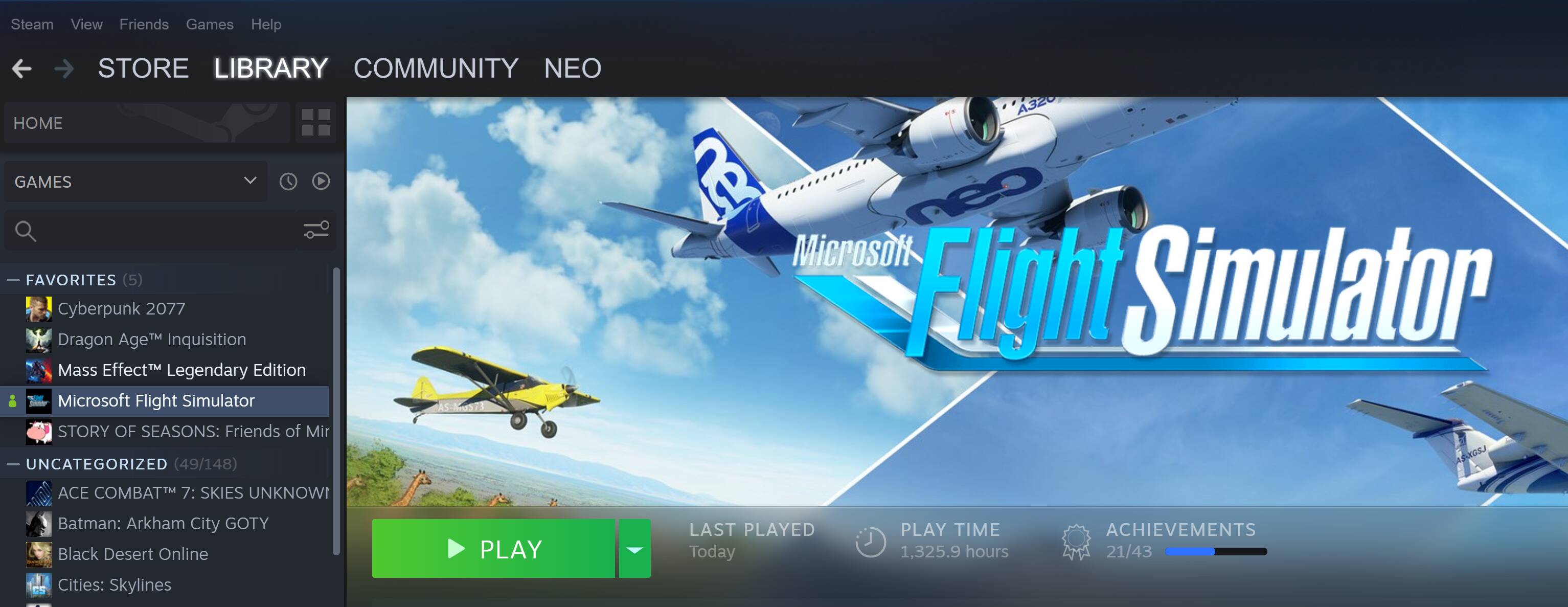
Click on PLAY, and it will open MSFS for you. Then you will be asked to login with your Microsoft/Xbox account. Once that’s done the sim will start to download the whole game.
It will be downloaded in small packets one at a time and unpacked as you go. Once everything is installed, you will be in the main menu.